Background
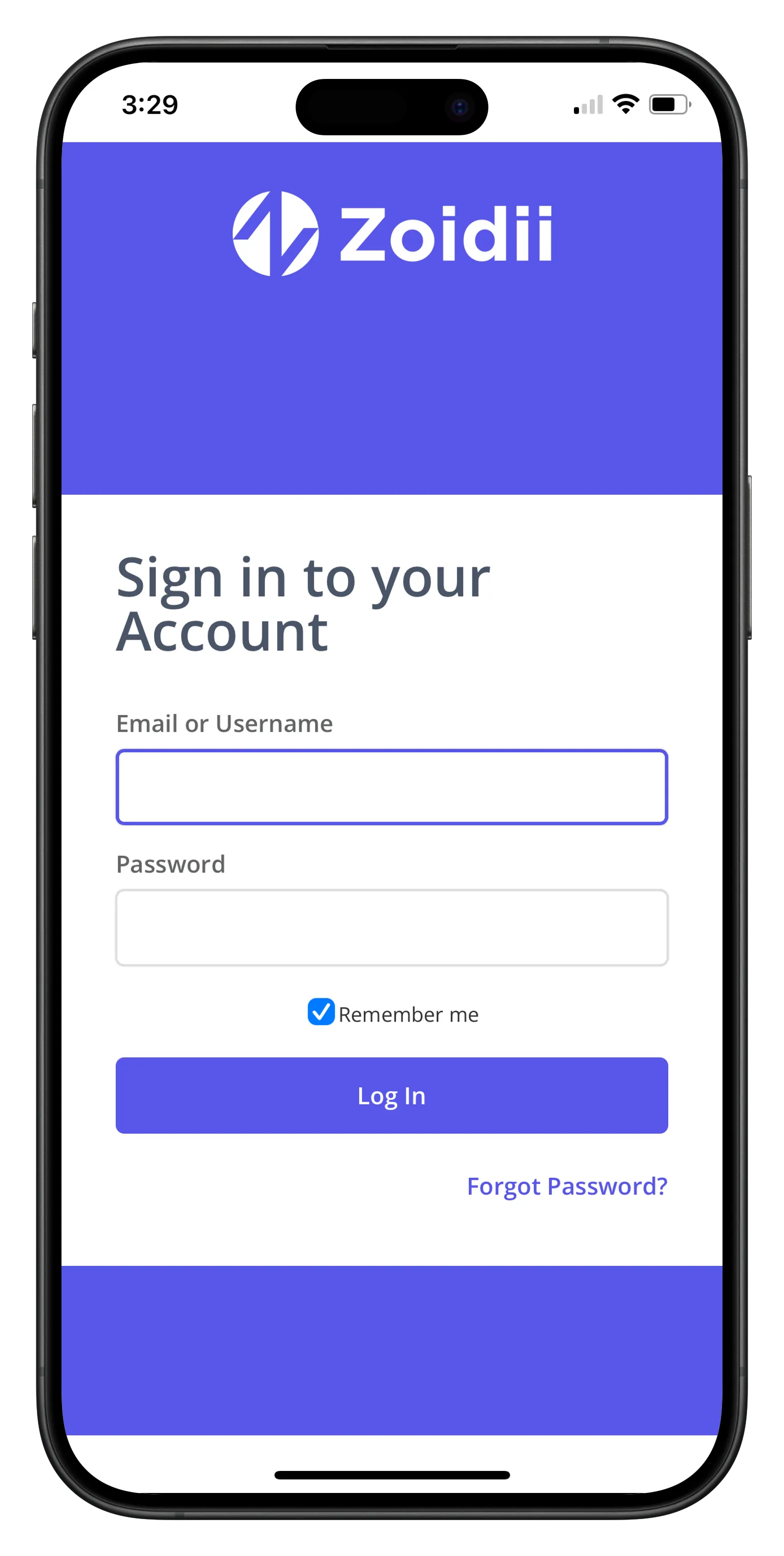
On mobile devices, Zoidii can be accessed via any web browser or via the Zoidii app, which can be downloaded on the Apple App Store or Google Play.
Procedure
1. Access Zoidii via any web browser
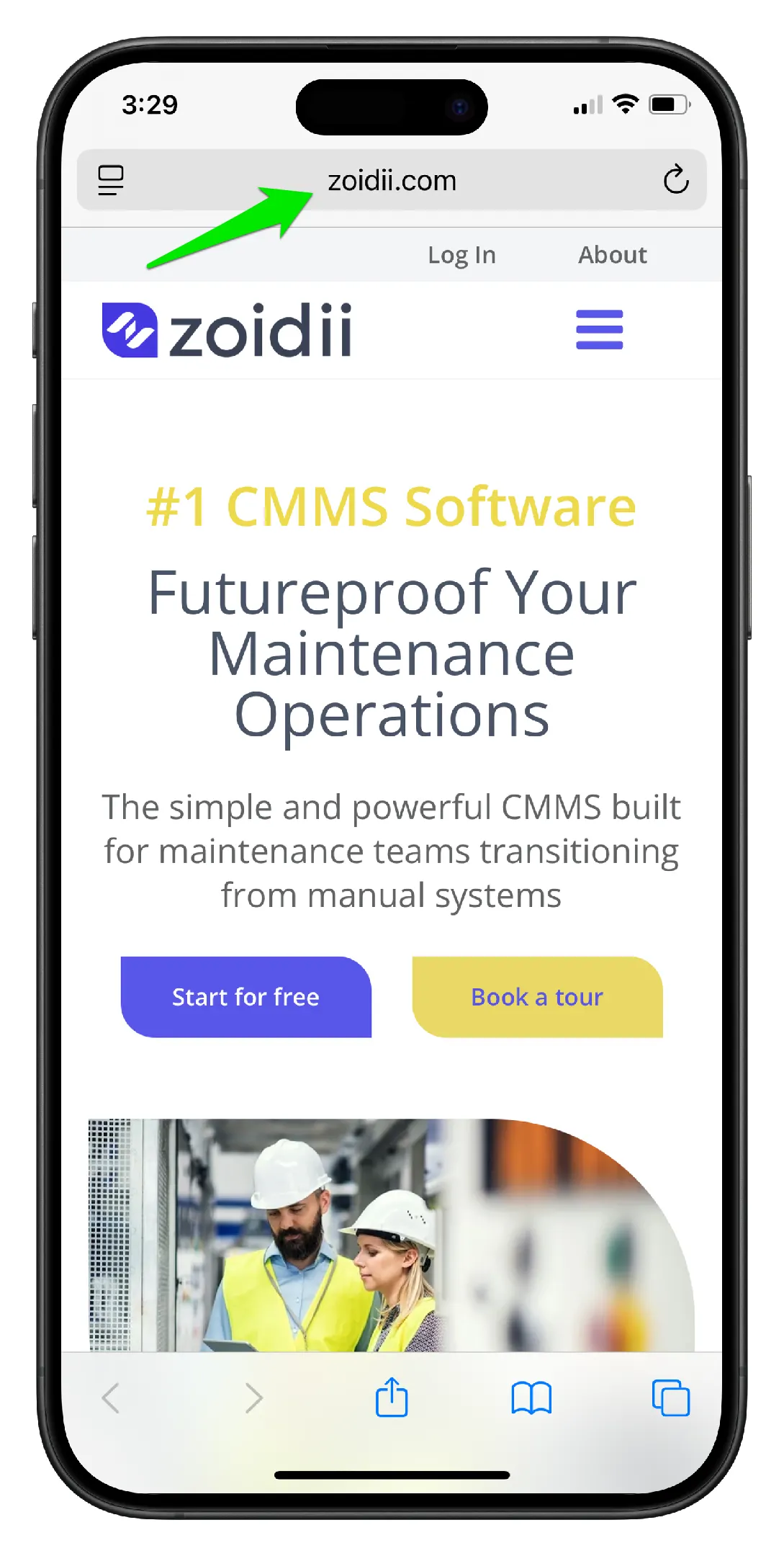
1. Open any web browser on your mobile device such as Chrome or Safari. Navigate to www.Zoidii.com
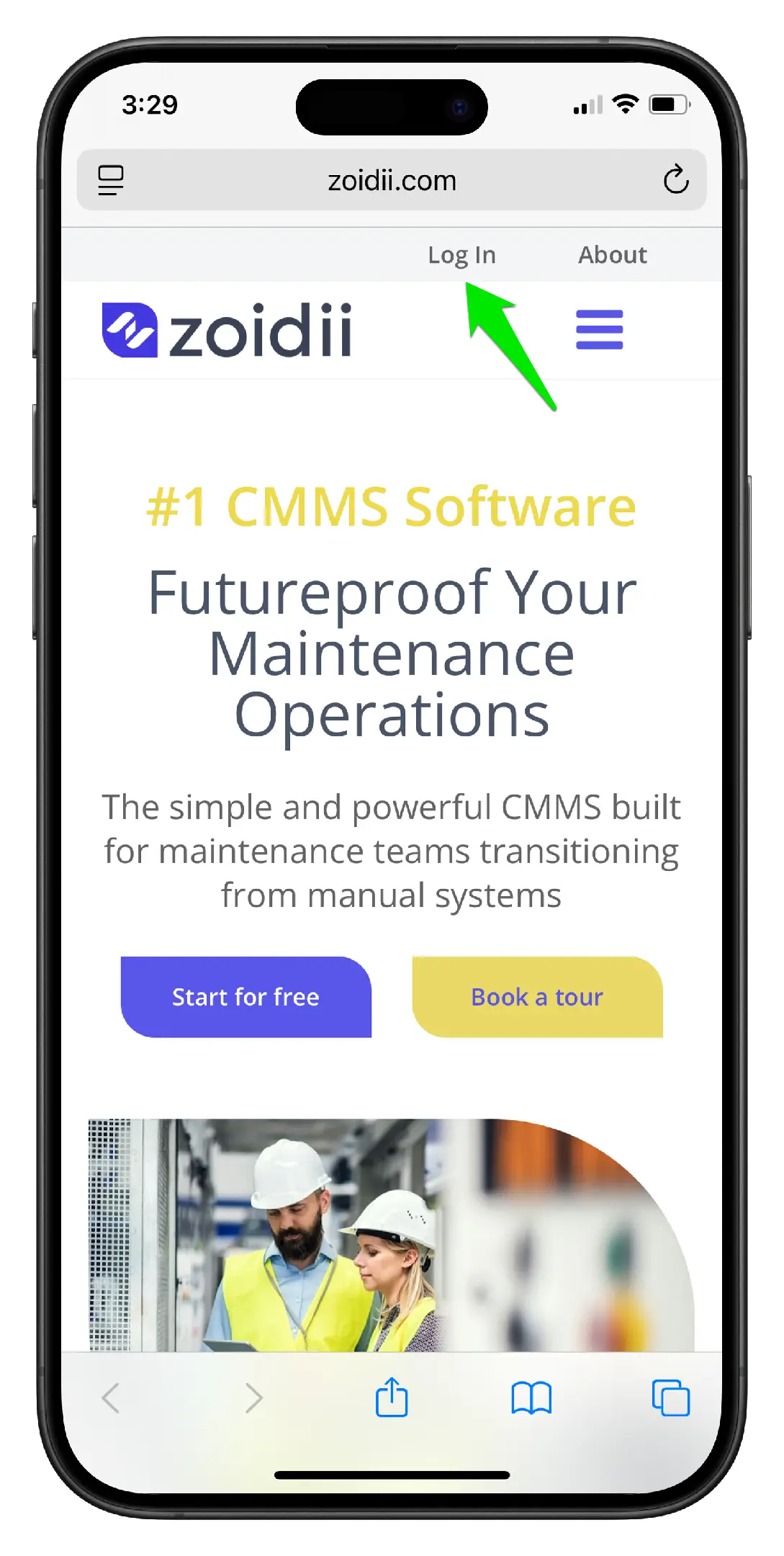
2. Click "Log In" at the top of the screen
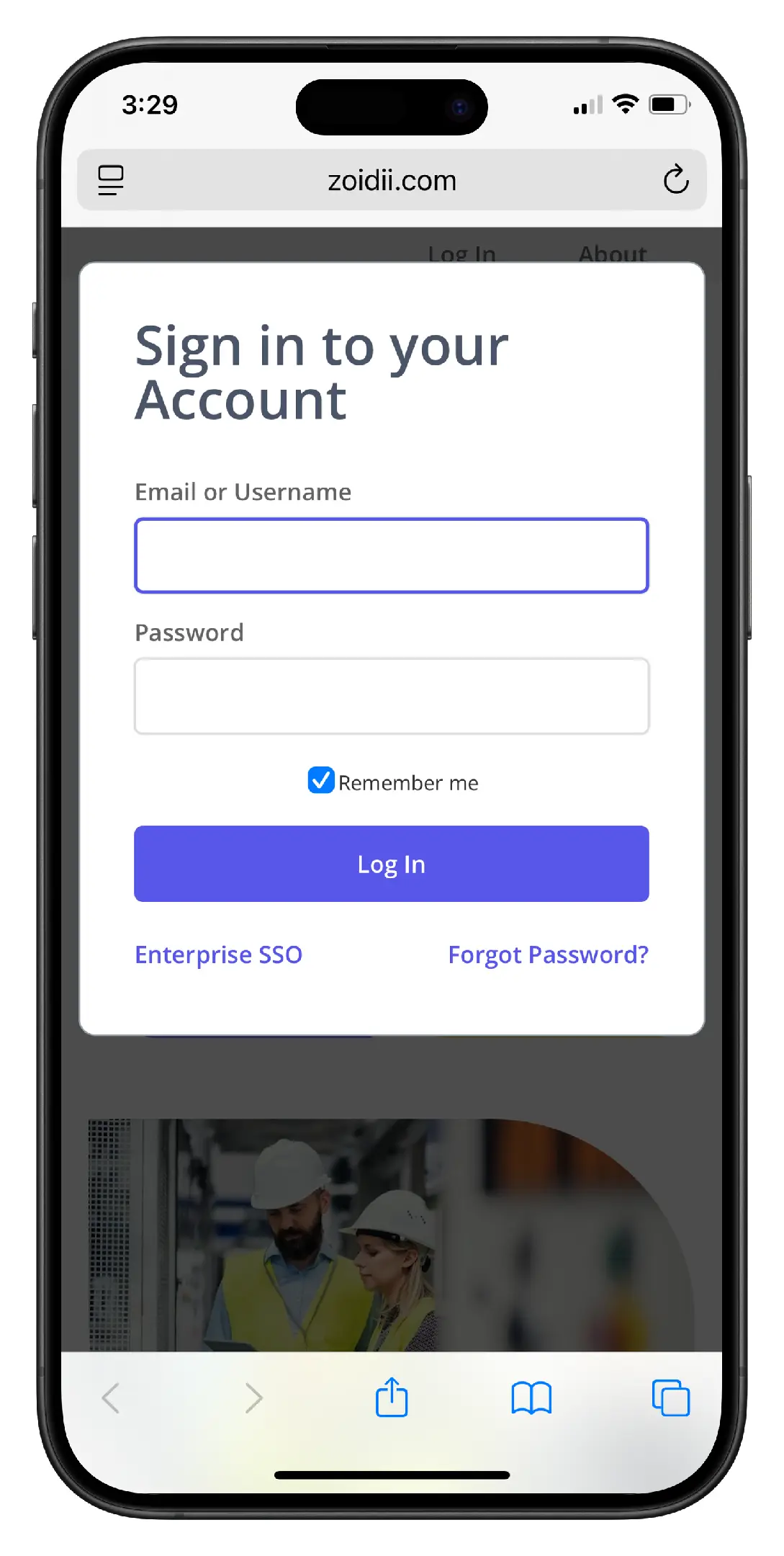
3. Enter your login credentials and click "Log In"
2. Access Zoidii via the Zoidii App
1. Download the Zoidii app on the Apple App Store or Google Play
2. Enter your login credentials and click "Log In"