

Improvements
1. Company and Site QR Codes
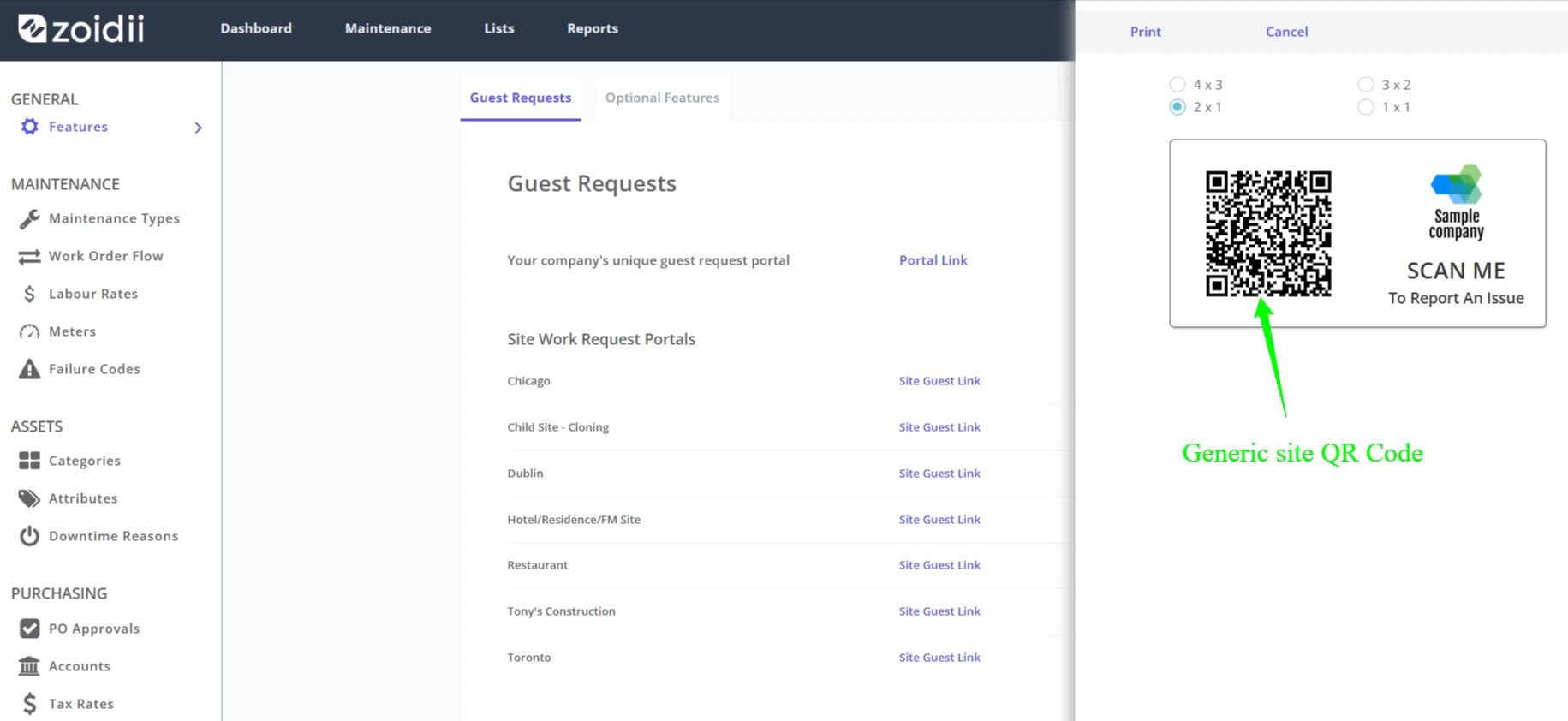
System administrators can print generic QR codes for the company or site. Guest users can scan the QR code and will be brought to the guest portal for that company or site.
When the guest user is brought to the work request screen, they must select the asset from the list.
This feature is ideal for organizations with large facilities that don't want to print out specific QR codes for each asset.
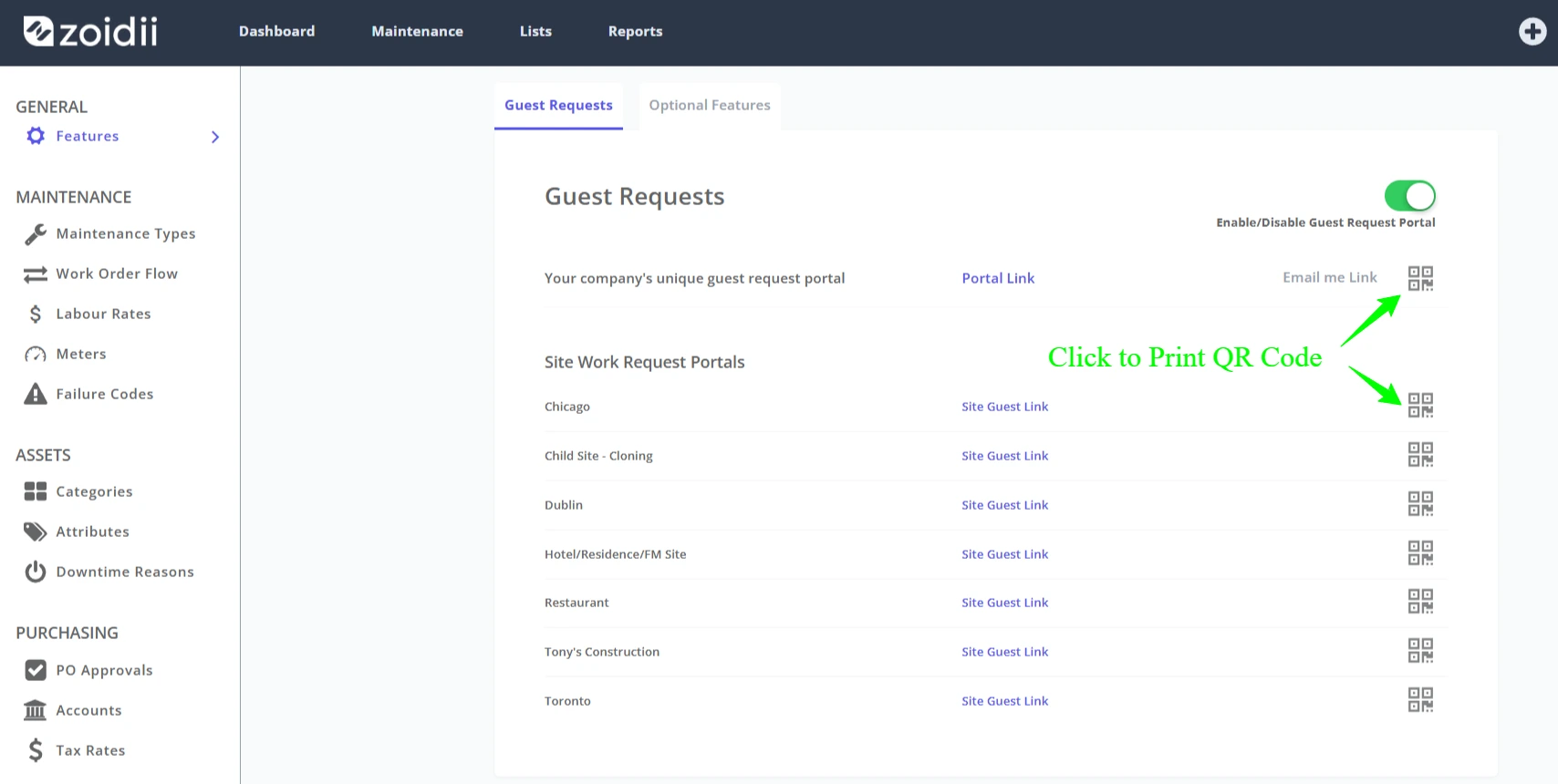
Select the QR code size and click Print
2. Guest Request Login
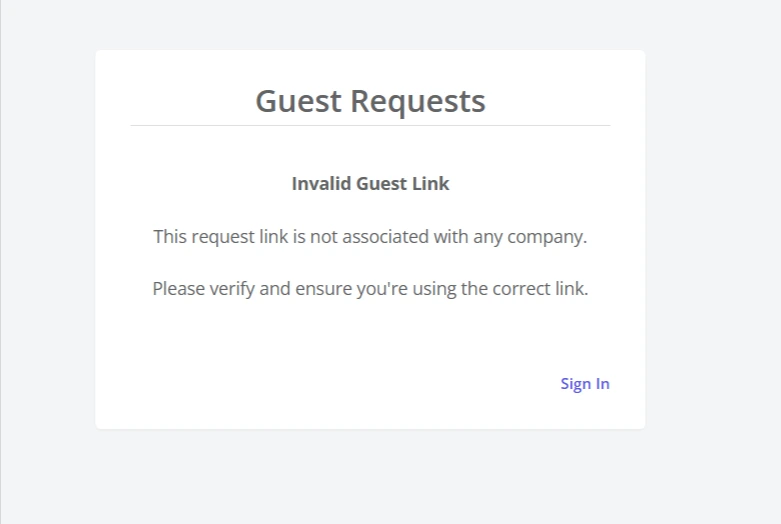
If the guest request link was incorrect, the guest user would see a "Portal disabled" message. This caused some confusion - many guest users believed the portal was disabled when it was the link that was incorrect.
If the guest request link is now incorrect, the guest user will see the following message:
Fixes
1. Asset cost report showing deleted assets. Report now does not show deleted assets
2. Guest request login screen was wide. Reduced the size.