Improvements
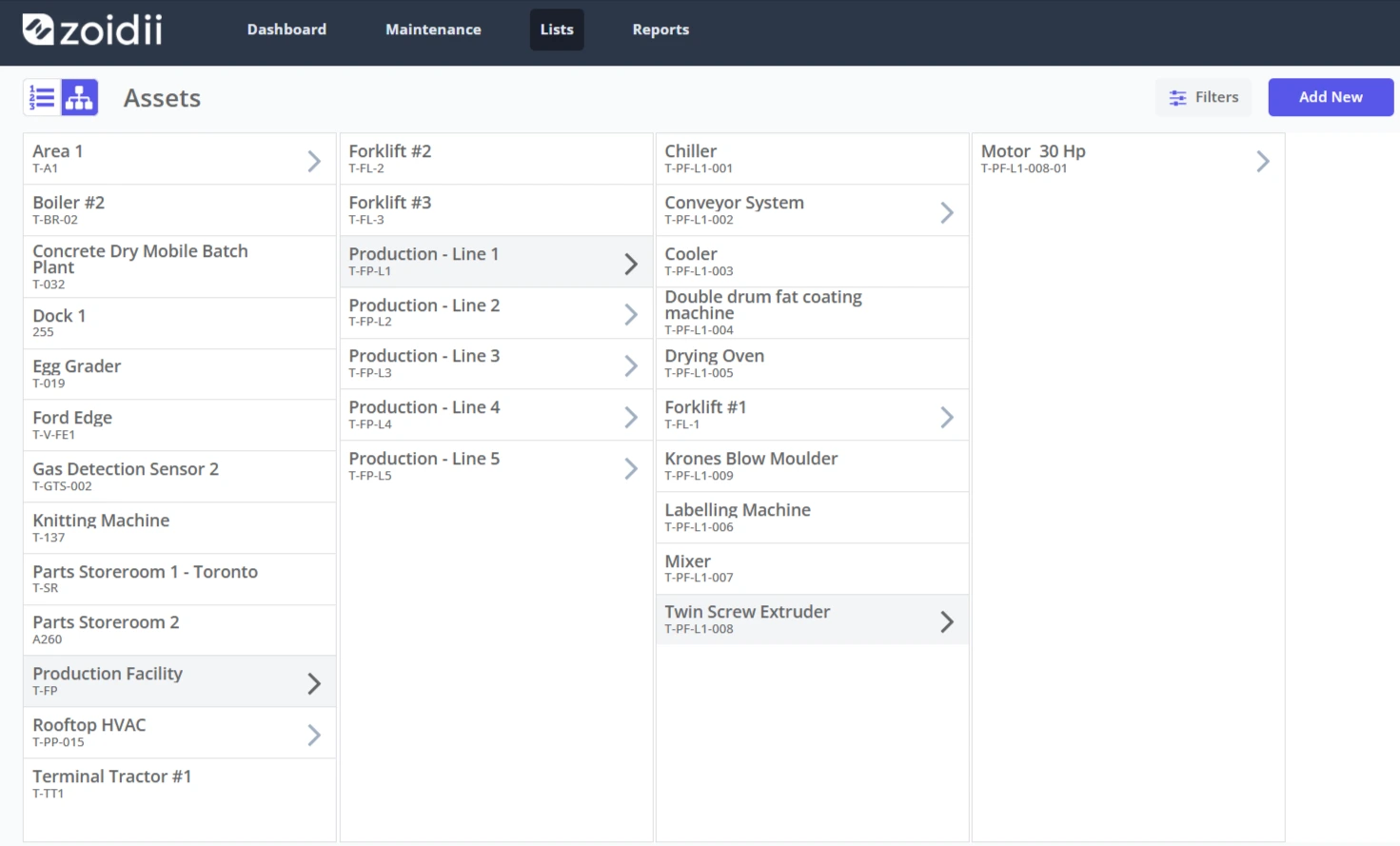
New:- Asset hierarchy view. An asset hierarchy is like a family tree of your assets in your plant. Users can now search through their list of assets in the hierarchy view. Simply click on the arrow to see the asset's child assets.
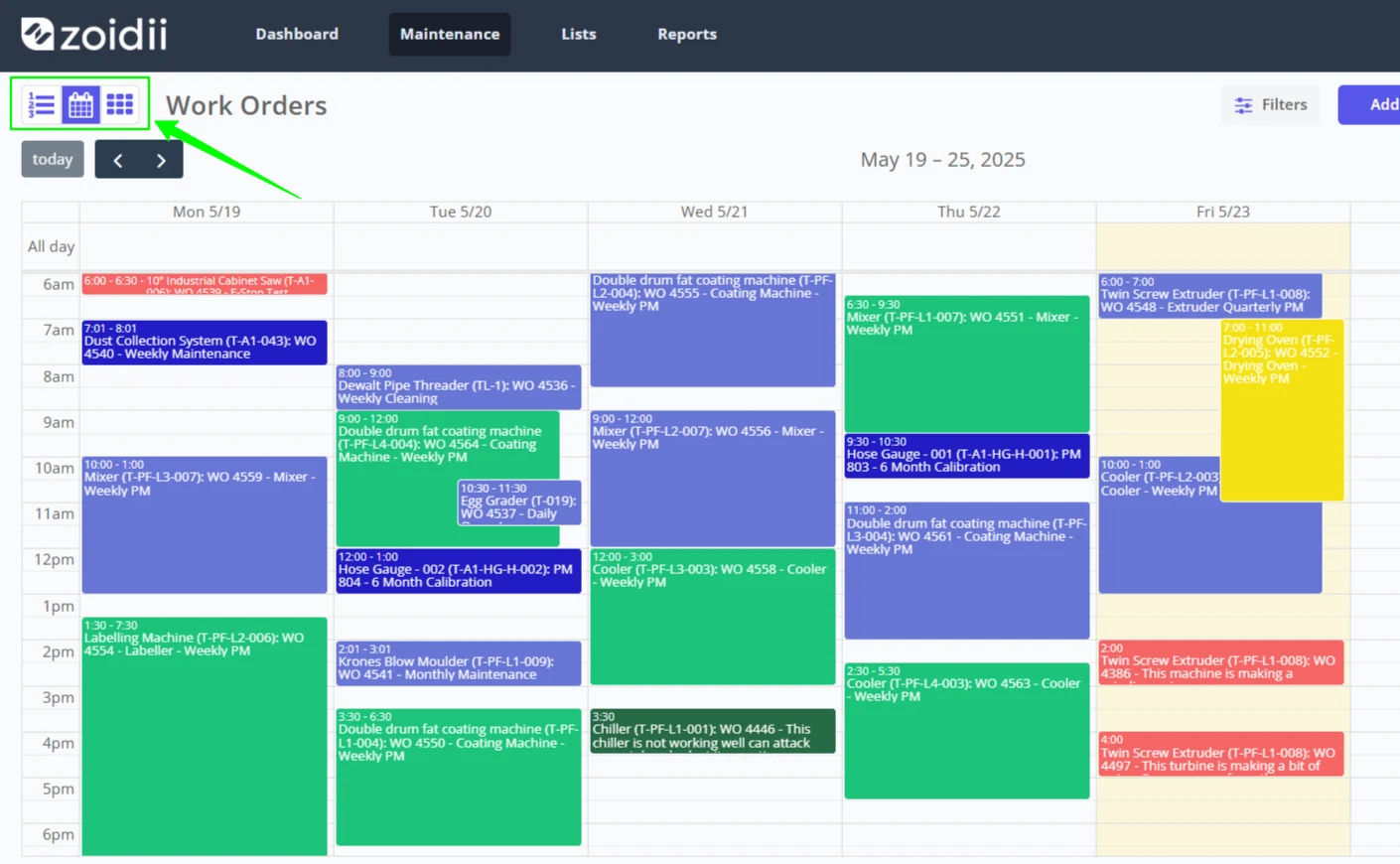
New: Work Order Scheduler (Beta). Maintenance administrators using the enterprise tier CMMS can now schedule work orders in the new work order scheduler view. The scheduler shows scheduled work orders and upcoming PM schedules.
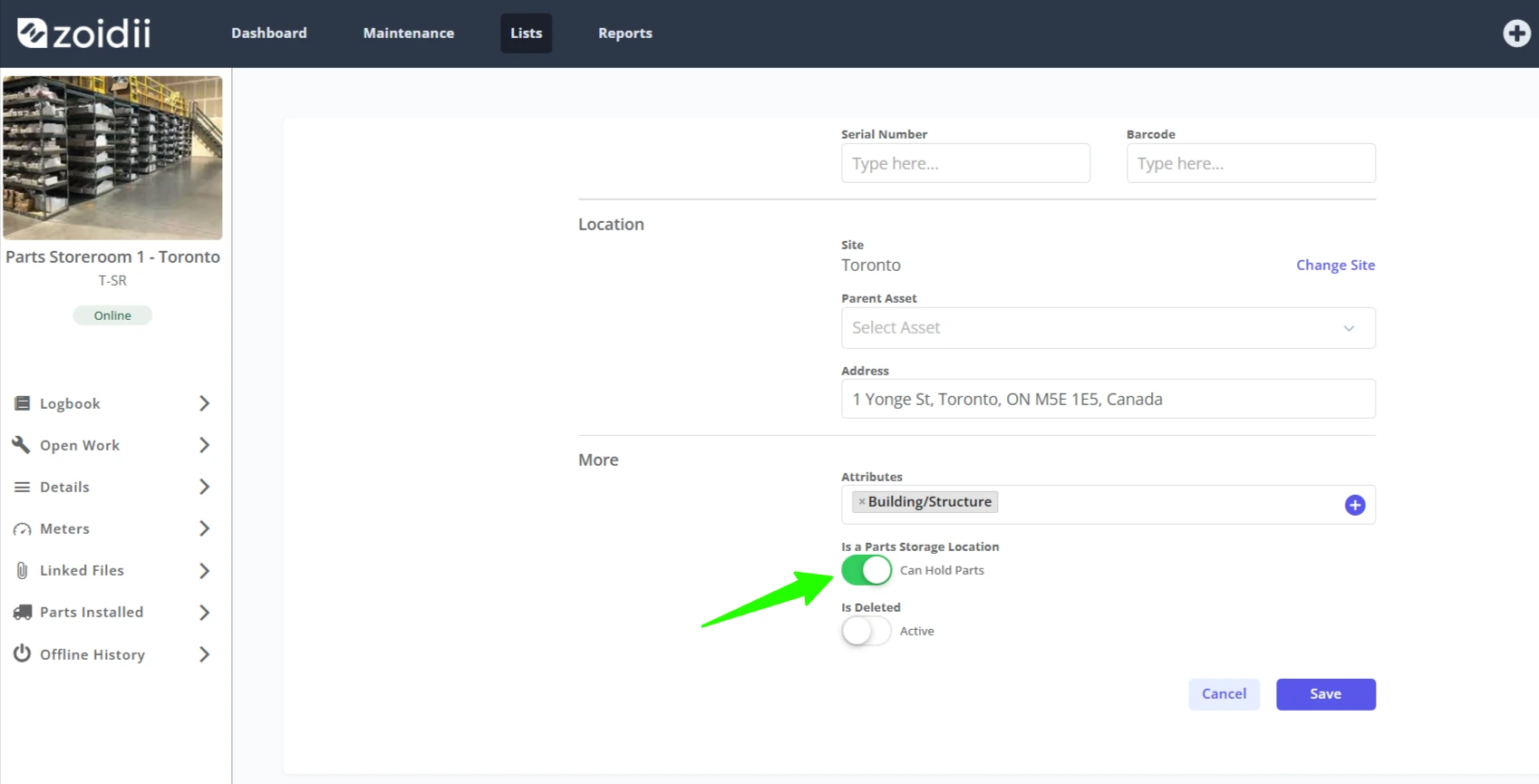
Parts location improvement:- when adding a new storage location for a part, you could add the part to any asset. While technically possible to store parts at equipment, or in the back of a van, it caused some confusion. Now, system admins can now assign an asset as a storage location on the asset record:
Fixes
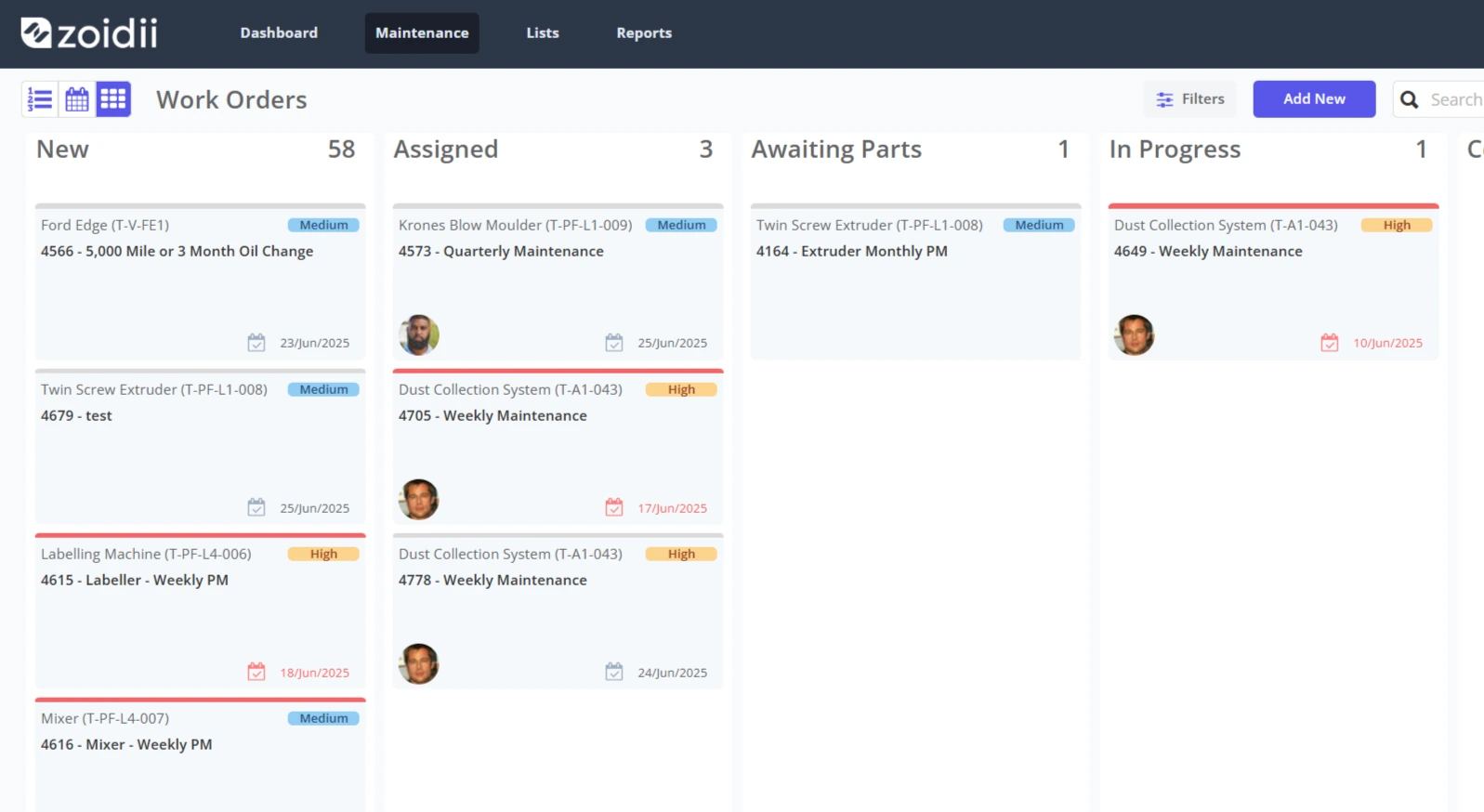
Fixed:- when you dragged a work order across the Work Order kanban board, there was a delay in changing the work order status on the work order. The delay meant the work order stayed in the same column. This is now fixed. The work order kanban view is not refreshed until the work order status has been updated. We added in a progress icon to show the change happening. When it is complete, the work order will drop into the new column.
Fixed:- When the work order status filter was set, the kanban view showed the work orders for that status in all the status columns. Now fixed - the kanban view ignores the status filter as the data is separated by status in the columns.
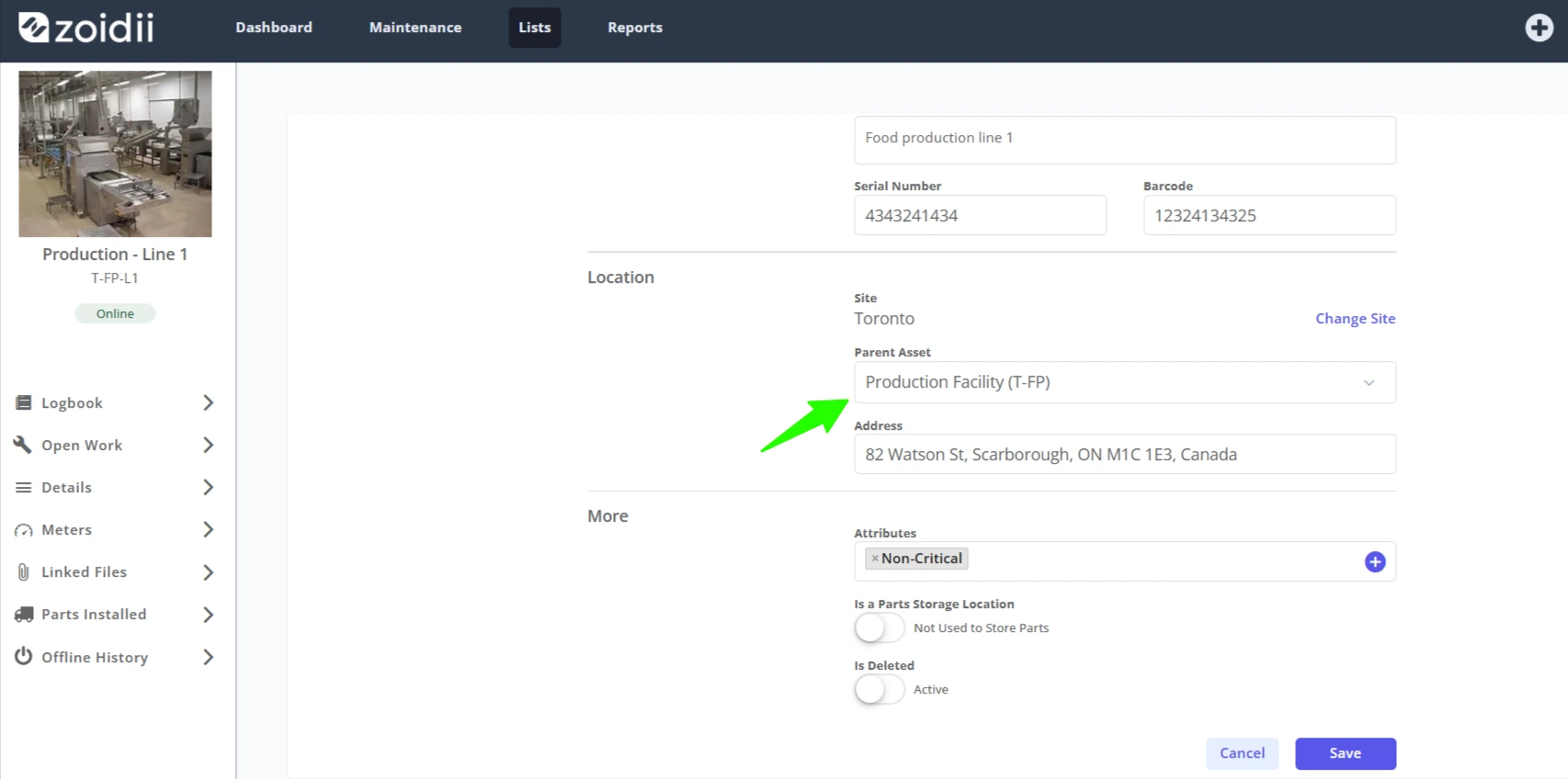
Fixed:- It was possible to assign a child asset as a parent to its own parent asset, creating an infinite loop. Now, it is not possible to select a child asset from the list of assets when changing an asset's parent asset.