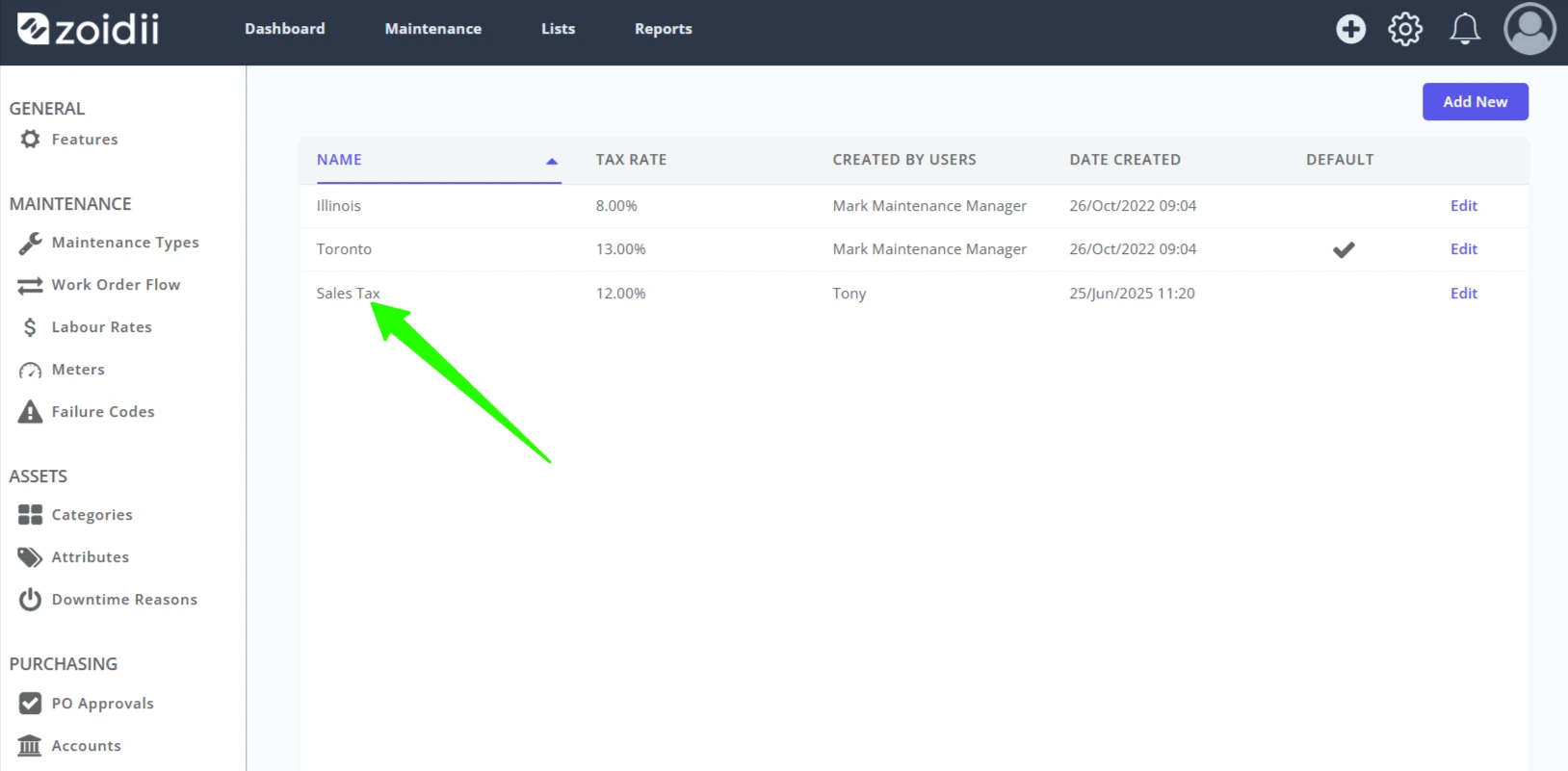
Background The Purchasing module ships with the enterprise tier CMMS.
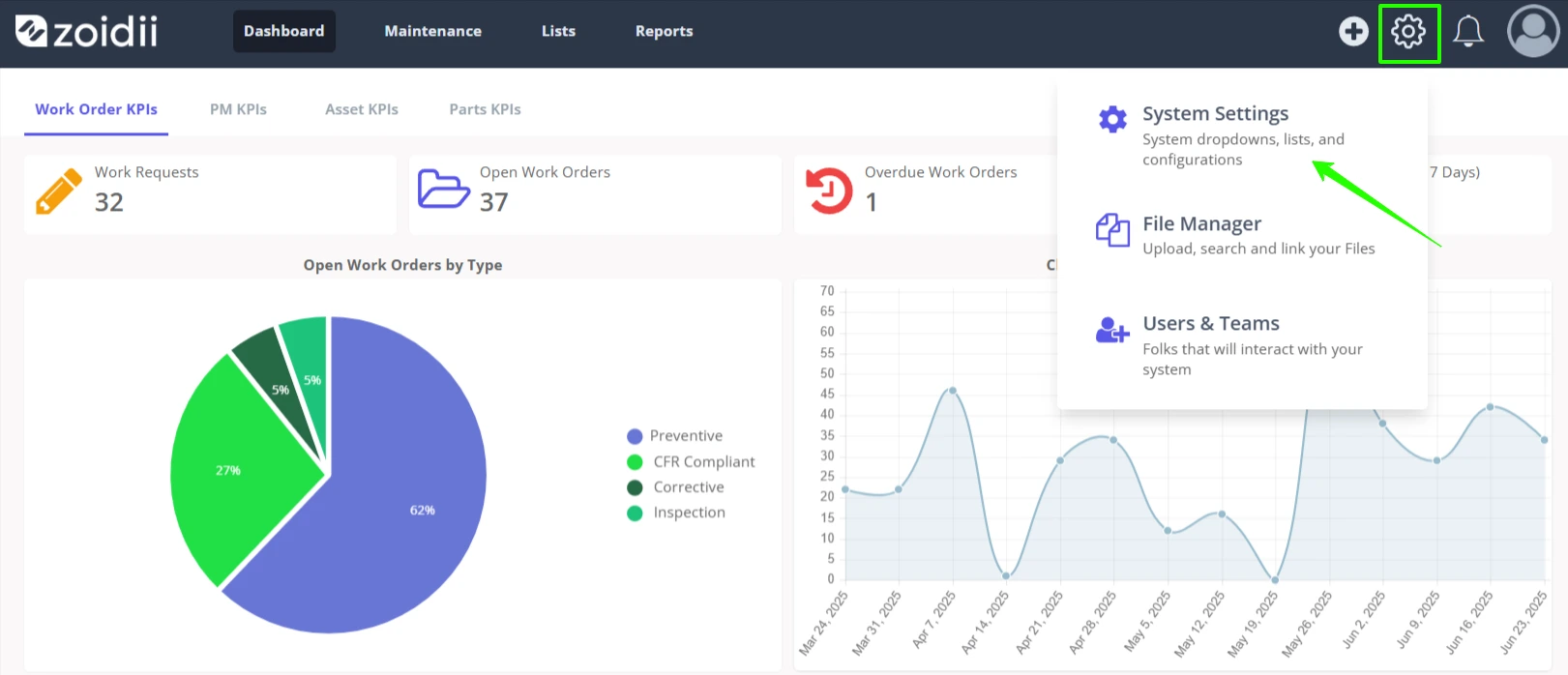
Procedure 1. In the top right hand side of the application, click Settings and select System Settings from the list
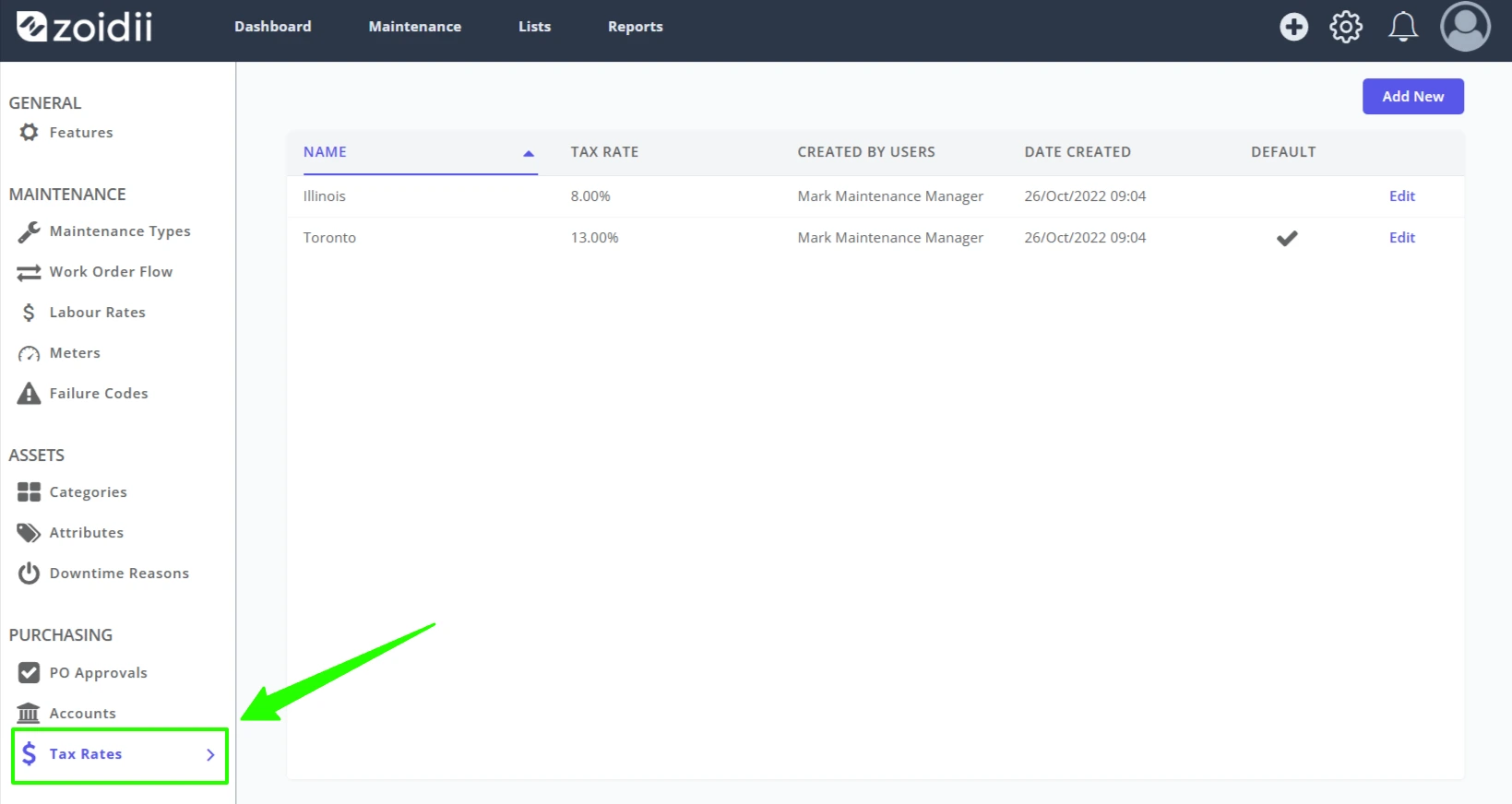
2. Select Tax Rates
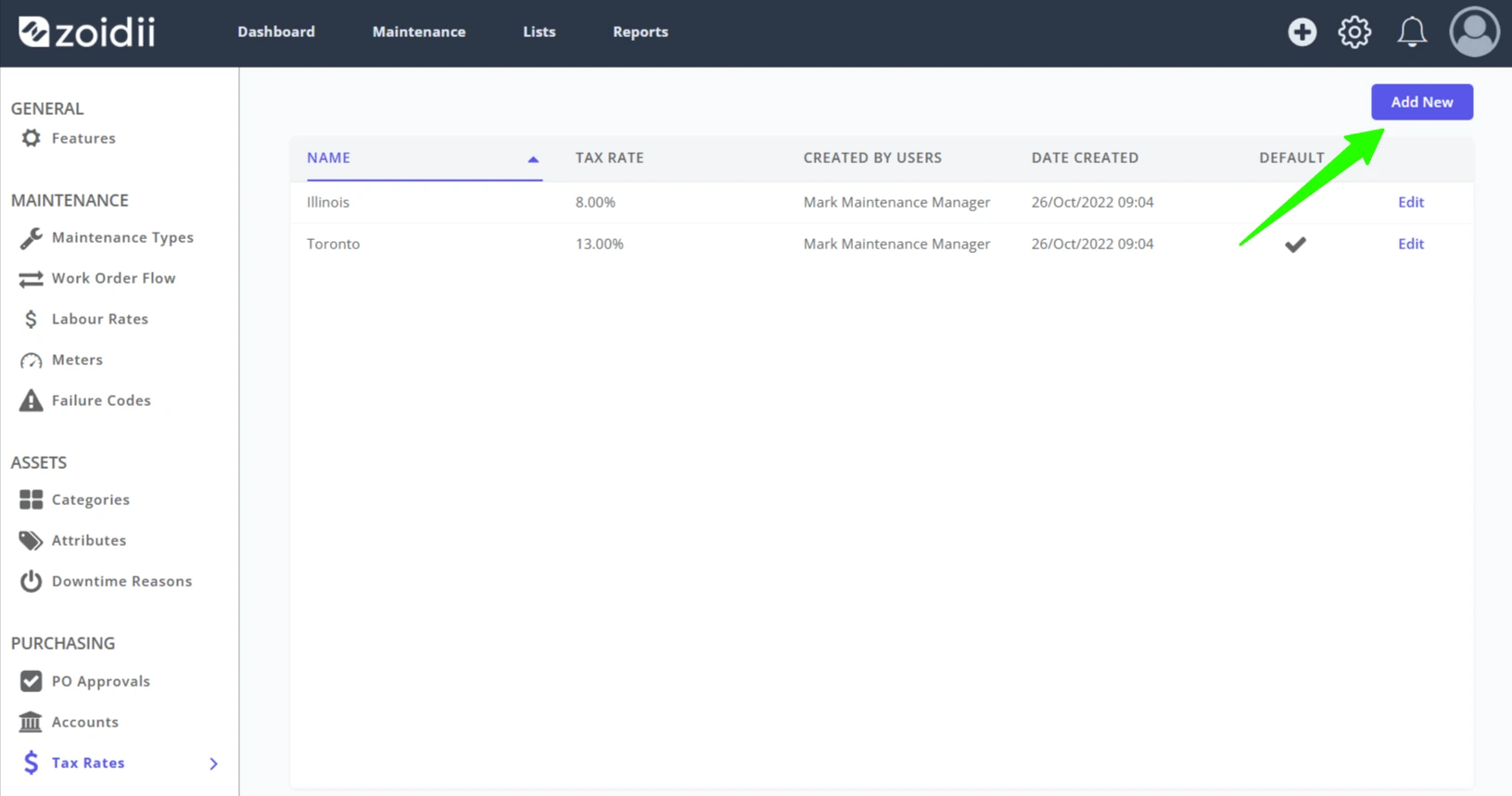
3. Click Add New
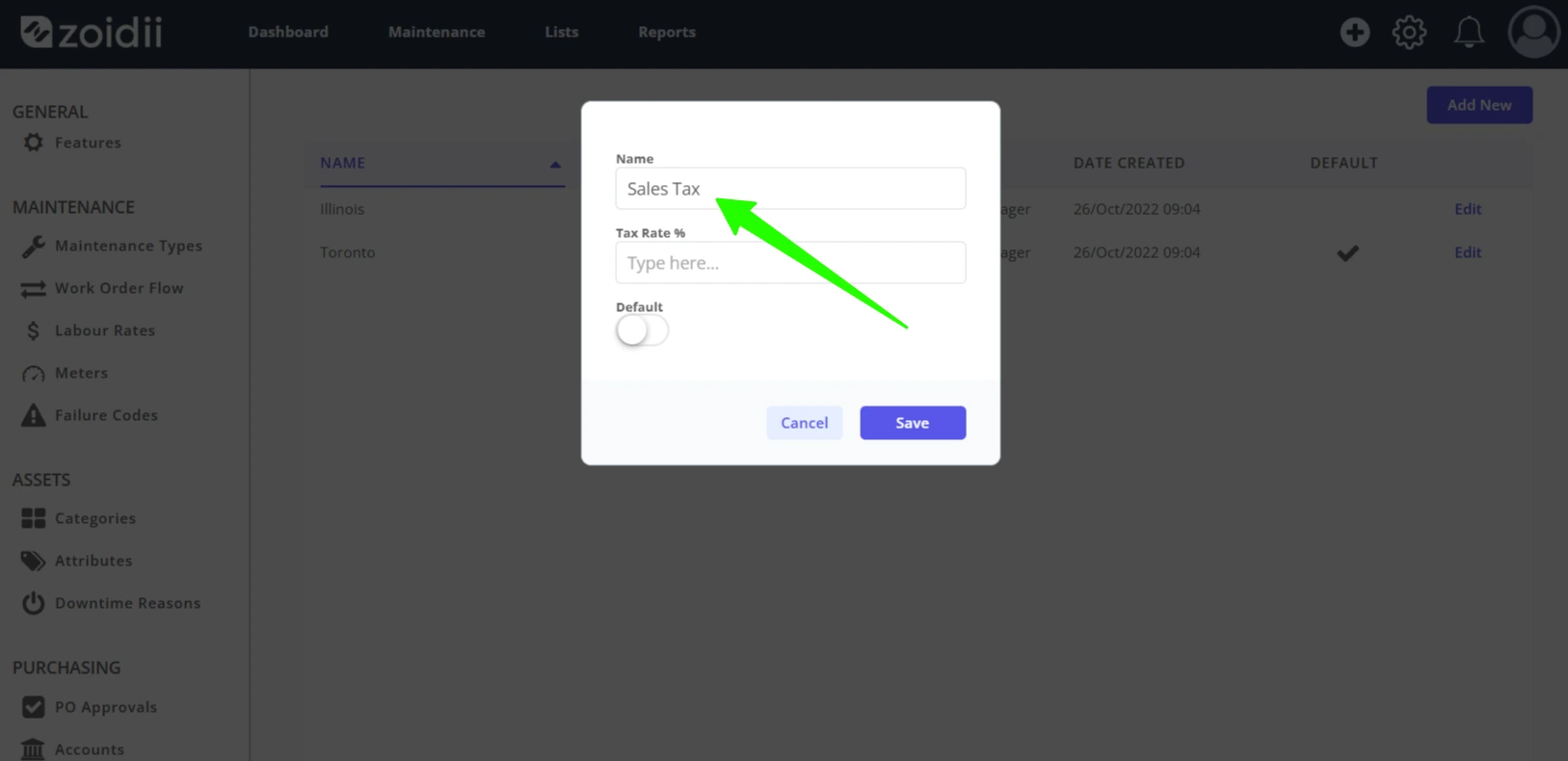
4. Add the new tax rate name
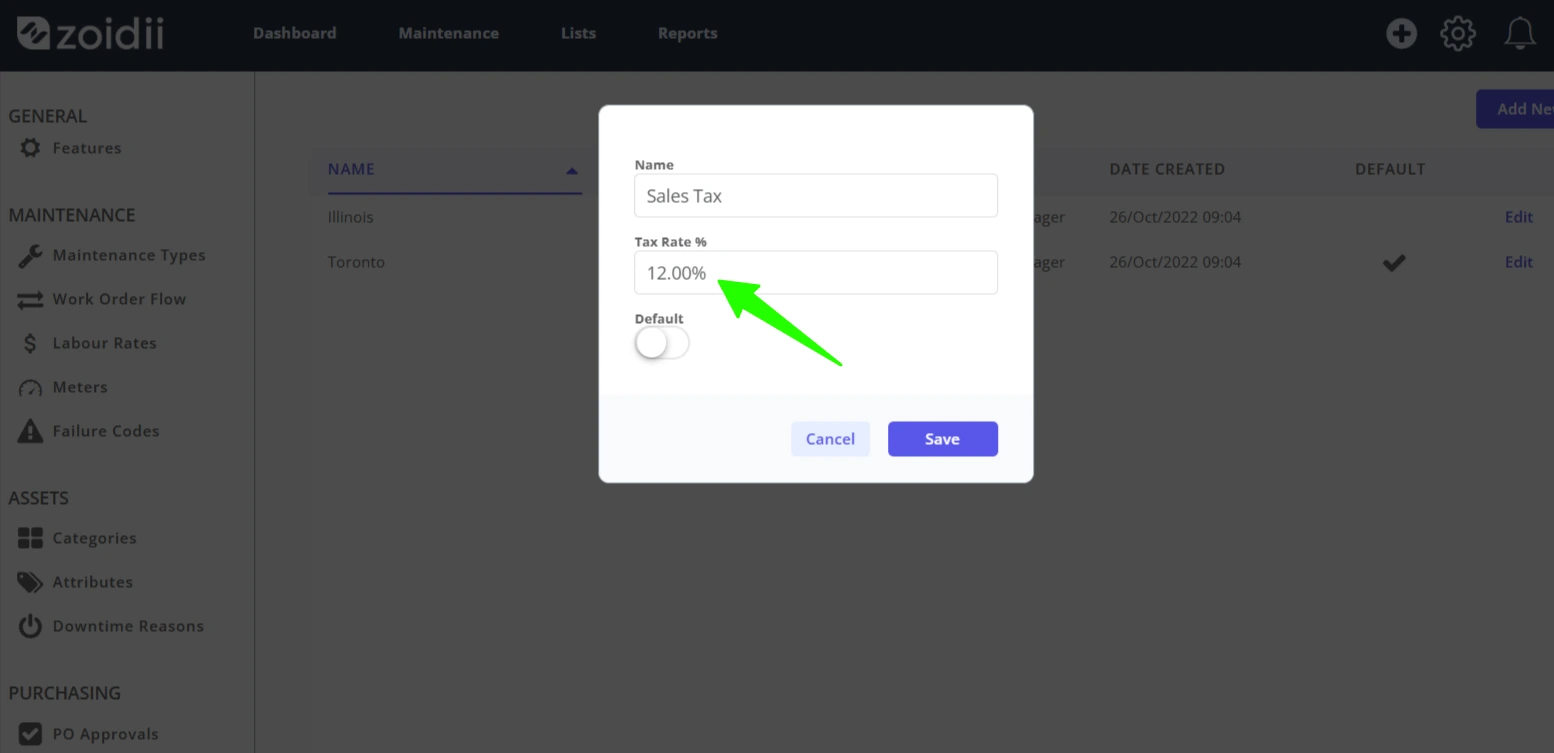
5. Add the tax rate percentage %
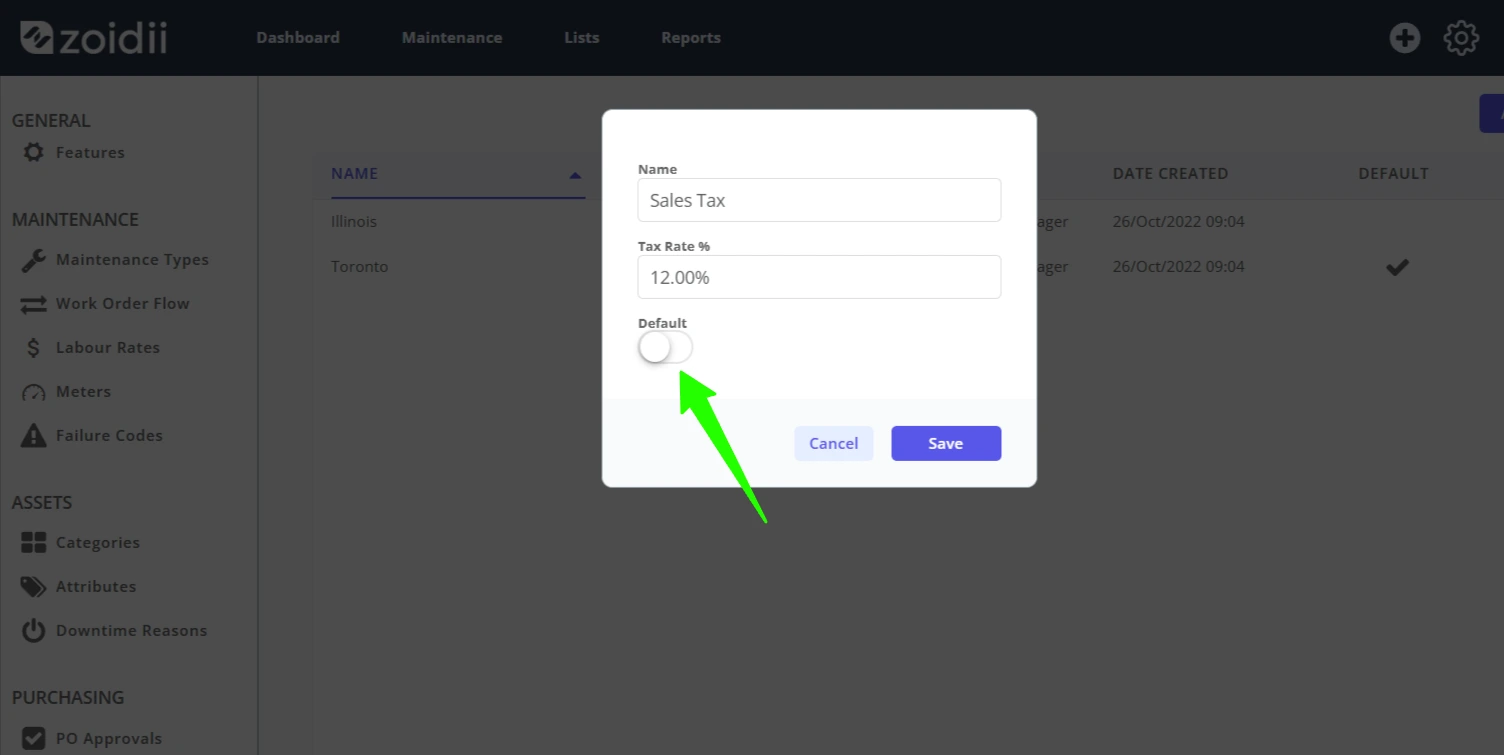
6. To make this new rate the default tax rates, click the default tax rate toggle. When a user edits a purchase order line item, this tax rate will be inserted by default.
Note:- To have no default tax rate, add a 0% default rate and make it default.
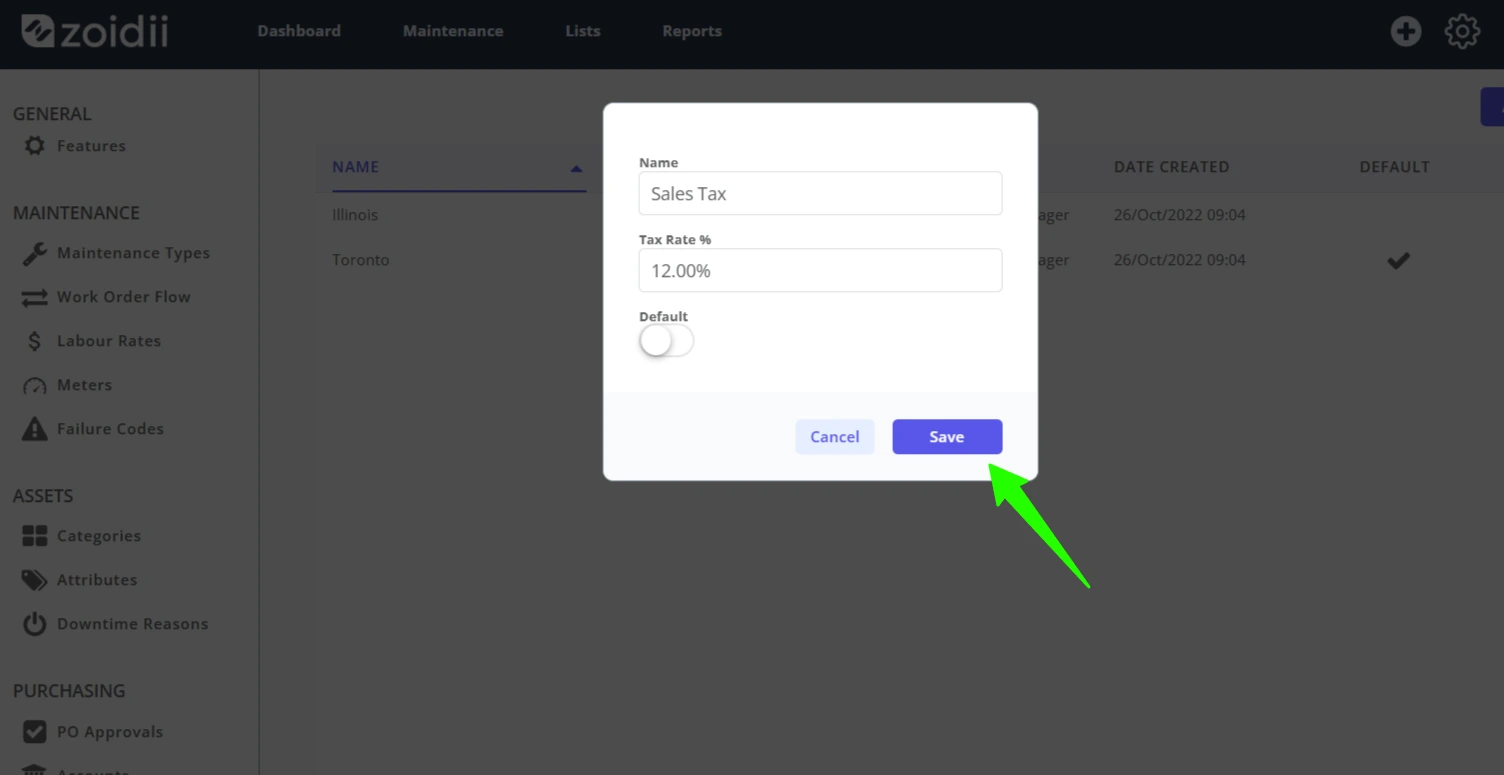
7. Click Save
8. The new tax rate is now available for selection in purchase orders