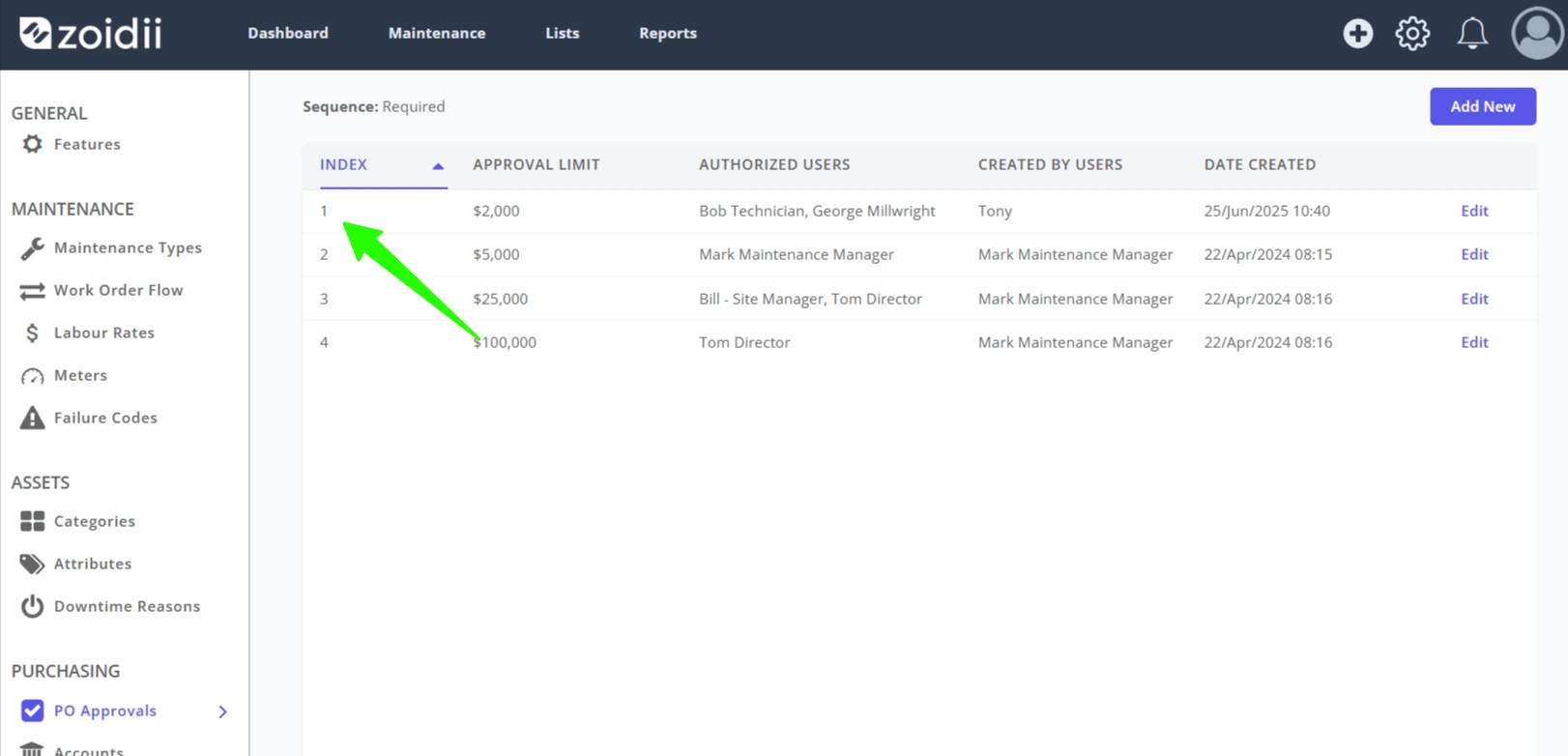
Background The Purchasing module ships with the enterprise tier CMMS. System administrators can configure approvers' amount limits to define which purchase records they're qualified to approve.
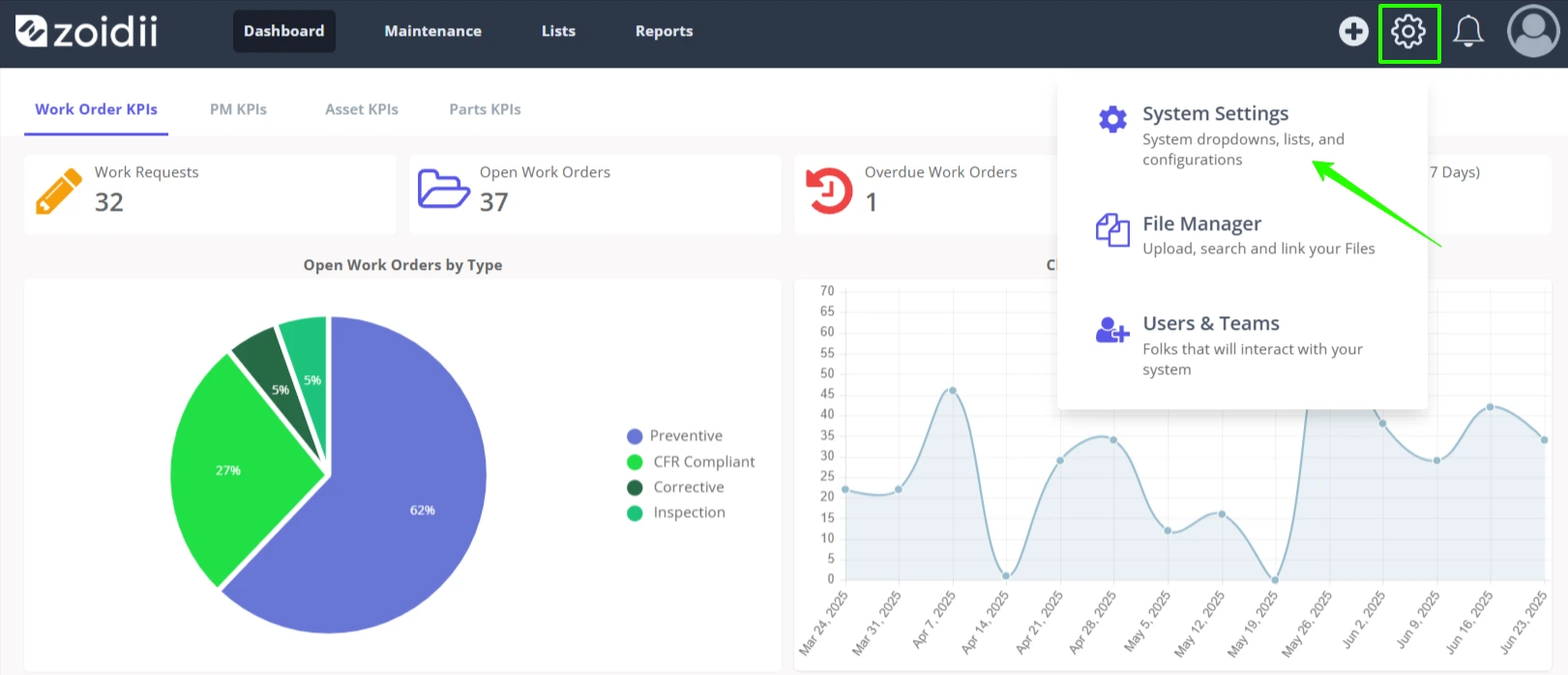
Procedure 1. In the top right hand side of the application, click Settings and select System Settings from the list
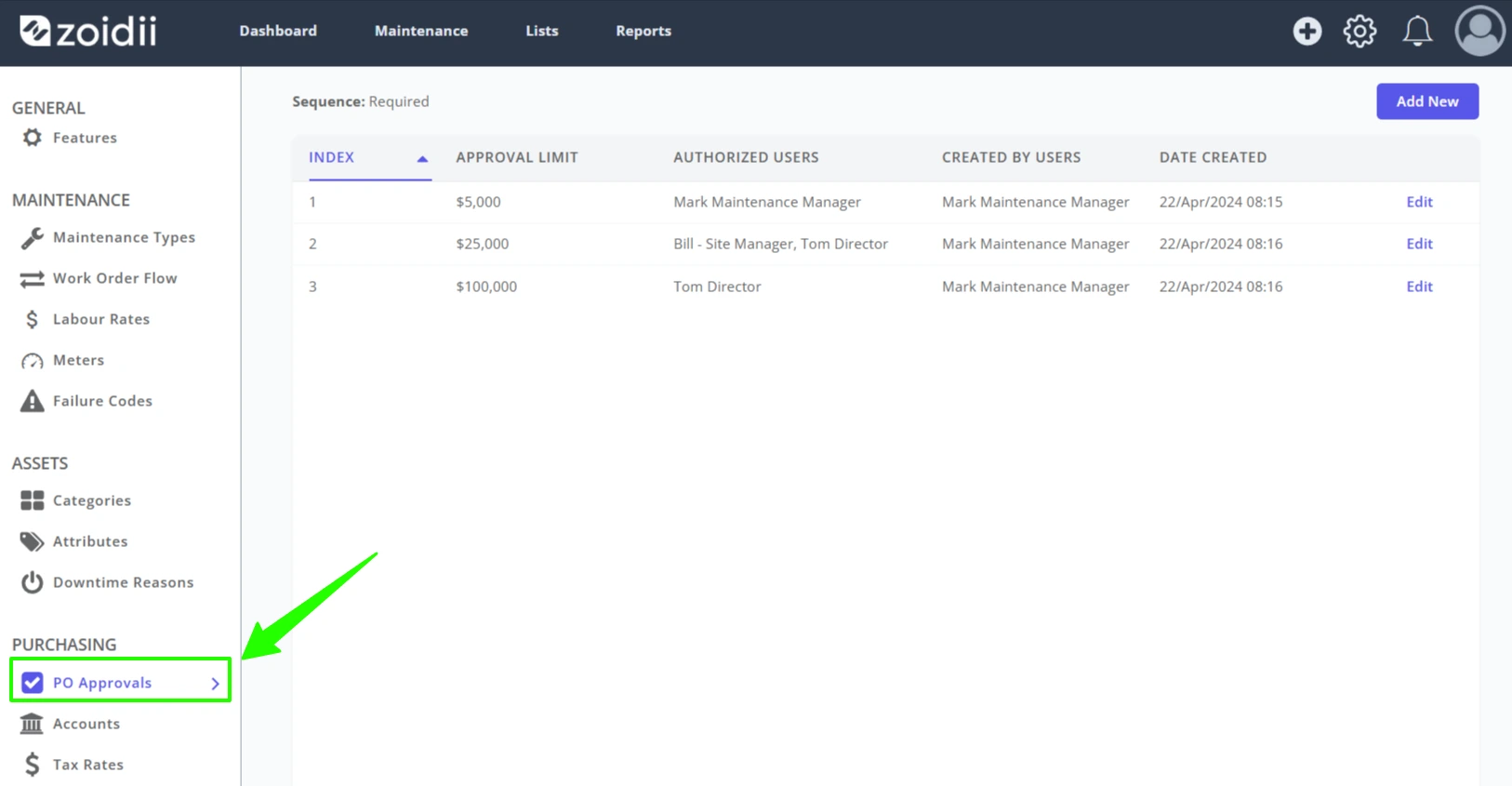
2. Select PO Approvals
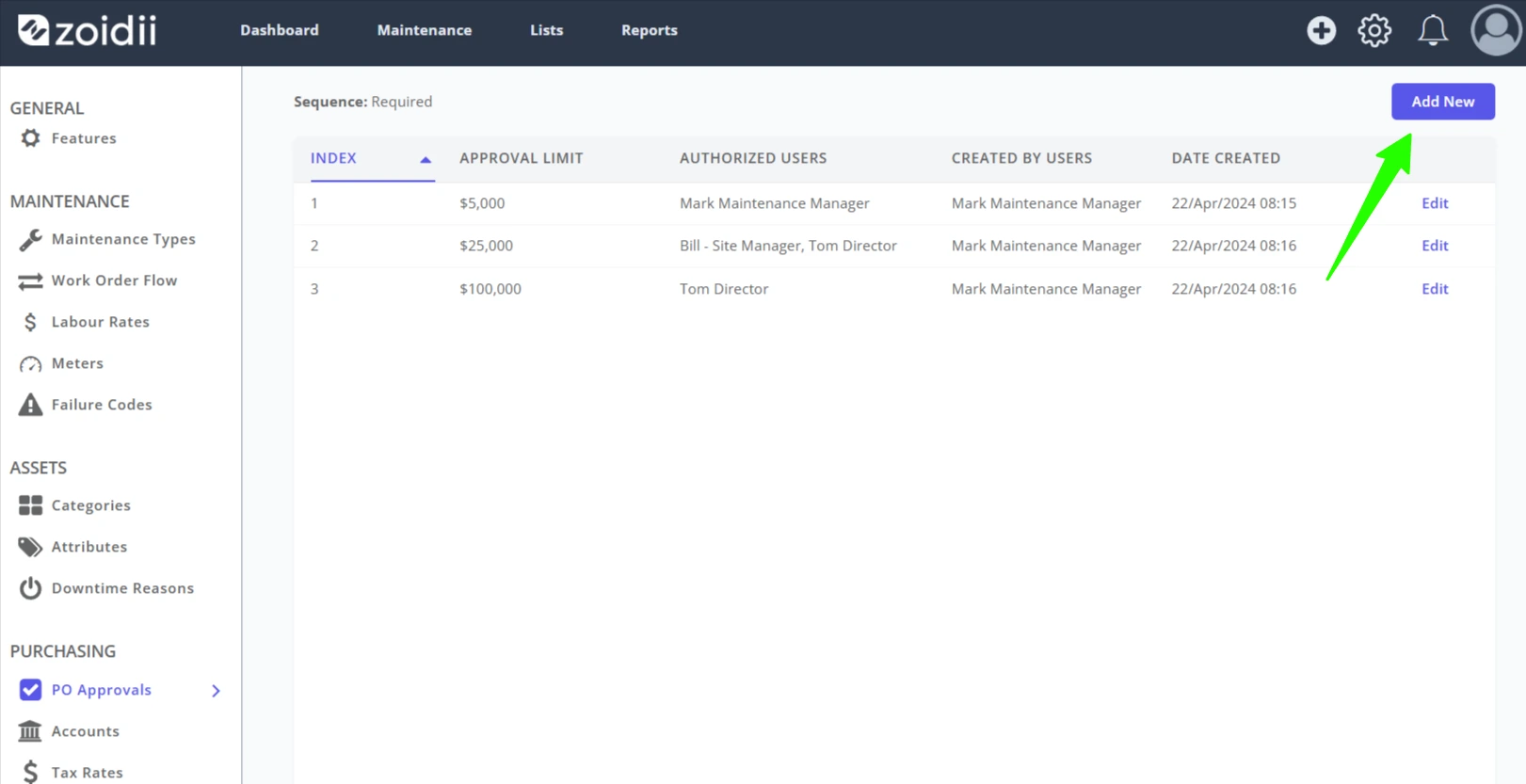
3. Click Add New
4. Set the Approval Limit
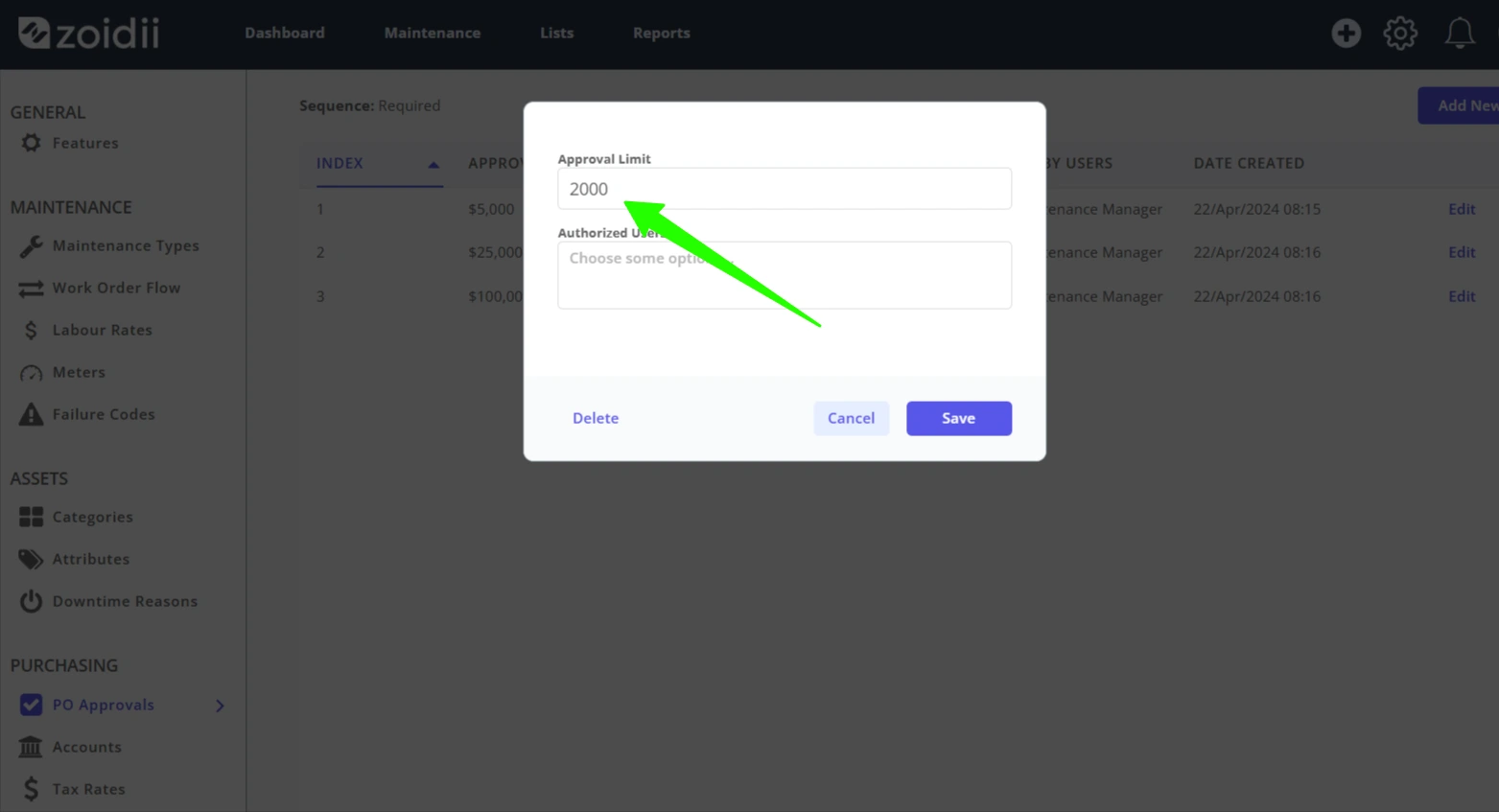
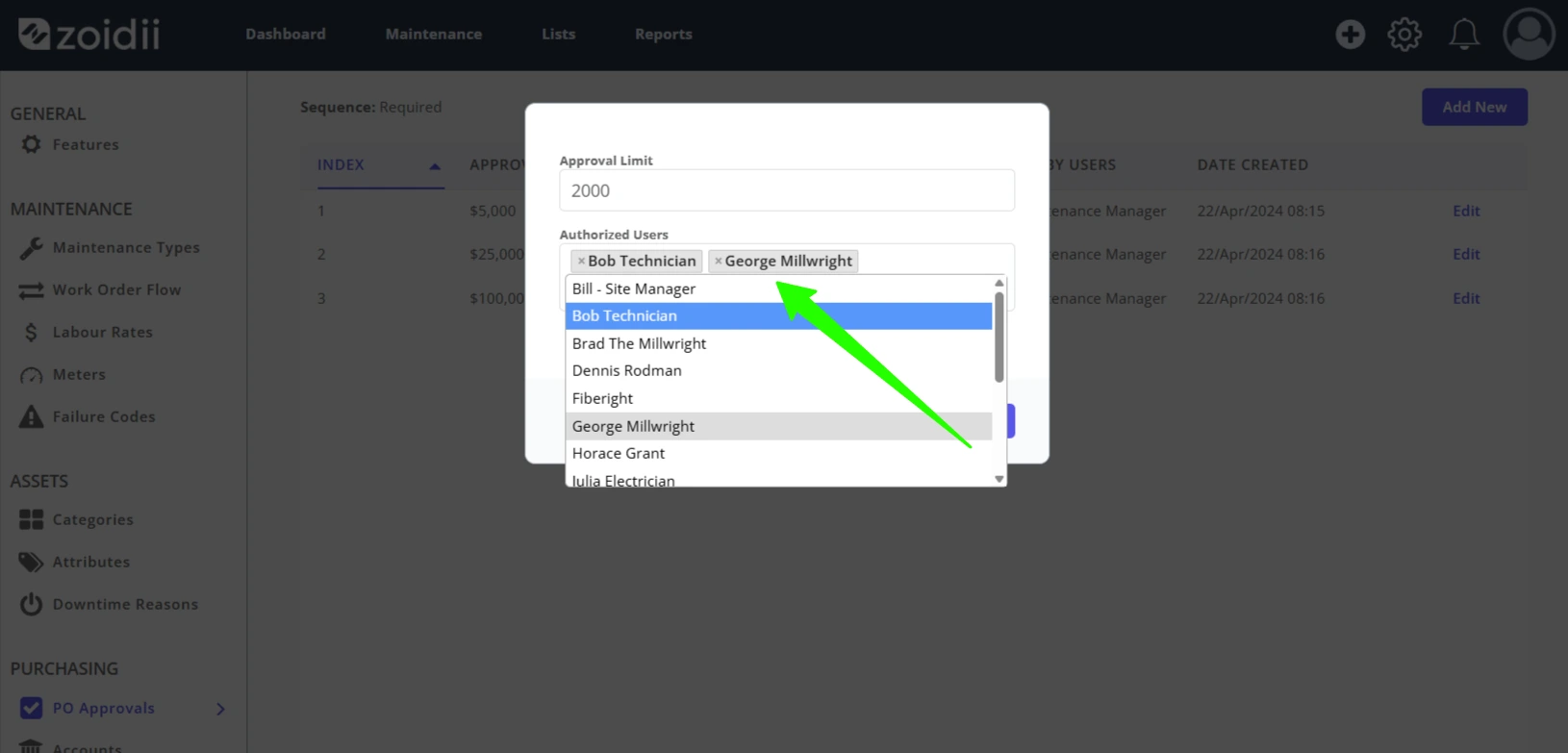
5. Add a user or multiple users to the Approvers list. These users will be able to approve purchase orders at that required approval level.
6. Click Save
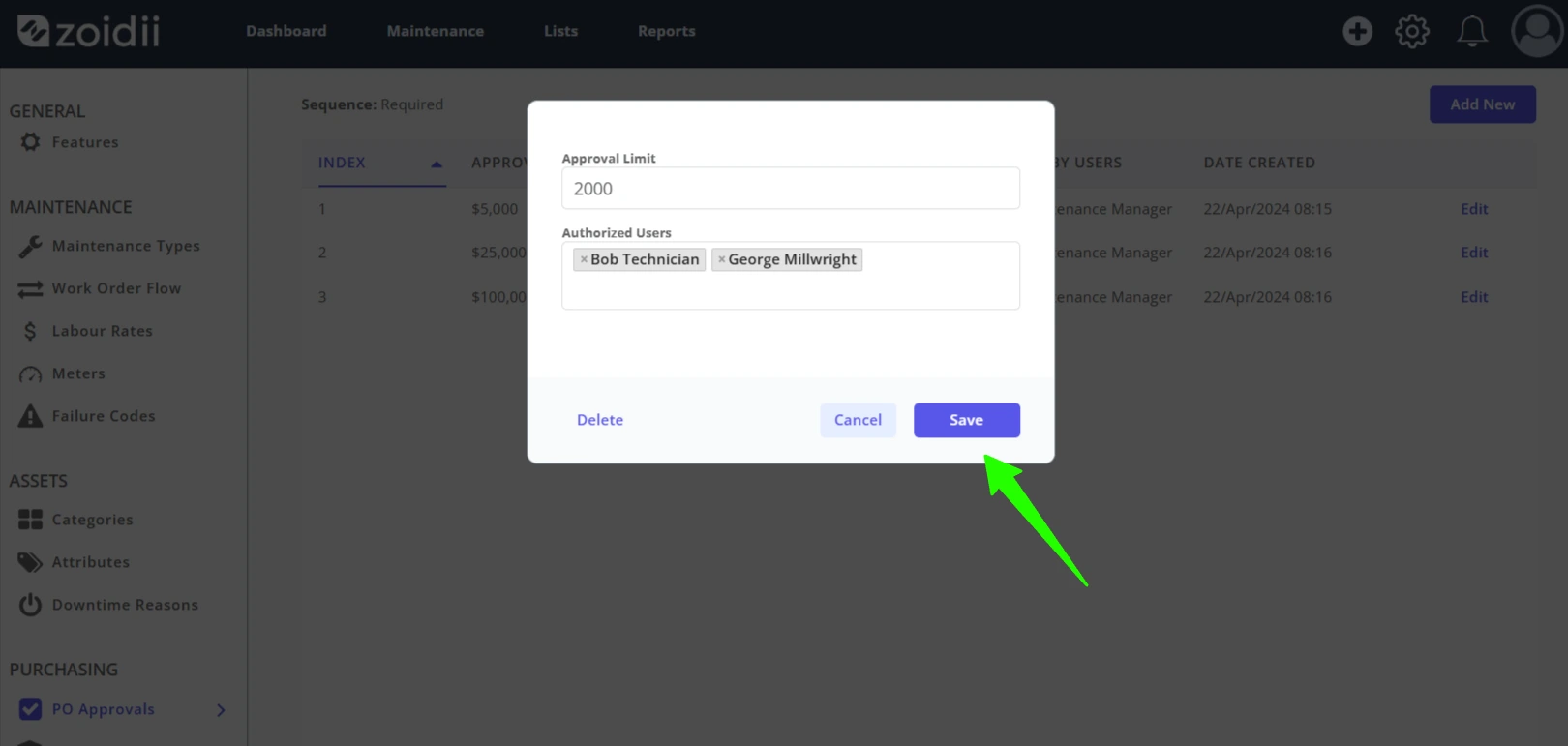
7. The new approval level is assigned an index and triggers a reordering of the approval hierarchy.