Background
Files such as schematics, wiring diagrams, and manuals are uploaded to the system and then linked to assets, PMs, and work orders. If a newer version of a file become available, the master file is swapped out for the latest.
Procedure
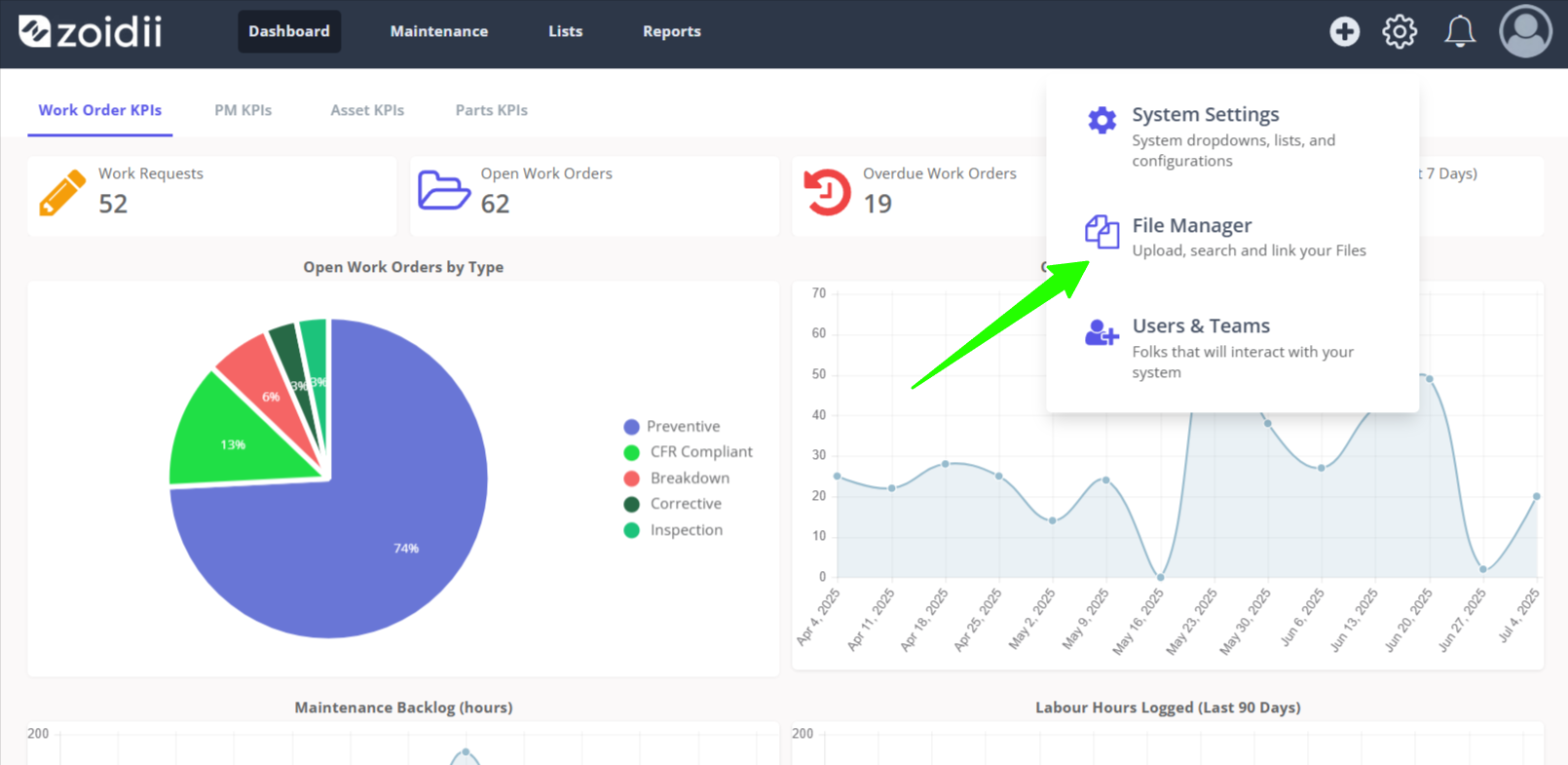
1. In the top navigation bar, click the Settings icon and select File Manager from the dropdown
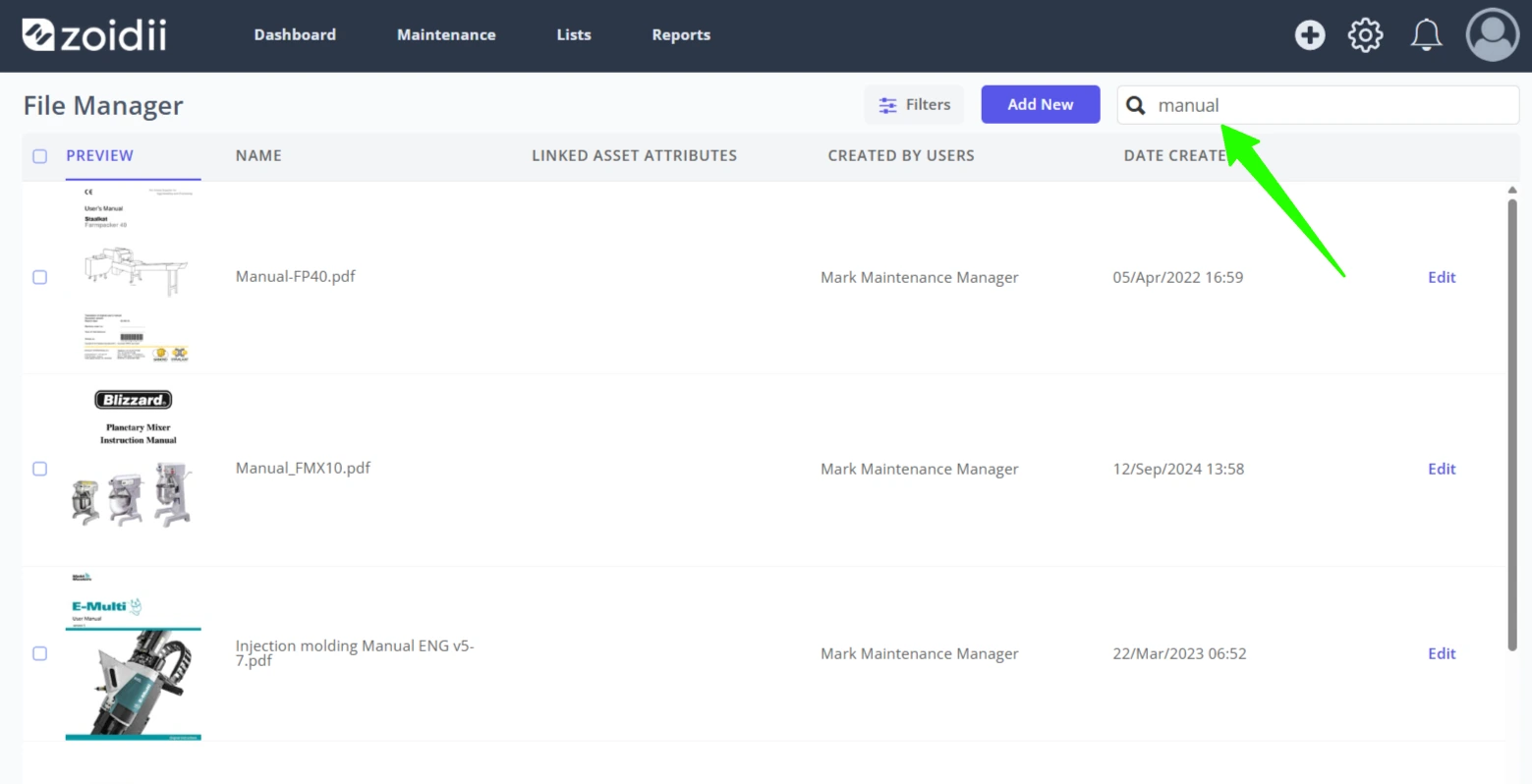
2. Locate the file to be edited using the search feature
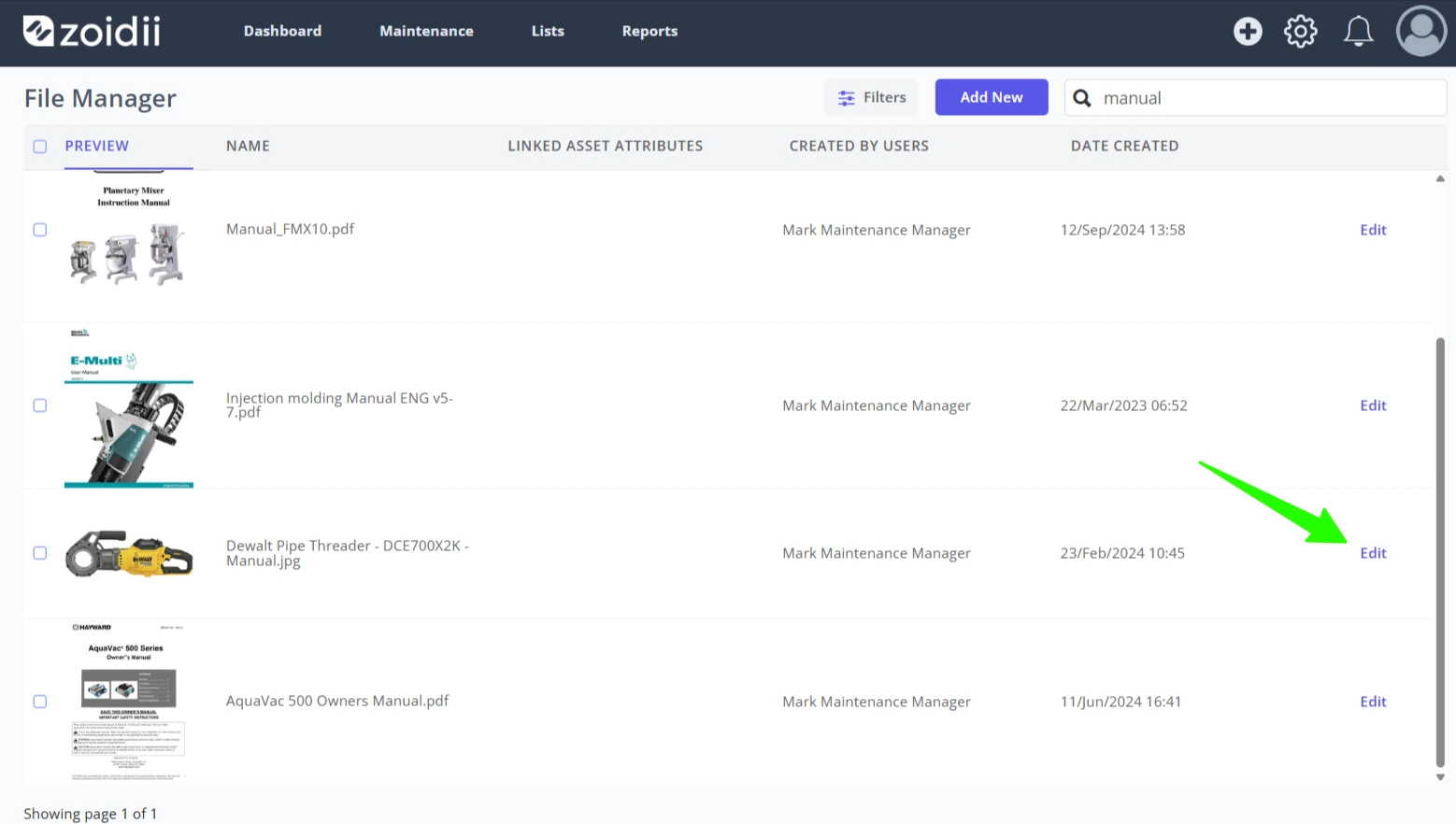
3. Click Edit and the file line item
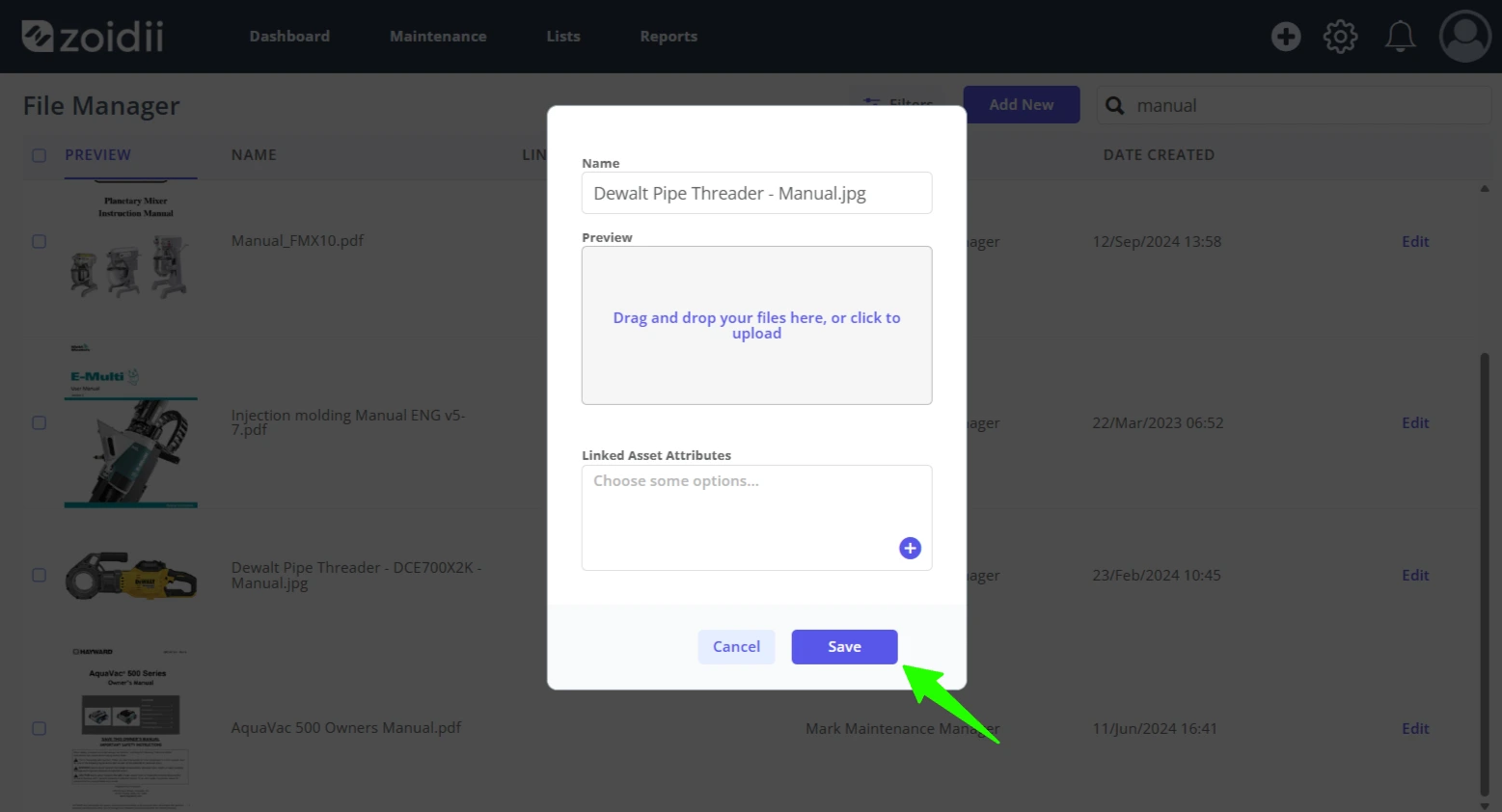
4. Edit the file name in the Filename input field if needed
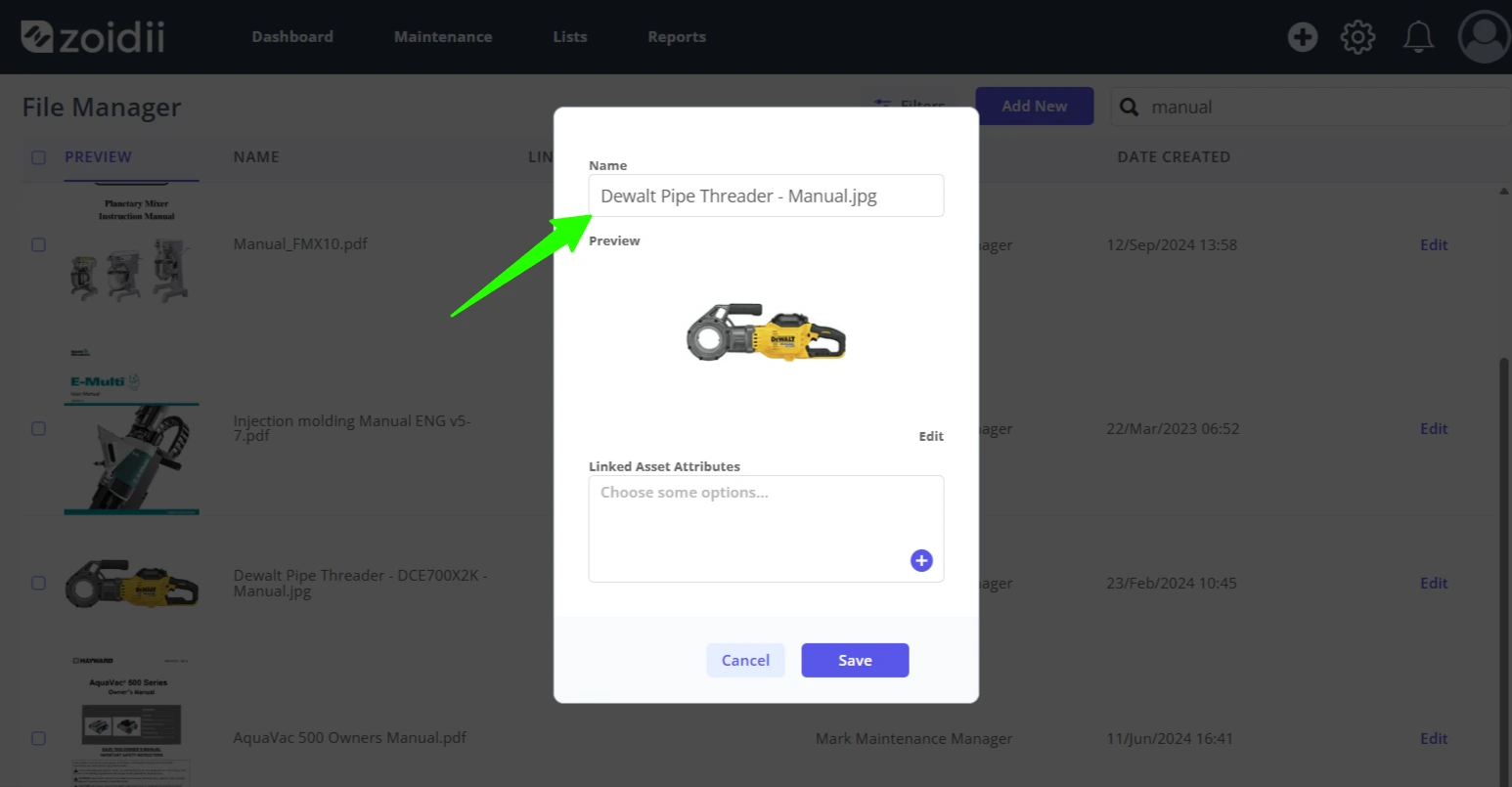
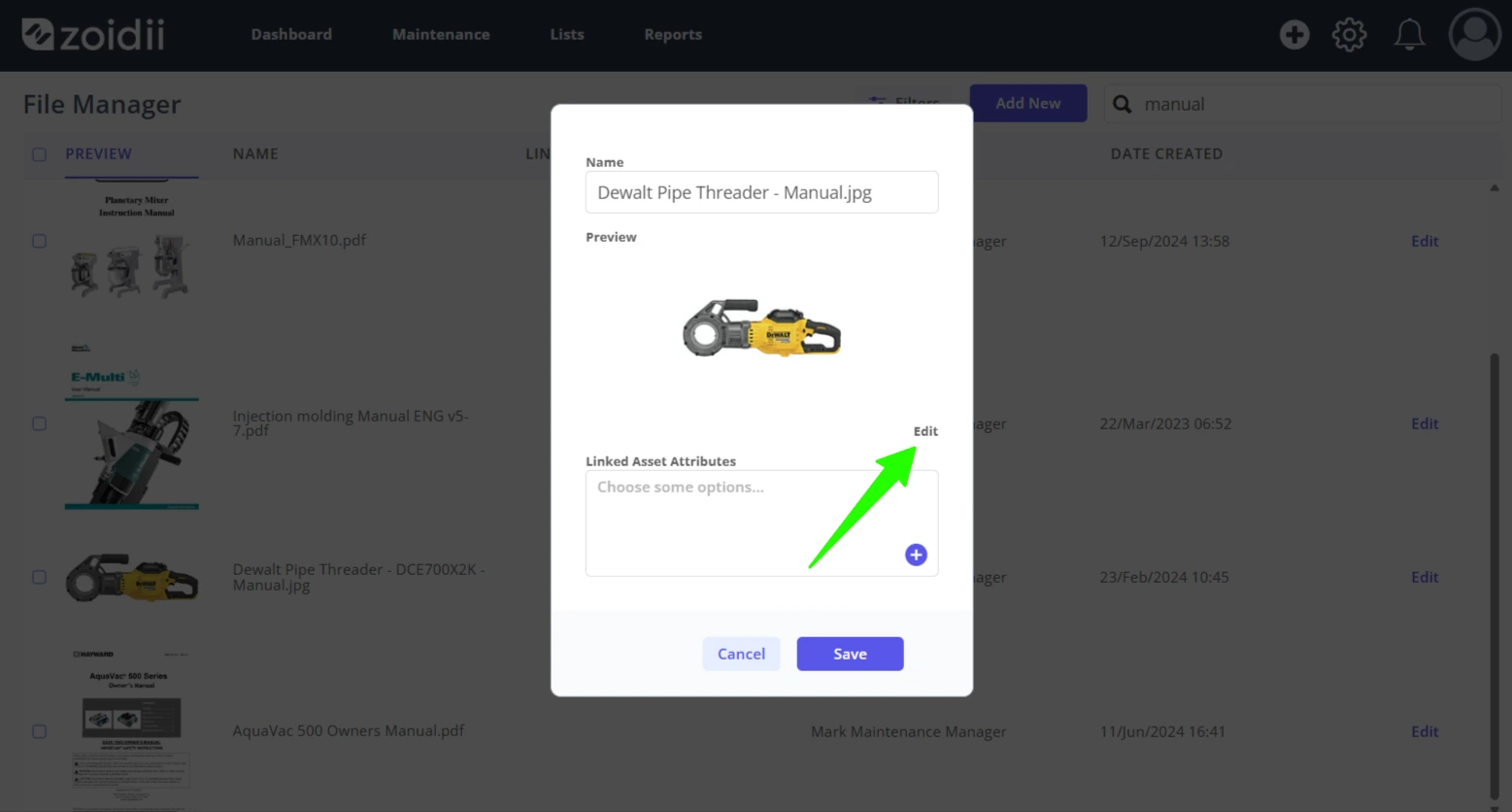
5. To swap the file out for a newer version, click Edit
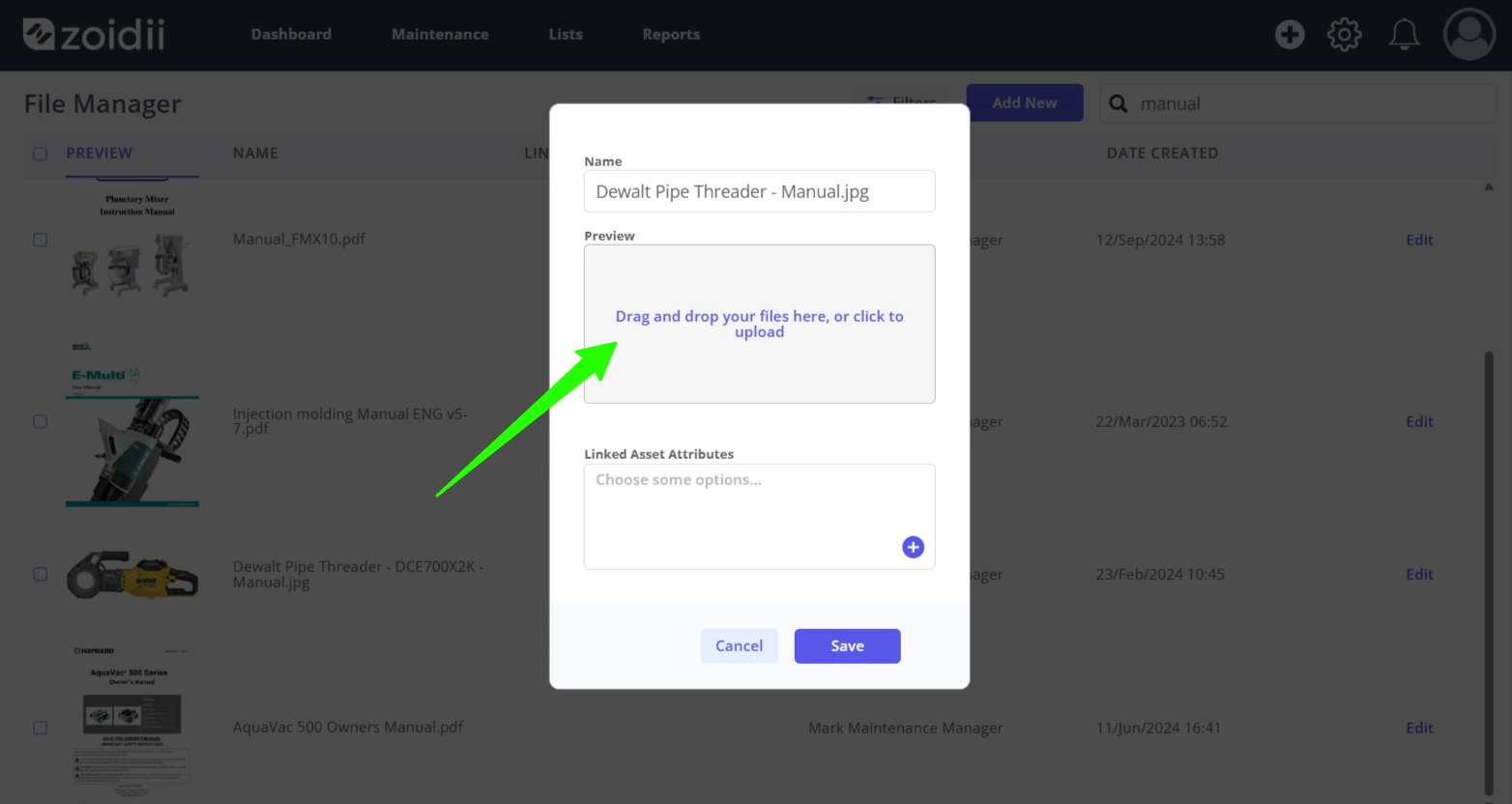
6. Click to upload a replacement file
7. Click Save when done