Zoidii Logo

Need help with Zoidii?

Search for answers or browse our knowledge base

← Back to Help Centre

Upload Files to File Manager

1. In the top navigation bar, click the Settings icon and select File Manager from the dropdown
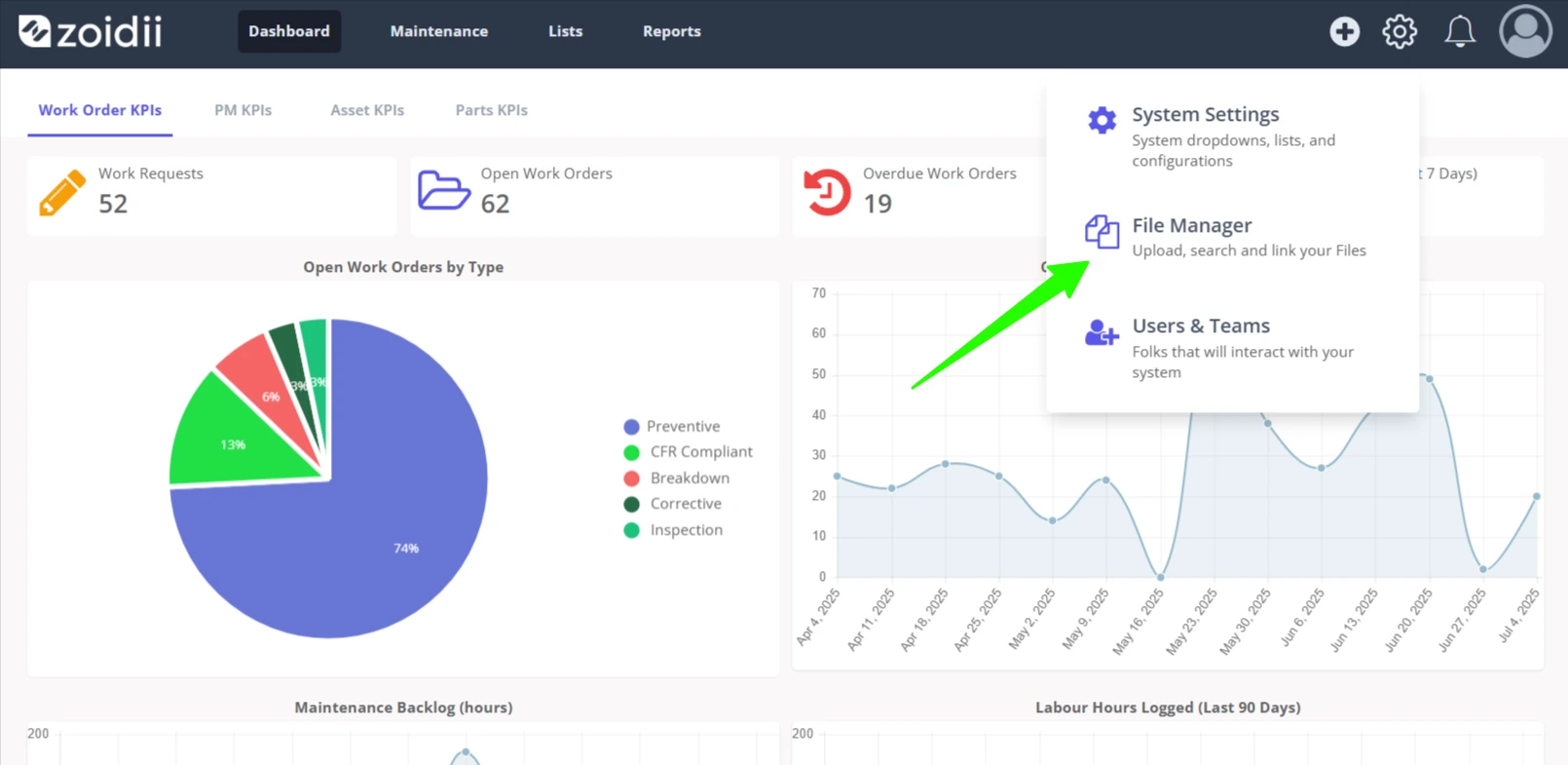
Upload Files to File Manager - 1

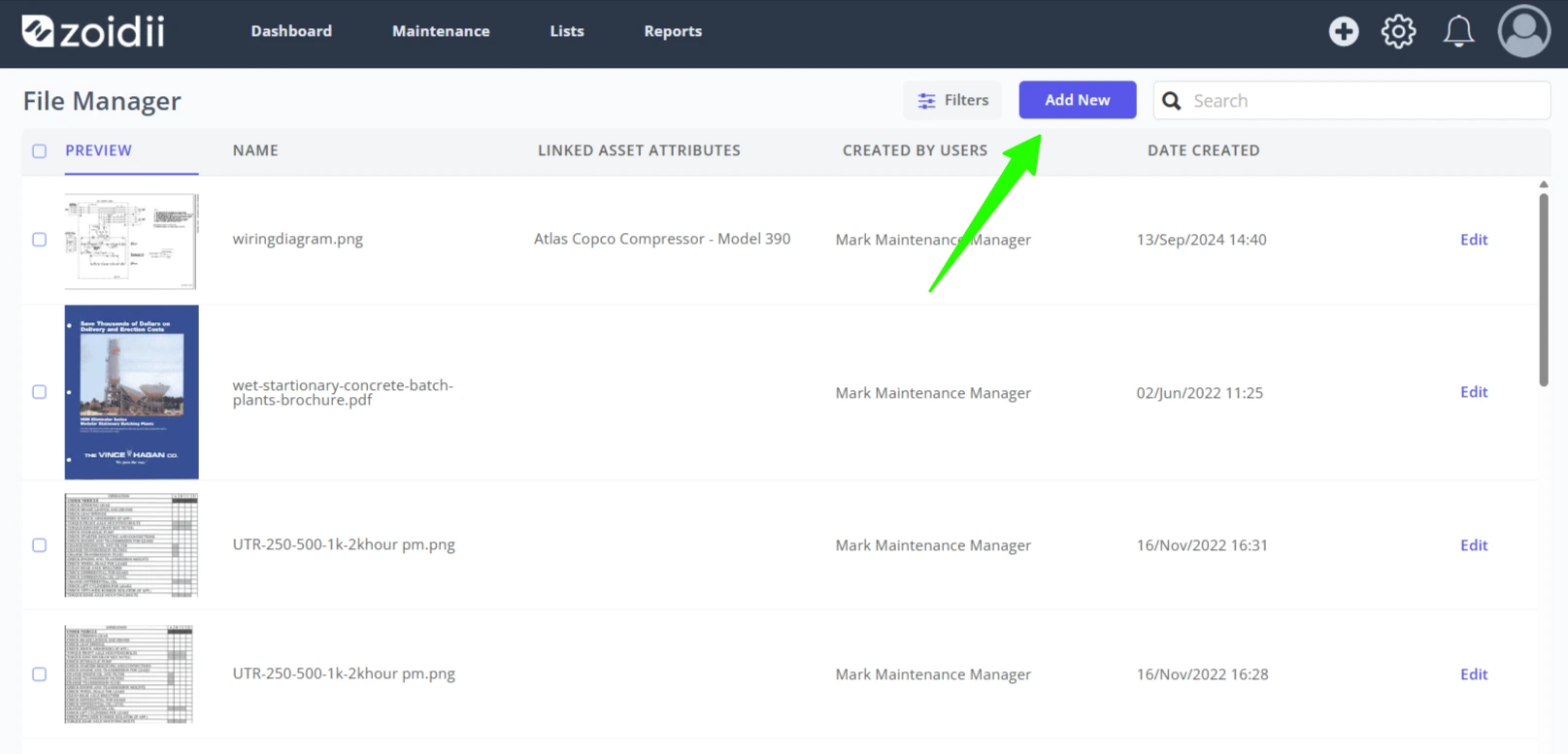
2. Click Add New

Upload Files to File Manager - 2

3. Drag and drop the relevant files into the drag and drop window, or click to upload
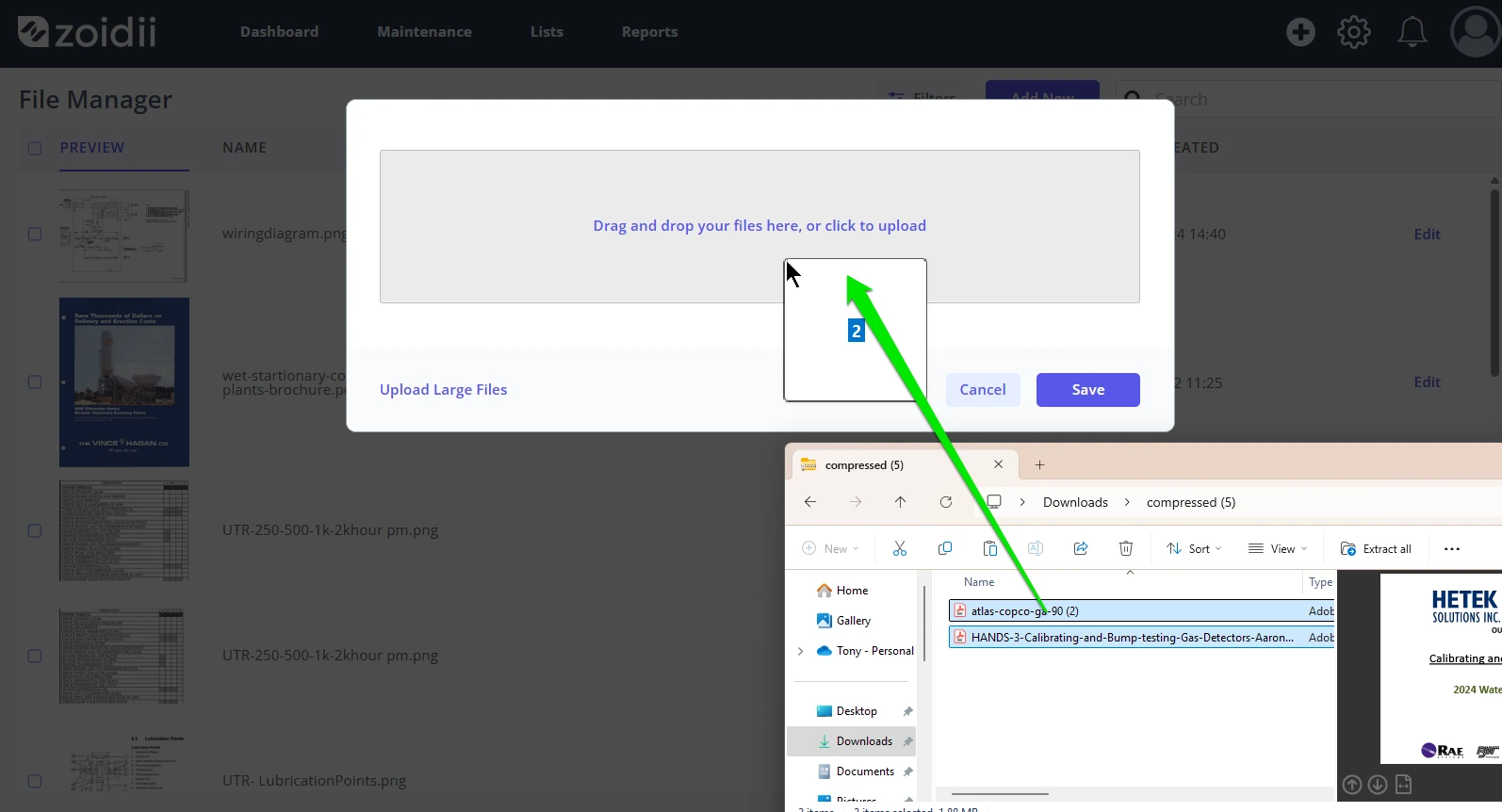
Upload Files to File Manager - 3

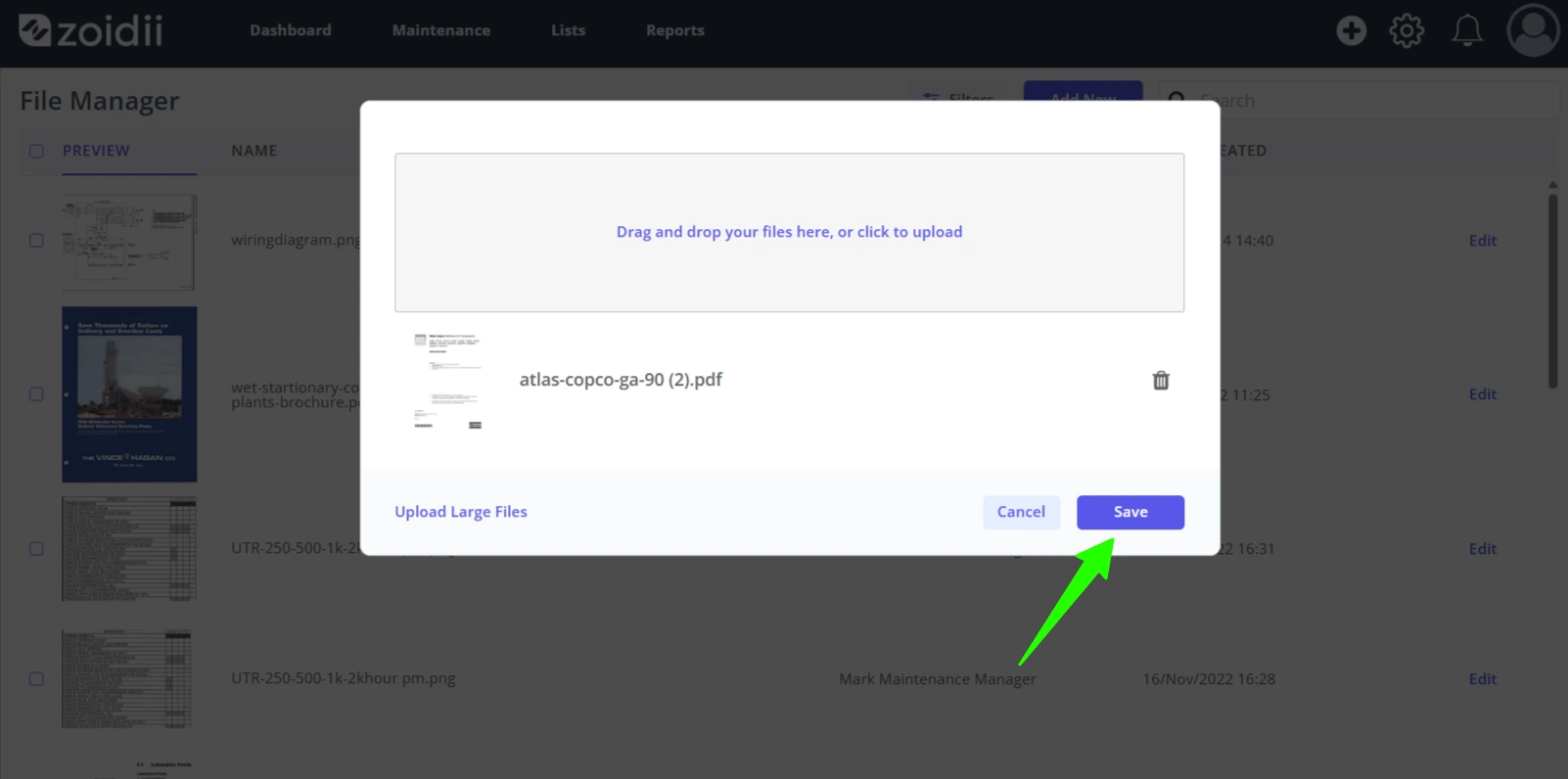
4. Click Save when done

Upload Files to File Manager - 4

5. The files are now available for selection in the files list
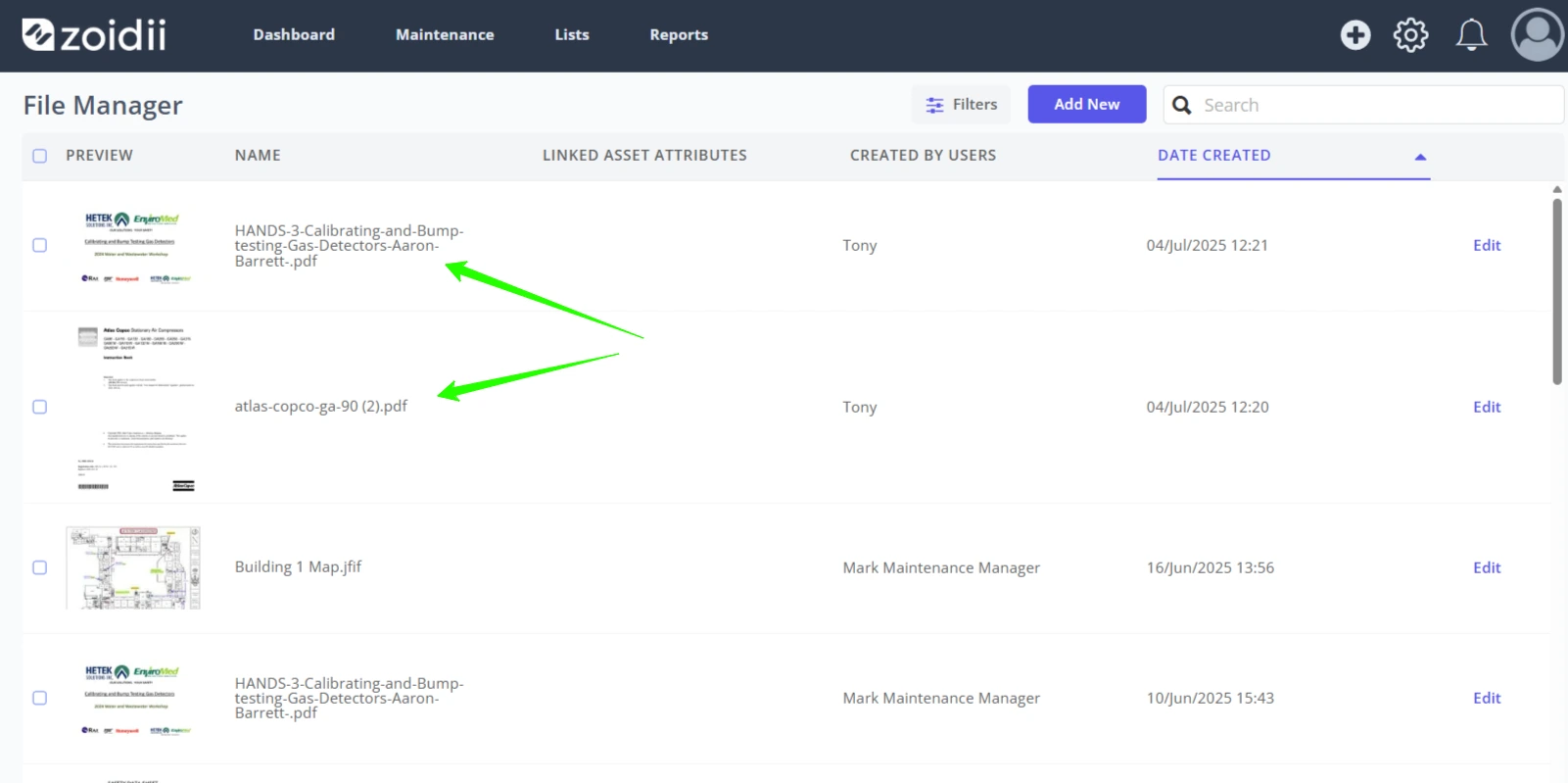
Upload Files to File Manager - 5
Did you find this article useful?

On the same topic