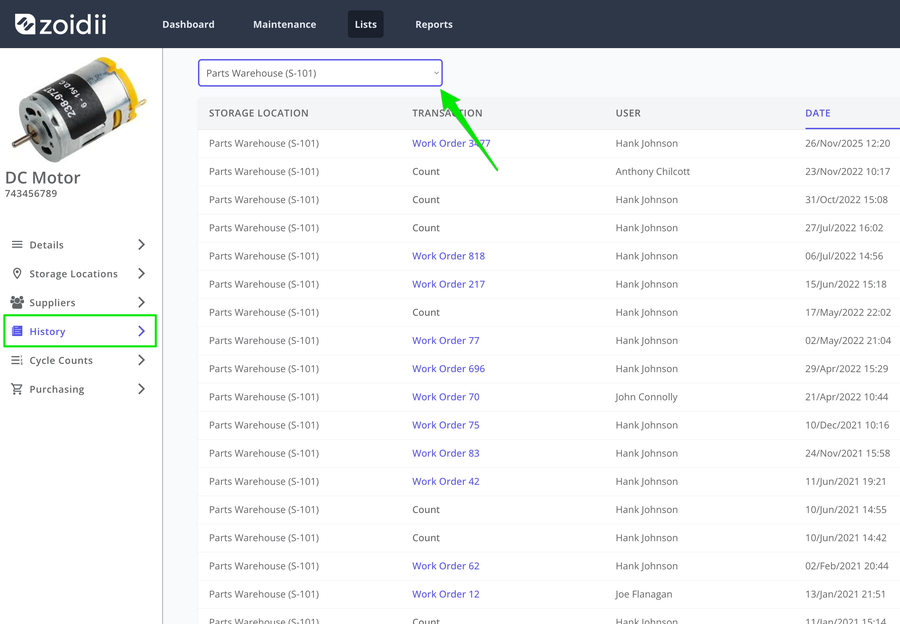
Parts - History tab: Users can now filter by parts storage location.
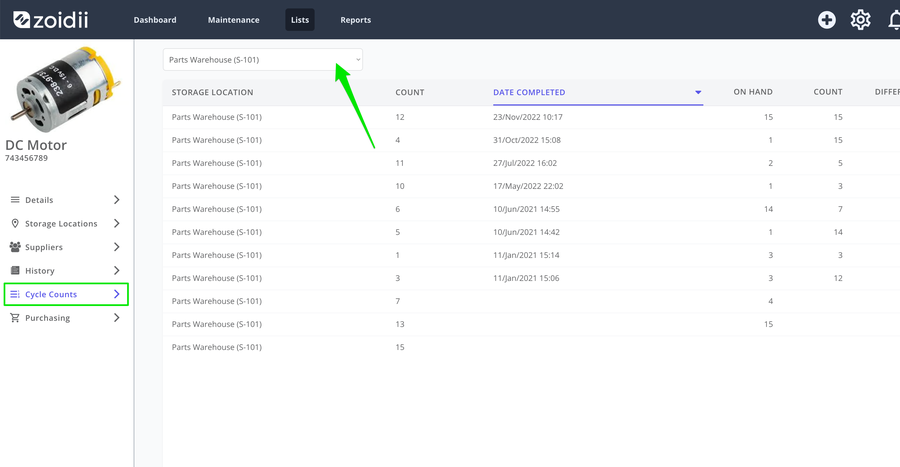
Parts - Cycle Counts tab: Users can now filter cycle counts by parts storage location.
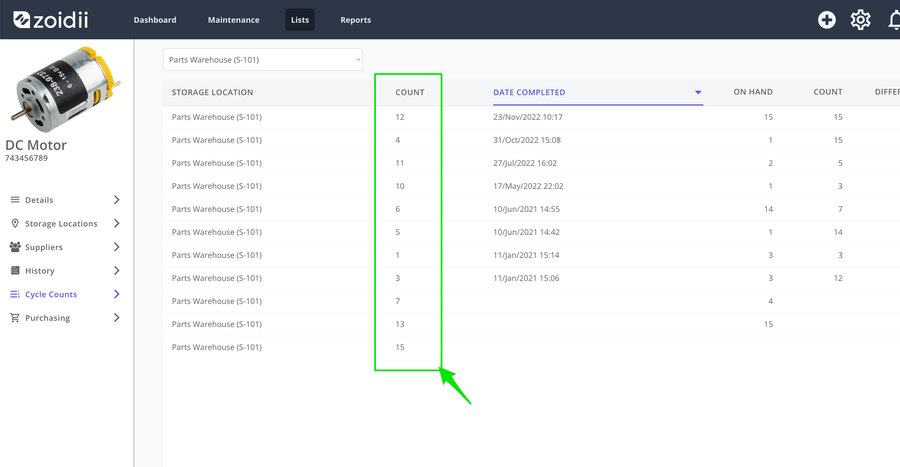
Parts Cycle Count tab - Cycle count number column added to view:
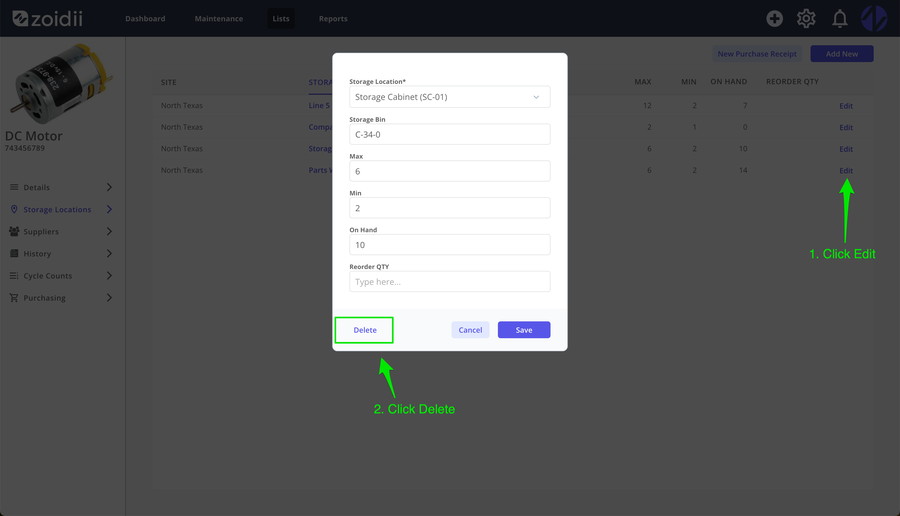
Delete Part Storage Locations - users can now delete redundant part storage locations. In the Part - Storage Locations tab, click Edit on the line item you want to delete. In the pop-up window, click Delete
Note:- The parts storage location is "soft-deleted" in the database. This means you will still see any history associated with the parts storage location in the parts history tab, on work order records, on reports etc.
Product Fixes
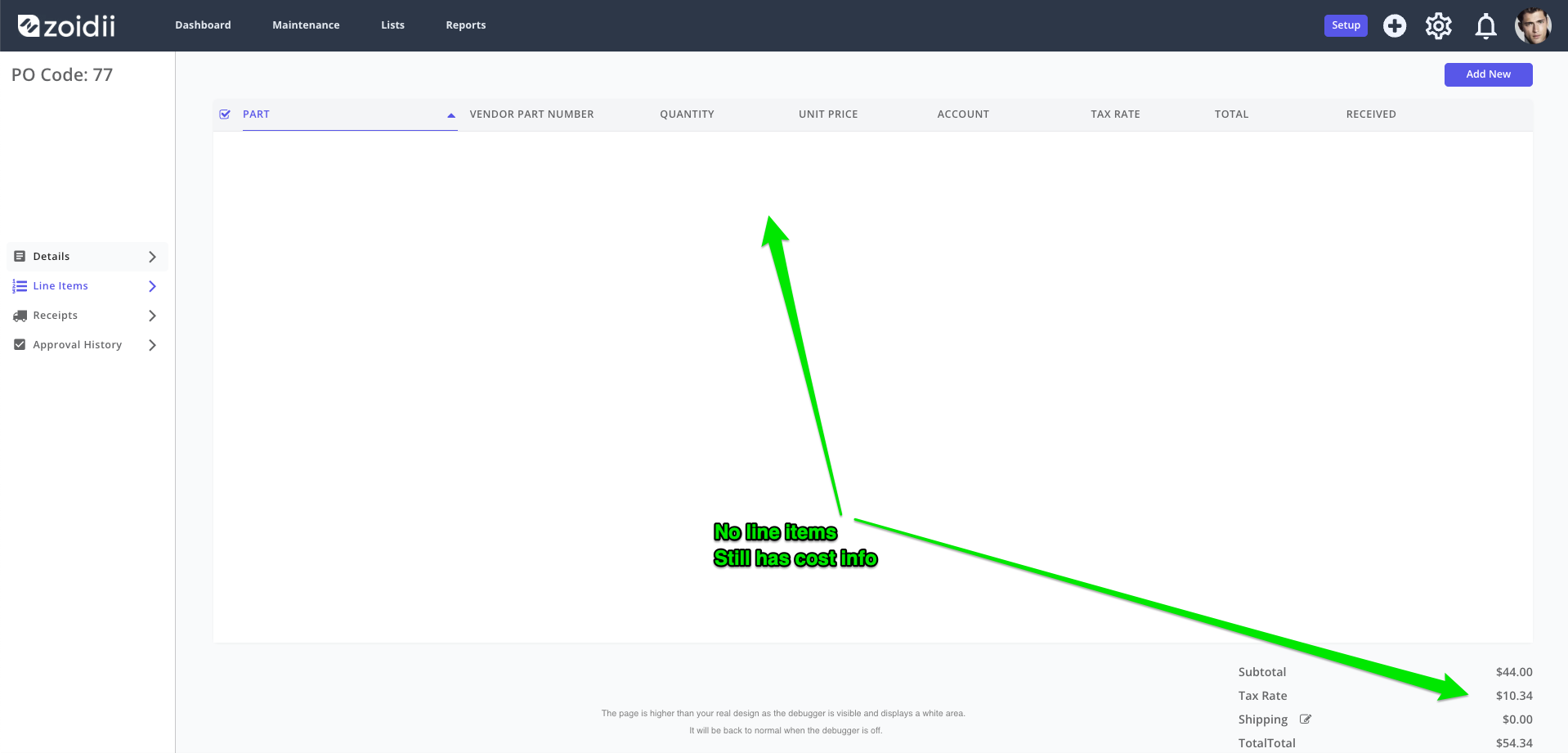
Fixed - When you deleted a line item from a purchase order in the draft state, the total isn't adjusted. This issue is now resolved. When you delete the line item, the purchase order total is adjusted accordingly.