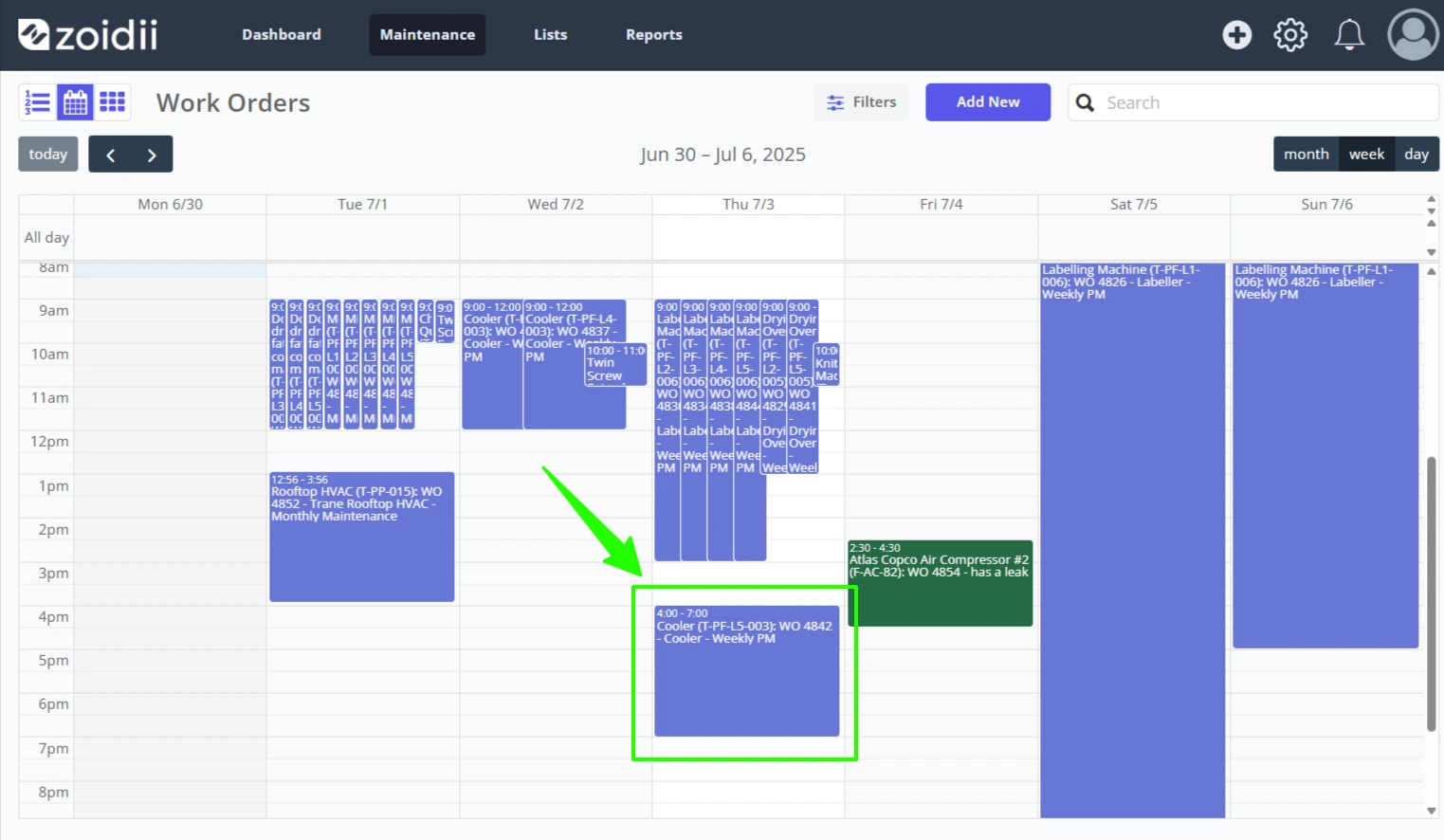
There are several ways to schedule a work order:
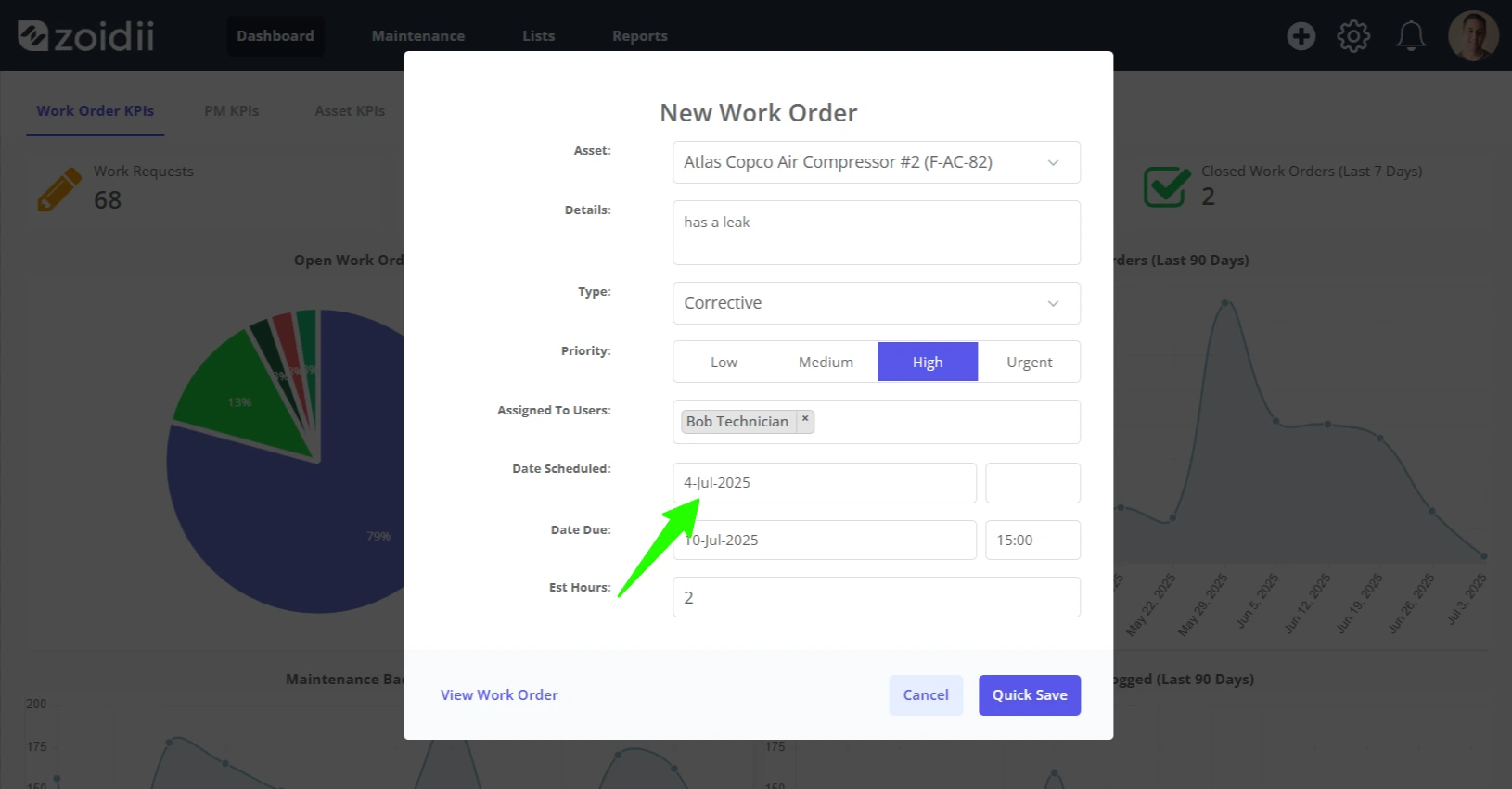
1. On the new work order form
System administrators and site supervisors can schedule the work order as they create it on the work order form by adding a scheduled date when creating the work order.
2. On the work order scheduler
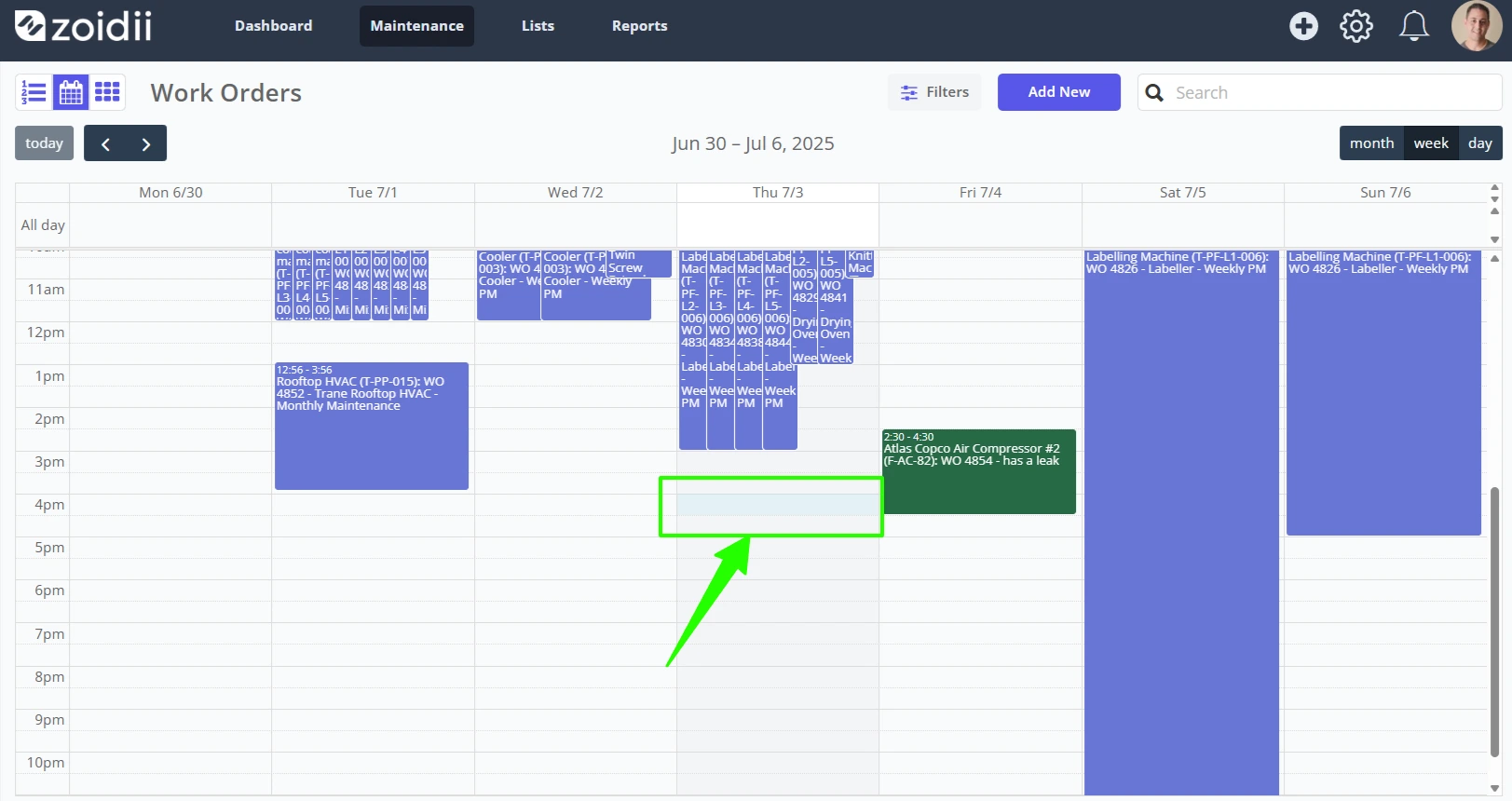
1. Click the desired scheduled start time for the work order. In this case, we have selected 12 pm on the 8th of March.
2. Select the work order from the unscheduled work order list. Use the search or column reordering functionality to find the work order quickly.
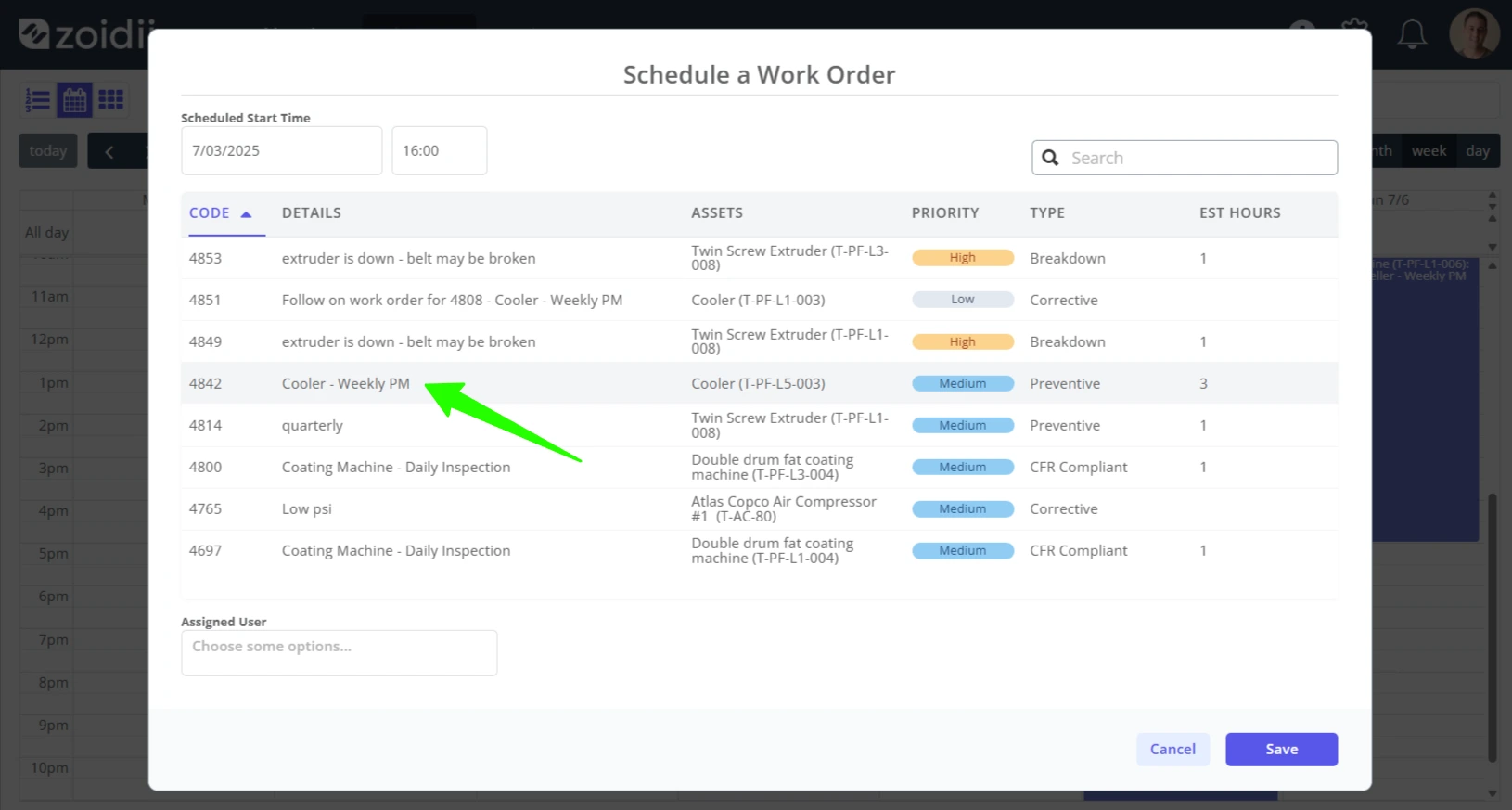
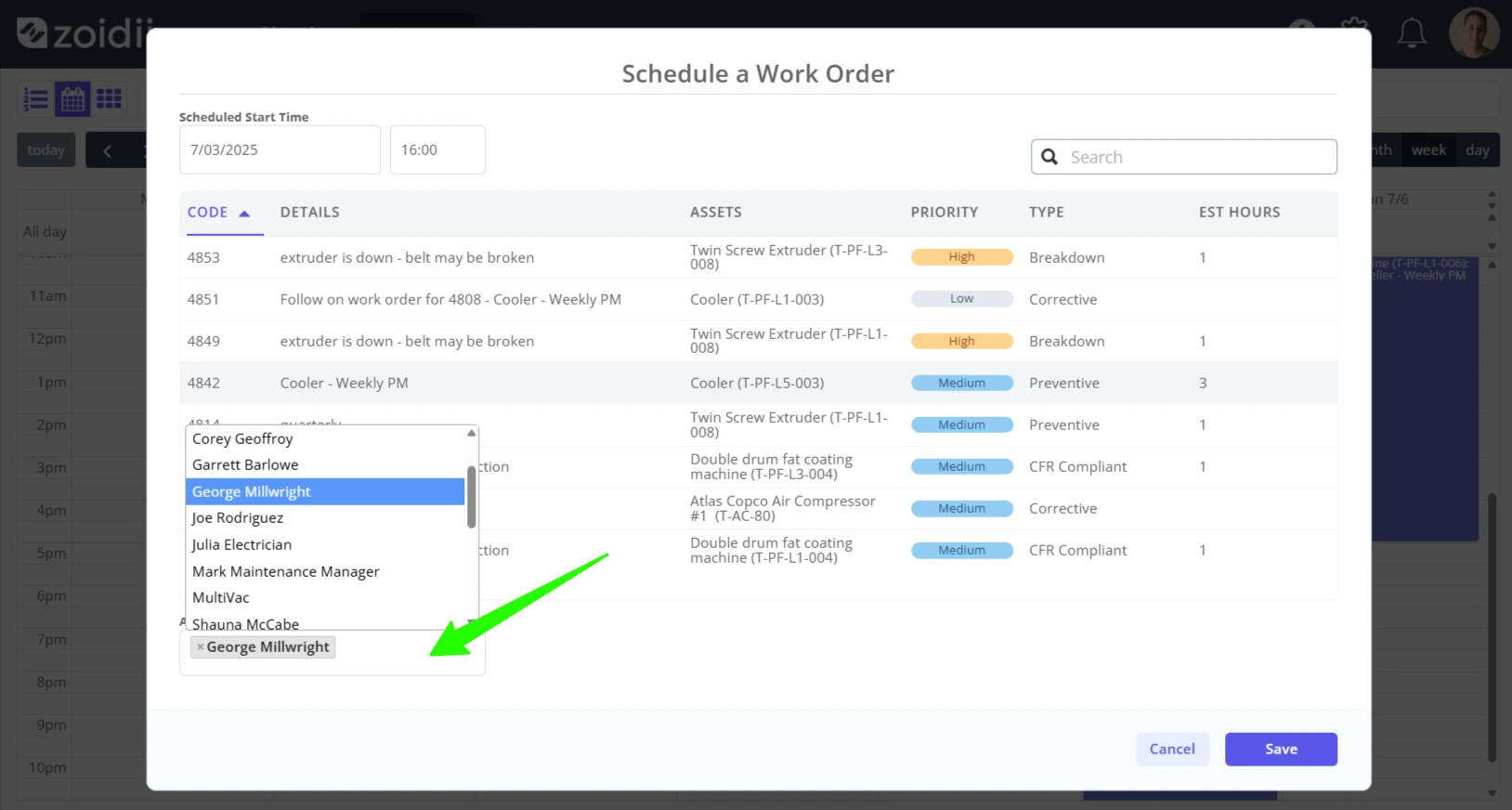
3. Assign a user to the scheduled work order. If the users are already assigned to the work order, they will appear in the Assigned Users dropdown
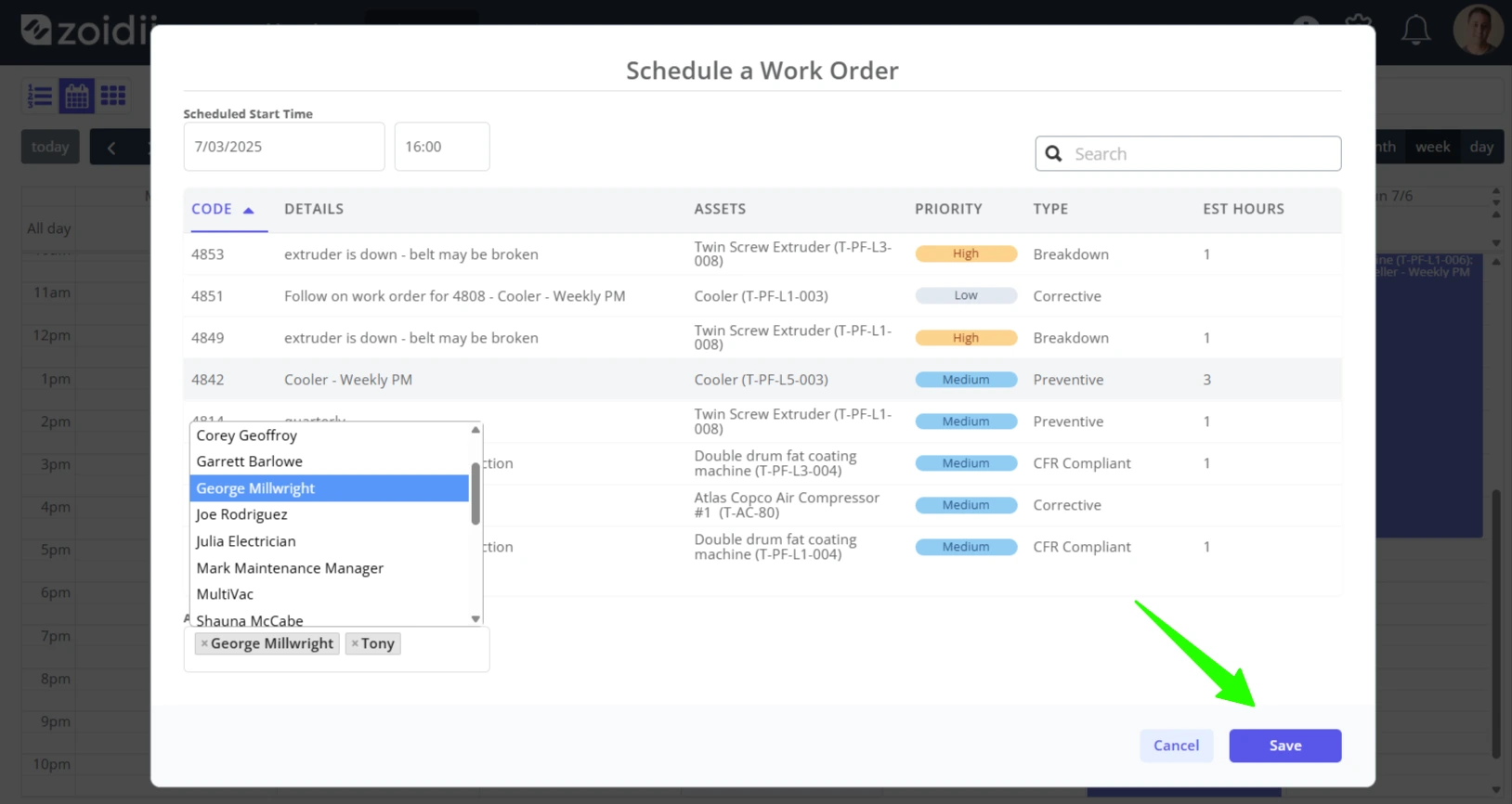
4. Click Save when done
5. The scheduled work order appears in the calendar at the desired time slot.