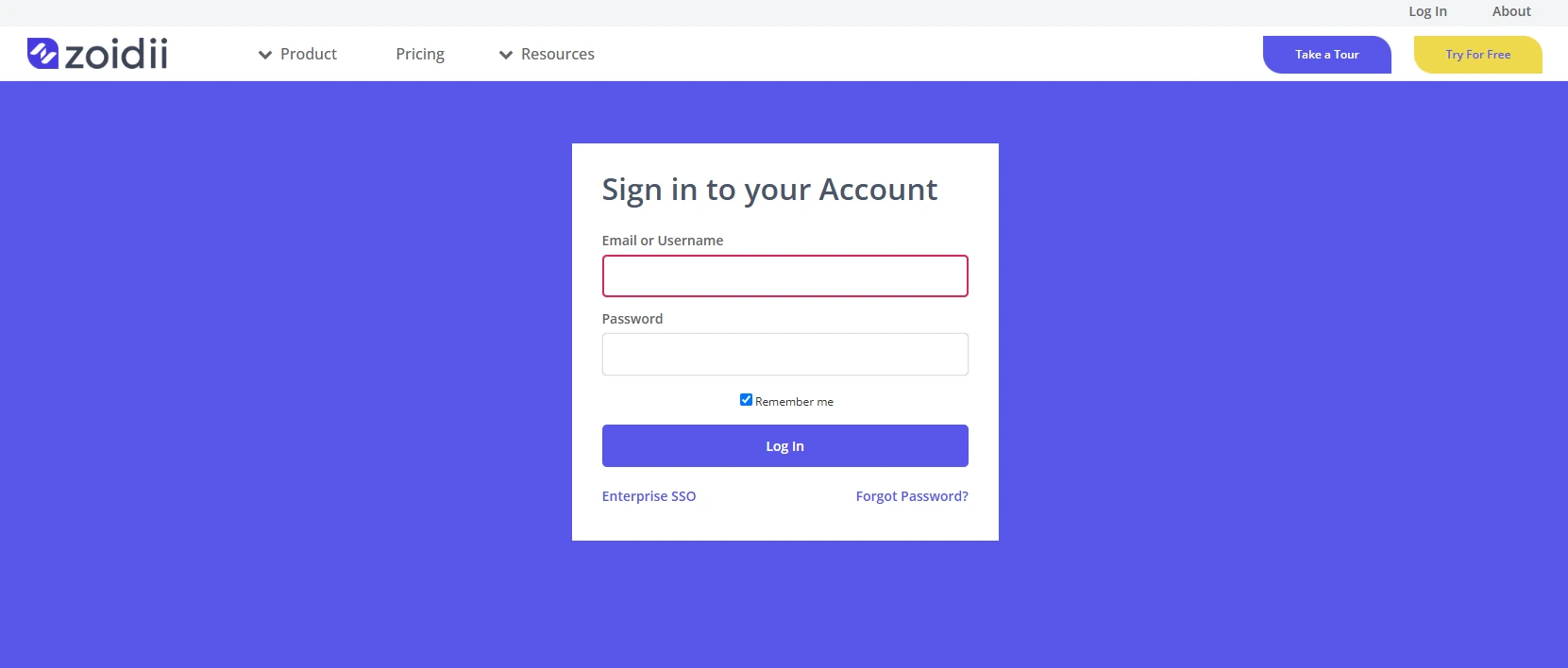
1. Navigate to the Zoidii signup page by clicking https://zoidii.com/cmms-software-sign-up
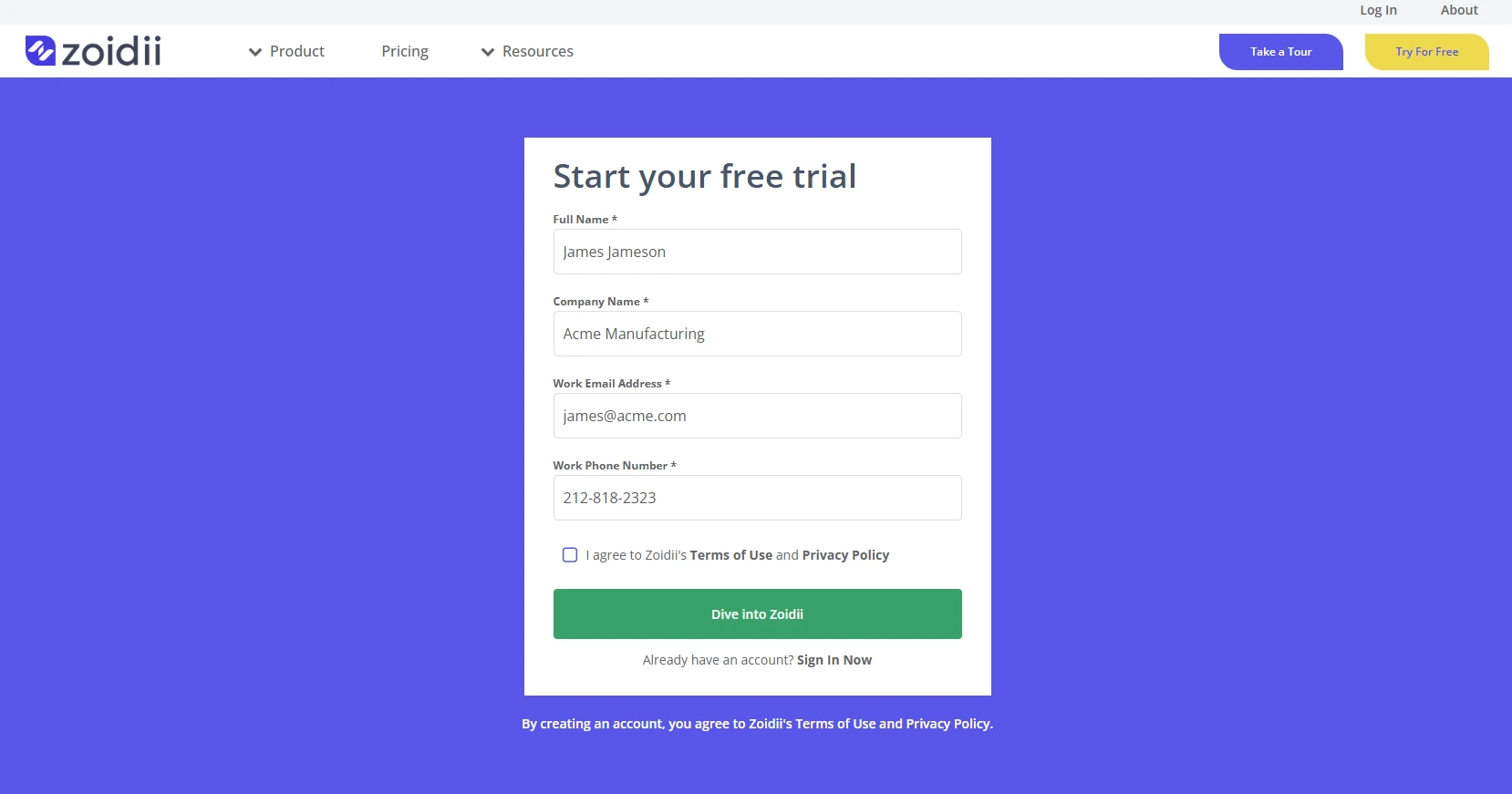
2. Fill in your details including company name. If an existing company name exists in the database, the system will prompt the user to avoid setting up a duplicate.
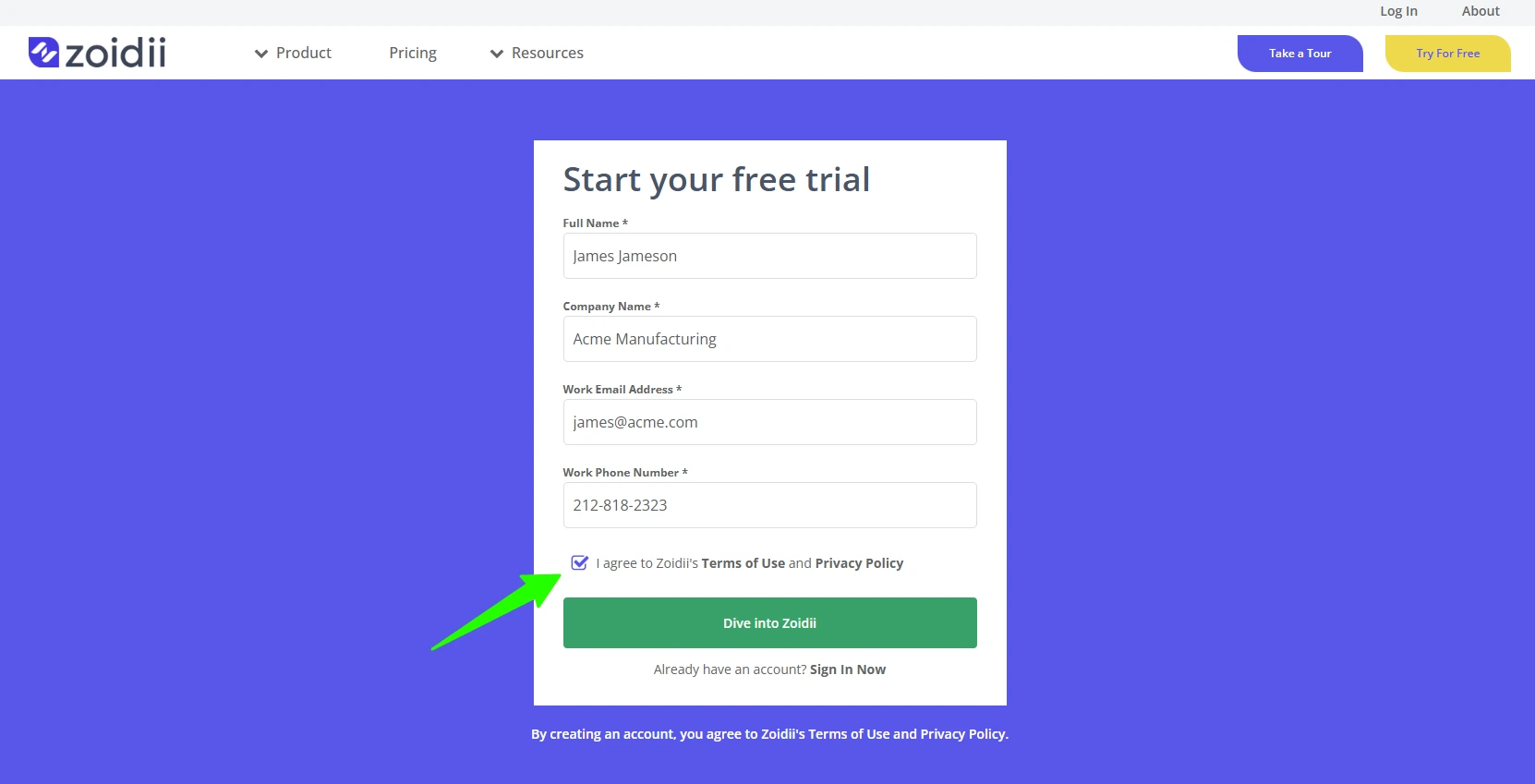
3. Check the checkbox to agree to Zoidii's terms of use and privacy policy
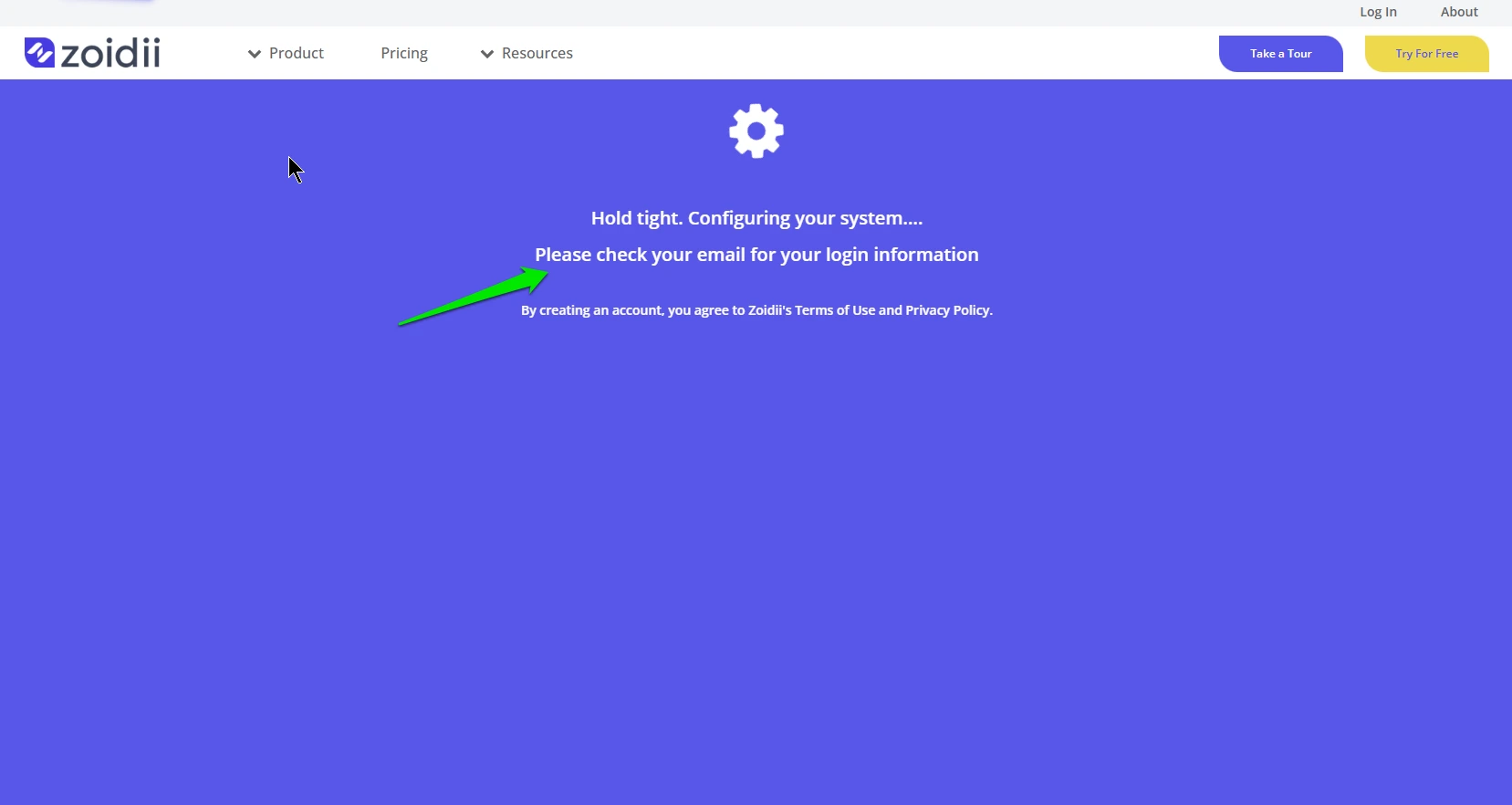
4. Zoidii will now configure a CMMS with basic system defaults. Check your email for login and password credentials.
5. The system redirects to the Login page where you can enter those credentials.