

Choosing the right equipment management platform can unlock faster repairs, clearer accountability, and better budget control.
But “equipment management” isn’t one-size-fits-all—it encompasses a range of functions, including asset tracking, preventive maintenance, work orders, parts, inspections, mobile apps, and analytics.
Below you’ll find a pragmatic buyer’s guide and our short list of leading options, each with a quick take on strengths, trade-offs, and who they fit best.
What to look for (in 5 minutes)
- Core fit: Do you need asset/equipment tracking first, or a full CMMS (work orders, PMs, parts, KPIs) for maintenance teams?
- Mobile: Techs should scan barcodes/QRs, add photos, and close jobs on a phone or tablet.
- Governance: Role-based permissions, audit trails, and location/asset hierarchies.
- Reporting: Out-of-the-box dashboards for PM compliance, MTTR, backlog weeks, first-time fix, parts turns, and cost by asset/site.
- Total cost: License + implementation + add-ons (mobile, integrations, advanced analytics). Verify pricing transparency.
The top equipment management software (and who they’re for)
Zoidii — Best for mobile-first maintenance teams that want fast ROI
Zoidii is a well-known CMMS that focuses on simple work orders, preventive maintenance, and parts, all wrapped in a very approachable mobile app. The vendor publishes transparent pricing and positions itself as an AI-enabled, mobile-first CMMS.
Pros include quick setup, unlimited requesters, and strong support. Its multi-site benefits make it perfect for organizations that are looking to standardize best maintenance practices across the organization.
Zoidii lists tiered plans (e.g., Basic, Professional, and Enterprise per-user pricing) on its site, which helps budget owners compare quickly.
Best for: Small to mid-sized maintenance teams looking to transition away from spreadsheets and seeking predictable pricing. Also suitable for multi-site organizations with large rollouts that require an intuitive UI.
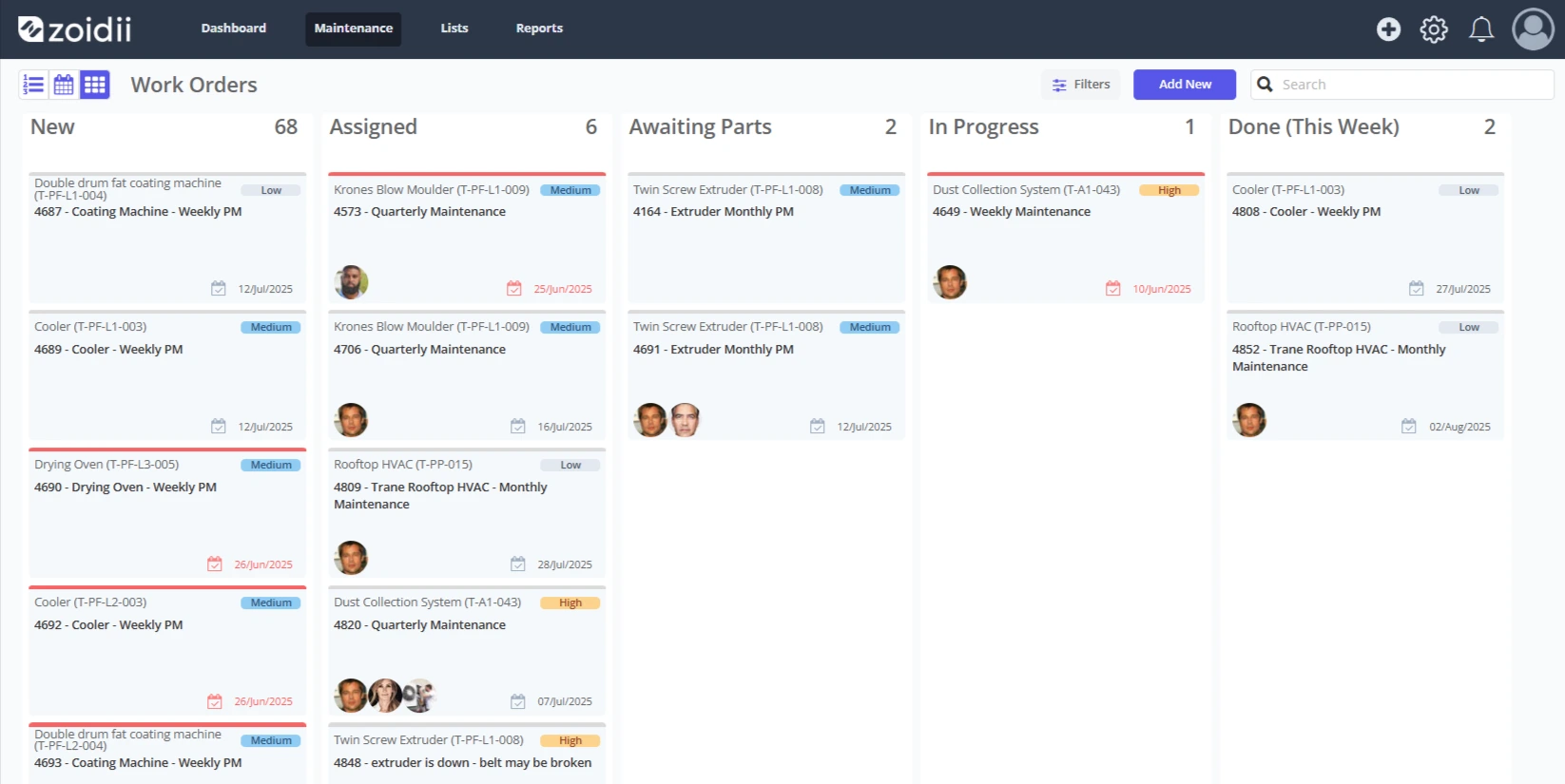
Limble CMMS — Best all-around CMMS with deep configurability
Limble combines asset tracking, work orders, PMs, and parts, emphasizing usability and configurable workflows. The company highlights strong ratings on review sites and offers scalable plans; many buyers like Limble for its balance of power and ease.
If you anticipate heavier analytics, custom fields, and process automation—without enterprise bloat—Limble is a prime shortlist candidate. Pricing is tiered and publicly available at a high level.
Best for: Organizations requiring robust CMMS capabilities with scalability for growth (multi-site, multi-role).
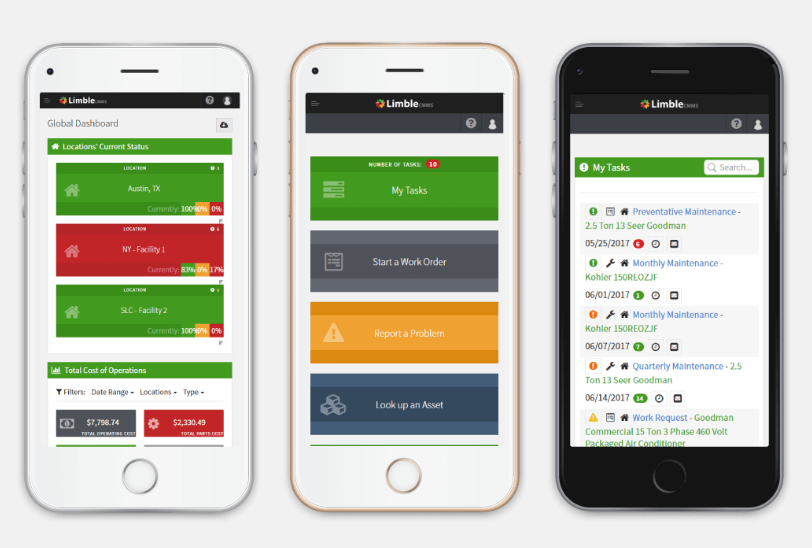
Fiix (by Rockwell Automation) — Best for enterprises and manufacturers with IT/OT complexity
Fiix brings strong enterprise credibility—now under Rockwell Automation—with AI-assisted insights, rich APIs, and large-scale deployments. It’s built for complex asset hierarchies, interoperability with plant systems, and governance requirements common in regulated industries.
Fiix markets multiple tiers (including a free edition) and focuses on implementation services and training for enterprise rollouts.
Expect enterprise-grade flexibility with an associated implementation effort.
Best for: Mid-market and enterprise manufacturers/utilities that require in-depth analytics, seamless integrations, and effective change management.
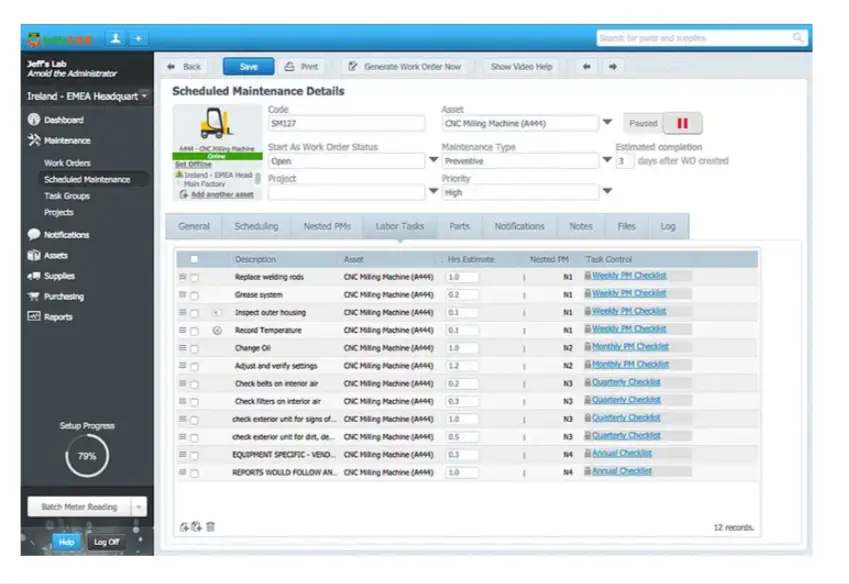
MaintainX — Best for frontline operations, inspections, and collaboration
MaintainX stands out for its chat-like UX that frontline teams adopt quickly. Beyond CMMS staples, it excels at digital SOPs, inspections, and procedures, making it popular where daily checklists and operator care live beside maintenance tickets.
The vendor offers a free Basic plan, along with transparent plan comparisons (e.g., PM limits by tier, condition-based triggers at higher tiers). If your success depends on technician and operator engagement, MaintainX is a strong contender.
Best for: Operations-heavy environments (manufacturing, logistics, field services) prioritizing inspections and SOP compliance alongside maintenance.
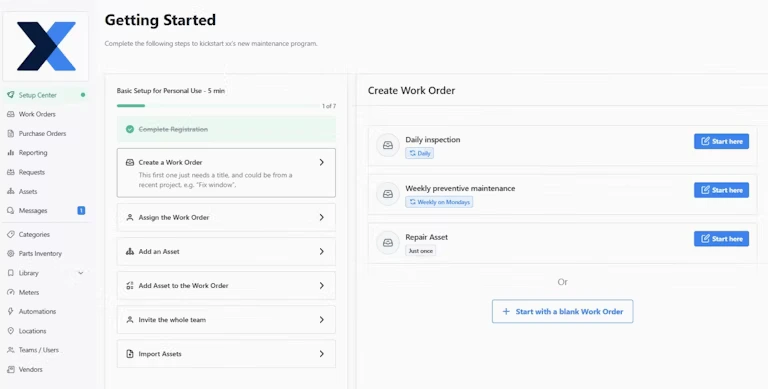
EZO (EZOfficeInventory) — Best for asset tracking, reservations, and custody control
If your primary challenge is tracking asset locations, EZO (formerly EZOfficeInventory) shines. It offers strong asset cataloging, check-in/out, reservations, and RFID/QR support, with maintenance modules available.
That makes it ideal for IT, AV gear, tools, and shared equipment fleets where the chain of custody matters as much as repairs. Pricing is published, and the product covers barcode, fixed-asset, and tool-tracking scenarios.
Best for: Teams that rely heavily on asset visibility, reservations, and utilization tracking—often outside heavy industrial maintenance.
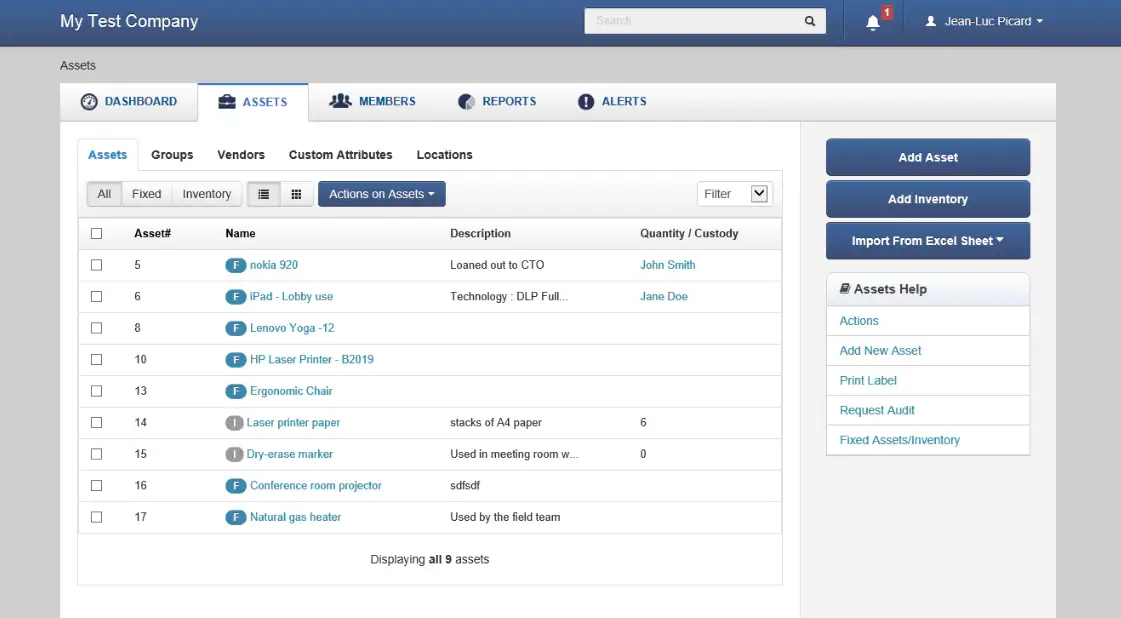
Asset Panda — Best for customizable workflows and simple mobile scanning
Asset Panda emphasizes configurability (custom fields, workflows) and easy mobile scanning without third-party scanners. It’s a good fit for organizations that need to tailor data capture, approvals, or request flows while maintaining an uncomplicated UX.
If you’re looking for comprehensive equipment management with flexible forms and minimal hardware requirements, it’s definitely worth considering. Best for: Cross-functional asset/equipment programs that benefit from customized data models and broad non-maintenance participation.
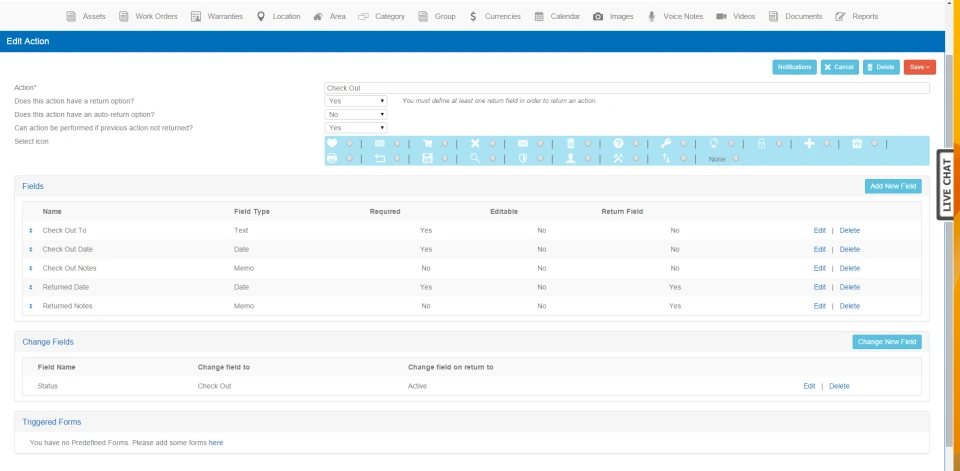
Eptura Asset (formerly ManagerPlus) — Best for portfolios mixing facilities, assets, and workplace needs
ManagerPlus has been unified under Eptura’s “Asset” umbrella, part of a broader worktech suite (space, reservations, maintenance).
That bundle story can be valuable if you also need space planning or workplace tools alongside equipment and maintenance, as with other enterprise-leaning suites, plan on scoping integrations and roles up front.
Best for: Organizations standardizing on a single vendor for workplace + asset management, or those expanding beyond standalone CMMS.
Quick picks by scenario
- “We’re new to CMMS and need wins this quarter.” Zoidii or Limble for speed-to-value and clear pricing.
- “We run plants and need enterprise-grade integrations/analytics.” Fiix.
- “Operators and techs live on mobile checklists.” MaintainX.
- “The big pain is knowing who has what, not heavy maintenance.” EZO or Asset Panda.
- “We want one platform for workplace + assets.” Eptura Asset.
How we evaluated (and how you should, too)
We emphasized: (1) clarity of pricing and packaging; (2) strength of mobile work execution; (3) depth in PMs, work orders, and parts; (4) integrations and data portability; and (5) customer adoption signals from reputable roundups.
User-review aggregations (e.g., Capterra’s CMMS comparisons) can help triangulate strengths and weaknesses across vendors, but always validate on your own process and data.
Budgeting notes (read before you buy)
- Licensing models vary. Some platforms publish tiered per-user pricing (e.g., Zoidii lists “Basic”, “Professional”, and “Enterprise” tiers; MaintainX shows free and paid plans with feature limits). Others require quotes, especially for enterprise features. Expect per-user/per-month ranges by tier, with add-ons for integrations or advanced analytics.
- TCO > license. Include implementation (data import, training), QR code labels, tablets, and change management. Cost guides from vendors and reviewers provide directional ranges; your complexity drives variance.
Implementation checklist (to de-risk your rollout)
- Inventory and hierarchy first. Establish a clean asset registry and location tree, and tag critical equipment with QR codes on day one.
- Standardize work types. Define failure codes, priorities, and “done” criteria before go-live.
- Pilot with one site/crew. Prove mobile flows, tweak forms, and confirm the spare-parts process.
- Integrate where it counts. Start with SSO, then add sensors/telematics or SCADA alarms as needed.
- Measure adoption & ROI. Track PM compliance, MTTR, backlog weeks, first-time fix, and parts turns from the first month to build the savings story.
The bottom line
The “best” equipment management software depends on your center of gravity:
- If you need maintenance momentum with approachable UX and transparent pricing, start with Zoidii or Limble.
- If you’re scaling across plants or require enterprise-grade analytics and integrations, shortlist Fiix.
- If frontline checklists/SOPs and collaboration are the linchpin, MaintainX is hard to beat.
- If custody and utilization trump heavy maintenance, consider EZO or Asset Panda.
- And if you want a worktech suite that spans both workplace and assets, Eptura Asset can simplify your vendor map.
Frequently Asked Questions:
1) How long does implementation take? Small teams piloting one site can go live in 4–8 weeks. Multi-site or enterprise rollouts with integrations and data cleanup often take 3–6 months in phases.
2) What data should we migrate first? Prioritize a clean asset registry (name, location, criticality, manufacturer, serial, install date) and active PM schedules. Bring over the past 12–24 months of work history and current spare-parts catalog; archive the rest for reference.
3) How do we measure ROI after rollout? Track PM compliance, MTTR, backlog weeks, first-time fix rate, parts turns, and maintenance cost as % of replacement value. Pair KPI trends with avoided downtime and “repair vs. replace” decisions to quantify savings.
4) Is the software secure and audit-ready? Look for role-based permissions, MFA/SSO, audit logs, data encryption, and SOC 2/ISO certifications. For regulated environments, ensure that e-signatures, timestamped records, and exportable audit trails are in place.
5) Will it scale to multiple sites and contractors? Choose a platform with asset/location hierarchies, templated PMs, and granular permissions. Ensure it supports contractor portals or limited-access licenses so external crews can close work without exposing sensitive data.



