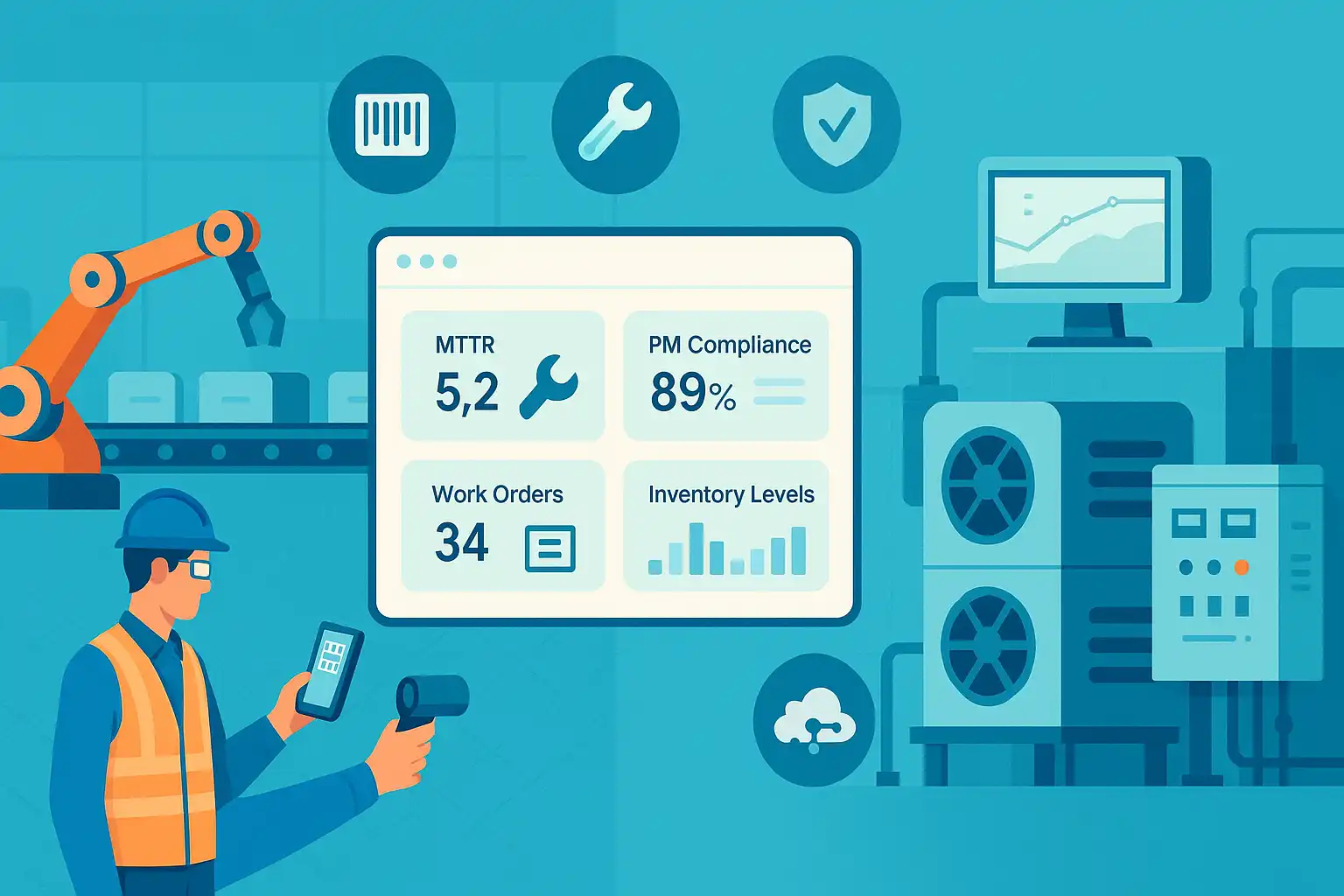
Maintenance managers and operations teams juggle countless tasks every day. From tracking work orders to keeping equipment running, the pressure is on to deliver results fast. That's where modern maintenance management software steps in.
The right CMMS features don't just replace paperwork - they transform how work gets done, streamline daily routines, and empower your team to focus on what matters most.
Let's see how the digital CMMS solutions of today make maintenance easier, more reliable, and a whole lot less stressful.
Why Modern Maintenance Teams Need Digital Solutions
Gone are the days of hunting through file cabinets or chasing missing work orders on sticky notes. Maintenance teams still relying on manual systems often waste hours on paperwork, struggle with lost information, and risk missing critical maintenance tasks.
Digital CMMS platforms address these issues by consolidating all necessary information in one central location, automating routine tasks, and providing instant access to data.
For maintenance managers, this means less time spent on admin and more time focused on keeping equipment running and teams productive.
Paperwork Reduction and Time Savings
Manual paperwork creates headaches: lost forms, incomplete records, and time wasted on double entry. CMMS software centralizes all maintenance data, so forms and checklists are easy to find and update.
Digital documentation eliminates errors from messy handwriting and misplaced files. With everything stored securely in the cloud, your team can pull up work orders, asset histories, or inspection records with a few clicks, saving hours each week.
Greater Visibility for Managers
Staying on top of assets, open work orders, and team workloads is nearly impossible without real-time visibility. CMMS dashboards give managers instant snapshots of equipment status, overdue tasks, and resource allocation.
You can identify trends, pinpoint bottlenecks, and assign tasks based on actual priorities. This level of insight helps you plan smarter and avoid costly surprises.
Faster Response to Maintenance Issues
The longer it takes to spot and resolve problems, the higher the risk of extended downtime.
A digital CMMS speeds up every step:
- Work requests flow in instantly
- Managers assign tasks with a click
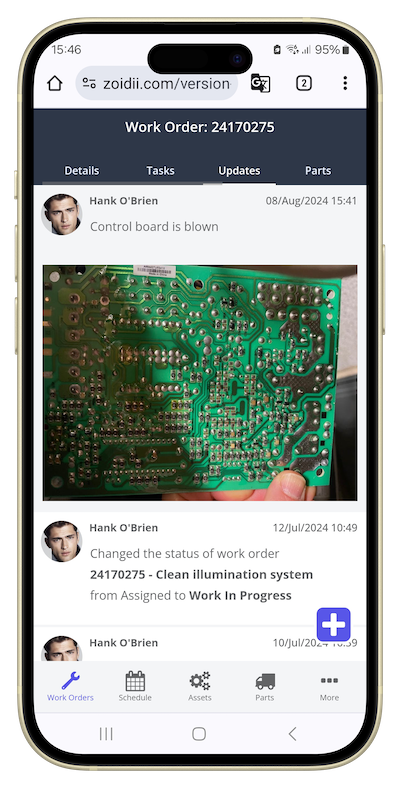
- Technicians update job status from the field
Essential Features That Simplify Maintenance Workflows
Not all maintenance management software is created equal. The best CMMS solutions offer tools tailored to the real-world needs of facilities and manufacturing teams. Here are seven features that take the pain out of maintenance management:
1. Work Order Management
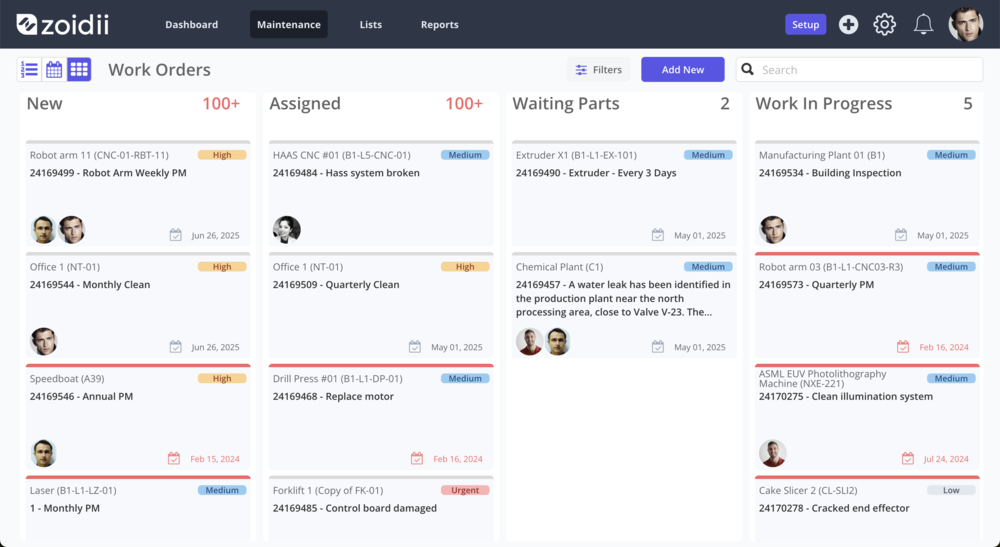
Forget paper slips and endless email threads. A digital work order management system lets you create, assign, and track work requests from start to finish.
Prioritize urgent fixes, monitor progress in real time, and keep a full history of completed tasks.
This organized approach makes sure everyone knows what needs doing and nothing slips through the cracks.
2. Preventive Maintenance Scheduling
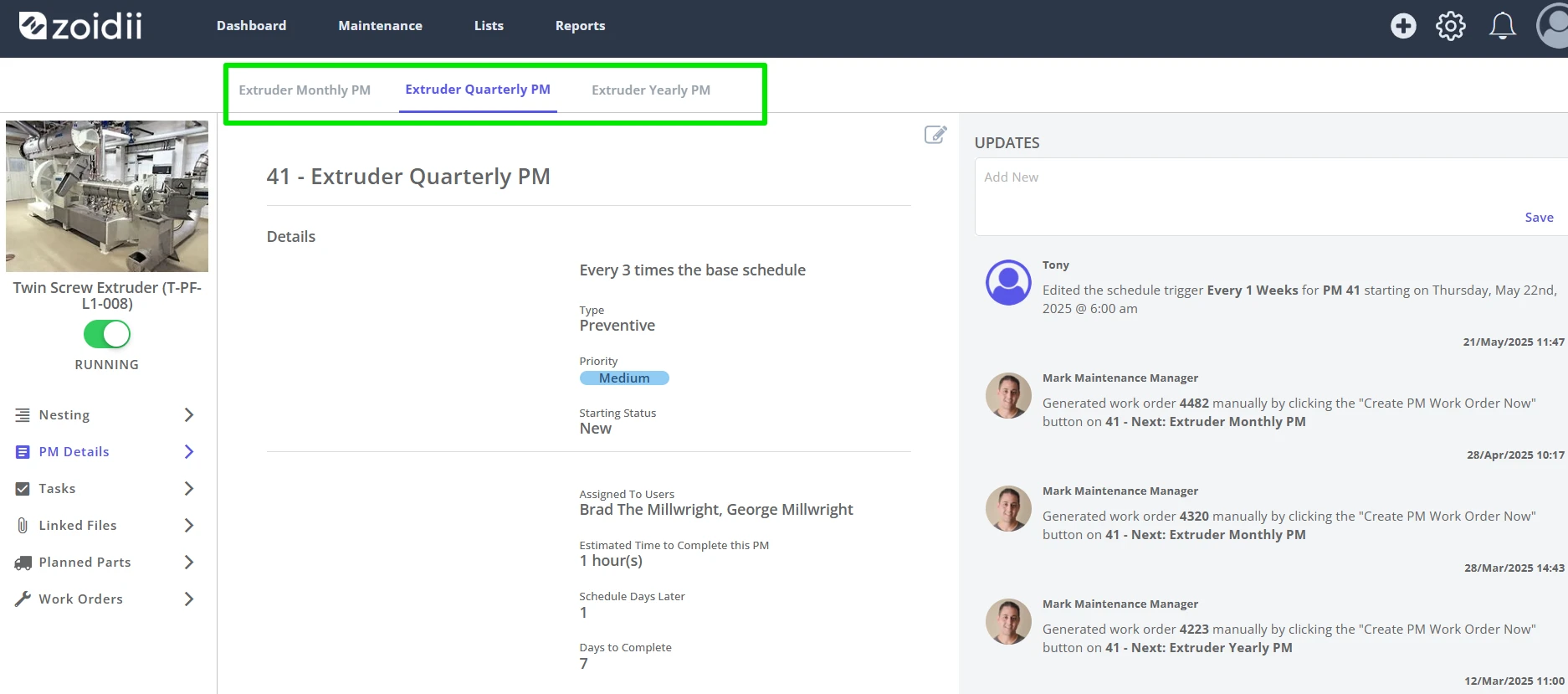
Breakdowns are costly and disruptive, especially when they could have been avoided. Automated preventive maintenance scheduling keeps your assets in top shape by triggering service tasks at the right intervals.
Set up recurring PMs, attach digital checklists, and get reminders before deadlines. The result? Fewer emergencies and longer equipment life.
3. Inventory Management
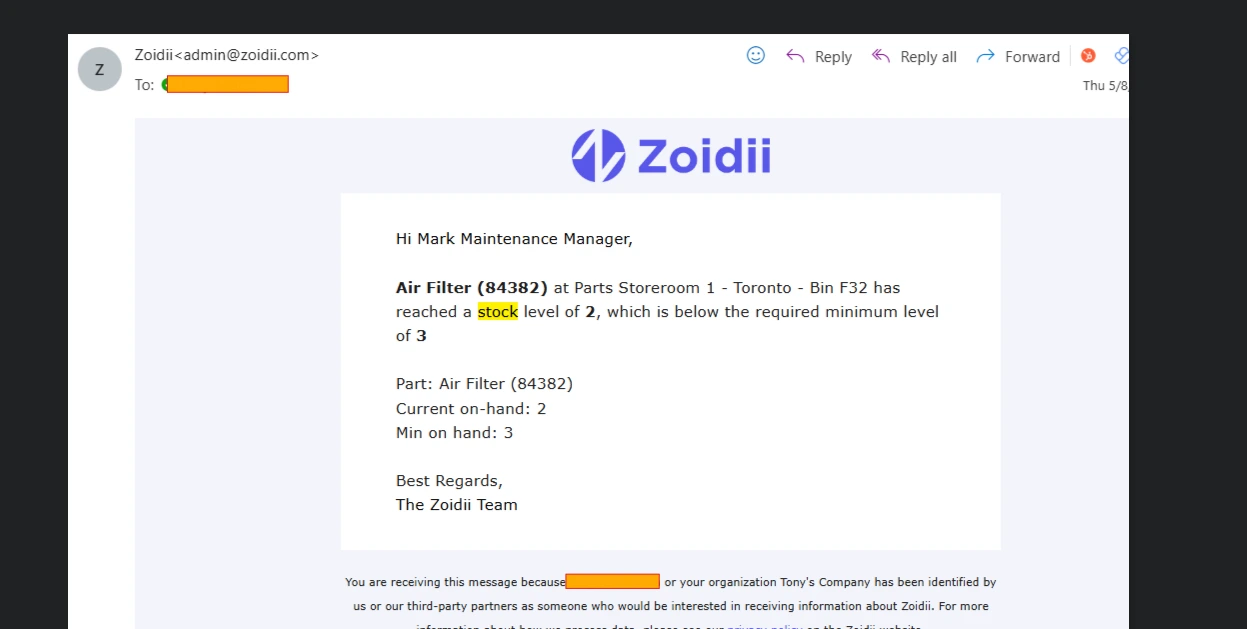
Running out of spare parts can grind operations to a halt. With inventory management tools, you always know what's on hand and what needs reordering.
Automated tracking reduces manual counts, while low-stock alerts prevent last-minute scrambles. Centralized inventory also means less overstocking and less money tied up in unused parts.
4. Mobile CMMS Access
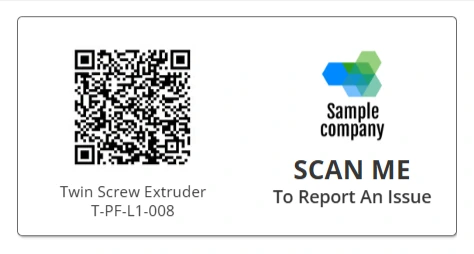
Maintenance doesn't stop at the office door. A mobile CMMS app puts everything your team needs right in their pocket. Techs can receive assignments, check manuals, upload photos, and mark jobs complete from the field. This flexibility improves response times and cuts down on back-and-forth calls.
5. Maintenance Checklists
Consistency matters, especially for inspections and safety routines. Maintenance checklists standardize your procedures, guiding techs through every step.
Digital checklists are easy to update, track, and review - helping you ensure nothing gets skipped and compliance is always documented.
6. Multi-Site Management
Organizations with several facilities face extra challenges. Multi-site management lets you oversee all locations from a single dashboard, while still allowing site-specific controls.
Assign roles, compare performance, and roll out company-wide PM programs without losing sight of individual site needs.
7. Guest Work Requests
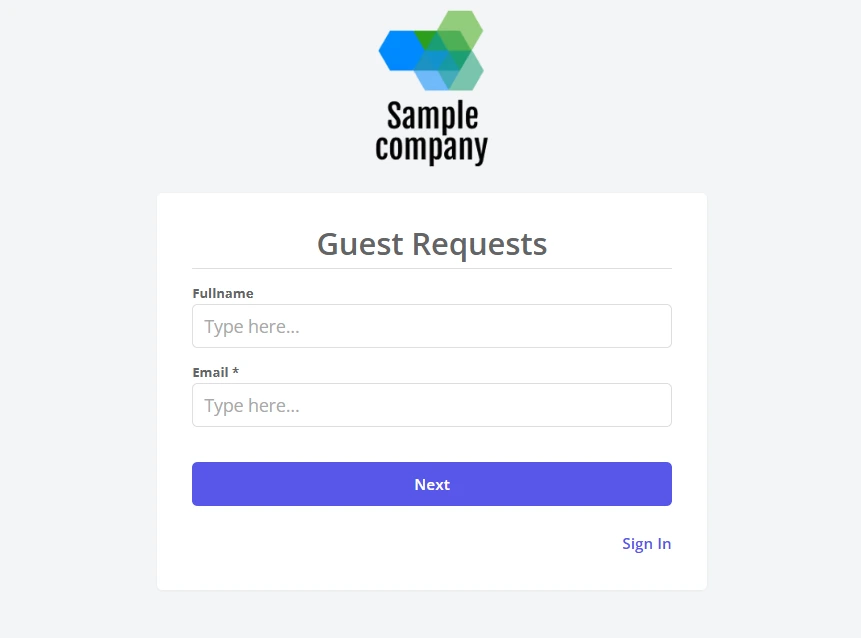
Sometimes, maintenance starts outside your department. Guest work requests allow anyone (like office staff or external contractors) to submit a maintenance need without a login. This simple web form feeds directly into your work order queue, so nothing important gets lost in the shuffle.
Empowering Maintenance Teams With Smart Tools
Great CMMS features do more than automate tasks - they empower your team to work smarter, communicate clearly, and make better decisions.
Task Clarity and Accountability
Digital assignments leave no room for confusion. Techs see exactly what's expected, with due dates, checklists, and asset info attached. Status updates show who's working on what, so managers and team members always know where things stand.
Data-Driven Decision Making
Every completed work order and inspection builds a valuable maintenance history. Usage analytics highlight recurring issues, high-cost assets, or overdue PMs. With this data, you can plan budgets, justify staffing, and spot trends before they turn into problems.
Flexible Access and Permissions
Not every user needs the same level of access. CMMS platforms let you define roles for managers, supervisors, techs, and guests. Combine this with mobile access, and your team always has the right tools on the shop floor or on the go.
See Zoidii in Action
Ready to see how these CMMS features work in real life? Zoidii was designed to simplify, accelerate, and ensure the reliability of maintenance management for teams of all sizes.
Book a Demo With Zoidii
Get a hands-on look at how Zoidii's work order, preventive maintenance, inventory, and mobile tools can streamline your operation.
Schedule a personalized walkthrough today.
Take the Next Step Toward Maintenance Excellence
Staying ahead in maintenance means using the best tools, learning from peers, and getting expert support when you need it.
Contact Zoidii for Expert Guidance
Have questions or need advice on your maintenance setup? Our team is here to help you get started or fine-tune your processes. Contact Us for personalized support.
With the right CMMS features, maintenance management becomes simple, predictable, and empowering for everyone involved.
Bring order to your workflow, boost your team's productivity, and enjoy the confidence that comes from using Zoidii, maintenance made easy.