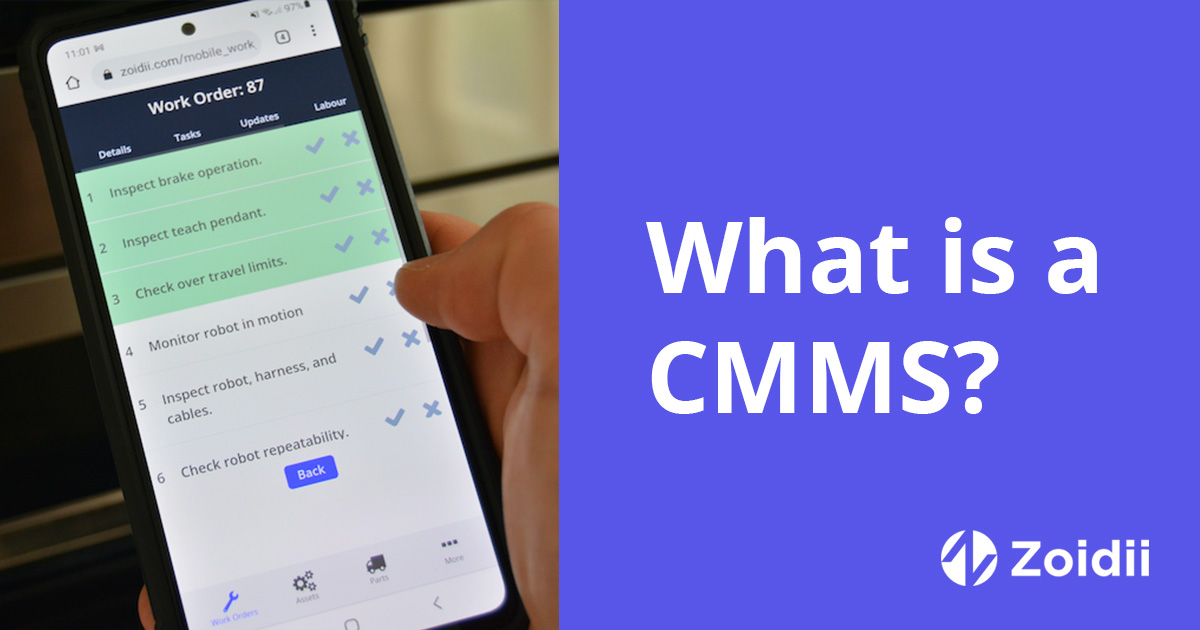
Choosing a computerized maintenance management system (CMMS) that serves both the manufacturing floor and facilities operations is a high-leverage decision.
The right platform unifies asset care across production equipment, buildings, and grounds—reducing downtime, improving compliance, and giving you a single source of truth for work.
Below is a practical guide to the features and functionality that distinguish a CMMS capable of excelling in both environments.
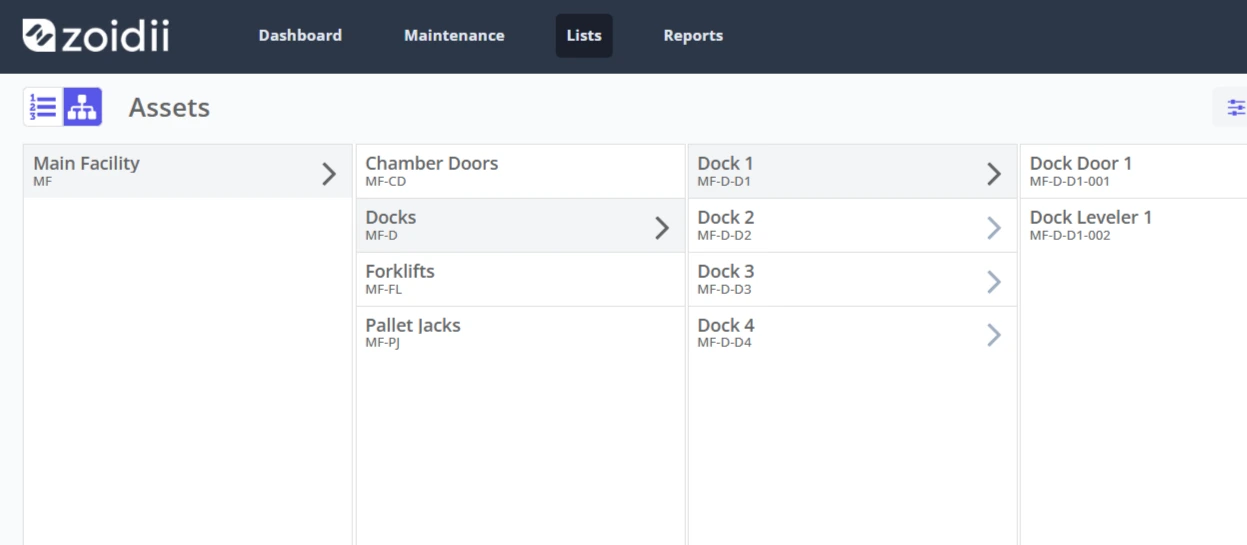
1. Unified Asset Registry with Granular Hierarchies
Start with the asset database. A dual-purpose CMMS should enable you to map a comprehensive hierarchy—from sites and plants to lines, rooms, systems, and child components.
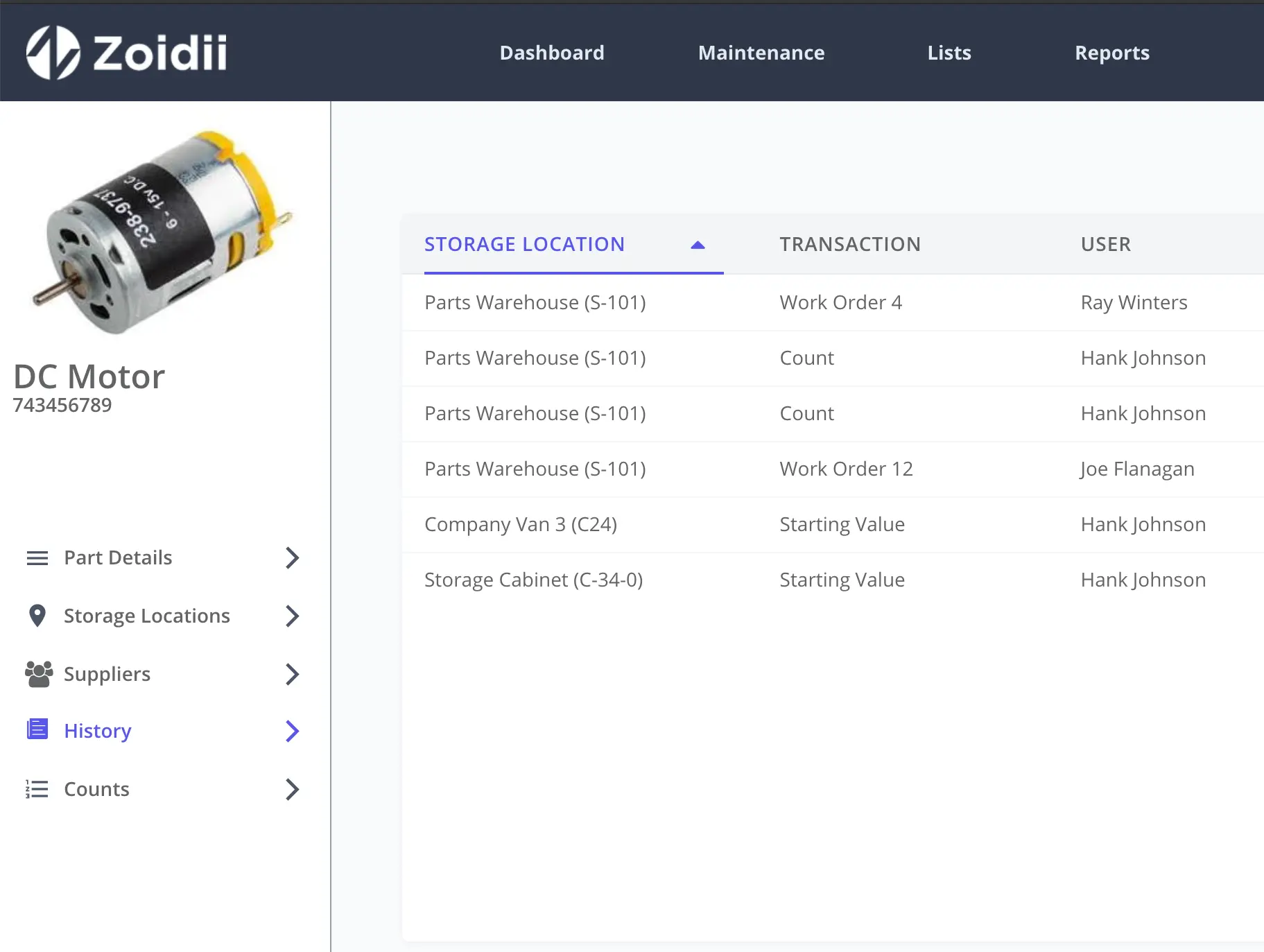
On the manufacturing side, you’ll want line/equipment/subassembly structures, as well as spare parts BOMs and counters (such as cycles and hours). For facilities, look for spaces and systems (HVAC, electrical, and plumbing) that can link assets to specific rooms, floors, and buildings.
QR code/barcode support is essential, allowing technicians to scan equipment in the field and instantly view its history, parts, and procedures.
Must-haves:
- Unlimited hierarchy depth; parent/child relationships
- Multiple asset types (production, utilities, building systems)
- Bulk import/migration tools, and easy attachment of manuals, schematics, and floor plans
2. Work Order Management That Fits the Real World
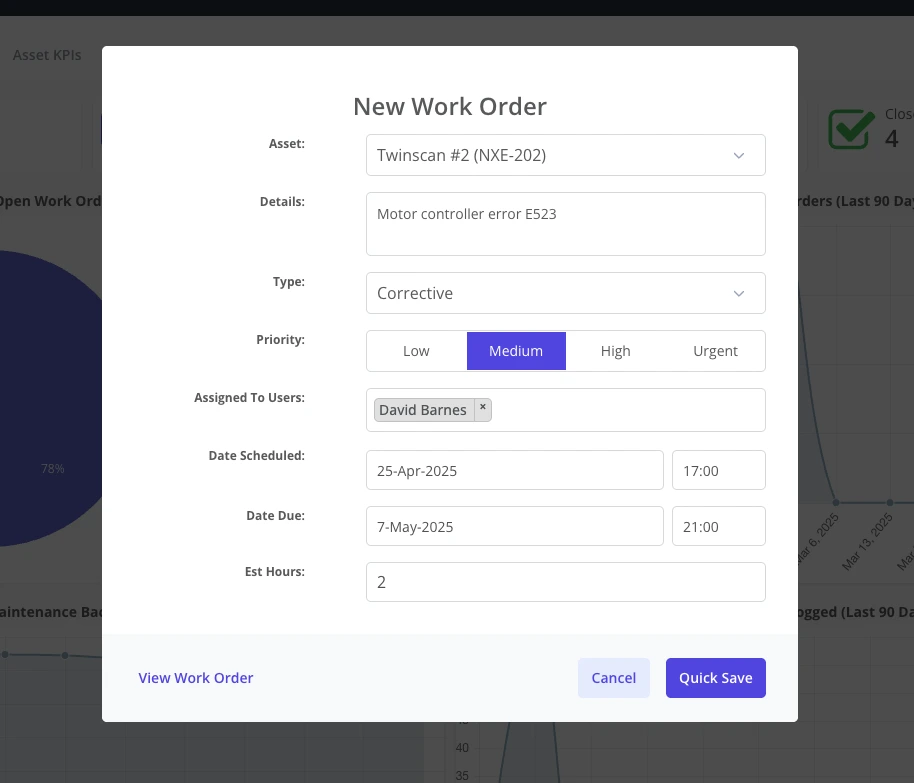
The work order engine is where time is won or lost. For production, the CMMS should support reactive, preventive, and predictive work, as well as rapid triage of line-down events.
For facilities, expect a tidy service request portal for occupants, notifications to the right individuals, and SLA timers.
Look for:
- Priority levels and automated due dates based on priority
- Visual planning boards to balance labor across production and facility work
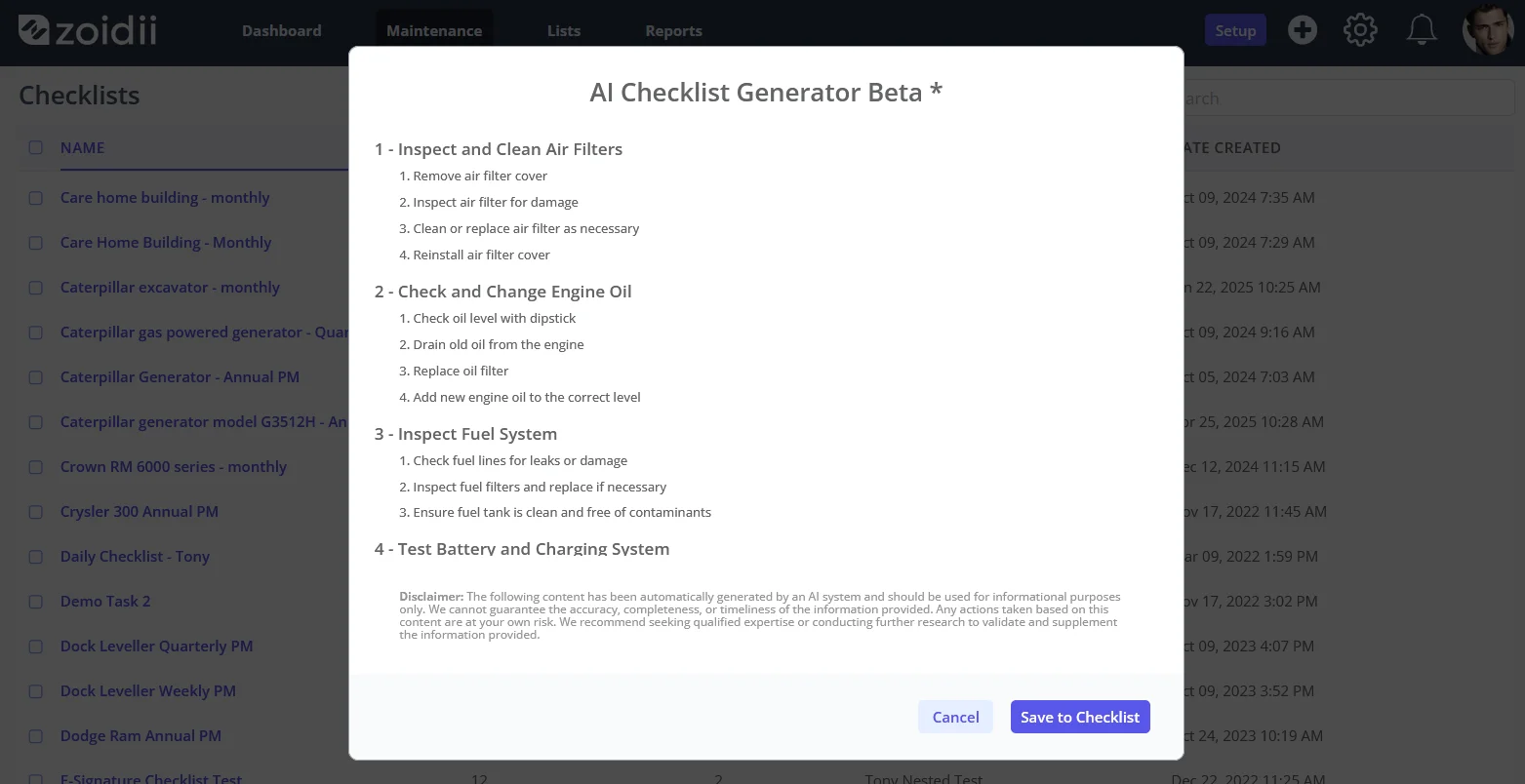
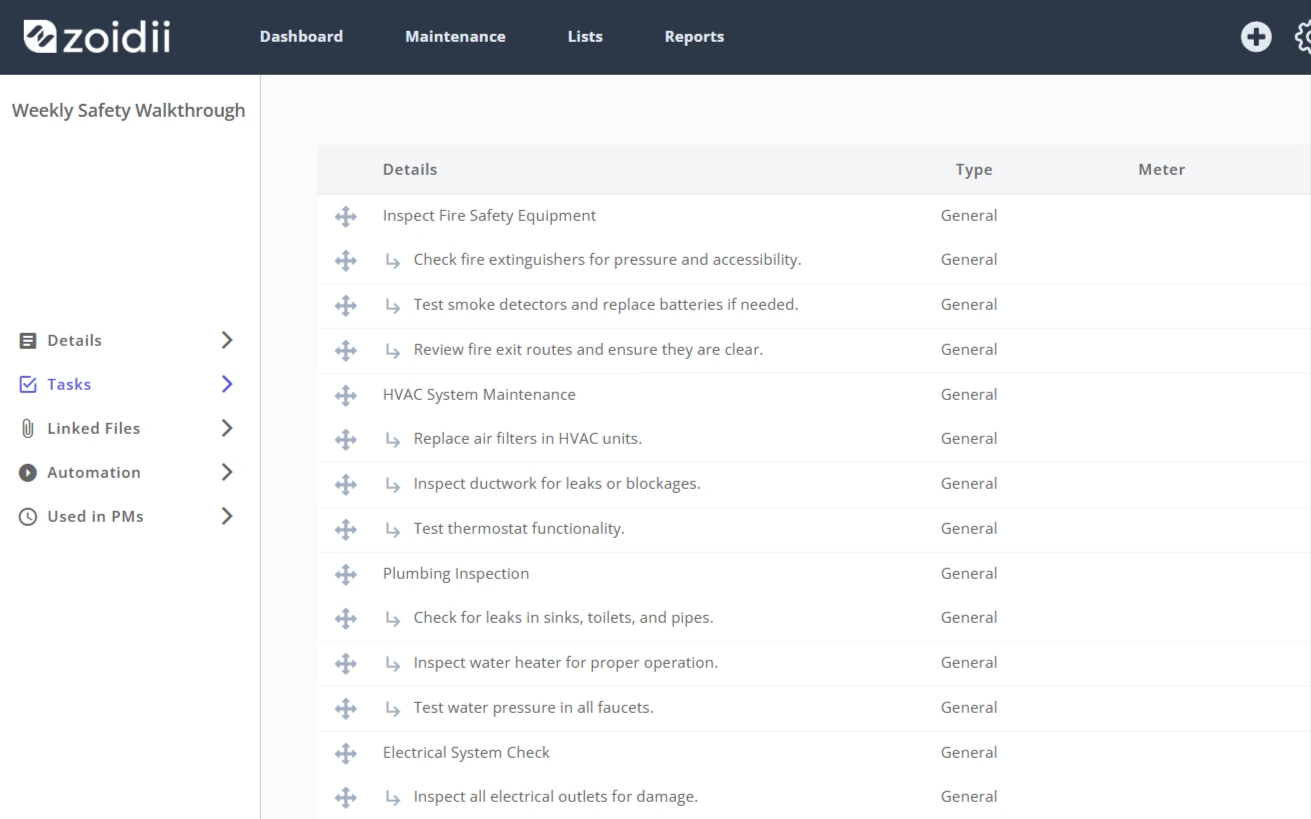
- Checklists and procedures with version control and required sign-offs
- Mobile app so techs can capture work anywhere (basements, mechanical rooms, outdoor grounds)
3. Preventive, Predictive, and Condition-Based Maintenance
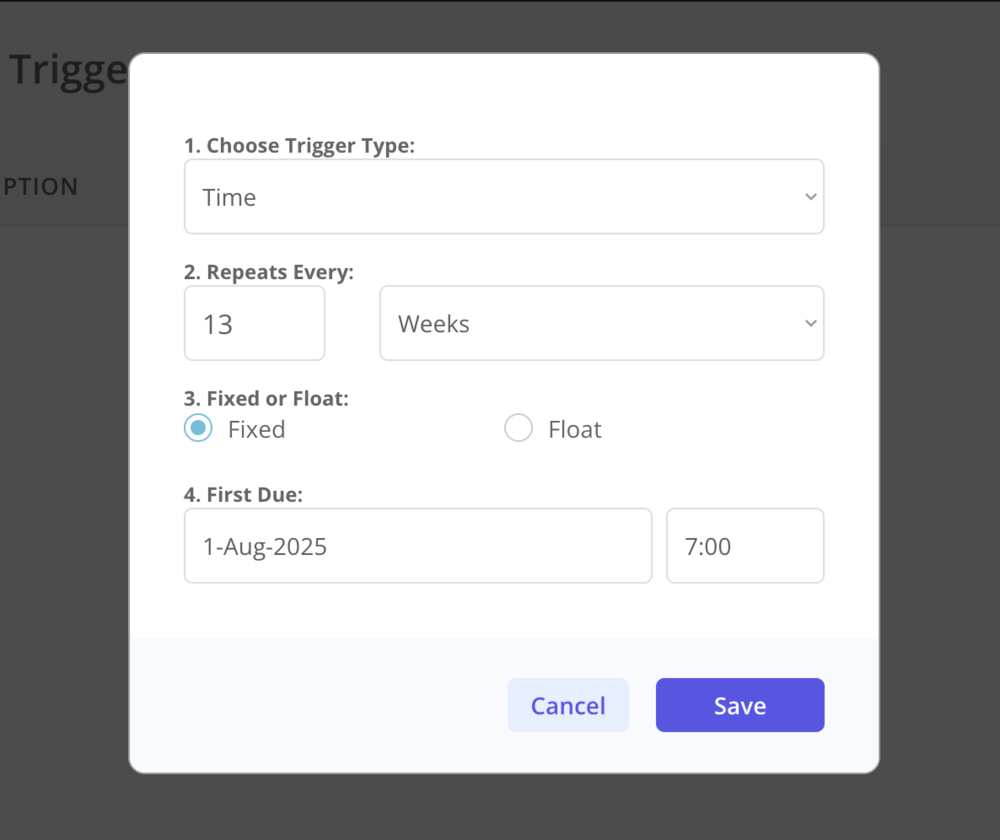
A strong PM engine reduces firefighting. Your CMMS should schedule PMs by time, usage, or condition, and make it easy to refine intervals based on history.
Key capabilities:
- Time-based, meter-based (hours, cycles), and measurement-based triggers
- Automatic generation of PM work orders with parts pre-kitted
- Condition monitoring inputs (vibration, temperature, oil analysis) and simple rules (e.g., “if vibration > threshold, create WO”)
- Integration options to pull counters from PLCs, SCADA, BMS, or IoT sensors
- Calibration management for instruments
4. Inventory and MRO Parts That Don’t Slow You Down
Production suffers when a $5 seal is missing. A dual-role CMMS should make MRO inventory straightforward across both the storeroom and satellite cages.
Expect:
- Min/max and reorder points with automated purchase requests
- Kitting for PMs and campaign maintenance
- Vendor links and approved substitutes
- Multi-site visibility with transfer workflows and lead-time analytics
5. Downtime, Reliability, and Operations Linkages
The manufacturing side needs visibility that maintenance alone can’t provide. Look for features that connect equipment care with production metrics.
Valuable inclusions:
- Downtime capture with root-cause codes aligned to reliability frameworks
- MTTR/MTBF trending and Pareto analysis by line, asset, and cause
- Planned maintenance windows and coordination tools with production schedules
6. Facilities-Focused Work: Spaces, Systems, and Occupants
Facilities teams need a different lens: people, space, comfort, and code compliance.
Facilities strengths to seek:
- Space and room relationships (link assets and tasks to locations)
- Request portal for occupants with photo uploads and status transparency
- Custodial routes, fire/life-safety inspections, and compliance calendars
- Utilities tracking—link tasks and faults to meters, chilled water, steam, compressed air, and other relevant systems.
7. Compliance, Safety, and Audit-Readiness
Whether you’re meeting OSHA, ISO, FDA/GMP, or local building codes, your CMMS should help—not hinder—compliance.
Choose a system that offers:
- Immutable history of work, parts, sign-offs, and calibration results
- Electronic signatures and role-based approvals for controlled procedures
- Document control for SOPs with change logs
- Safety workflows: LOTO checklists, risk assessments, permits-to-work, hot-work logs
- Automated report packs for audits (by asset, by time window, by regulation)
8. Mobile-First Experience for Technicians
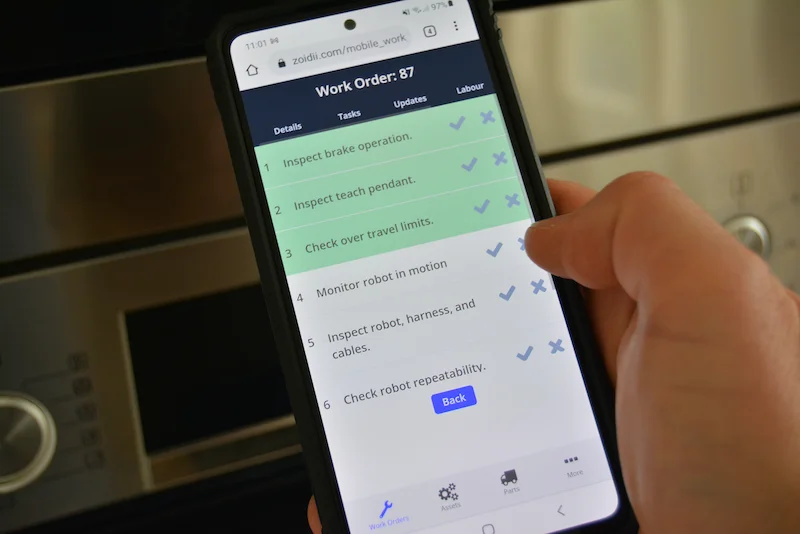
If it isn’t easy on a phone, technicians won’t use it. Insist on a mobile app that feels modern.
Practical features:
- Fast scan-to-asset with QR/barcode/NFC
- Photo and video capture, and voice-to-text notes
- Clear checklists with steps and smart fields (meter reading entries, comments)
- Push notifications for assignments, escalations, and parts arrivals
9. Scheduling, Labor, and Contractor Management
Workforce reality: you’ll blend in-house trades with contractors.
Look for:
- Drag-and-drop scheduling
- Shift calendars and overtime controls
- Contractor portals for safe onboarding, permits, and digital timecards
10. Analytics That Drive Better Decisions
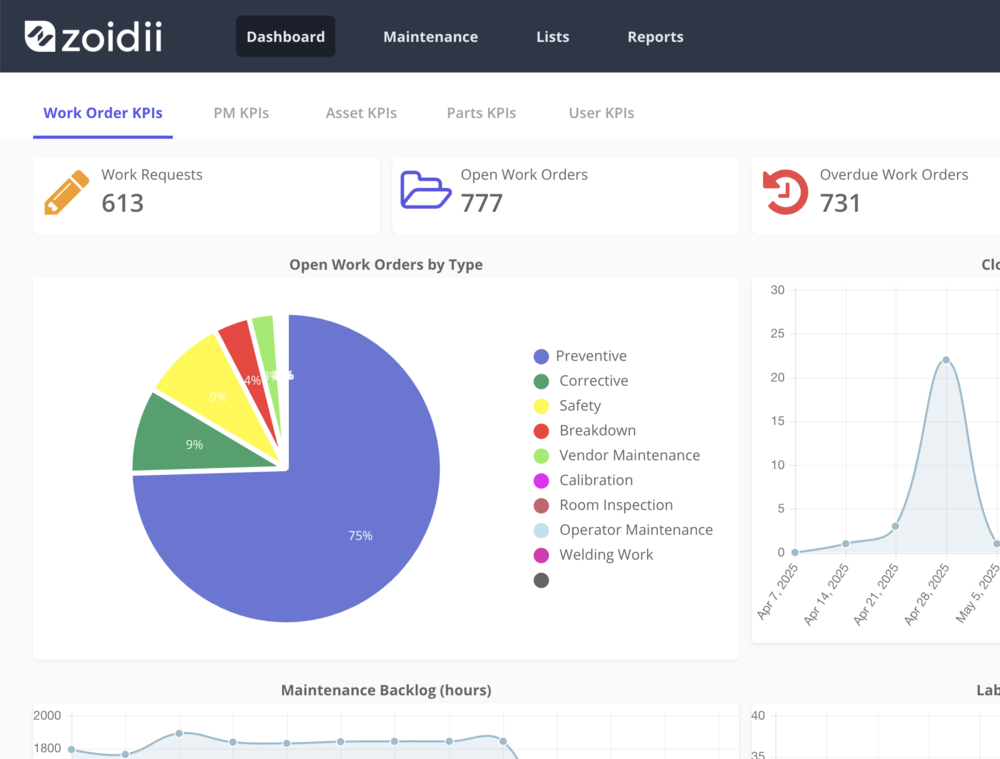
Reports shouldn’t require a data scientist. The CMMS should ship with dashboards for both manufacturing and facilities stakeholders and allow ad-hoc slicing.
Essential KPIs and views:
- Backlog health, compliance with the PM plan, wrench time, and schedule adherence
- MTTR/MTBF
- Facilities SLAs (response/resolve time), comfort complaints, and past due work orders
- Cost per asset and cost per area
11. Implementation Aids and Change Management
Feature depth is moot if adoption lags. Evaluate the vendor’s tooling and services for getting you live fast.
Helpful enablers:
- Templates for common PMs (HVAC, pumps, conveyors, presses) or an AI-enabled checklist generator
- Assisted data migration and cloning capabilities to make implementations easier
- In-app walkthroughs, micro-videos, and searchable procedures
- Sandbox/test environments
- Clear permission models for production and facilities teams to avoid noise
12. Security, Reliability, and Deployment Options
Maintenance data includes floor plans, security systems, and critical infrastructure—treat it like crown jewels.
Non-negotiables:
- Proven uptime and transparent status history
- Role-based access
- Encryption in transit and at rest; IP allow-listing where required
- Audit logs, SSO/MFA, and options for region hosting; on-prem if your compliance demands it
- Regular third-party security attestations and disaster-recovery posture
13. Scalability and Multi-Site Governance
Whether you run one plant or twenty campuses, the CMMS should scale cleanly.
Governance features:
- Global templates with local overrides
- Global reporting and benchmarking
- Visibility into parts across all sites
14. Total Cost of Ownership and Vendor Fit
Finally, look beyond the license price. Consider modules, user tiers, integration effort, and implementation.
Evaluate:
- Pricing transparency (named vs. concurrent users, technician vs. requester seats)
- Included vs. add-on modules (mobile, IoT connectors, advanced analytics)
- Vendor roadmap and support SLAs aligned to your risk profile
Frequently Asked Questions
1. What’s the difference between a CMMS and EAM—and which do we need? A CMMS focuses on maintenance execution: work orders, PMs, inventory, and technician workflows. EAM (Enterprise Asset Management) provides broader lifecycle controls, including capital planning, depreciation, and contract management.
If your primary need is to standardize maintenance across production and facilities with strong mobile, PM/PdM, and inventory features, a CMMS is typically sufficient.
If you require comprehensive financial asset governance across multiple sites and asset classes, consider EAM—or a CMMS that can evolve into it.
2. How does a CMMS support both manufacturing and facilities without creating noise? Look for multi-site/multi-department setups with role-based permissions, asset and work “domains,” and configurable notifications. Use separate request portals and SLA policies per group, while sharing global templates and parts catalogs.
This keeps data unified for reporting but ensures technicians only see relevant assets and work.
4. How do we measure ROI for a CMMS across plants and buildings? Track a mix of reliability and service metrics: PM compliance, MTTR/MTBF, unplanned downtime hours, work backlog health, wrench time, and SLA response/resolve times.
Translate improvements into avoided production losses, reduced overtime/expedites, lower energy/utility waste, and extended asset life. Tie costs to assets/areas to show cost per asset and cost per square foot.
4. What’s the fastest path to adoption for technicians and requesters? Start with clean asset hierarchies and a small set of high-impact PMs. Enable scan-to-asset with QR codes, require photo/voice notes, and keep mobile checklists short with mandatory steps.
Roll out simple request portals with auto-routing and status transparency.
Provide in-app micro-training and appoint “super users” to coach peers. Early wins on response time and fewer line-down events build momentum.
Bringing It Together
A CMMS that excels for both manufacturing and facilities unifies assets and work while respecting the differences between a production line and an office—or between an operator’s line-down call and a comfort complaint from the lab.
Prioritize a platform with a flexible data model, mobile-first execution, and audit-ready workflows. If it helps technicians finish the job faster, gives planners real scheduling power, and produces trustworthy analytics for leaders, you’ve found a CMMS that will lift both uptime and occupant experience—without making you manage two separate systems.