Prerequisites
1. Read and understand the Guest Request FAQ's 2. Turn on the Guest Request system via the System Settings section of the CMMS
Procedure
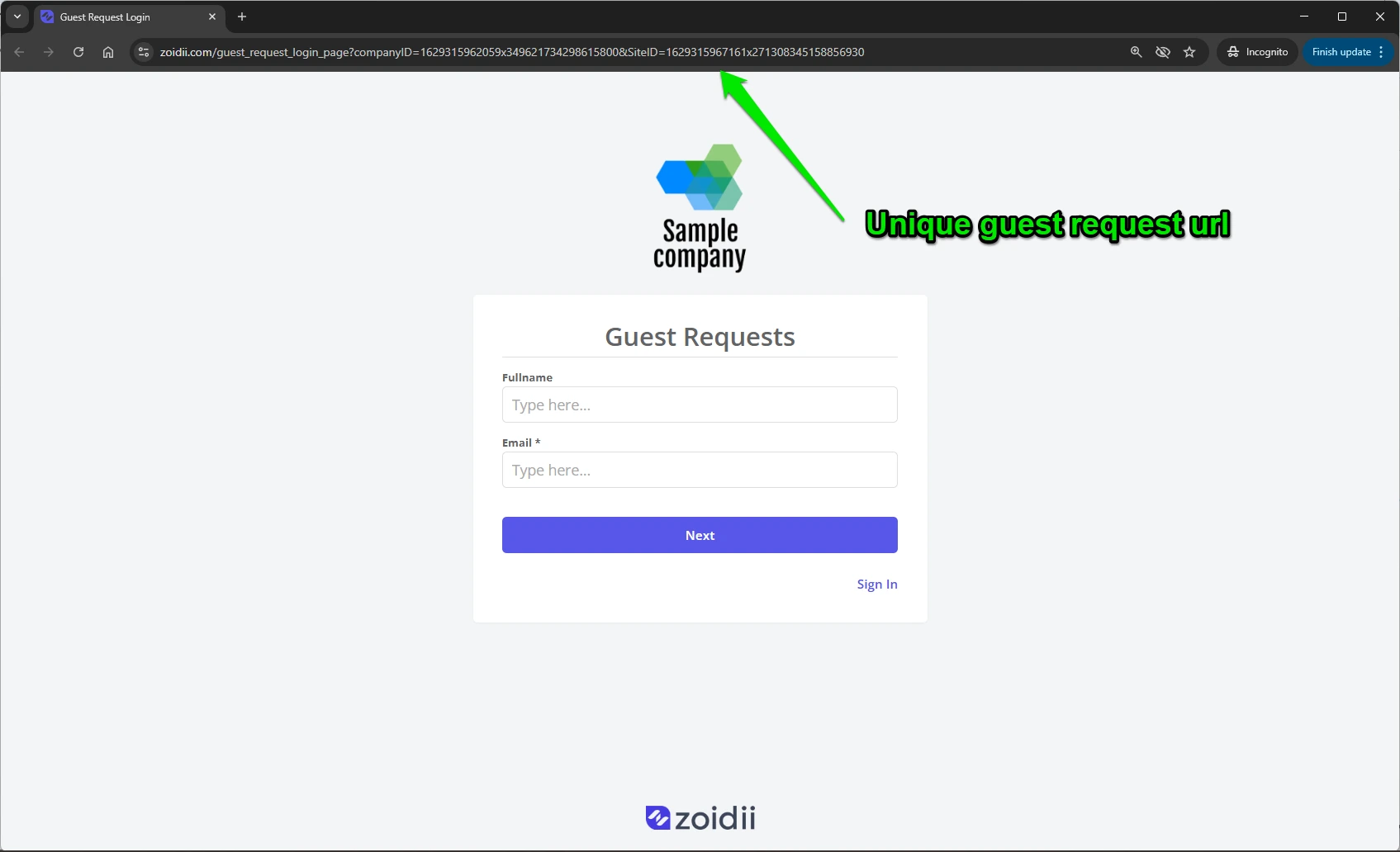
1. Open the guest user login page using the unique guest URL for your company.
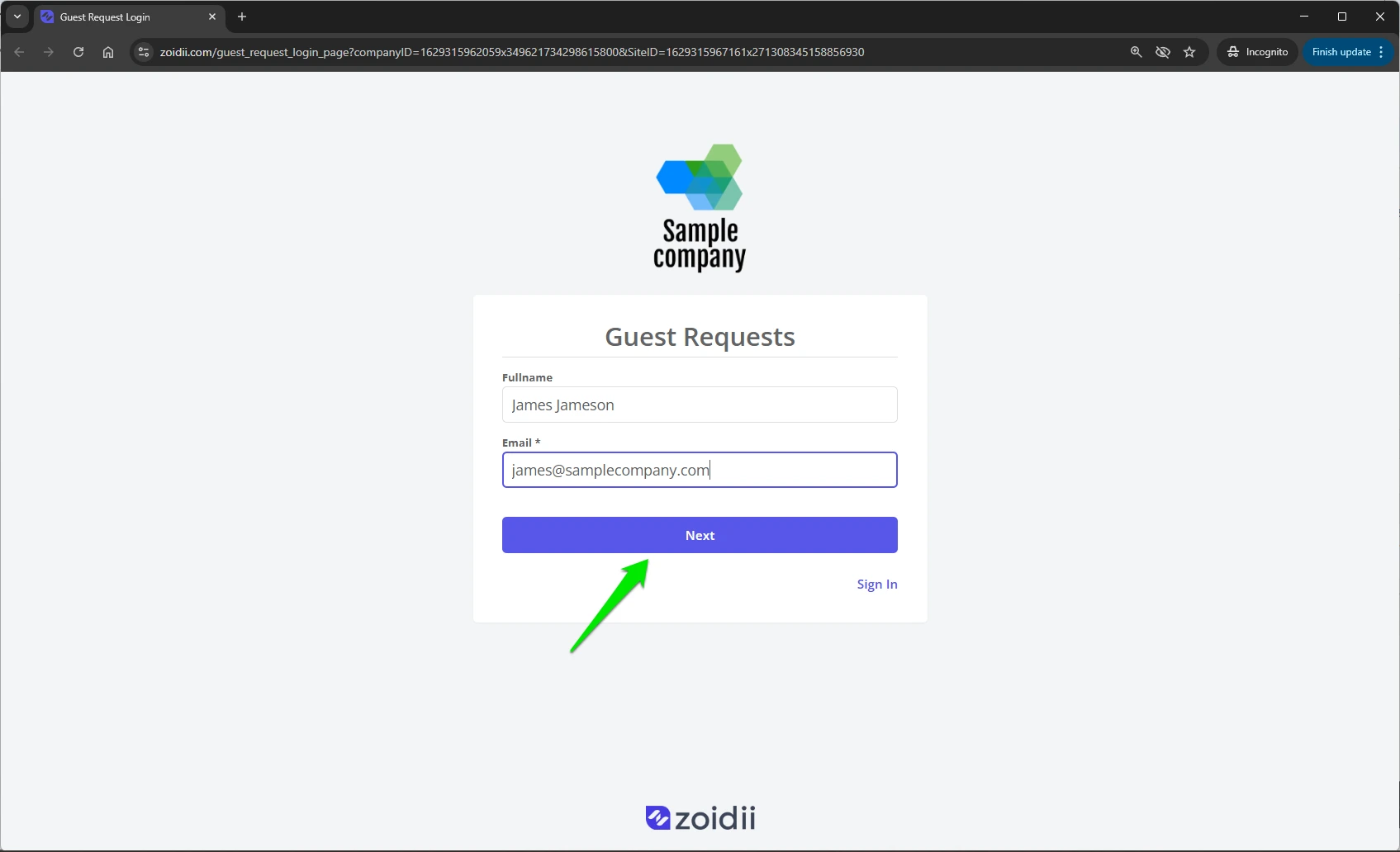
2. Add a name and email address and click Next
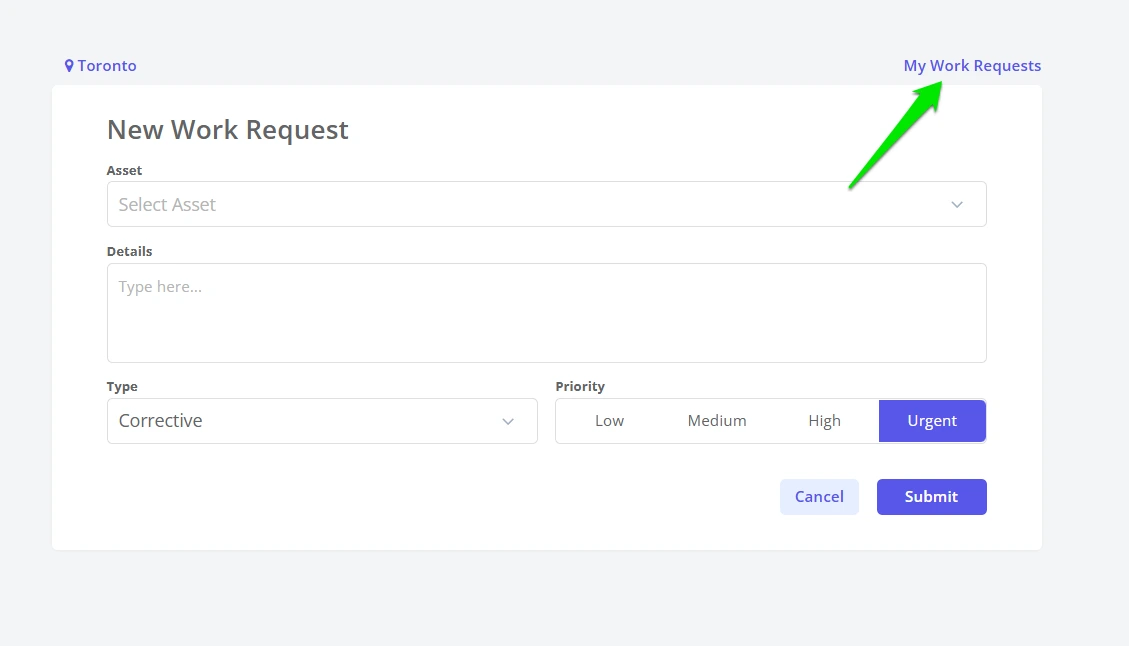
3. In the guest user portal, view the progress on the work request by clicking My Work Requests
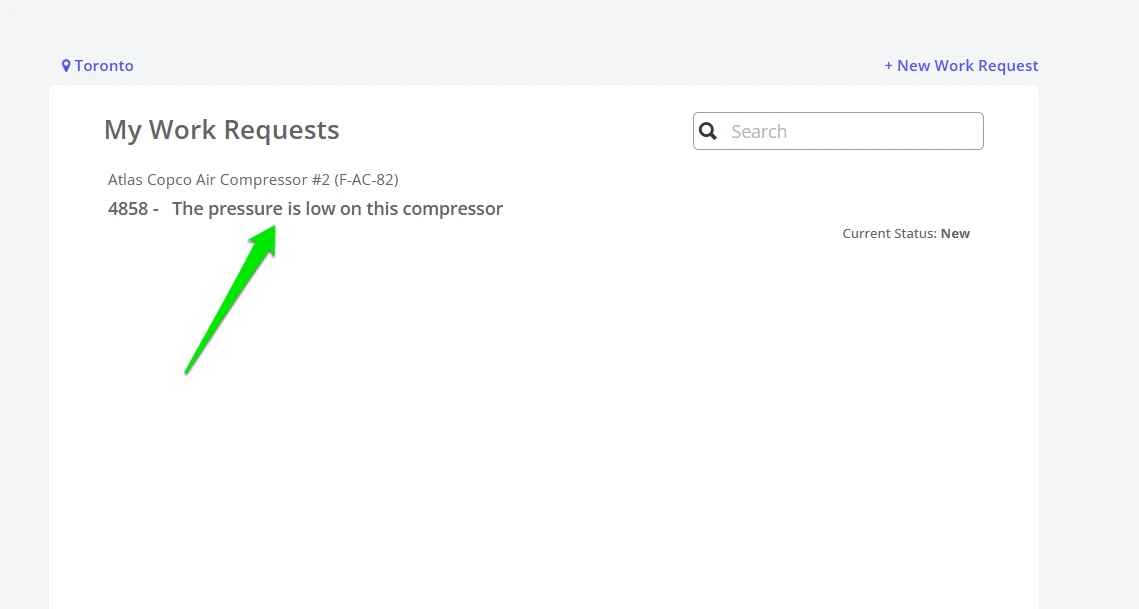
4. The My Work Requests list details all work requests submitted by the guest user, ordered by status.