Background
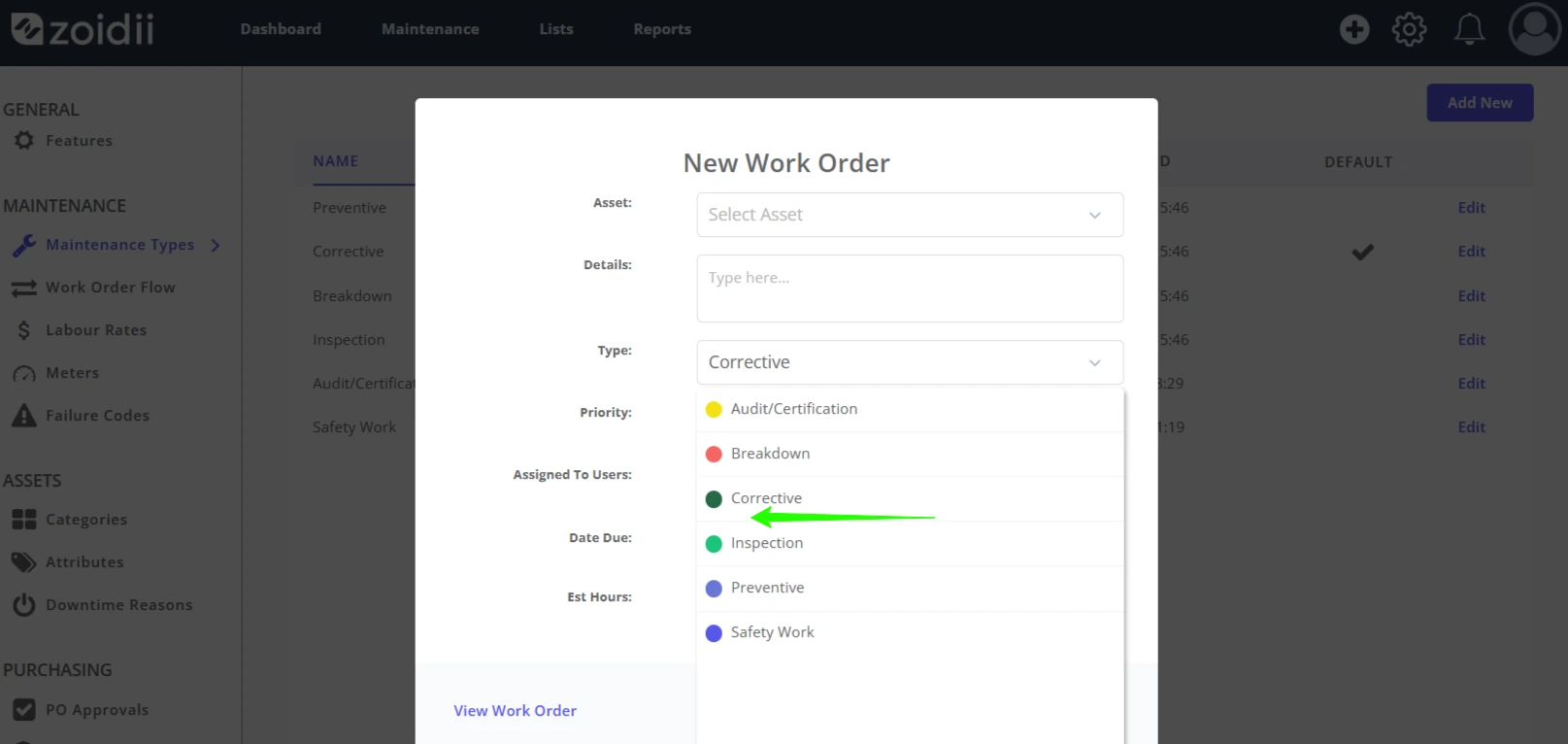
System administrators can delete maintenance types in the settings section of the CMMS. As maintenance types have related history in the database, they are soft deleted and can be recovered. In effect, Zoidii simply turns off and hides the maintenance type. It is no longer available to select when creating new work orders, however, it can still be seen on historical work orders.
Procedure
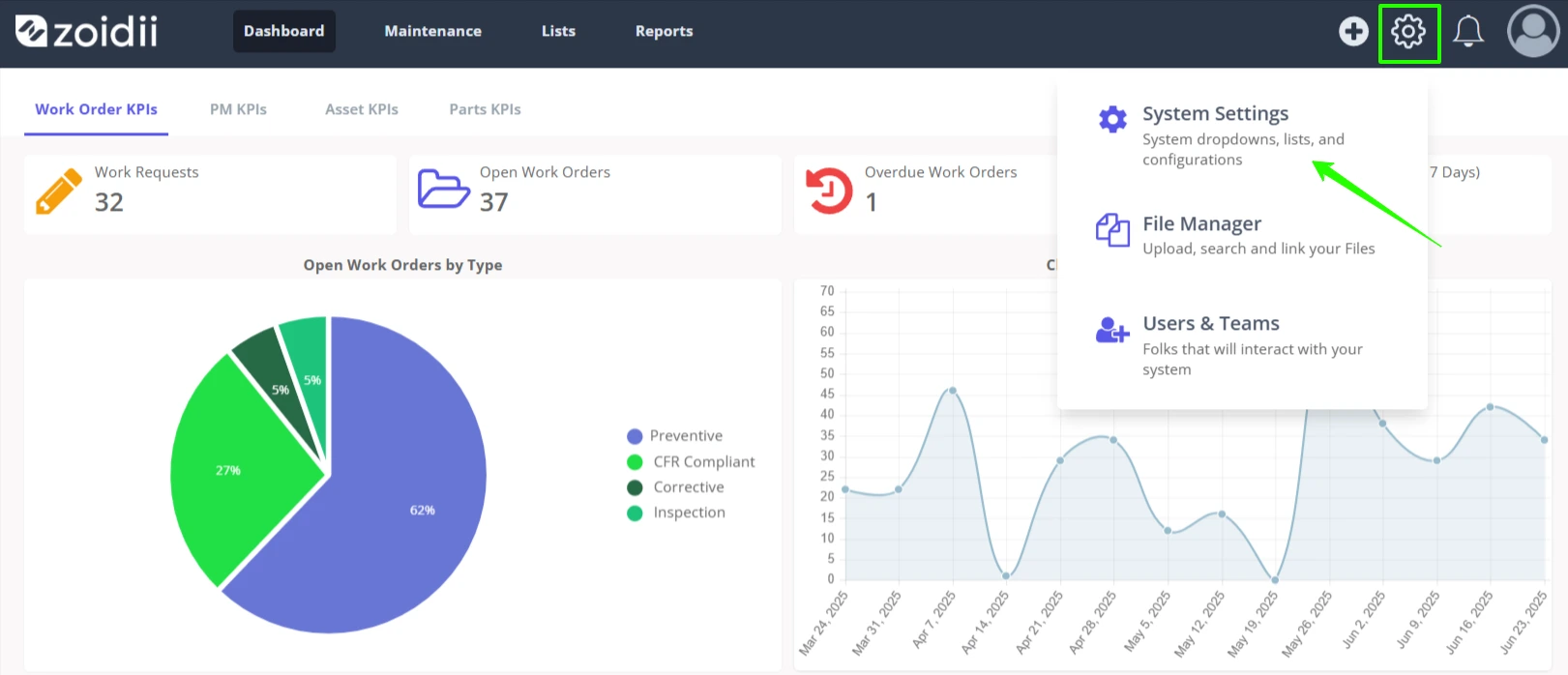
1. On the top right-hand side, click the settings menu icon. Select System Settings
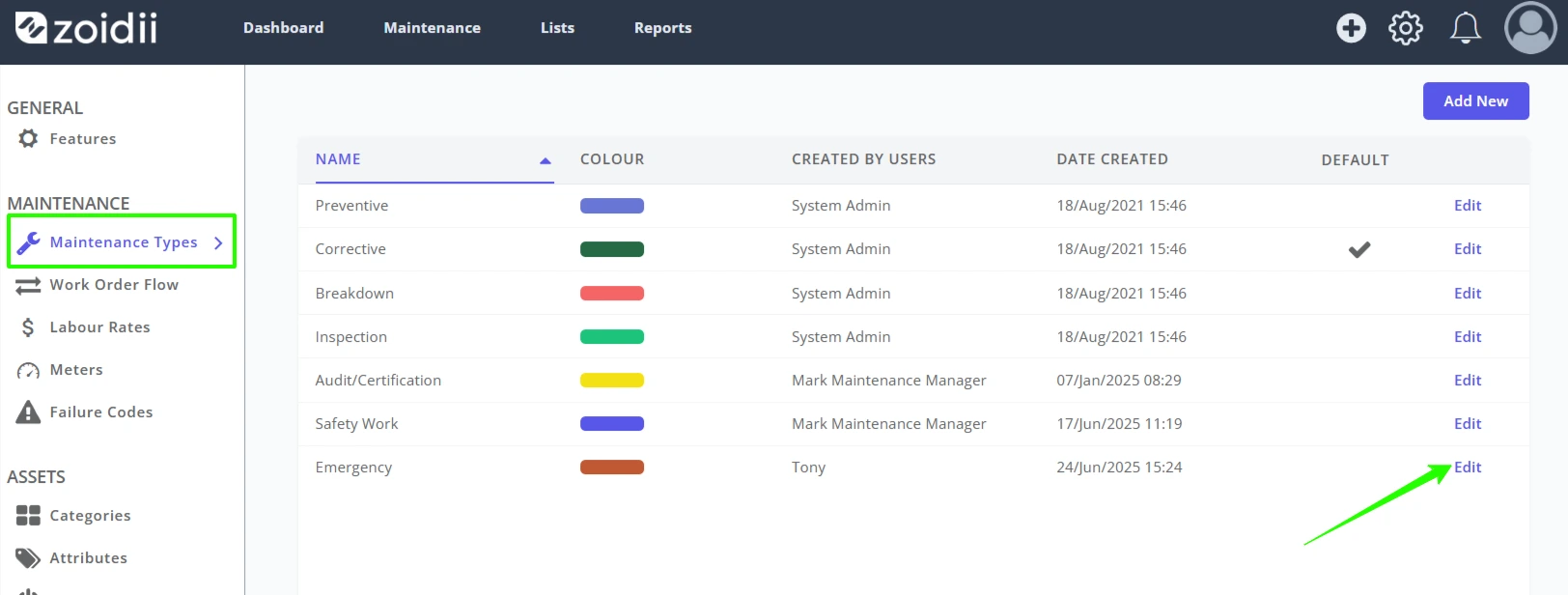
2. Click Edit opposite the maintenance type to be deleted in the Maintenance Type tab. In this case, the Emergency type is to be deleted.
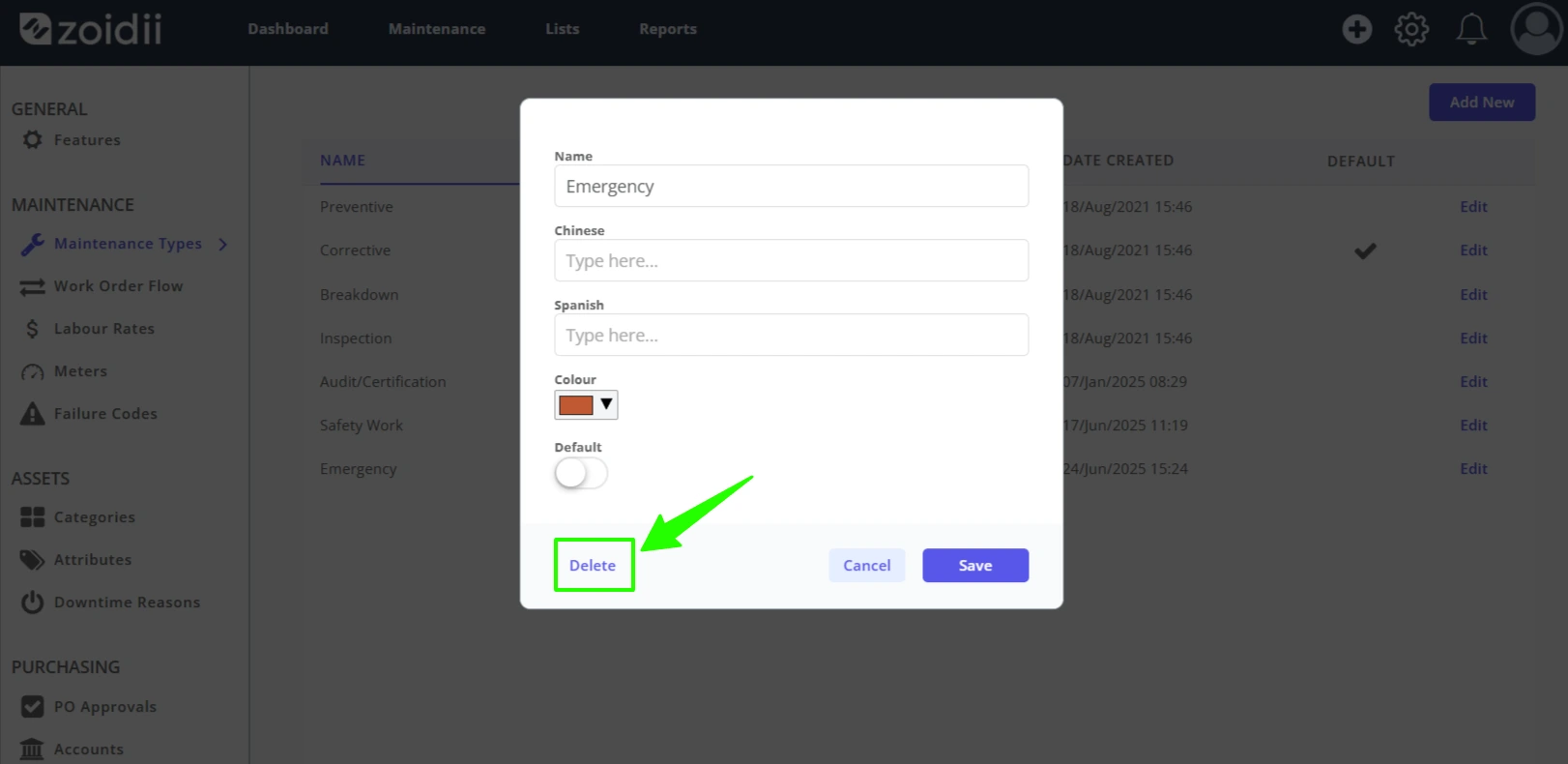
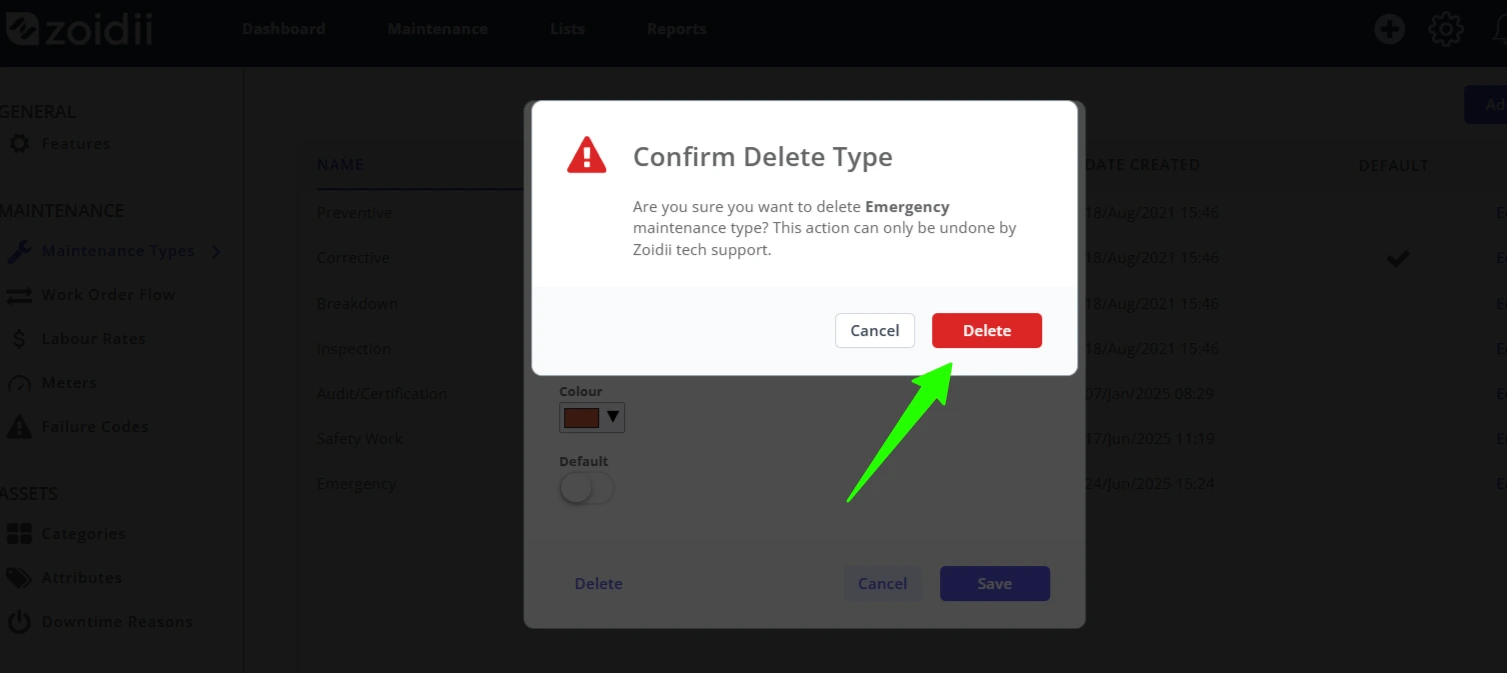
3. Click Delete
4. Confirm the delete action by clicking the red Delete button
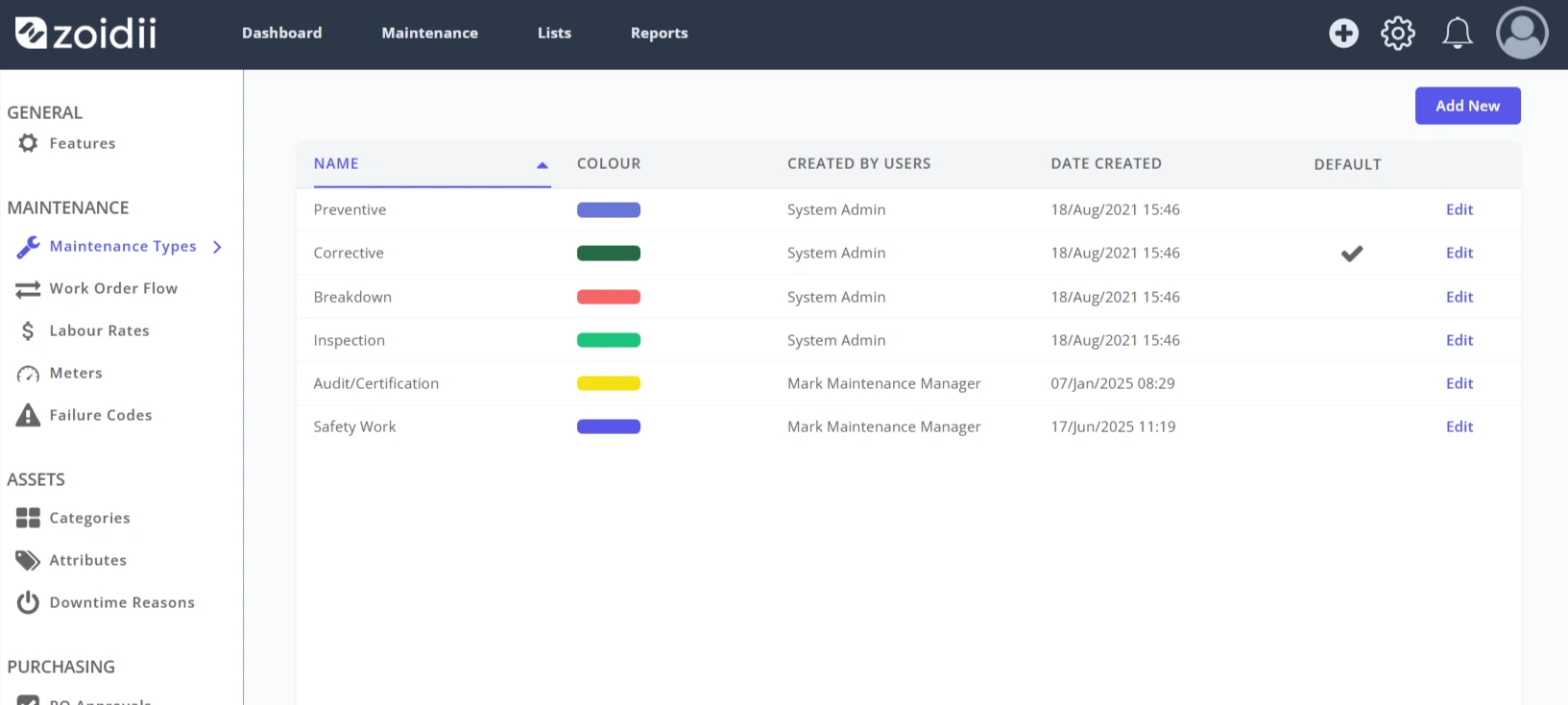
5. The Emergency maintenance type has been deleted and is no longer visible on the maintenance type list
6. The Emergency maintenance type is not available when creating new work orders or PMs