Background
System administrators can delete parts in the parts list section of the CMMS. As parts have related history in the database, they are soft deleted and can be recovered. In effect, Zoidii simply turns off and hides the part. It is no longer available to select when creating new work orders. However, it can still be seen in historical work orders.
Procedure
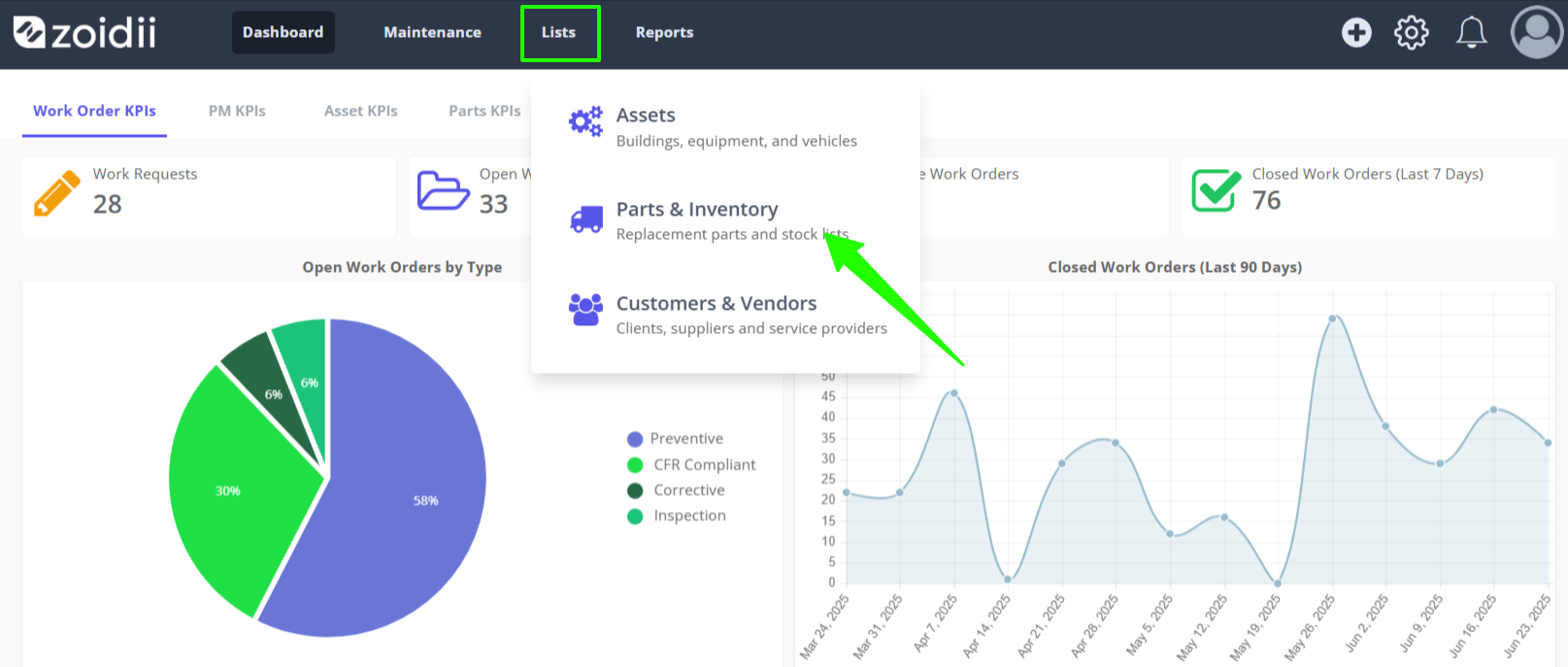
1. Navigate to the parts list screen by clicking Parts in the Lists main menu
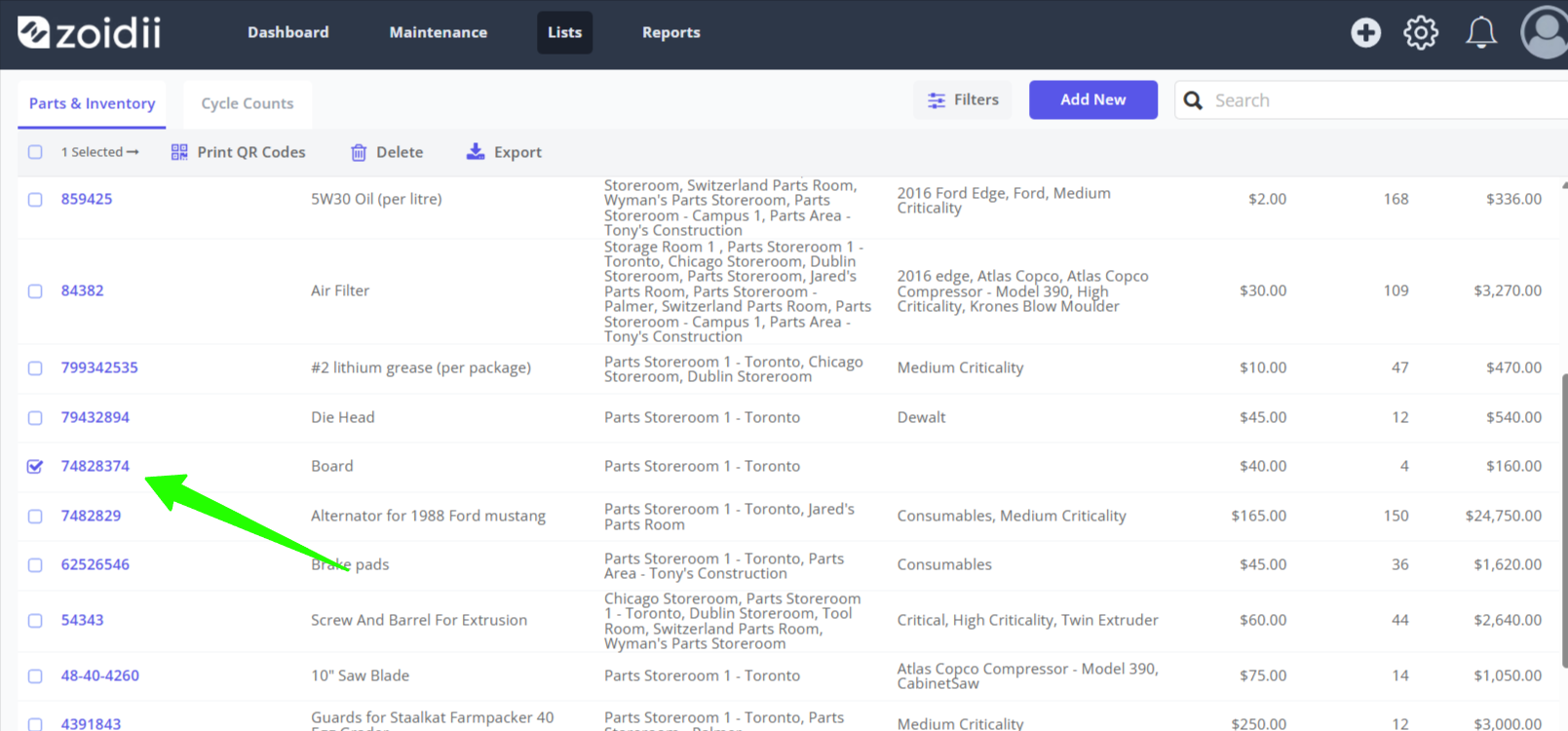
2. Check the checkboxes for the part or parts to be deleted
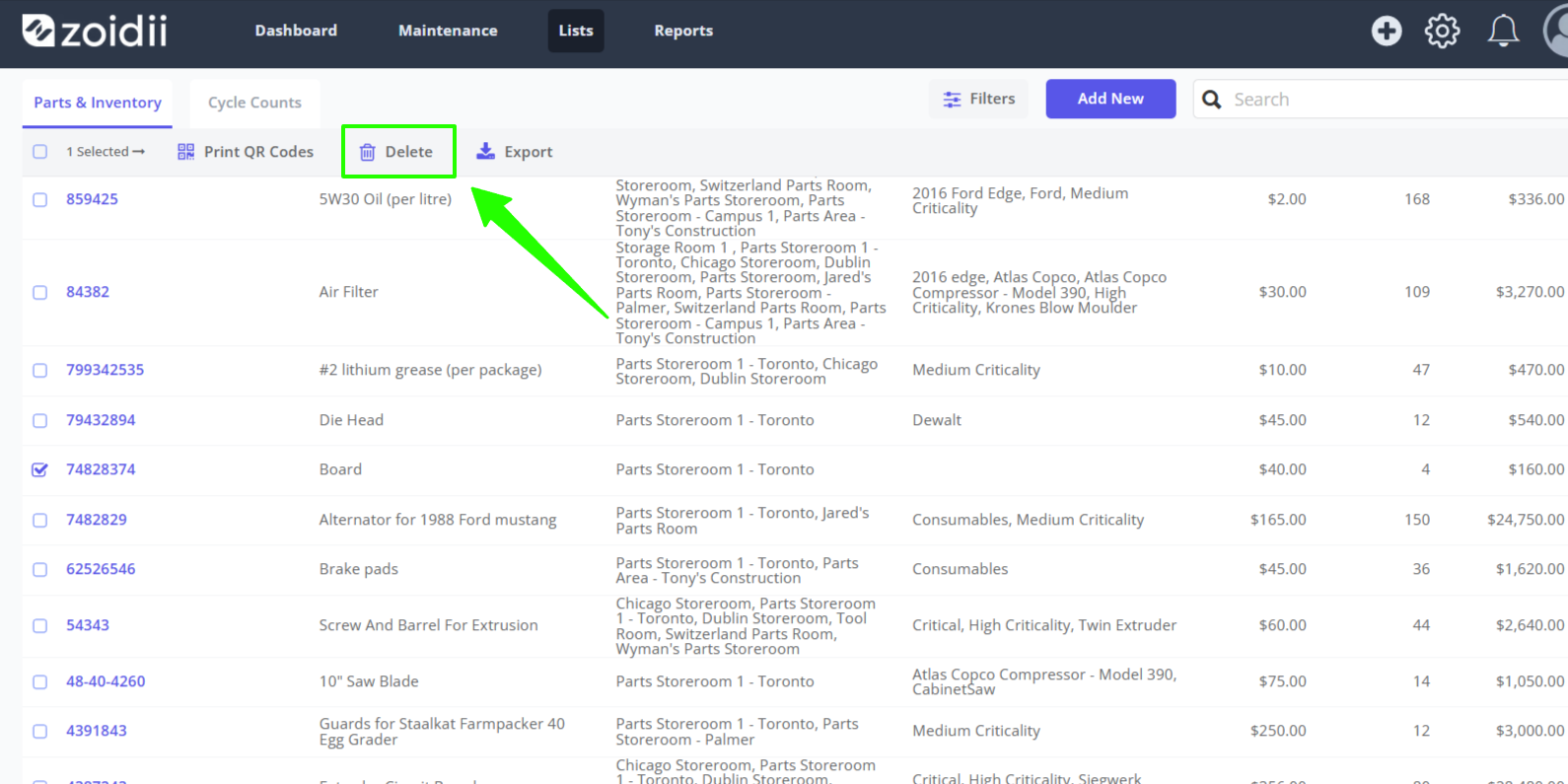
3. Click Delete
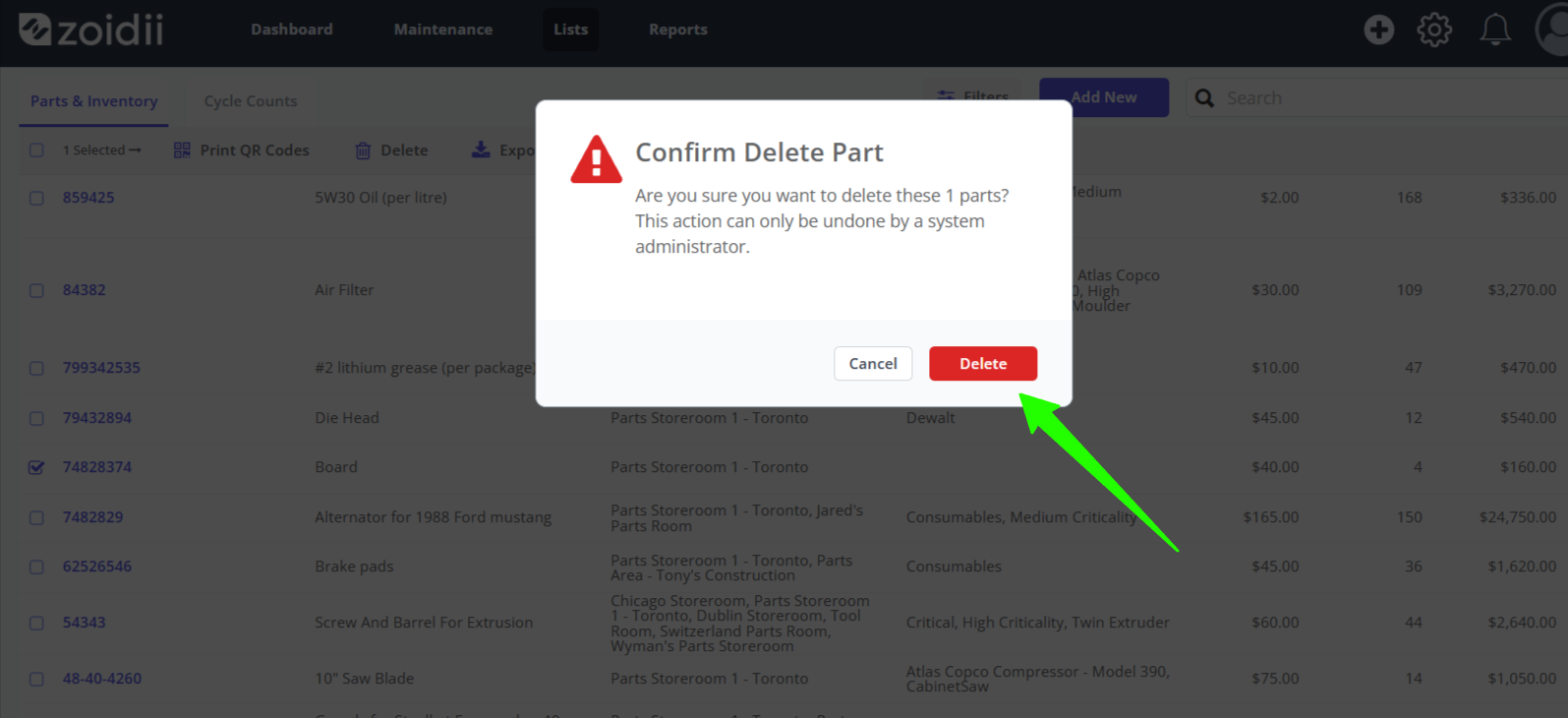
4. Confirm the delete action by clicking the red Delete button
5. The parts are now soft deleted in the system. They are not available to view on the parts lists.
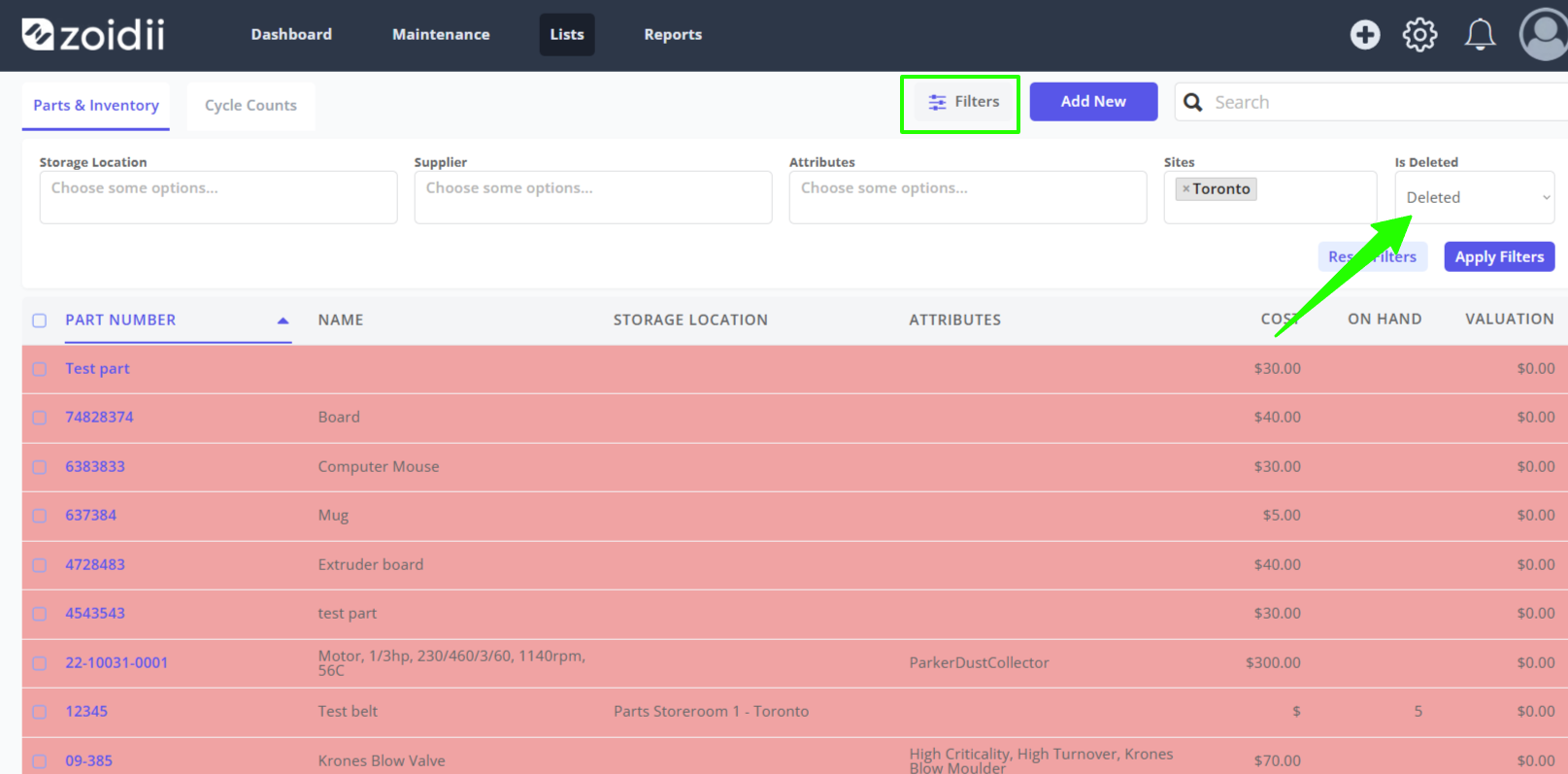
6. To view, or recover the deleted parts, open the filters on the parts list screen and set the Is Deleted filter to Deleted