Background
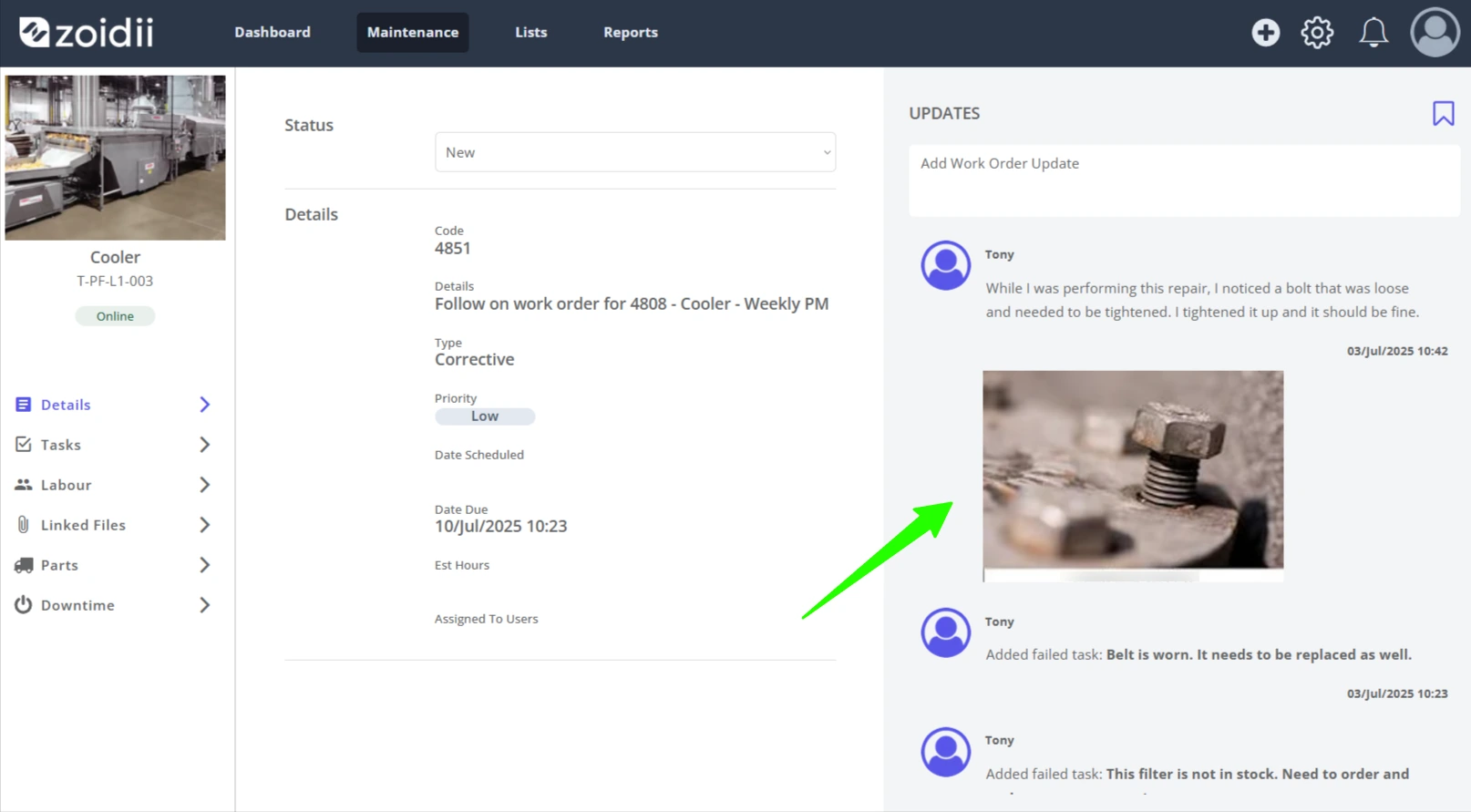
Repair activities in work orders have a chronological order. Zoidii updates the work order update feed automatically as the work order changes state or as parts are added for example. It is also possible to add your own updates as you complete the job.
Prerequisites
1. A work order exists in the system as per the Create a Work Order Procedure
Add Repair Notes to the Work Order
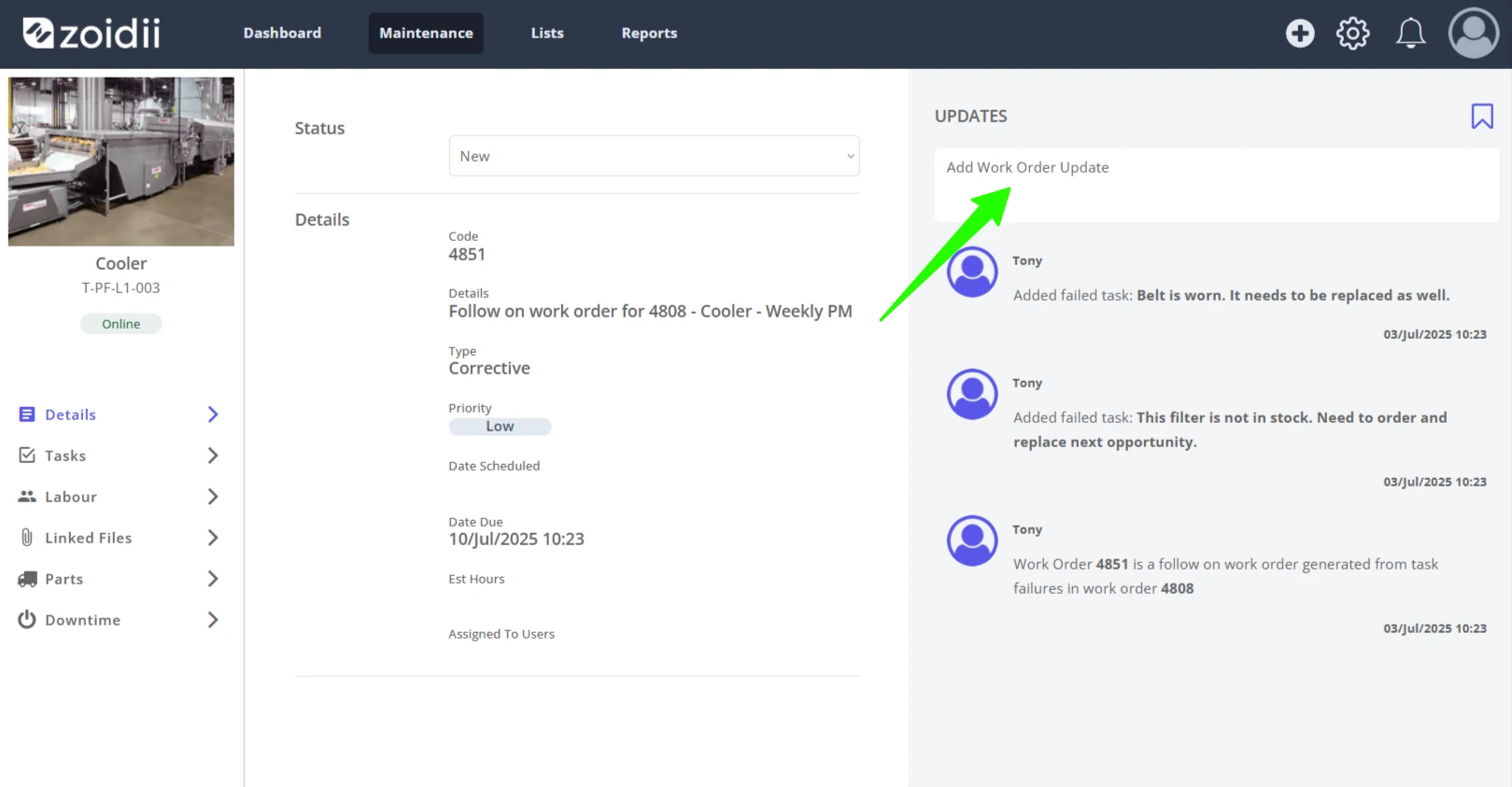
1. Open the work order Details tab. Click Add Work Order Update in the top right-hand side
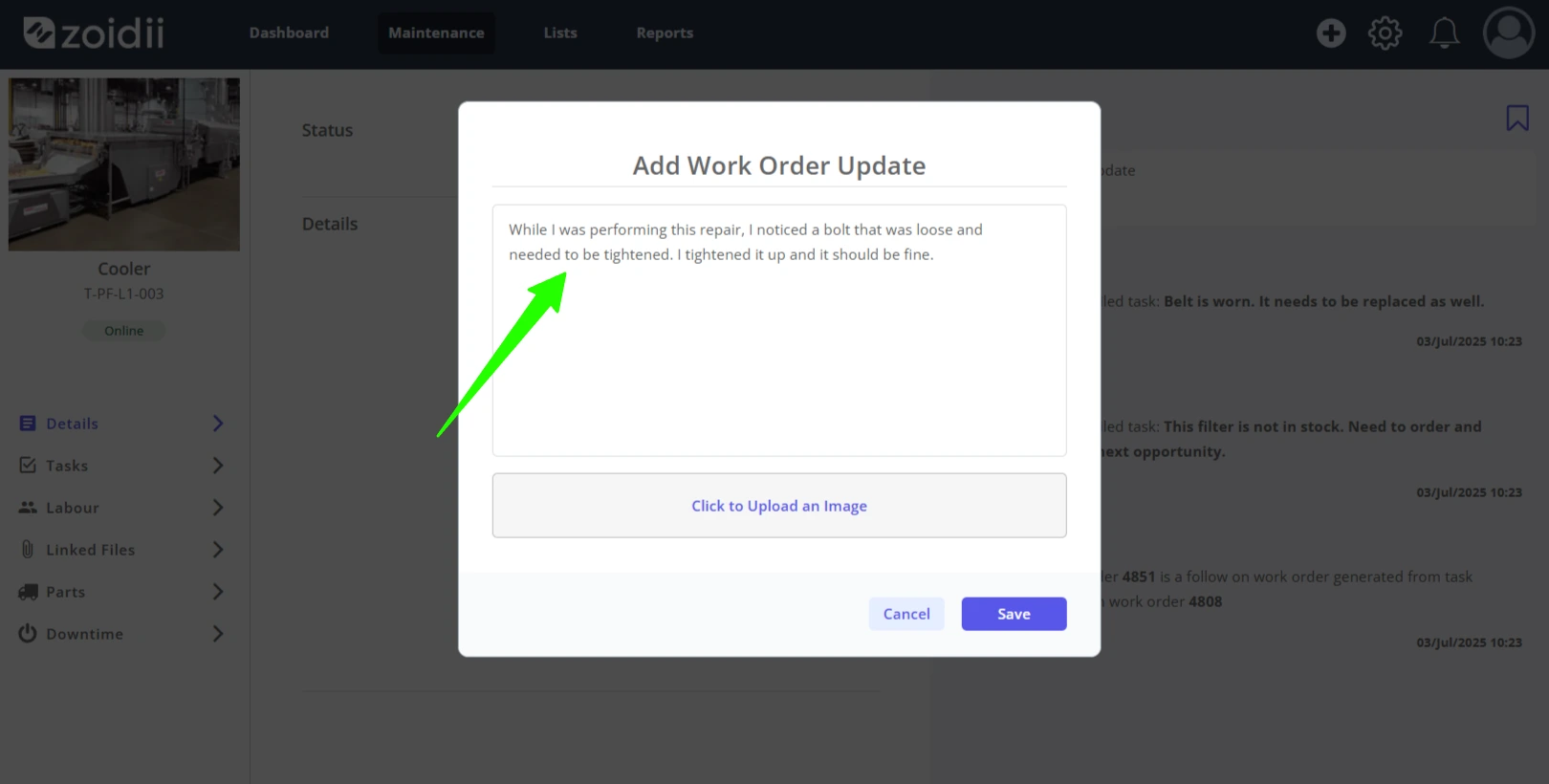
2. Add the work order repair note in the Work Order Update pop up window Comment field
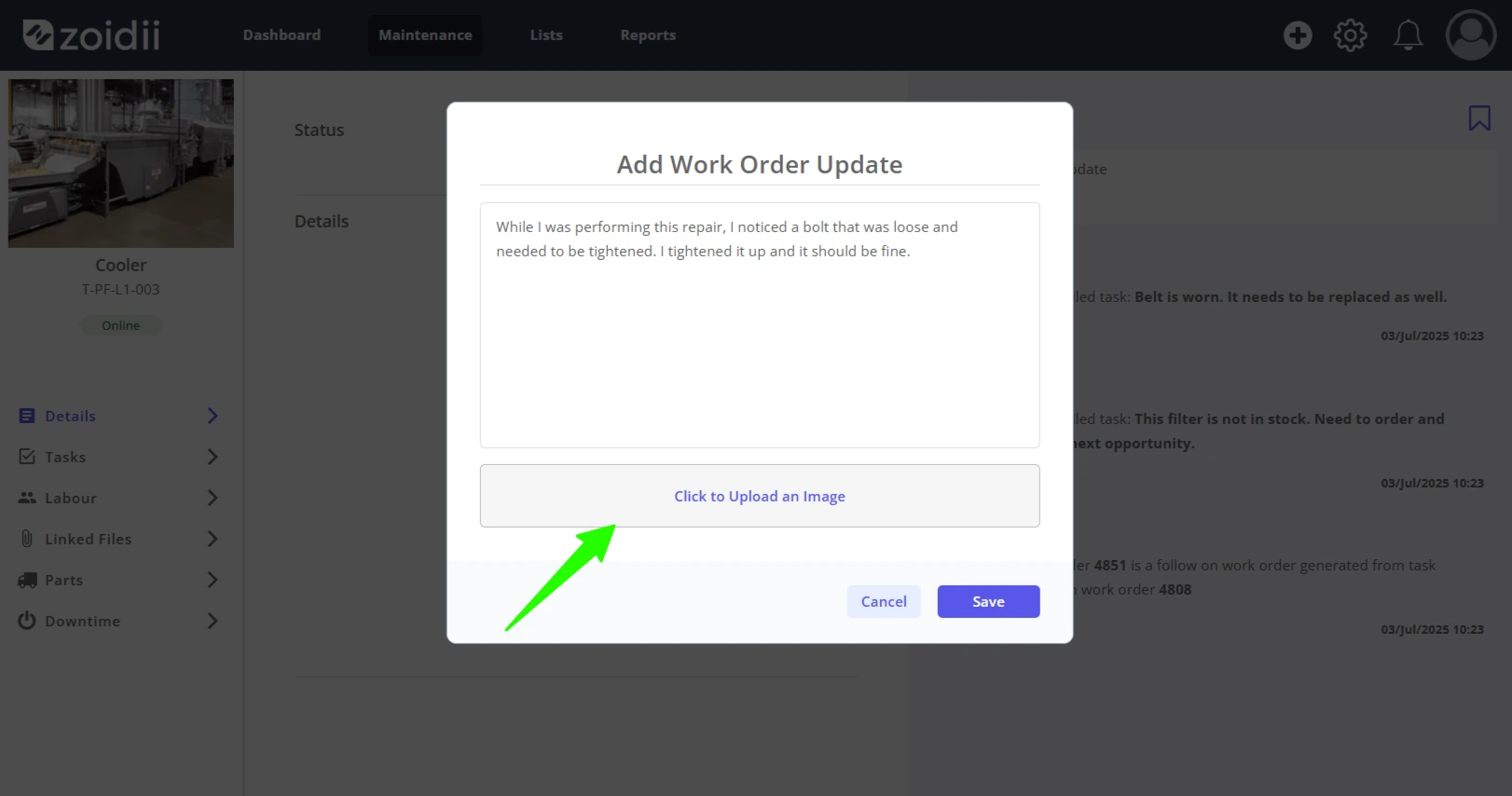
3. Click to Upload a File to add a repair file/image to the work order.
4. Click Save Update when done
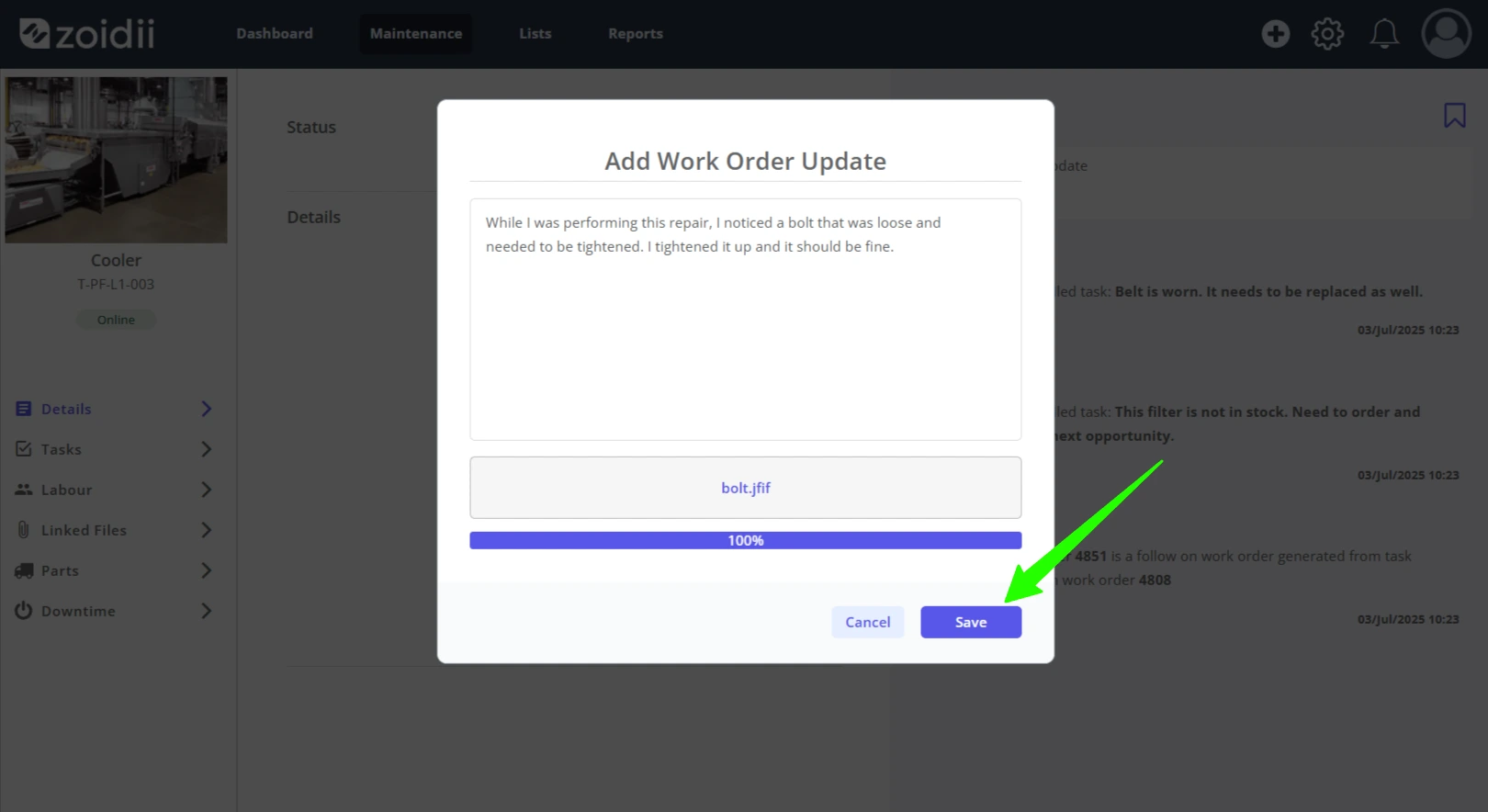
5. The update now appears in the Work Order Updates feed on the right-hand side of the work order details tab