Prerequisites
- A work order exists in the system as per the Create a Work Order Procedure
Add Parts Used to the Work Order
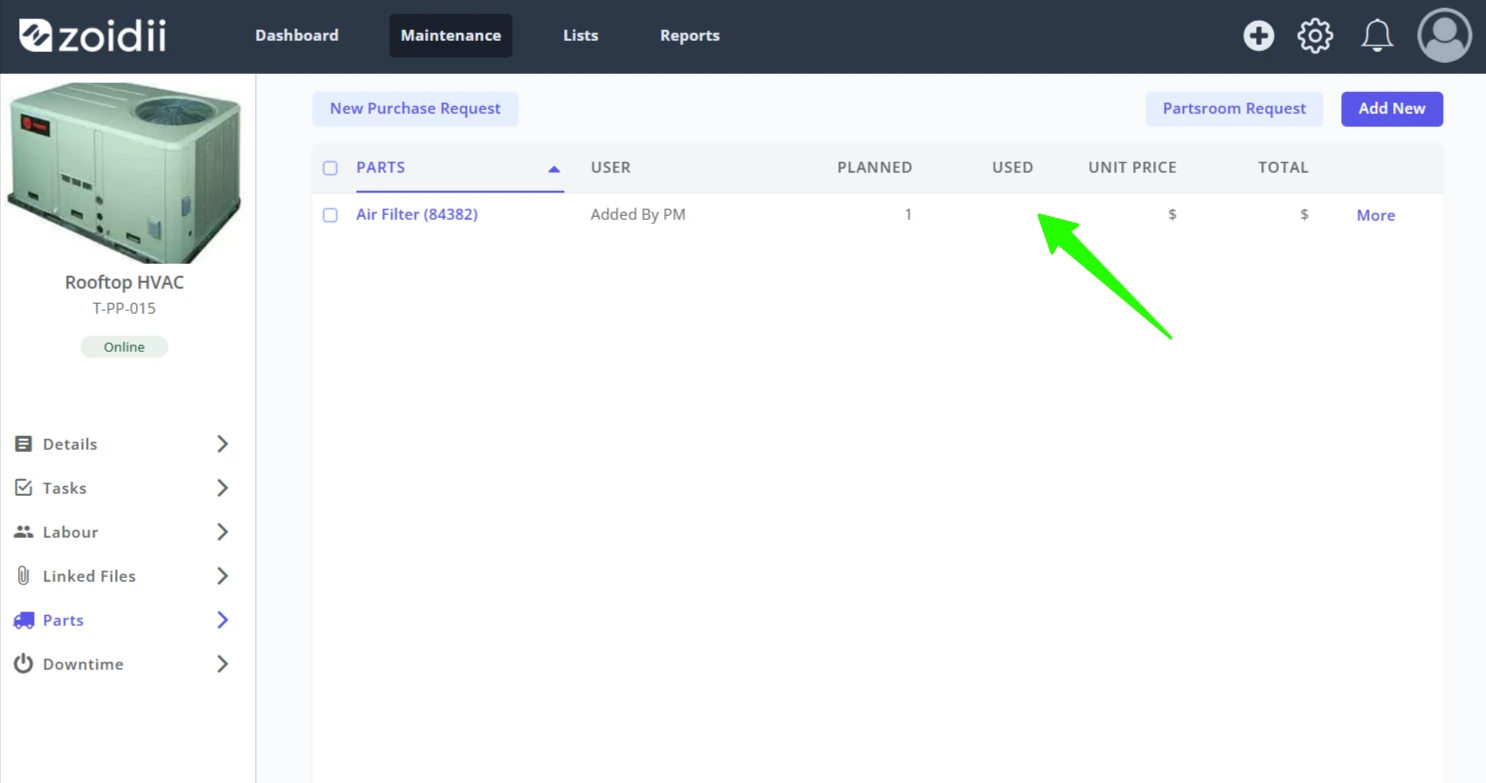
1. Open the work order and navigate to the work order Parts tab. If the part has already been added to the work order, click the work order part line item to add the Used Quantity
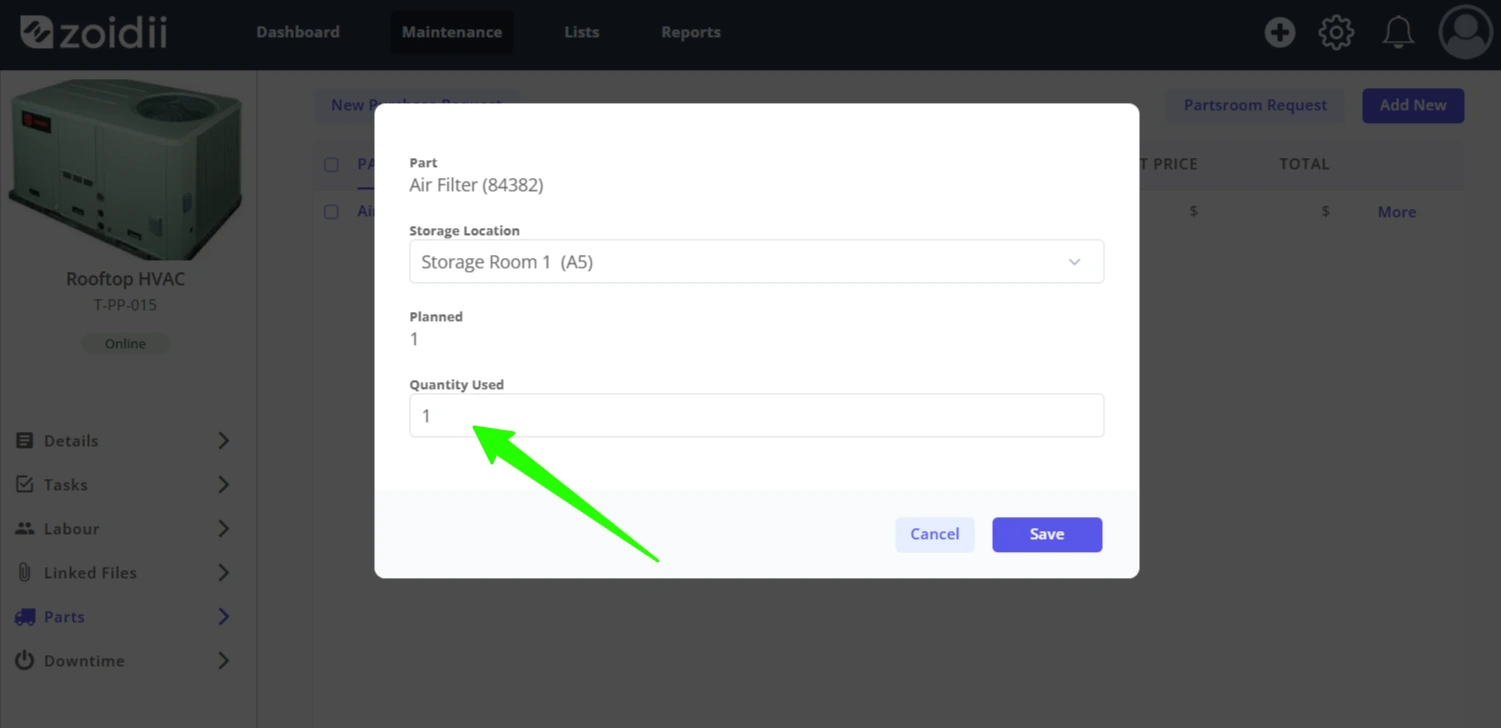
2. Add the Quantity Used and click Save. When Save is clicked, the part is depleted from the parts stock quantity on hand.
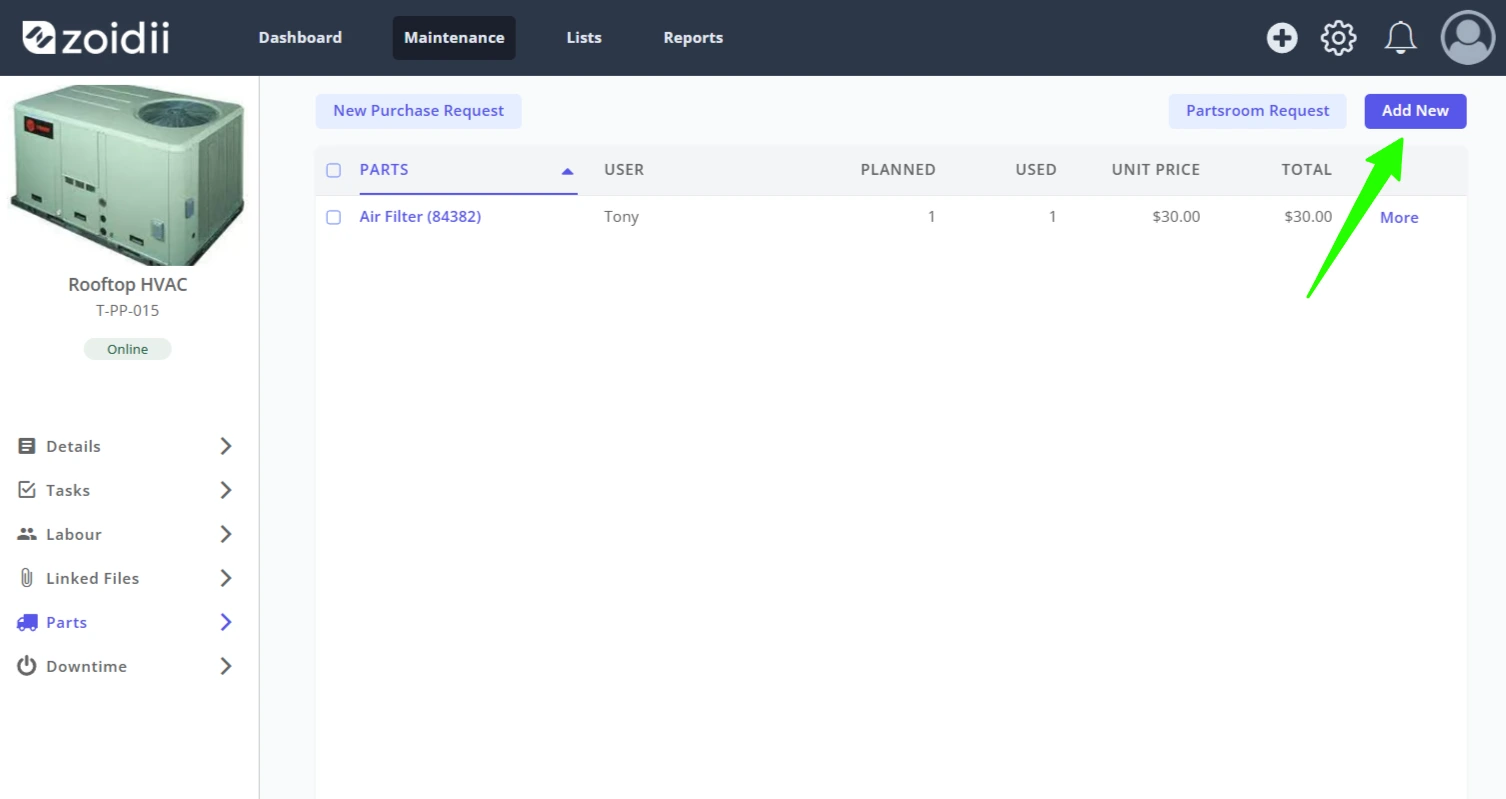
3. To consume a part that was not already added to the work order, click the Add New button on the top right-hand side of the Parts tab
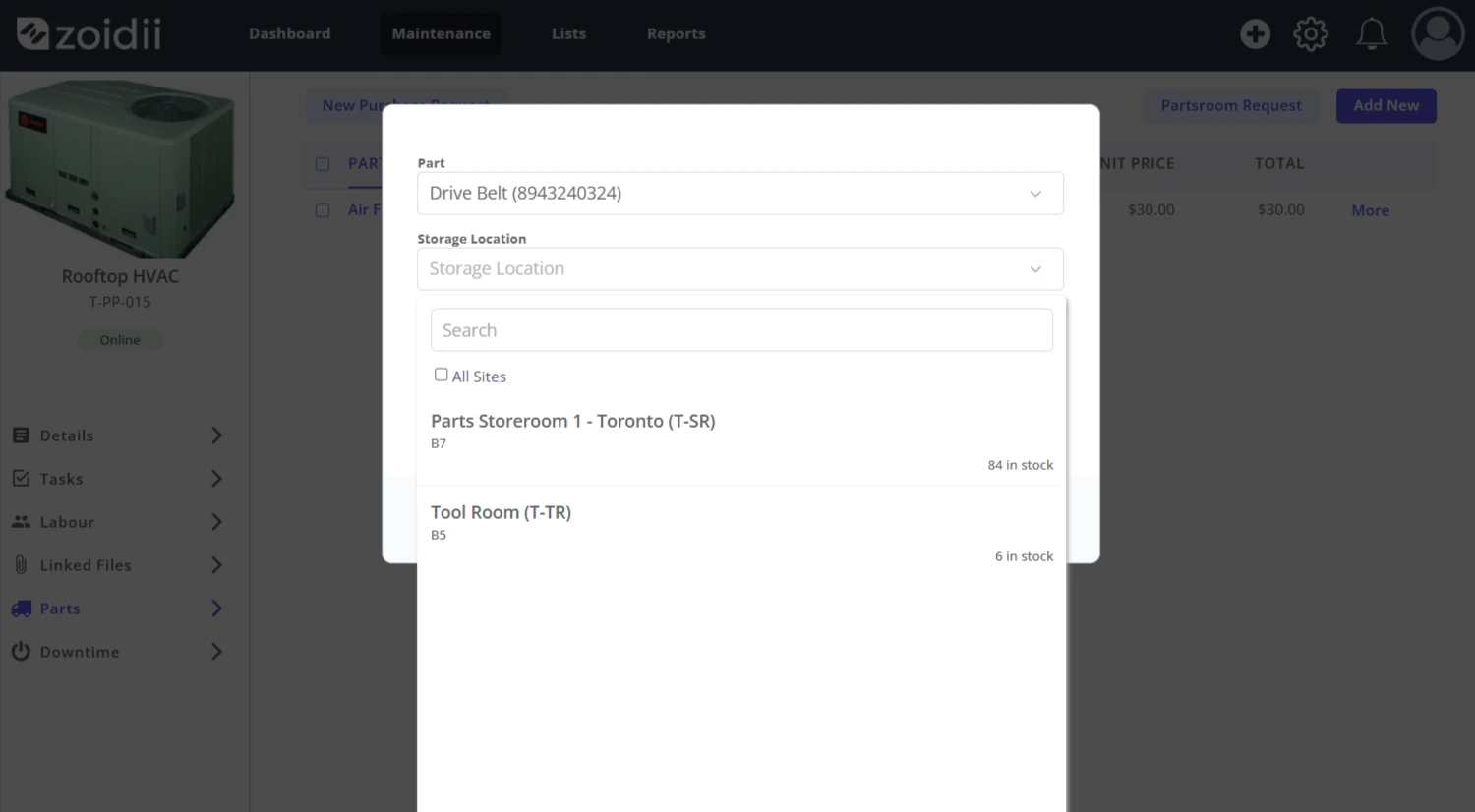
4. Click into the Part dropdown and search for the part and select it. Do the same for Storage Location.
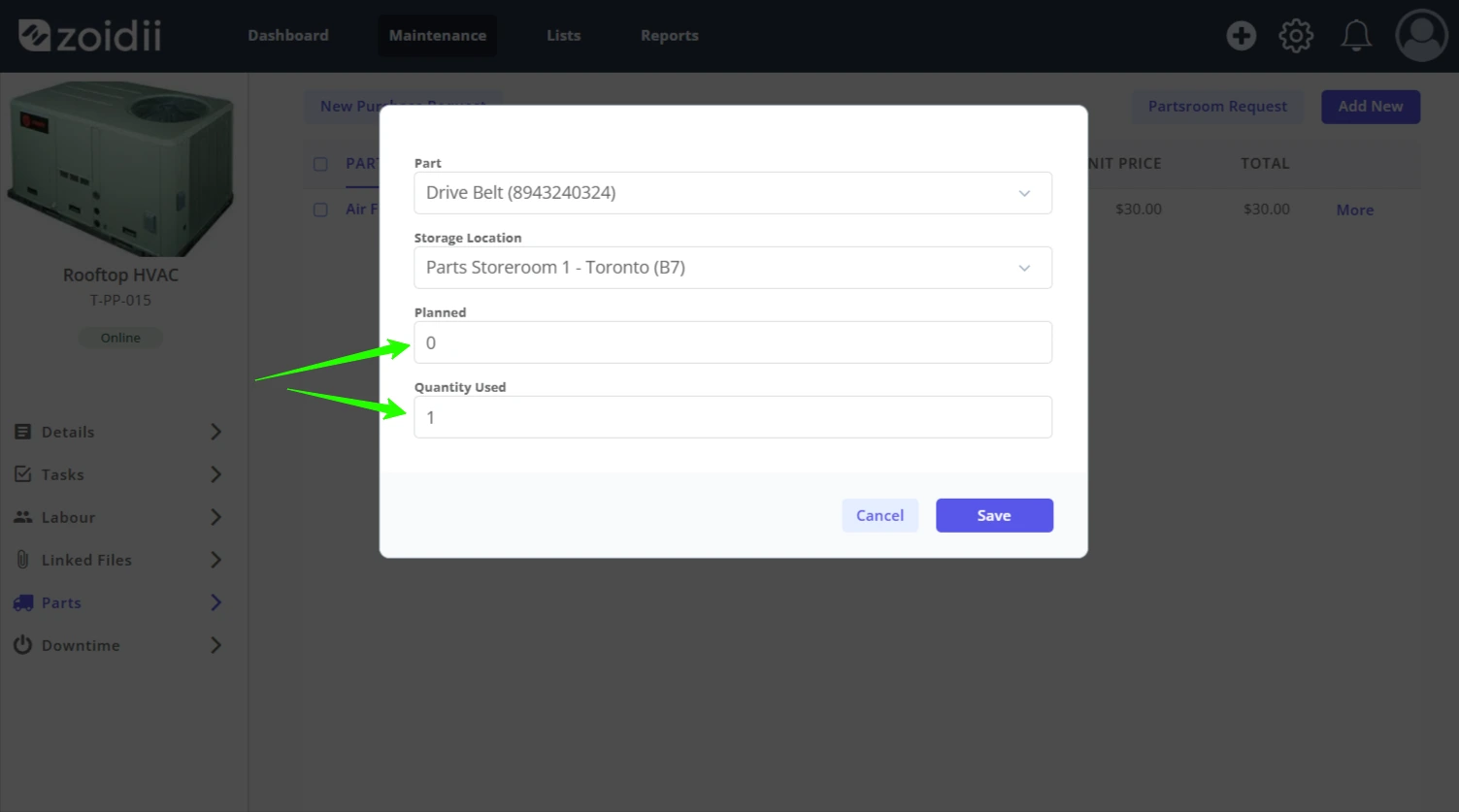
5. Fill in the Planned Quantity and Quantity Used fields accordingly
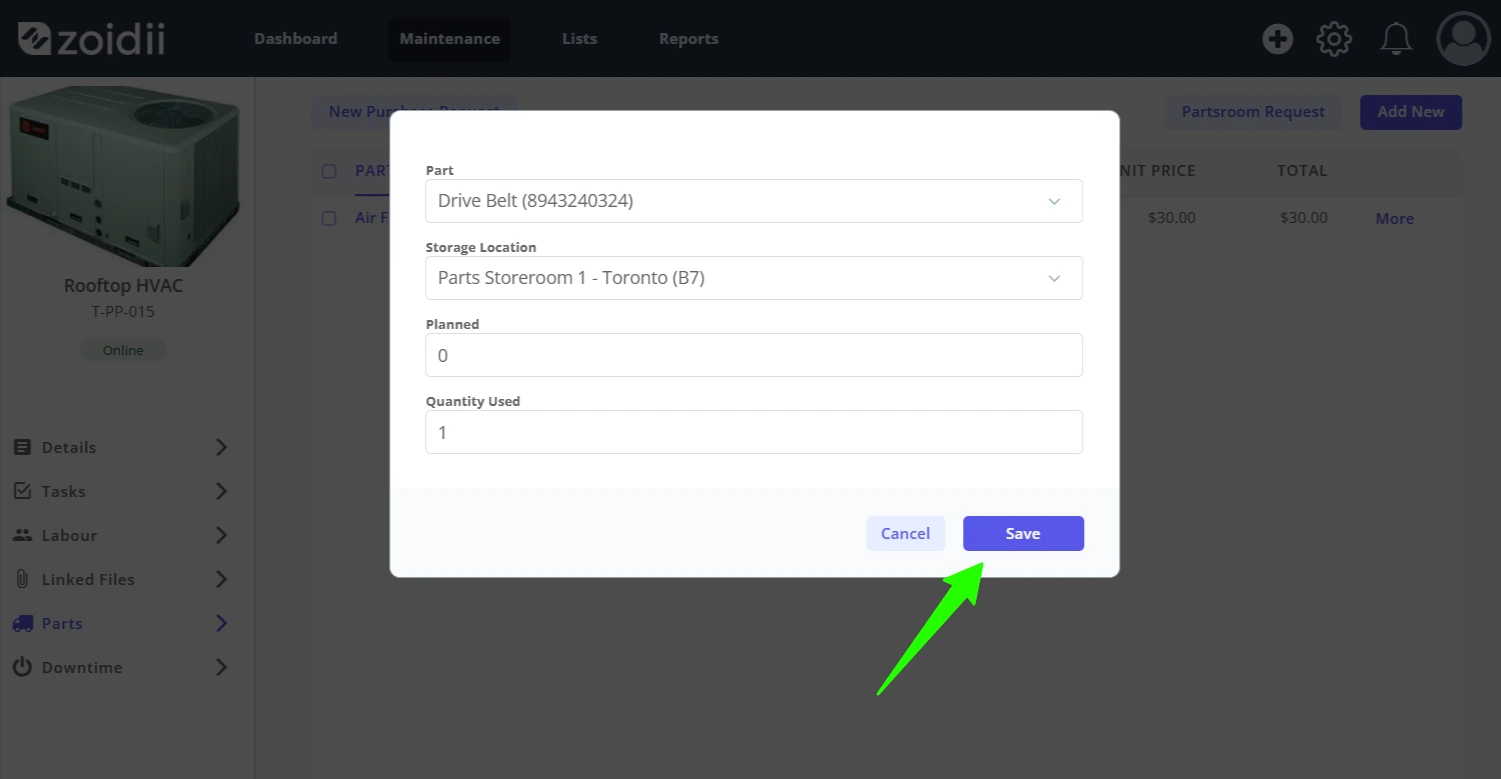
6. Click Save when done. When Save is clicked, the part is depleted from the parts stock quantity on hand.
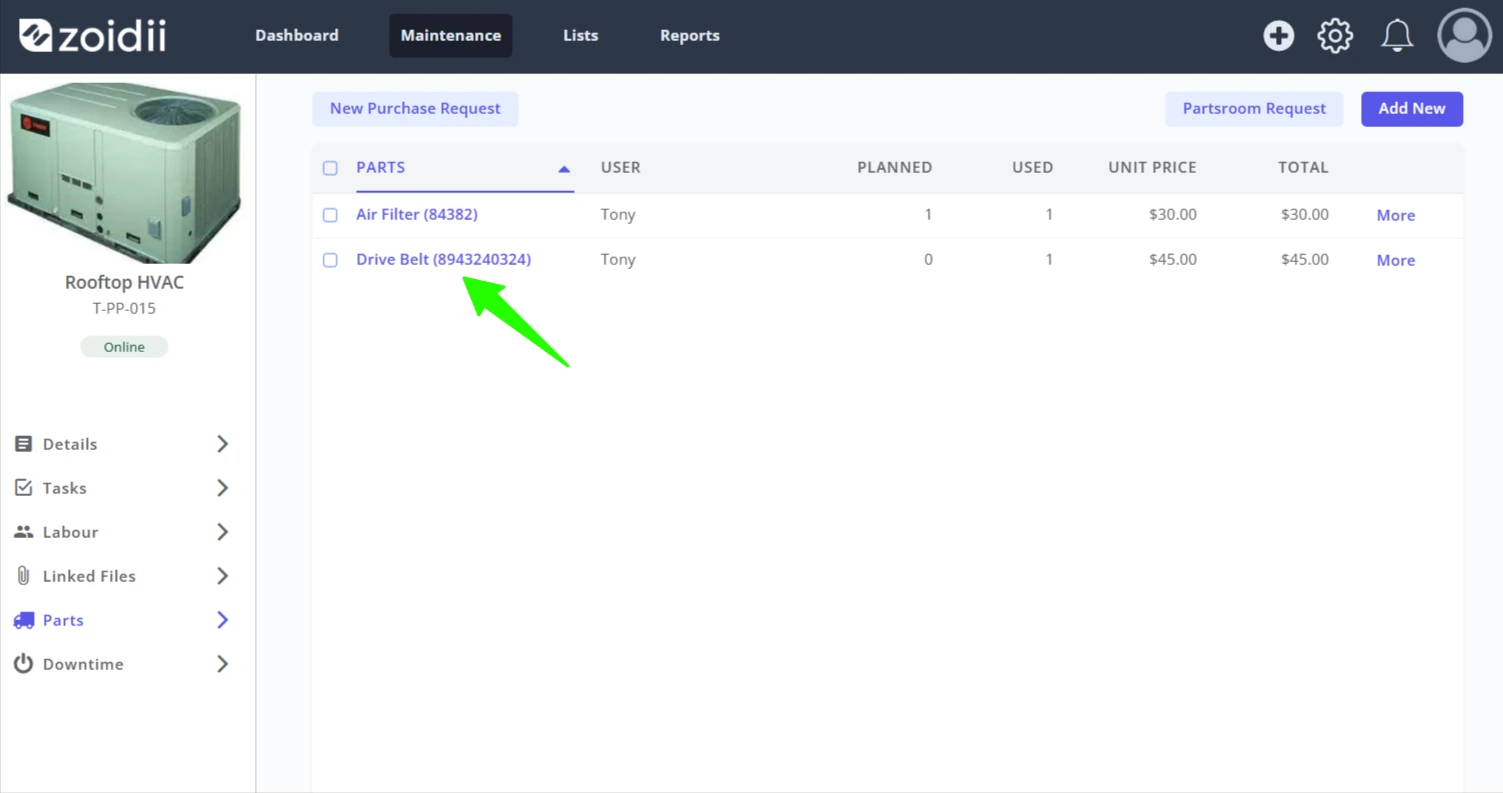
7. The part transaction is logged in the work order Parts tab
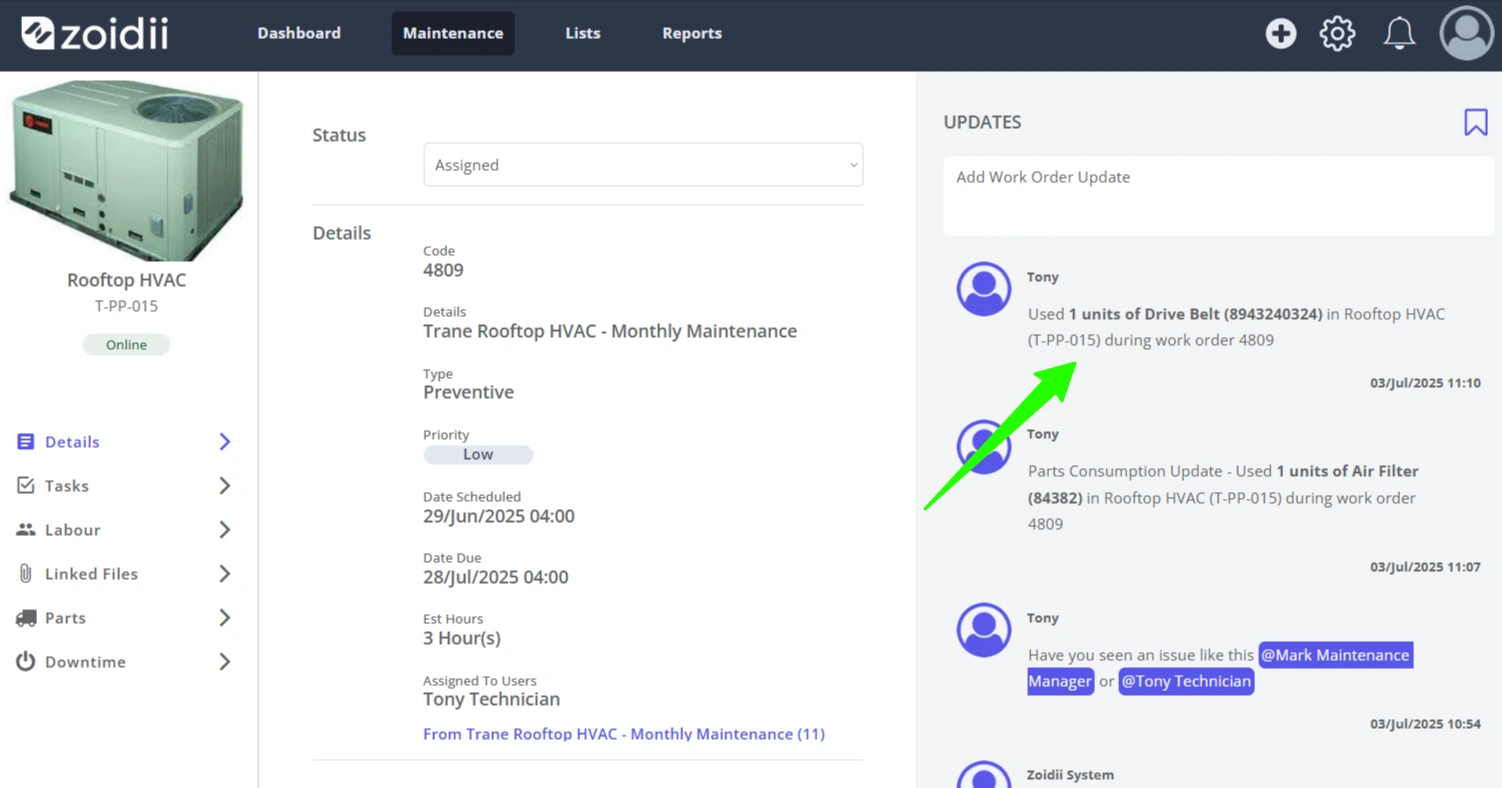
8. The part transaction is also logged in the Work Order Updates feed
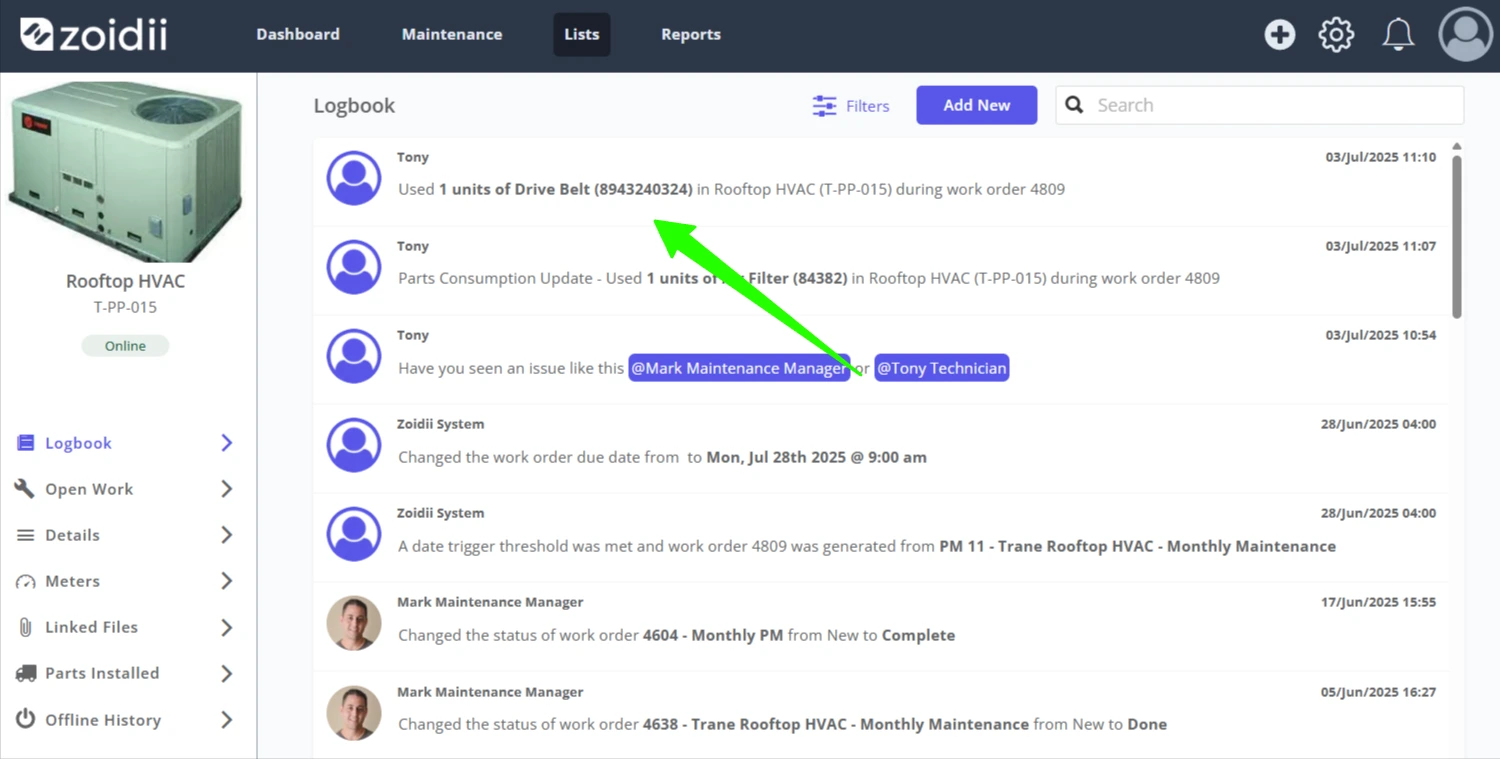
9. The part transaction is also logged in the Asset Logbook
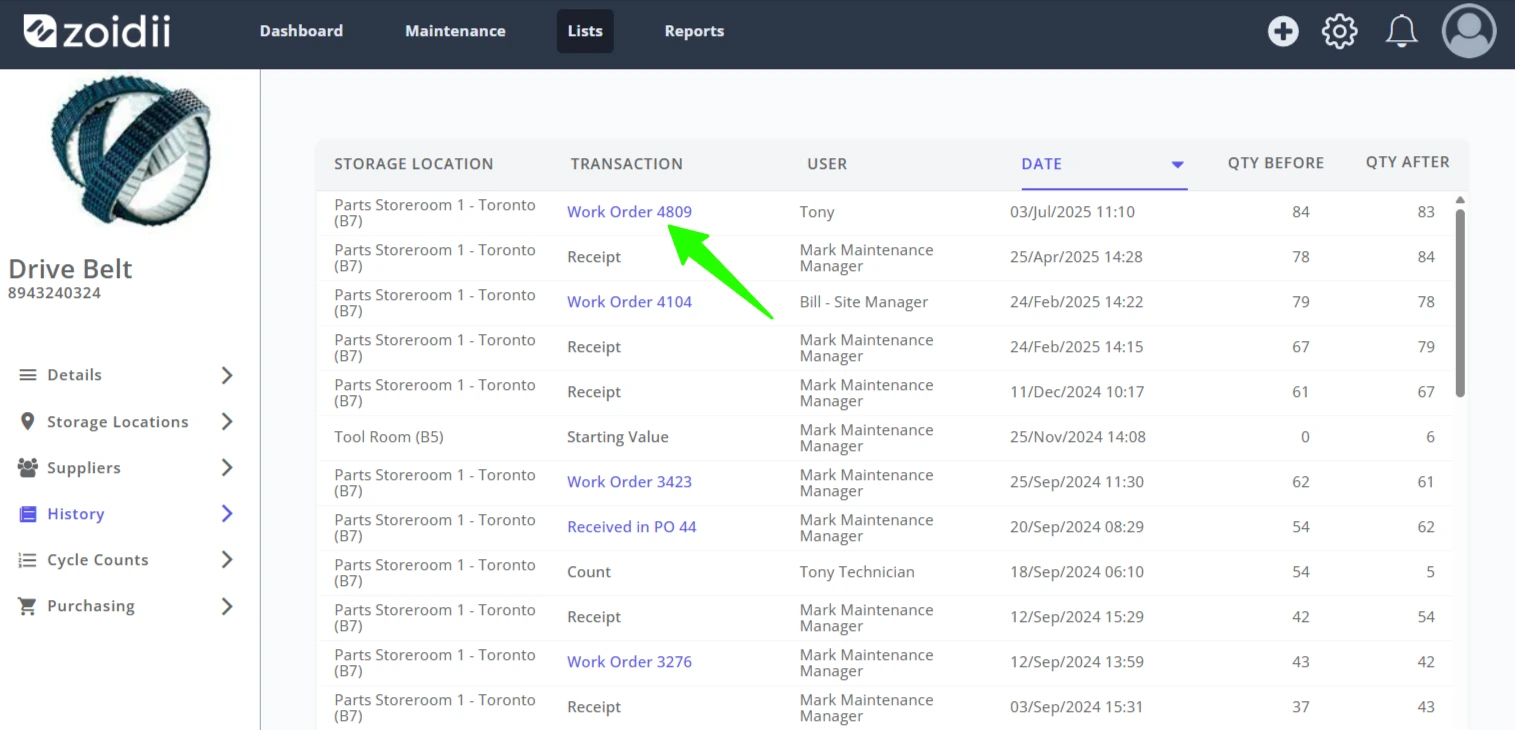
10. The part transaction is logged in the part's History tab