

Background
Asset categories are used to bundle like for like assets together for visualisation, reporting, or work allocation purposes. Zoidii ships with some baseline asset categories - Facilities, Equipment, and Vehicles
Procedure to add a new Asset Category
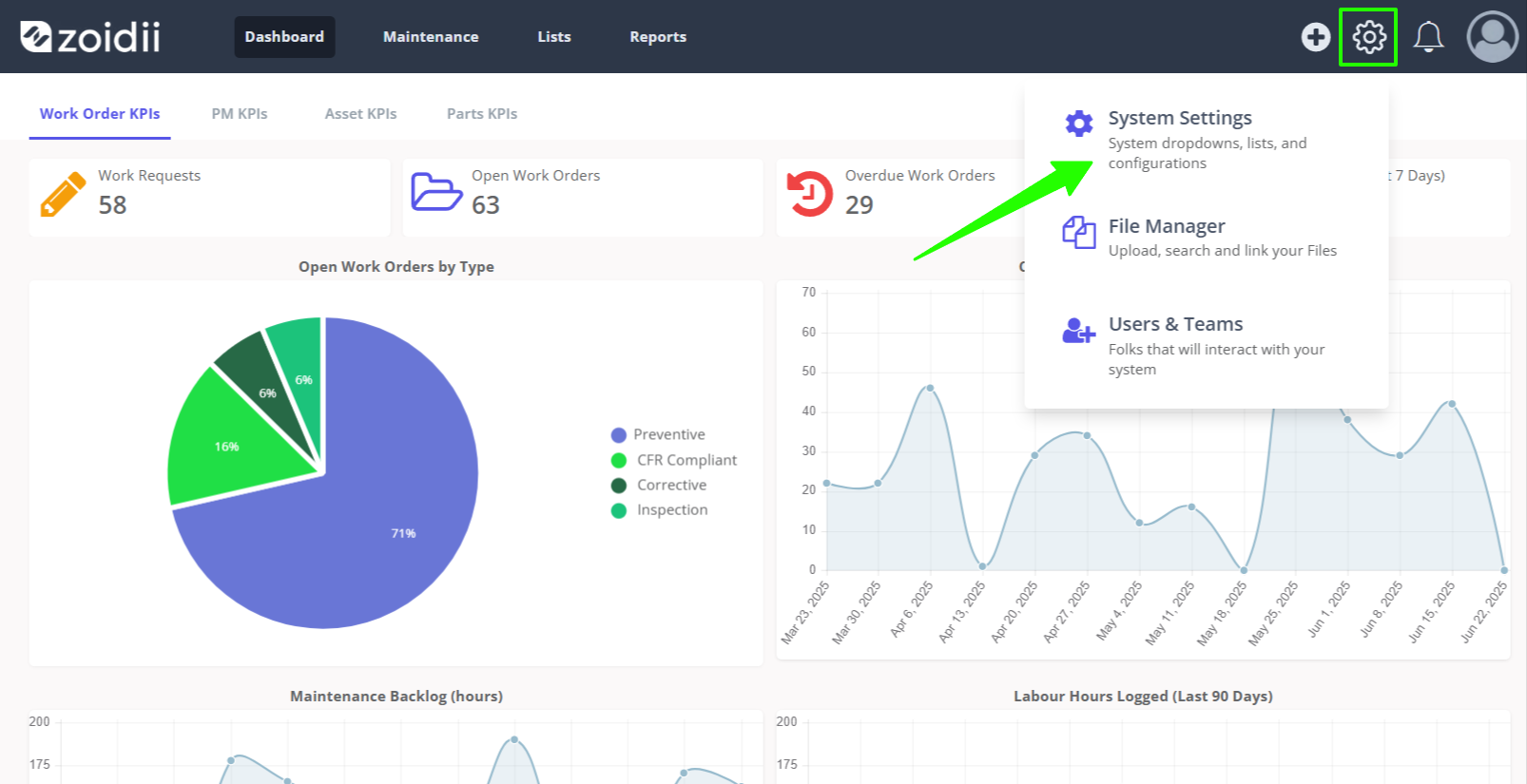
1. In the top navigation bar, click the Settings icon. Then select System Settings
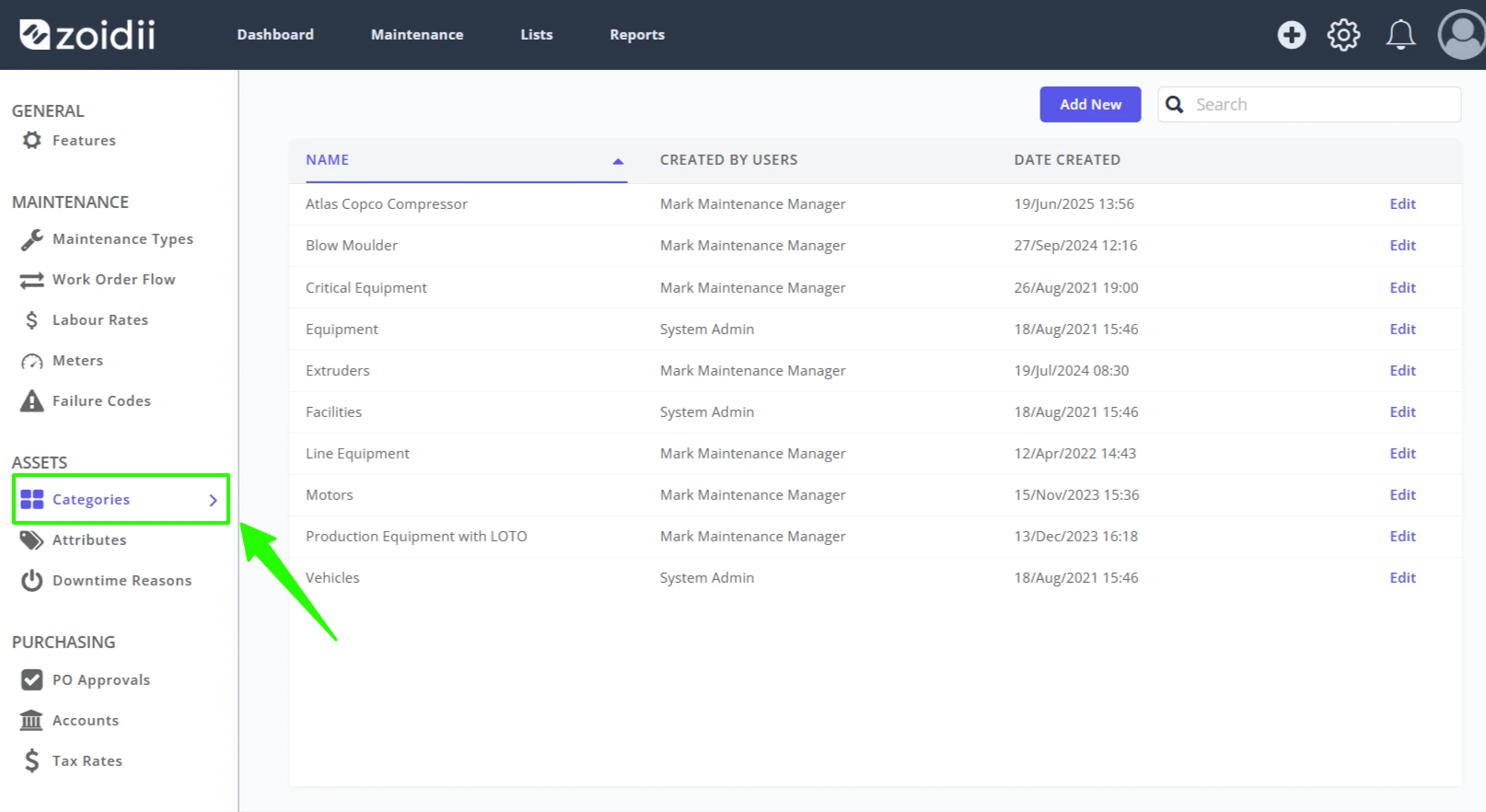
2. Select Categories from the System Settings - Asset Settings menu
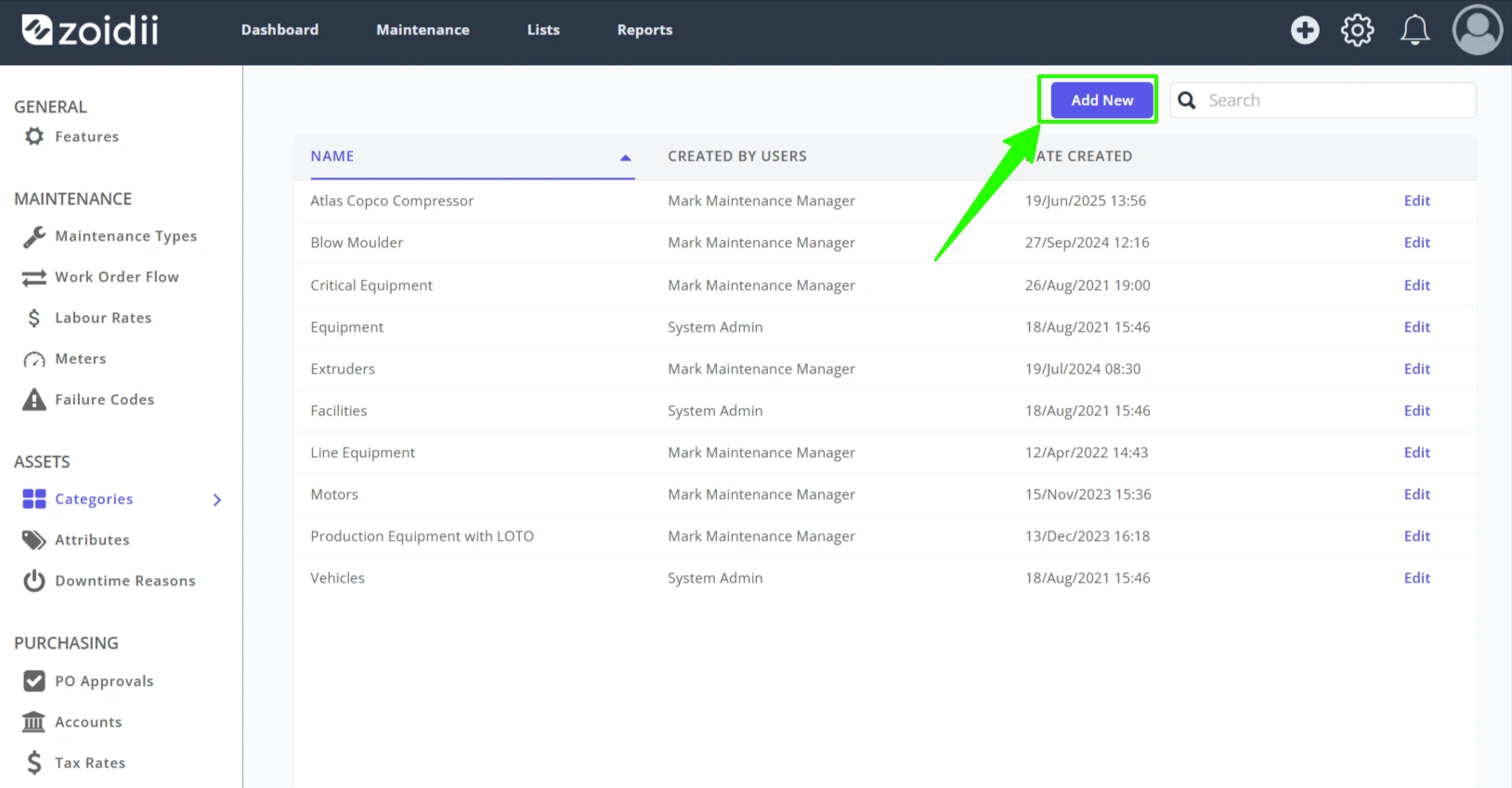
3. Click Add New
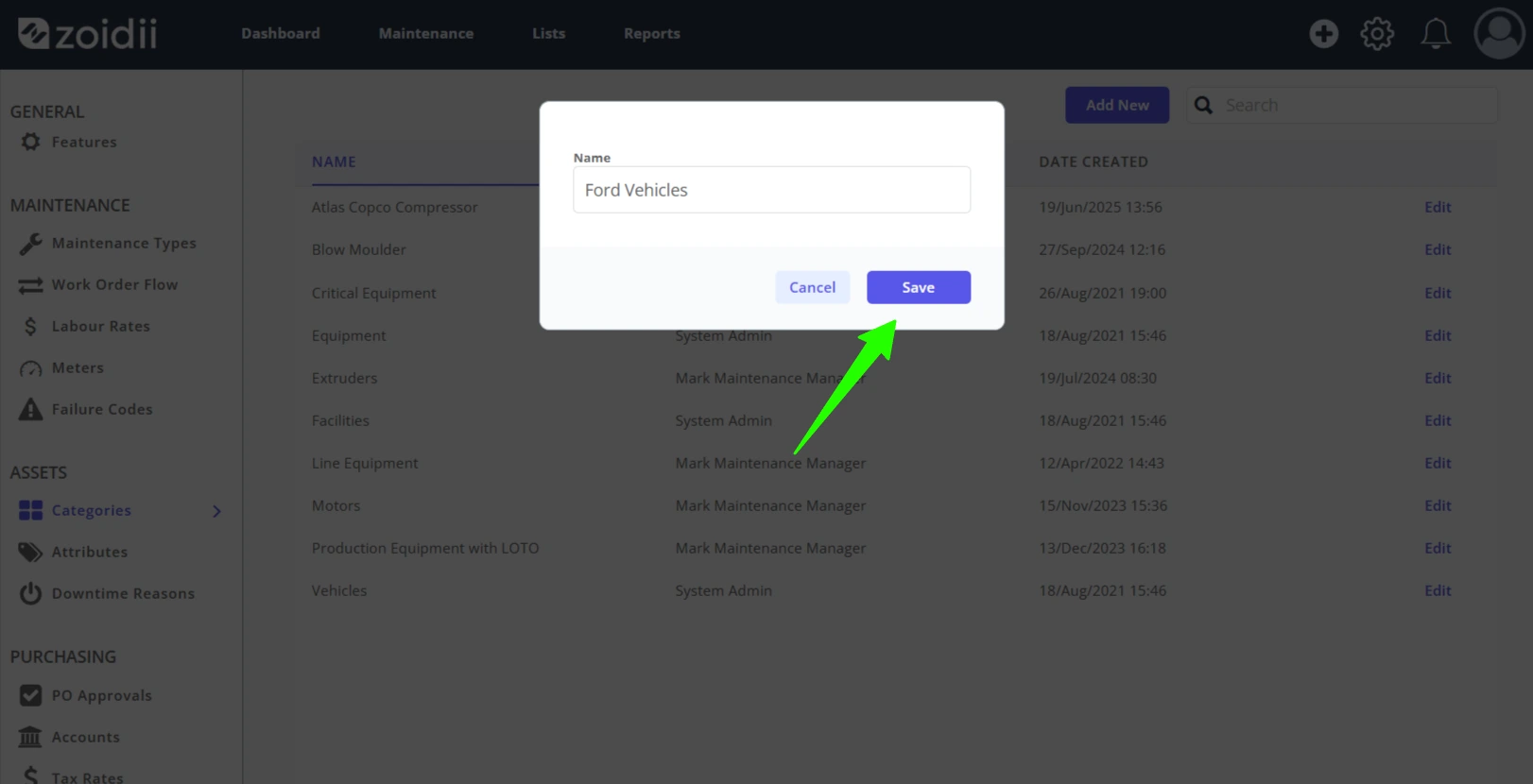
4. Fill in the details for the new asset category, and click Save
5. The new asset category is now available for selection
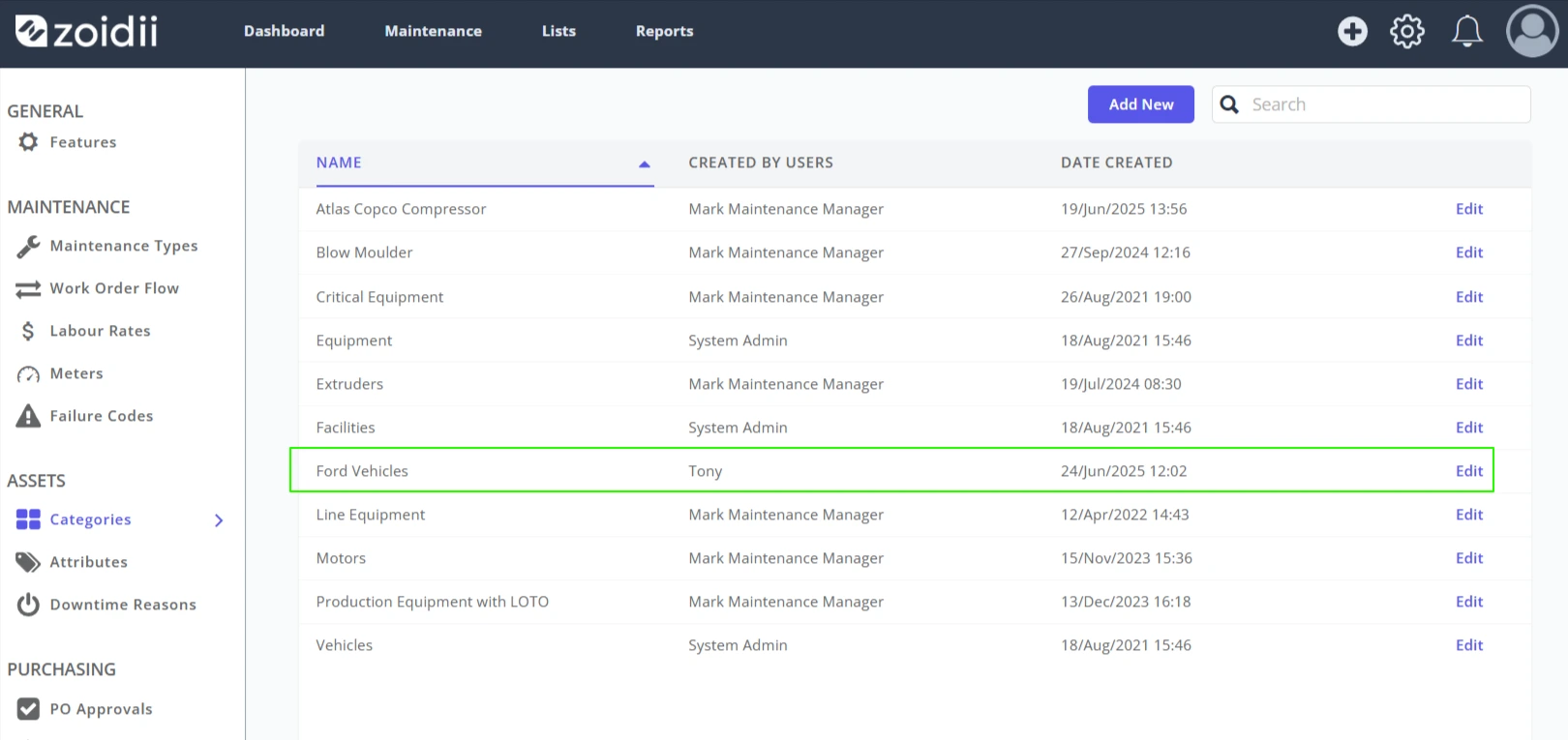
Procedure to edit an Asset Category
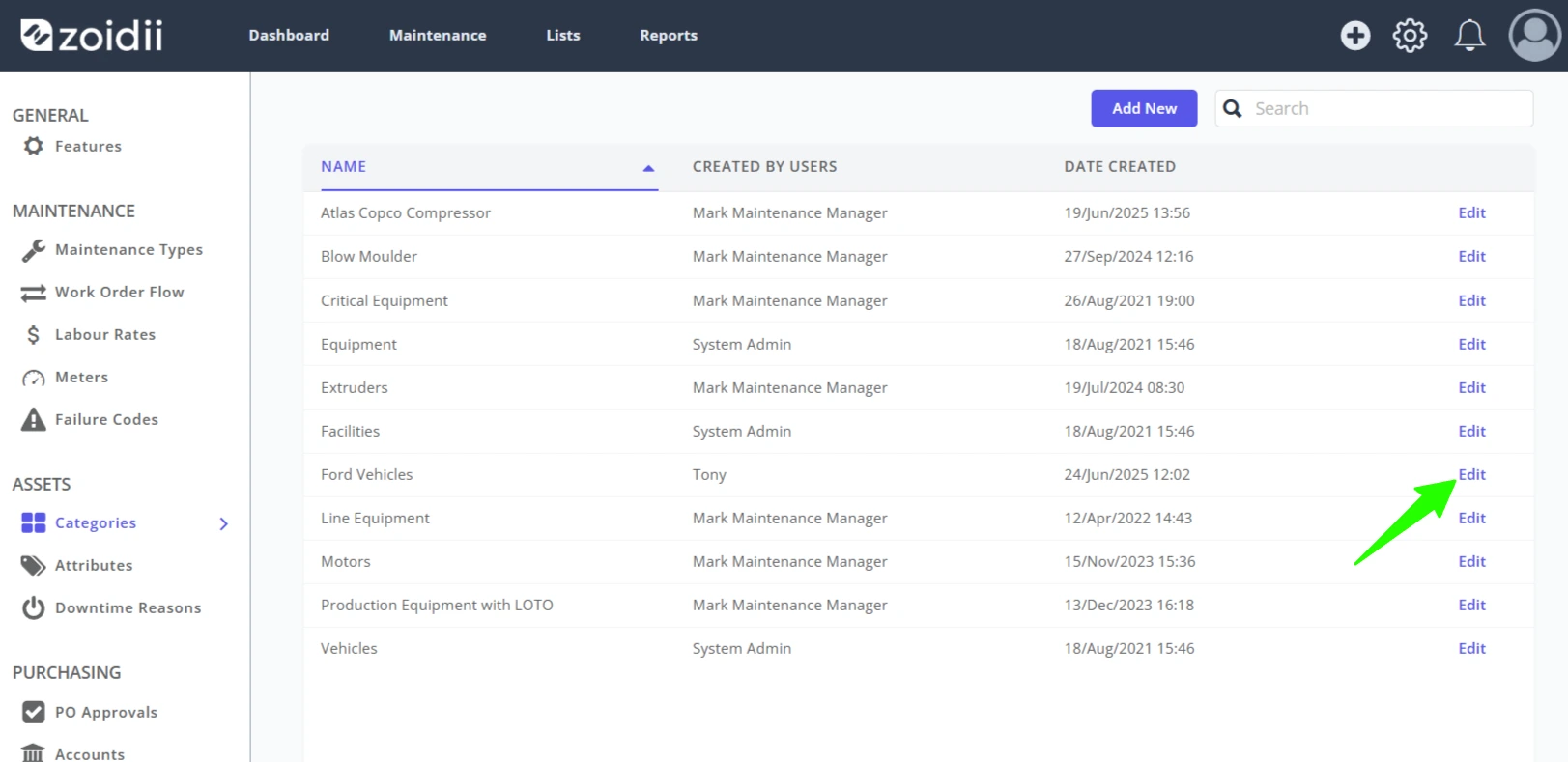
1. To edit an asset category, click Edit on the relevant line item
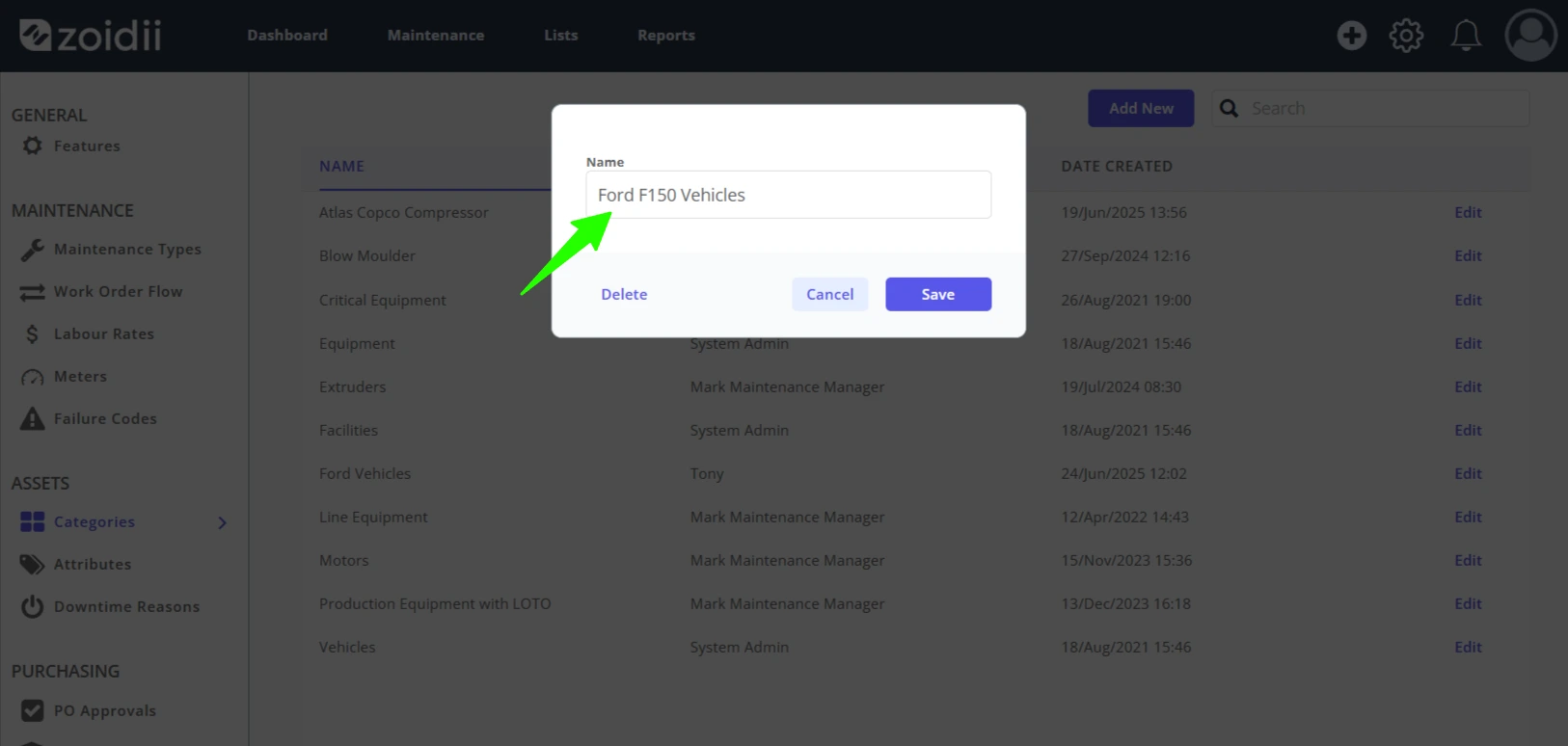
2. Make changes as needed to the name, and click Save Changes when done
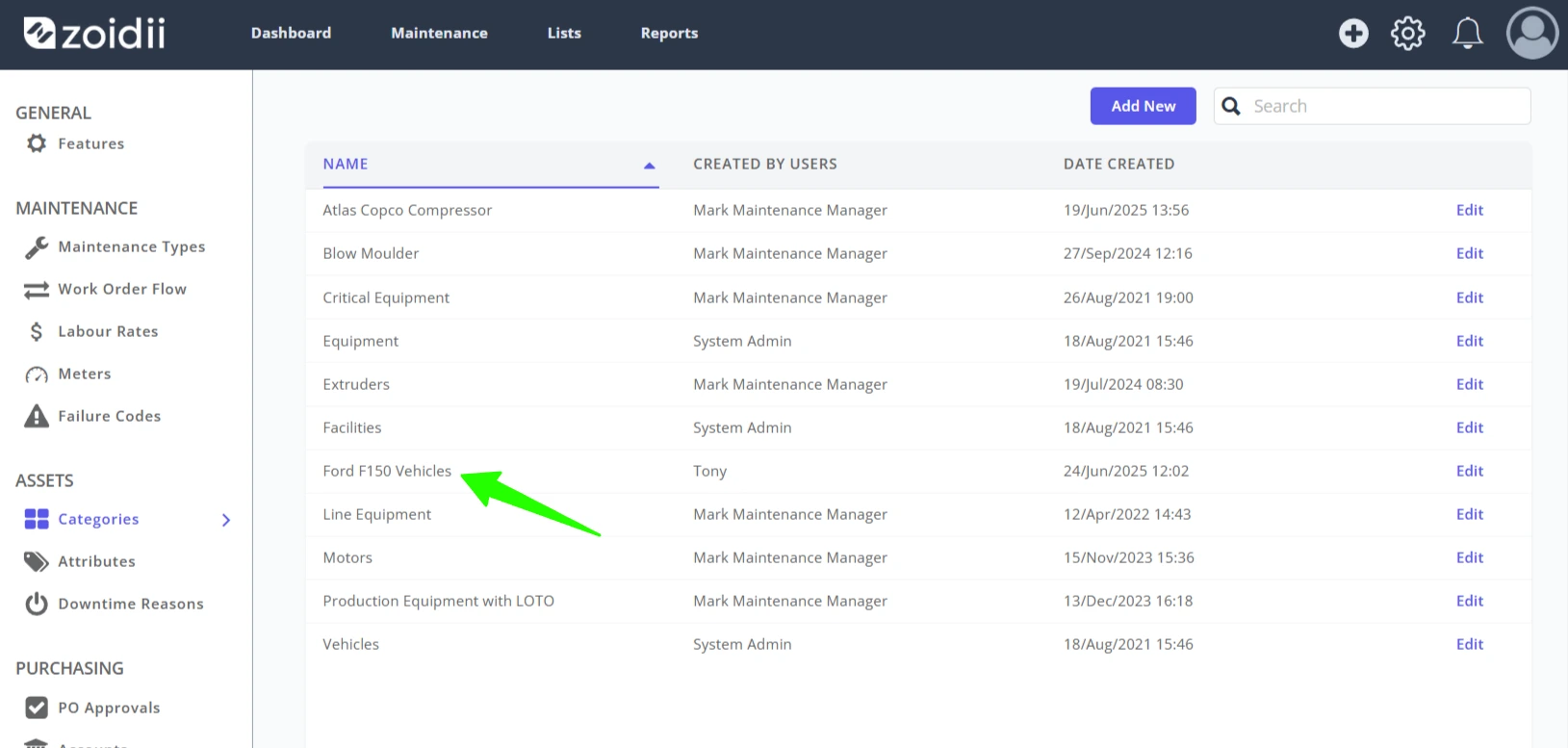
3. The changes will be reflected throughout the app
4. End