Background
Meter readings are used to track equipment parameters such as hours, cycles, pressure, etc. In addition, preventive maintenance can have meter-based preventive maintenance triggers. When the meter hits a certain threshold, the PM is triggered.
Zoidii ships with 4 sample meters - hours, mileage, pressure, and temperature. These sample meters can be used or edited as needed.
Procedure to Add a New Meter Type
1. In the top navigation bar, click the Settings icon. Then select System Settings.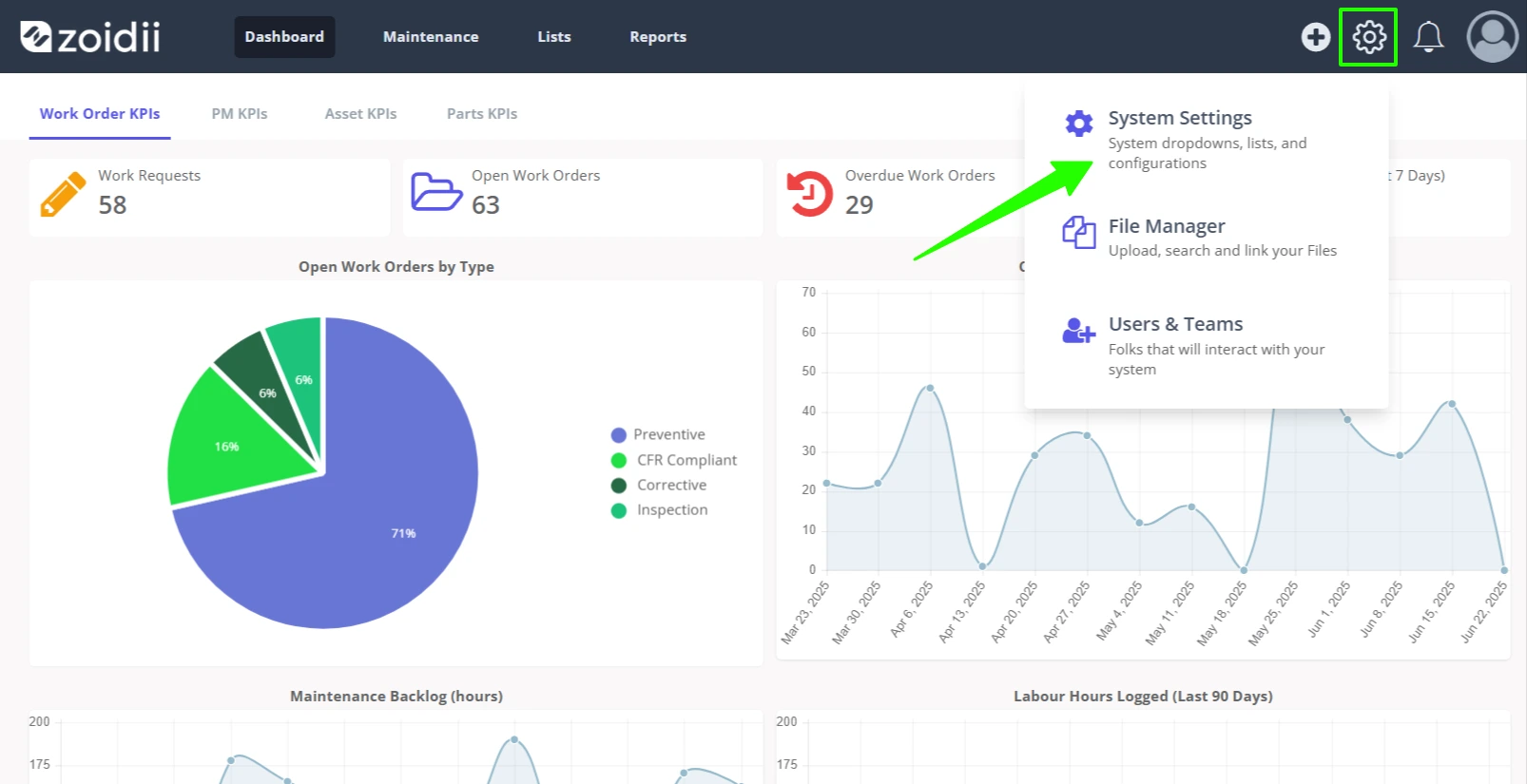
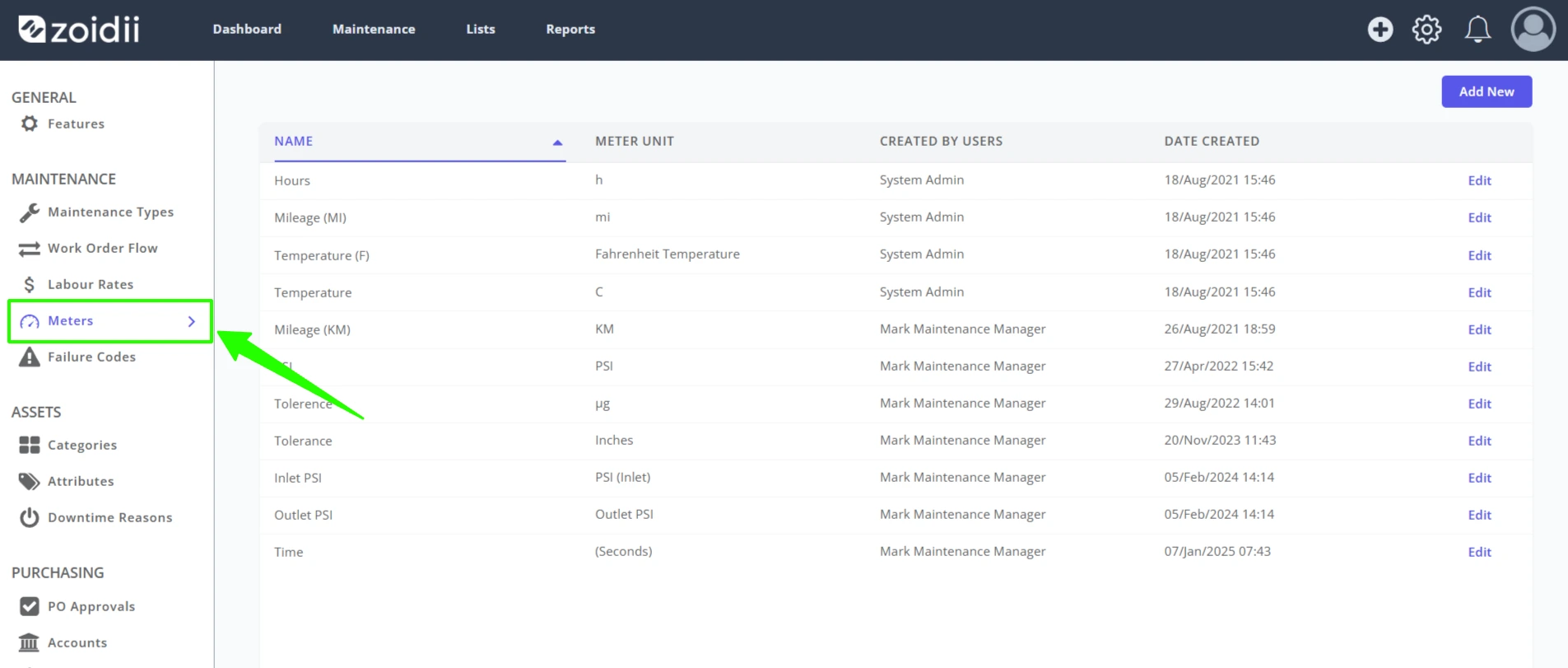
2. Select Meter Types from the system settings menu.
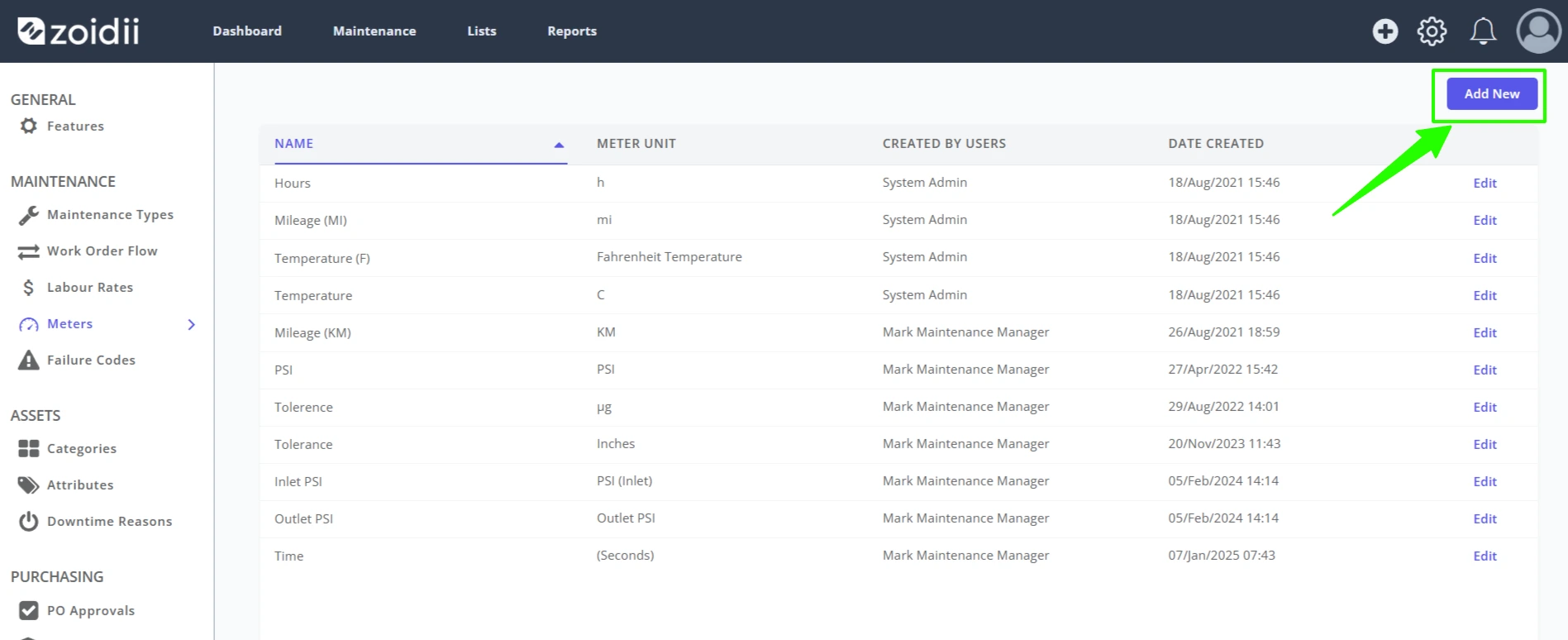
3. Click Add New to add a new meter type.
4. Add the new Meter Name and Unit. Click Save when done.
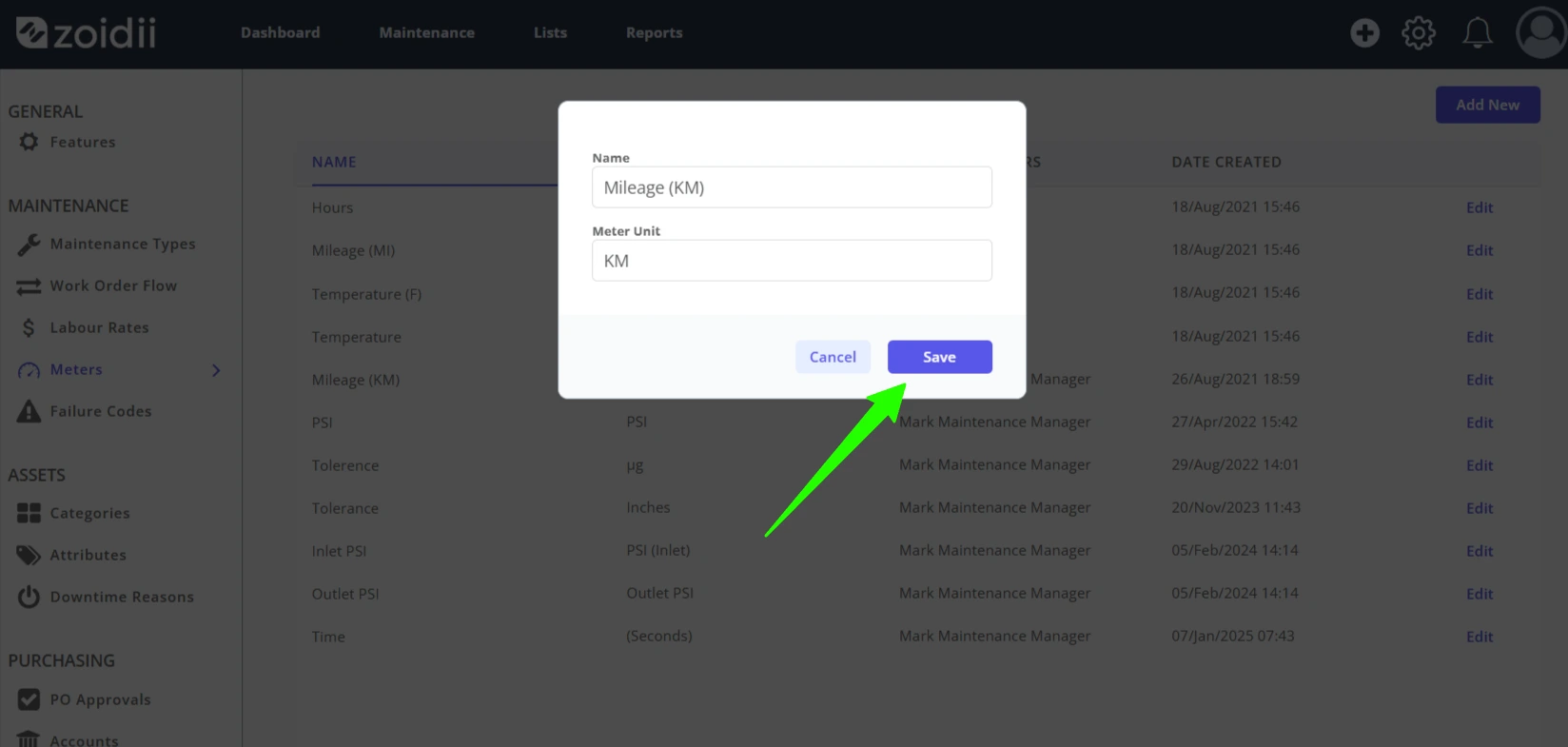
5. The meter unit is now available for selection. System administrators can create meter based PMs with the new meter type, and system users can log the new meter against asset.
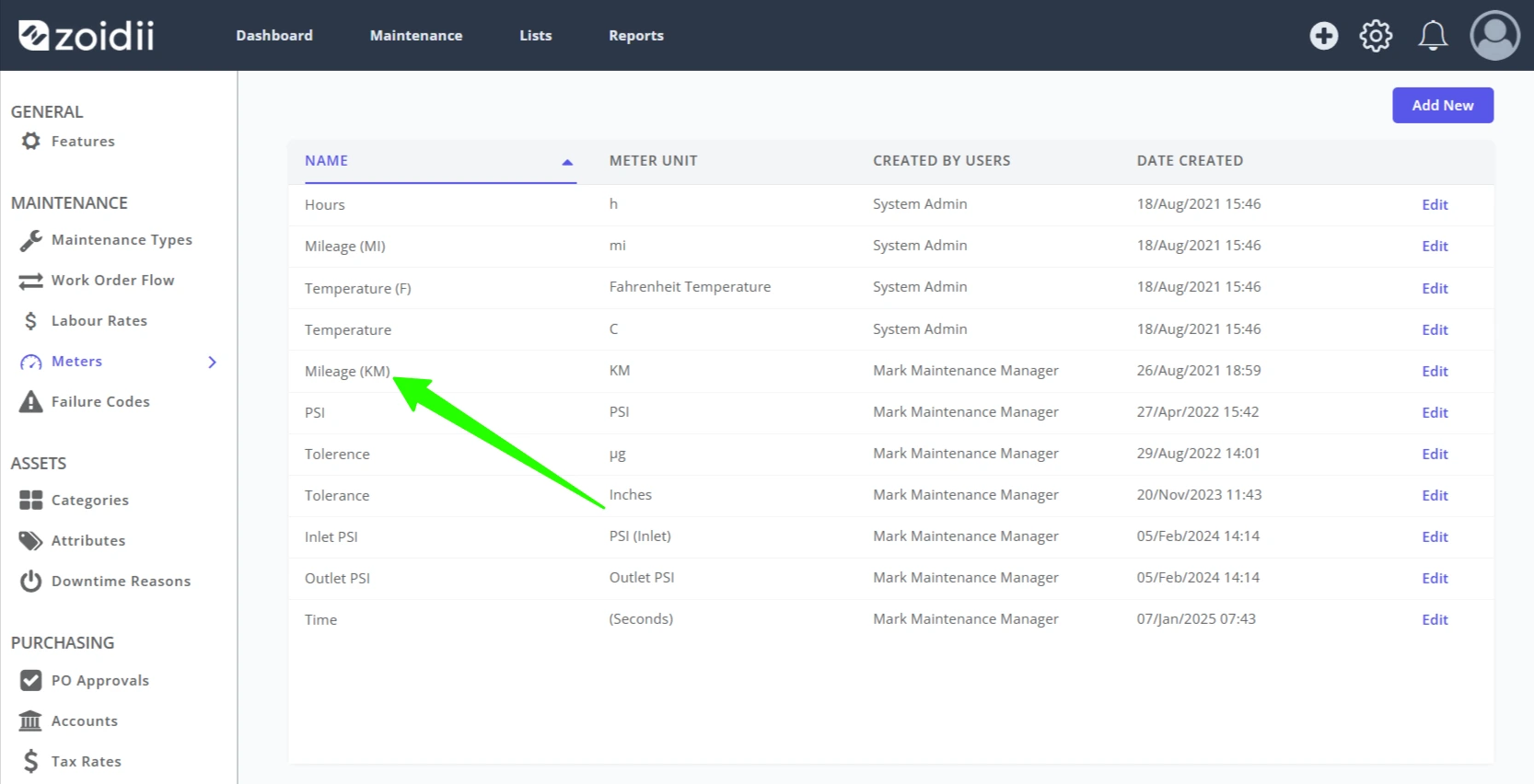
Procedure to Edit a Meter Type
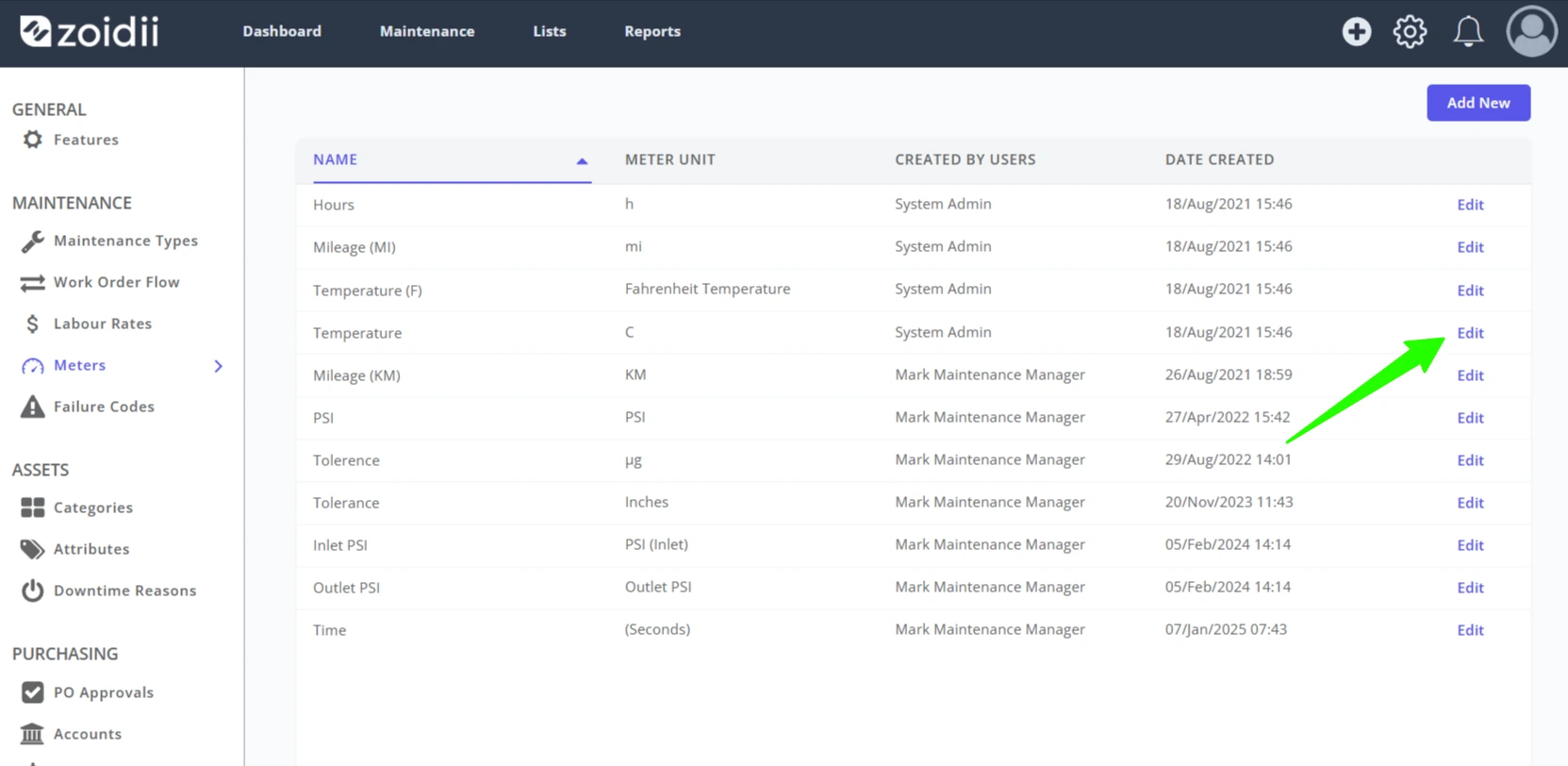
1. In the System Settings - Meter Types screen, click Edit.
2. In the edit screen, make the relevant changes to the name or unit as needed, and click SAVE to activate the changes.
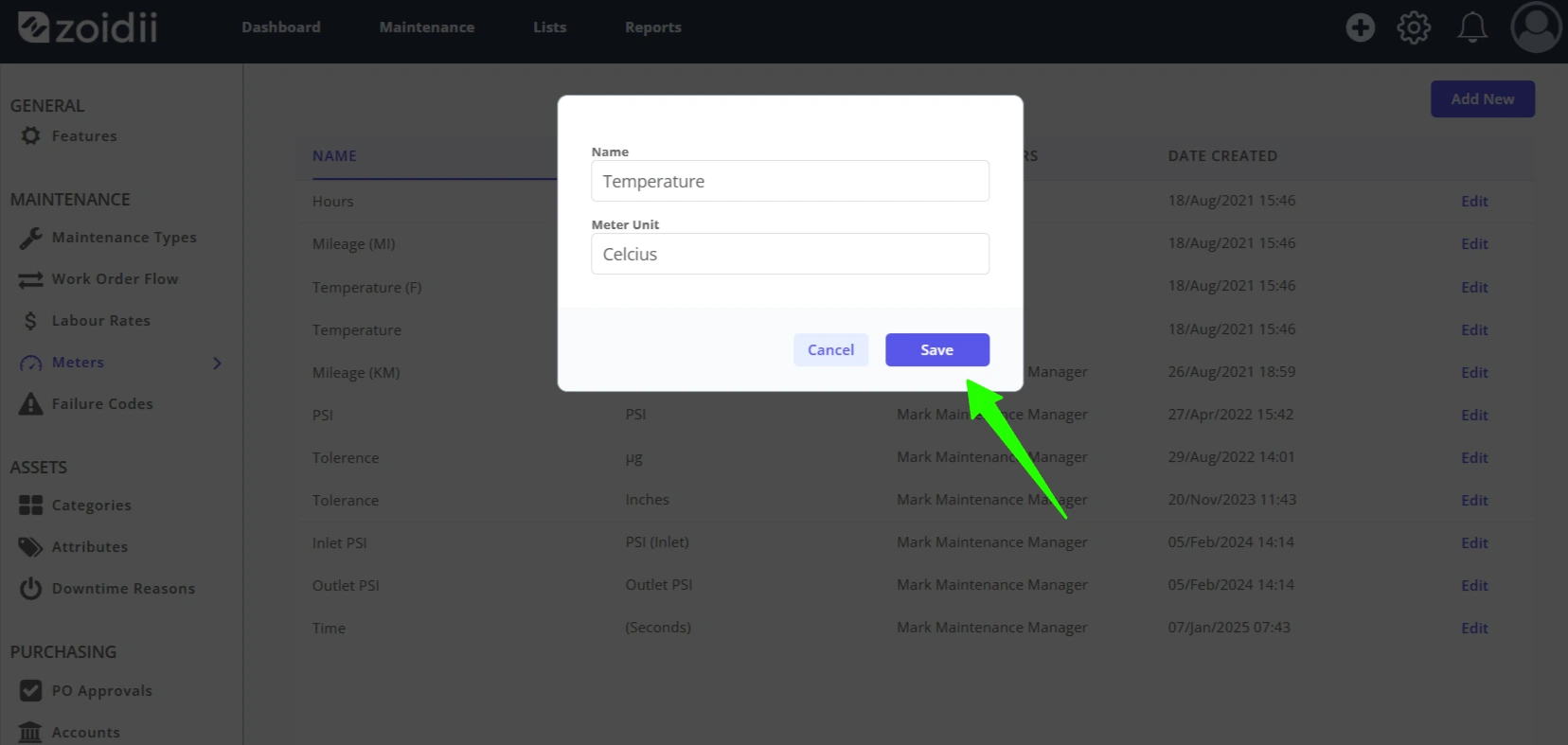
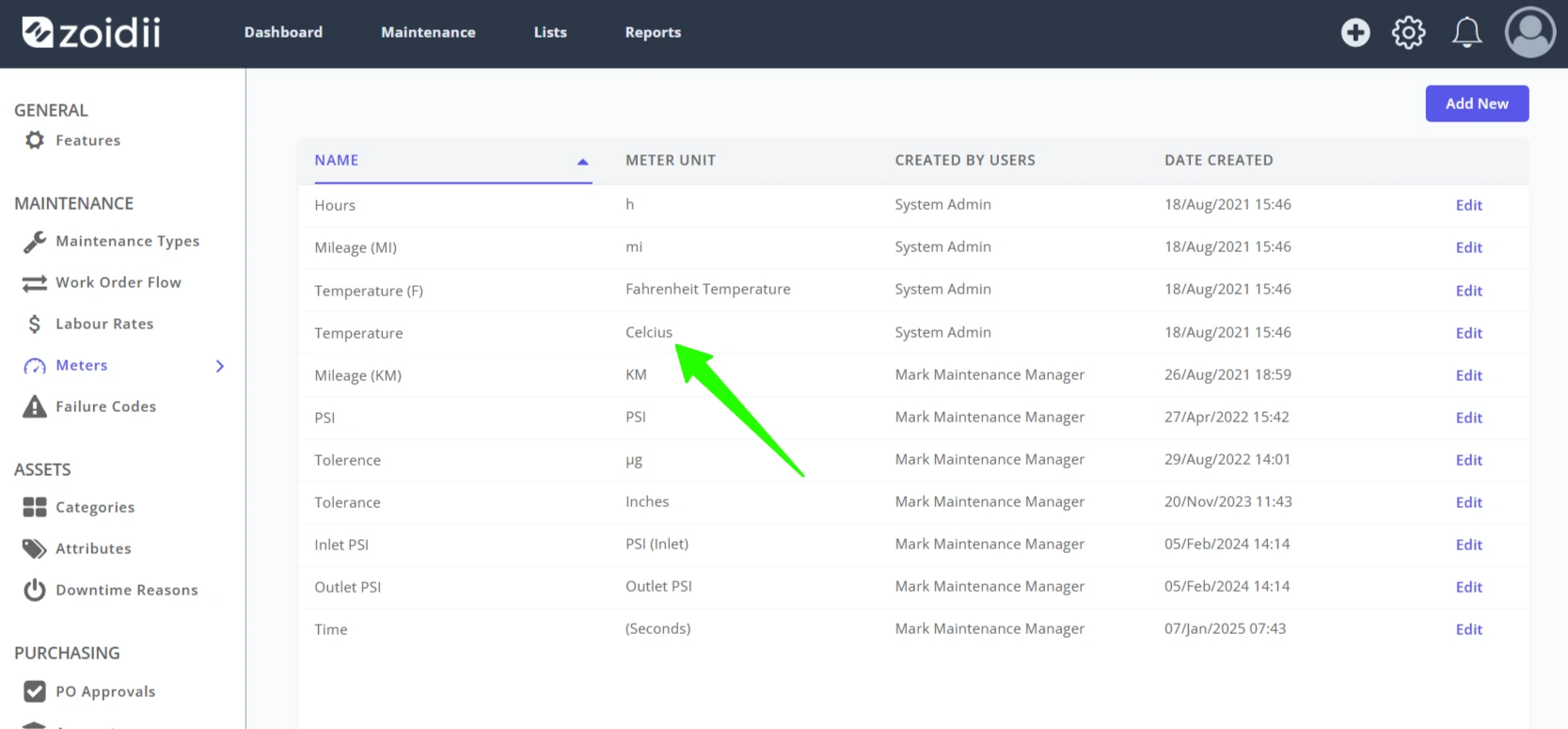
3. In this example, "C" was changed to "Celcius".