Background
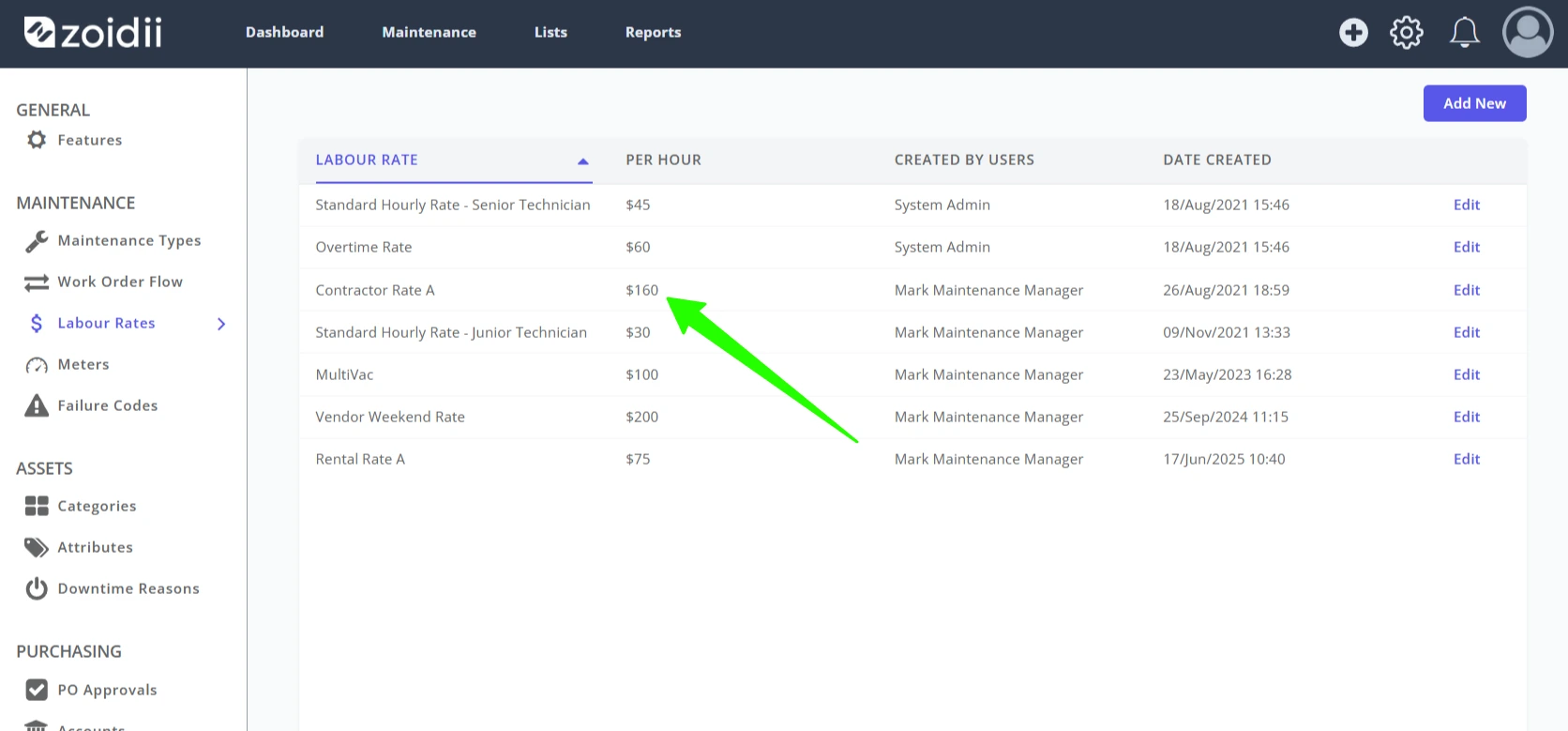
Labour rates are used to calculate the cost of doing labour in the organisation. For example, they can be used to understand the cost of maintaining an asset, which in turn feeds into the repair versus replace decision.
Generally, the labour rate is not the hourly rate paid to technicians in their pay slips. Labour rates should take into consideration the salary paid to the technician, any additional benefits such as company van, cell phone, mobile phone, clothing allowance, a % of their supervisor's salary, training days etc...
Procedure to add a New Labour Rate
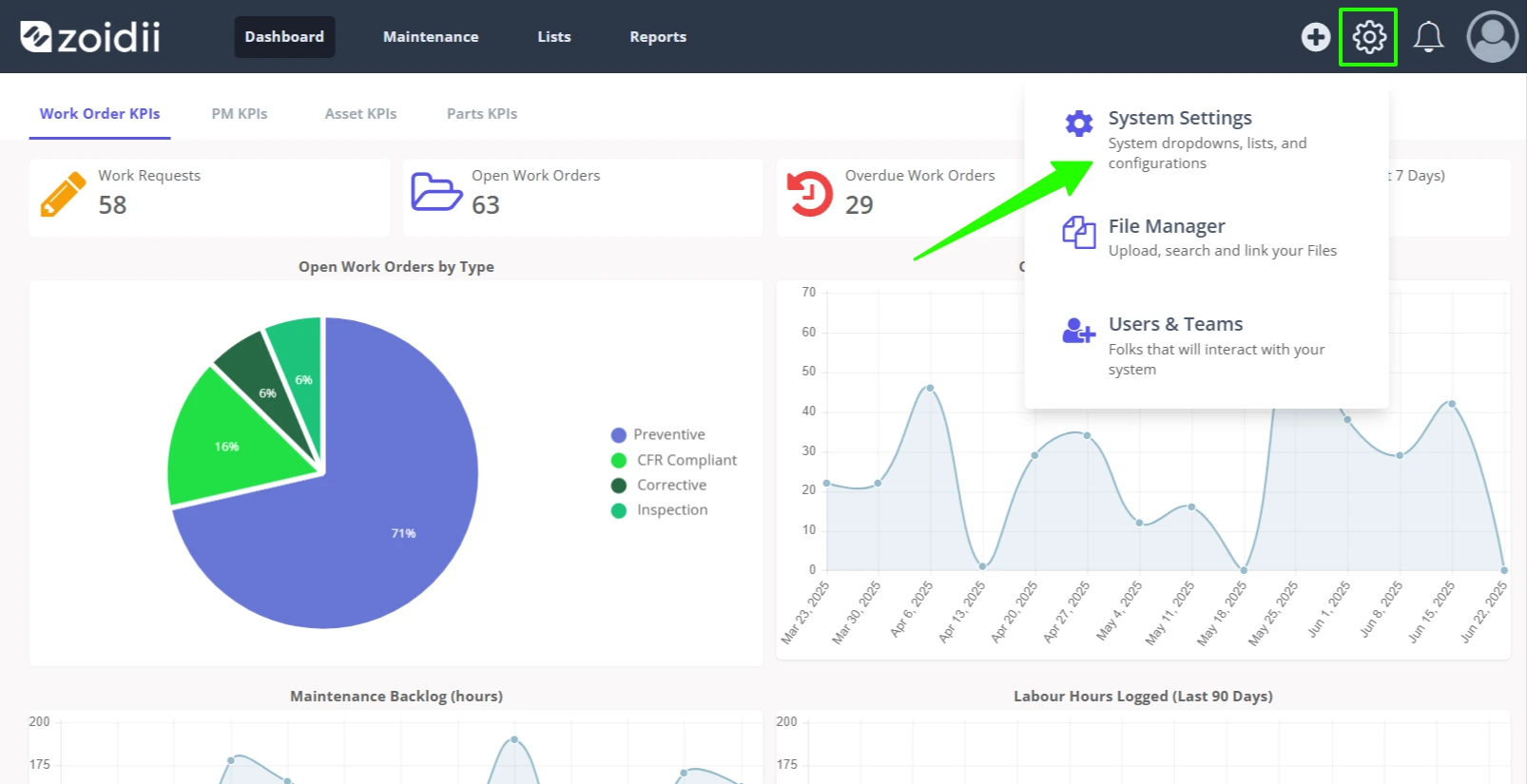
1. In the top navigation bar, click the Settings icon. Then select System Settings.
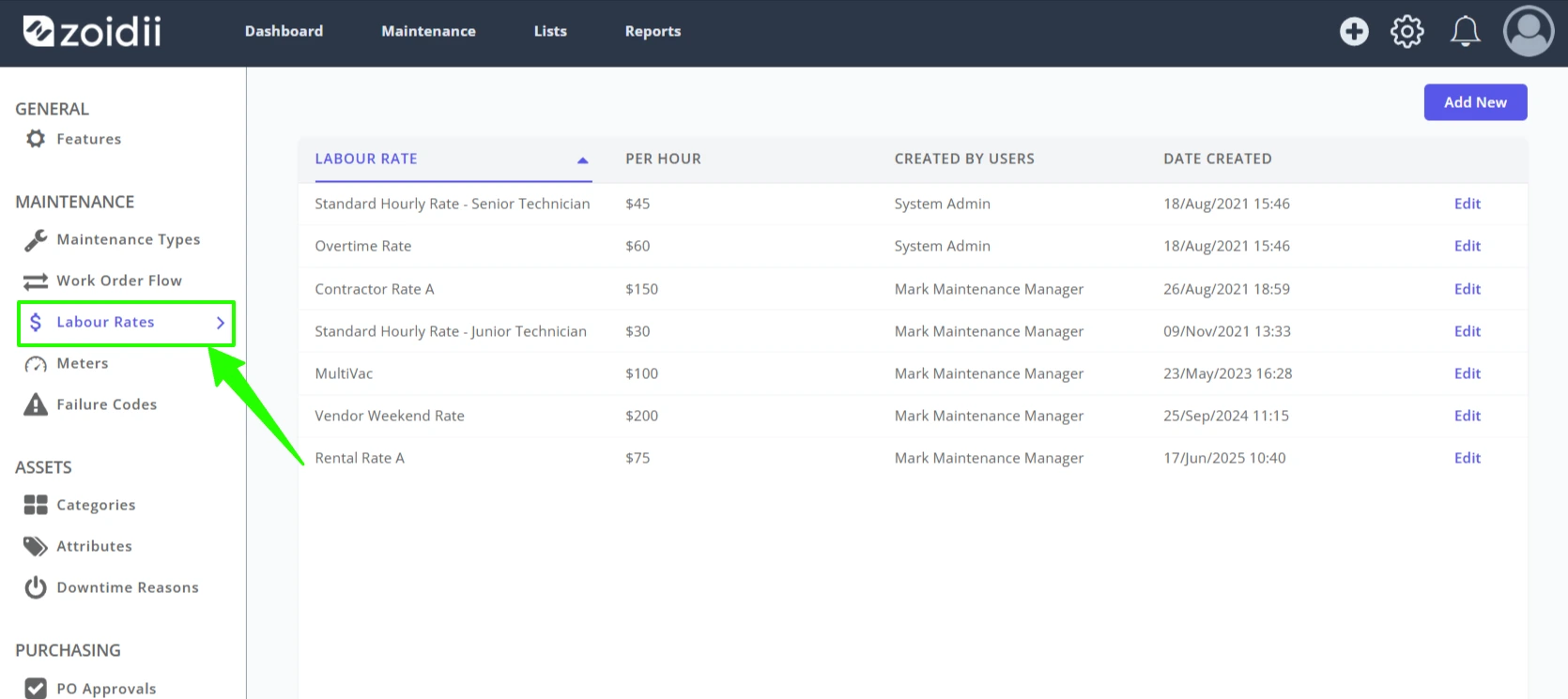
2. Select Labour Rates from the Maintenance Settings menu.
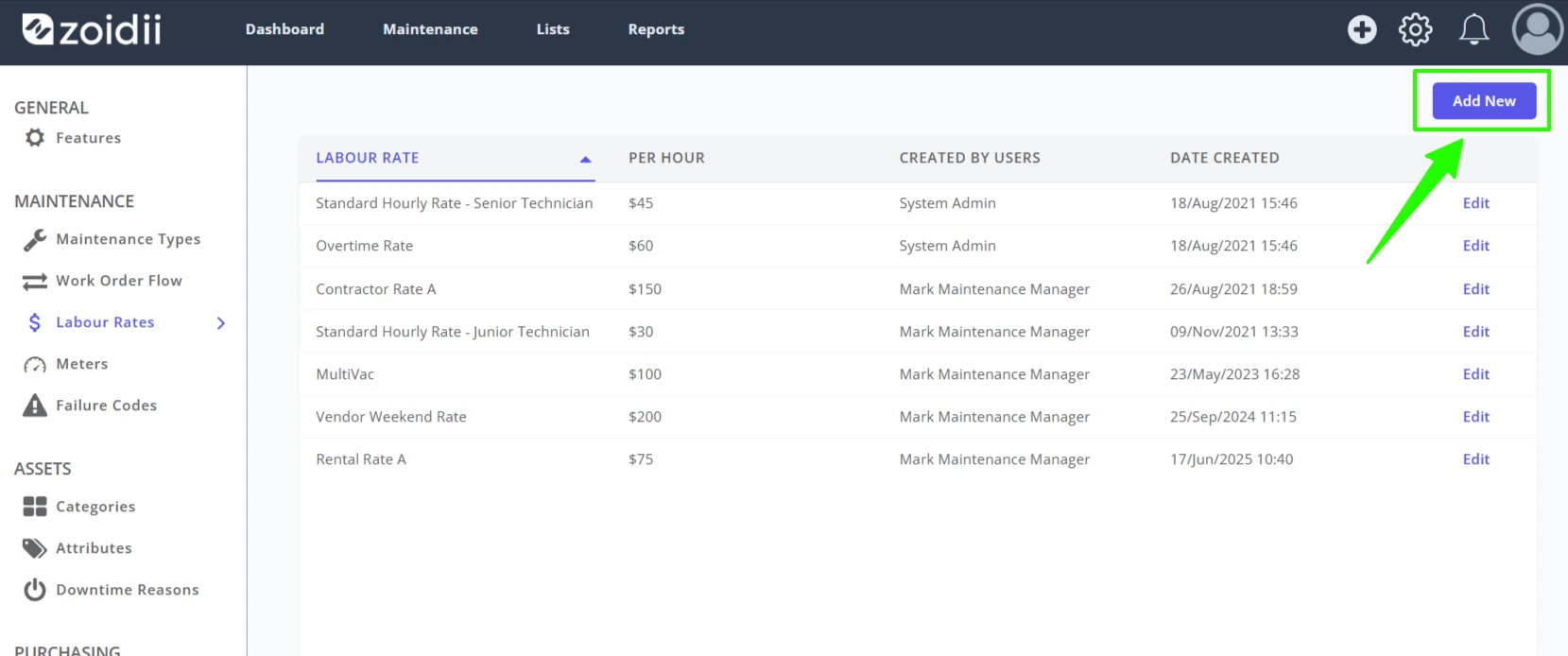
3. Click Add New.
4. Fill in the details for the new rate and click Save to activate.
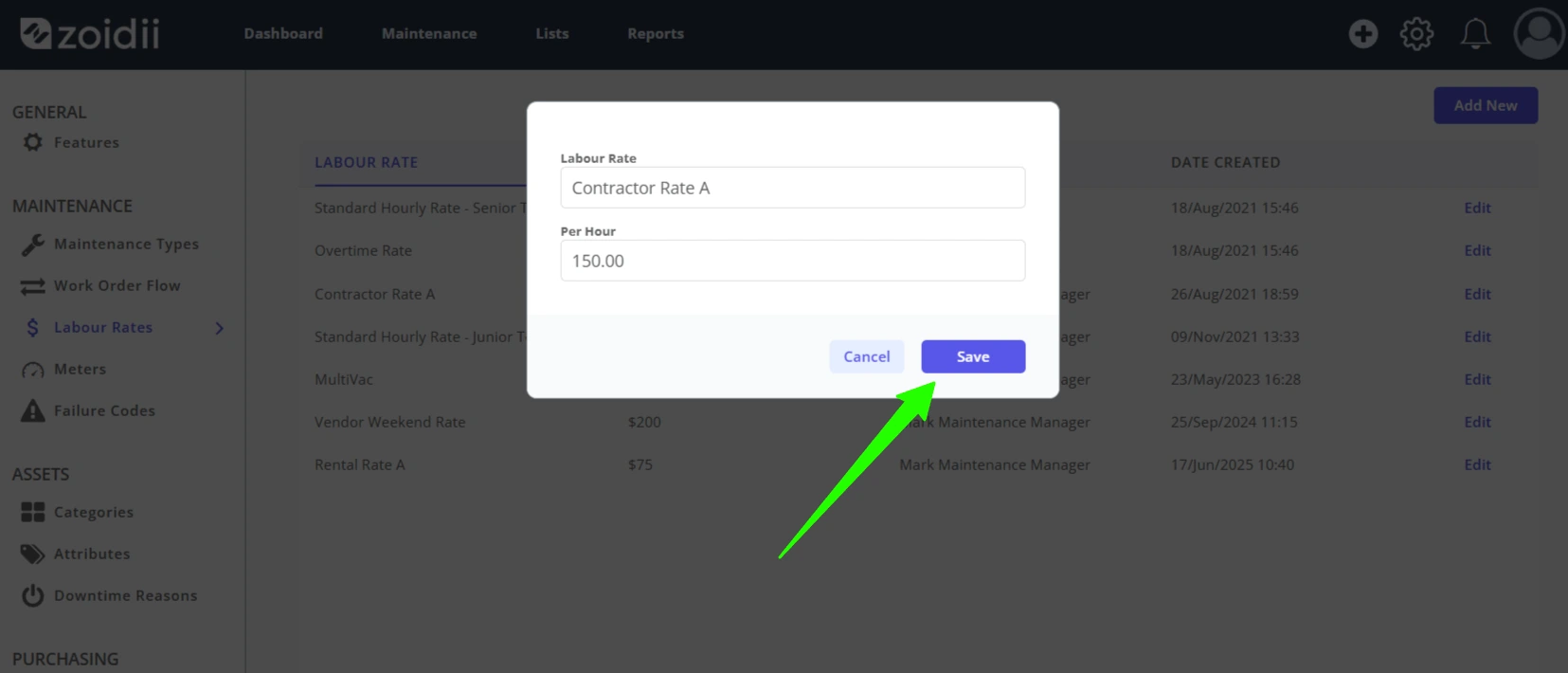
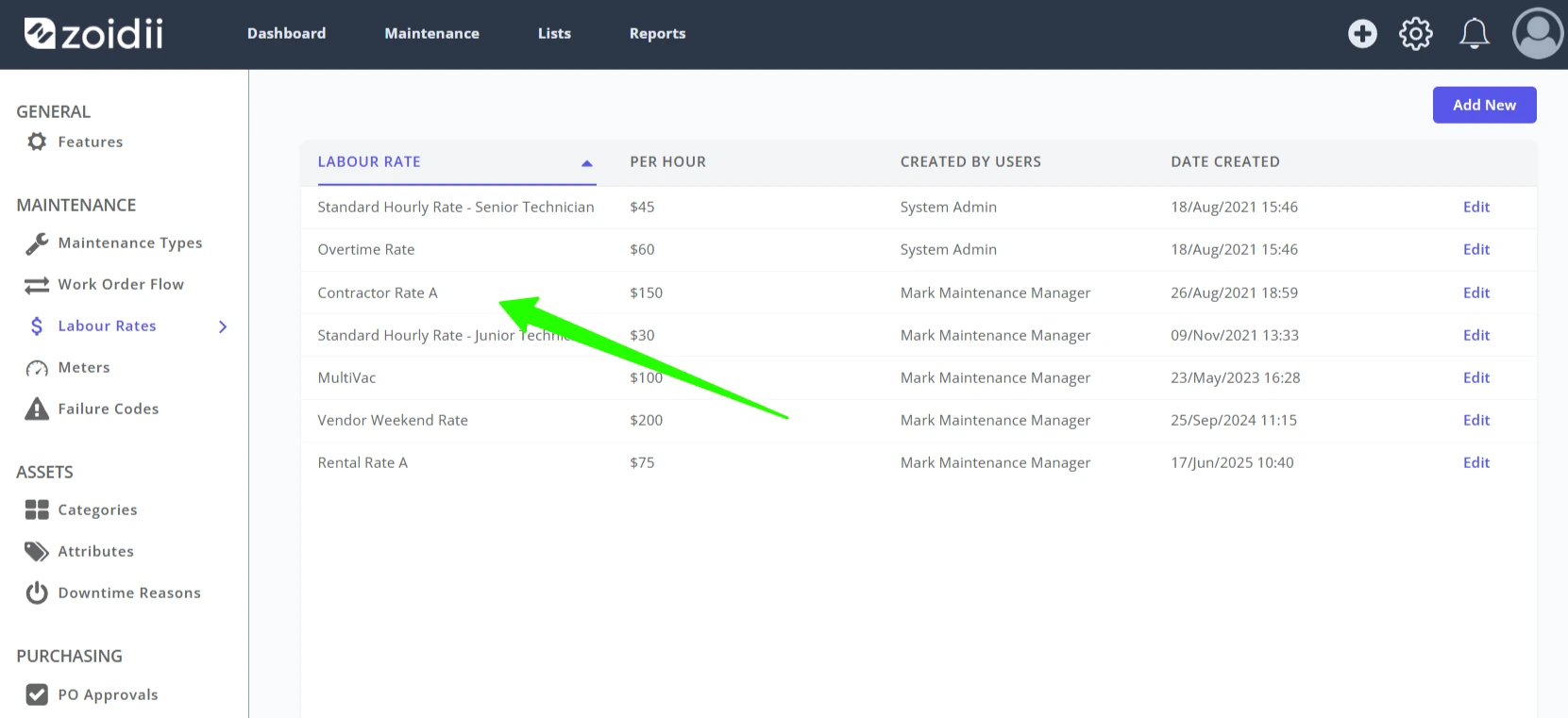
5. The new rate will be available for selection throughout the app.
Procedure to Edit a Labour Rate
Note:- Any changes to labour rates will only show going forward. Changes are not back-dated on previous work orders.
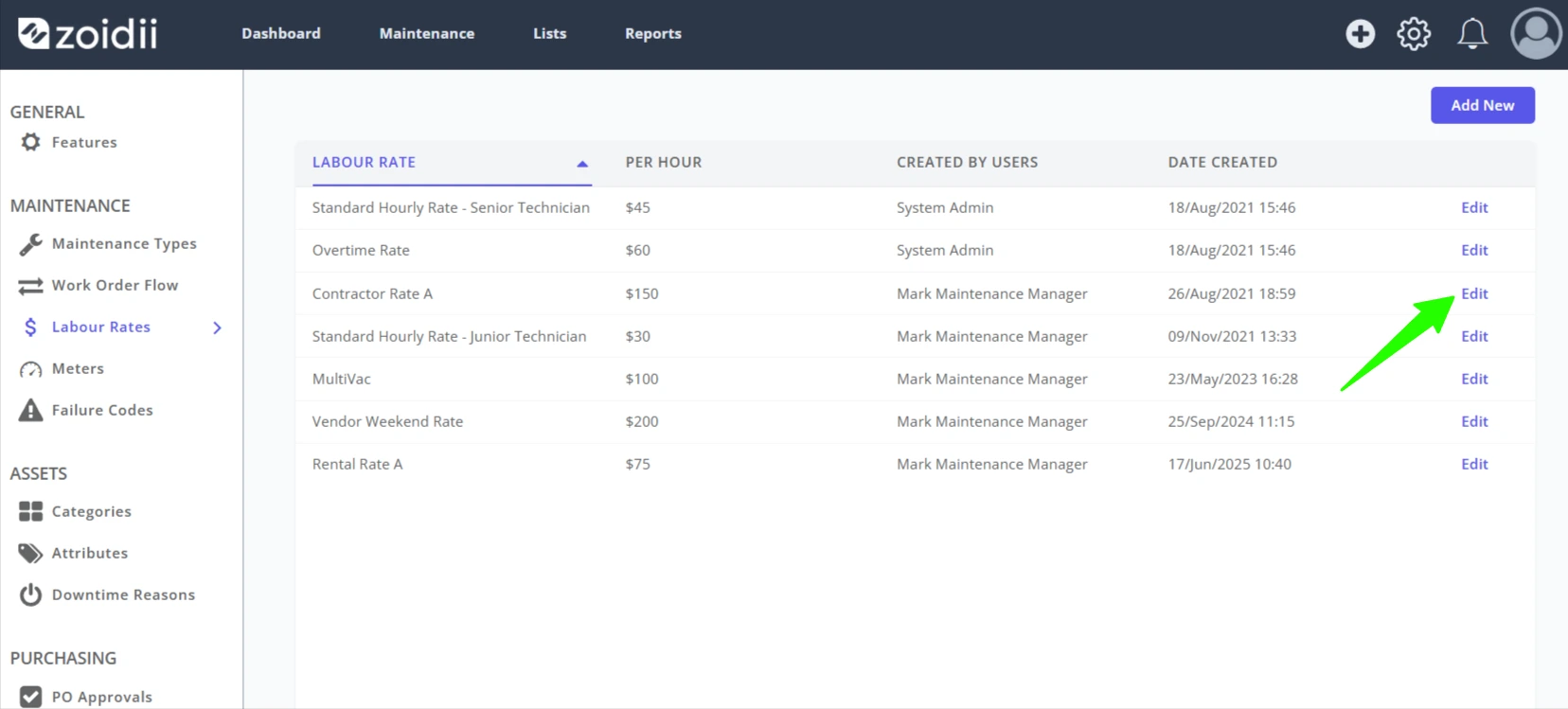
1. On the labour rate line item, click Edit.
2. Make the relevant changes to the Labour Rate Name or Hourly Rate.
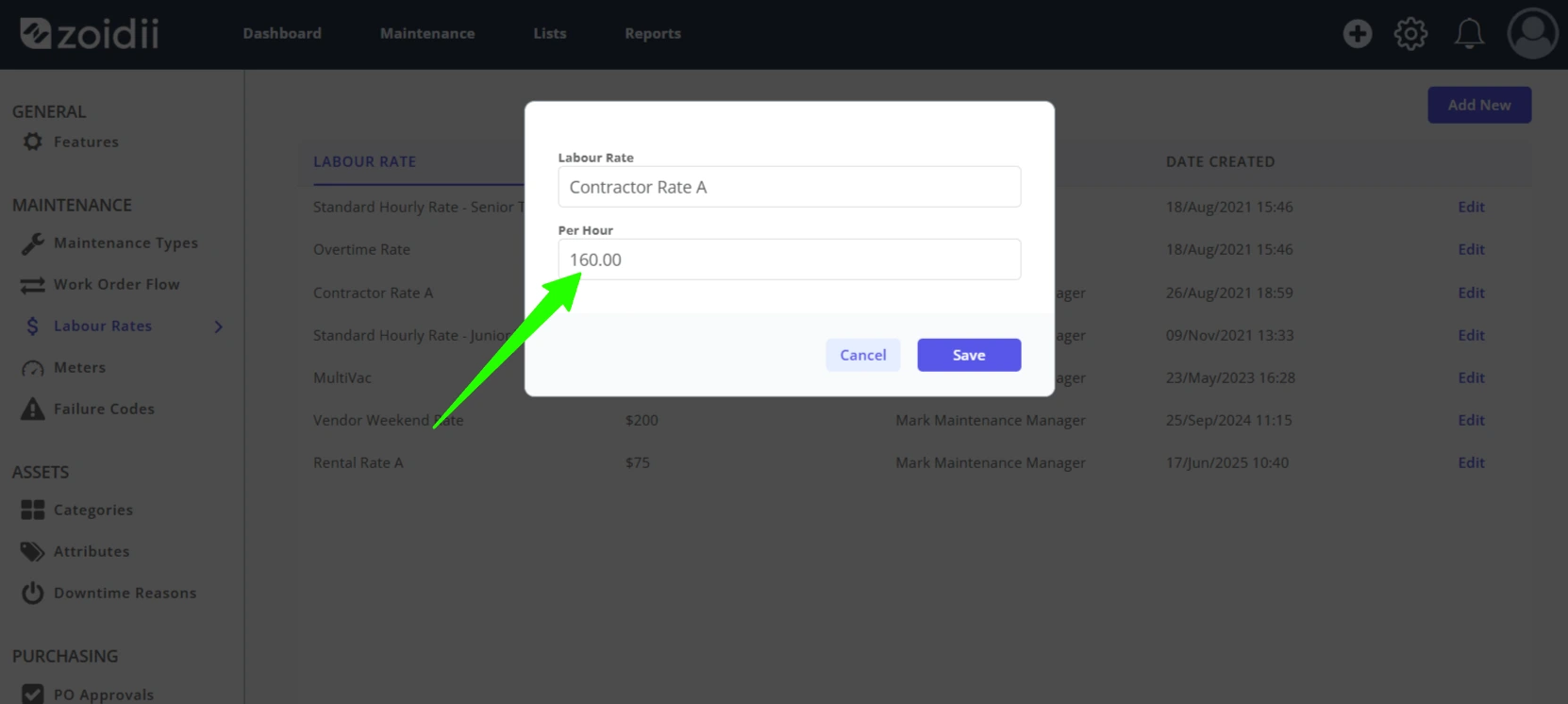
3. Click Save when done to activate the changes.
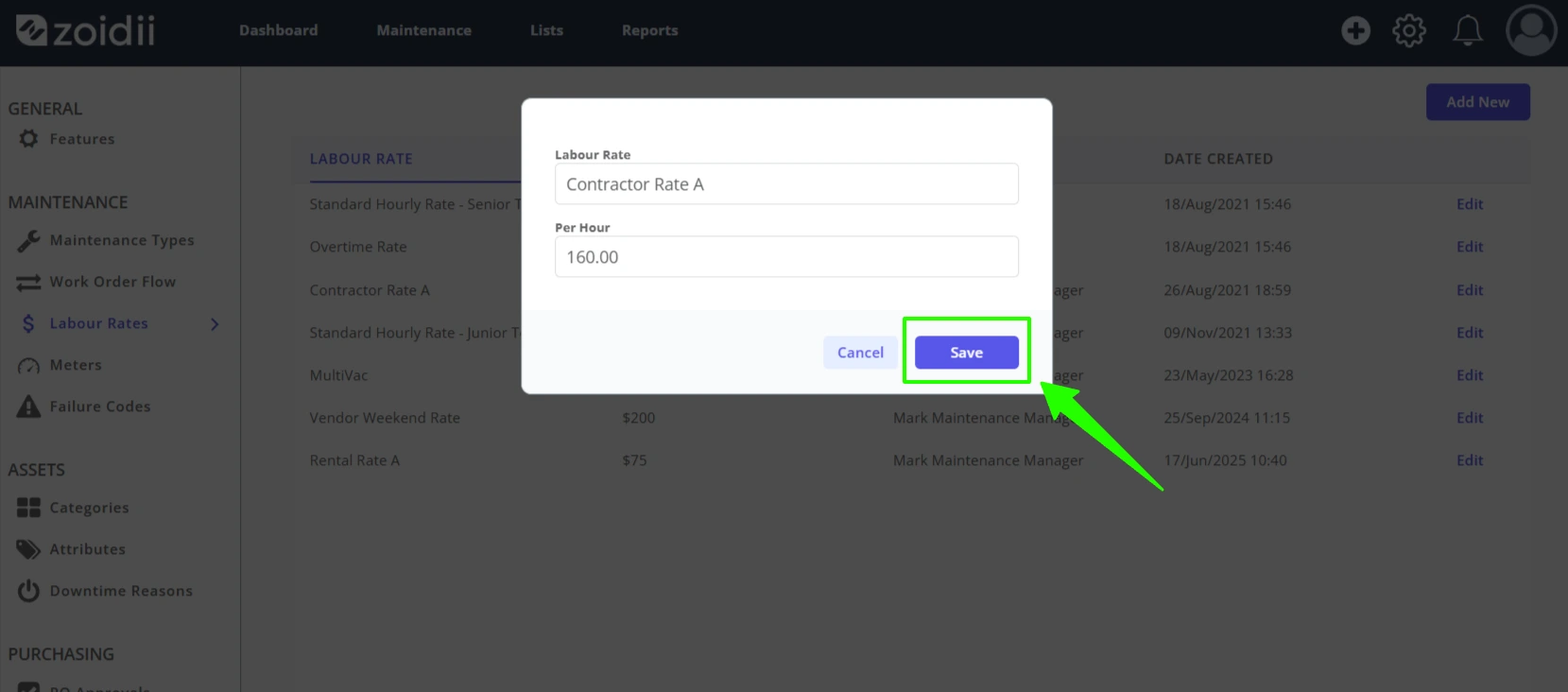
4. The edited rate will be available going forward. Changes are not back-dated on previous work orders.