

Background
Failure codes are alphanumeric or text identifiers that provide specific details on why an asset failed. Classifying an issue or work order with failure codes eliminates some human effort when mining maintenance data for patterns and repeat issues.
Prerequisites
Failure codes are switched on for your account.Procedure
1. In the top navigation bar, click the Settings icon. Then select System Settings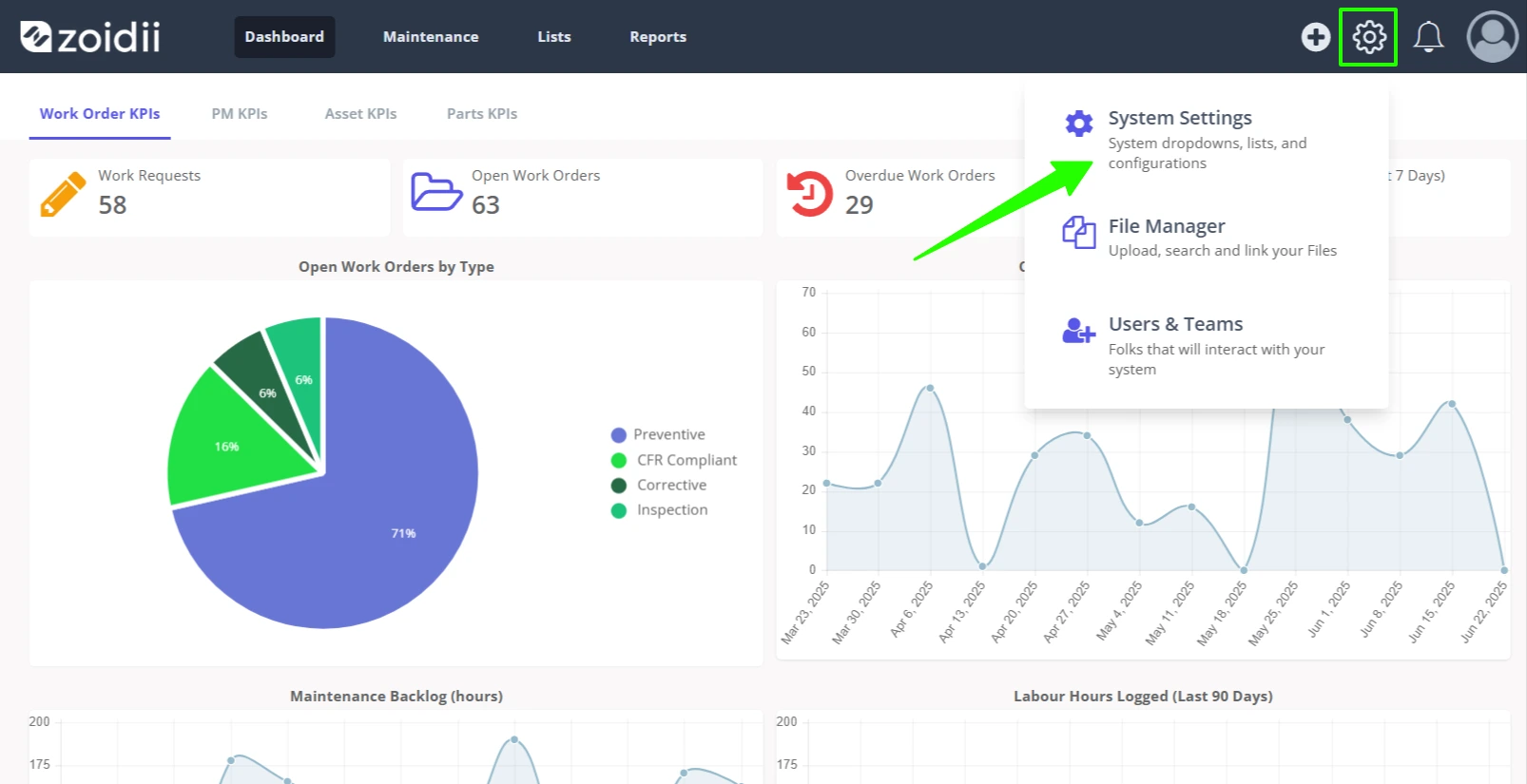
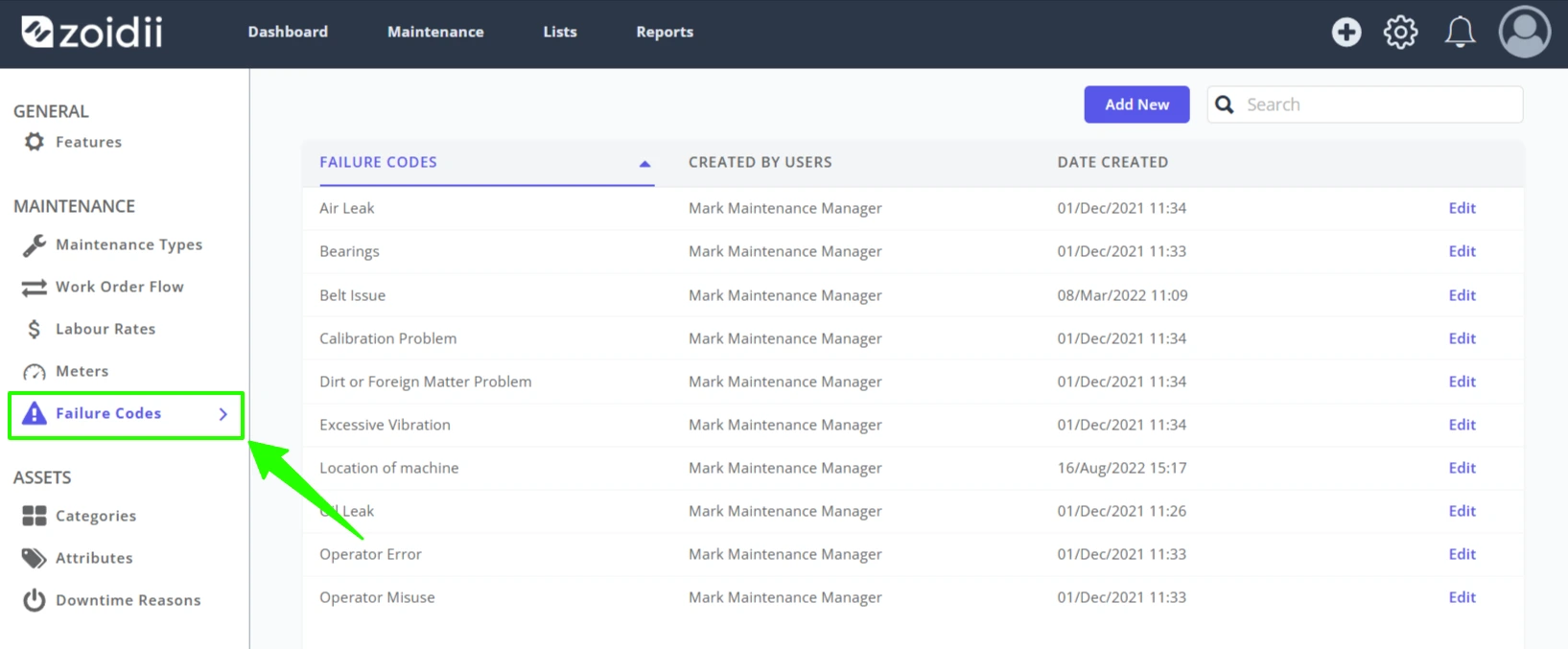
2. Select Failure Codes from the System Settings - Maintenance Settings menu
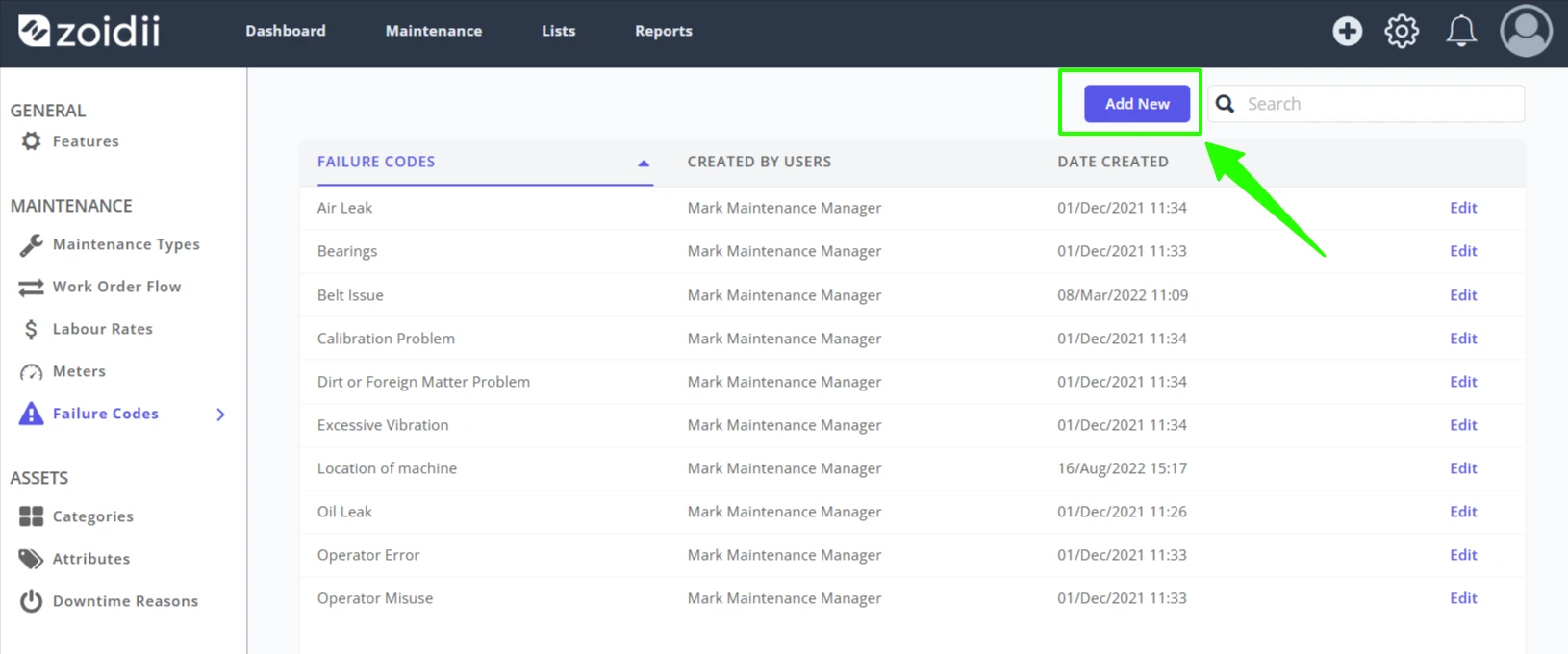
3. Click Add New to add a new failure code
4. Enter the failure code name and click Save when done
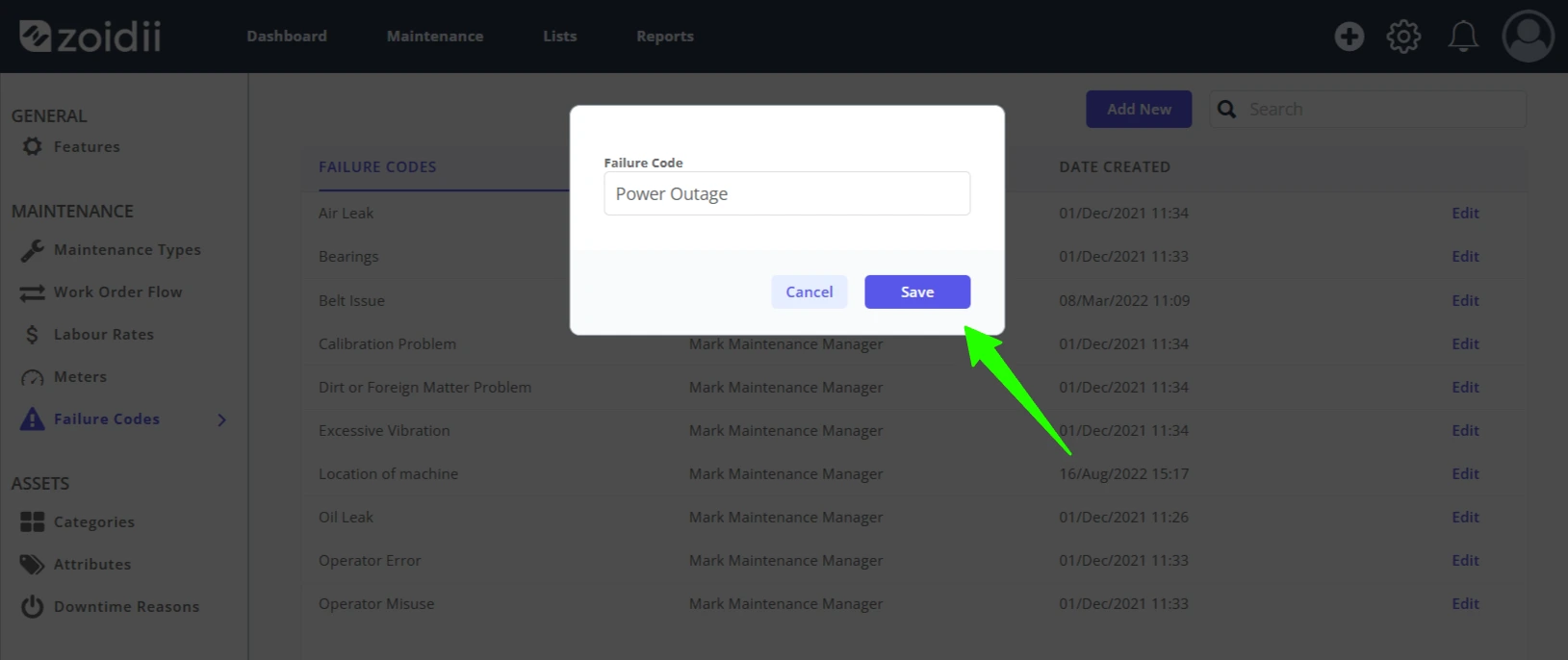
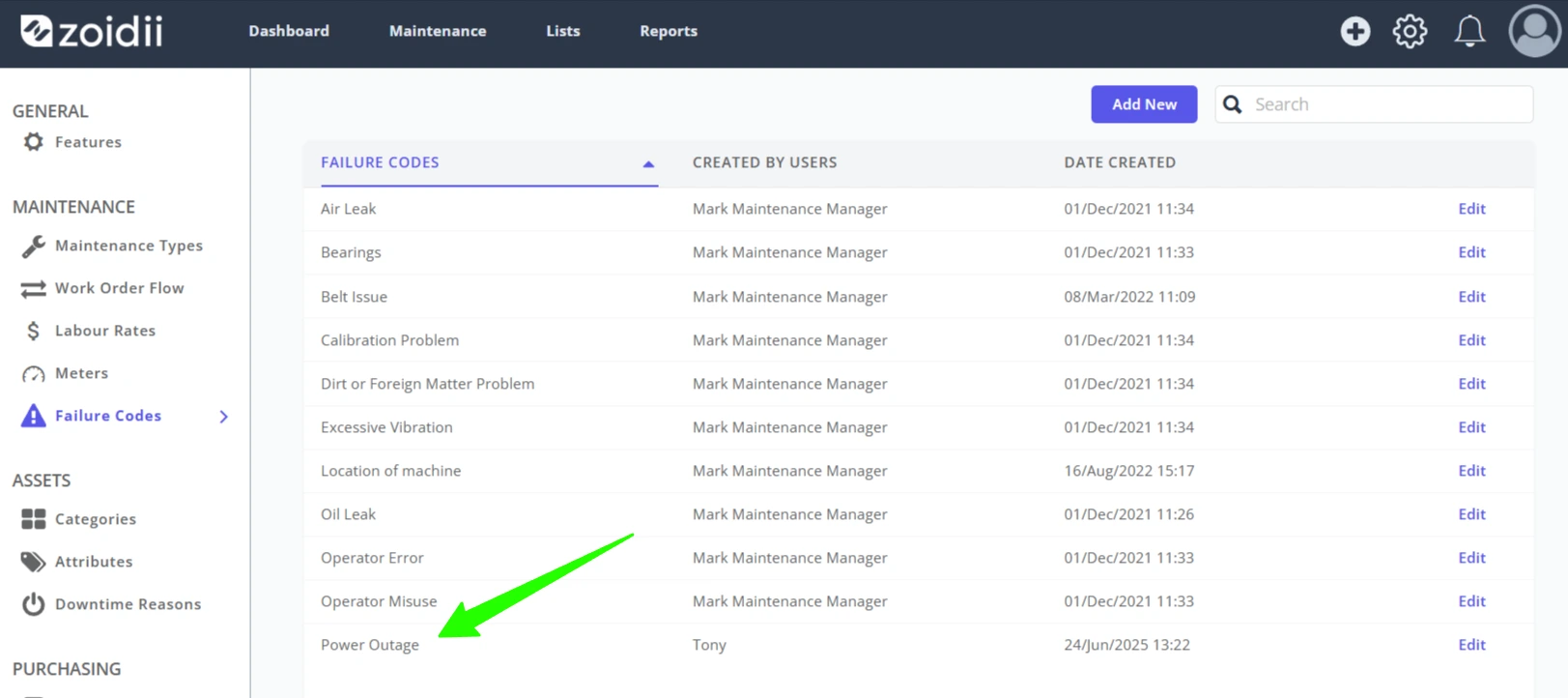
5. The new failure code is now live in the system:
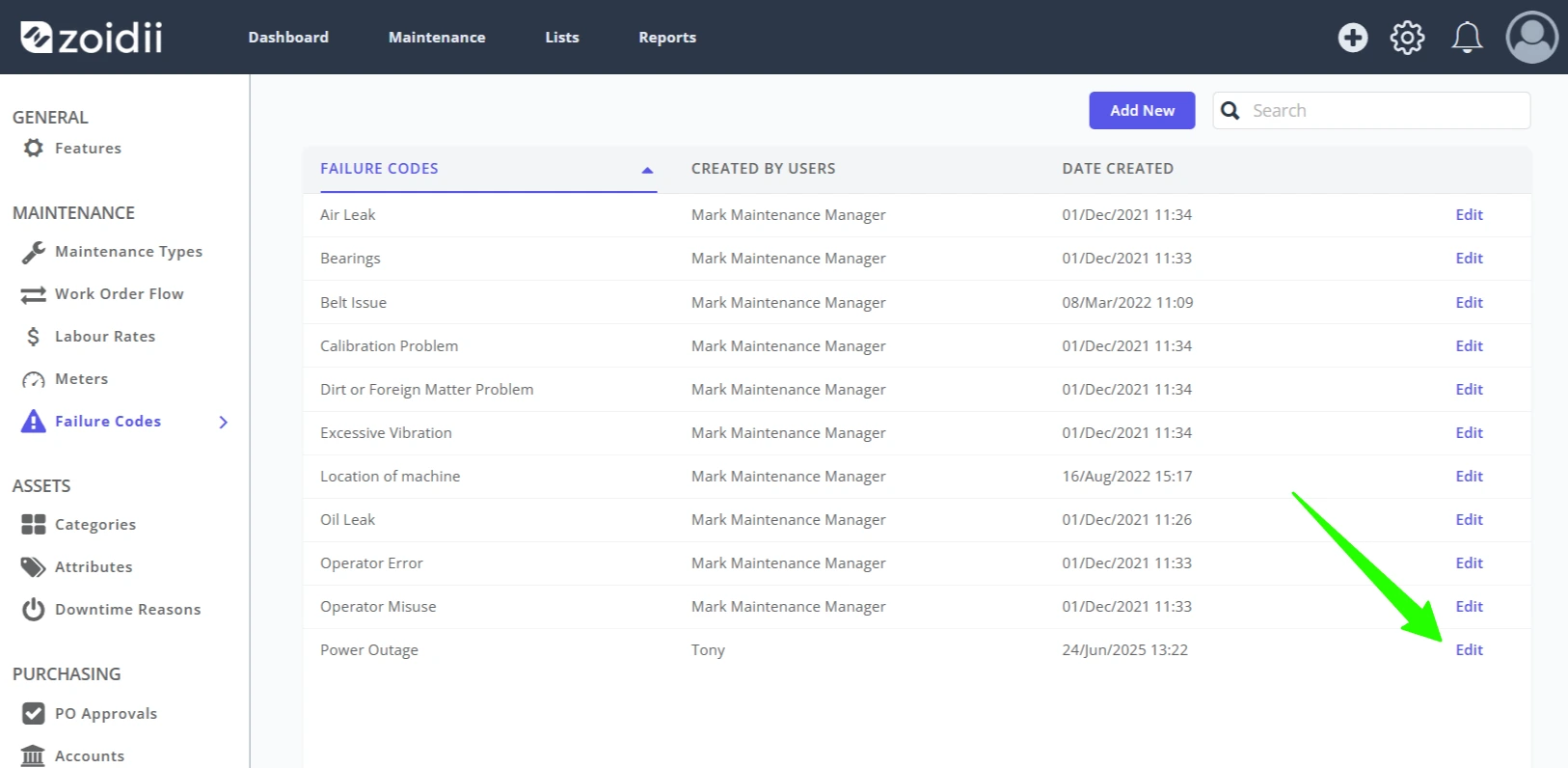
6. Click Edit to change the failure code name if needed
End