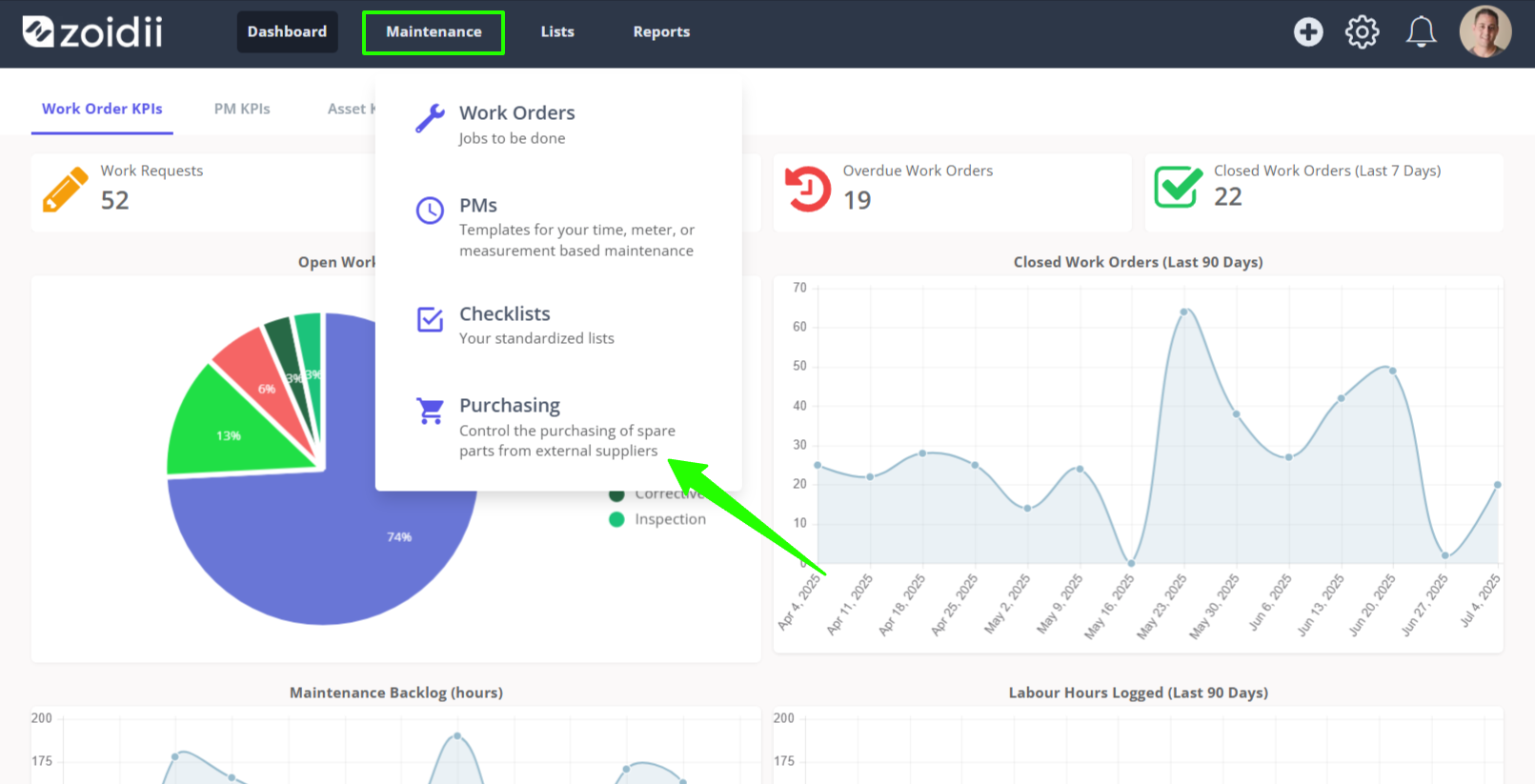
1. In the top navigation bar, click Maintenance and select Purchasing from the dropdown menu
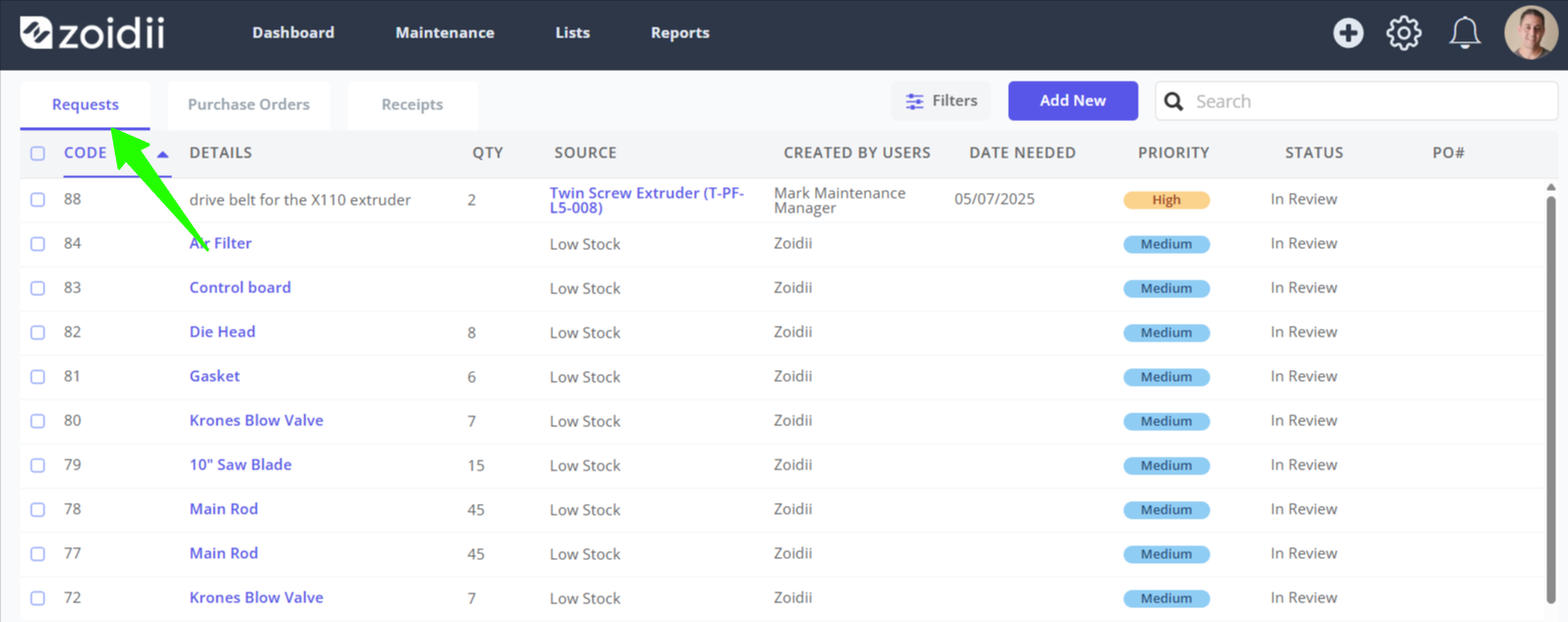
2. On the purchasing page, select Requests
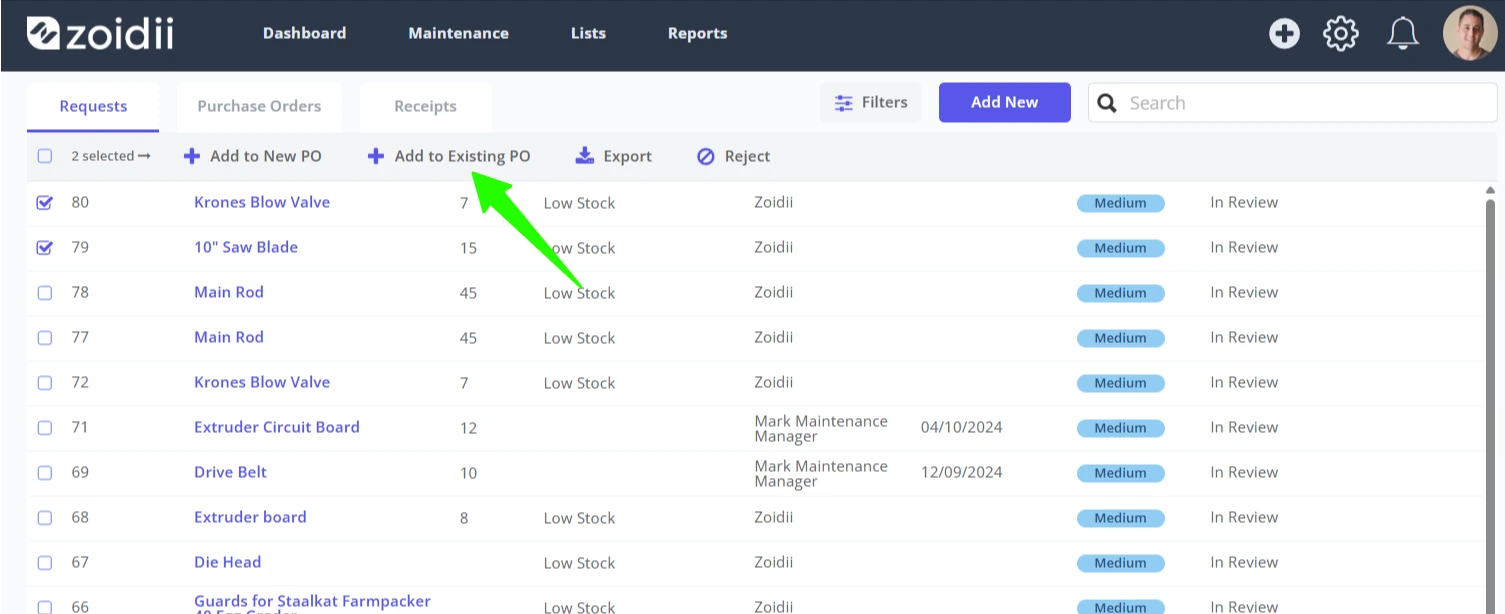
3. Select the purchase requests line items to add to the existing purchase order by marking the checkboxes
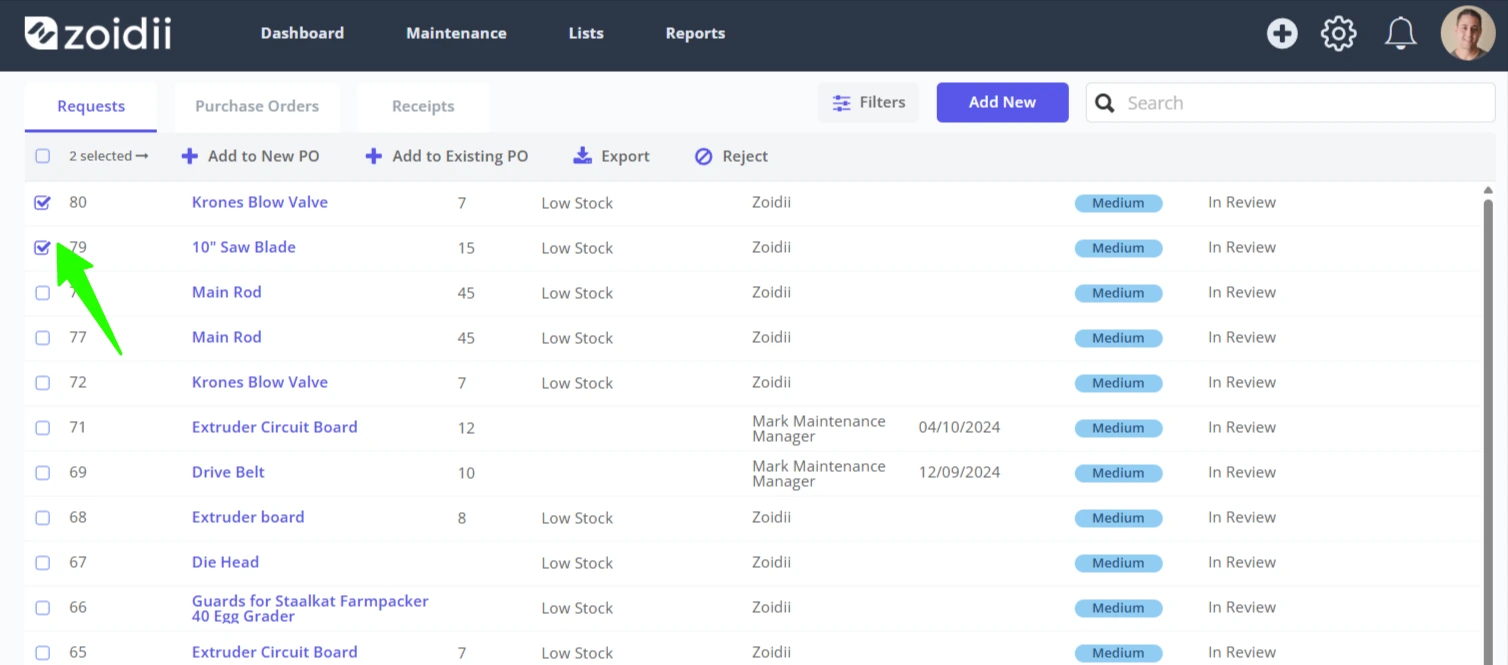
4. Click Add to Existing PO in the header menu
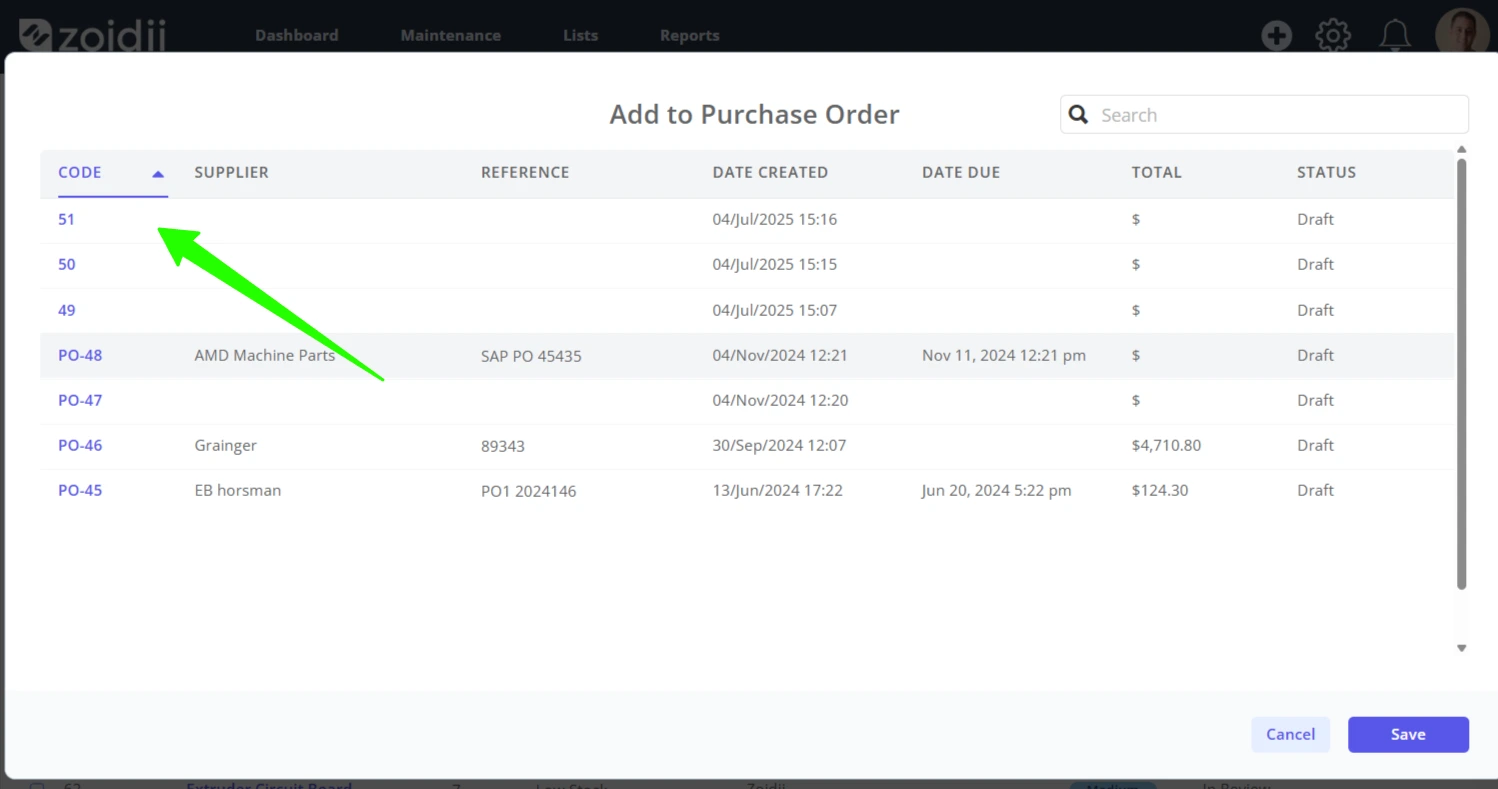
5. In the popup window, select the existing PO from the list of draft purchase orders (note - items can only be added to draft purchase orders)
6. Click Save
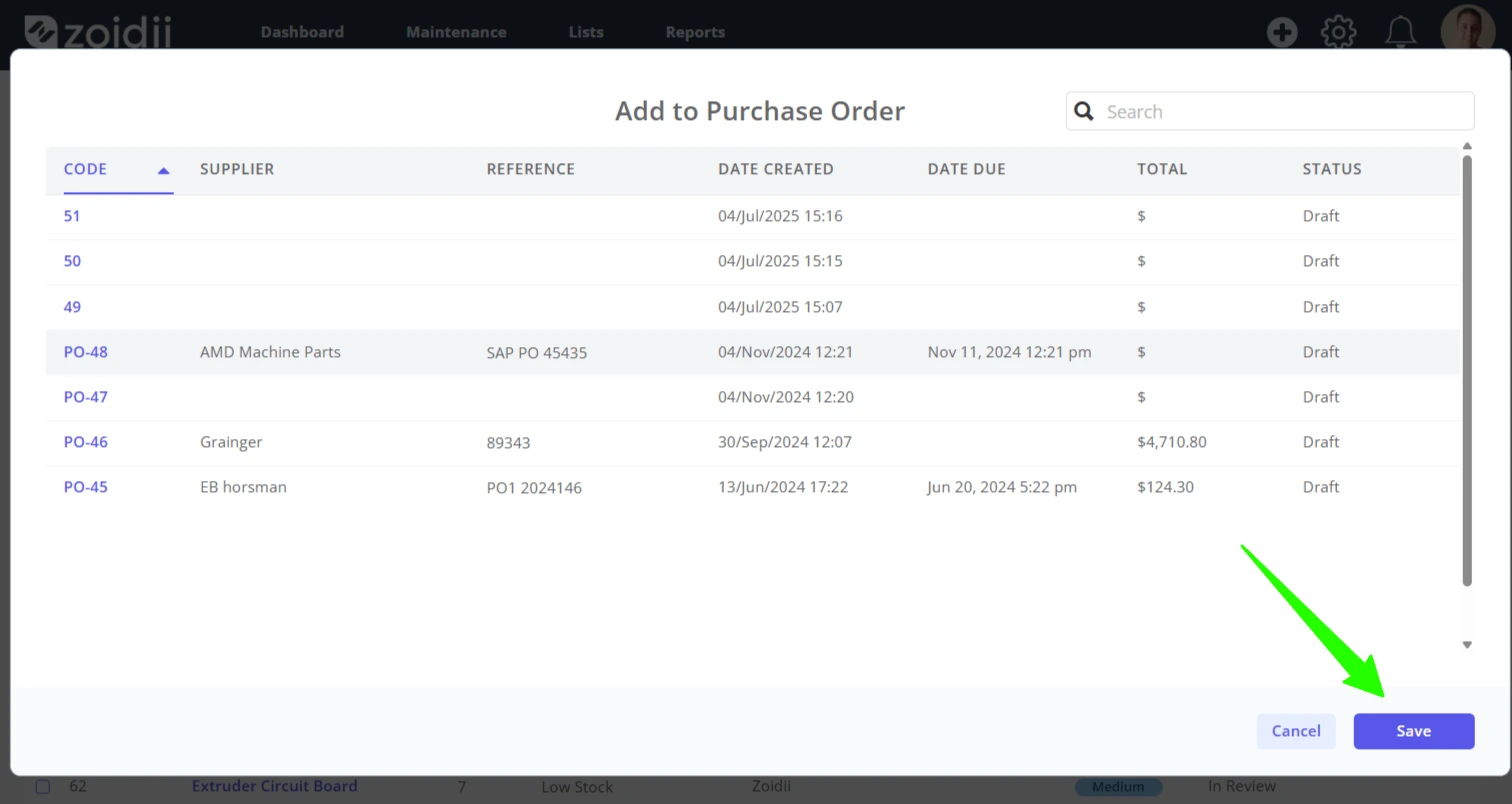
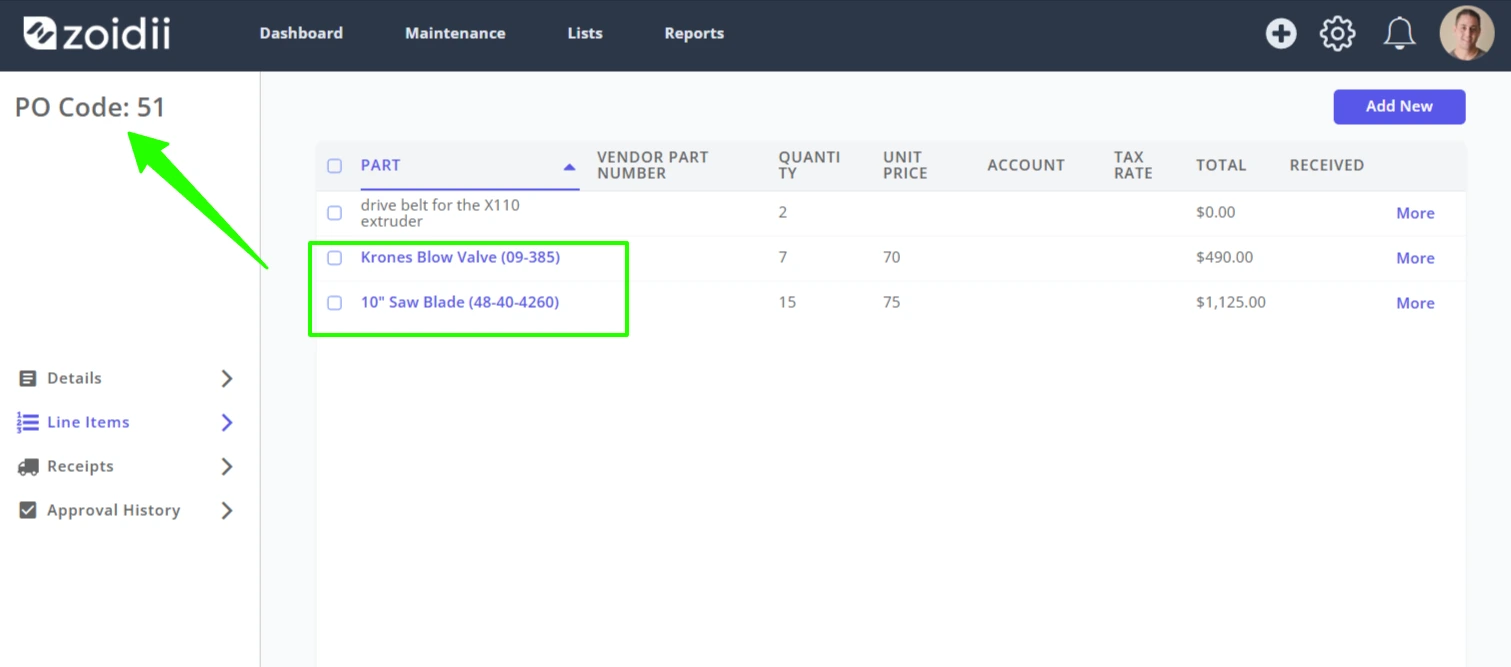
7. The purchase request line items are added to the purchase order. In this case, the wire brush and DC motor have been added to PO #51.