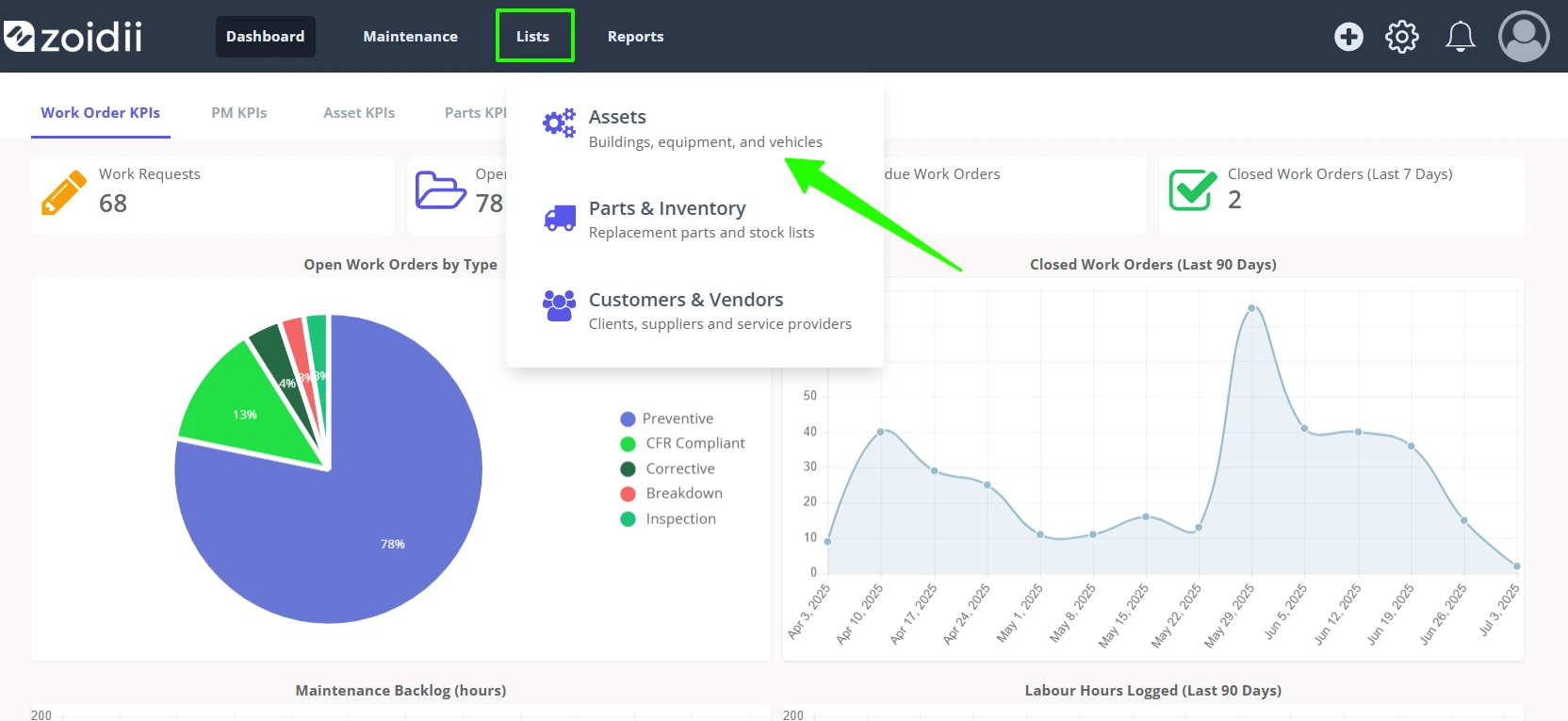
1. In the top Navigation Bar, click the Lists menu item, and select Assets
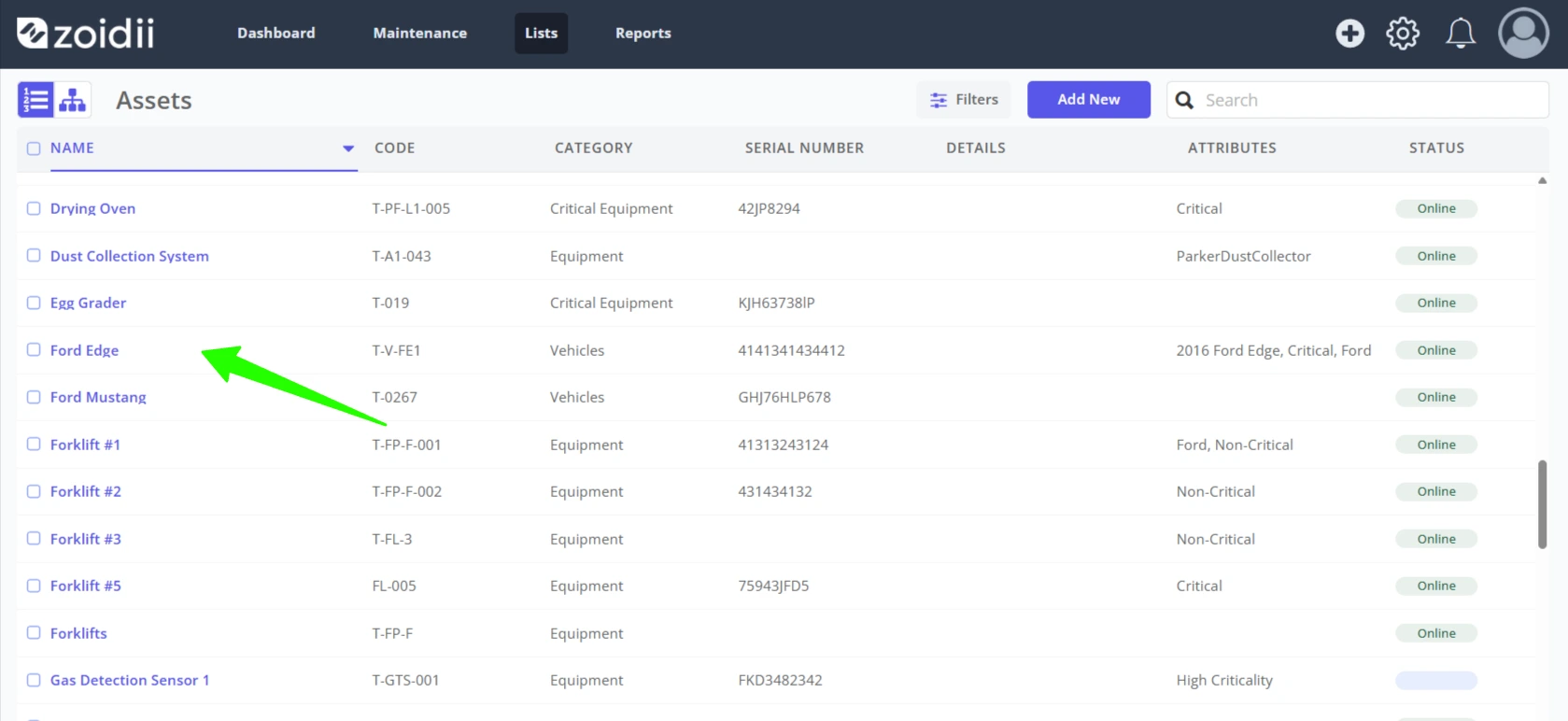
2. Select the asset from the asset list
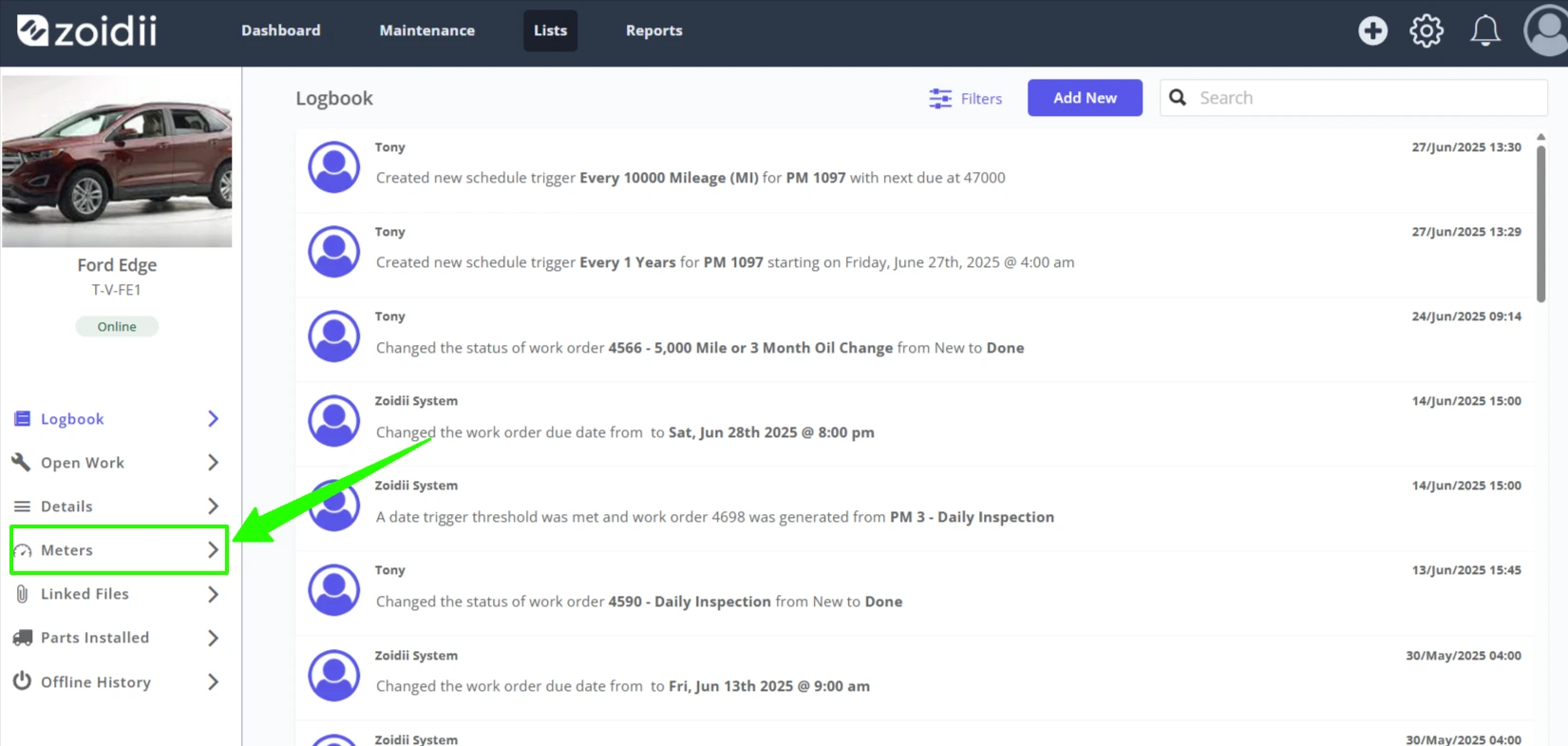
3. Open the Meters tab on the asset record
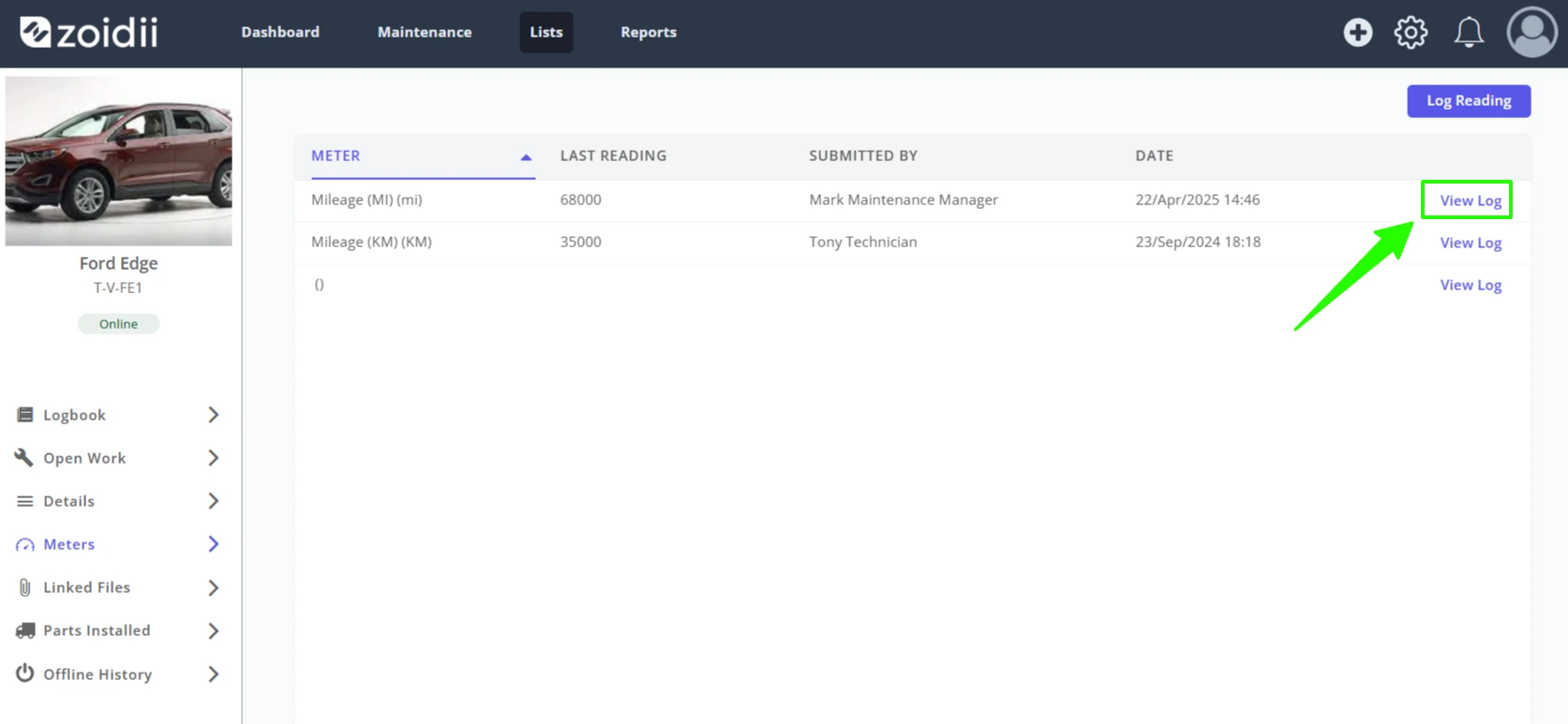
4. Click View Log opposite the meter of interest
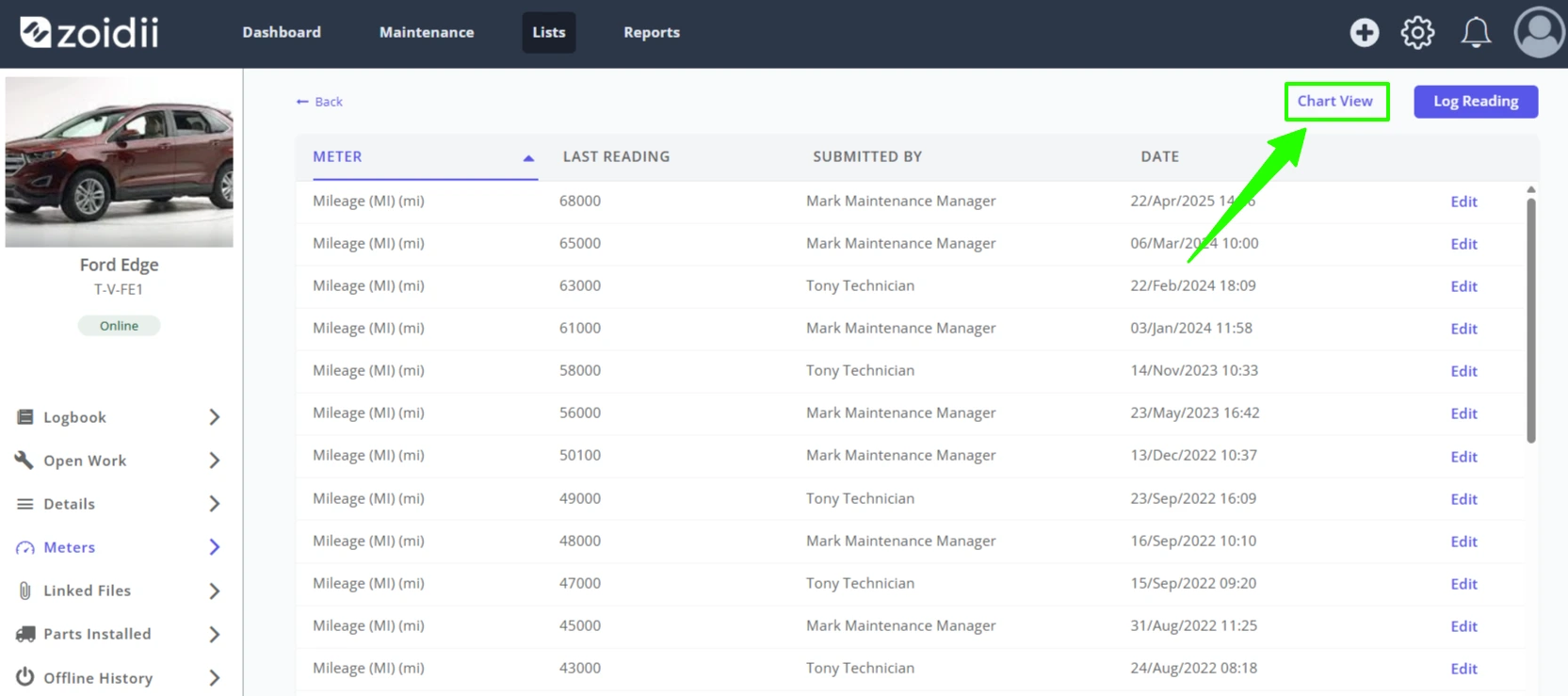
5. The list shows the meter reading history for that meter type. Click Chart View on the top right-hand side
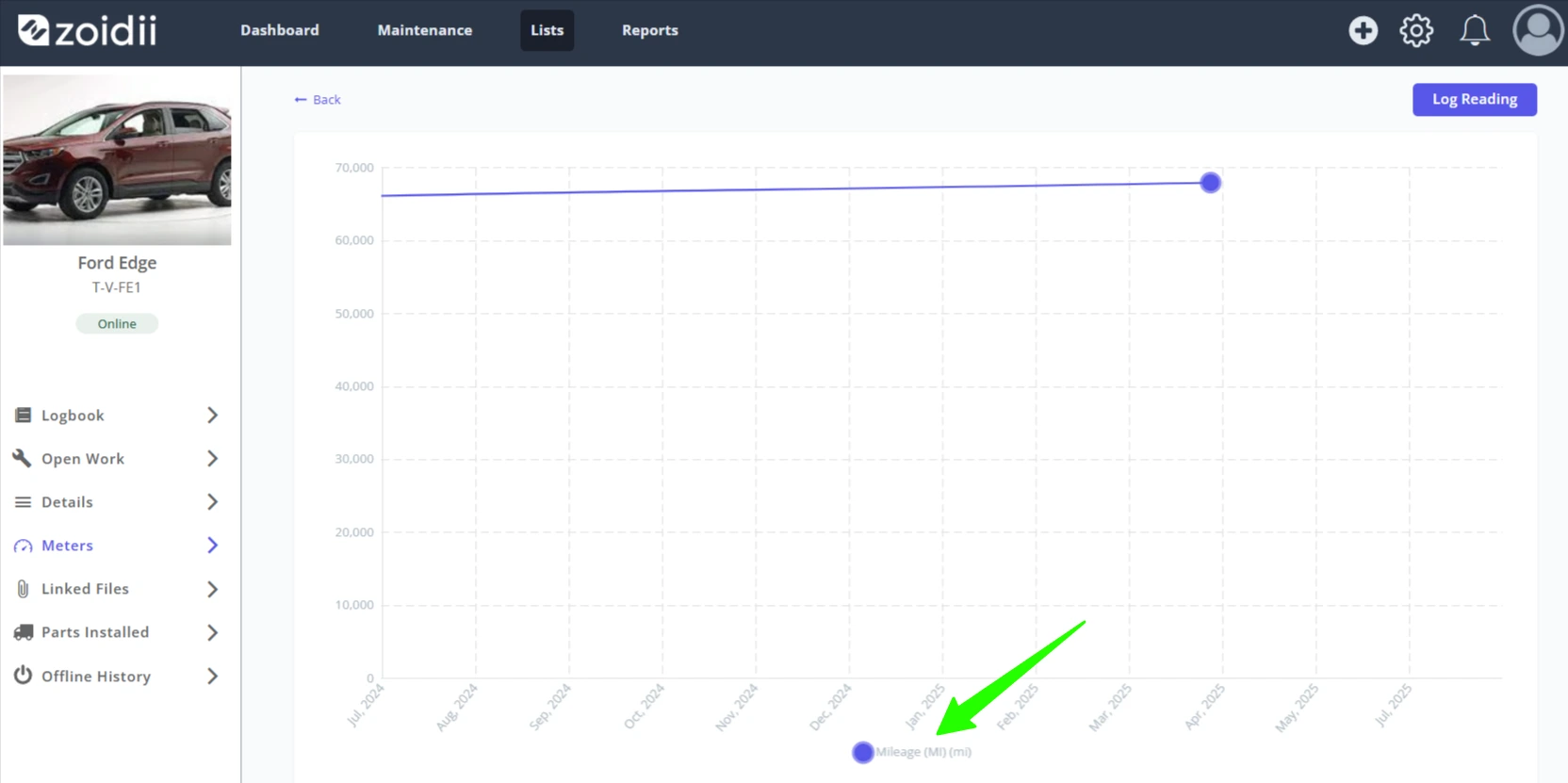
6. The chart view shows 12 months of meter reading history. In this case, the chart shows the changes in mileage for the Ford Edge.