Background
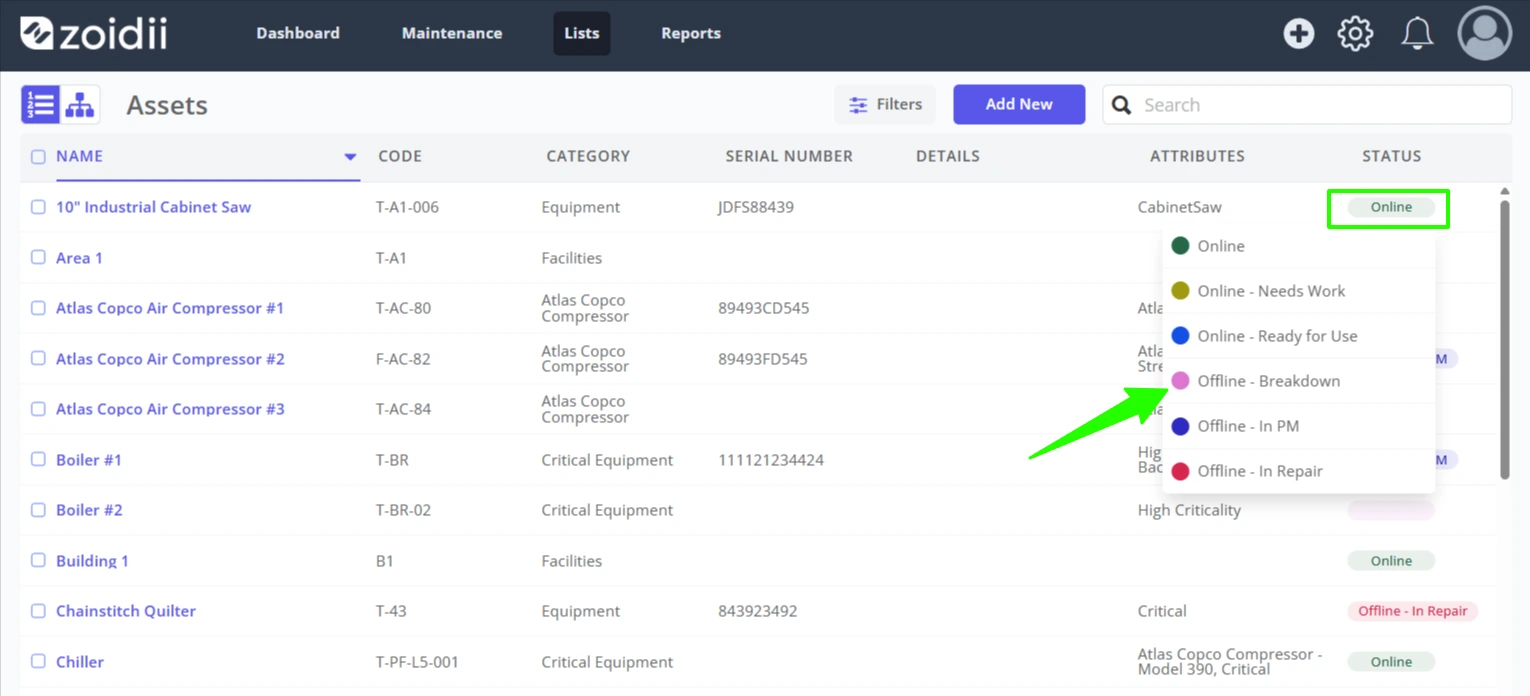
An asset should be toggled offline when it is not available to perform its function. There are a number of ways to set an asset offline in Zoidii:
- On the asset record
- In the asset list view
1. Set an asset Offline/Online via the Asset Record
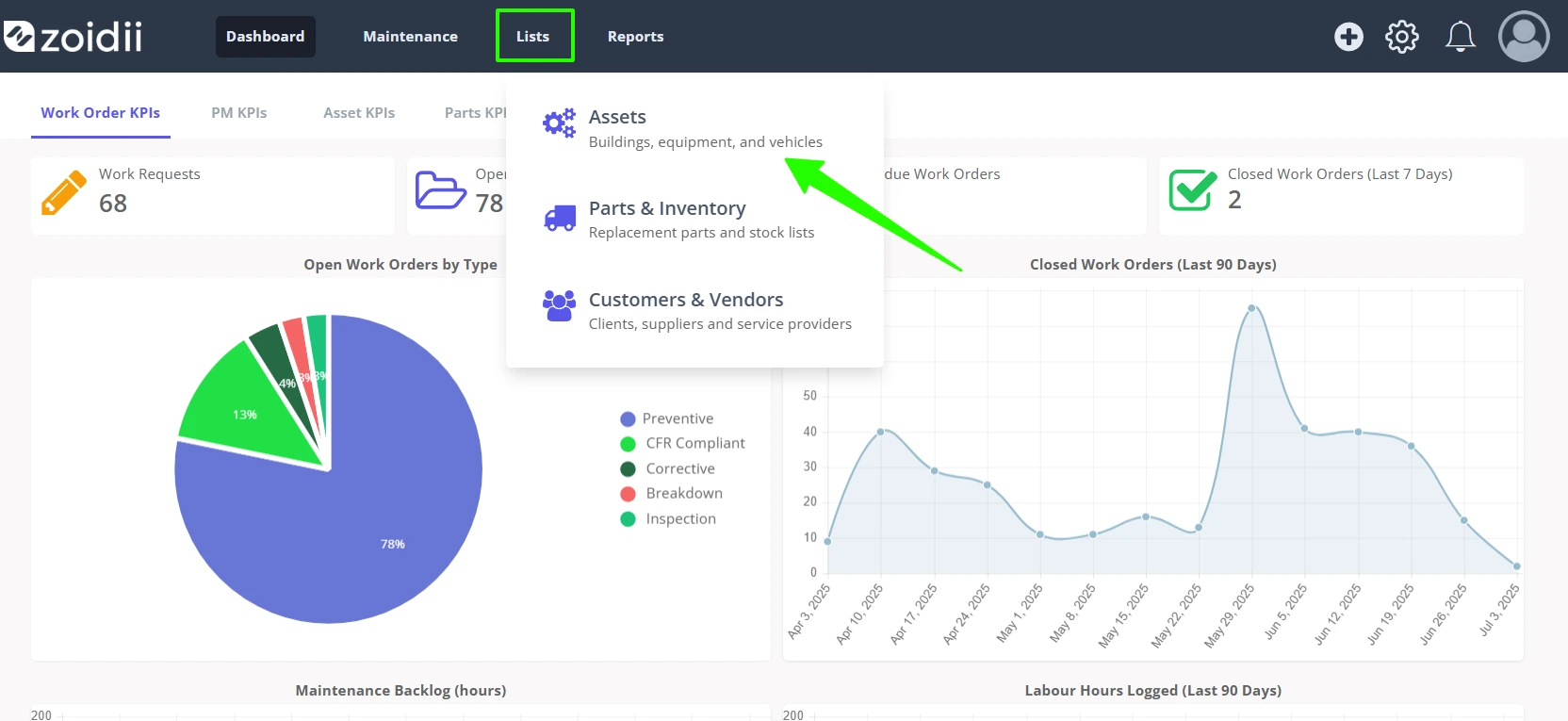
1. Click Lists in the top navigation bar, and select Assets from the dropdown menu
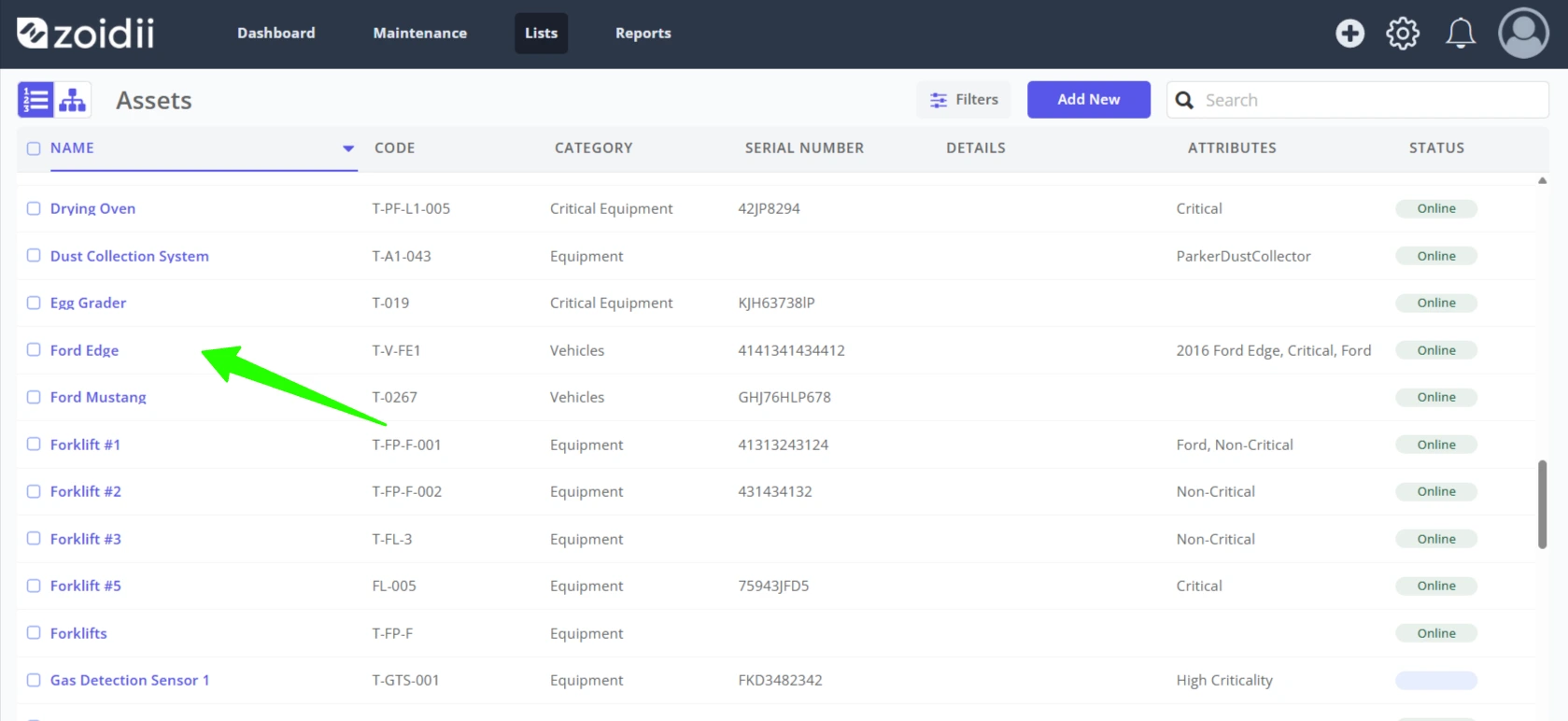
2. Click the relevant asset from the list to open the asset record
3. Click the present status (Online in this case) and then click the new status (Offline - Breakdown in this case)
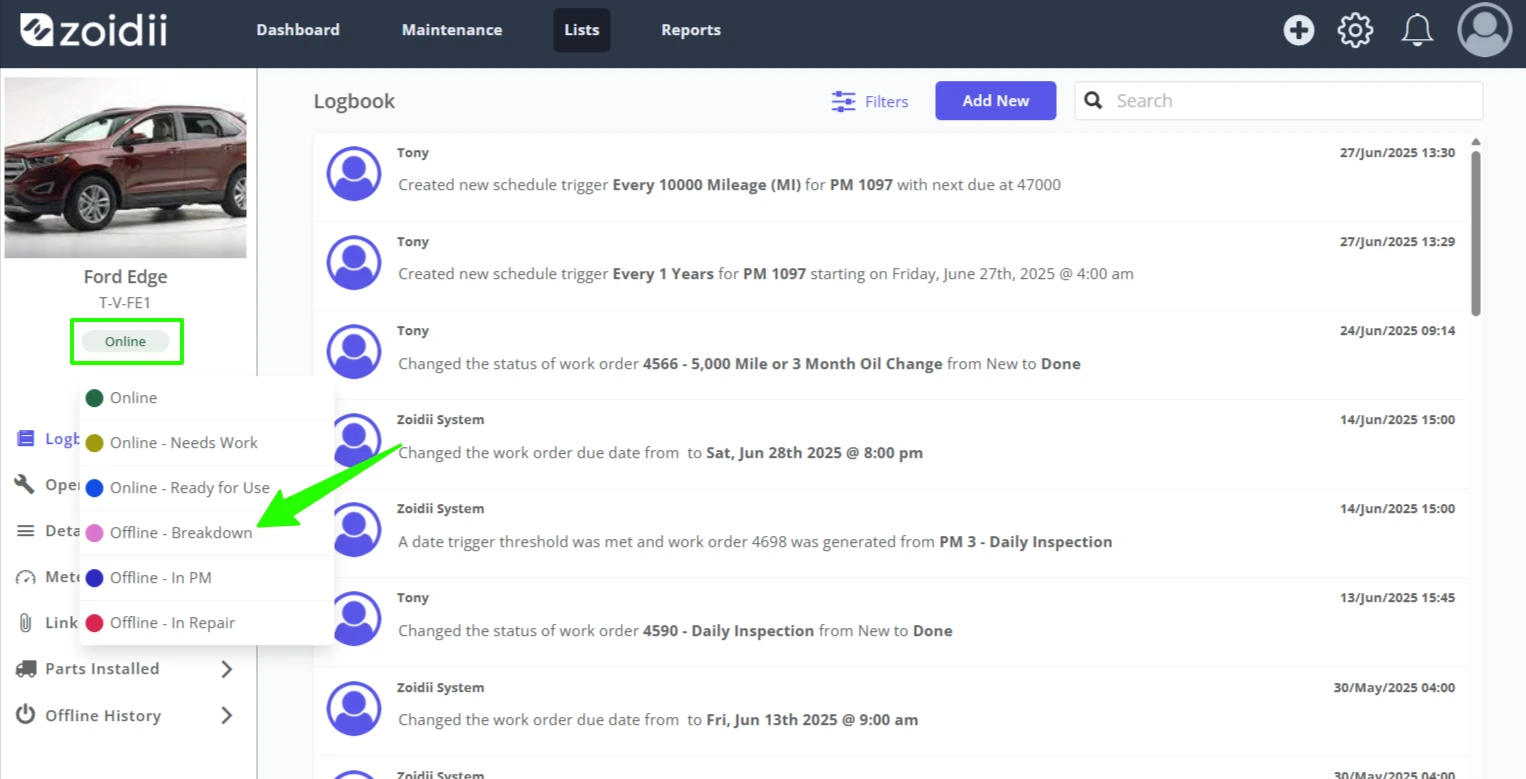
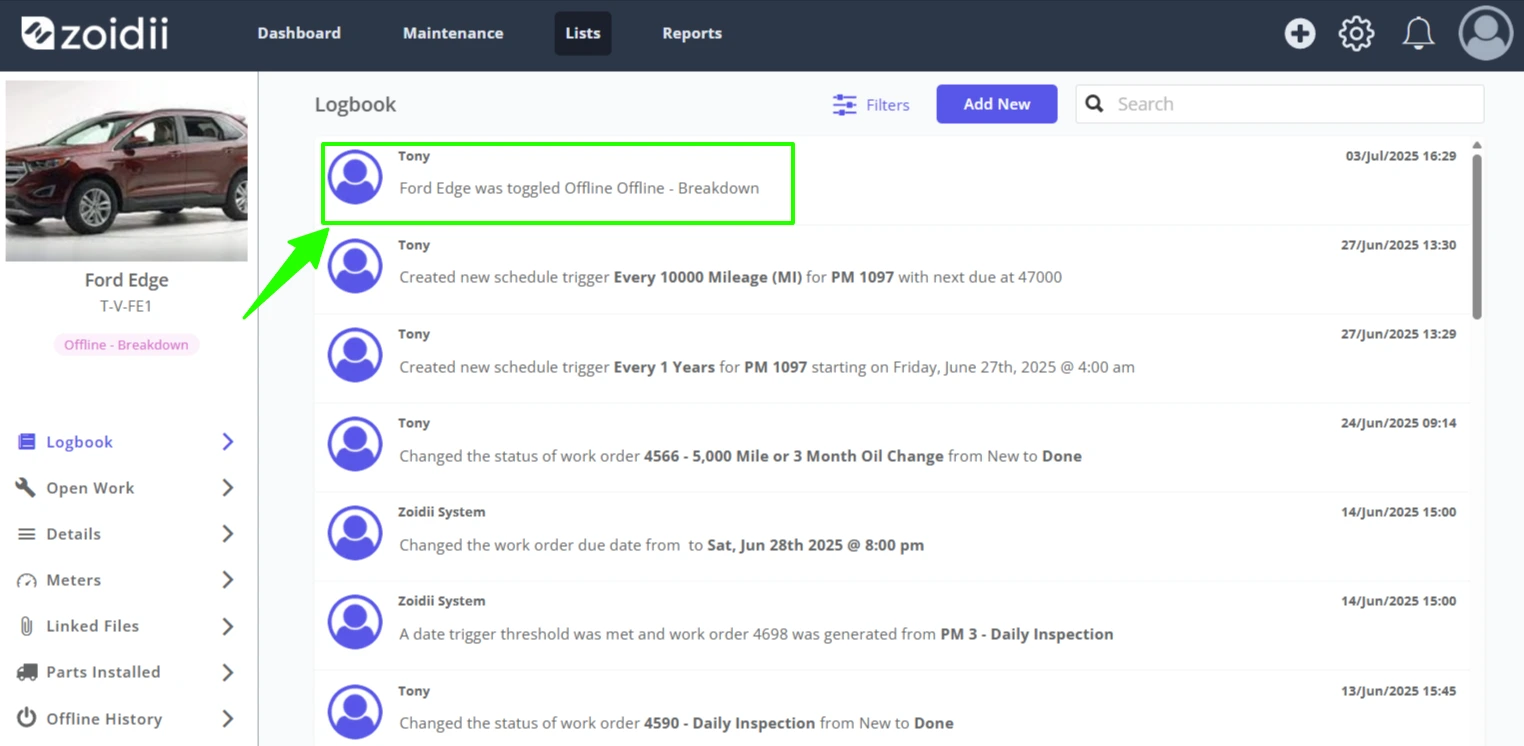
4. The offline event is tracked in the Asset Logbook
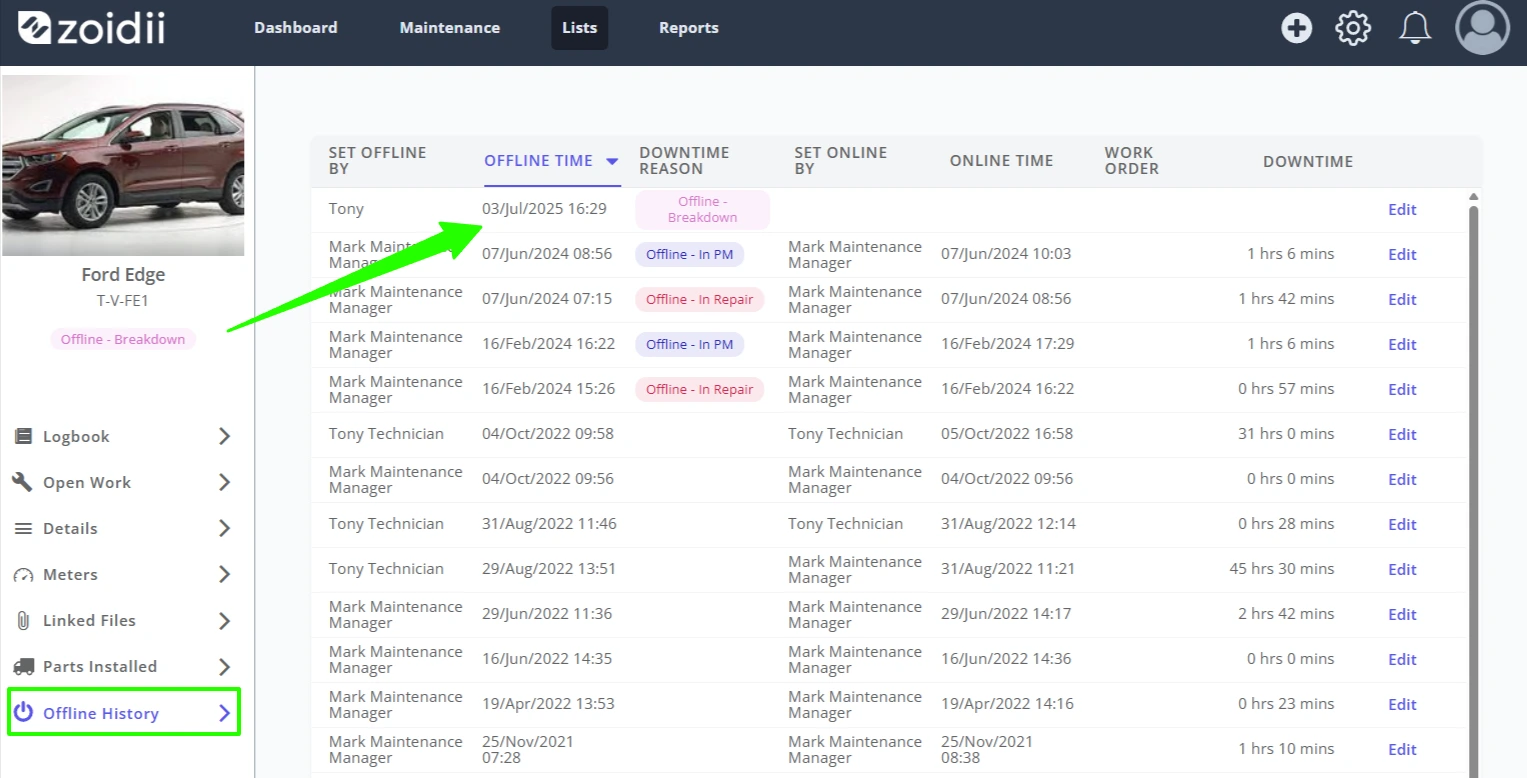
5. The offline/online event is also tracked in the asset's Offline History tab
Method 2: Set an Asset Offline/Online in the Asset List
1. To switch an asset offline/online in the asset list view, simply click the present status in the Status column (Online in this case) and then click the new status (Offline - Breakdown in this case). The event is tracked in the asset record logbook and offline history tab.