Background
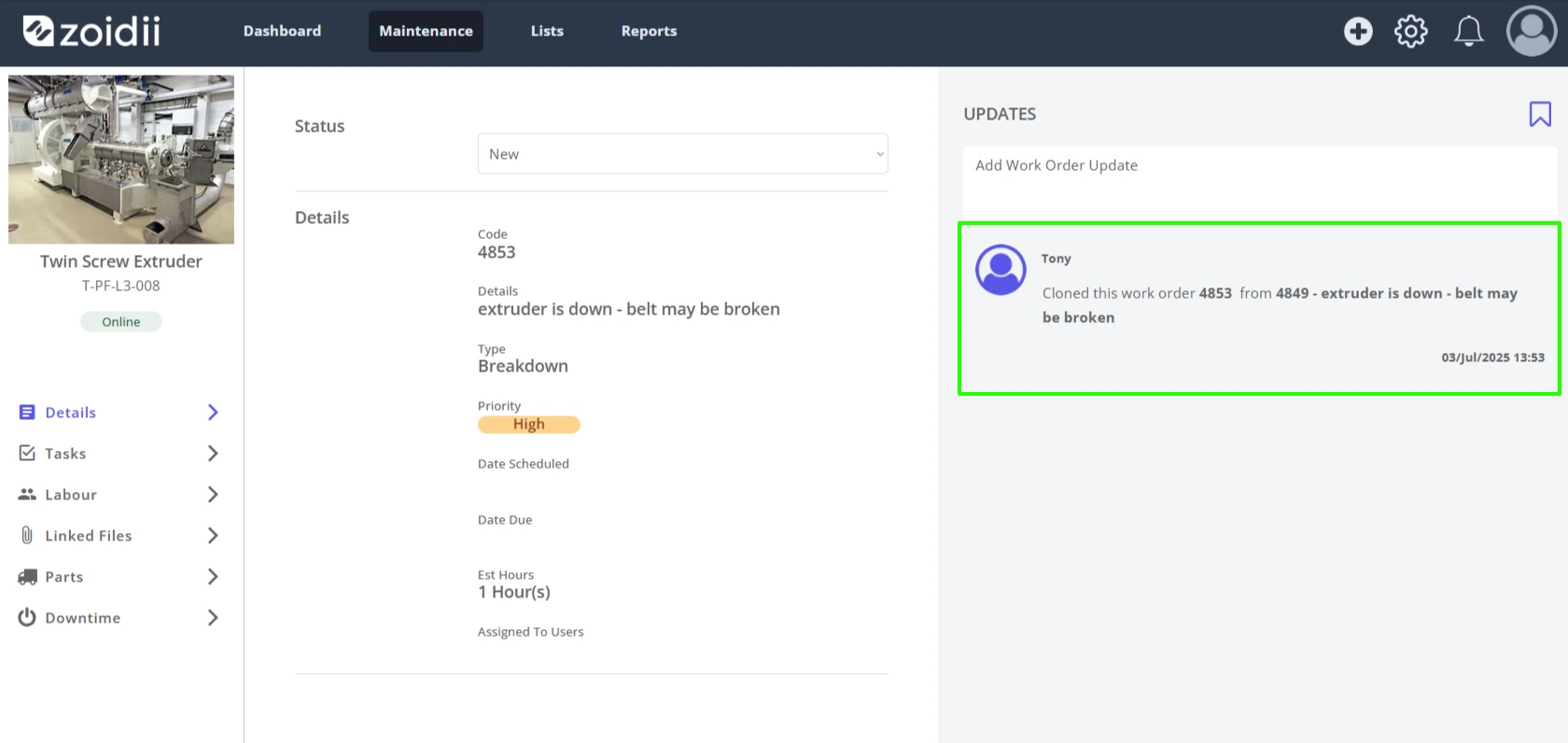
The work order clone feature gives system administrators or site managers the ability to copy work orders. The cloning function will copy work order tasks, files, and parts. It will copy over some work order details such as priority, type, estimated hours, and description. The system does not copy the due date and the assigned users as the cloned work order could be immediately overdue, and the wrong folks get assigned notifications.Procedure
1. Navigate to the work order screen and select the list view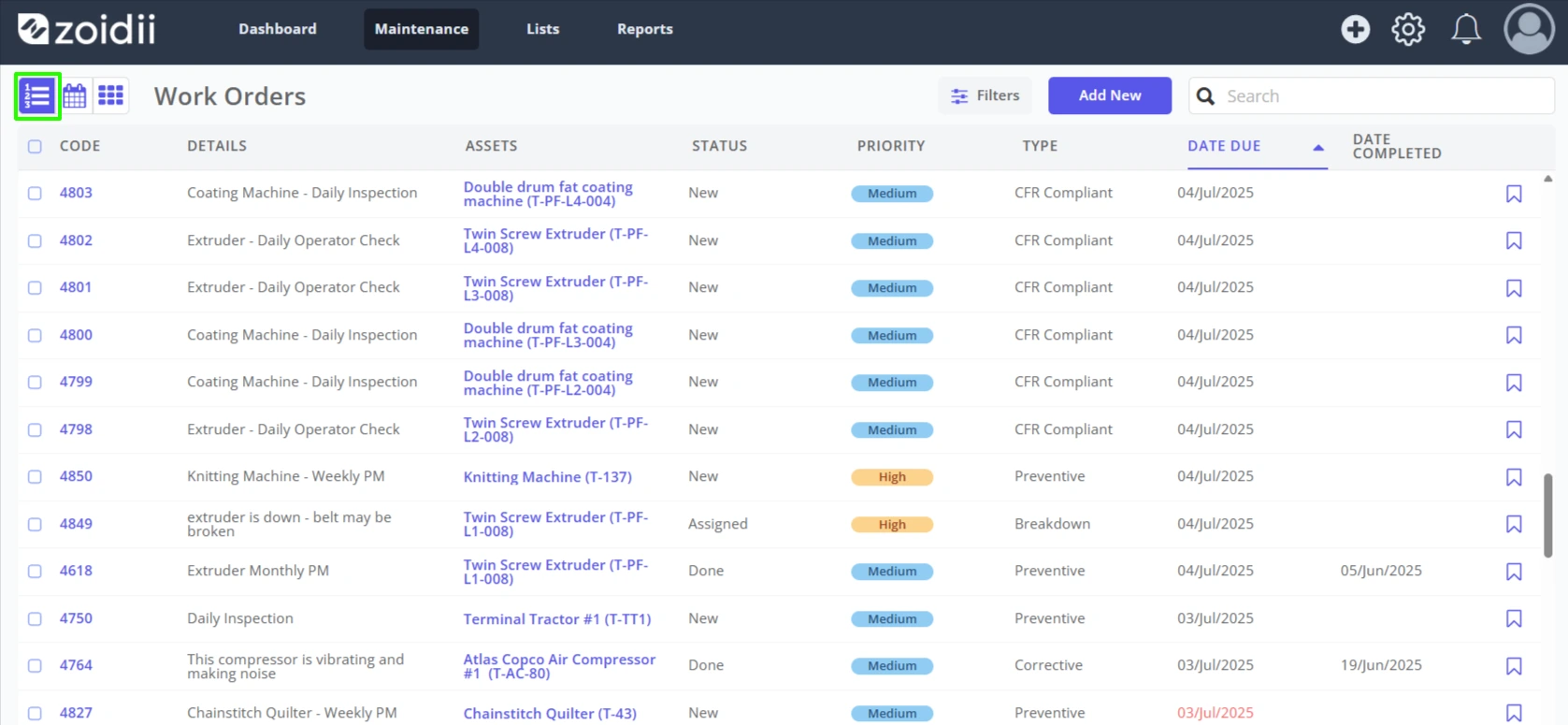
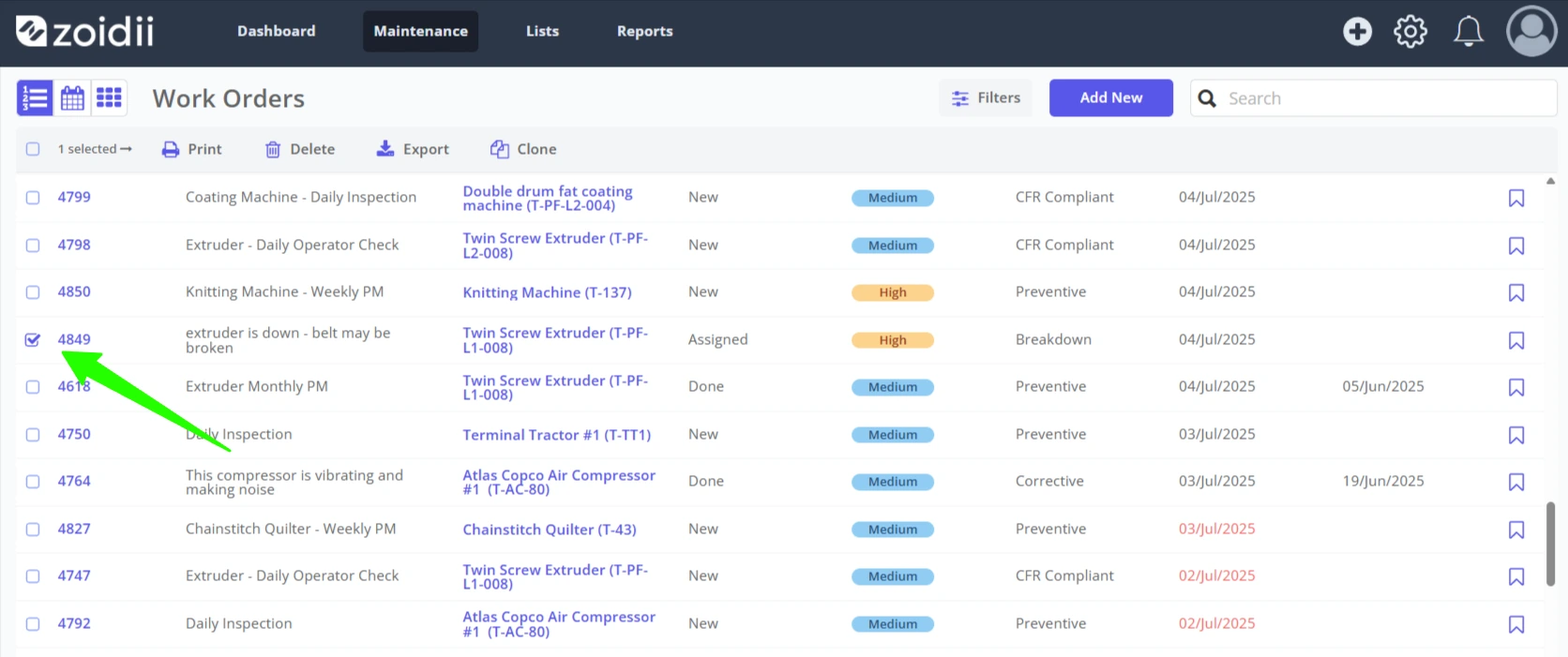
2. Check the checkbox for the work order to be cloned. Note only one work order can be cloned at a time.
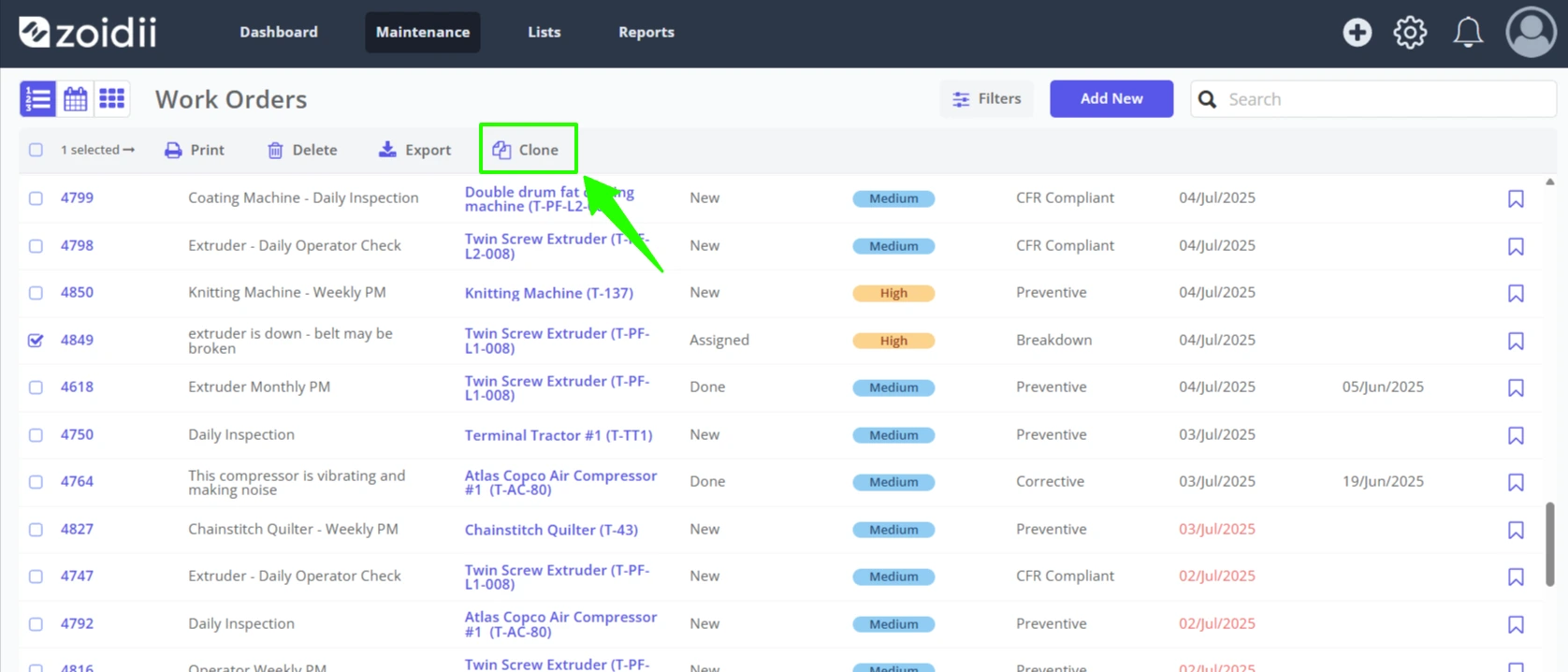
3. Click Clone
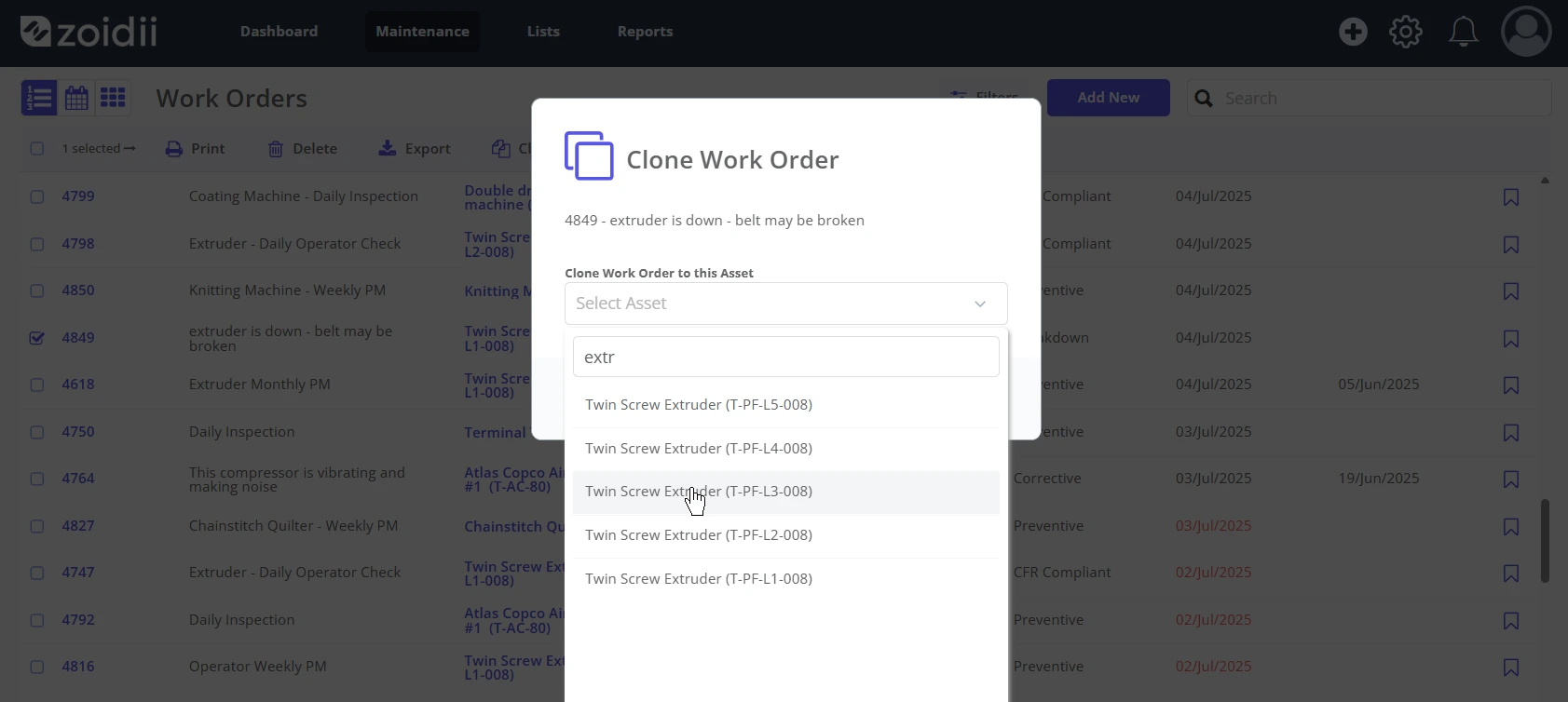
4. Select the asset from the list. The work order will be copied and assigned to this asset.
5. Click Clone to complete the action
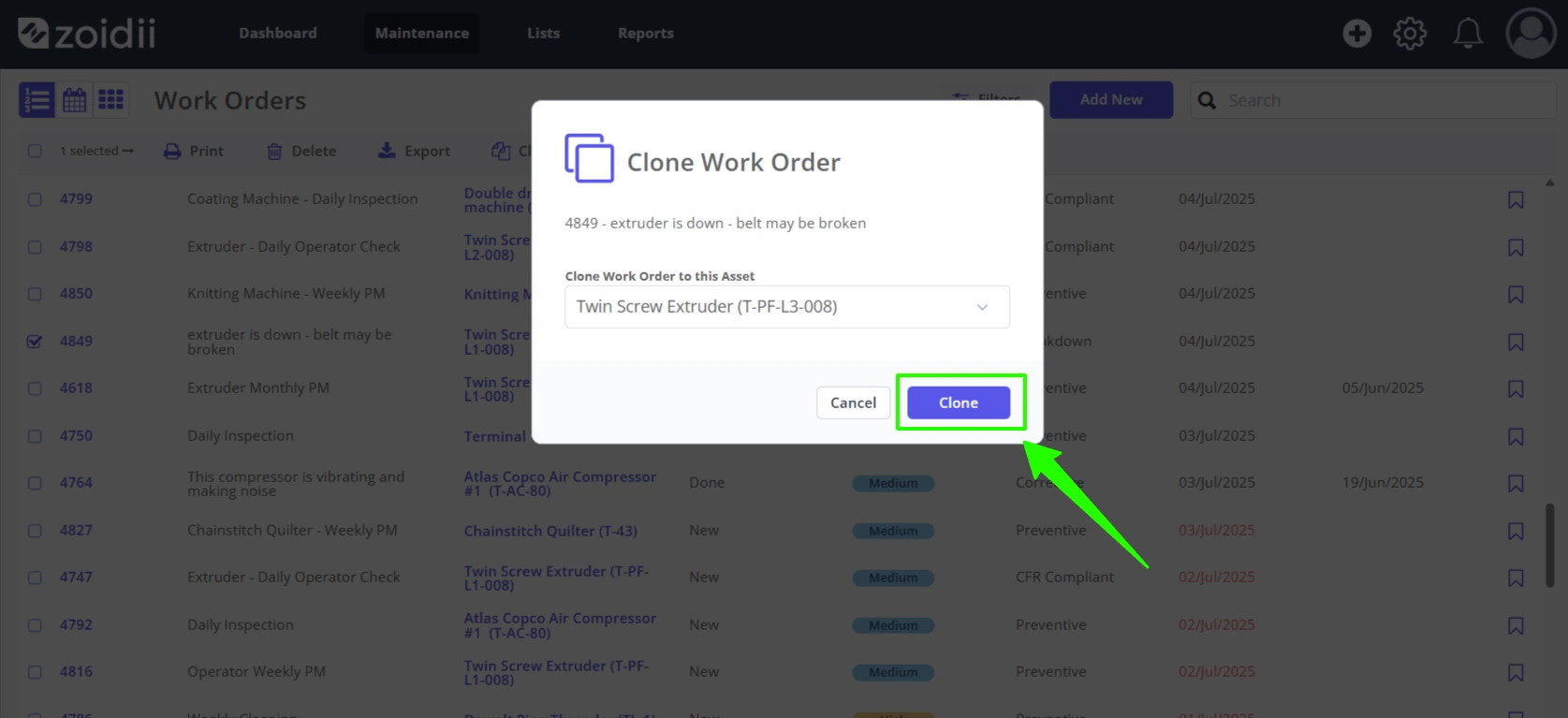
6. The work order is copied and assigned to the selected asset. The system navigates to the cloned work order for editing. Note the due date and assigned users are not copied over - these fields need to be set.