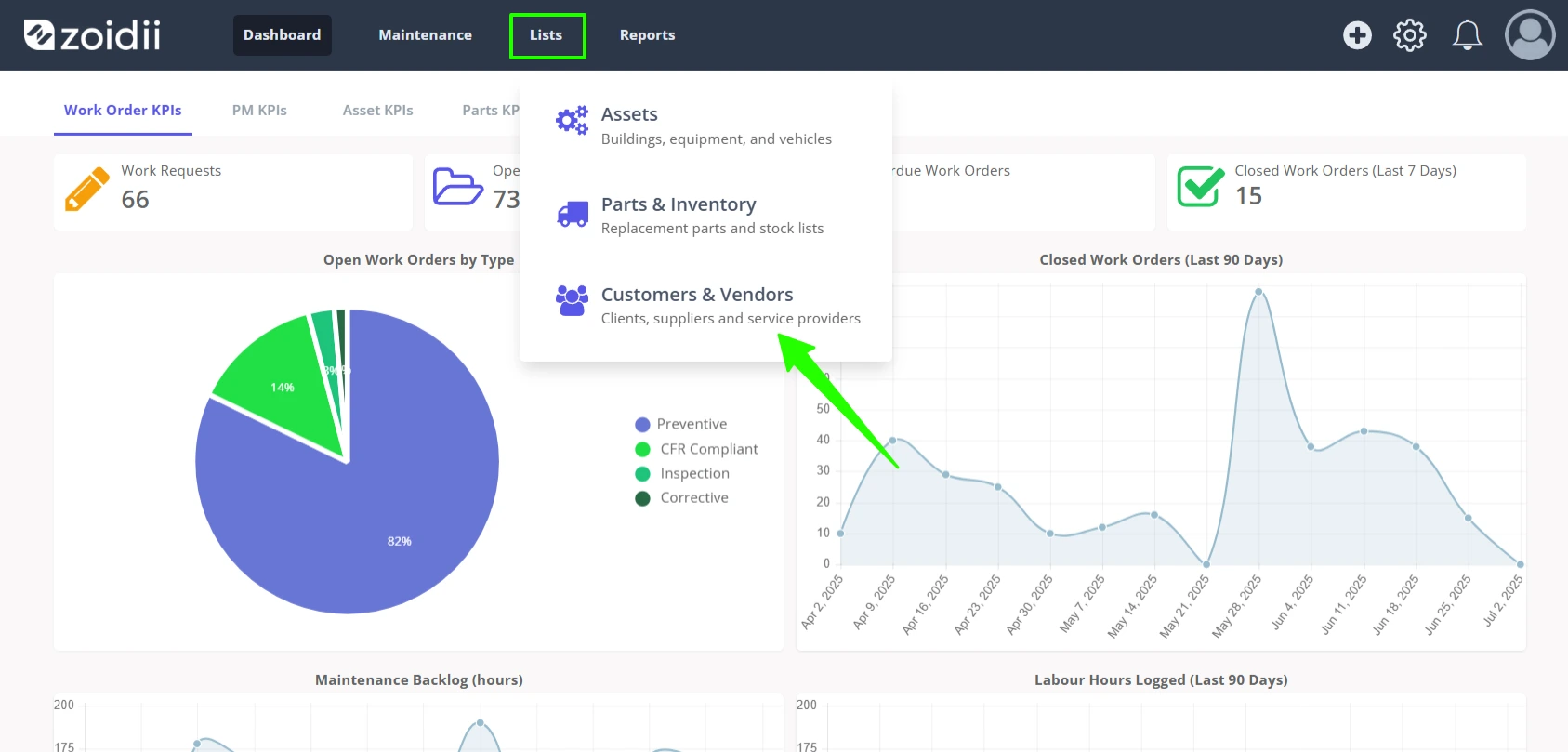
1. In the top navigation bar, click Lists, and then select Customers & Vendors
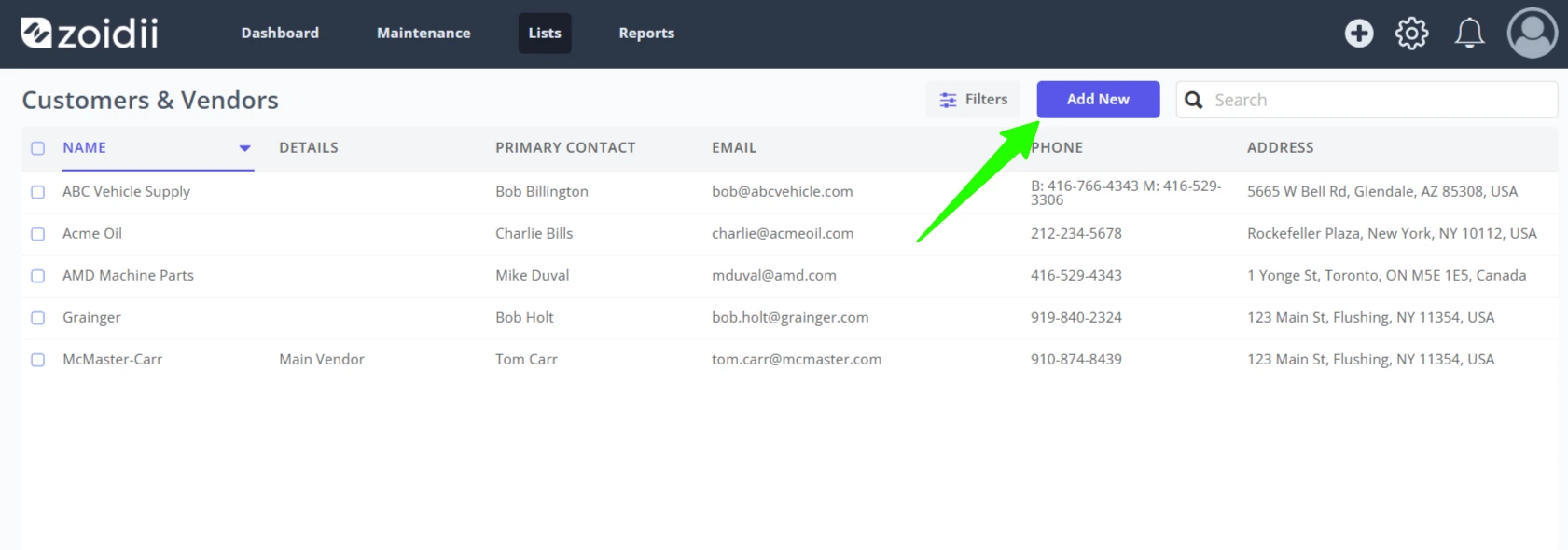
2. Click Add New
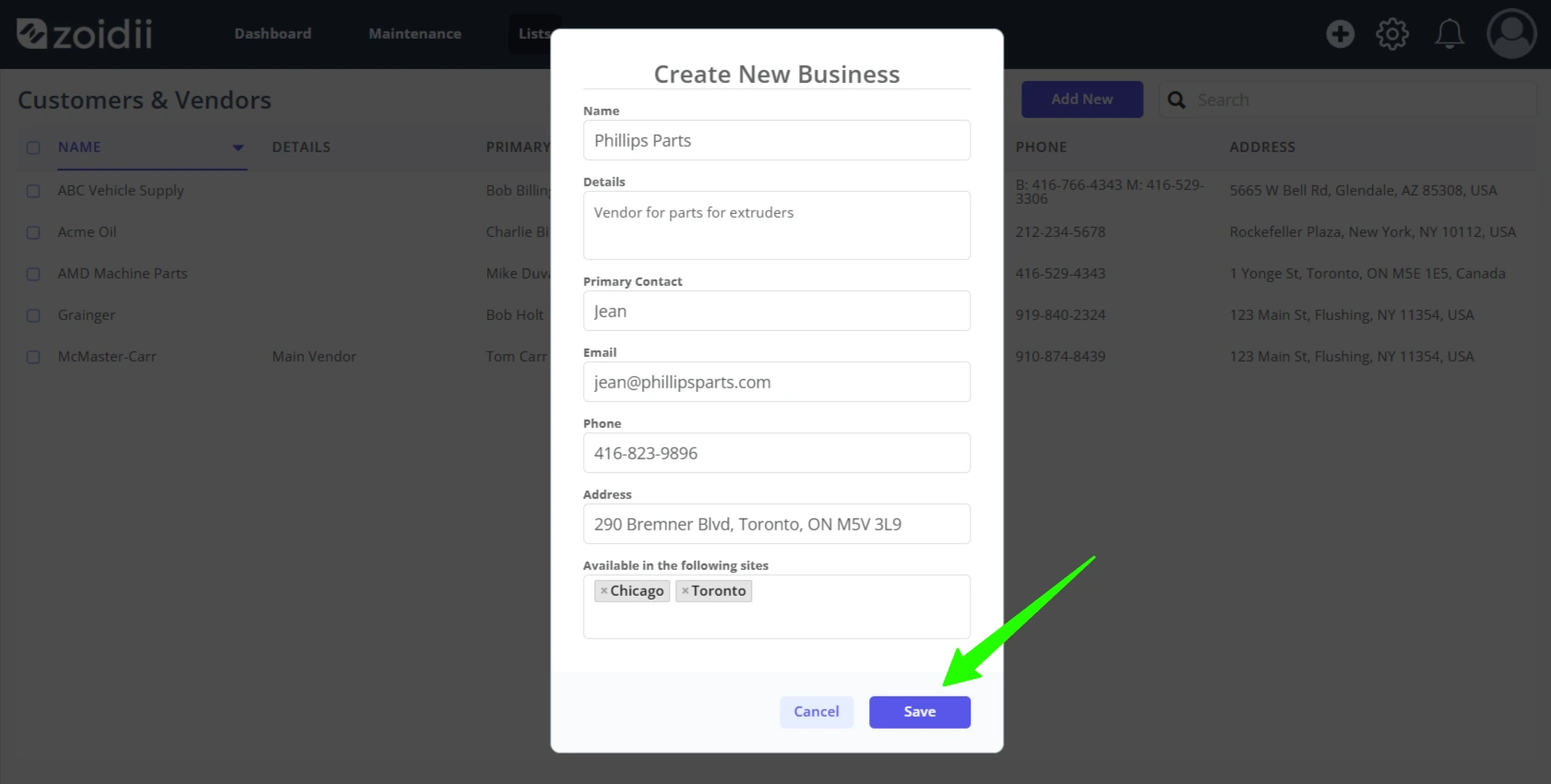
3. Fill in the customer or vendor details. Click Save when done
4. The new business is now available for selection in the app
Procedure to Edit a Customer or Vendor
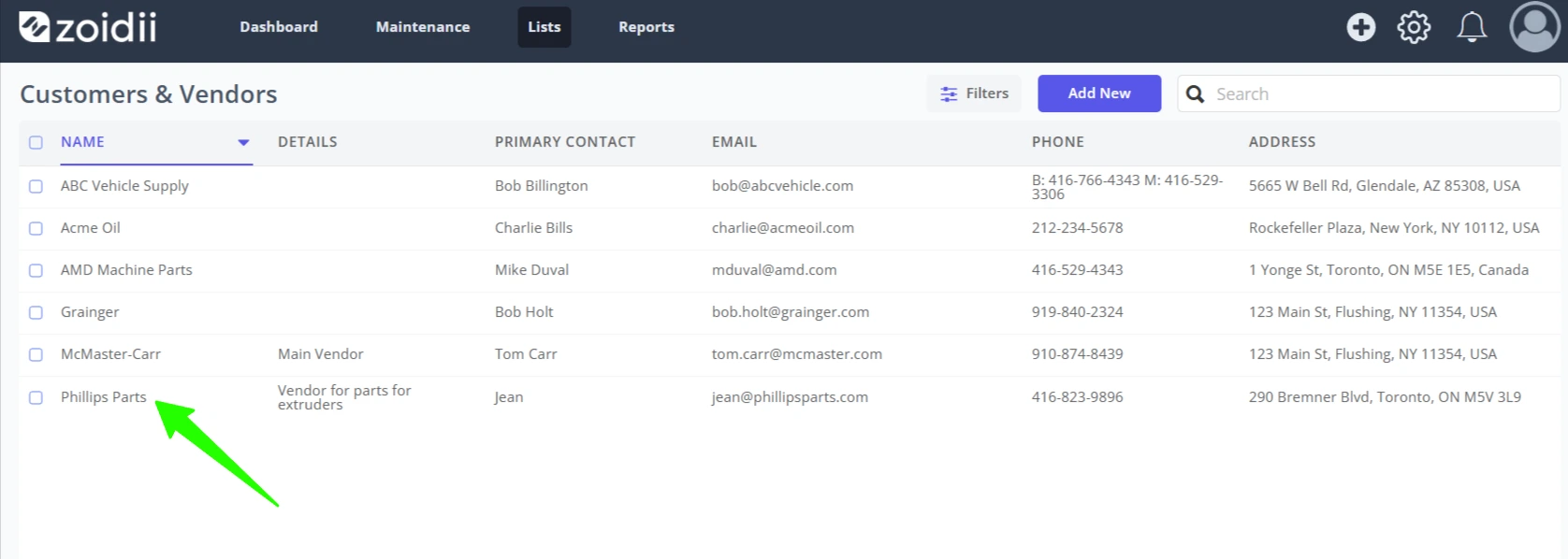
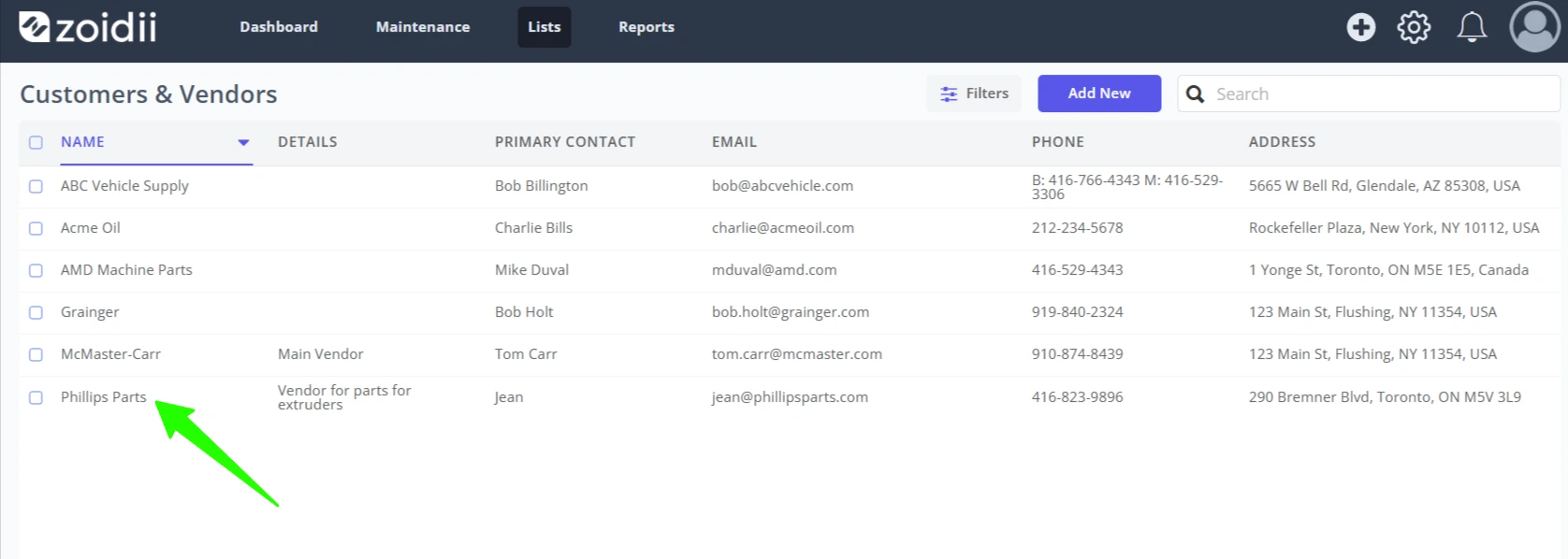
1. Click the customer or vendor line item
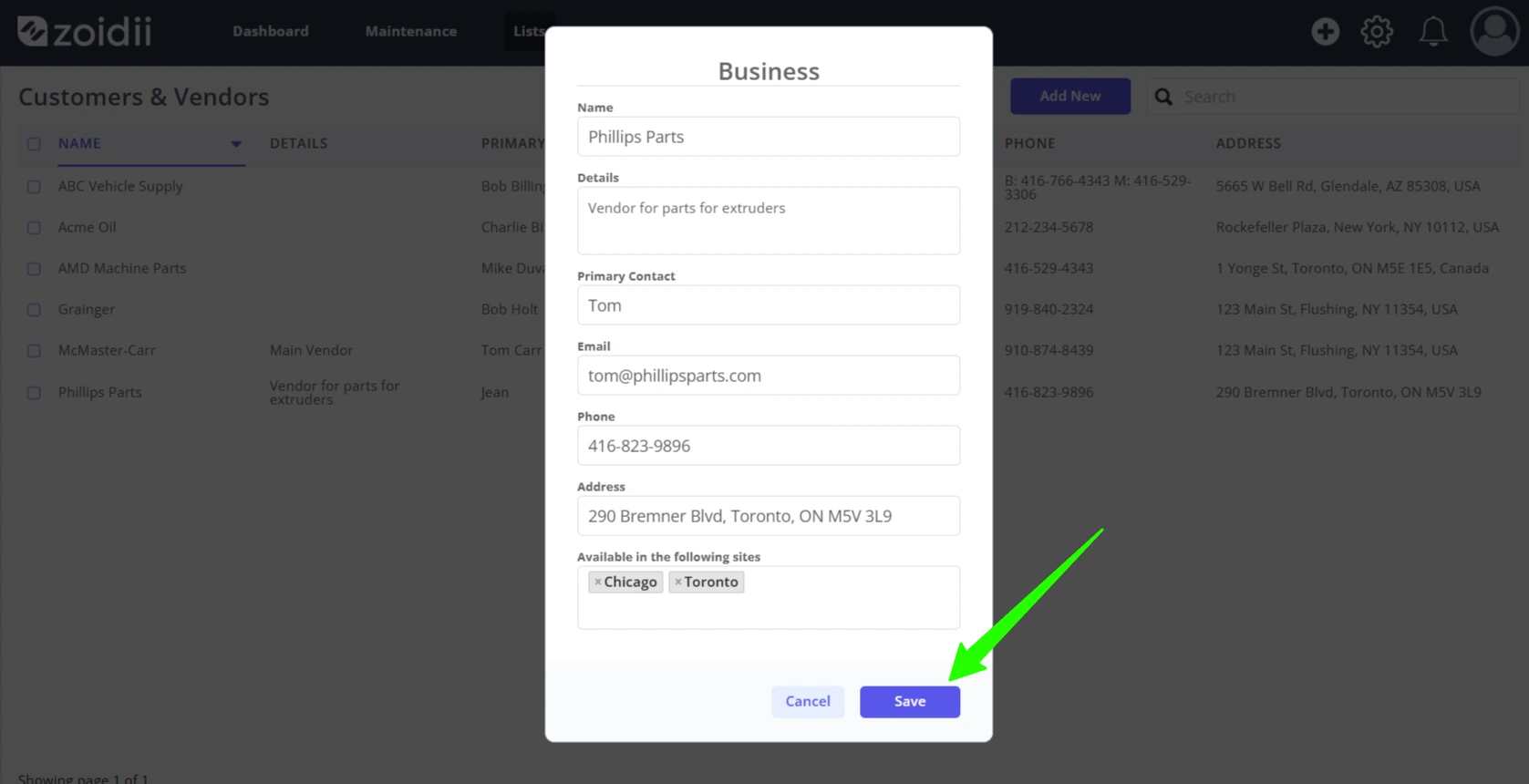
2. Make the relevant changes. In this example, the primary contact Jean has been changed to Tom
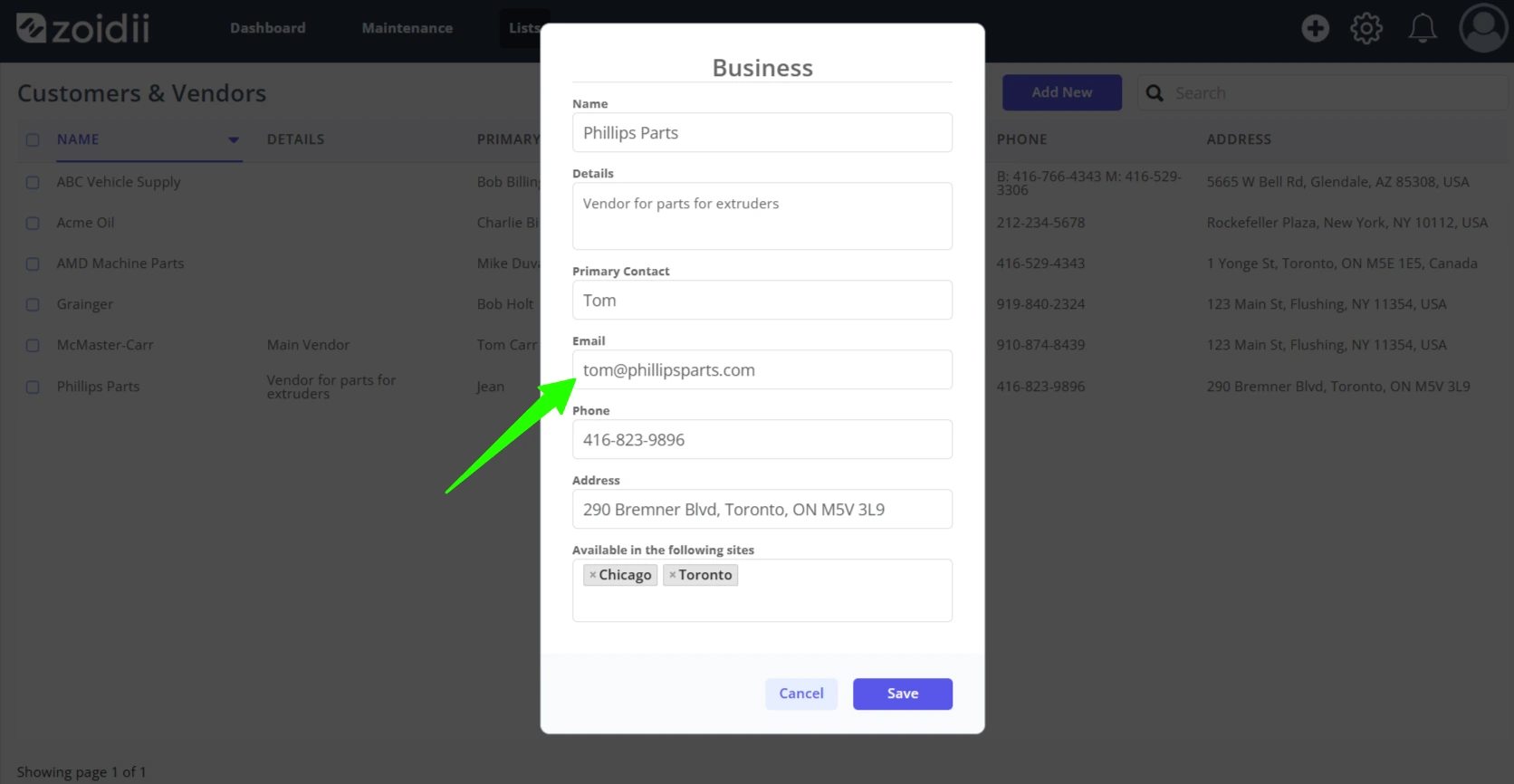
3. Click Save when done