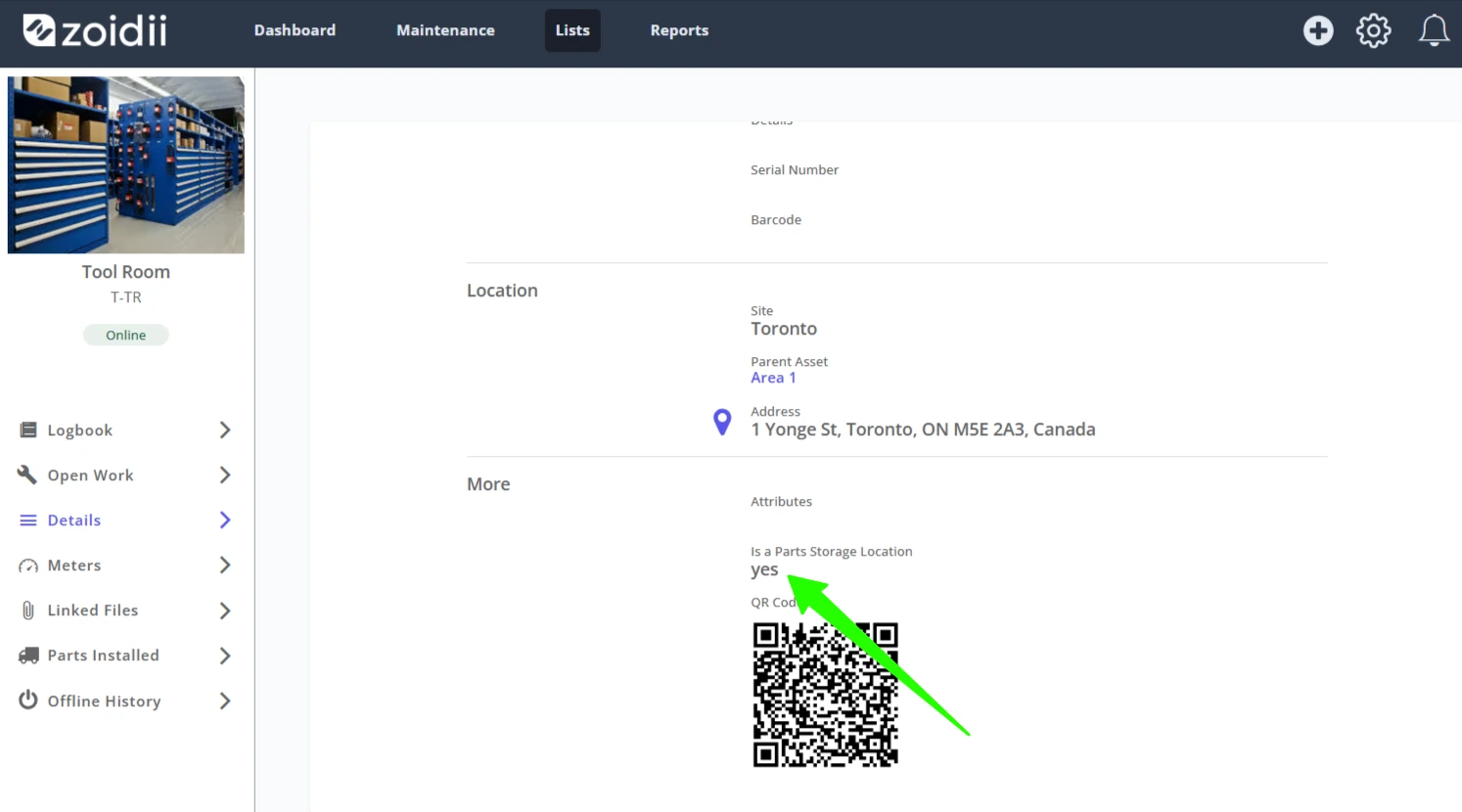
1. Create an asset for the storage location as per the Add an Asset procedure
2. In the asset's details page, click Edit on the top right-hand side
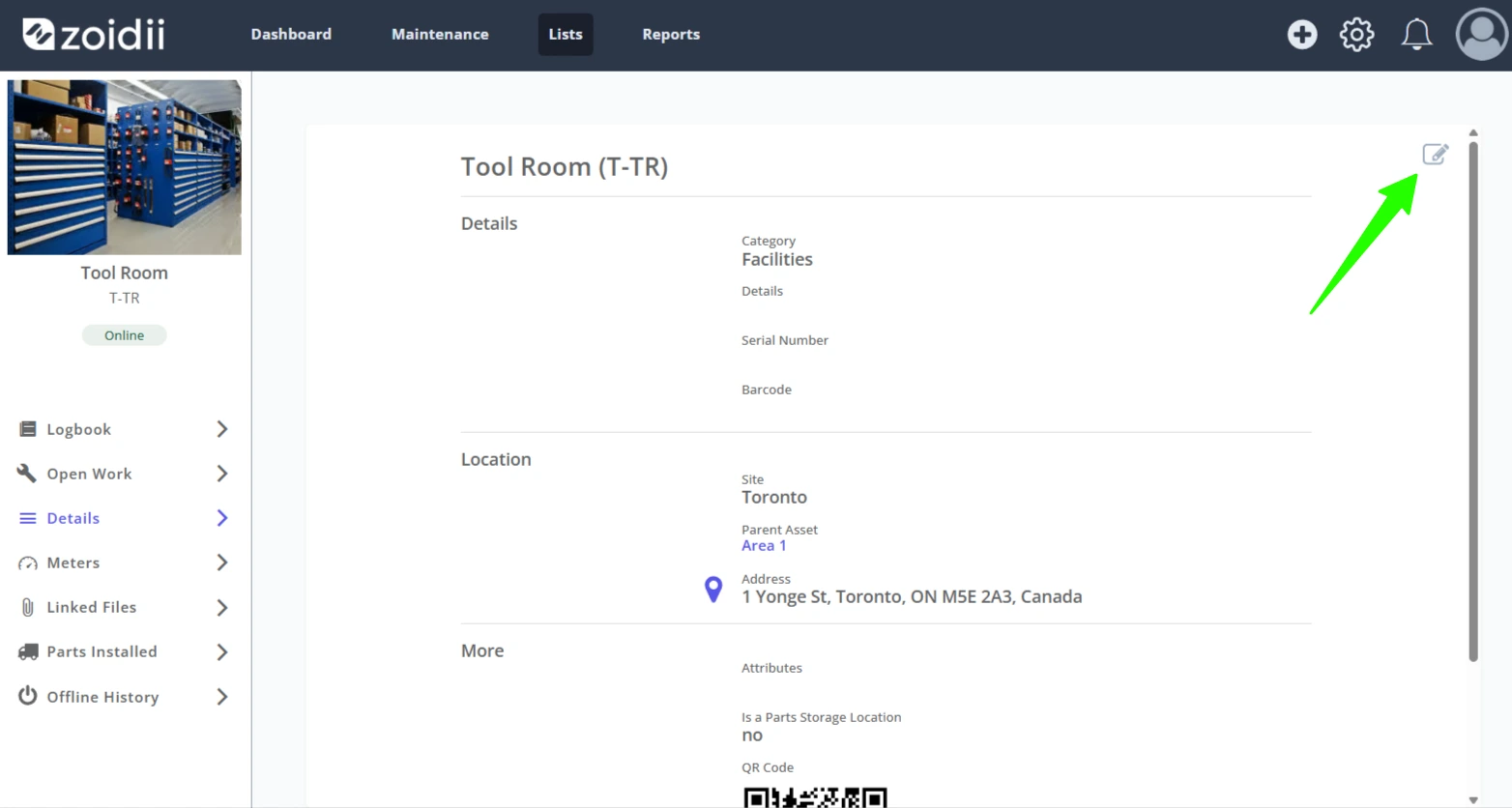
3. Scroll down to the More section
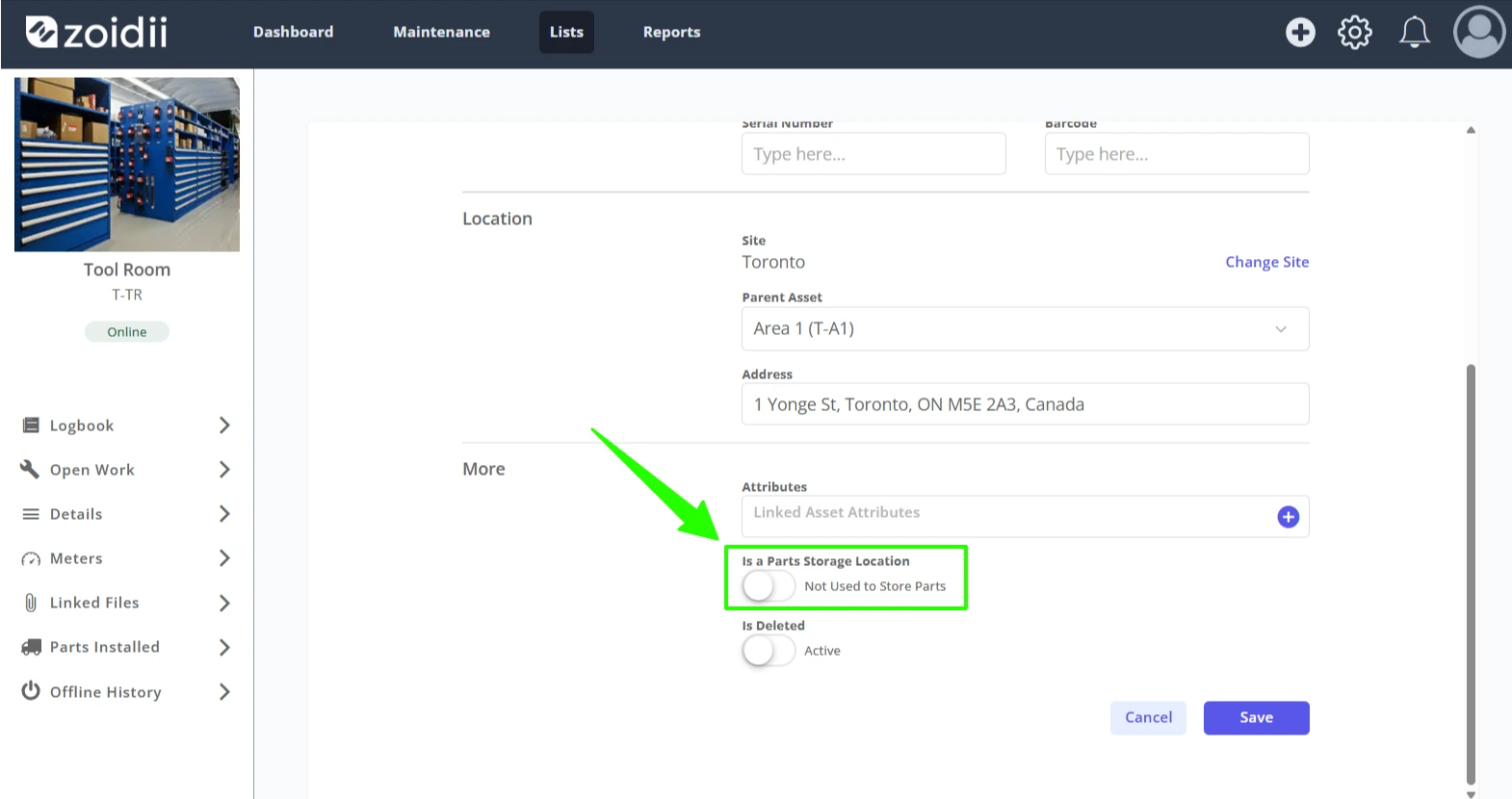
4. Click the toggle to assign the asset as a storage location
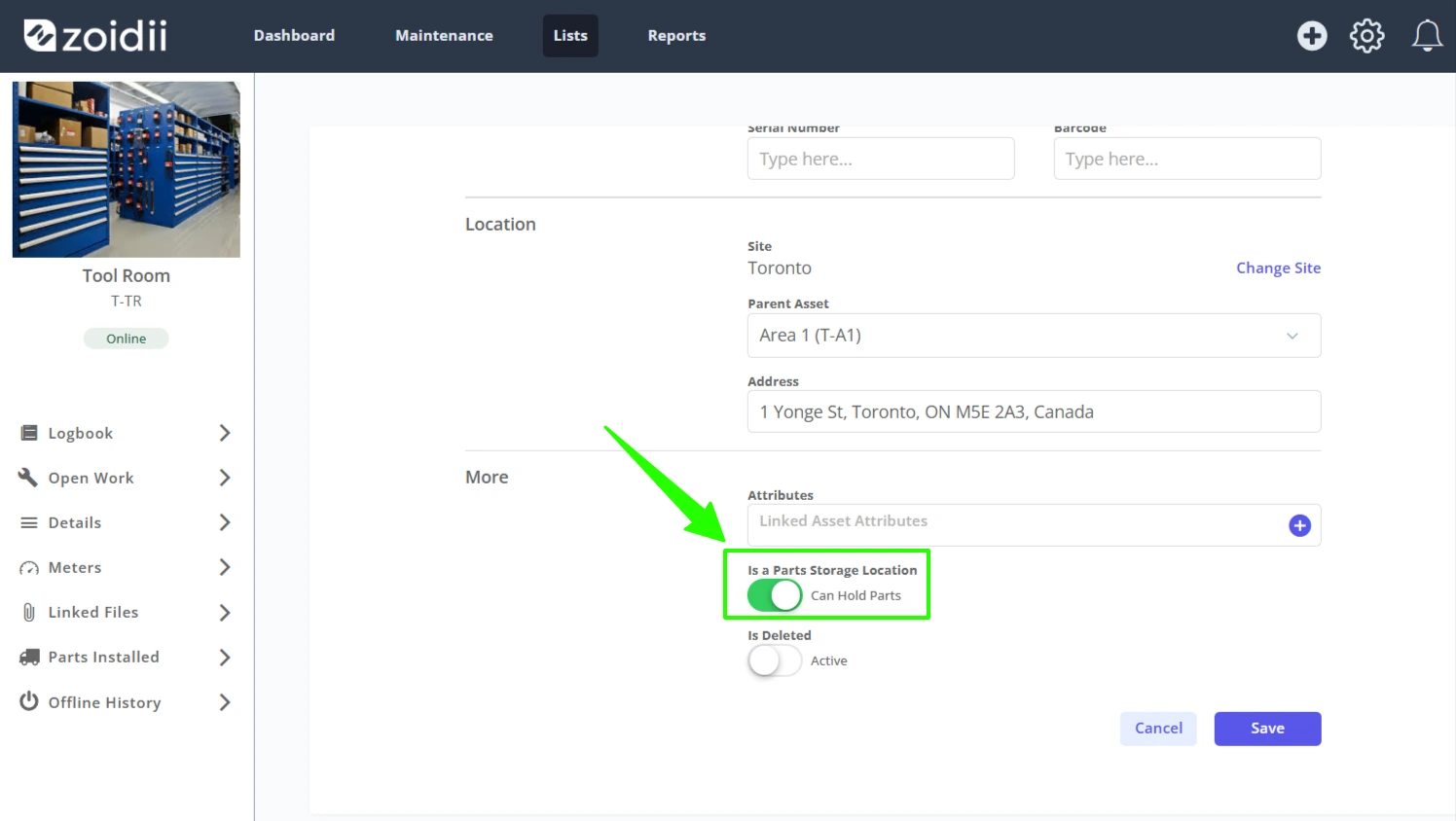
5. Click Save
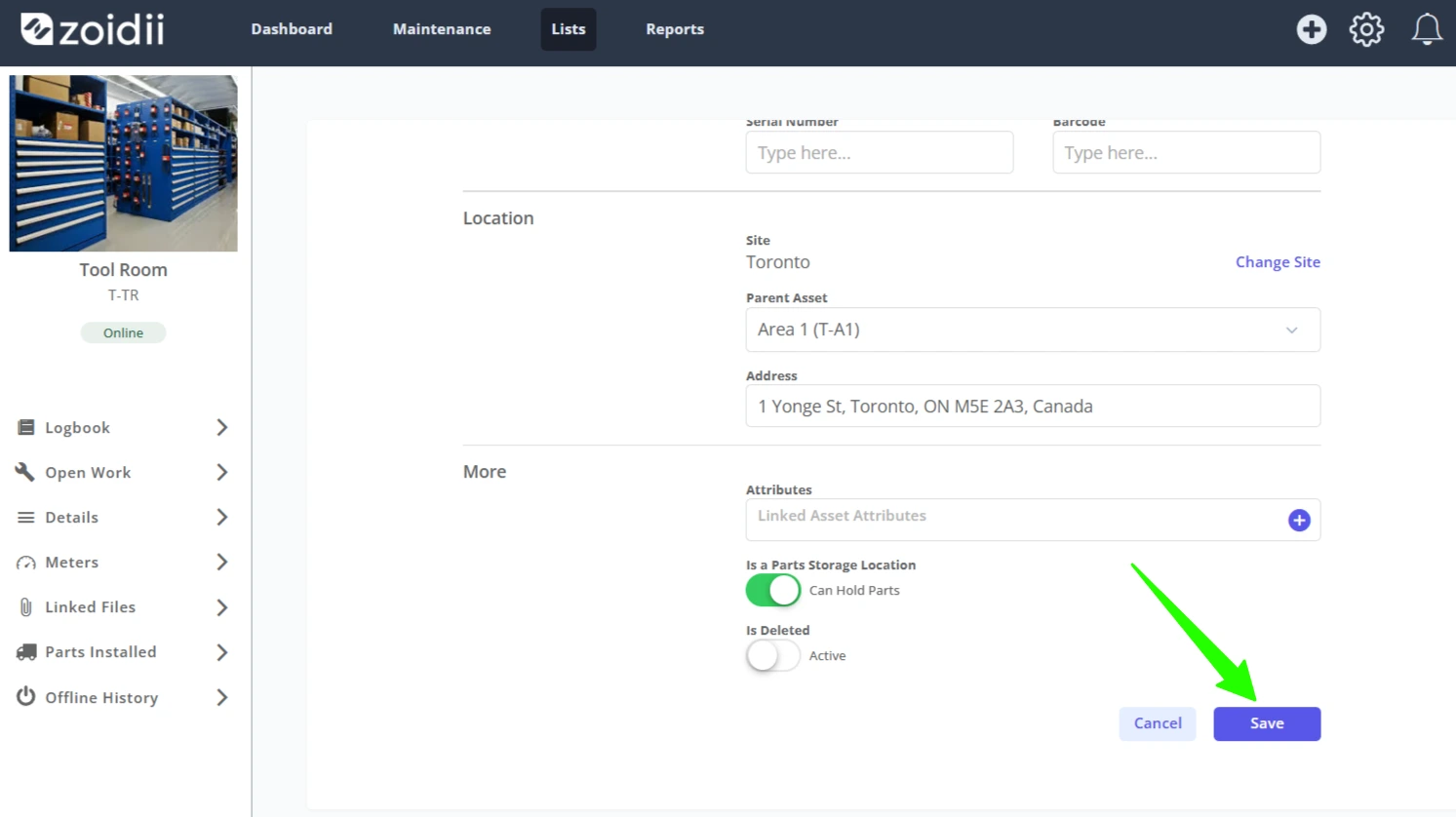
6. The asset can now be used as a parts storage location.