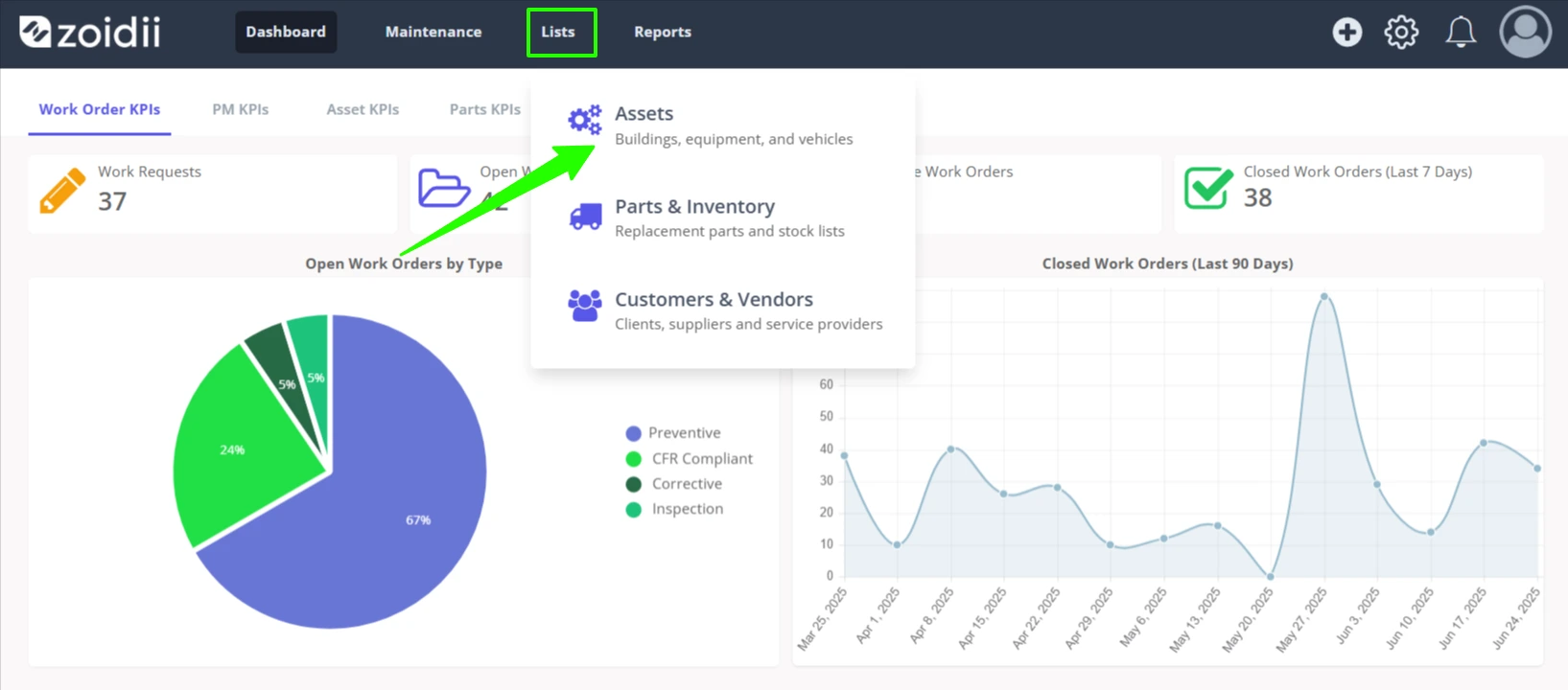
1. In the top navigation bar, click Lists and select Assets from the dropdown menu
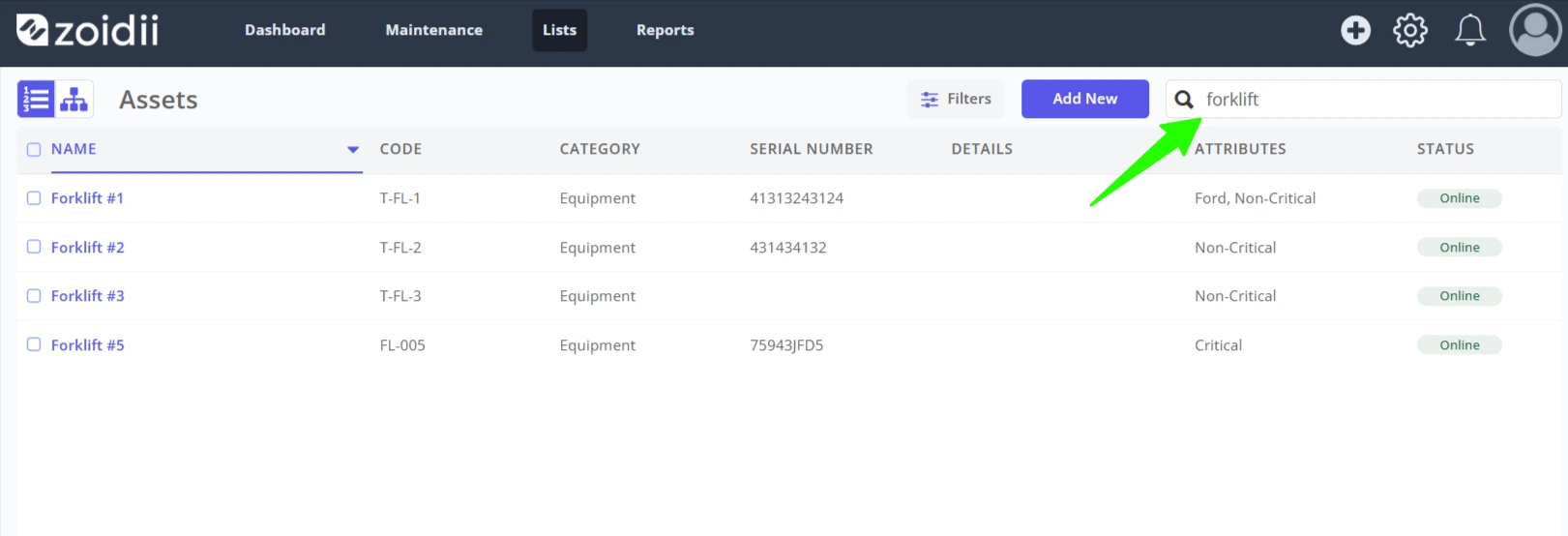
2. Use the search or filtering features to find the asset quickly. When the asset is located, click the asset in the list to open the asset record
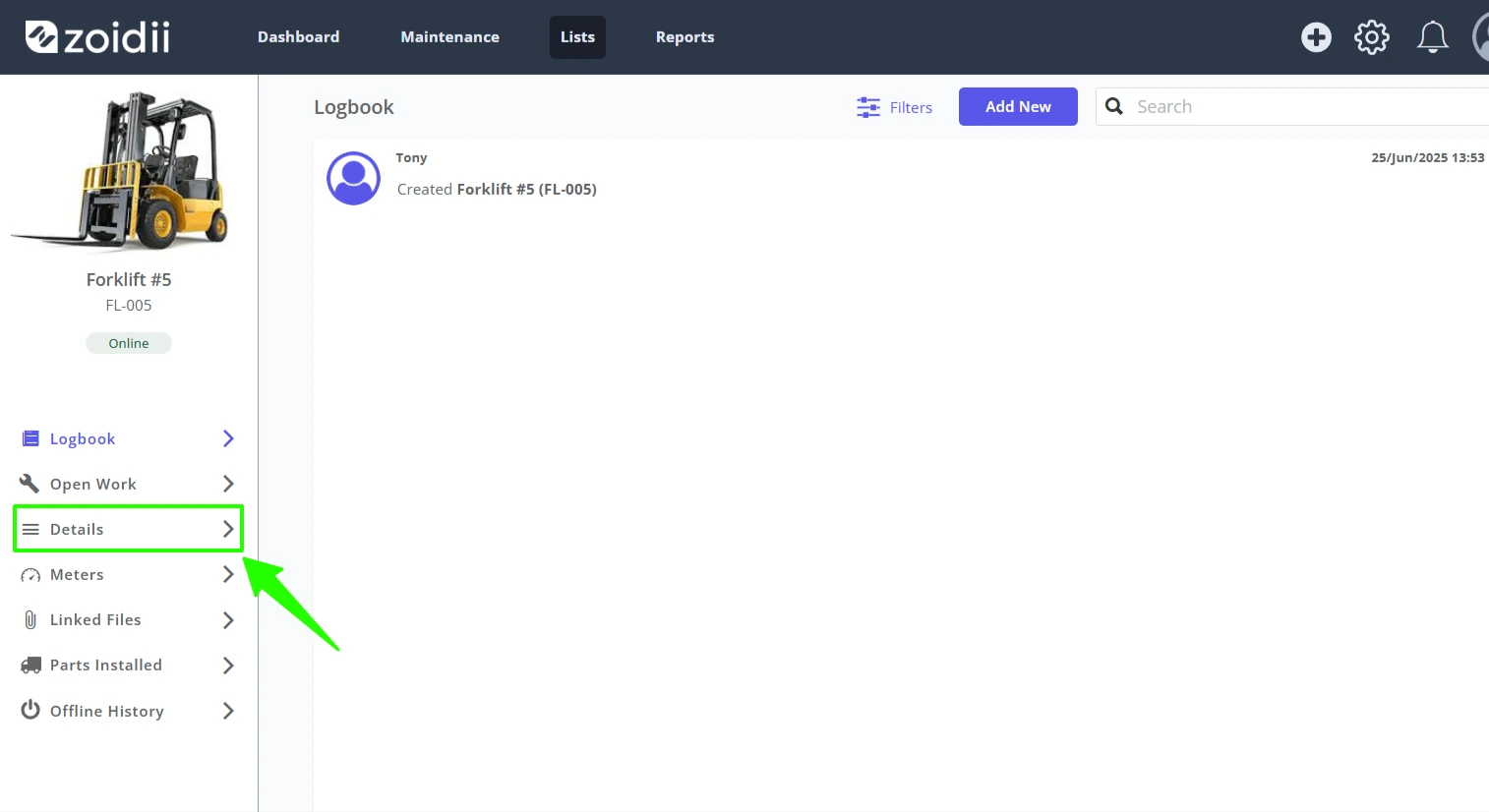
3. Select Asset Details from the asset record main menu
4. Click Edit to make changes
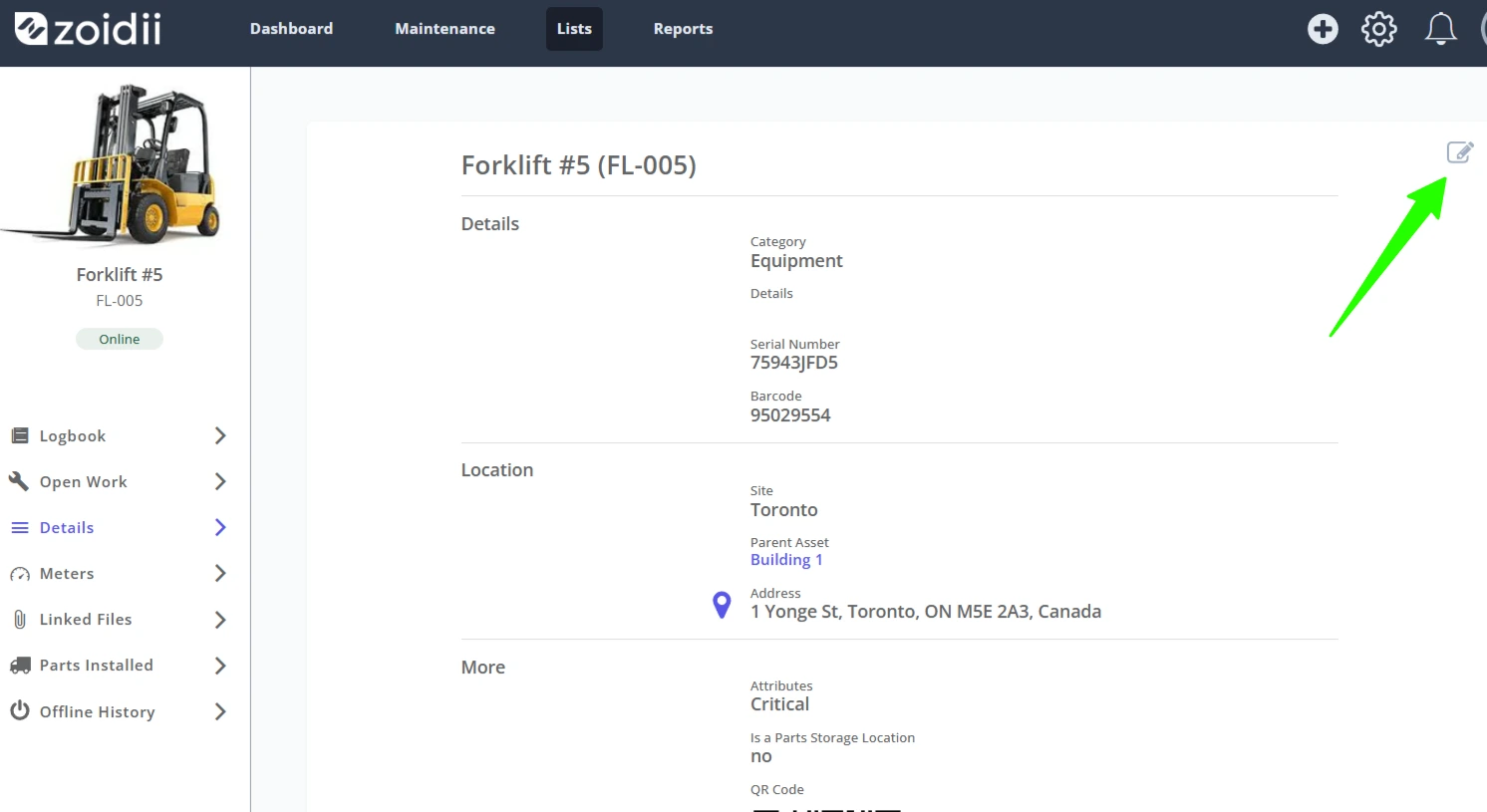
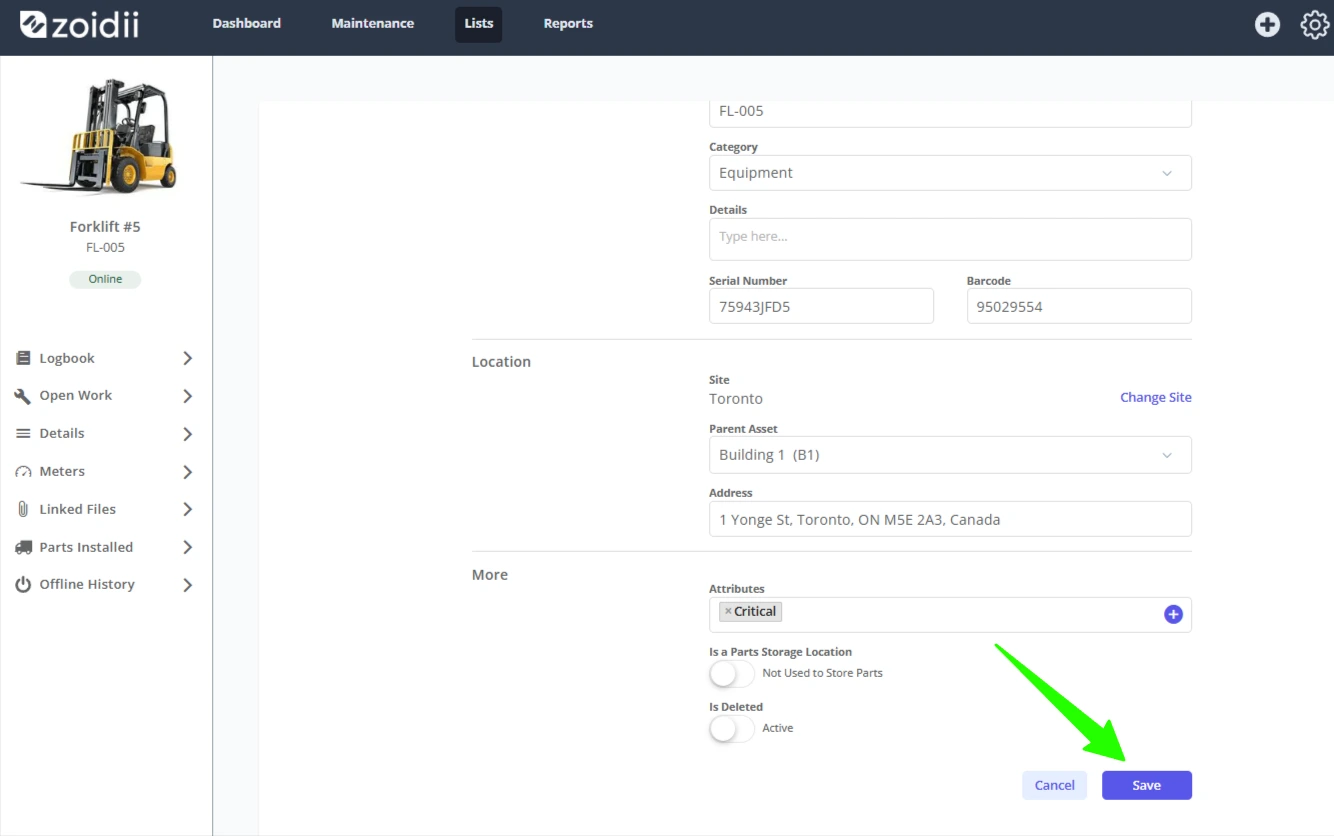
5. Click Save when done making changes