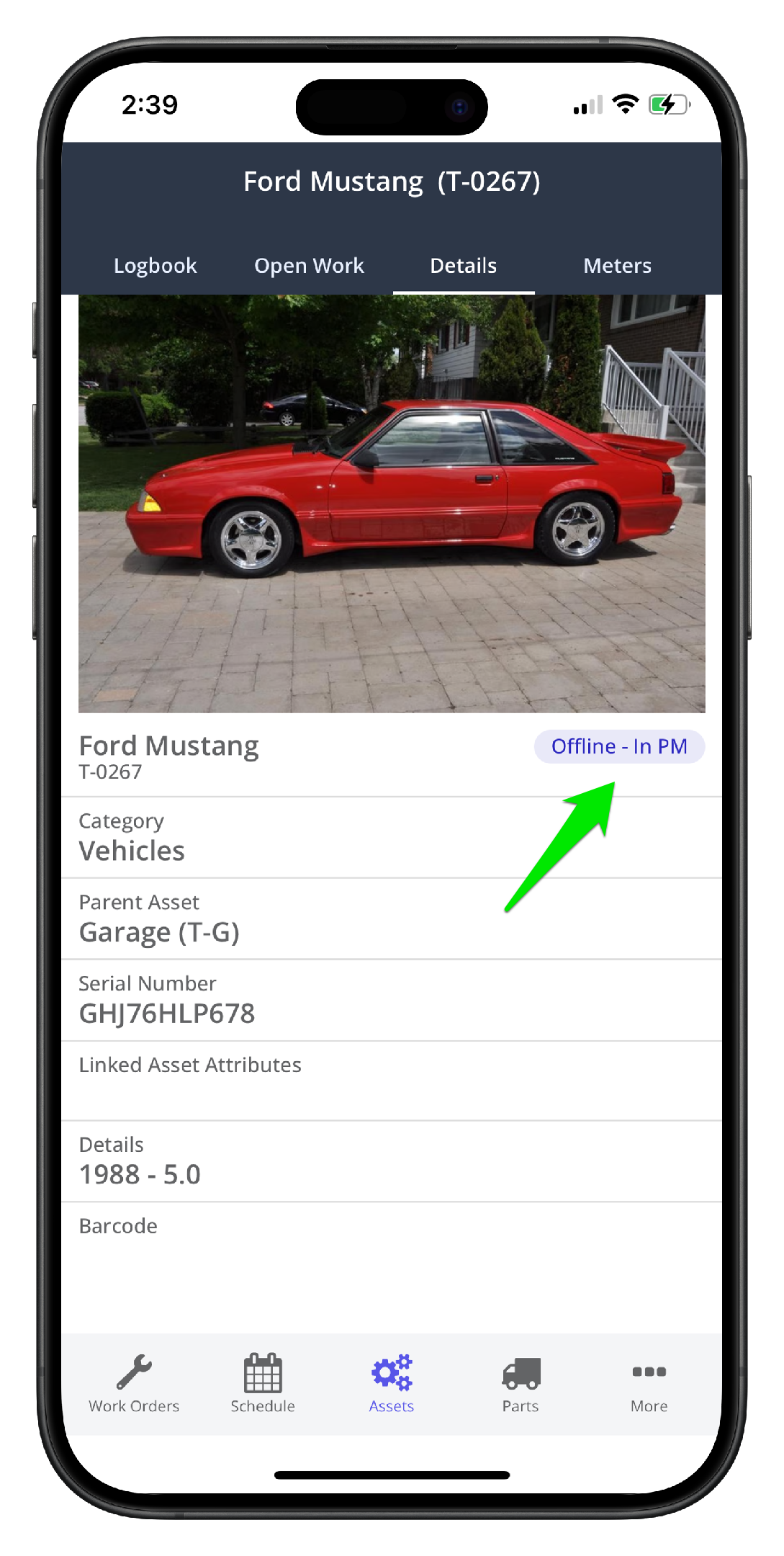
Background
An asset should be toggled offline when it is not available to perform its function. There are a number of ways to set an asset offline in Zoidii:
- In the asset list view
- On the asset record
Method 1: In the Asset list view
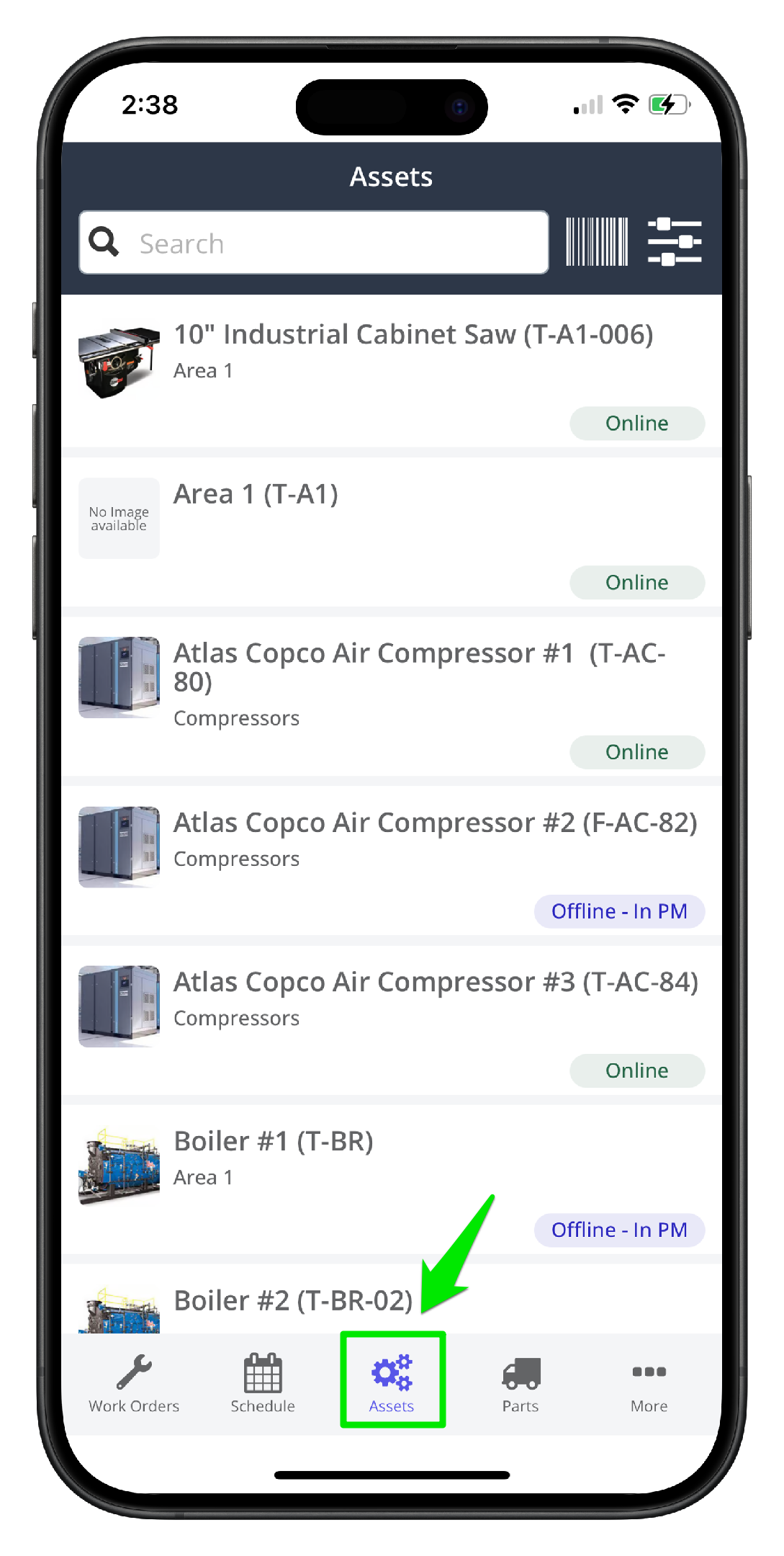
1. Open the mobile app, and navigate to the Assets menu
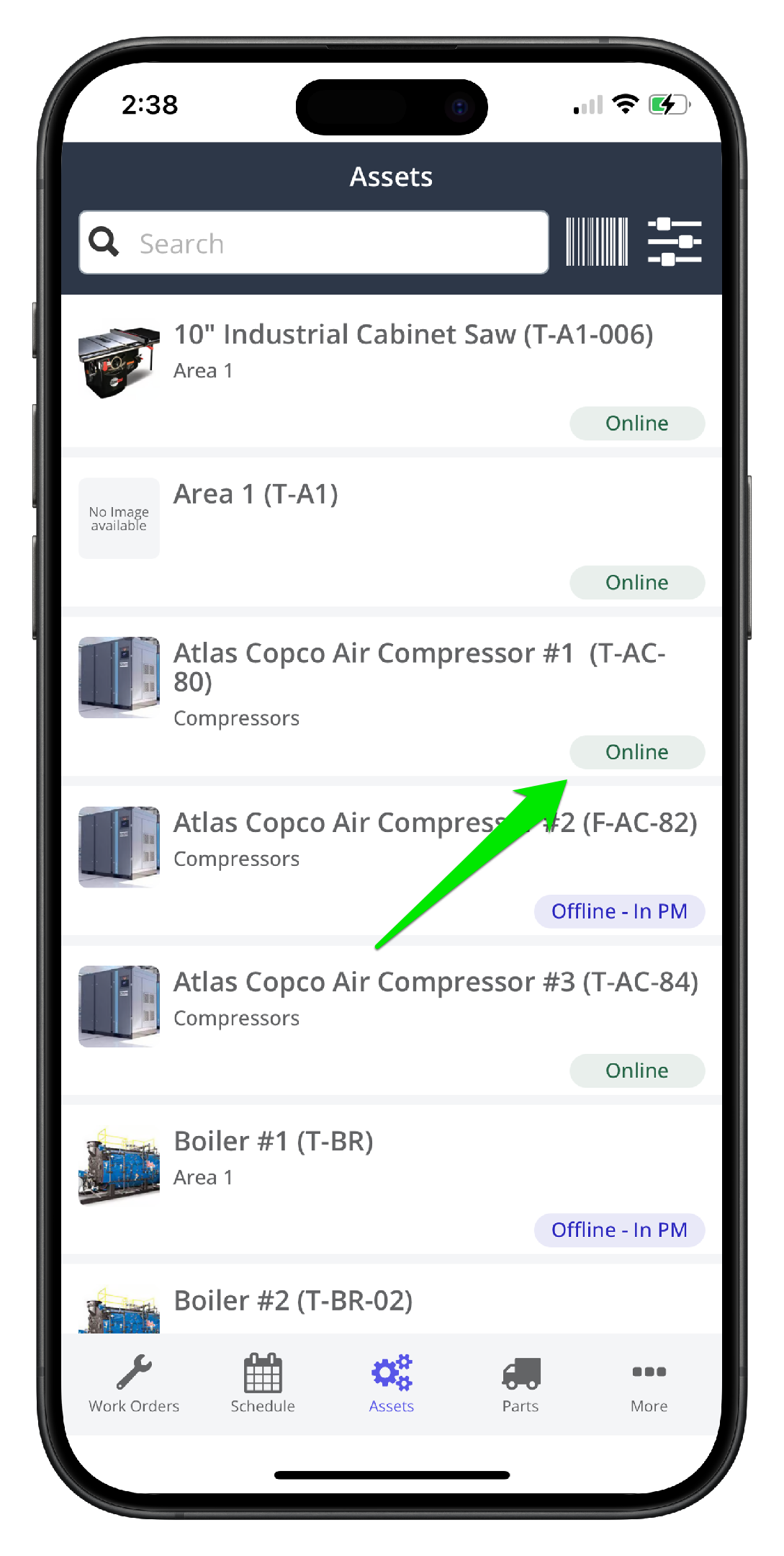
2 Click the offline/online text on the asset line item. The asset will be toggled online or offline accordingly. The changes are logged in the database and visible in the Asset record - Offline tracking tab in the desktop app.
Method 2: On the Asset Record
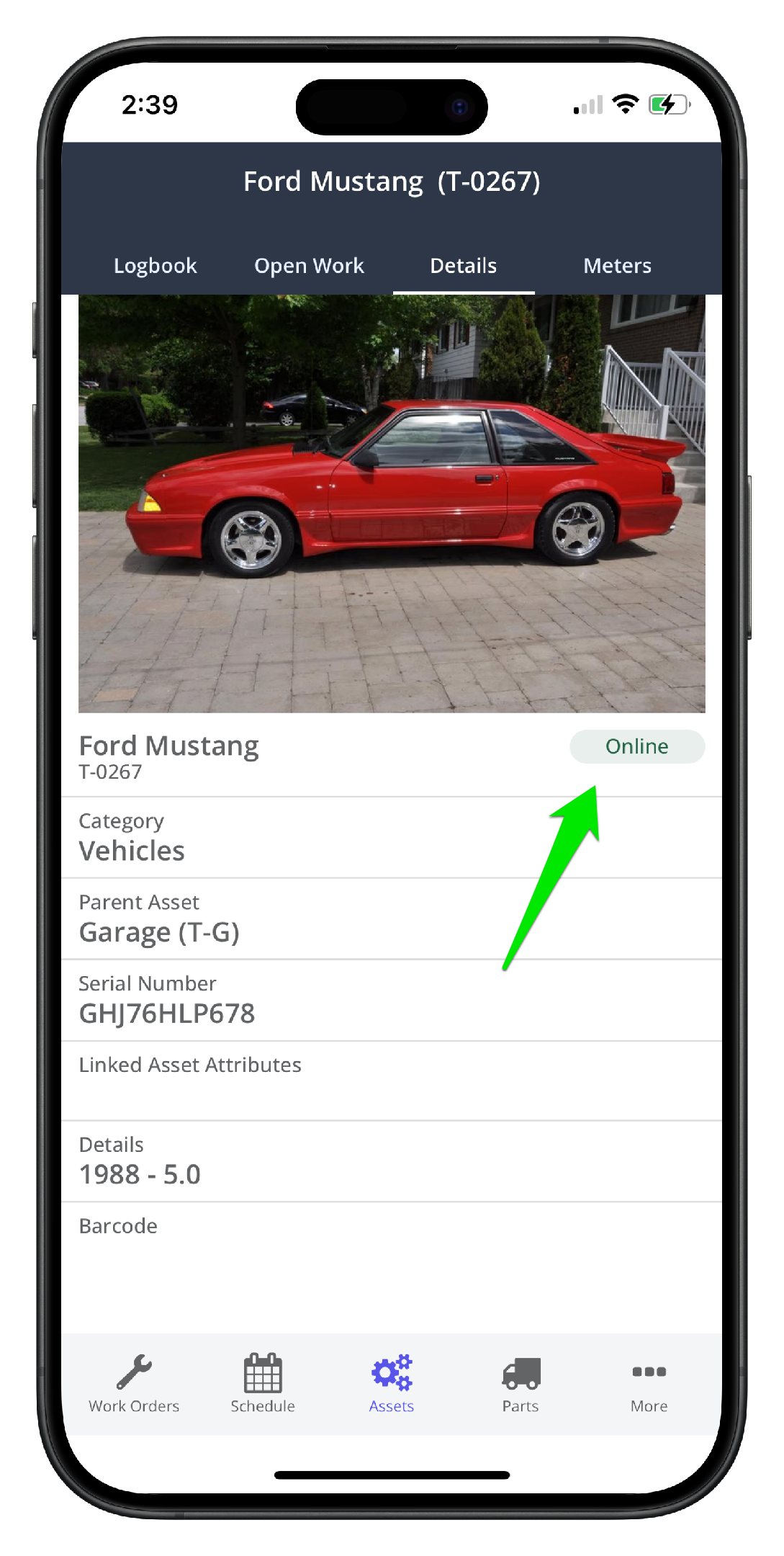
1. Open the asset record and navigate to the Details tab
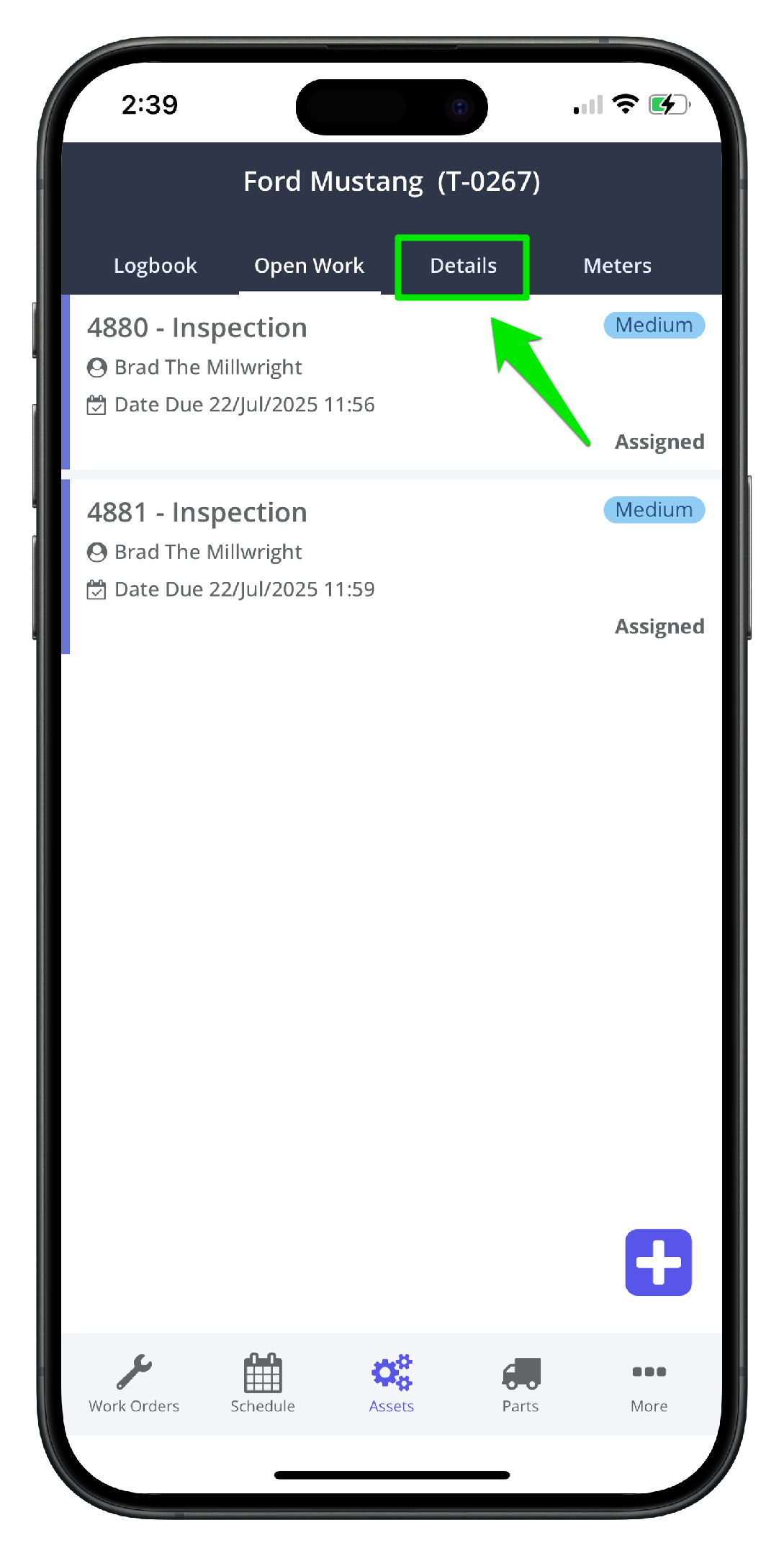
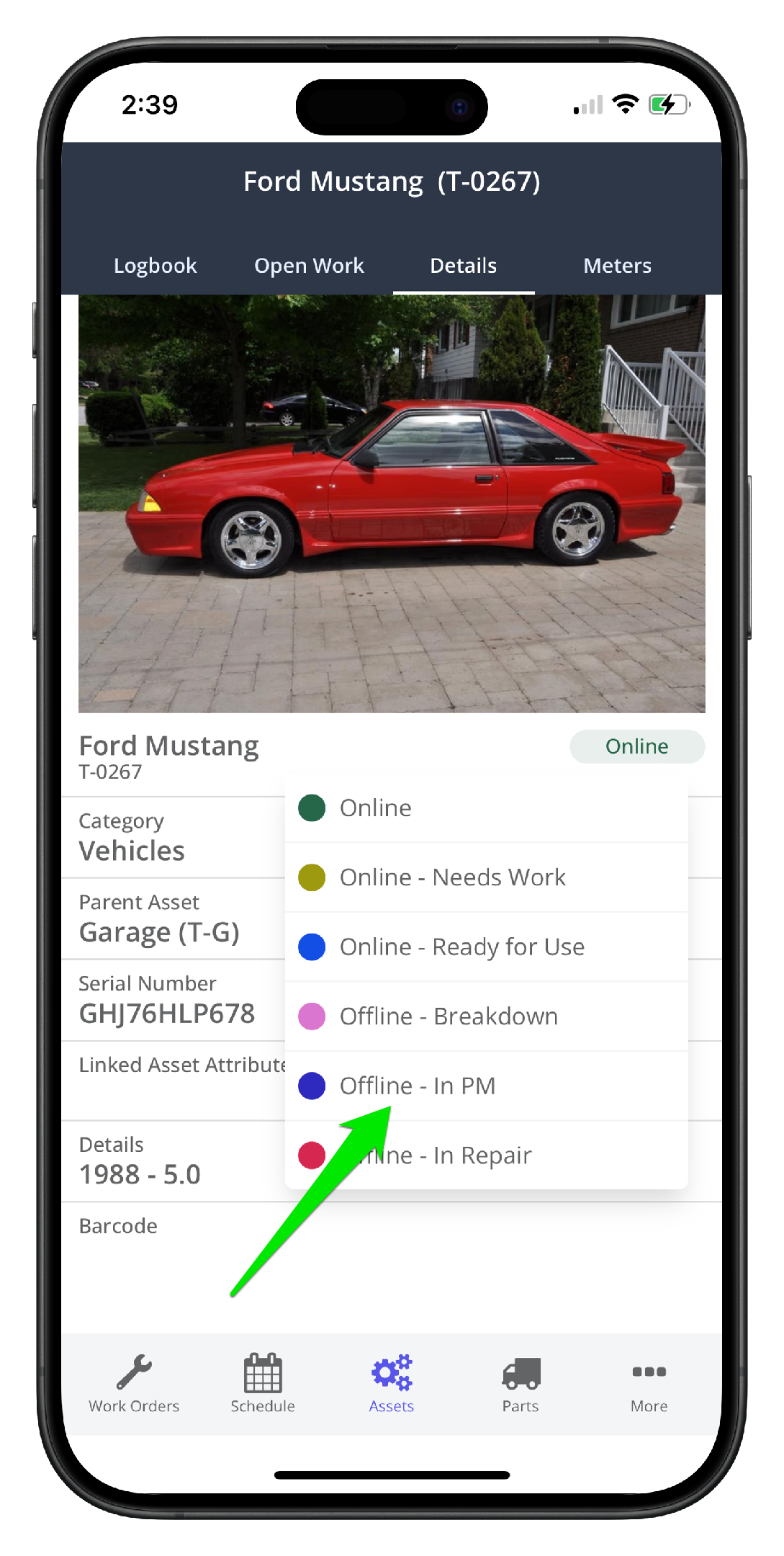
2. Toggle the asset offline/online as needed. The changes are logged in the database and visible in the Asset record - Offline tracking tab in the desktop app.
3. Click the new status (Offline - In PM in this case)
4. The asset is now offline: