Target Audience
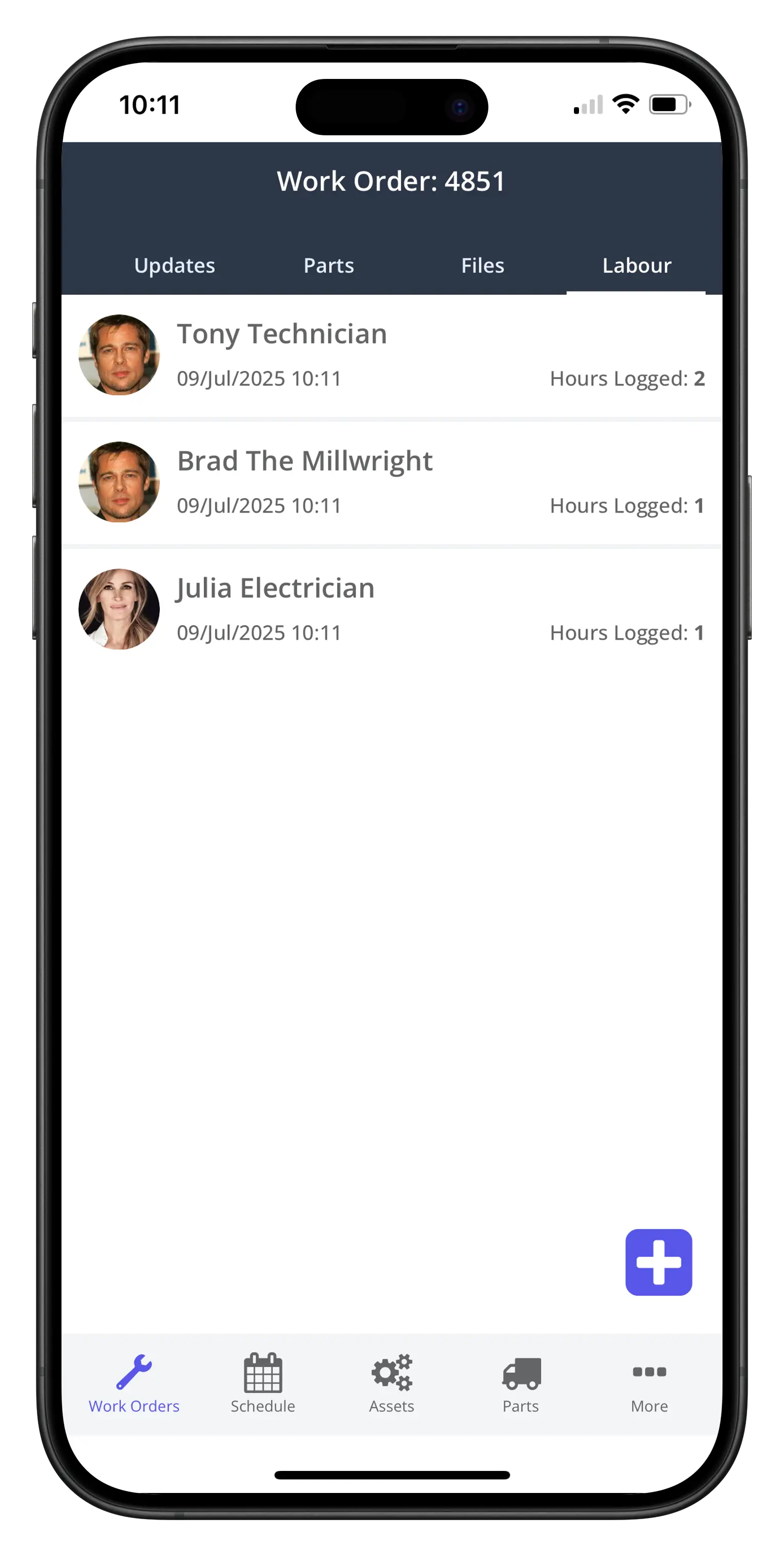
When a user completes a work order, they enter their hours logged. See the Close a Work Order procedure for more details. This procedure is directed at those other users that participated in the work order, and want to log some hours against the work order.
Procedure
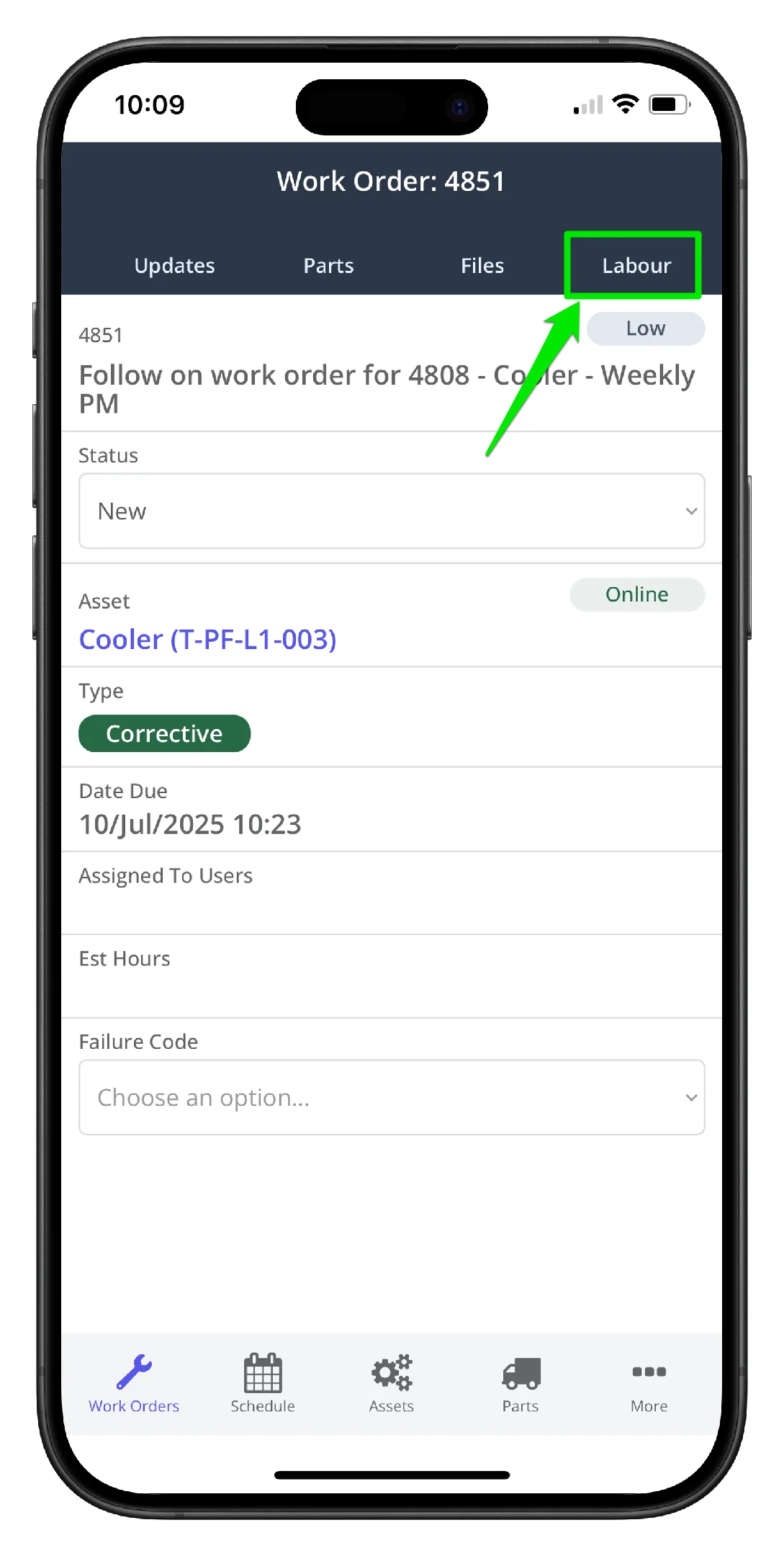
1. Open the work order and navigate to the work order Labour tab
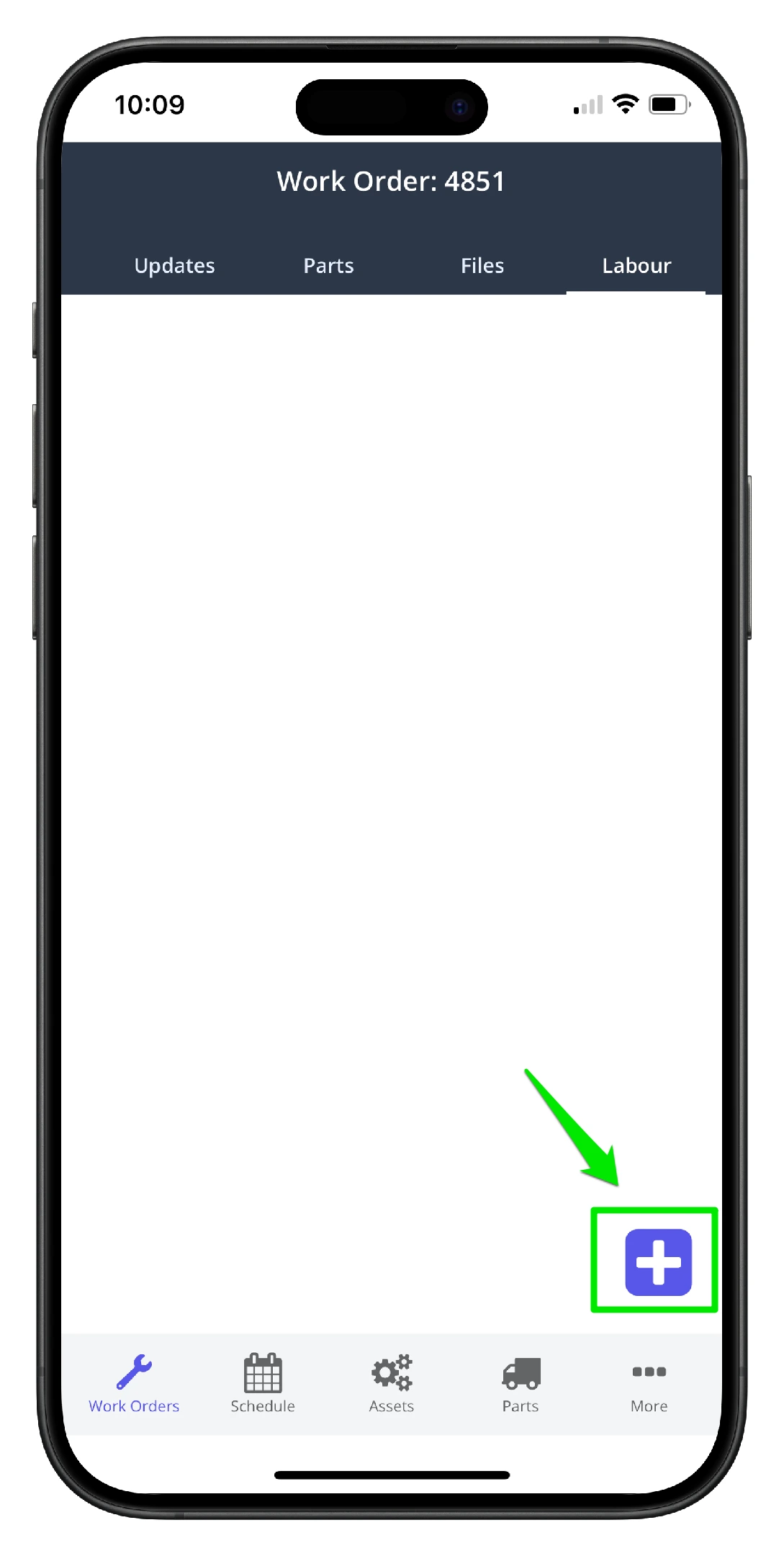
2. Click the Add New icon on the lower right hand side
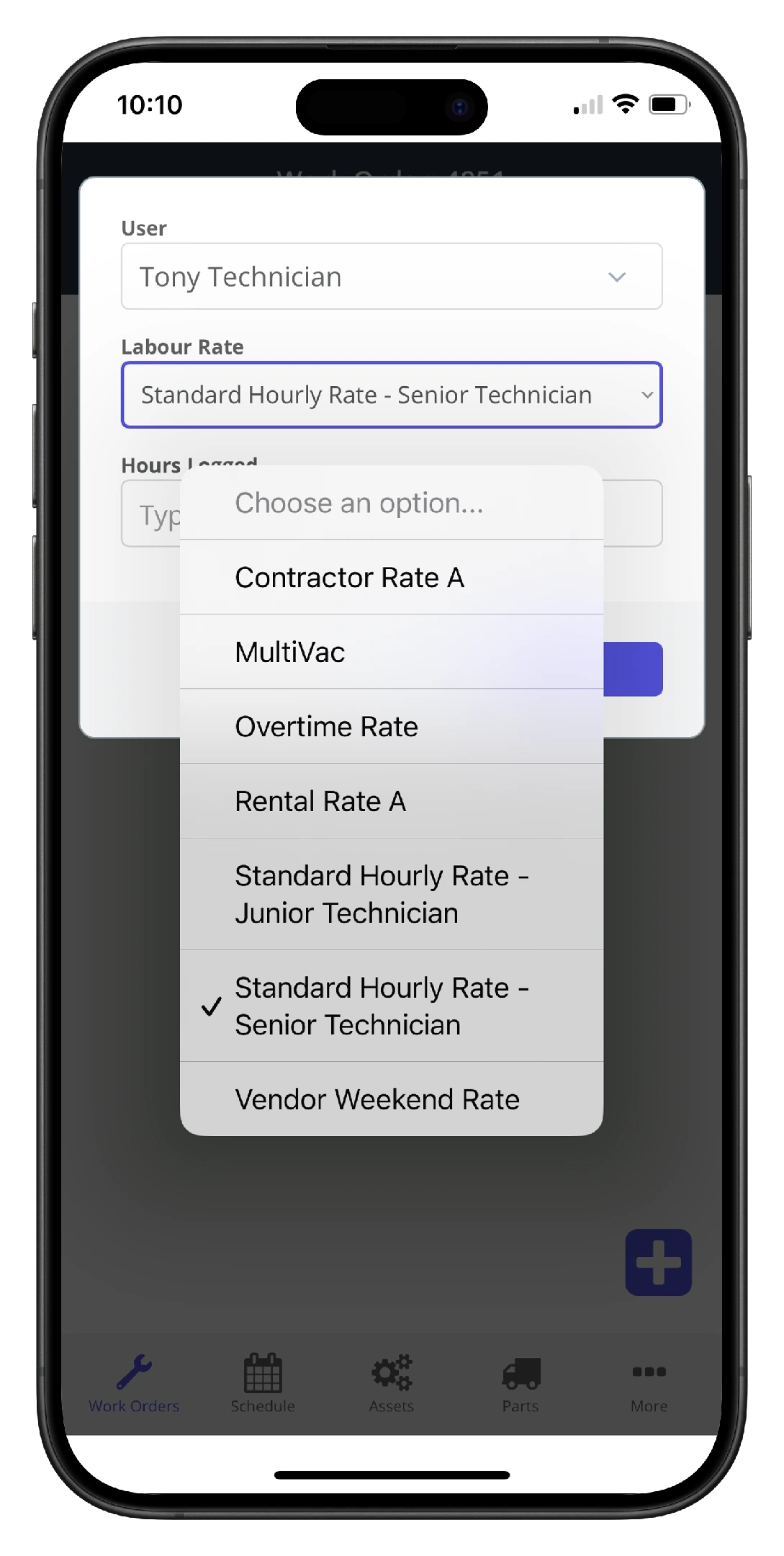
3. Click the Rate dropdown to change the labour rate
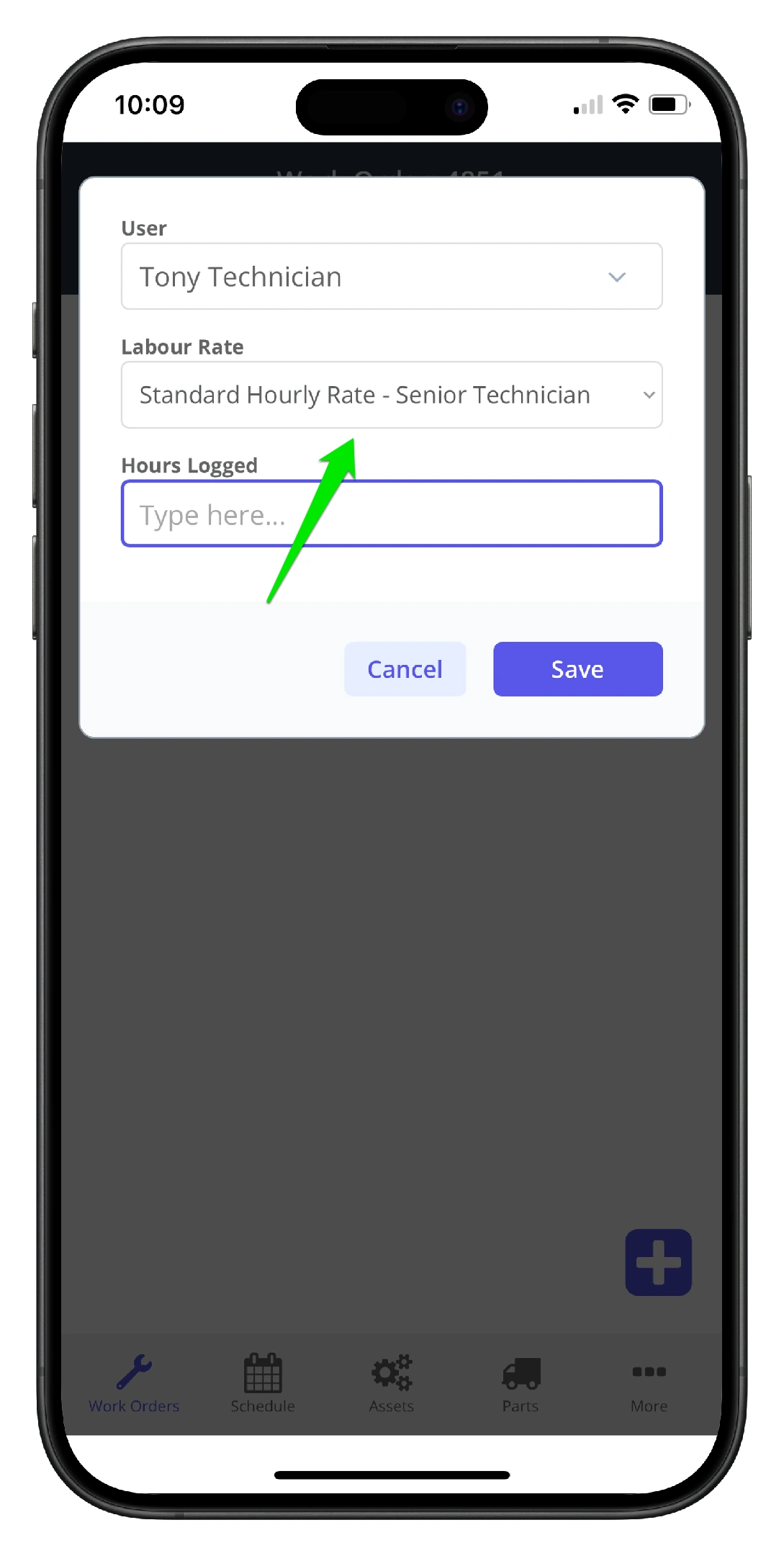
4. Select another labour rate other than the user default labour rate
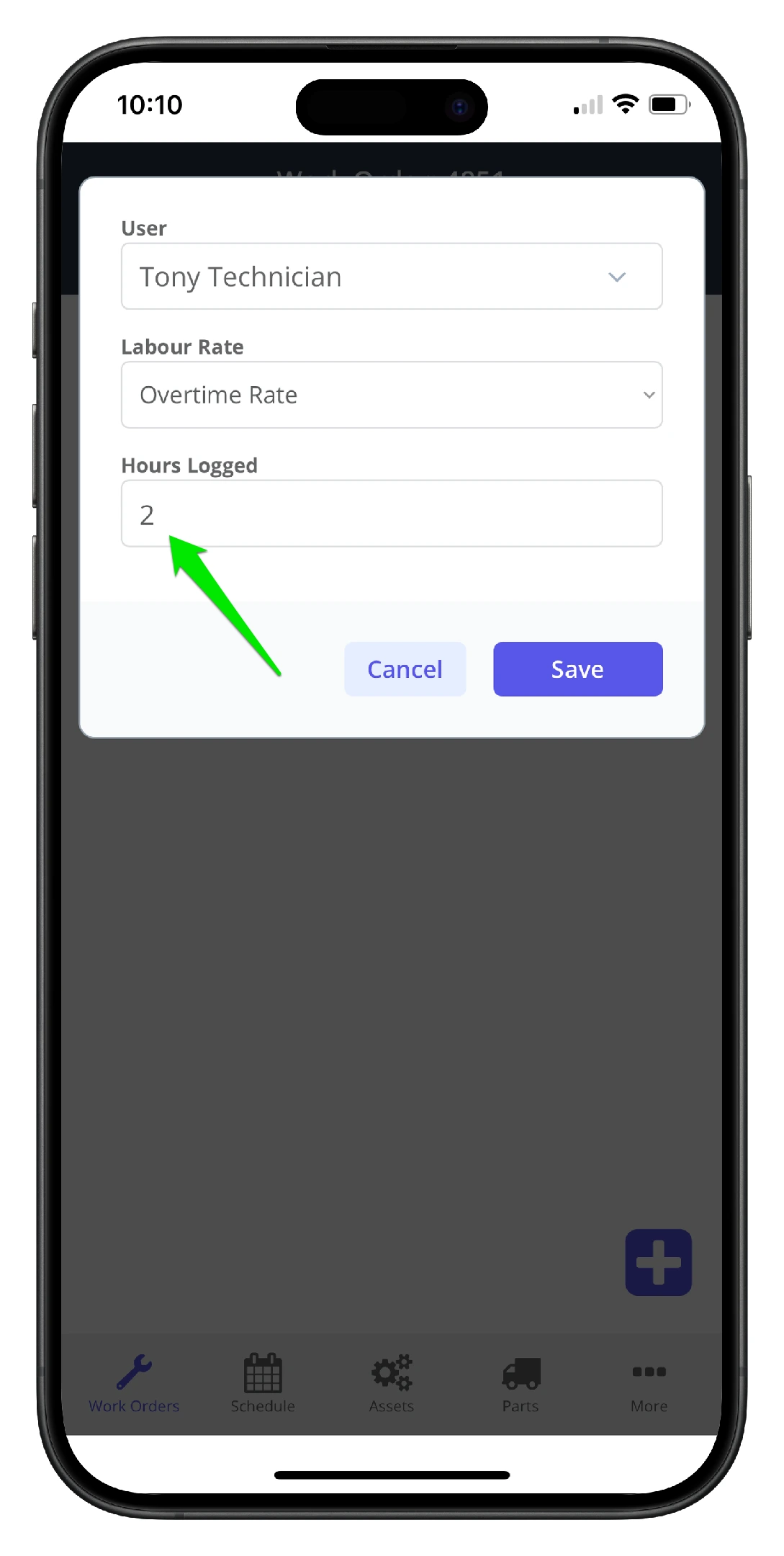
5. Add the labour hours worked
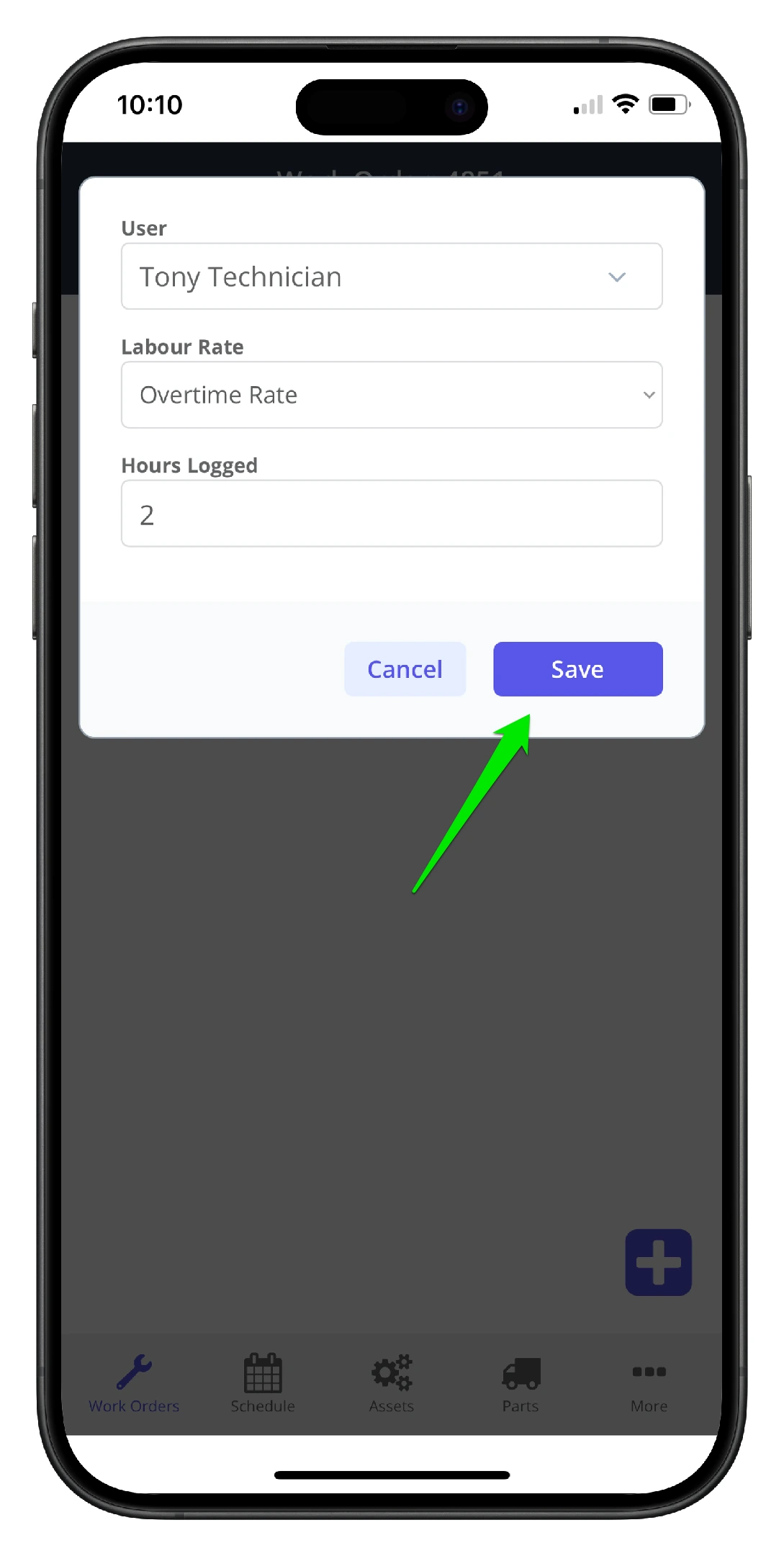
6. Click Save
7. The labour hours are saved to the system
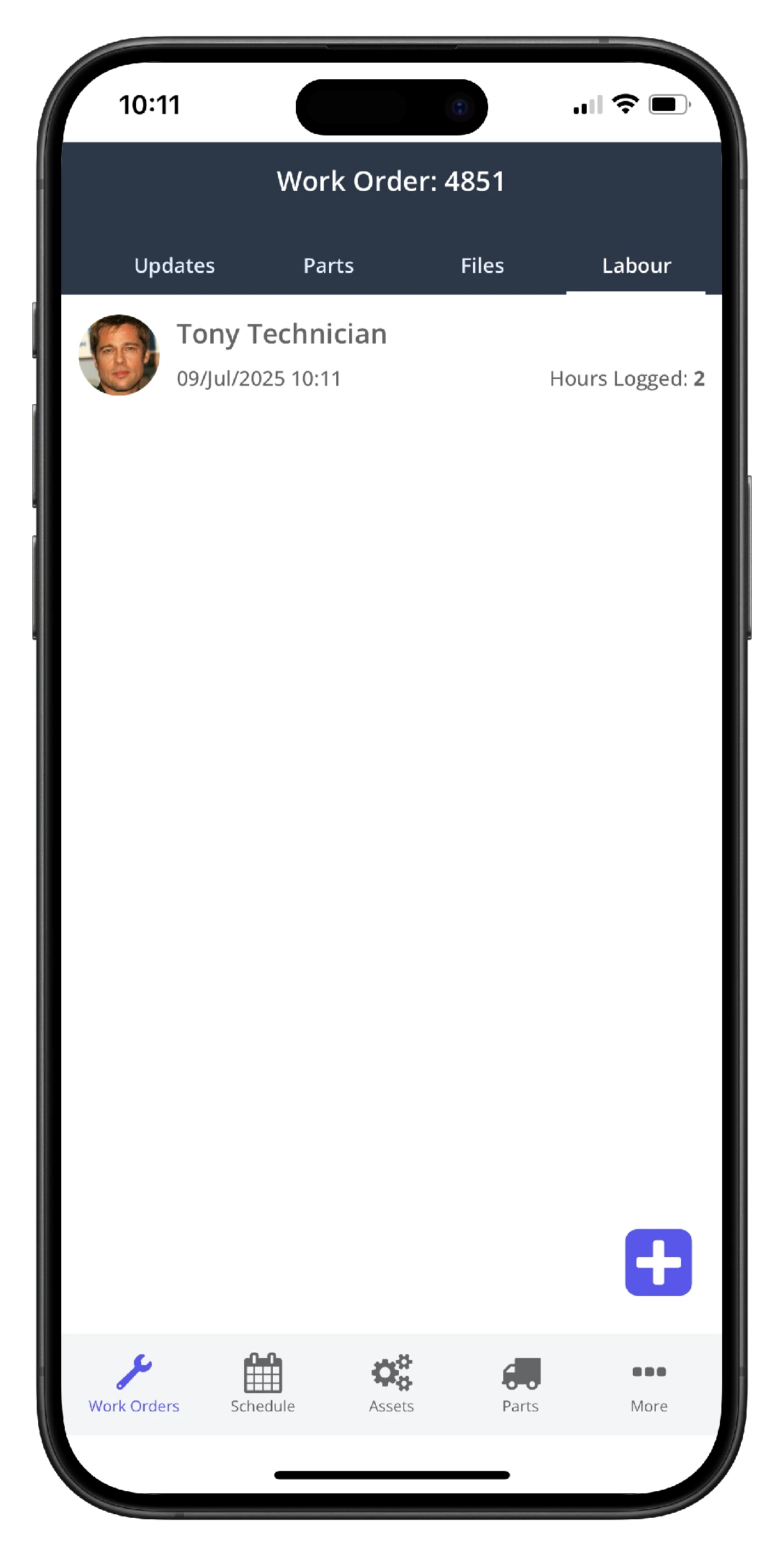
8. Other users can log labour against a work order if needed