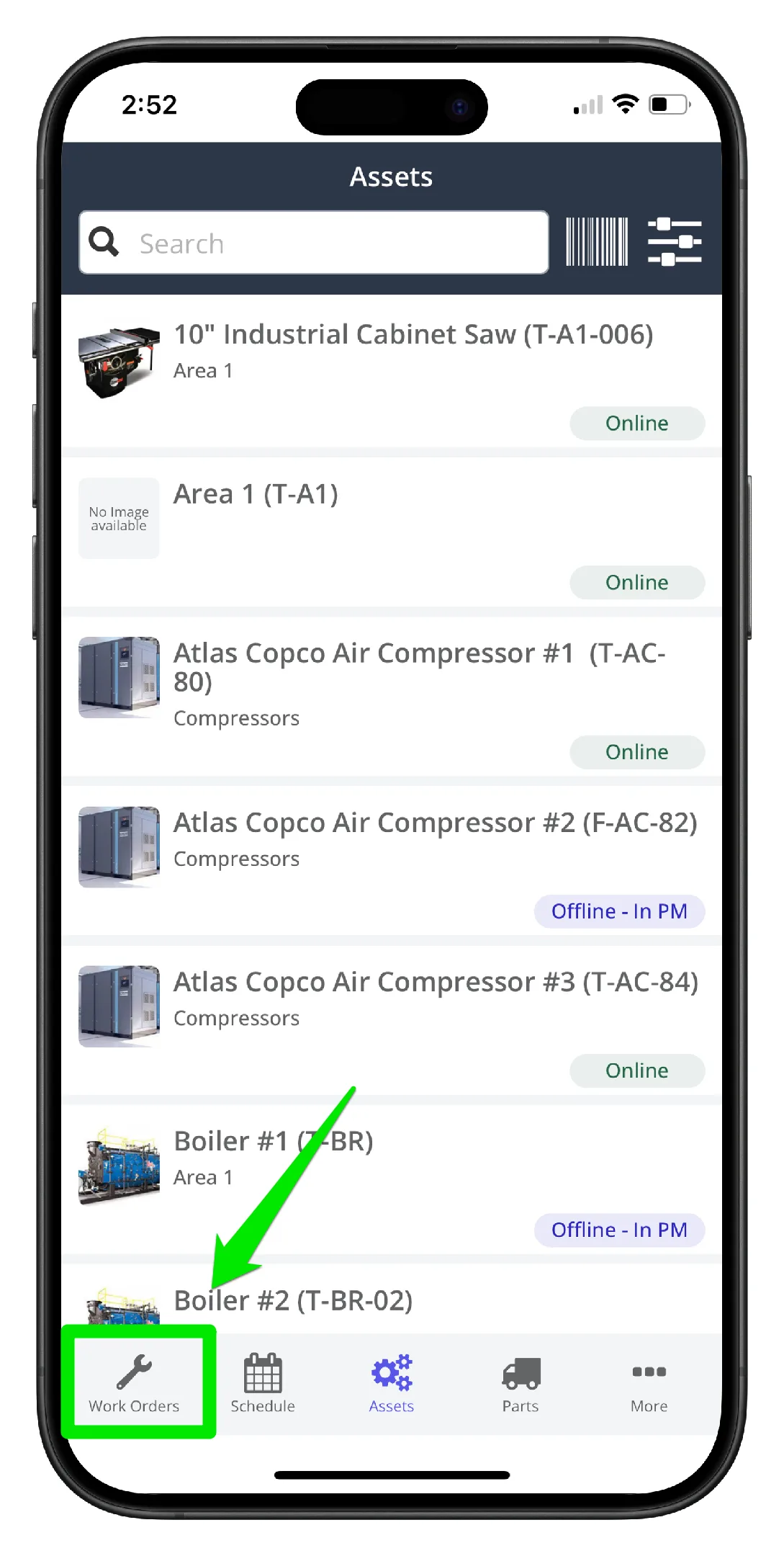
1. Open the mobile app and select Work Orders in the main menu
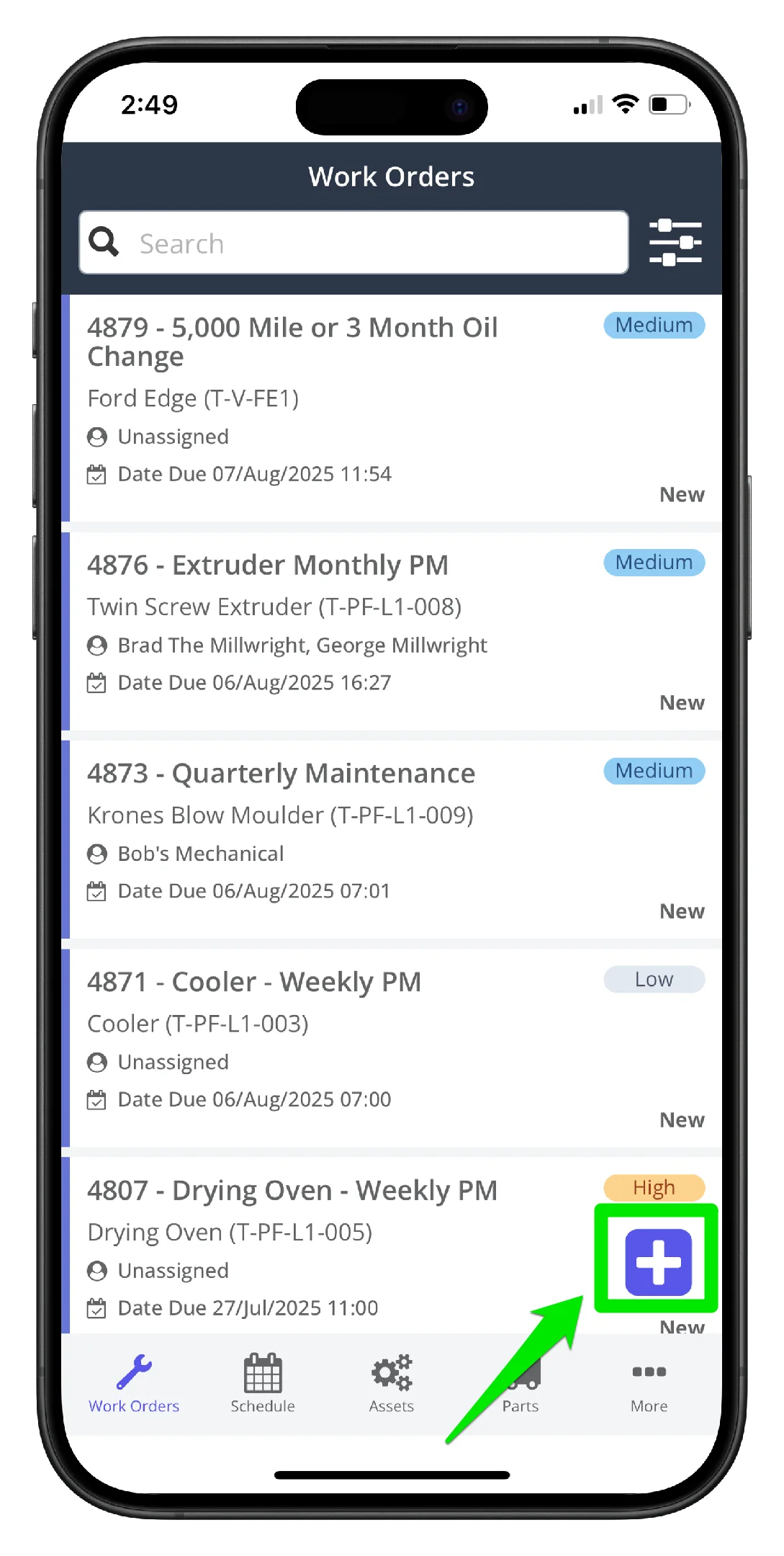
2. Click the Add New icon on the lower right hand side
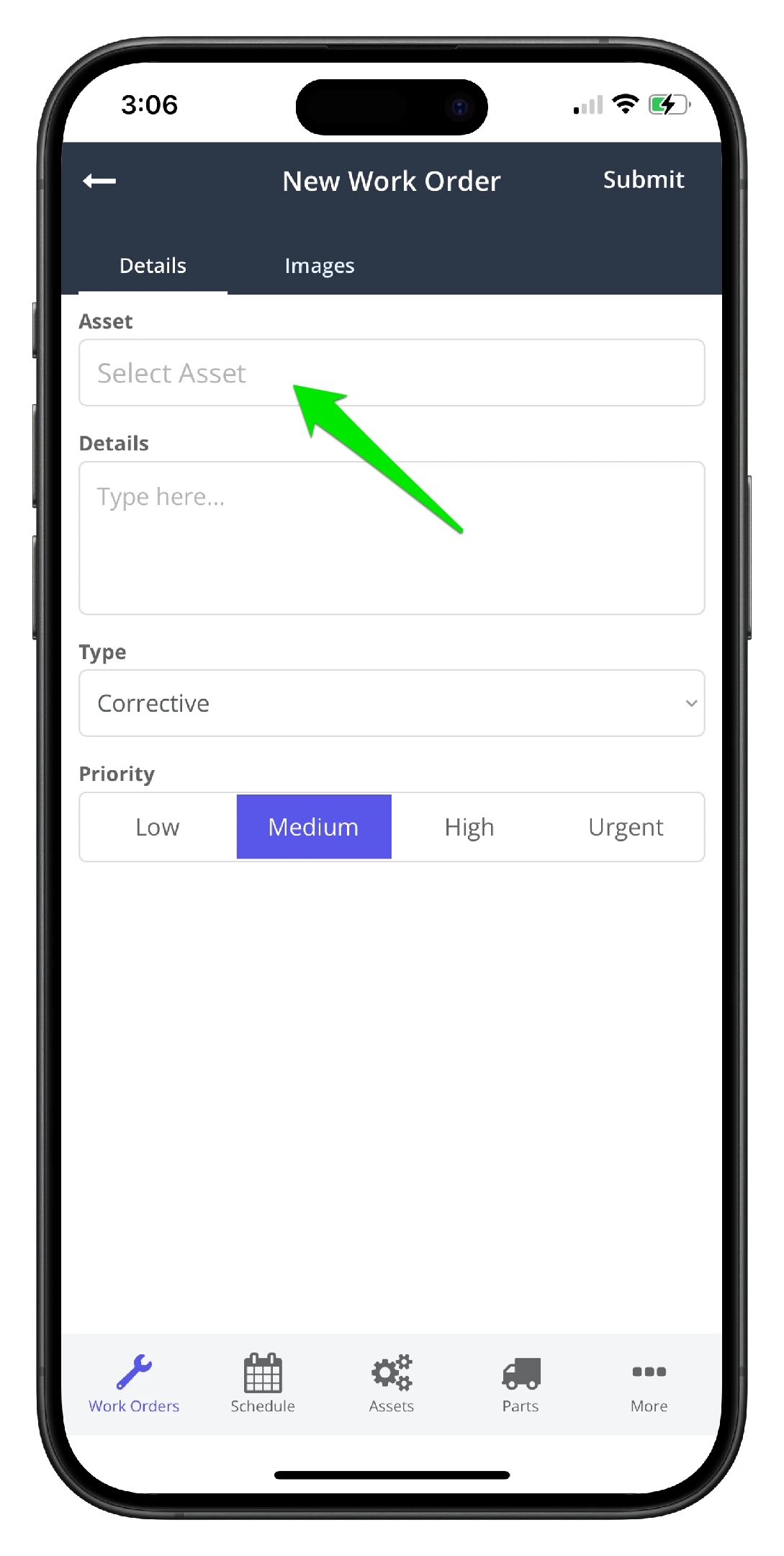
3. Click the asset dropdown
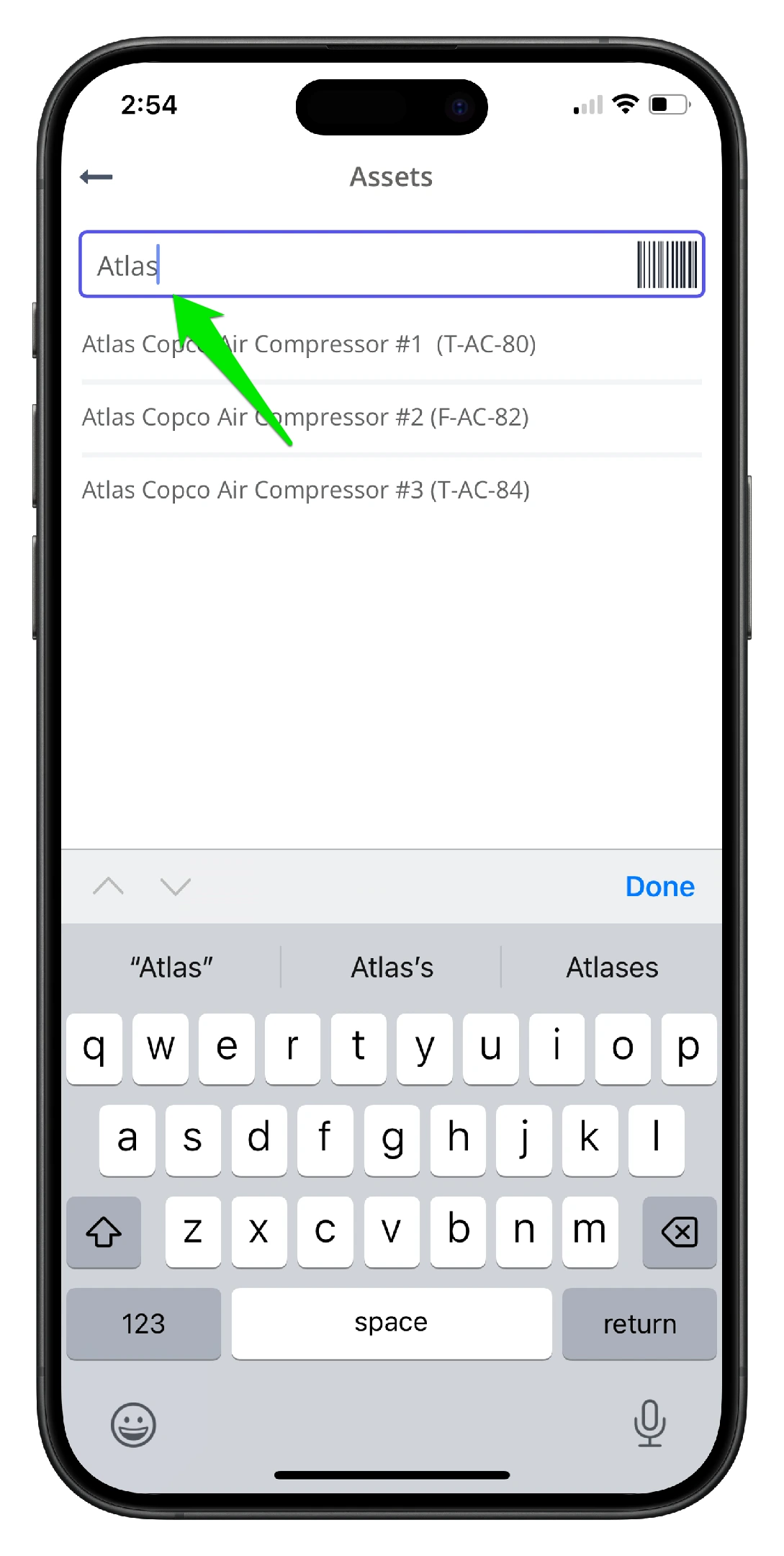
4. Select the asset from the list. Use the asset search to find the asset faster
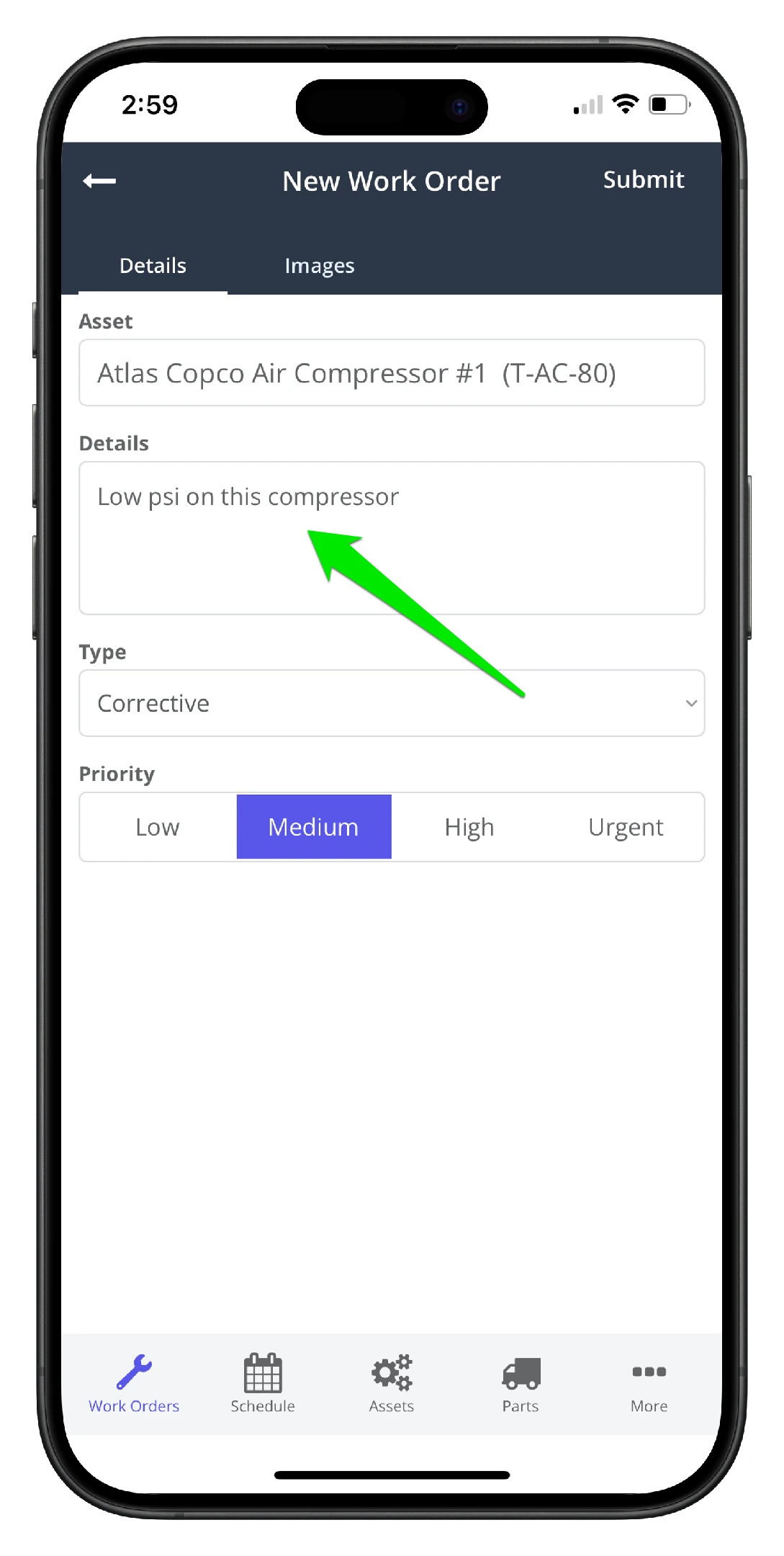
5. Add the work order details to best describe the issue at hand
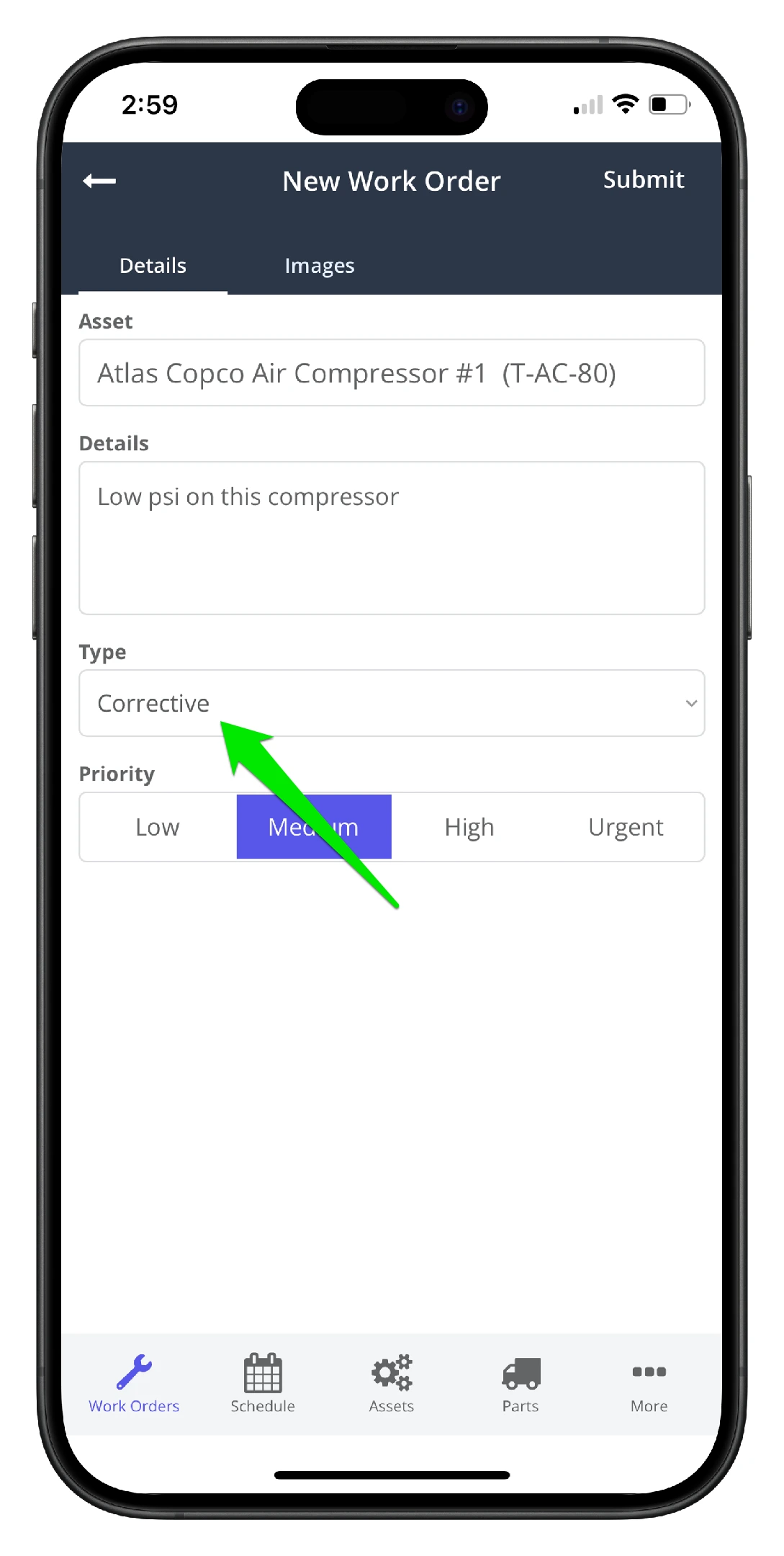
6. Click to change the maintenance type if needed
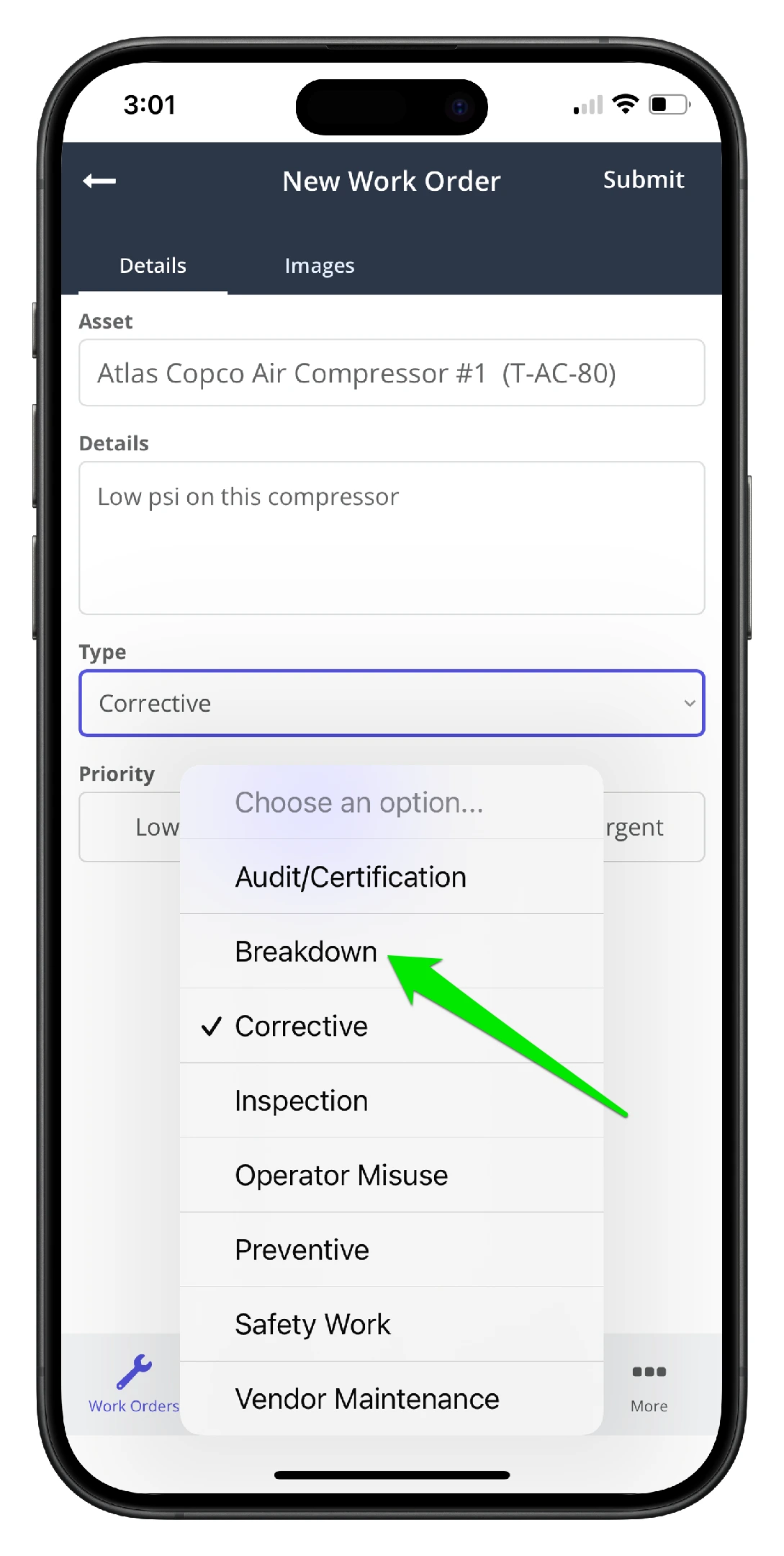
7. Assign the new maintenance type from the list
8. Assign the work order a priority
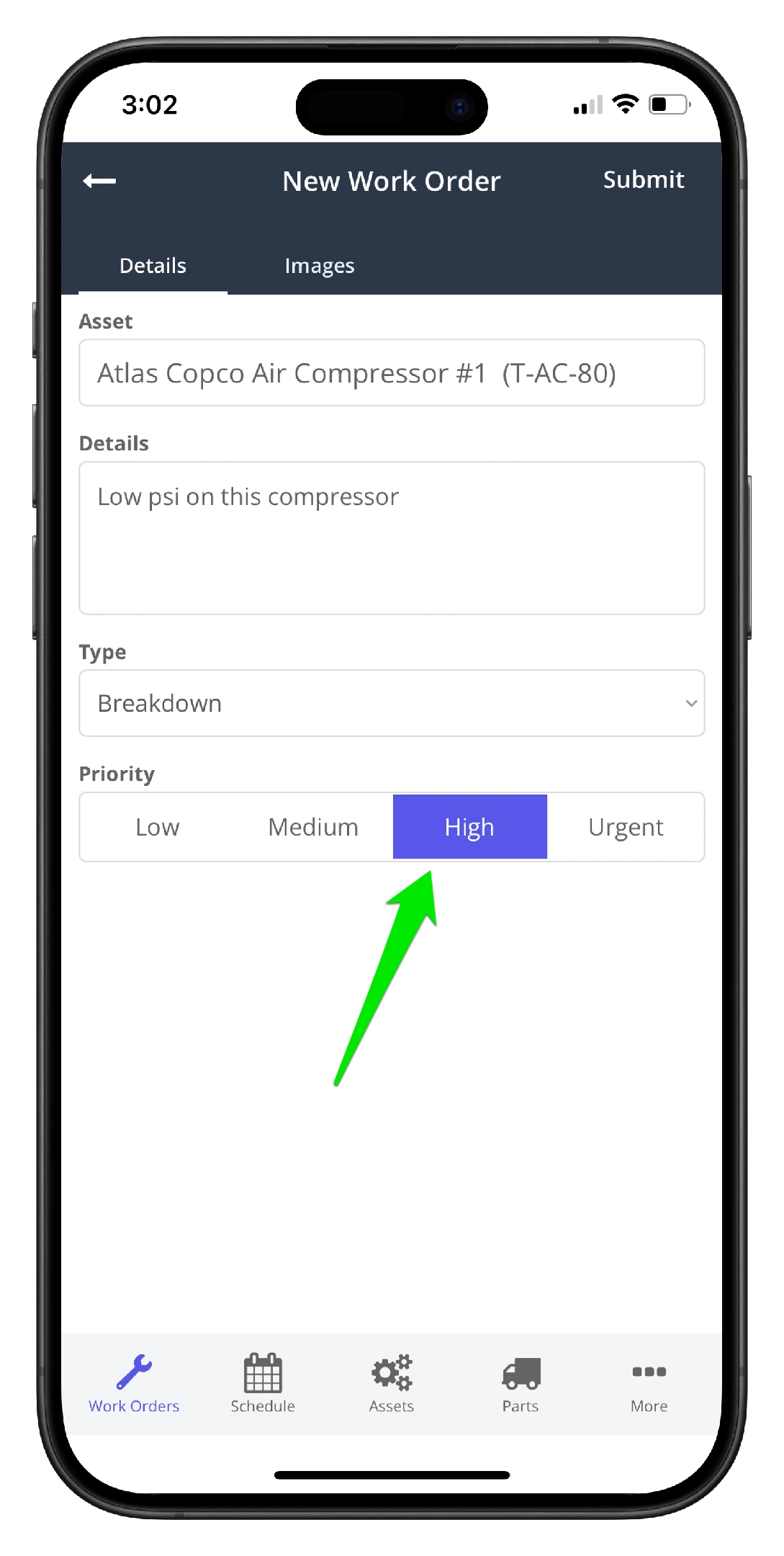
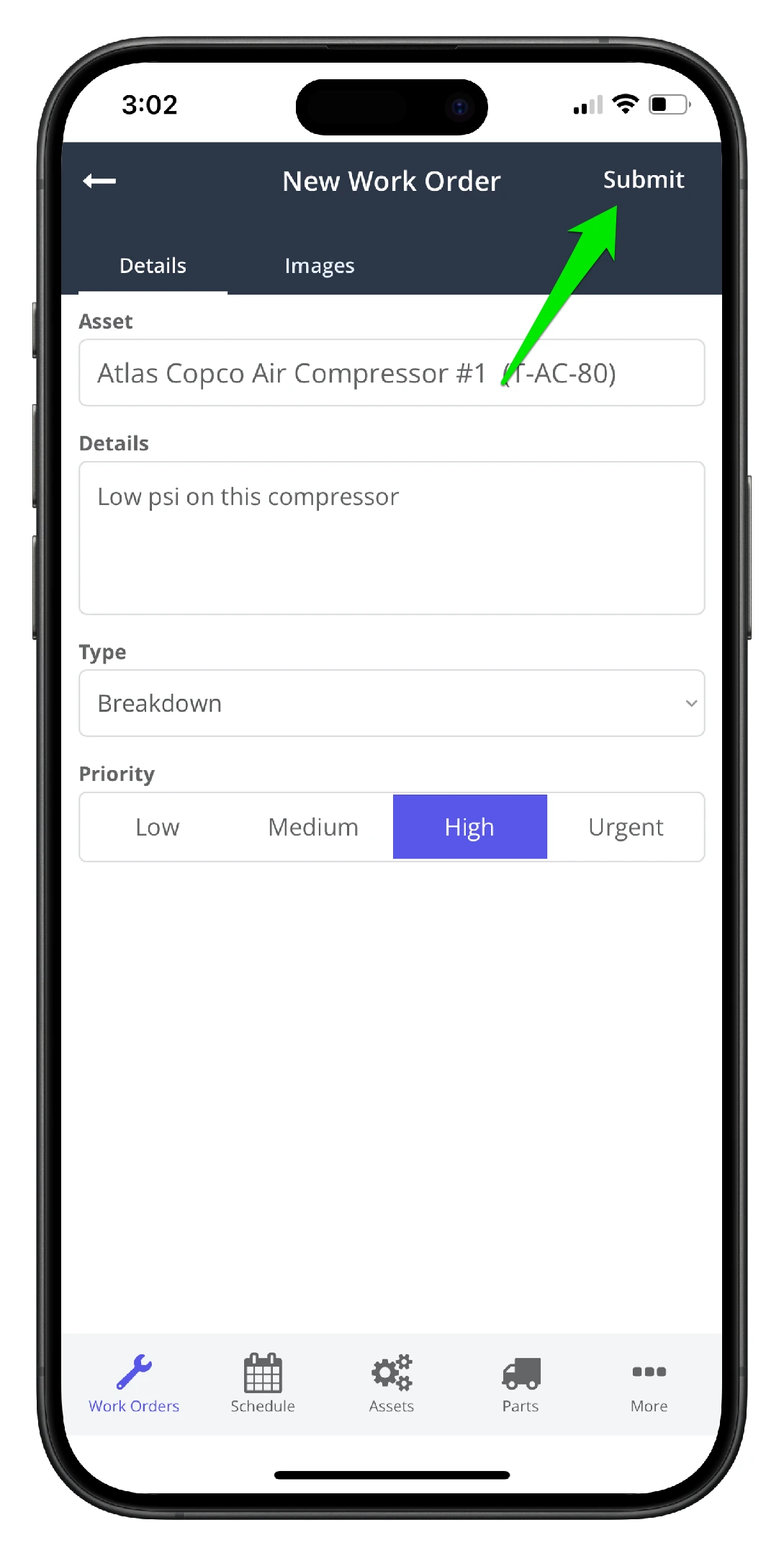
9. Click Submit when done. The work order is now added to the maintenance queue for review and assignment.