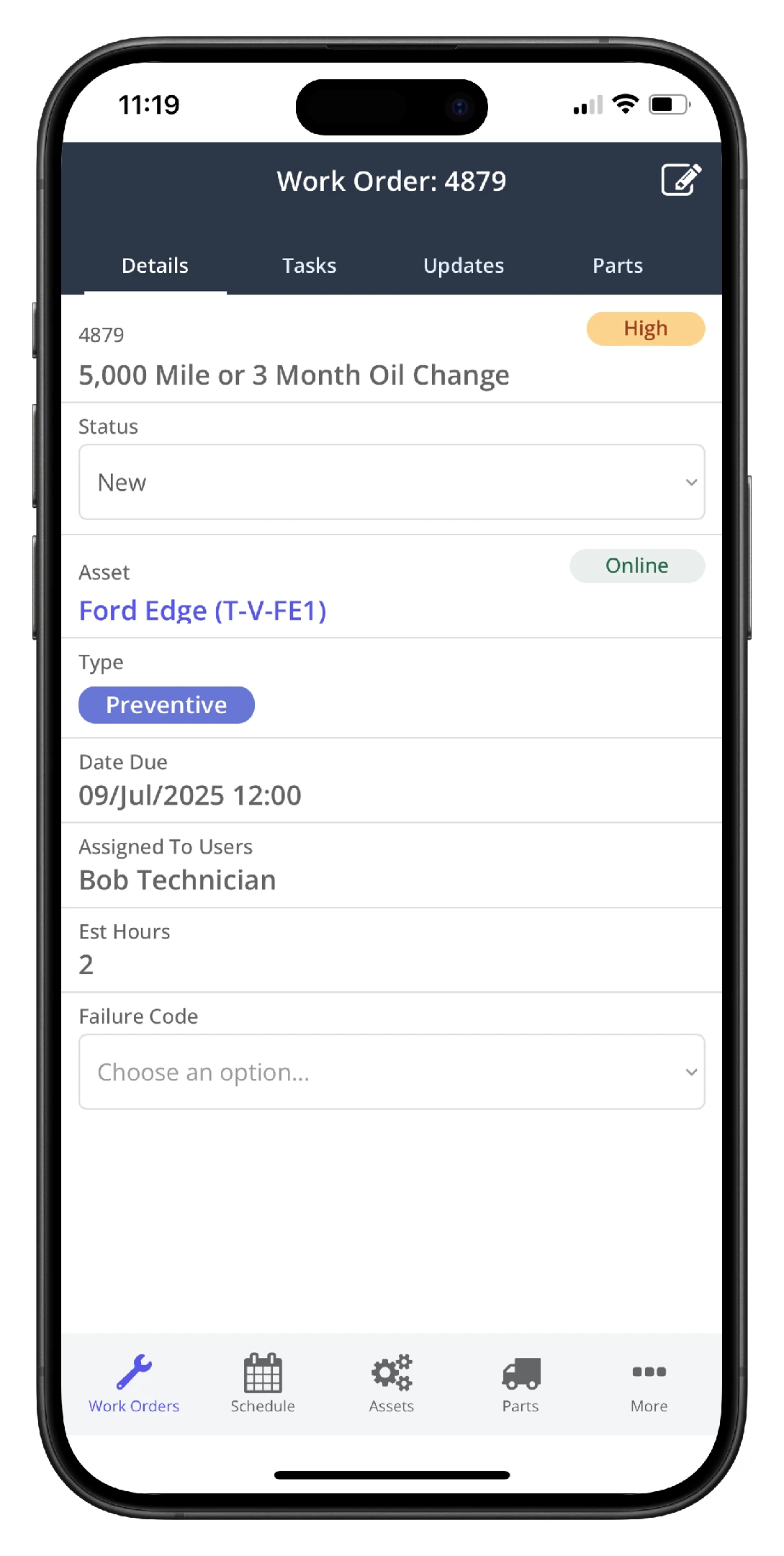
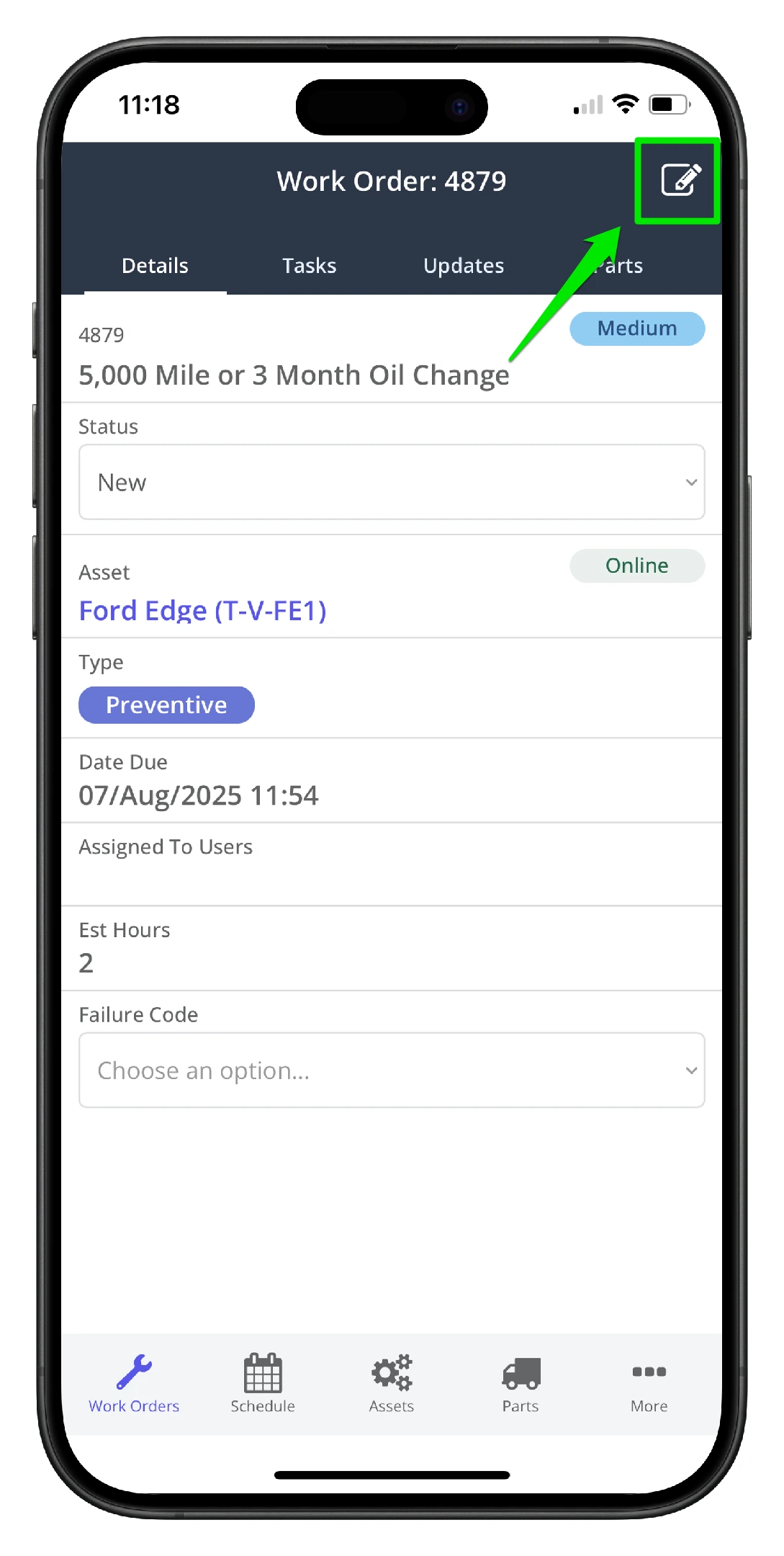
1. Open the work order in the mobile app. Users with system administrators or site supervisor permissions will see the Edit icon on the top right-hand side. Click the Edit icon to start editing the work order
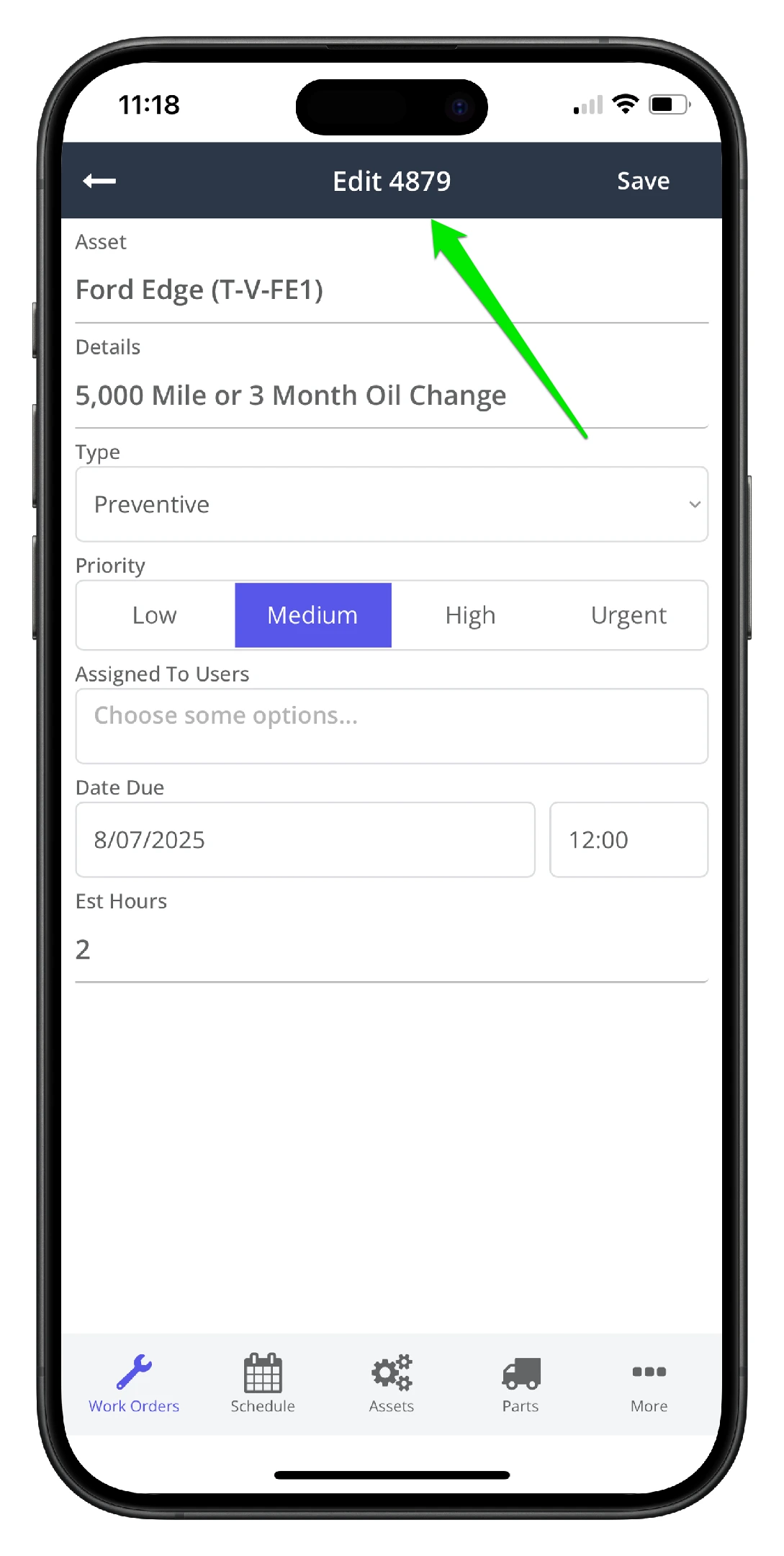
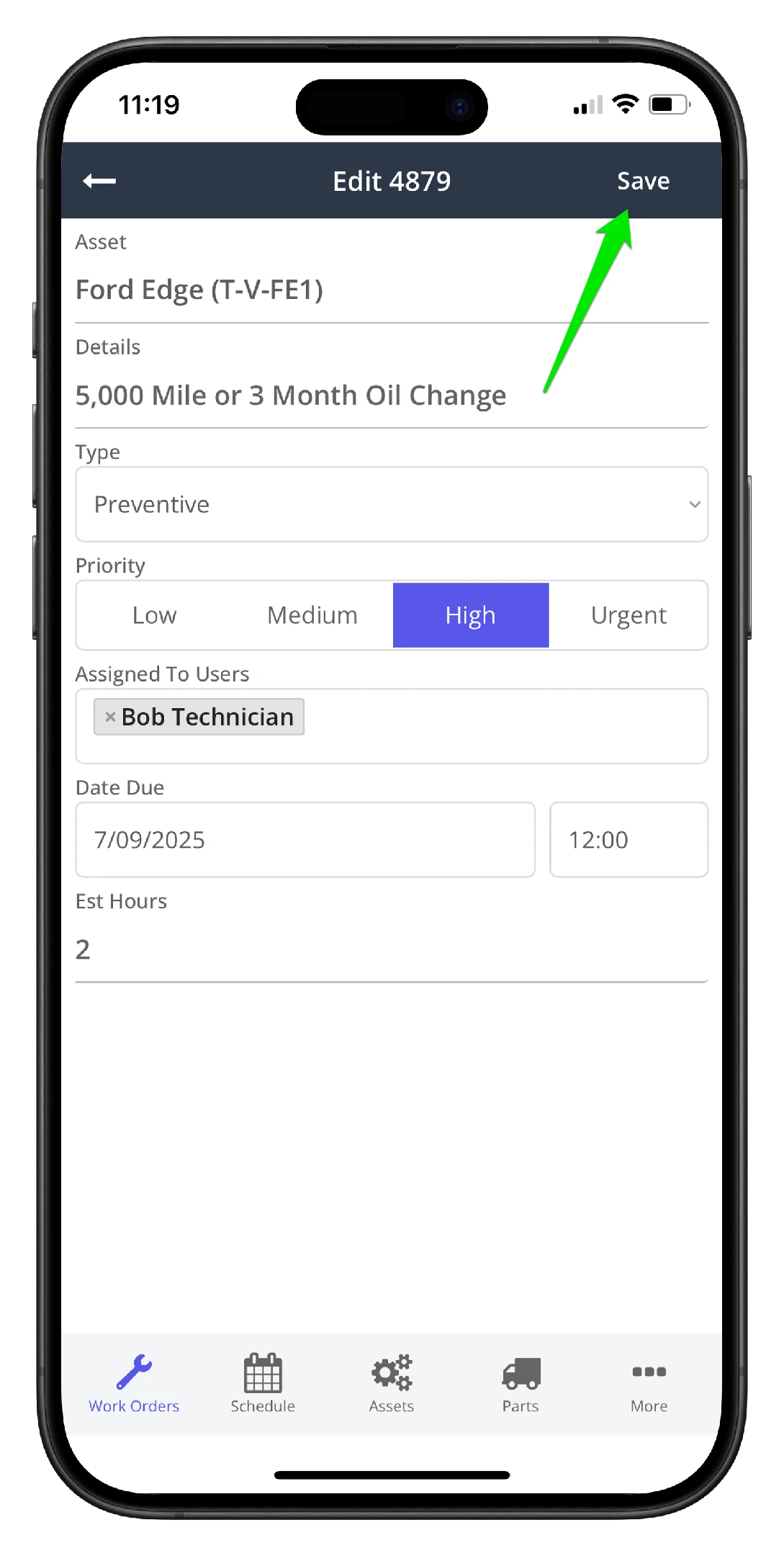
2. On the Edit Work Order screen, make the changes to the key work order fields as needed
3. In this example, the priority has been raised from Medium to High, and the Due date has been changed to the current date
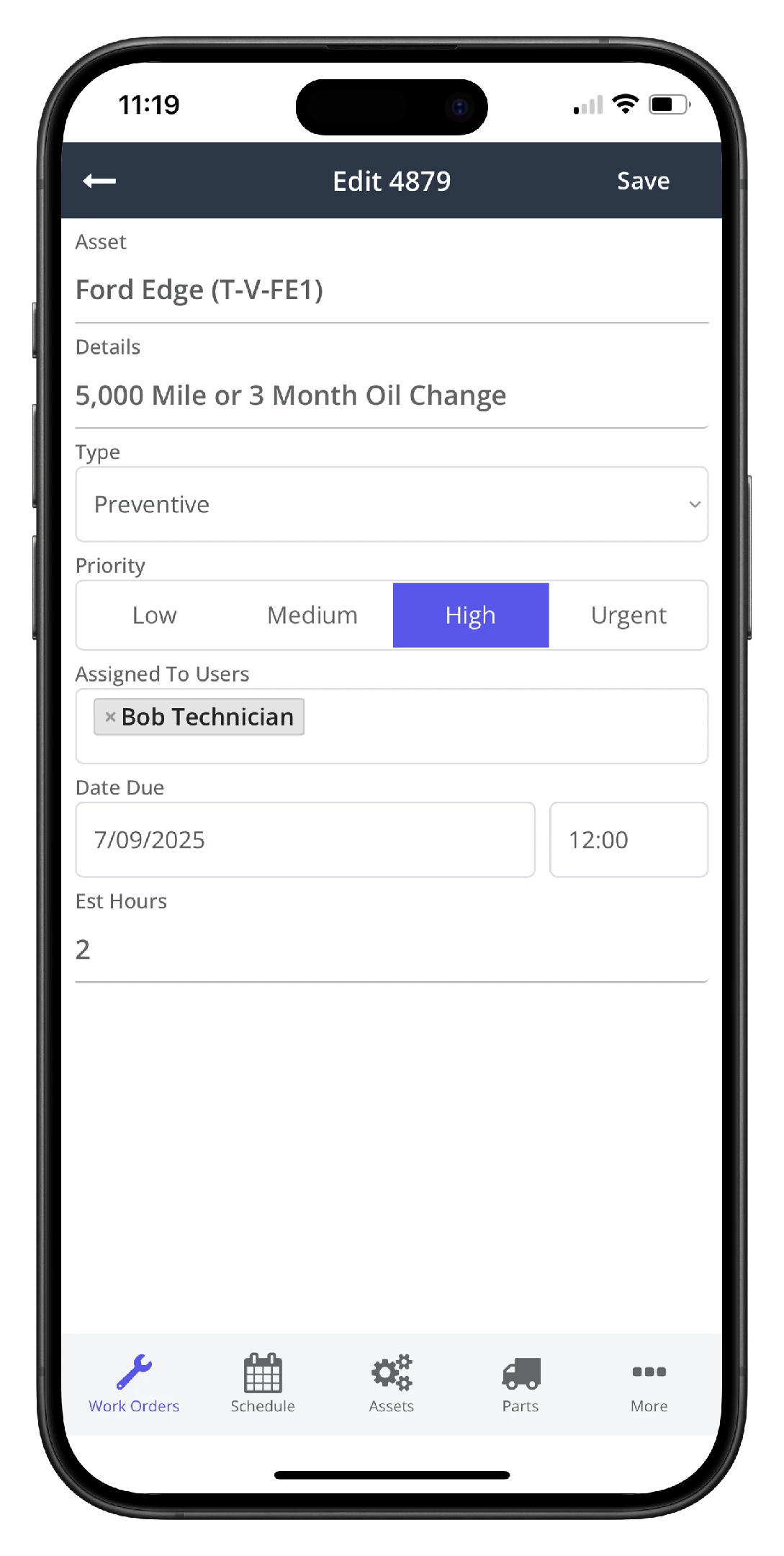
4. Click Save when done
5. Verify your work