Background
Users must email the PO to the supplier using their own email account.Why does Zoidii not email the supplier from the system? A. For a number of reasons, in particular, the email address will not be recognized and the email may get sent to SPAM and the order will be missed.
Procedure
1. Open the purchase order on the Details Tab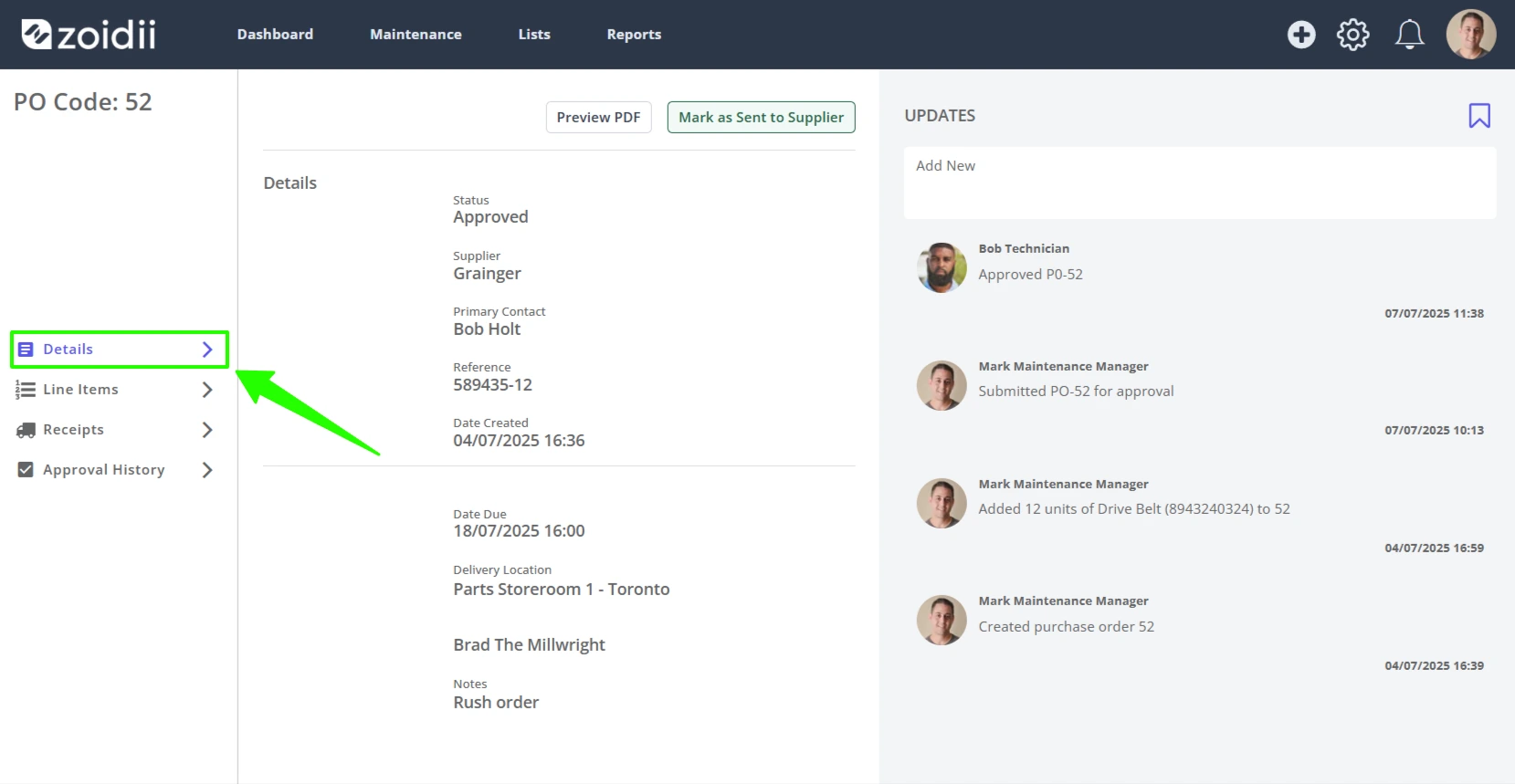
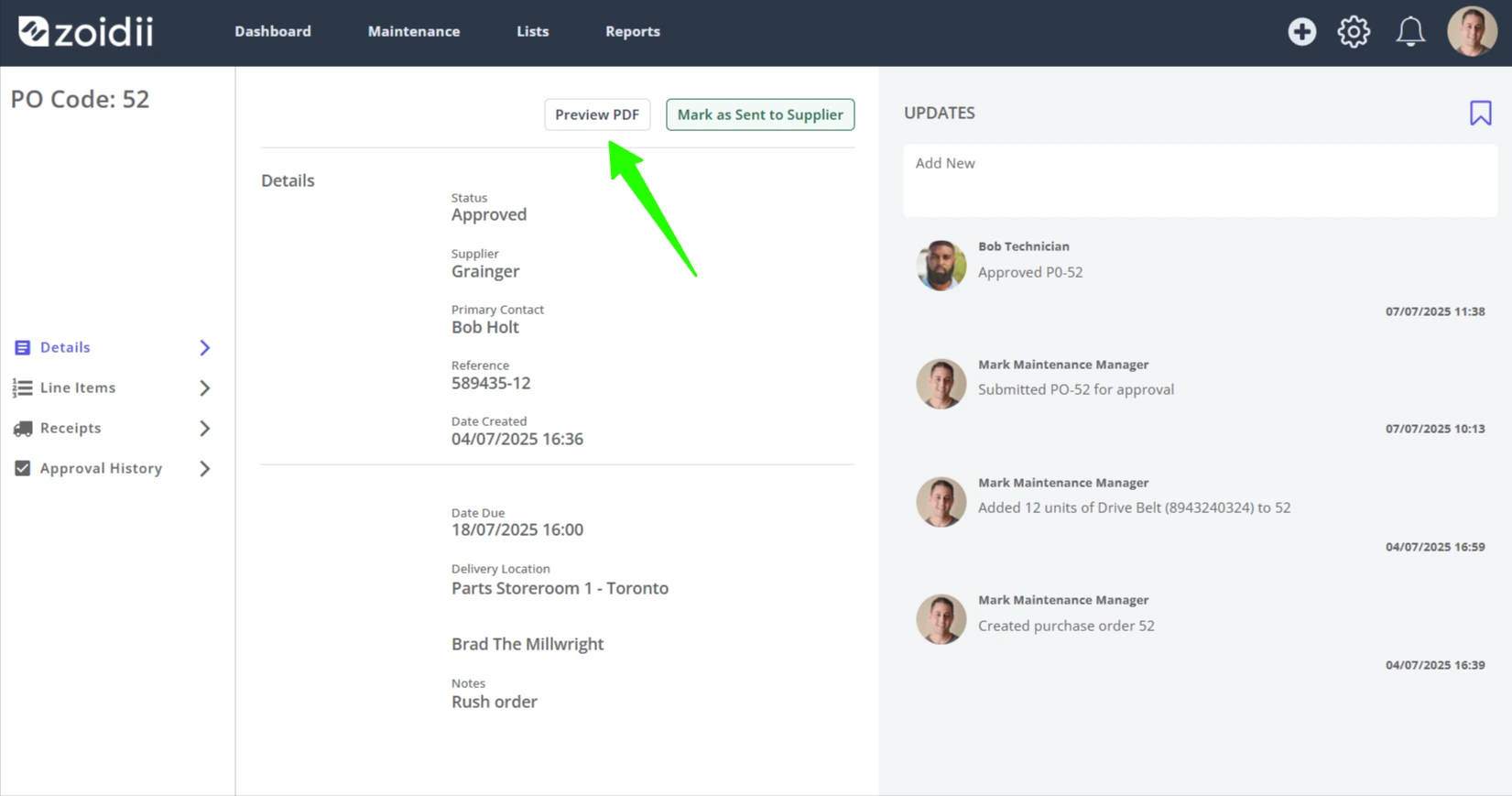
2. Click Preview PDF
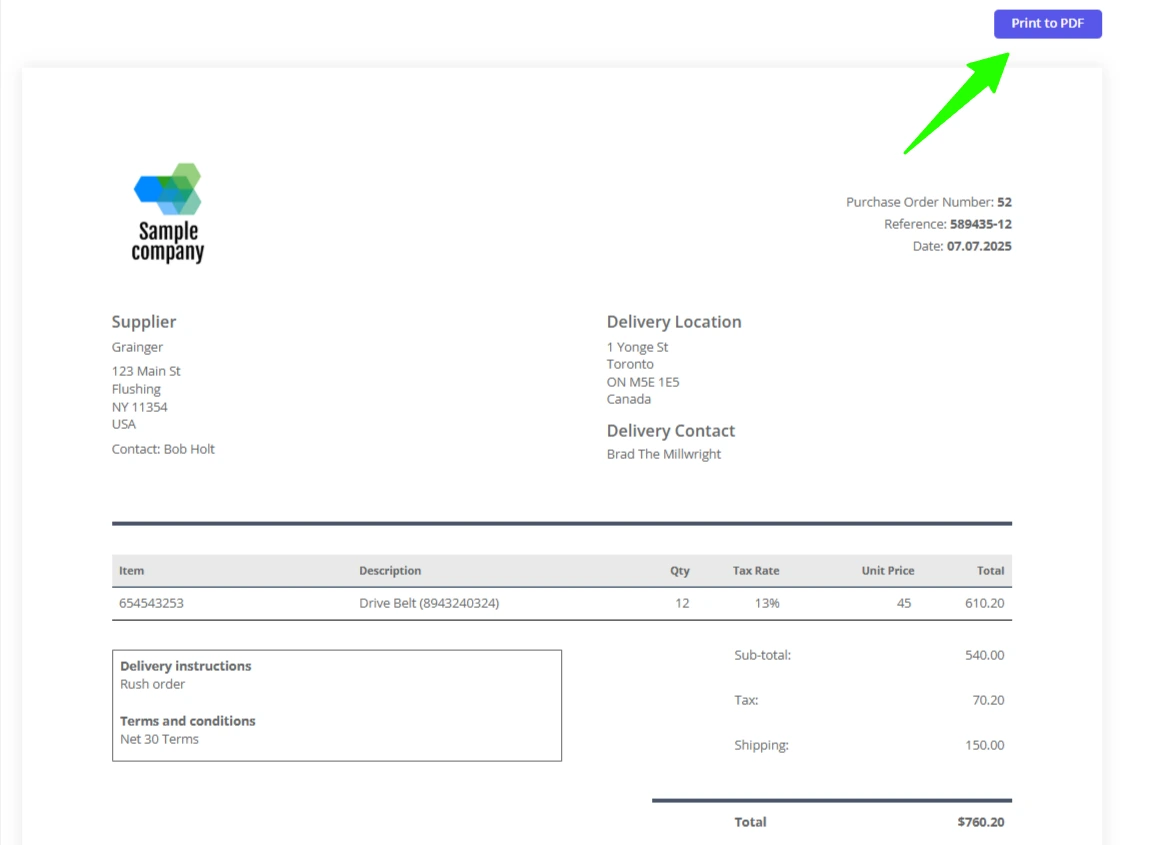
3. Review the purchase order for correctness, and click Print to PDF
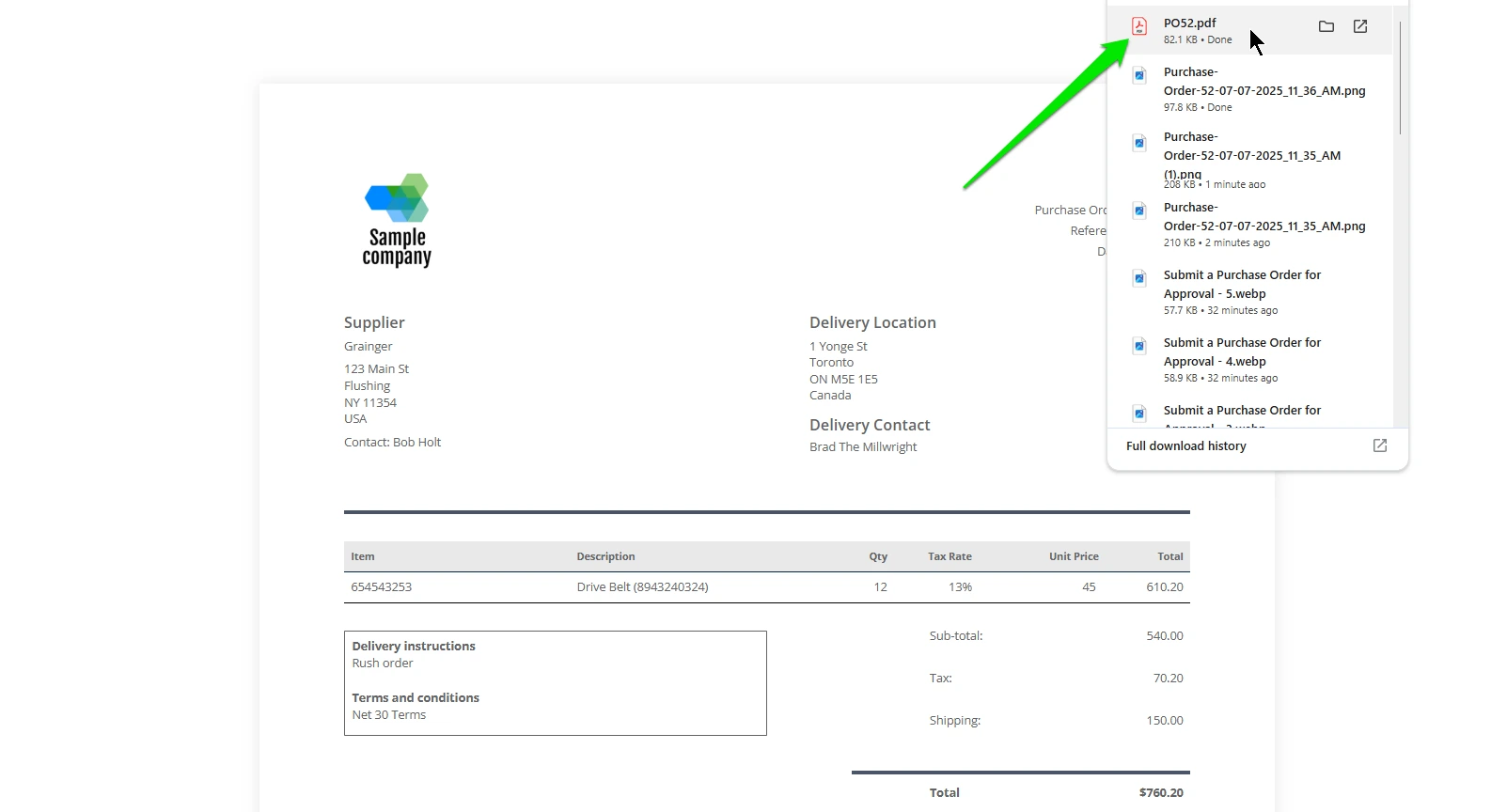
4. The PDF is downloaded to your downloads folder on your computer. Attach the PDF file to your email to the supplier and send.