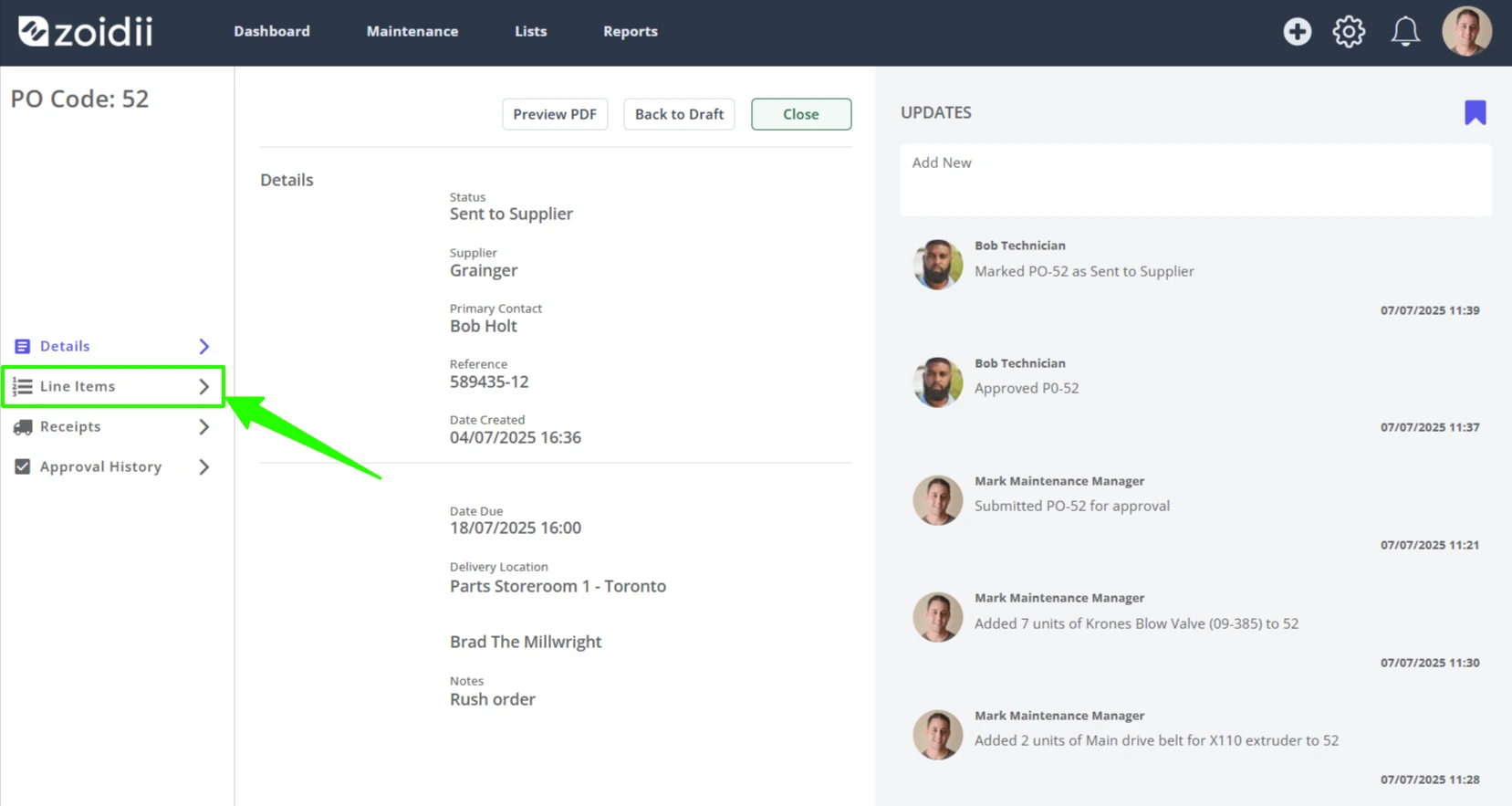
1. Open the purchase order, and navigate to the Line Items tab
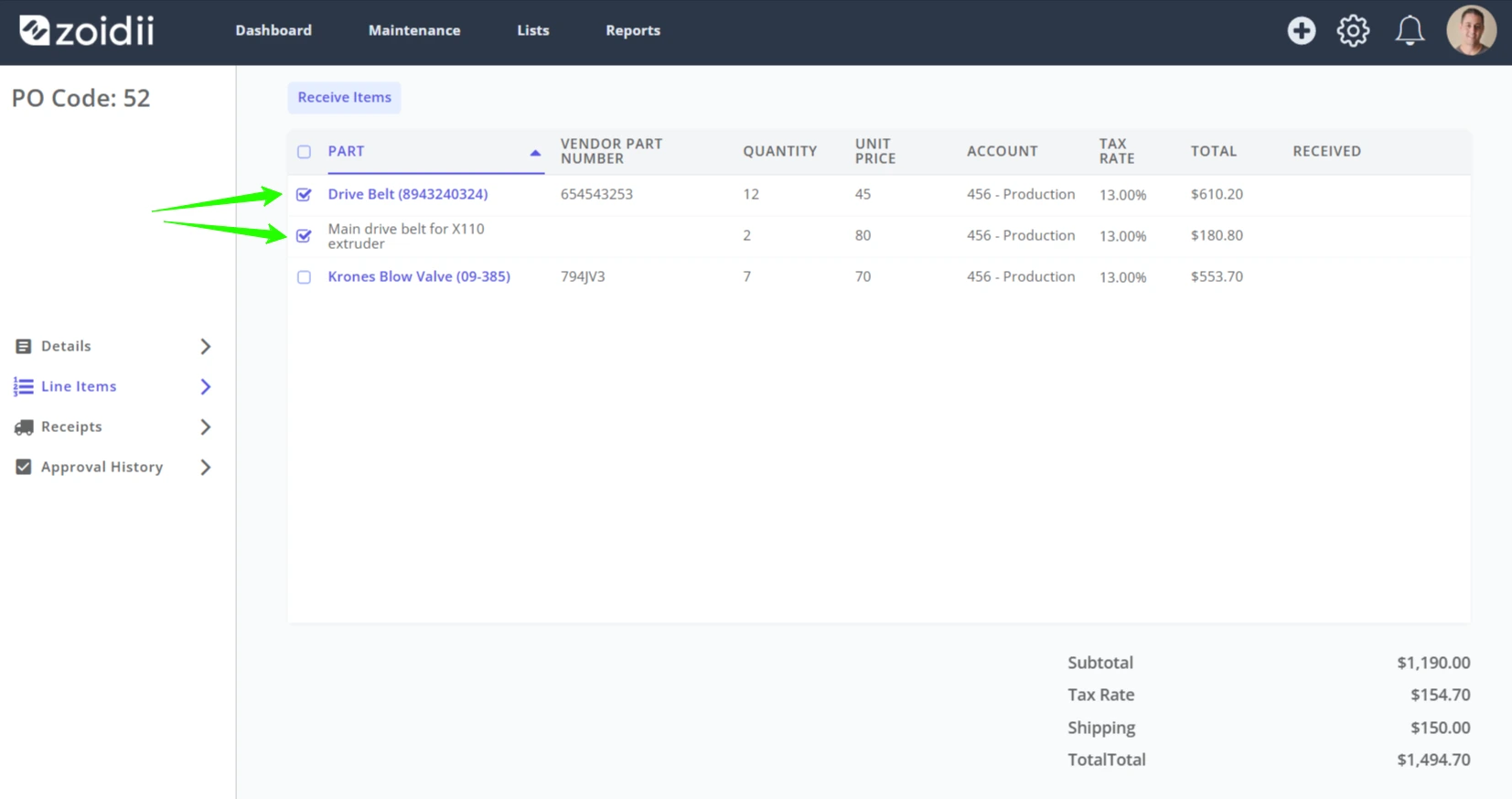
2. Check the checkboxes for the received line items
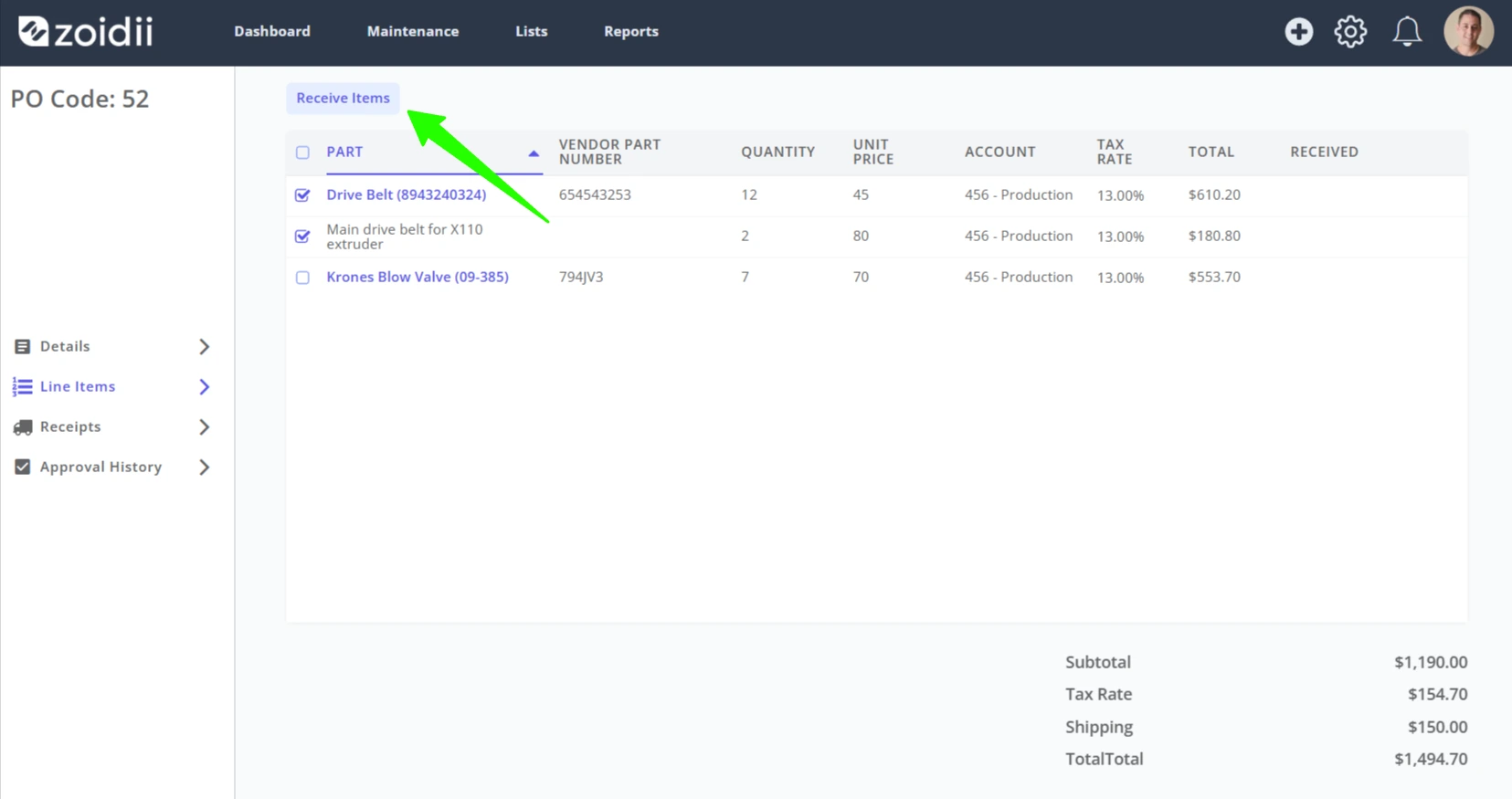
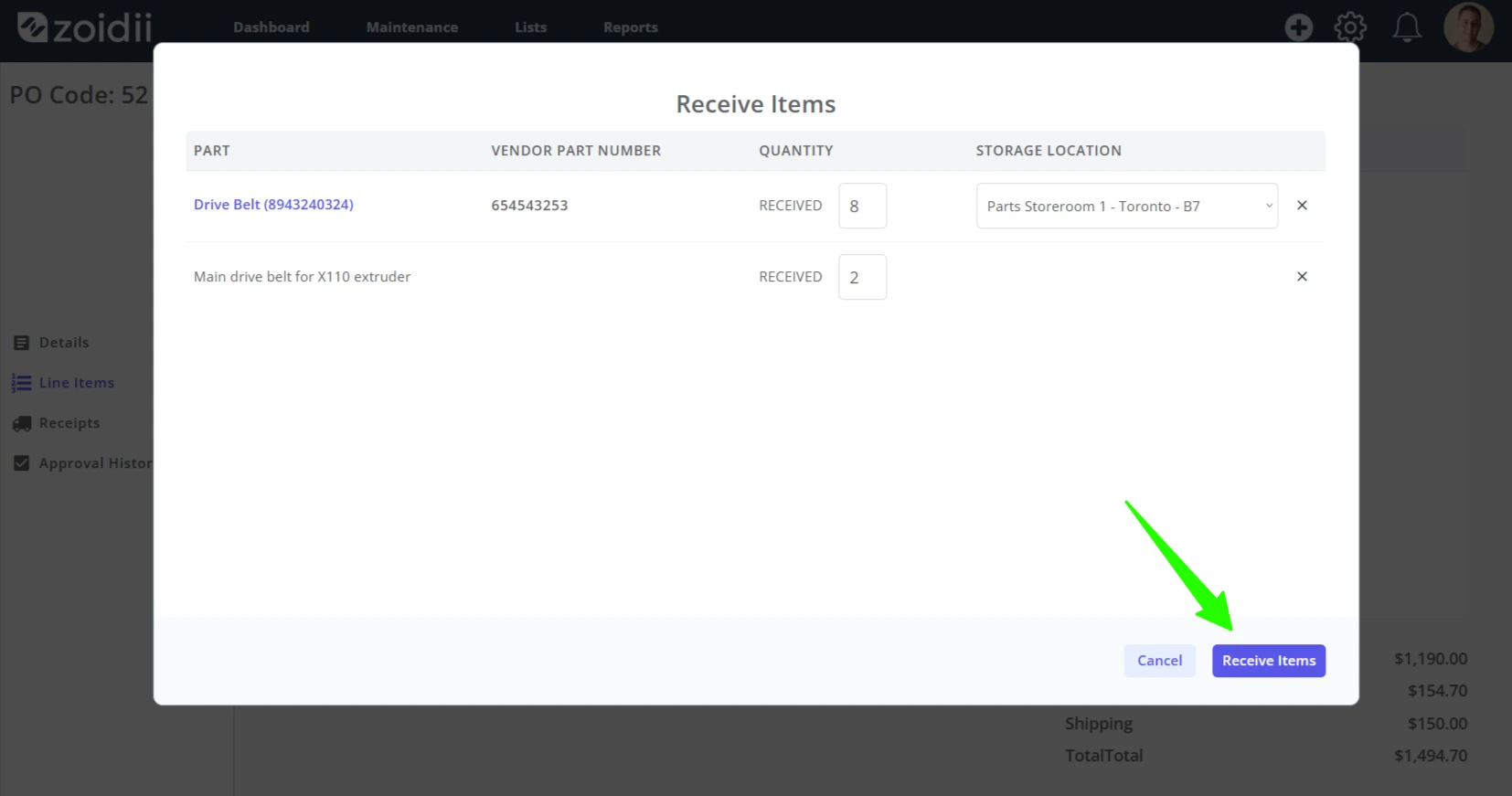
3. Click Receive Items
4. In this example, the main drive belts for the x110 extruder are a non-inventory item so they will not be received into a storage location
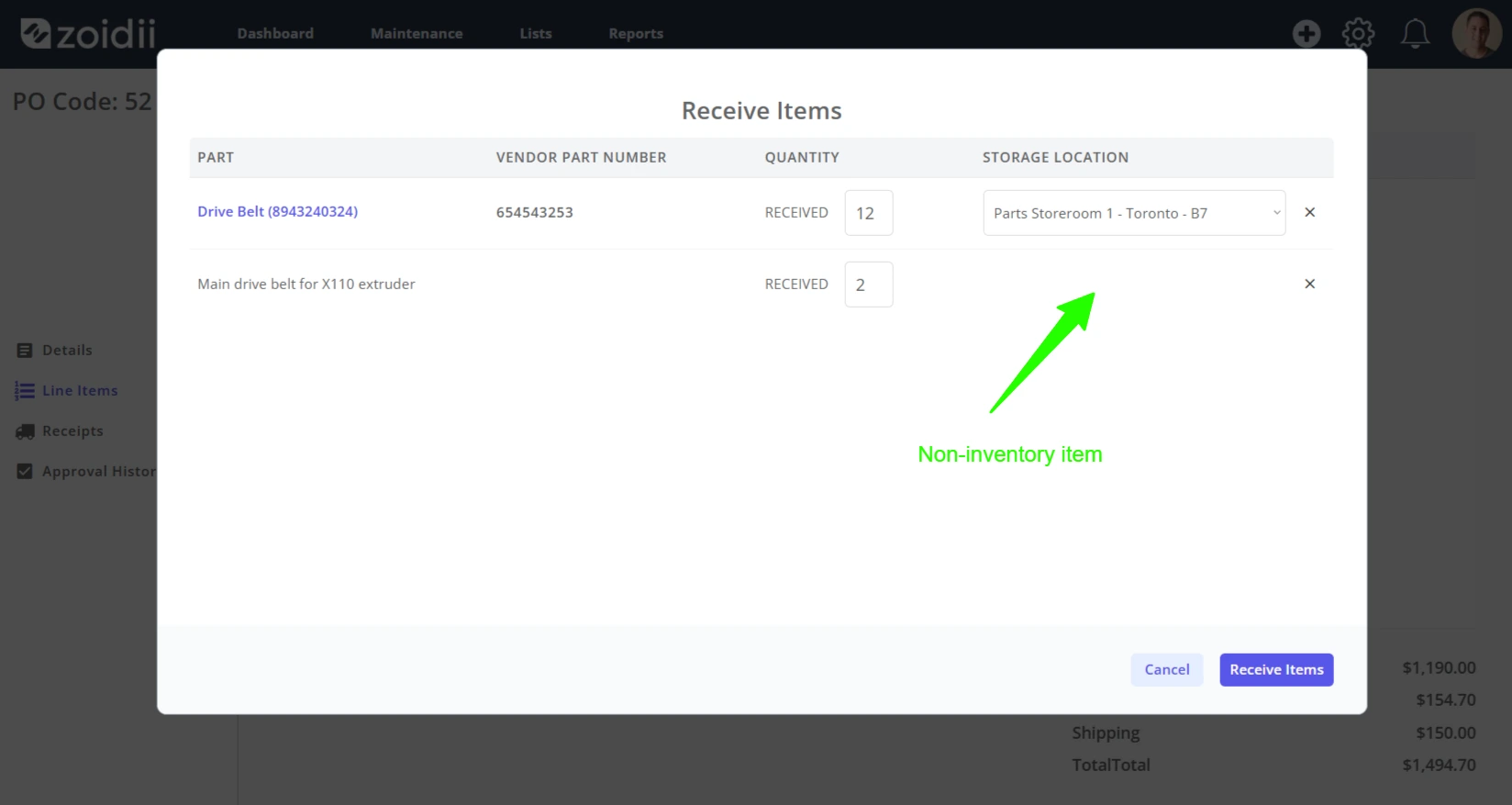
5. Adjust the Quantities Received as needed
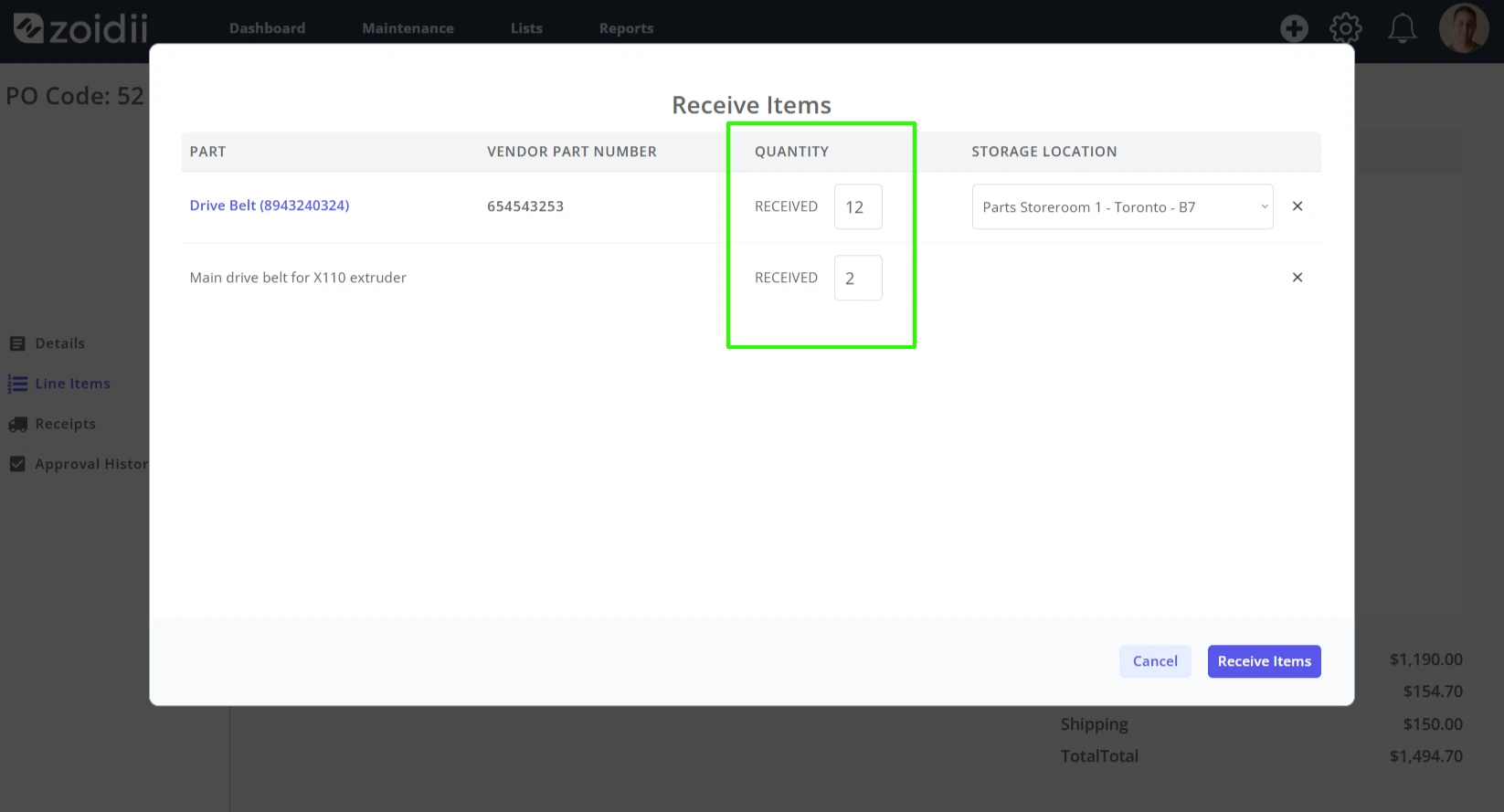
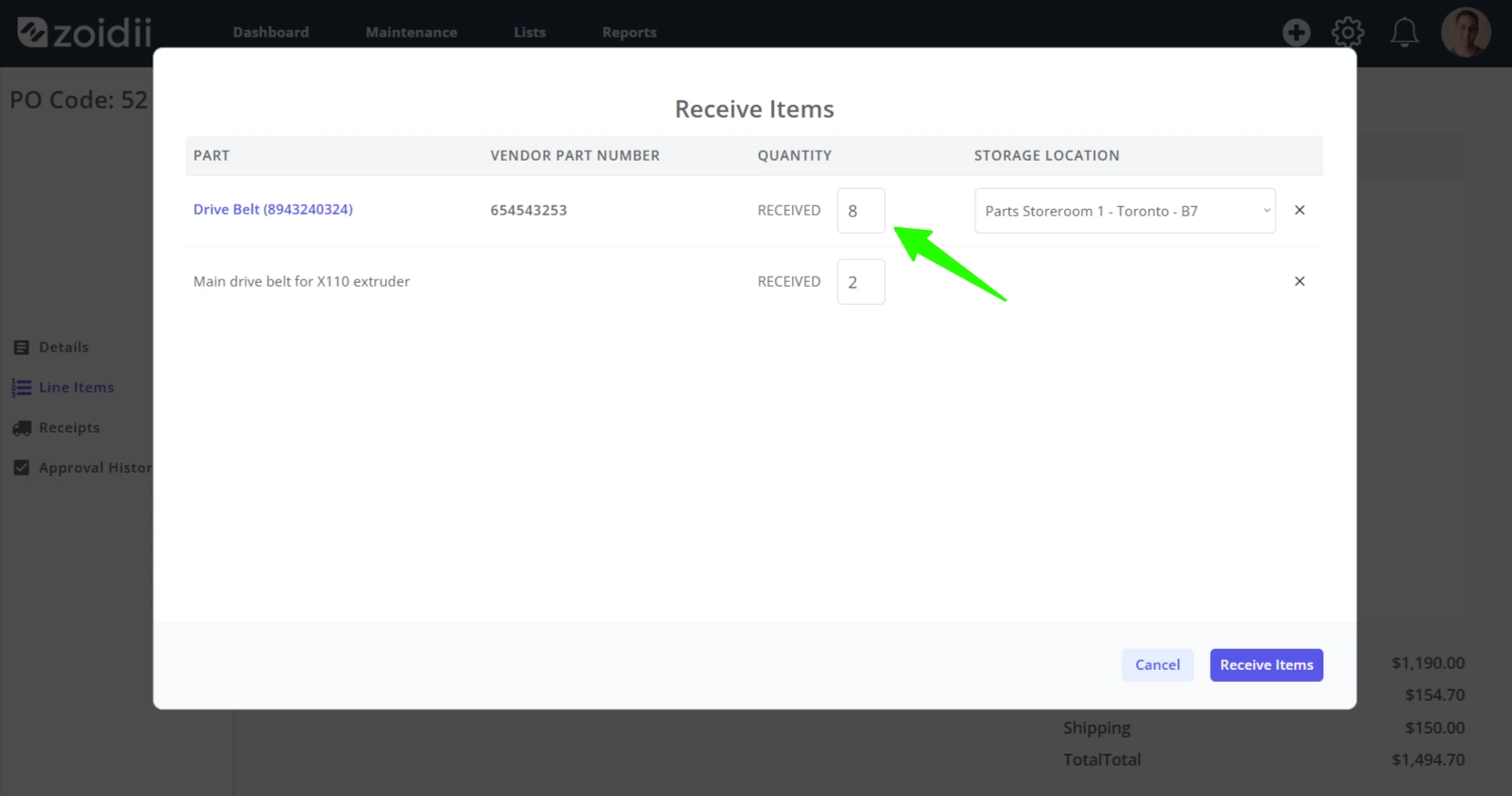
6. For this example, let's say we only received 8 of the Drive Belts (8943240324). The other 4 can be received when they come in.
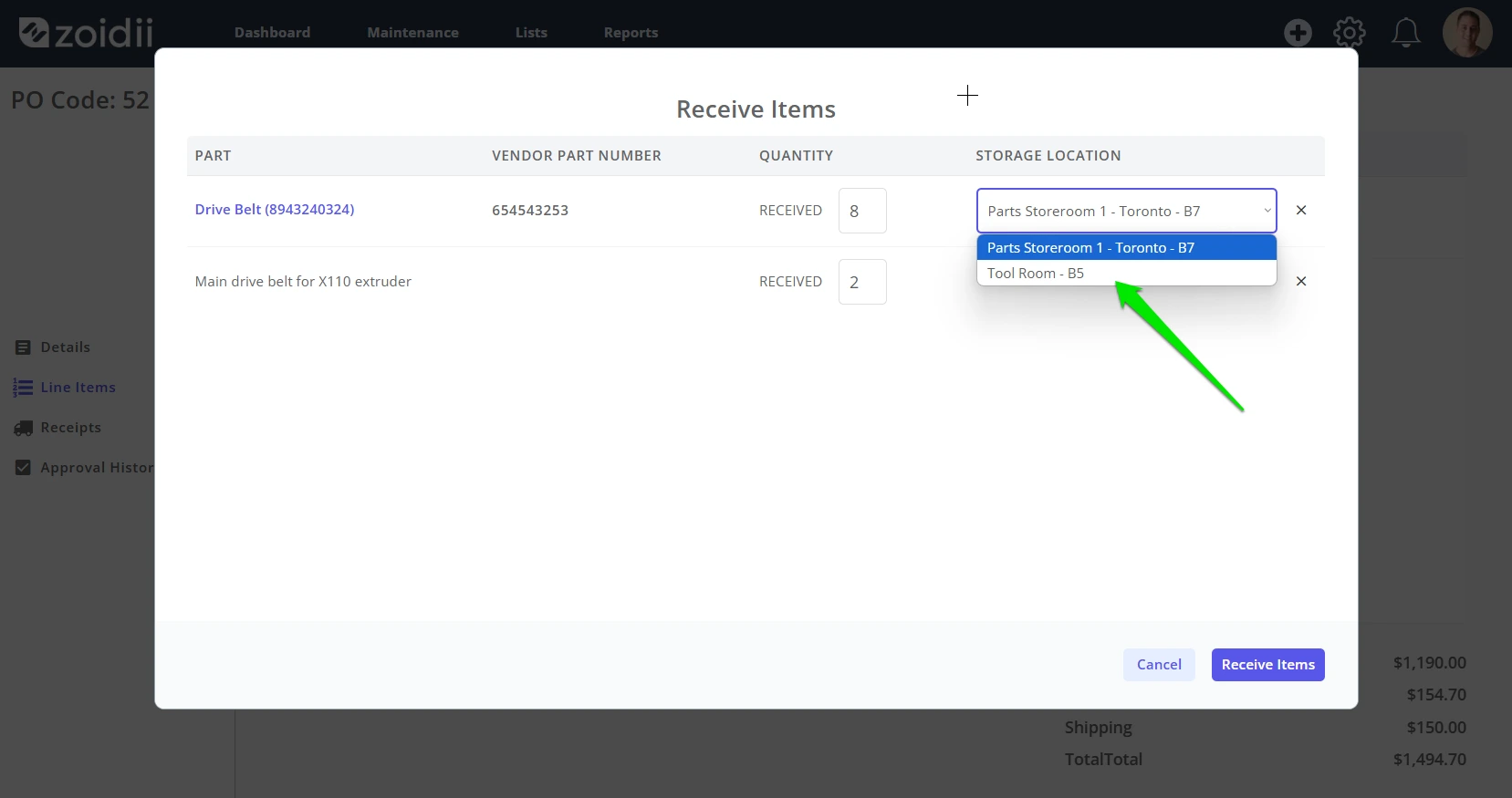
7. Select the storage location for the received parts. The storage locations must already be setup against this part in the part record.
8. Click Receive Items
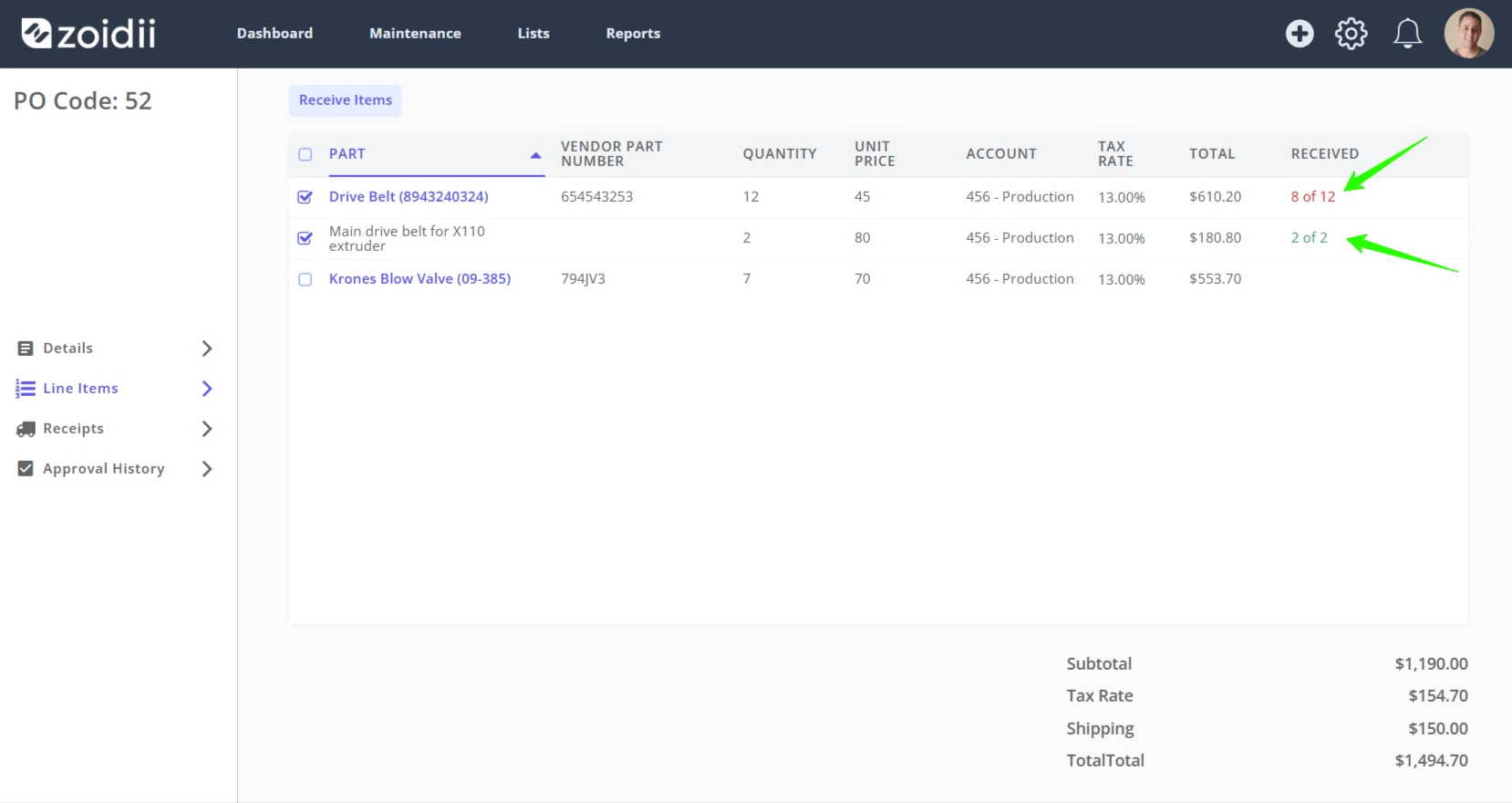
9. The fully received items are marked green, the partial receipts are marked red. Repeat the process as more items are delivered against the purchase order.
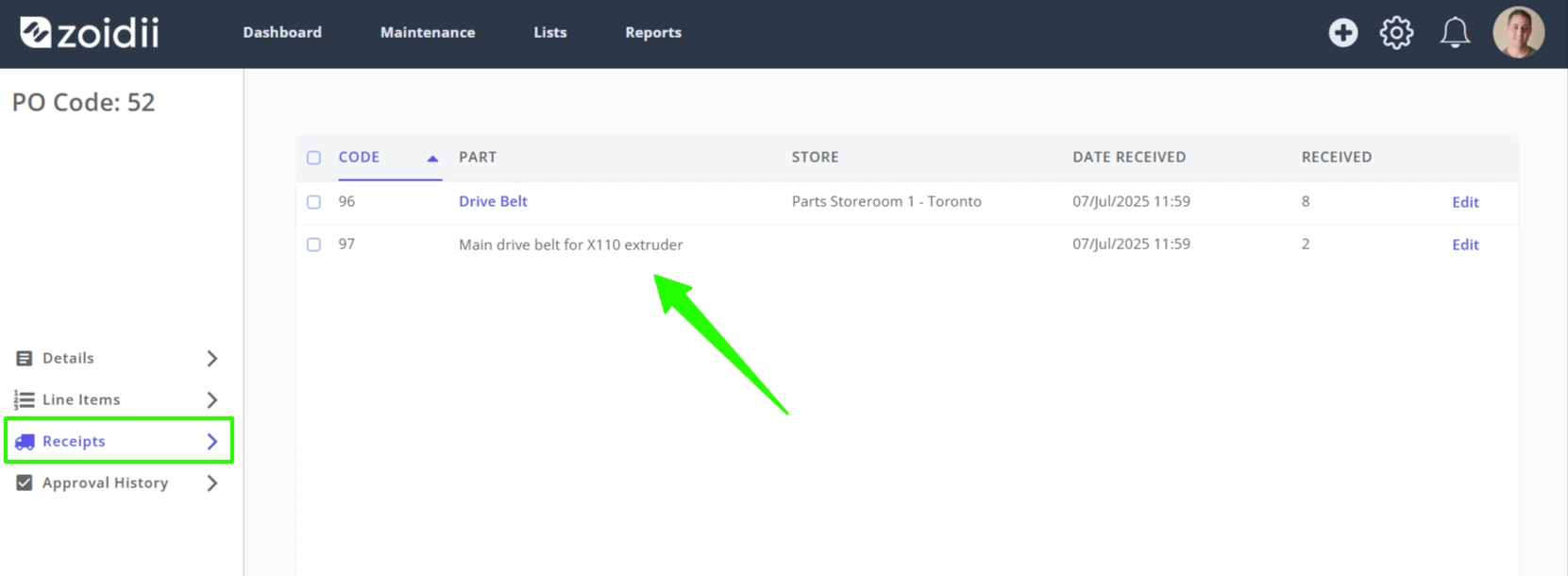
10. Navigate to the Receipts tab to see the receipts for this purchase order
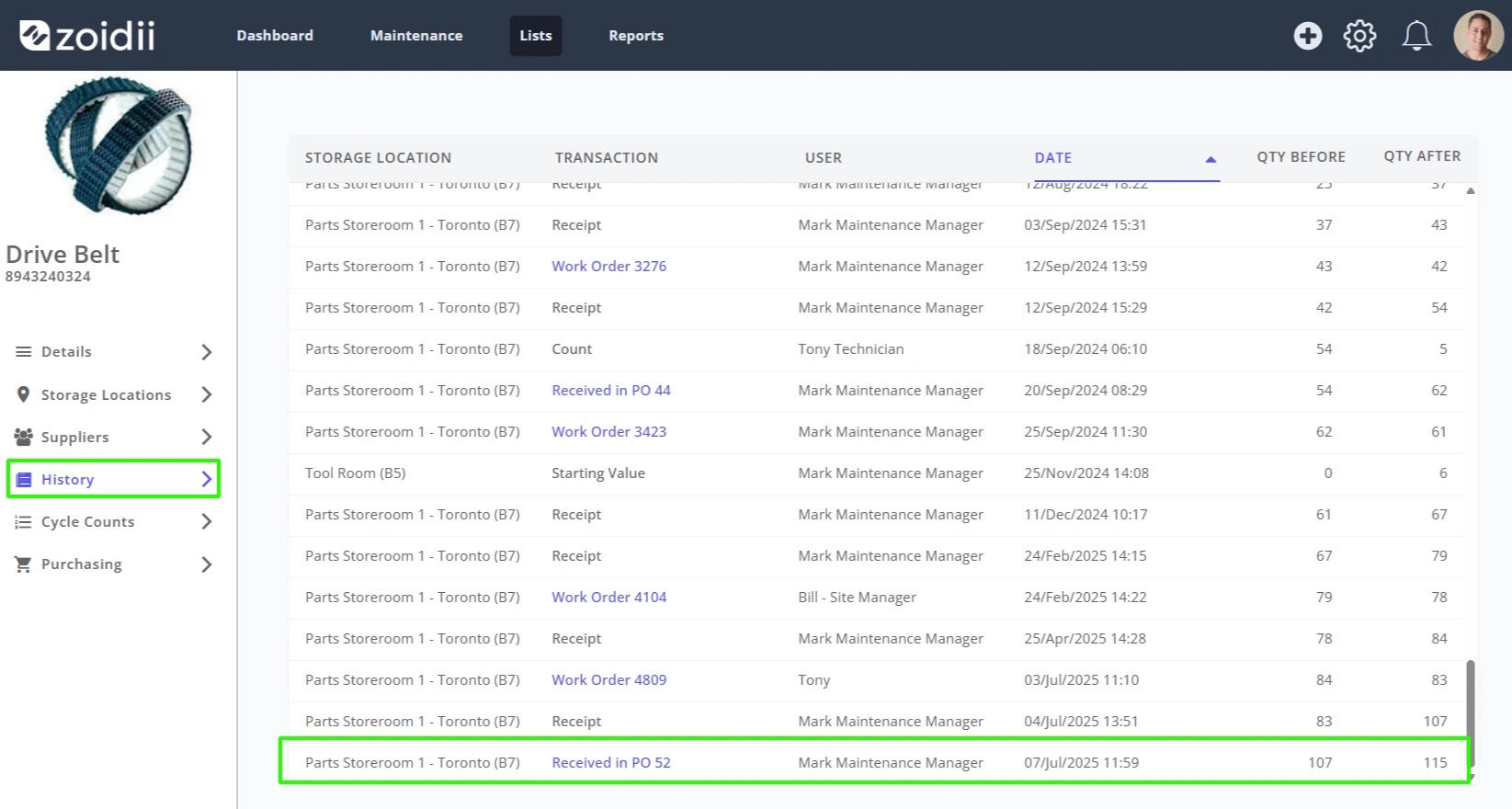
11. Navigate to the part's history tab to see the stock adjustment record. In this example, we received 8 Drive Belts, so stock incremented from 107 to 115.