

Background
Single sign-on (SSO) enables you to provide your team members with a single account for all the systems your business utilizes.
Security Assertion Markup Language (SAML) is an open standard used for authentication. Based on the Extensible Markup Language (XML) format, web applications use SAML to transfer authentication data between two parties: the identity provider (IdP) and the service provider (SP).
Video Procedure
Procedure
1. Navigate to your user profile - Security tab
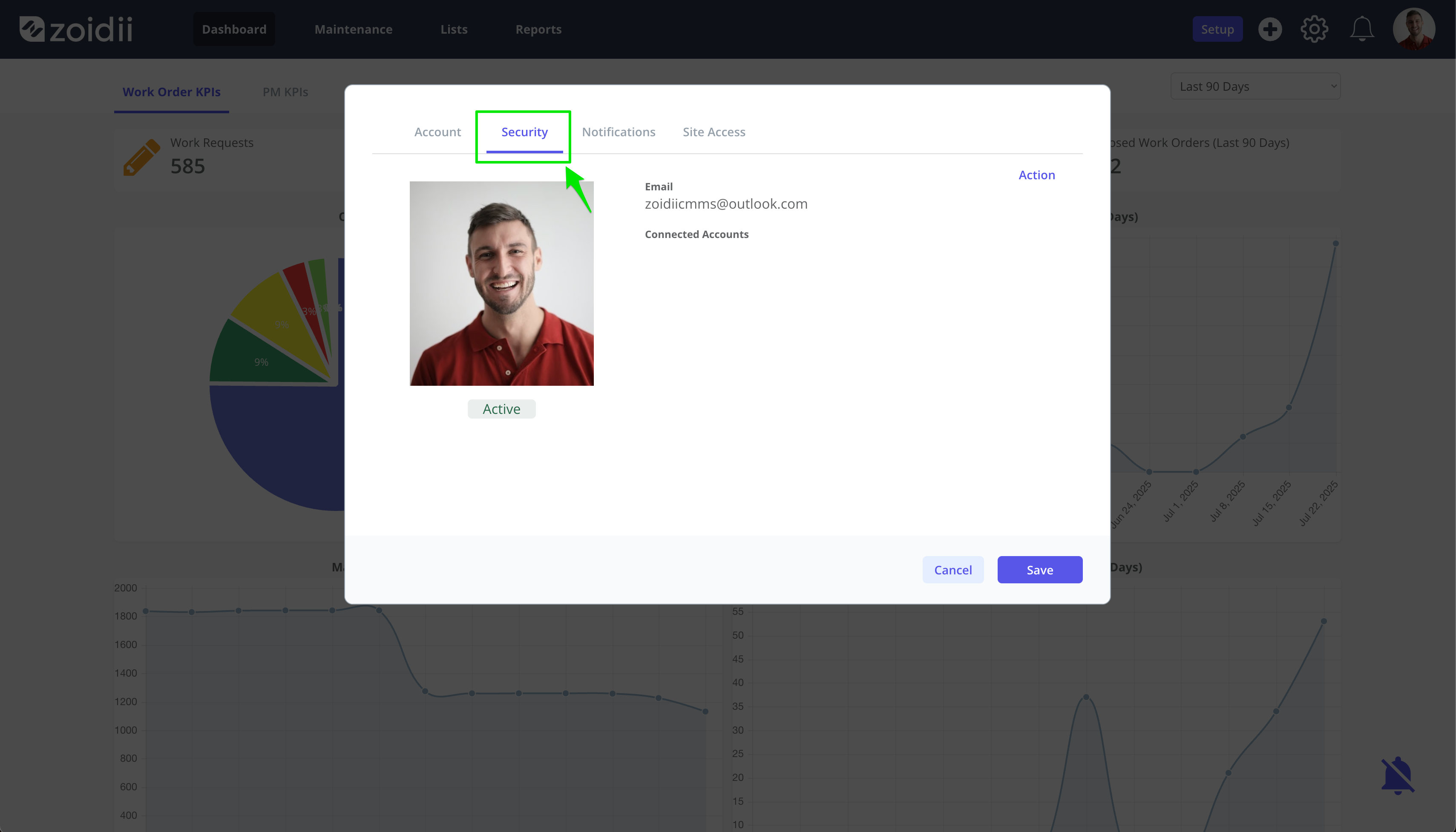
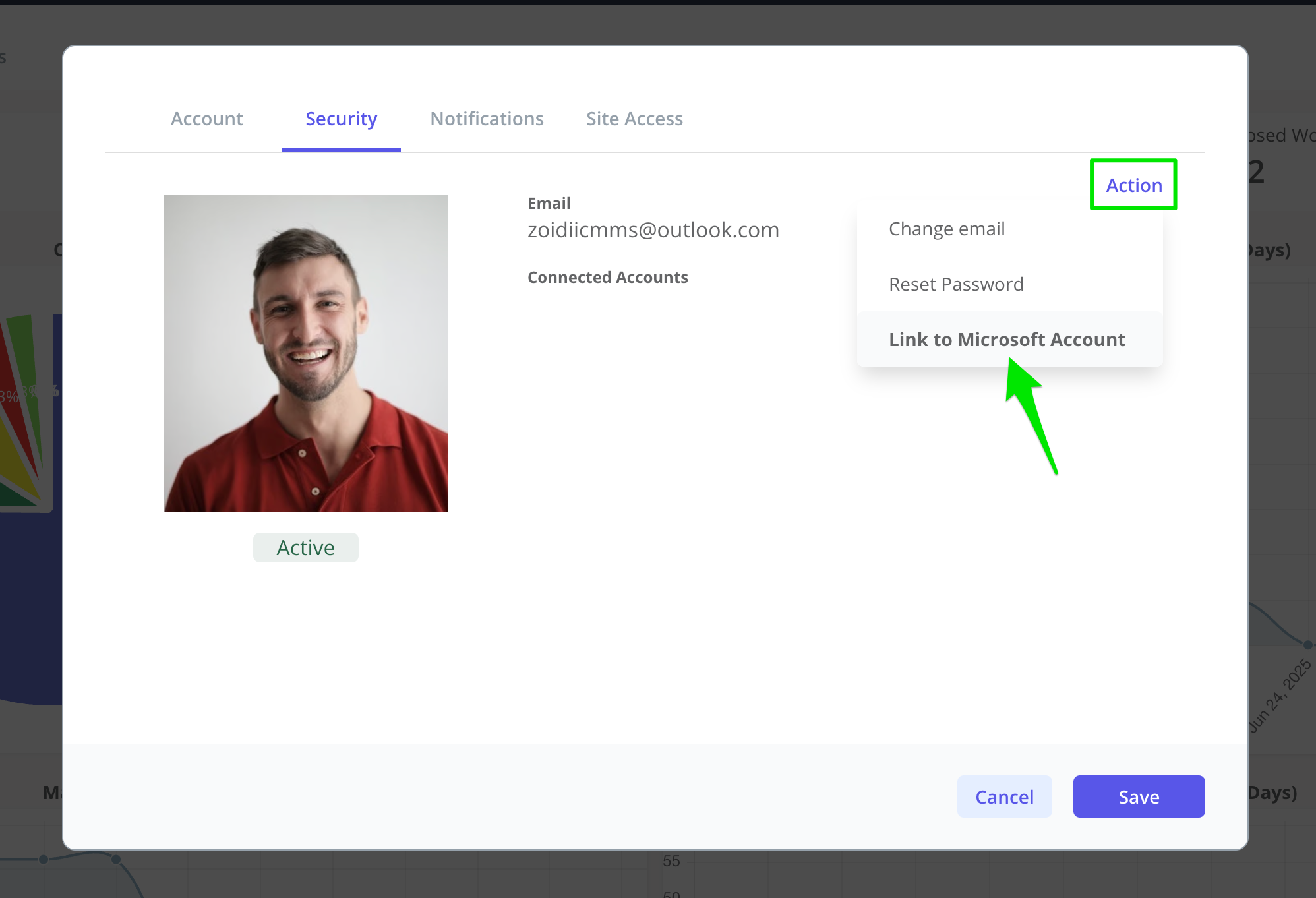
2. Click Action and then Link to Microsoft Account
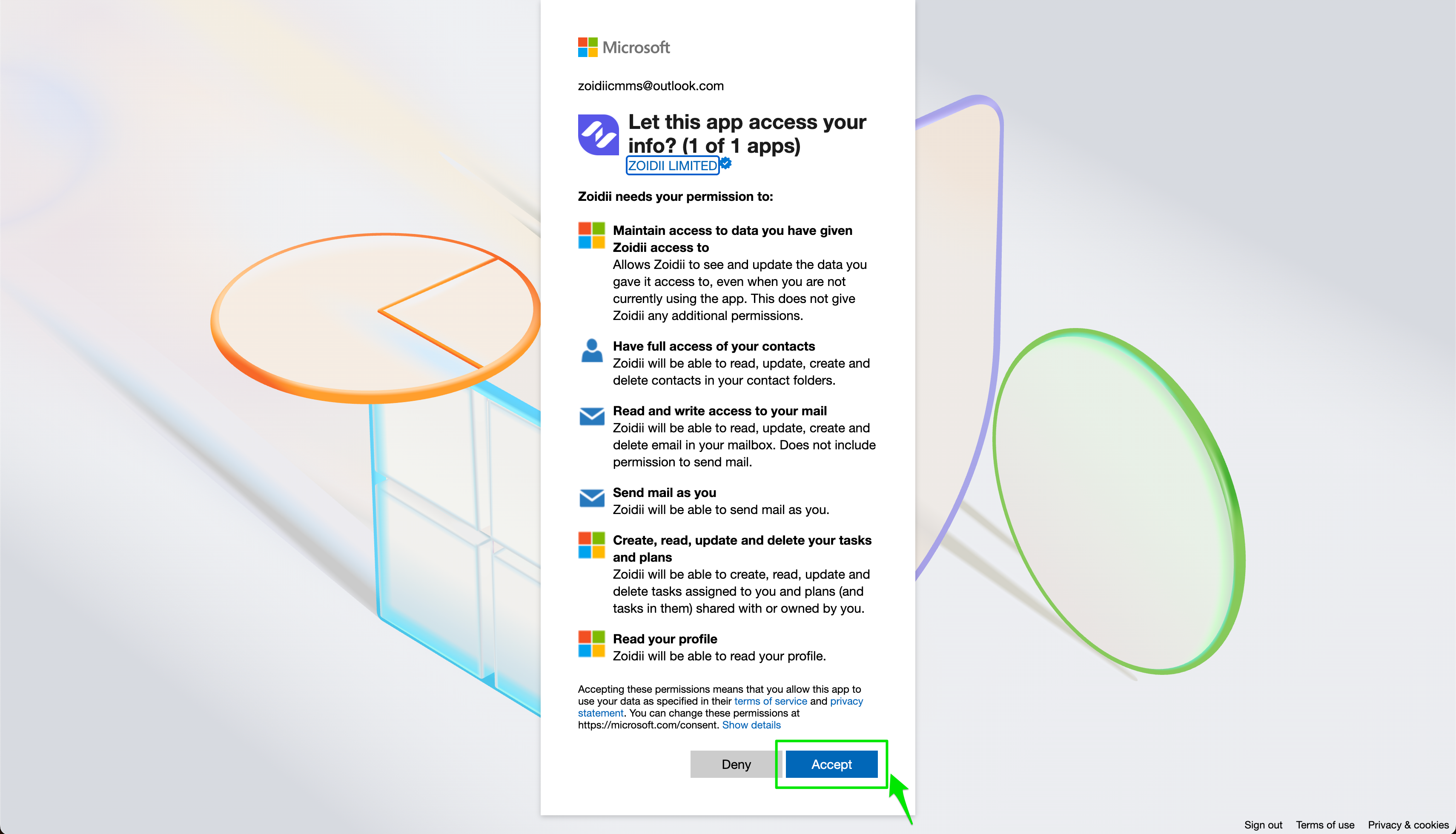
3. The page will navigate away to Microsoft. Click Accept to permit Zoidii to read your Microsoft profile. This allows Microsoft Entra to authenticate your users.
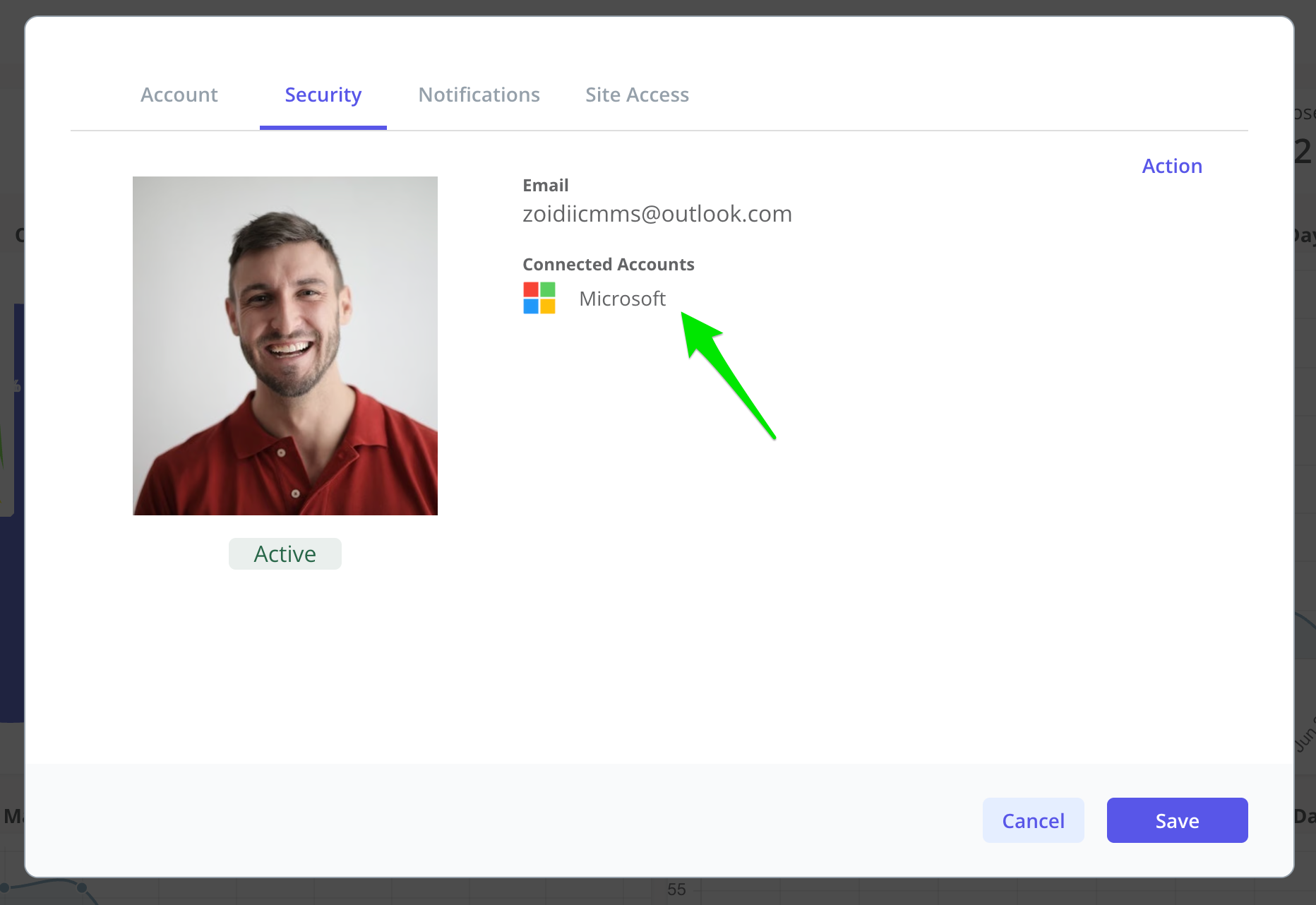
4. When you are passed back to Zoidii, verify the sync with Microsoft is complete for your account
2. Test your work
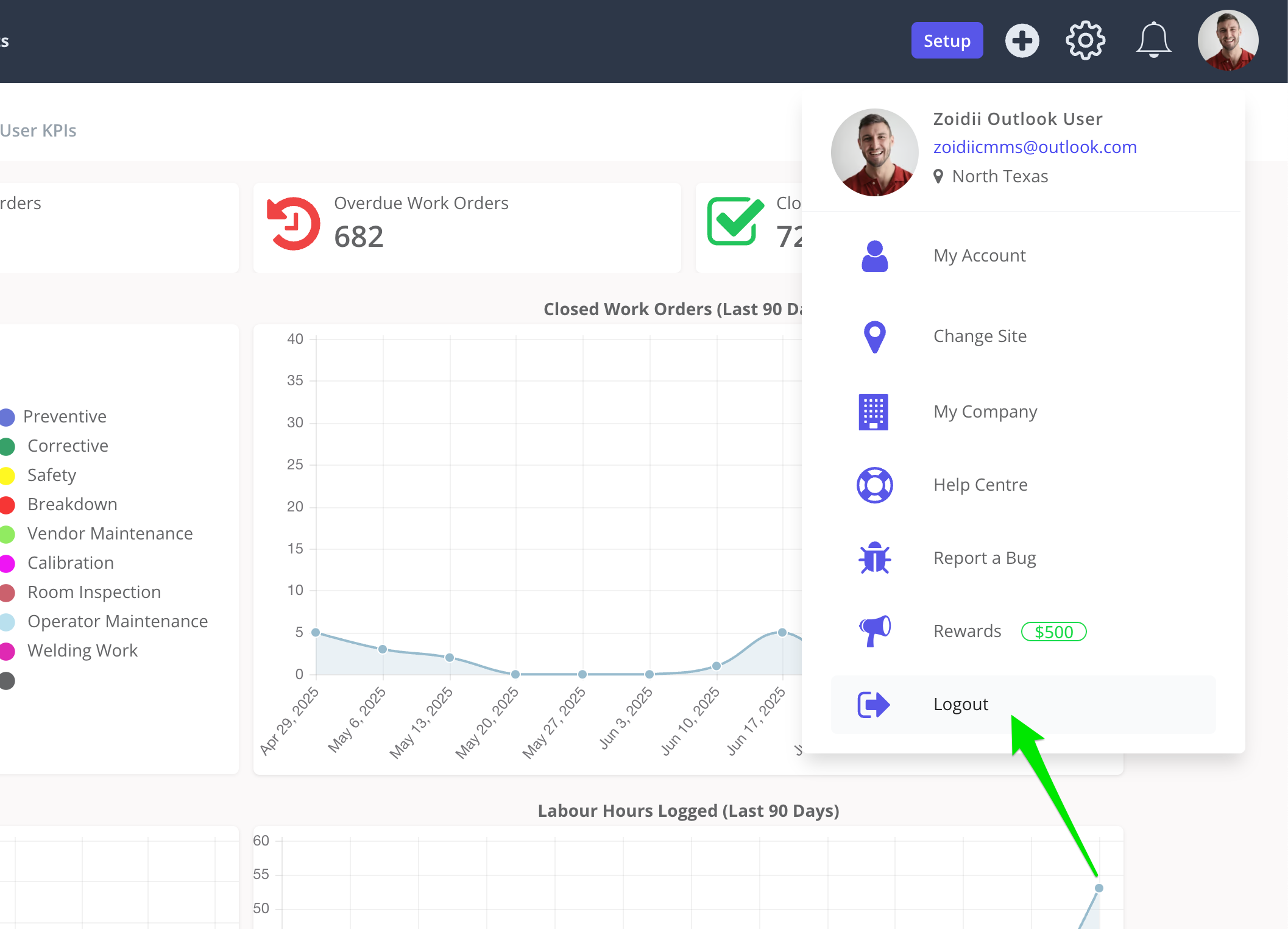
1. Log out of Zoidii
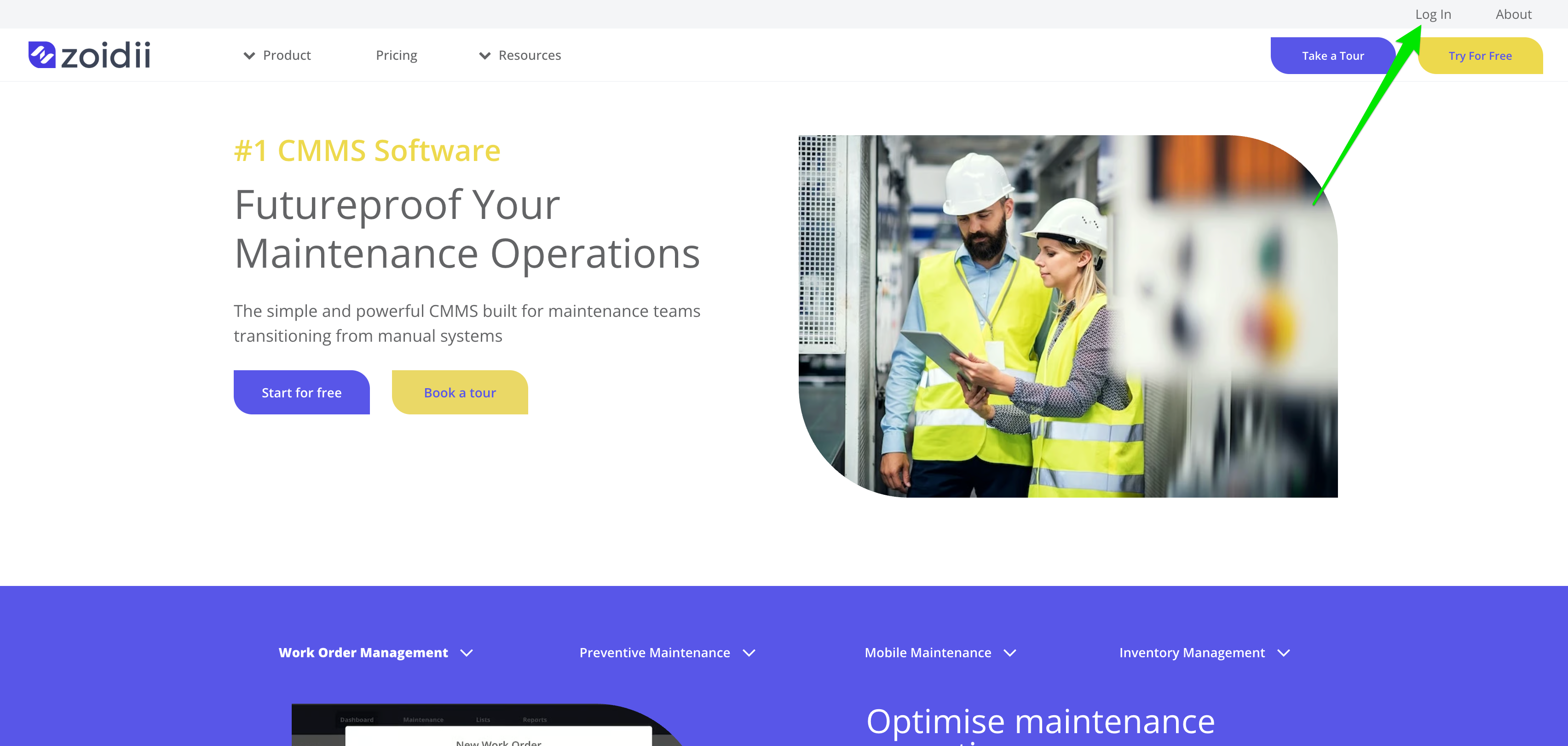
2. Navigate to the Zoidii homepage and click Log In on the top right hand side of the page
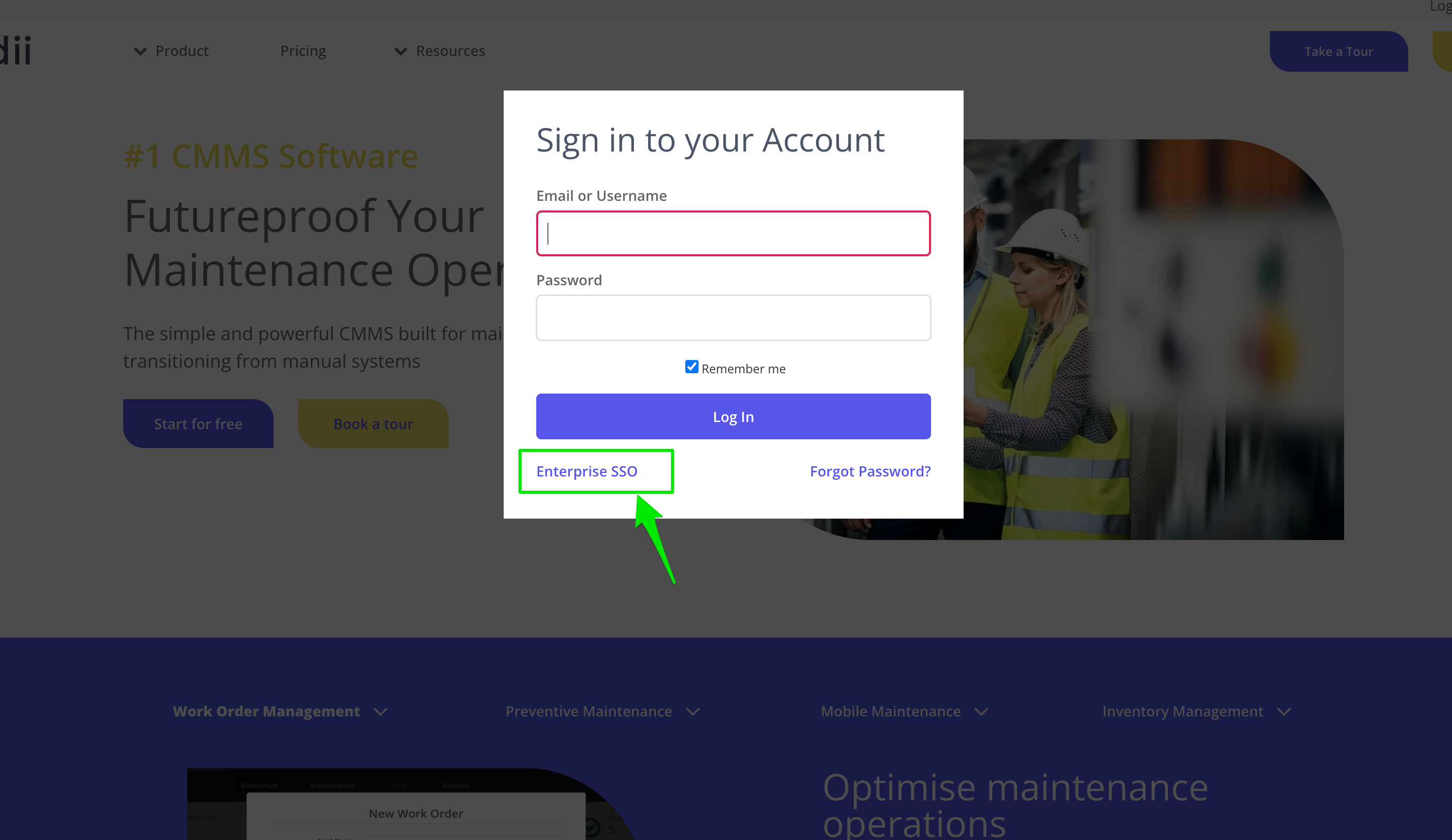
3. In the popup, click Enterprise SSO
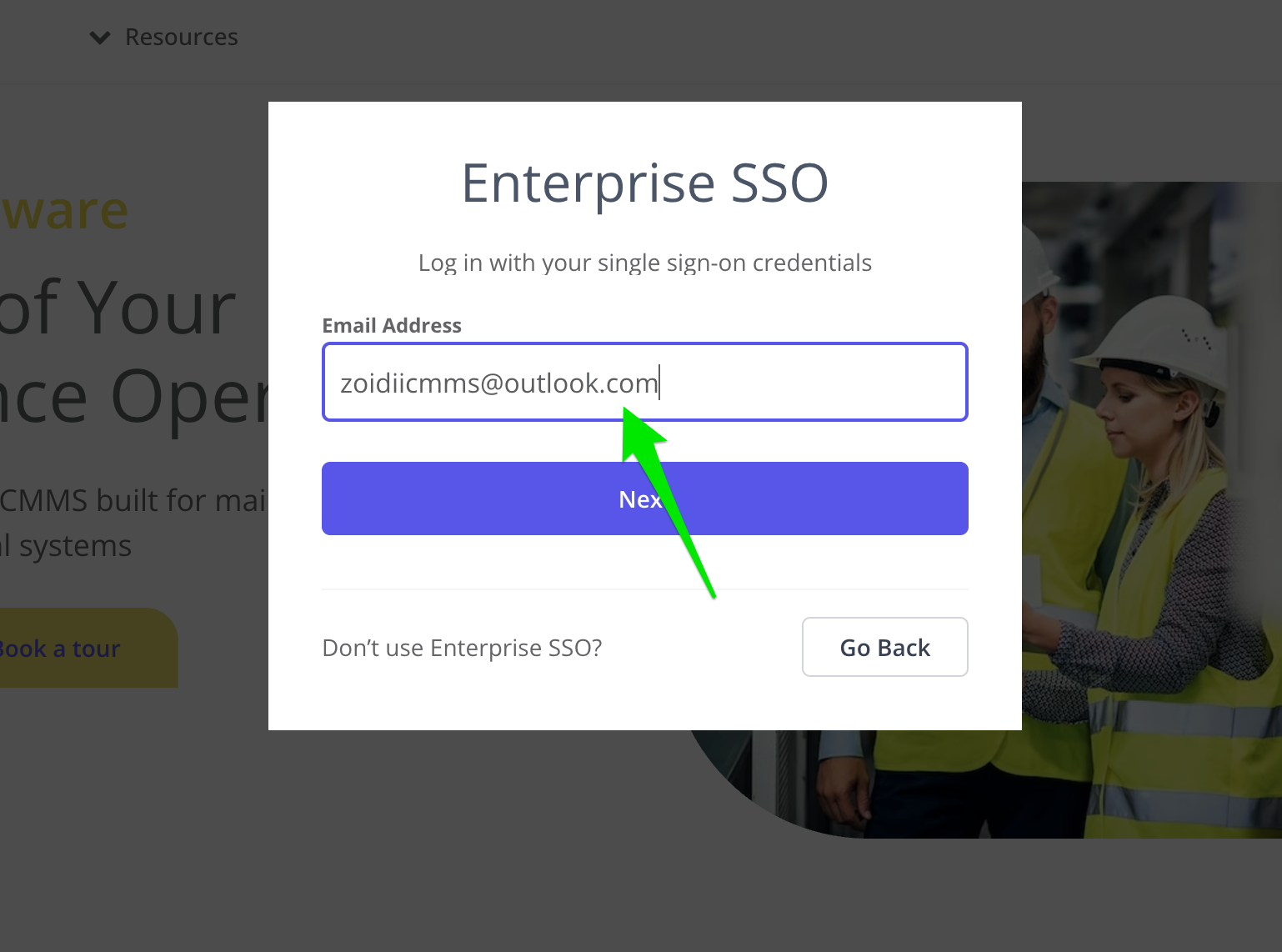
4. Enter your email address and click Next
5. If the account is correctly synced to Microsoft, the pop-up will display the Microsoft Login button. Click Sign In with Microsoft
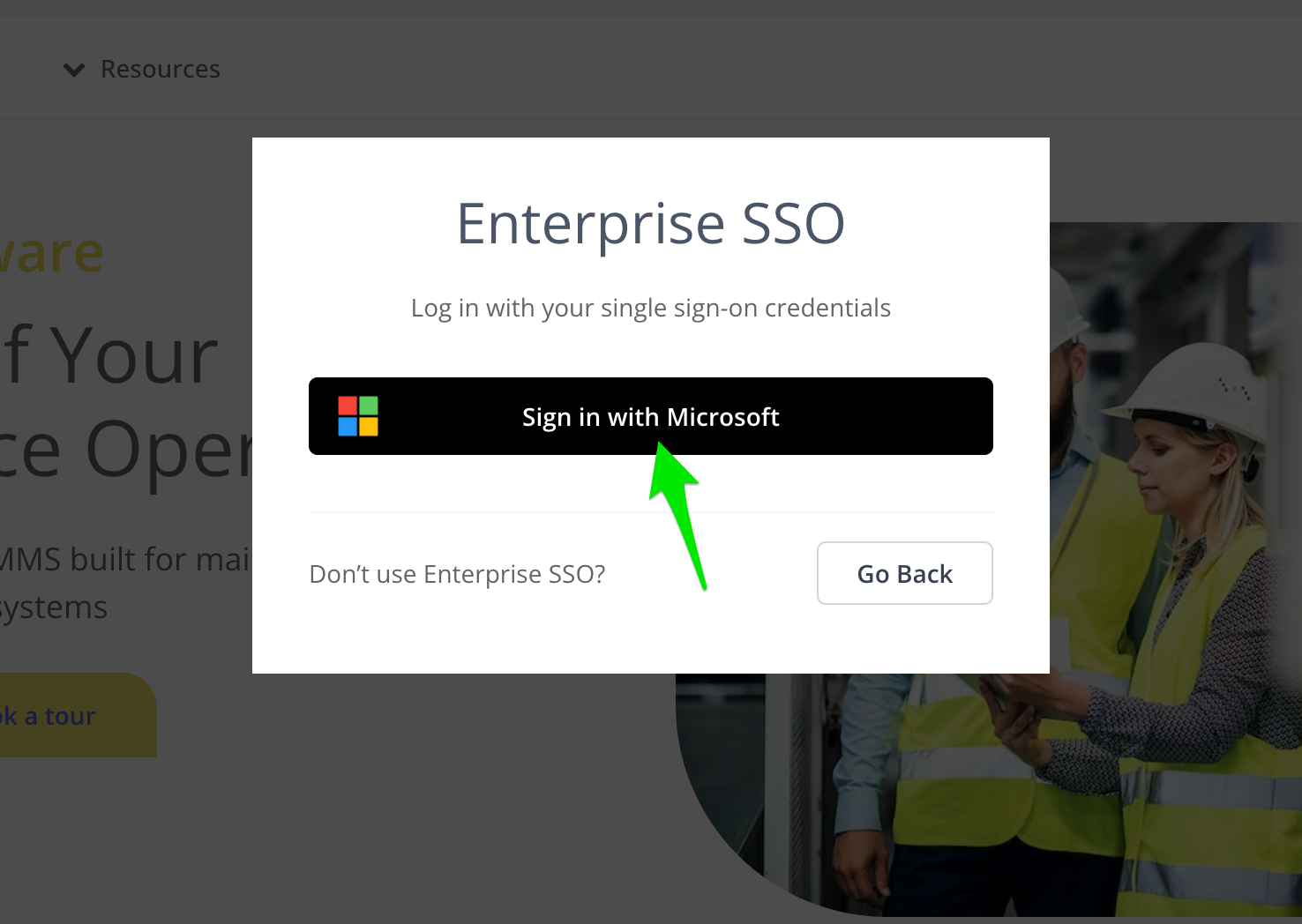
6. You should be brought through the Microsoft login process and returned to the Zoidii dashboard