

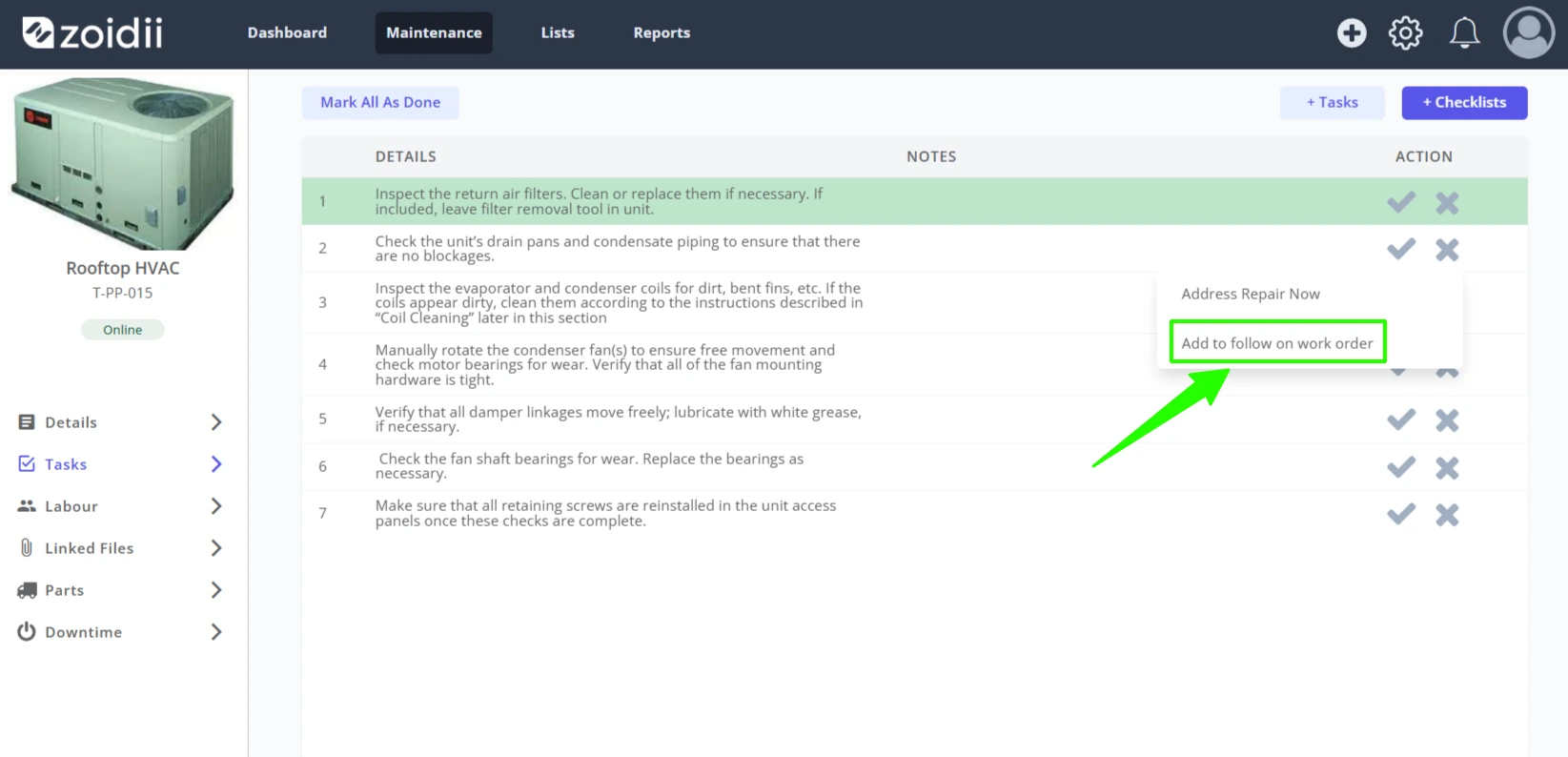
Q. How do you create a follow-on work order?
A. Follow on work orders are created by the system automatically when one or more tasks are marked "Failed, Add to Follow On Work Order" on a work order. The failed tasks are pooled together into one single follow-on work order. For more information, see the Complete Work Order Tasks procedure.
Q. Does work order filtering apply to both the list and kanban view?
A. Correct. Once the filters are configured, they apply to both views