Background
Multi-Site CMMS allows organizations to consolidate and streamline maintenance operations across geographically dispersed sites within a single system, while maintaining strict data segregation between those locations.
Procedure
1. In the top navigation bar, click the Settings icon. Then select System Settings.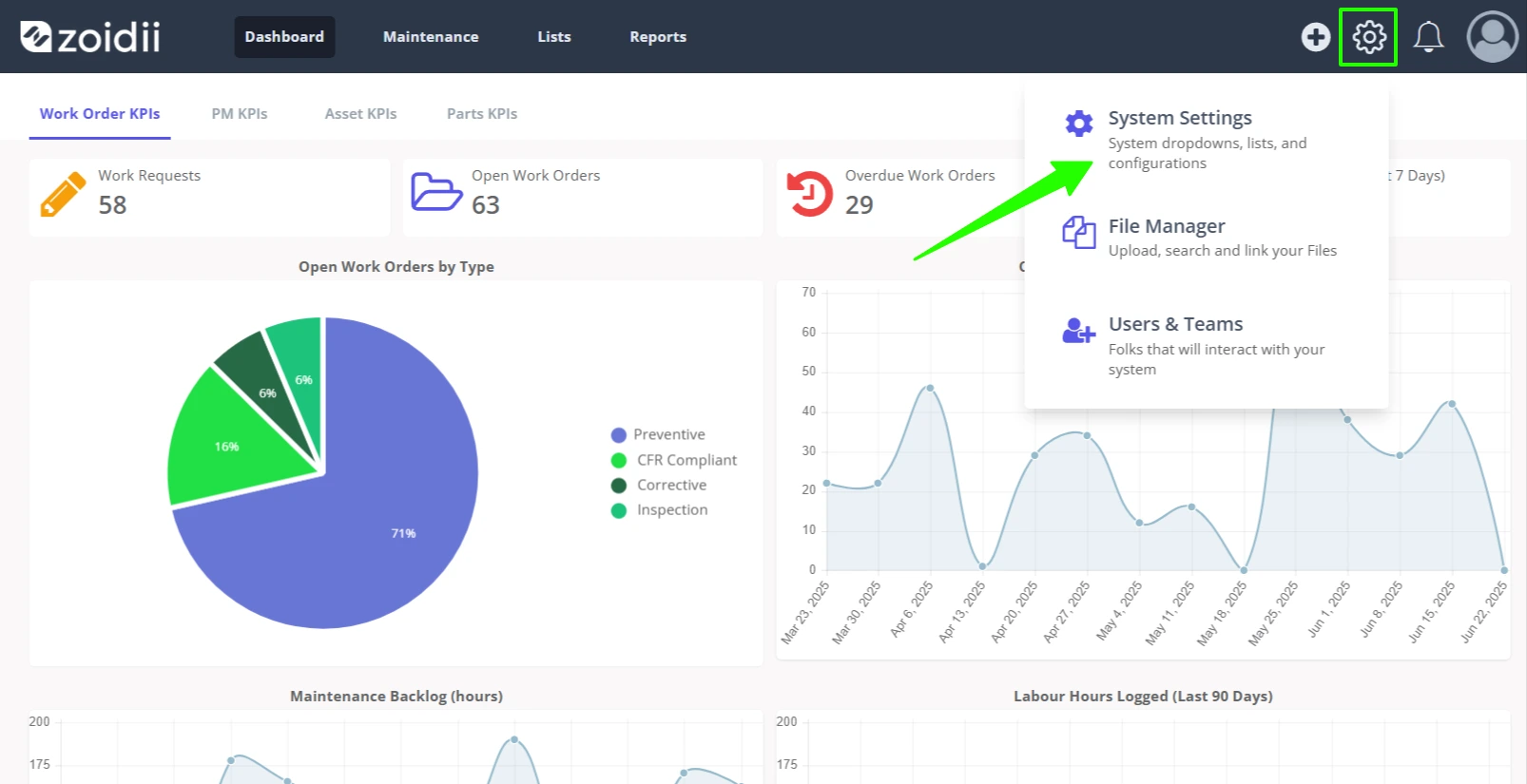
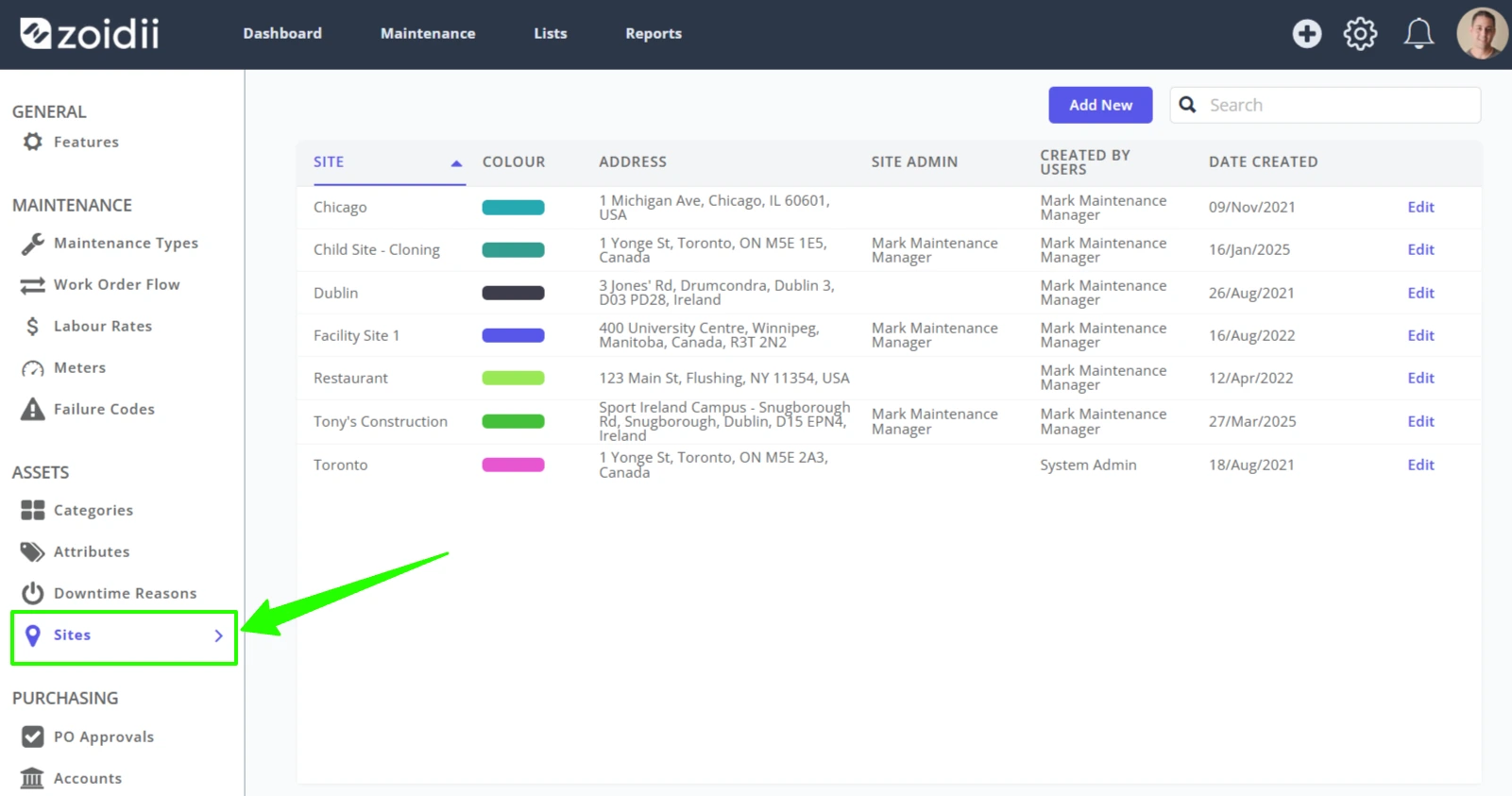
2. Select Sites in the settings menu
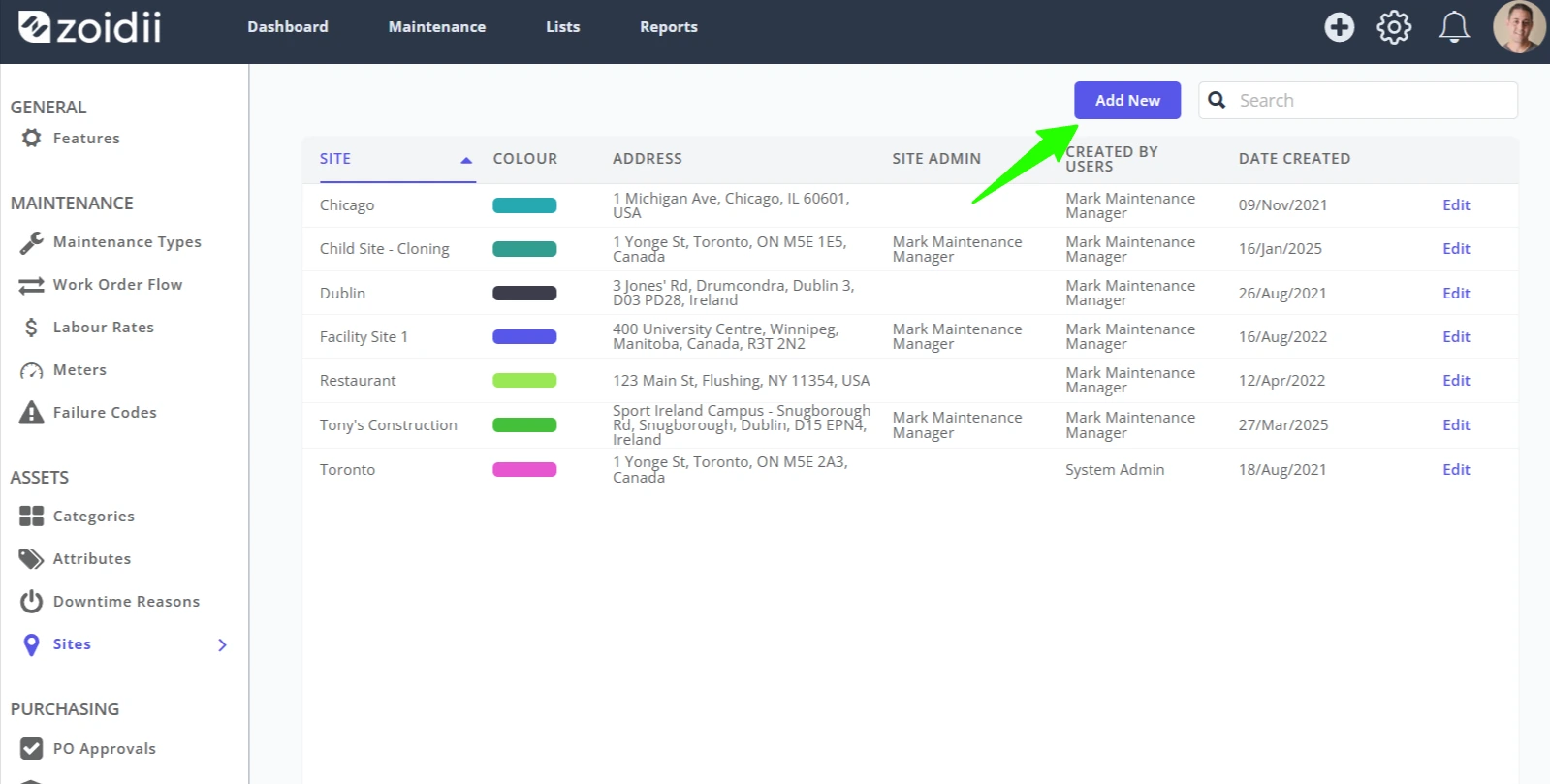
3. Click Add New
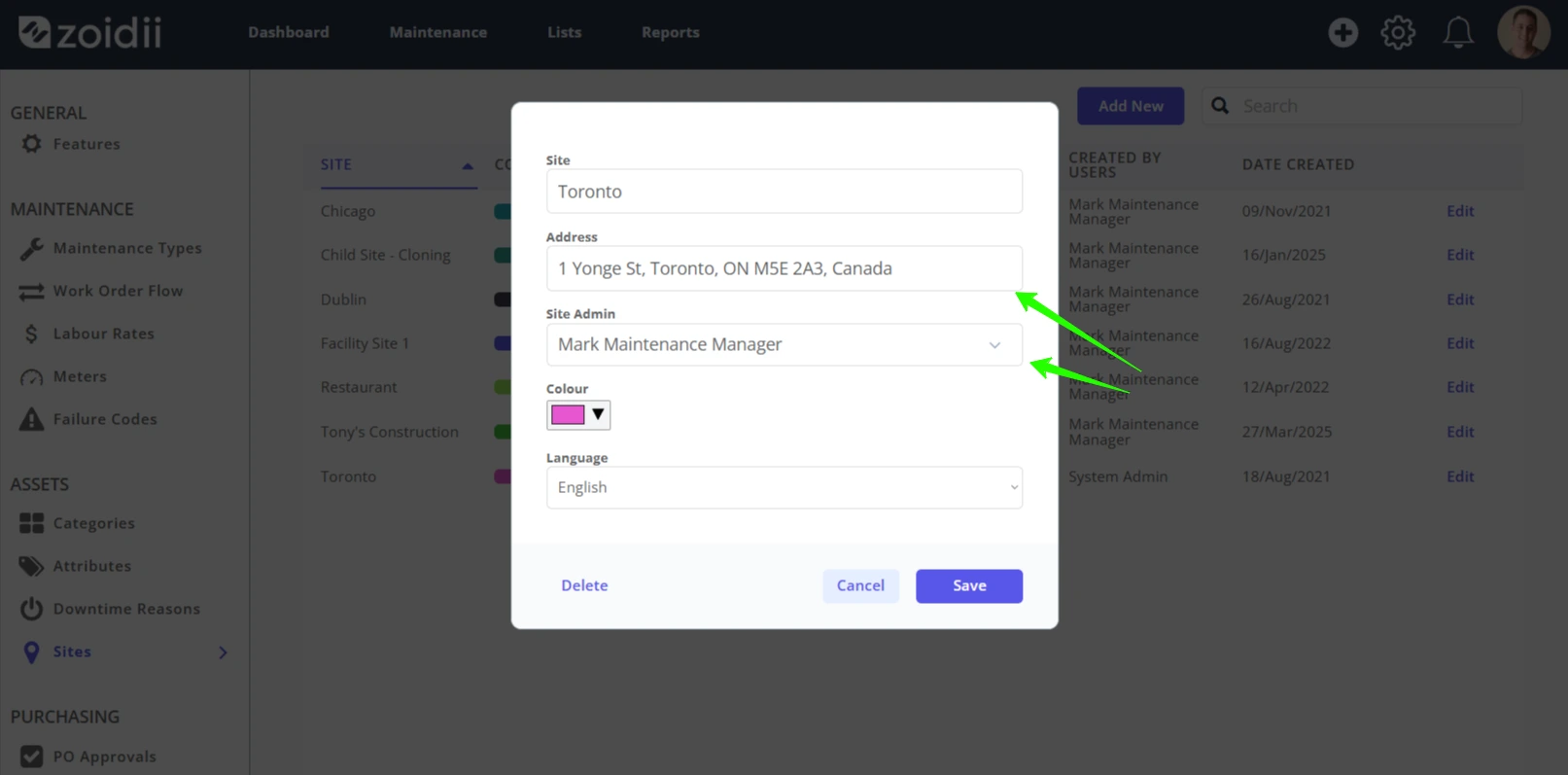
4. Fill in the site name, address, and system administrator. The system administrator will appear as the Reply-To on work order emails.
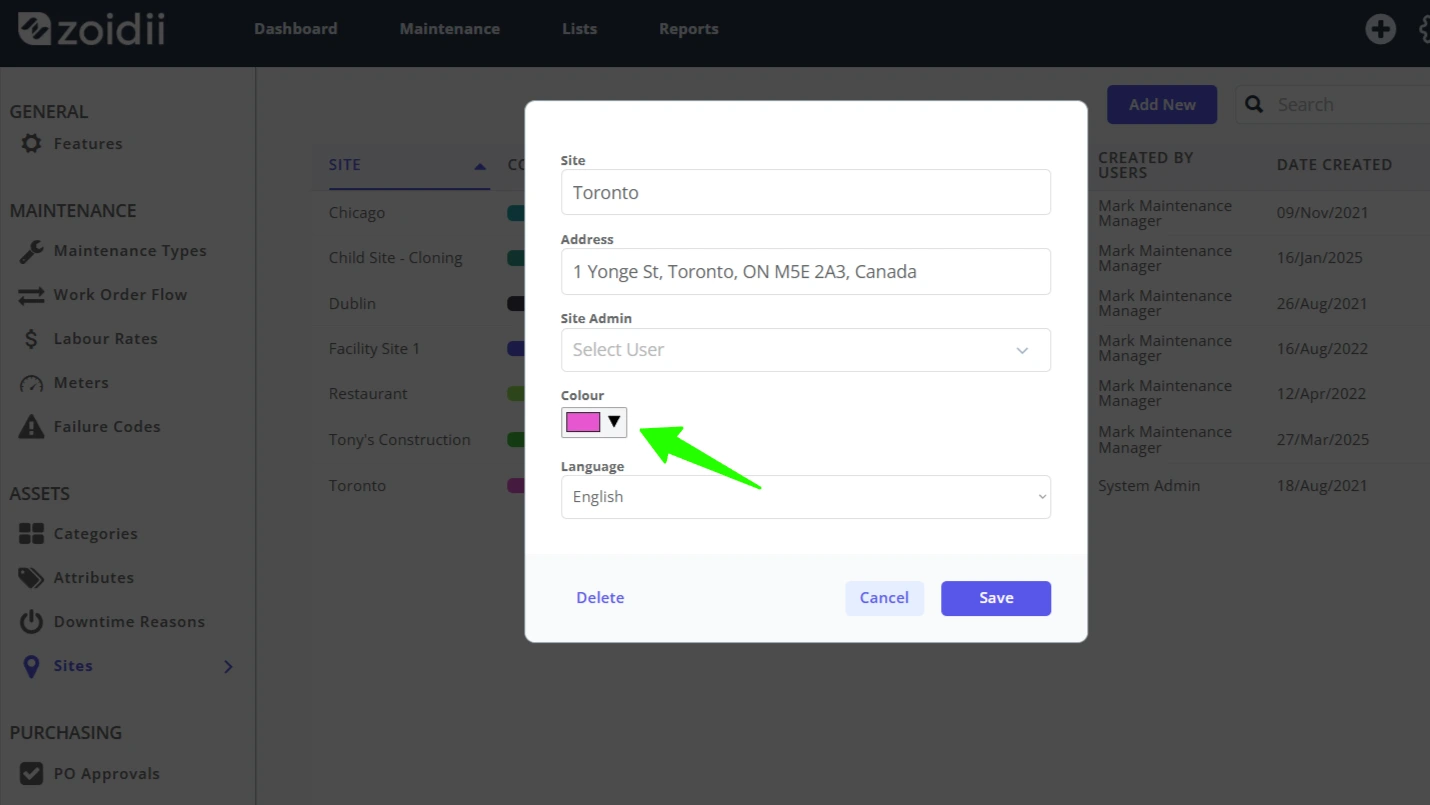
5. The color is used on the Global Dashboard. Choose an appropriate color for the site and click Select to lock in.
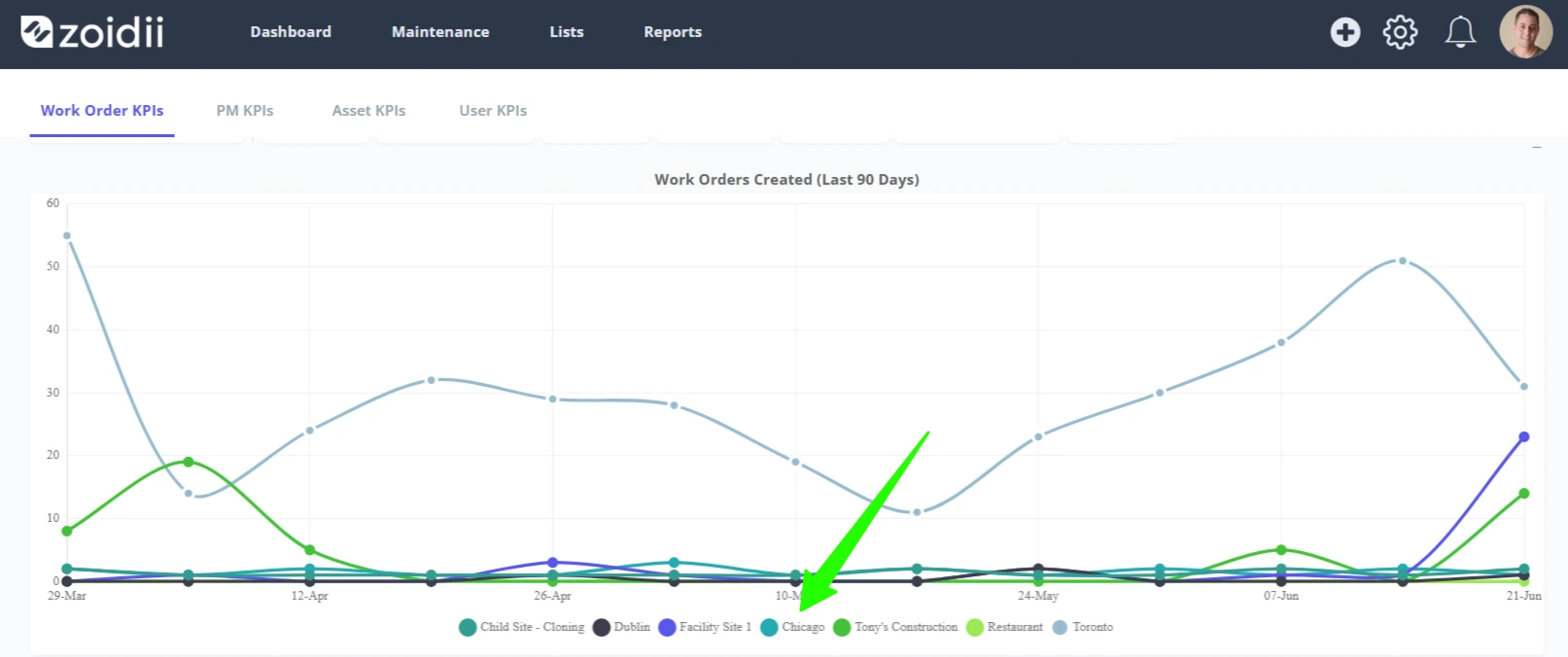
The site will appear on the Global Dashboard with the chosen color as follows:
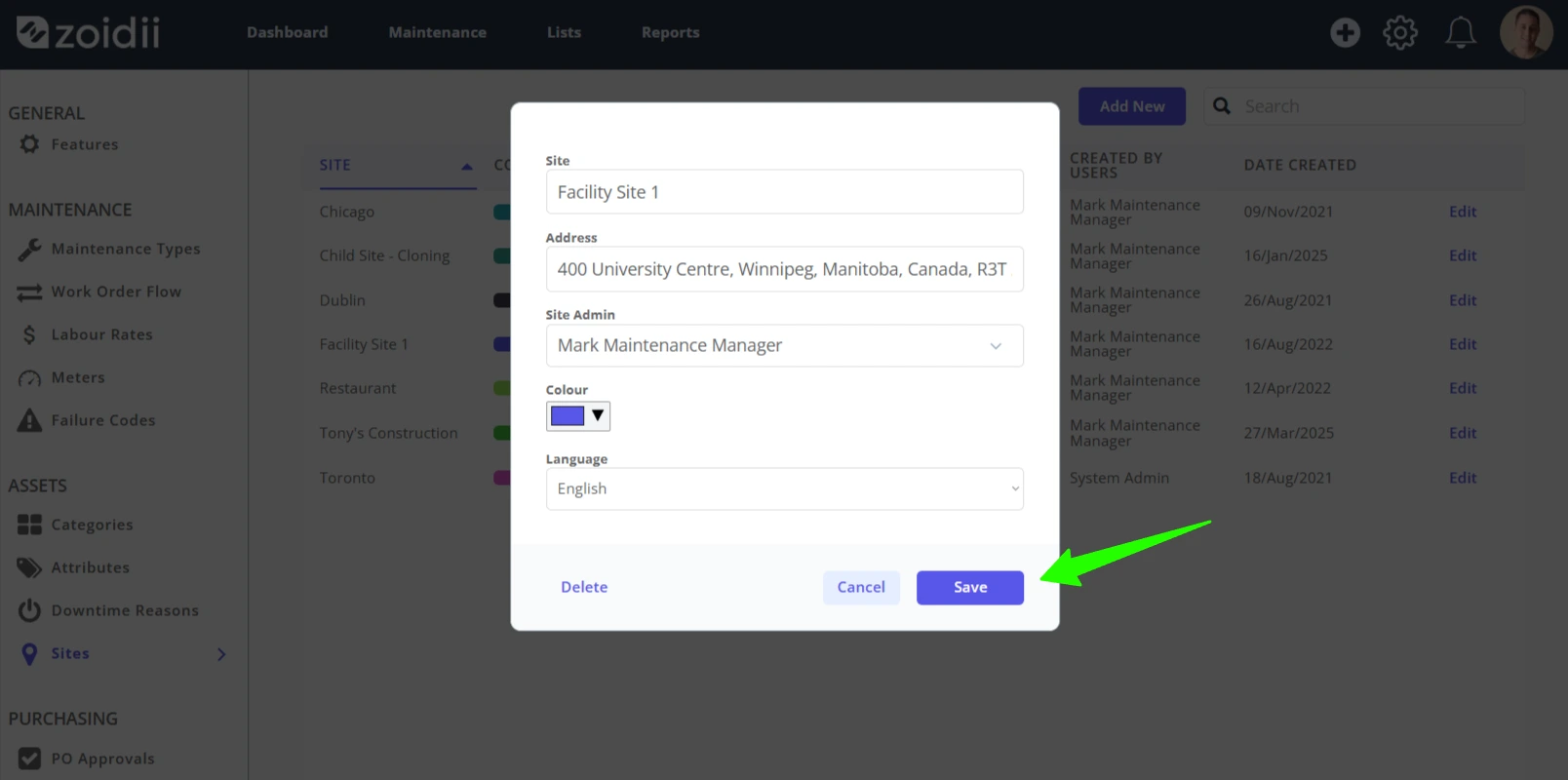
6. Click Save when done
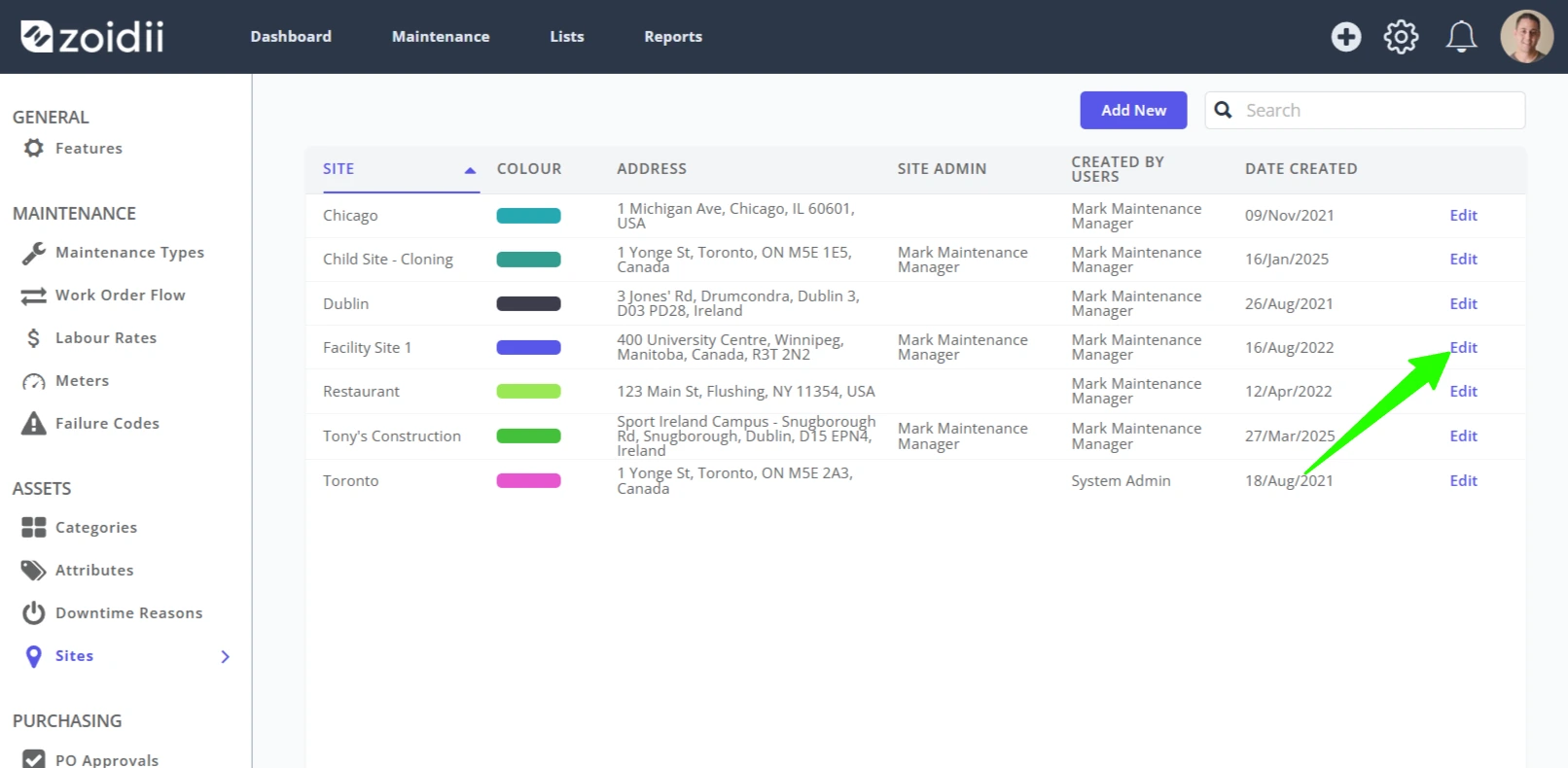
7. The new site is now live in the system:
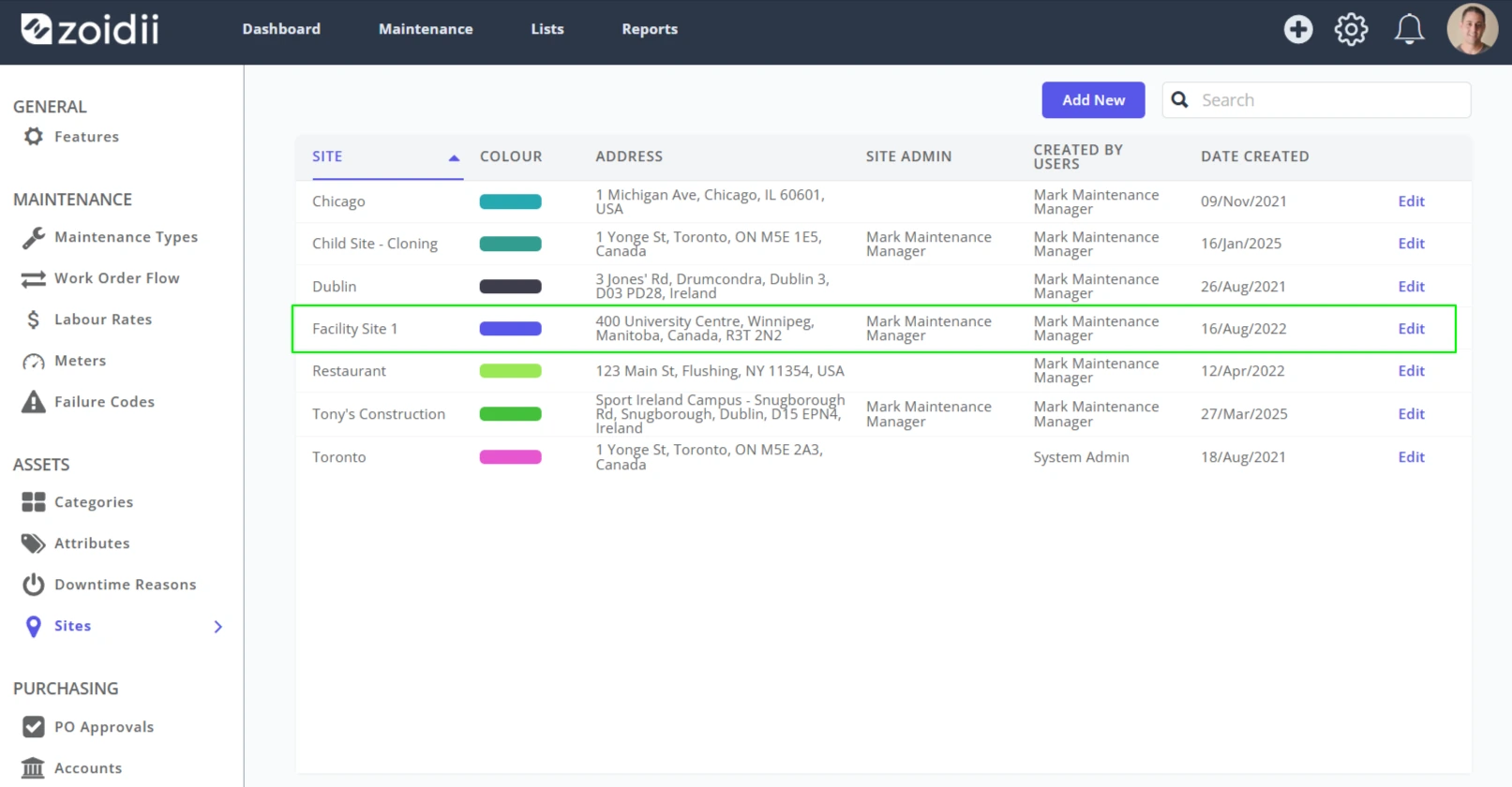
8. Click Edit to change the site name, address, or system administrator if needed.