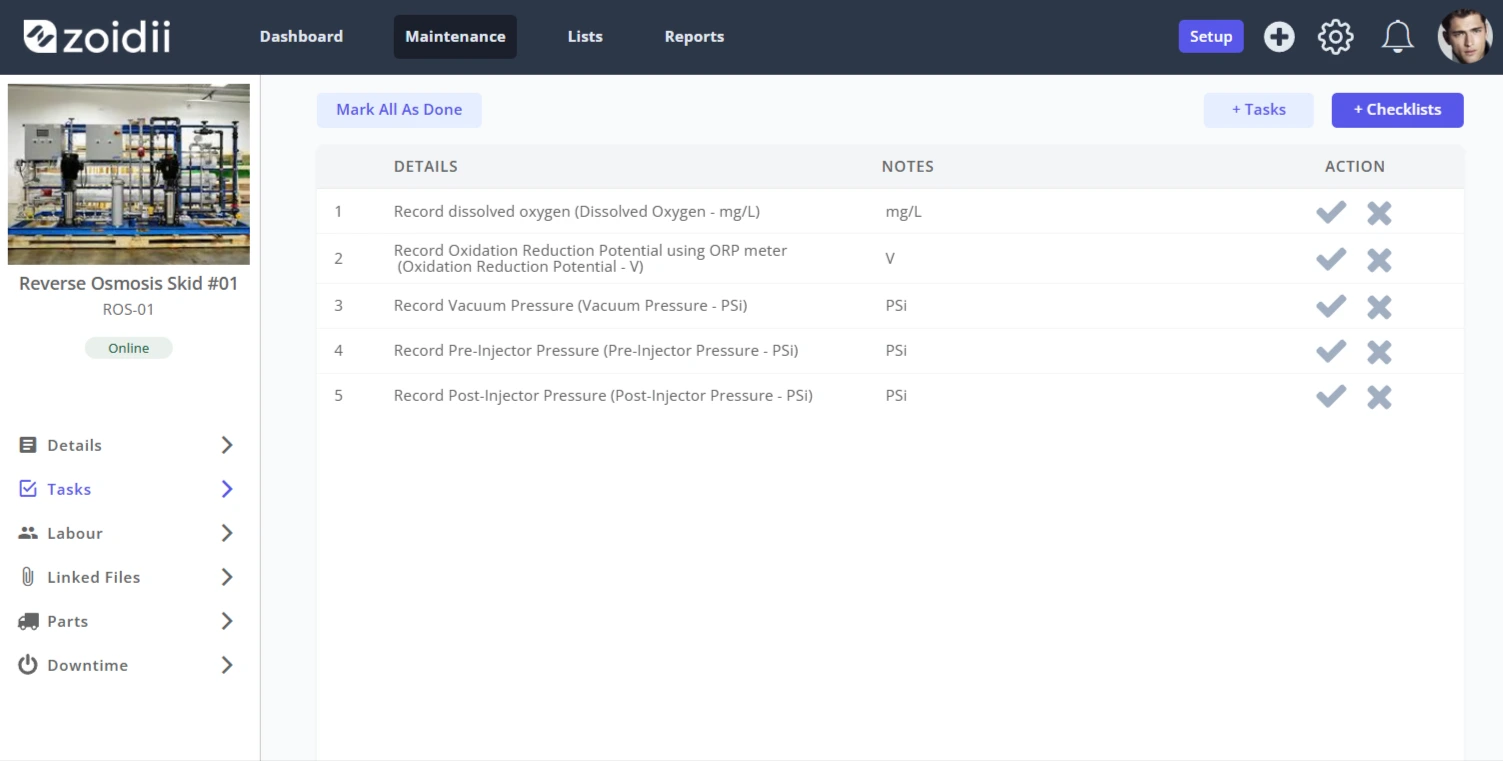
Background
A reverse osmosis skid manufacturer recommends recording various meter readings on the system every week. The meters include:- Dissolved Oxygen
- Oxidation Reduction Potential/REDOX (ORP)
- Vacuum Pressure
- Pre-Injector Pressure
- Post-Injector Pressure
Procedure
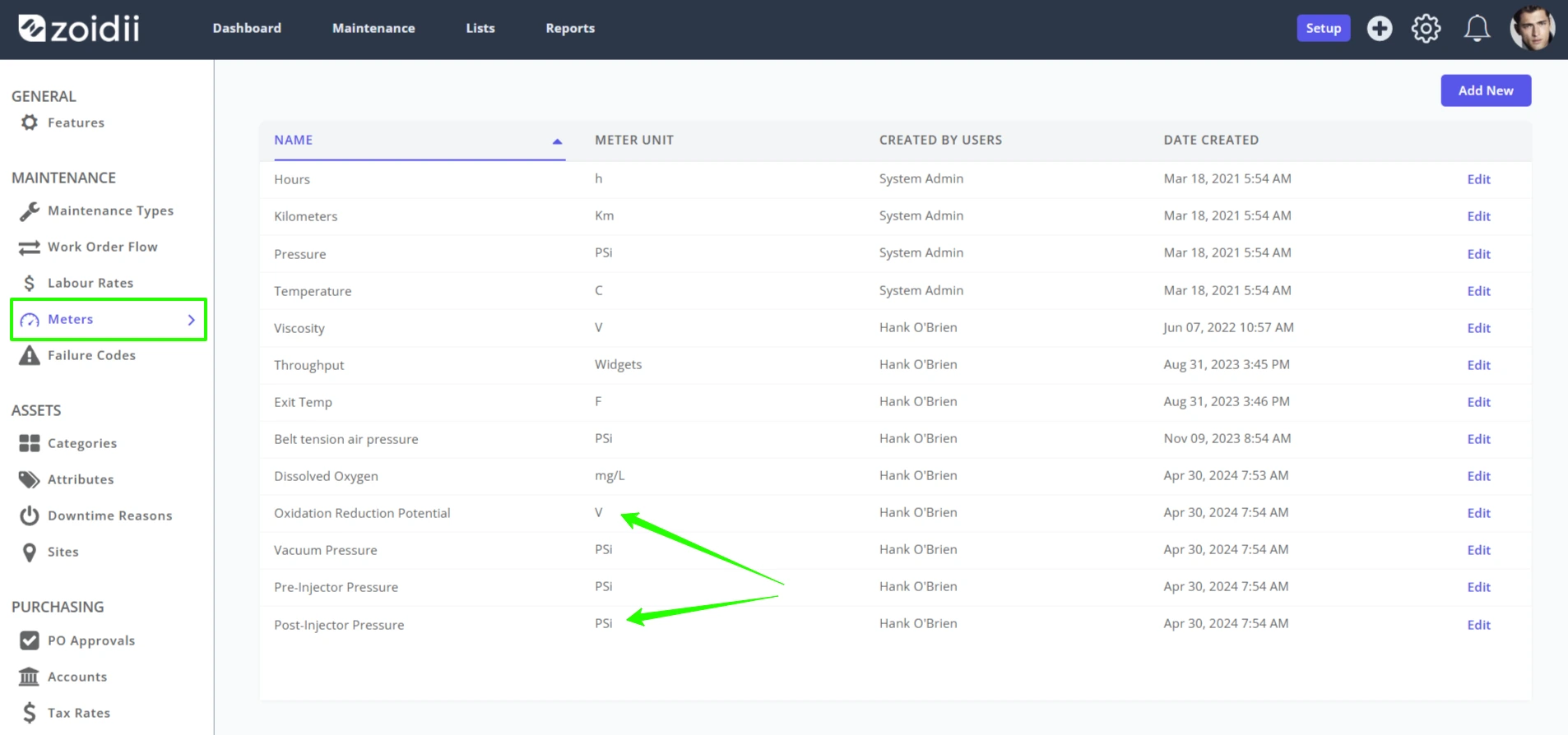
1. Add the meters to the System Settings - Meters section of the CMMS as per the Add/Edit Meter procedure.Note:- As there are 3 pressure readings in this example, you must create 3 meter types.
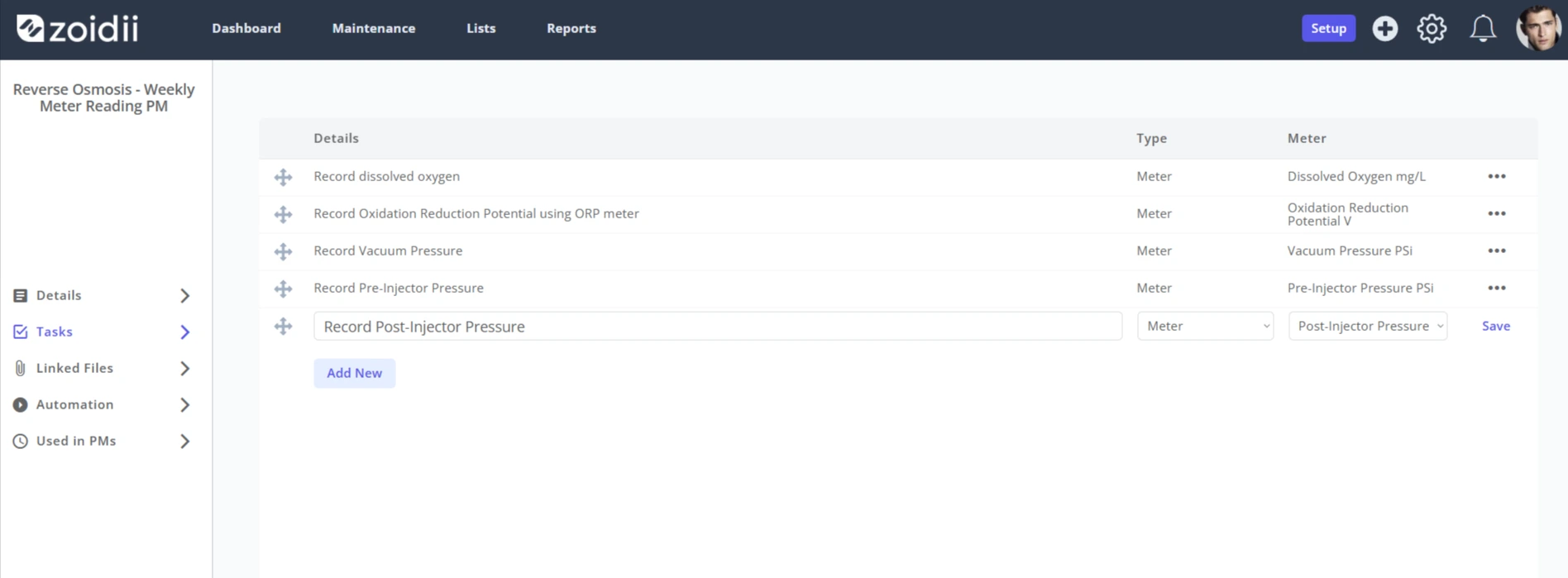
2. Create a checklist to record the meters. Ensure each task type is Meter:
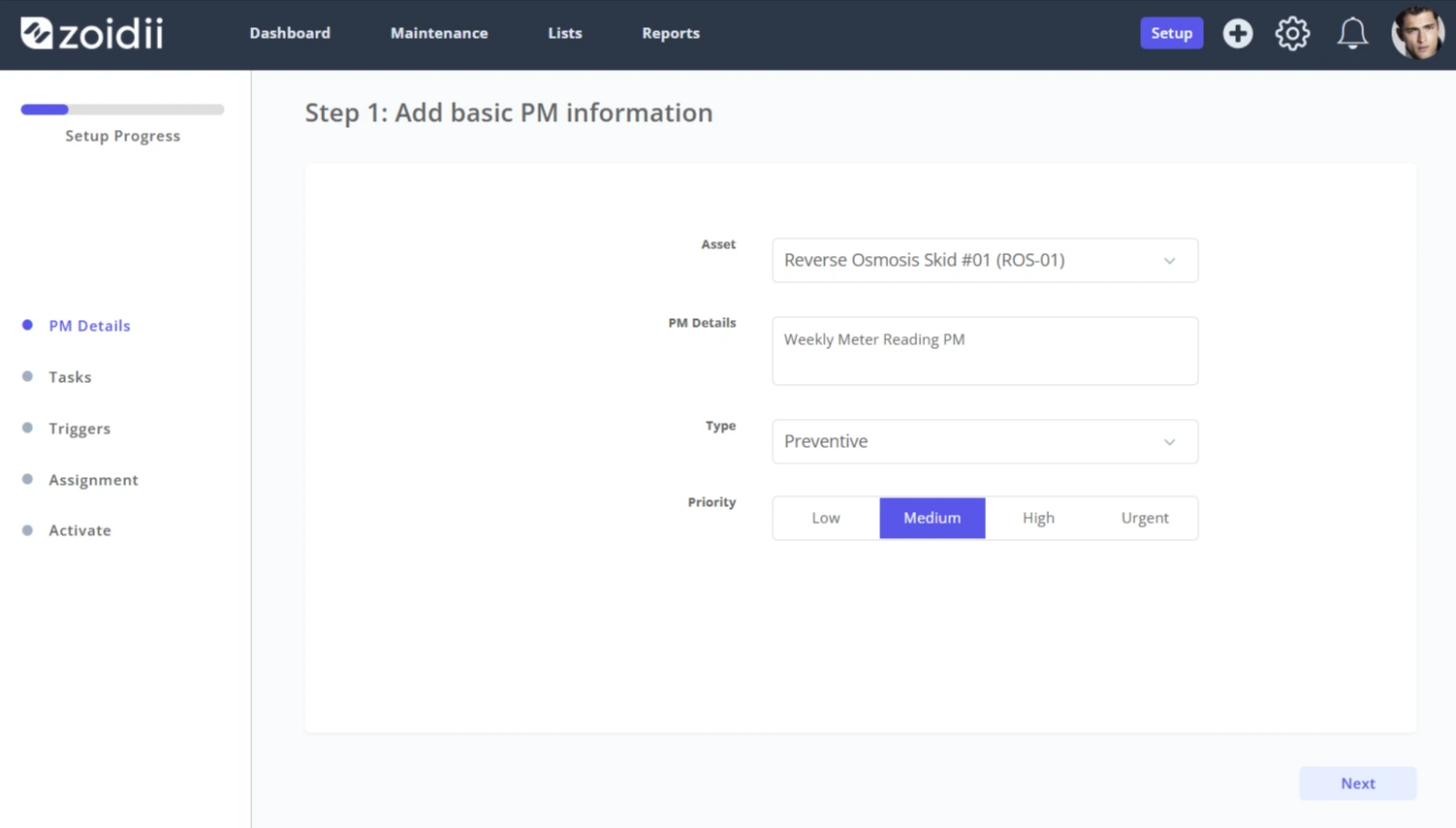
3. Create a time-based PM to schedule the meter reading activity
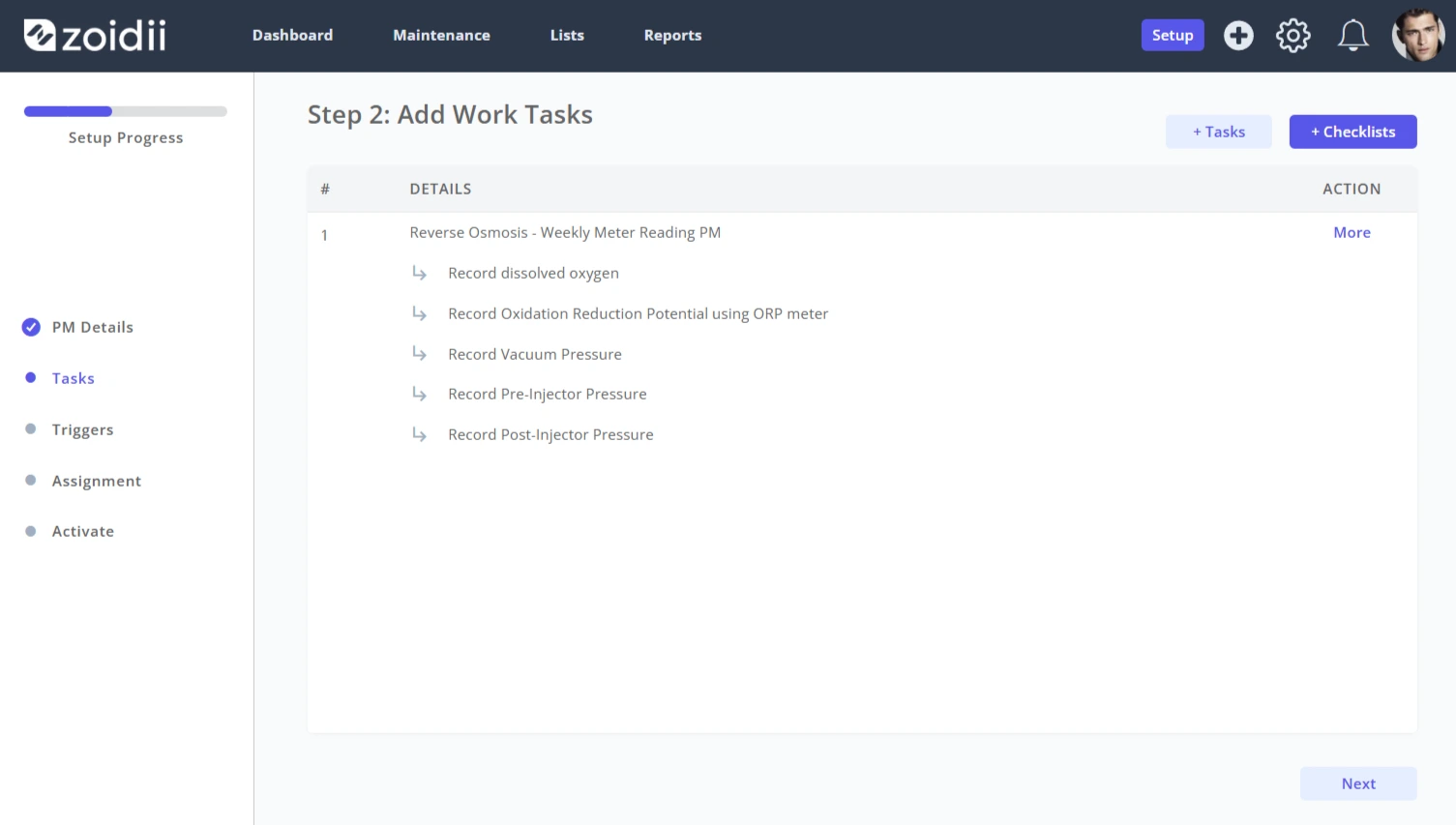
4. Add the checklist created in step 2
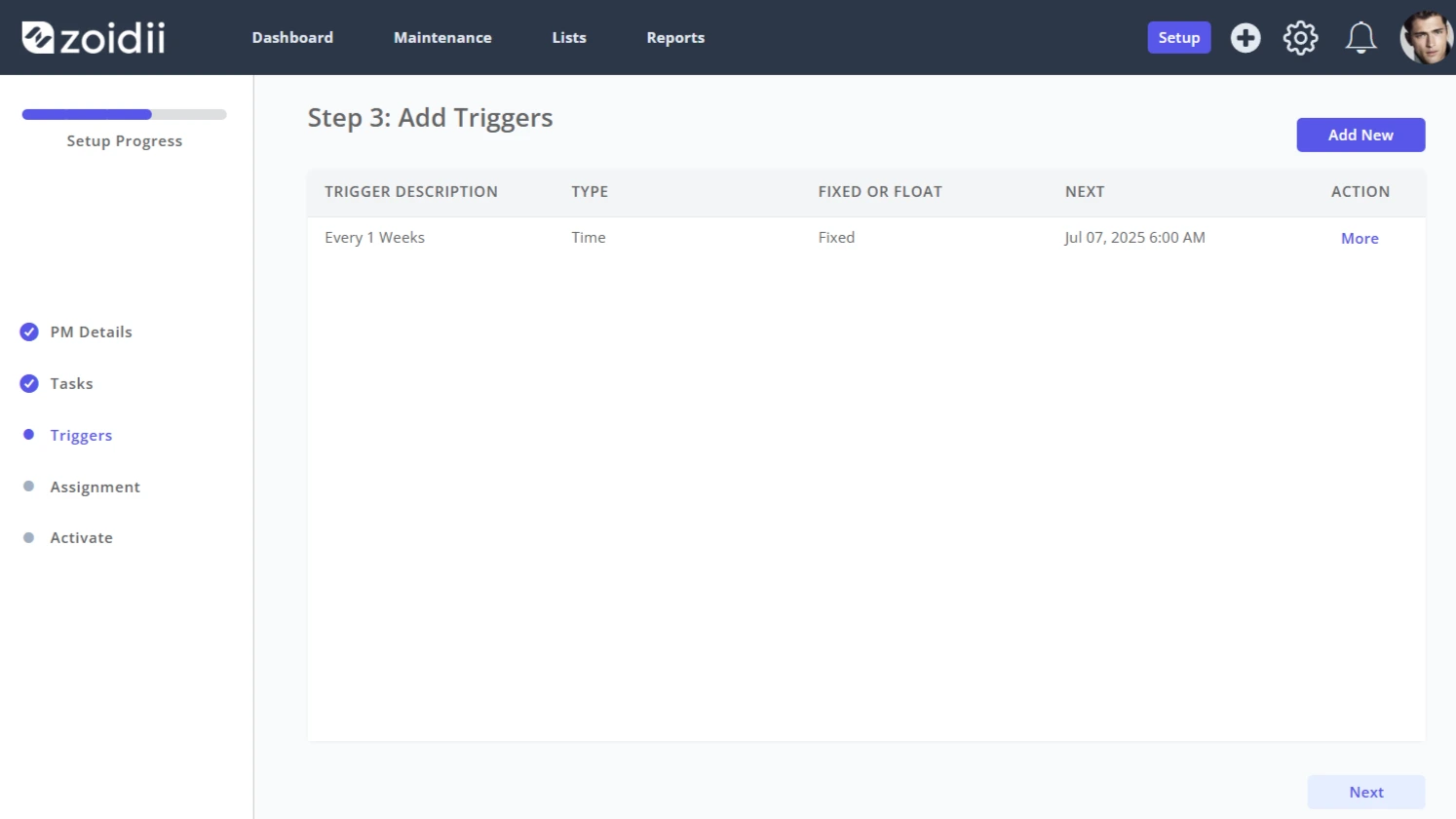
5. Configure the trigger as required
6. When the PM is configured, navigate to the PM - Work Orders tab and click Generate PM Work Order Now to test your work
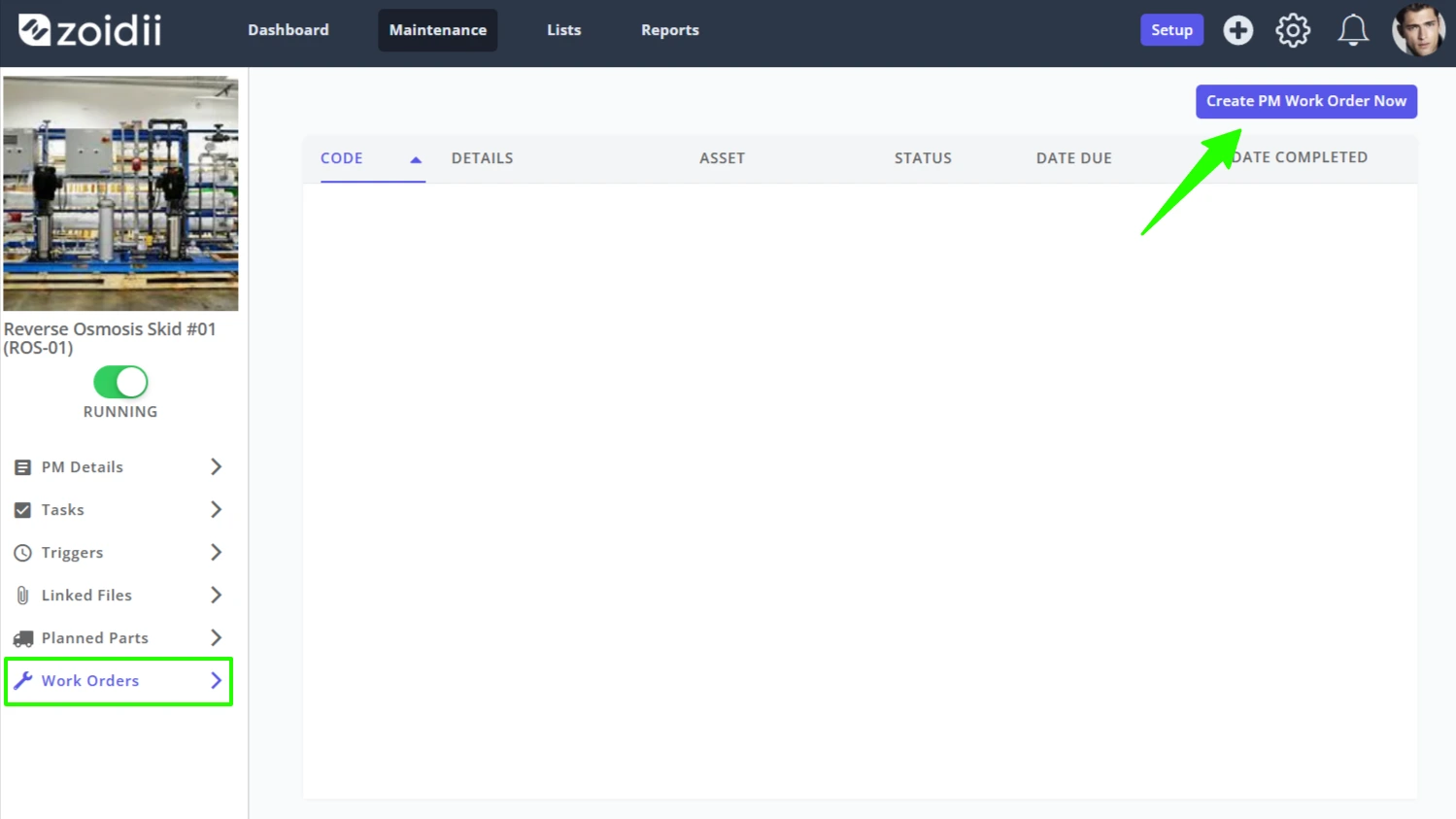
7. In this example, the Work Order tasks include all the required meter readings as expected.