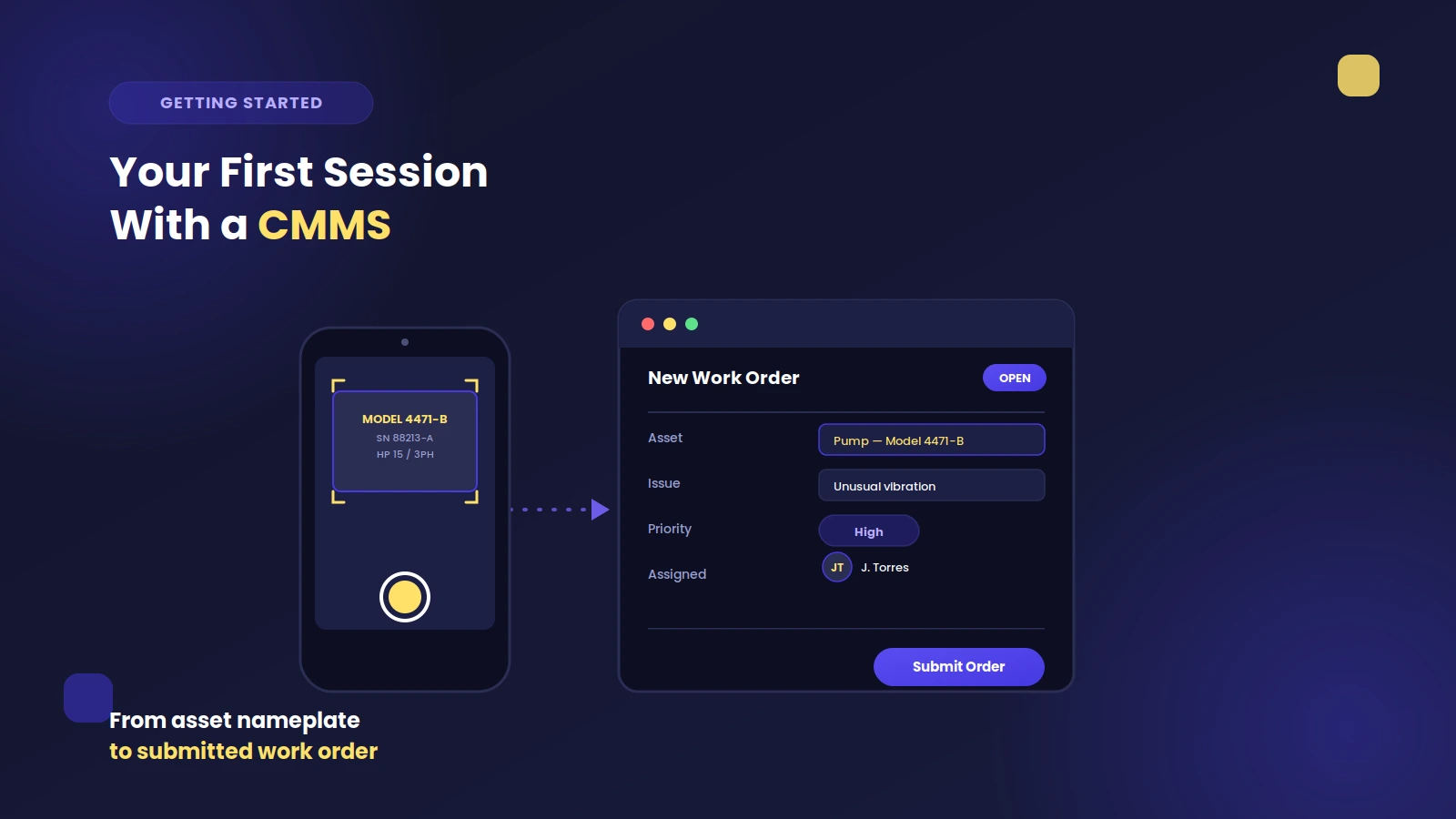
Introducing a new CMMS does more than add fresh technology. It reshapes daily routines, evolves long-term strategies, and propels a shift toward proactive upkeep.
Some teams notice results quickly: fewer last-minute repairs, improved scheduling, and clearer performance metrics. Others find early value in accountability, as reliable data begins to shape decisions and track outcomes. The benefits build over time, but the transition requires more than a technical setup.
Recognizing the stages of implementation (early adoption, adjustment, and eventual optimization) helps teams anticipate challenges, avoid common missteps, and stay focused on long-term goals for their CMMS system.
Why CMMS Implementation Is a Strategic Shift, Not Just a Software Upgrade
Bringing a CMMS into your operation goes far beyond adding new technology. It changes how people work, plan, and collaborate. This shift introduces structure, visibility, and accountability into processes that were often reactive or inconsistent.
A well-executed CMMS rollout aligns maintenance with business goals by:
- Shifting from reactive to preventive routines - Teams move away from firefighting. Preventive maintenance software schedules tasks in advance, helping to avoid sudden failures and production stops.
- Creating a shared source of truth - Work orders, asset histories, and performance data live in one centralized hub. Everyone—from technicians to executives—can access the same real-time insights.
- Standardizing ownership and task accountability - User permissions clearly define who can submit requests, complete work, or run reports. This reduces confusion and ensures follow-up isn’t missed.
- Encouraging cross-department collaboration - With improved visibility, planners, supervisors, and technicians coordinate efforts more effectively, leading to smoother workflows and fewer surprises.

Core Steps in a CMMS Implementation Plan
Some worry that installing a maintenance solution will interrupt daily operations. A methodical roadmap breaks the process into manageable phases, often detailed in a CMMS implementation plan.
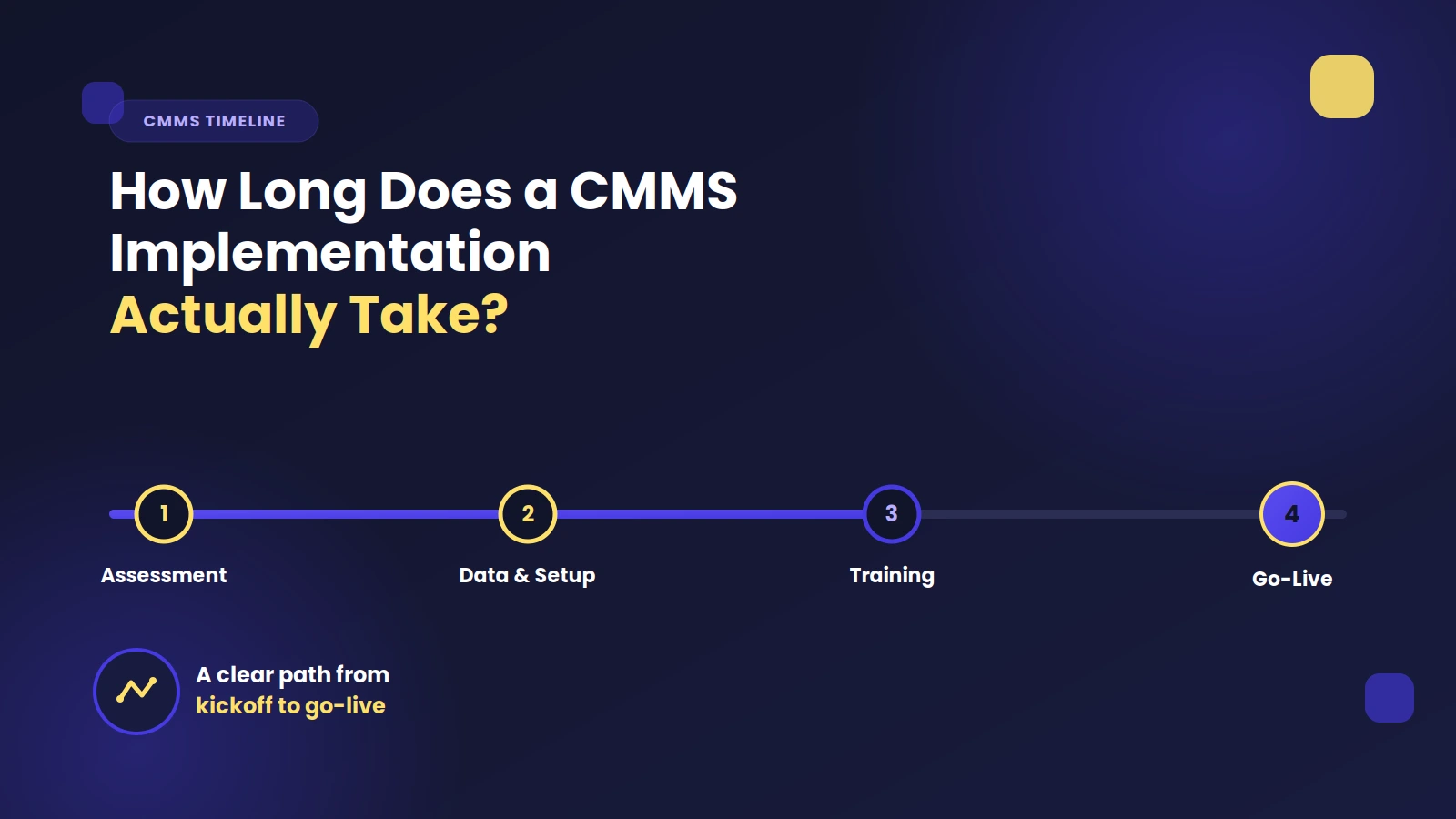
Step 1: Define Maintenance Goals and CMMS Requirements
Identify which performance indicators your team prioritizes - downtime reduction, stronger preventive scheduling, or more accurate work order management. These goals guide the selection of necessary system features.Step 2: Choose the Right CMMS Partner
Seek a vendor with industry knowledge, helpful onboarding, and software that feels intuitive. Effective support keeps deployment on track, and good training materials make the adoption smoother for all involved.Step 3: Assemble Your Implementation Team
Involve representatives from maintenance, IT, purchasing, and any other department that interacts with asset data. Gathering multiple perspectives ensures the CMMS matches real processes. When technicians and managers help shape the system, they feel more invested.Step 4: Prepare for Data Migration
Consolidate and clean up existing records. Mismatched asset numbers, messy spreadsheets, or duplicated part entries create confusion later. Ensuring data accuracy before upload saves time and prevents errors once the system goes live.Step 5: Configure the System to Your Workflows
A CMMS can be customized to match each facility’s maintenance routines. Tailor fields or categories carefully. Too much complexity can overwhelm new users, while a minimal yet flexible setup encourages faster mastery.Step 6: Train and Onboard the Maintenance Team
Provide technicians with hands-on practice on real tasks, from logging work orders to completing preventive service steps. Emphasize how these procedures replace paper-based methods.Providing tailored lessons for each role helps everyone integrate the platform quickly. Using CMMS training videos also helps reinforce adoption across various user levels.
Step 7: Launch and Monitor Early Usage
After go-live, track key metrics, including the number of open work orders, total completed tasks, and any overdue items. Low adoption signals a need for extra coaching.Gathering feedback from frontline staff helps resolve early friction and maintains high engagement.
Common CMMS Implementation Challenges to Anticipate
Rolling out a CMMS brings real benefits, but no implementation is completely obstacle-free. Planning ahead and fostering a culture of support can help teams navigate the early stages with confidence. Watch for these common challenges:
- Old spreadsheets often contain errors or inconsistent asset tracking names. Migrating this directly into a CMMS without cleaning it up first can cause confusion. Taking time to validate and organize data upfront prevents ongoing issues down the line.
- New systems can feel like extra work - especially if the benefits aren’t clear. Let users test the platform during their daily tasks and highlight how it reduces manual entry and repetitive reporting. Most technicians will back tools that make their jobs easier.
- Adding too many categories, fields, or automated rules at launch can overwhelm users. Focus on building a solid foundation with simple workflows. Once the team is confident, you can expand features without risking early burnout.

How Long Does Full CMMS Implementation Take?
The time required to fully implement a CMMS depends on a few key factors, including the size of the facility, the condition of existing data, and how many systems need to be integrated.
What to Expect Based on Facility Size
For smaller operations with only a few dozen machines and limited data complexity, the process can often be completed in two to four weeks. These rollouts are typically straightforward and move quickly from setup to live use.When a facility manages several hundred assets and requires light integration with systems like an ERP, the timeline extends to roughly six to eight weeks. In these cases, launching the software department by department helps maintain clarity and minimizes disruption.
Complex Environments Need More Time
Larger enterprises with thousands of machines and deeply embedded legacy systems can expect a full implementation to take between three to six months.These more involved projects often require a dedicated change management team to coordinate data migration, system mapping, and staff training across different roles and locations.
No matter the timeline, successful CMMS implementation hinges on preparation, clear communication, and early involvement from end users.
What to Expect After Going Live for the First Time
A successful launch provides immediate enhancements that continue to grow with consistent use.
1. Fewer Missed Tasks and Faster Response Times
Asset maintenance history logs help ensure that repairs are not missed. Work orders are visible in one place, so nobody has to chase random emails or scribbled notes. Prompt repairs minimize extended downtime and keep production lines running smoothly.2. Data-Driven Insights for Resource Allocation
Maintenance managers identify recurring breakdowns, track mean time between failures, and predict when replacement parts will run low. That information shapes targeted decisions, from scheduling to budget planning.3. Better Communication and Cross-Department Transparency
Everyone sees real-time progress updates and part requests. Operations, purchasing, and maintenance teams all collaborate using the same data. Clear documentation prevents duplicate orders or overlooked tasks.How to Maximize Long-Term Value from Your CMMS
The real value of a CMMS is in how well the system evolves with your operation over time. Maintaining momentum after deployment ensures that the benefits continue to build, not fade. Here’s how to keep your CMMS delivering strong results:
- Review asset management performance regularly. If certain machines fail more often than expected, tighten inspection intervals. If others run reliably, reduce unnecessary checks.
- Add preventive tasks when new assets are introduced, and retire those that no longer apply. Keeping maintenance schedules relevant prevents wasted time.
- When users spot ways to work faster or more accurately, apply those lessons. Small tweaks—like customizing fields or adjusting alerts—can significantly boost usability and adoption.
- Trends in parts usage, labor time, and failure causes help leadership plan capital purchases and schedule upgrades with confidence.
Get Started with Zoidii’s Implementation Team
A thoughtfully executed CMMS rollout reduces downtime, enhances reliability, and cuts maintenance expenses.
Zoidii’s experts work alongside your staff throughout setup and beyond. Our collaborative approach ensures each feature aligns with your goals, and we remain available to address any questions that surface after go-live.