For many organizations, maintenance is often treated as a necessary evil—something reactive, inefficient, and frustrating. Paperwork orders, surprise downtime, and calls in the middle of the night all come with the territory. But they don’t have to.
Modern Computerized Maintenance Management Systems (CMMS) are designed to help companies break out of firefighting mode and take control of their maintenance operations.
If you’re not sure whether it’s time to make the leap to a CMMS, here are nine unmistakable signs that your current system is holding you back.
Key Takeaways:
- Paper-based maintenance is inefficient and risky – If your team still relies on paper or phone calls, you’re losing visibility, data, and control.
- Aging equipment and a workforce that lacks effective knowledge retention require a better system – Without a CMMS, vital SOPs and technical know-how disappear when key personnel leave.
- Reactive maintenance is expensive and unsustainable – A CMMS enables preventive strategies that reduce unplanned downtime and emergency fixes.
- Modern CMMS platforms are user-friendly and mobile – Today’s systems are built with technicians in mind, encouraging adoption and daily use.
- Data is your secret weapon – A CMMS turns maintenance into a strategic function by providing real-time insights for smarter business decisions.
1. Your Teams Rely on Paper Work Orders and Calls
If your maintenance team is still managing work requests via paper slips, whiteboards, or worse—phone calls and sticky notes—you’re flying blind. Paper work orders are easy to lose, impossible to track in real time, and provide no insight into technician performance or historical data. Phone calls might be fast, but they’re also fleeting. Without a digital trail, it’s hard to prioritize tasks, assign jobs effectively, or hold anyone accountable.
A CMMS digitizes and centralizes all work orders, allowing you to:
- Track requests in real time
- Prioritize based on urgency
- See who is doing what and when
- Ensure nothing slips through the cracks

2. No One Knows Which Assets Are Causing the Most Downtime
Ask your team which machines are breaking down most often. You’ll likely get a few guesses—and probably some finger-pointing—but no hard data.
When you don’t track asset history and performance, you can’t tell which assets are reliable and which are budget-draining liabilities. This lack of clarity prevents proactive planning and leads to recurring breakdowns that could have been avoided.
With a CMMS, you can:
- Track downtime frequency and duration (MTBF and MTTR)
- Monitor asset performance over time
- Identify recurring issues and root causes
- Make data-backed decisions on repair vs. replace
3. SOPs Are Being Kept in Binders (Or Even Worse, in Someone’s Head)
Standard Operating Procedures (SOPs) are the backbone of consistent, safe, and efficient maintenance work. But they’re only useful if they’re accessible and up to date. When SOPs are buried in dusty binders—or worse, stored in the memories of a few seasoned techs—you risk inconsistent work, safety violations, and critical steps being missed.
A CMMS allows you to:
- Digitally attach SOPs to work orders and assets
- Ensure technicians follow consistent procedures
- Quickly update and distribute process changes
- Train new hires more efficiently
4. You Keep Running Out of Critical Spare Parts at the Worst Possible Time
Few things derail maintenance work faster than missing parts.
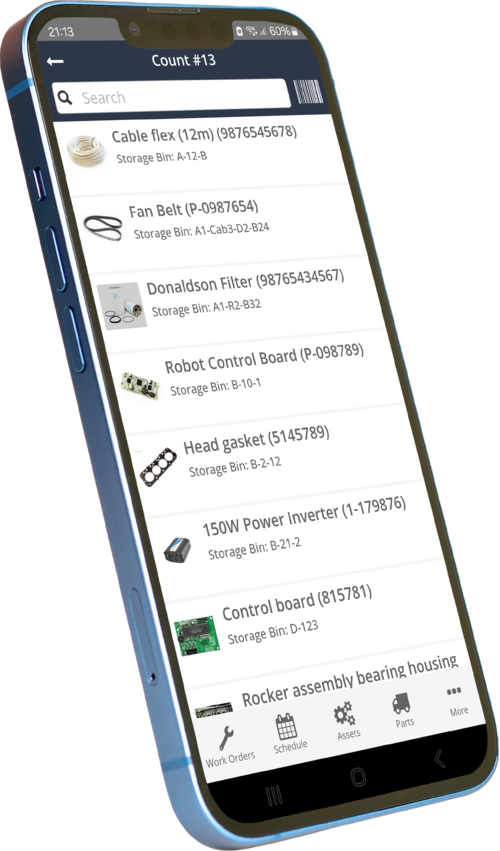
If your team regularly discovers that they’re missing critical spares only after starting a job, it’s a clear sign of poor inventory visibility. Manual tracking systems (or no system at all) often lead to overstocking cheap parts and understocking the ones you need.
A CMMS with inventory management can:
- Track spare part levels in real-time
- Set automatic reorder points for critical components
- Connect parts to specific assets and work orders
- Prevent last-minute delays and emergency orders
5. Your Most Experienced Techs Are Retiring and No One Knows What’s in Their Head
The “brain drain” of retiring technicians is a looming crisis in many industries. These seasoned professionals have spent decades learning your equipment and processes, but much of that knowledge is undocumented and informal. When they leave, so does their expertise.
A CMMS allows you to capture tribal knowledge before it disappears by:
- Documenting maintenance procedures and troubleshooting tips
- Attaching detailed notes to asset records
- Creating a historical log of past issues and resolutions
- Training new techs with structured, consistent information
6. Your Frontline Team Doesn’t Use the Maintenance System Because It’s Too Complicated
Even if you have a digital system, it’s worthless if no one uses it.
Many legacy maintenance platforms are cumbersome, difficult to navigate, and require extensive training to perform even basic tasks. If your technicians are ignoring the system—or worse, reverting to manual processes—it’s not helping your operation.
Modern CMMS platforms are built for usability. With intuitive mobile apps and simple interfaces, technicians can:
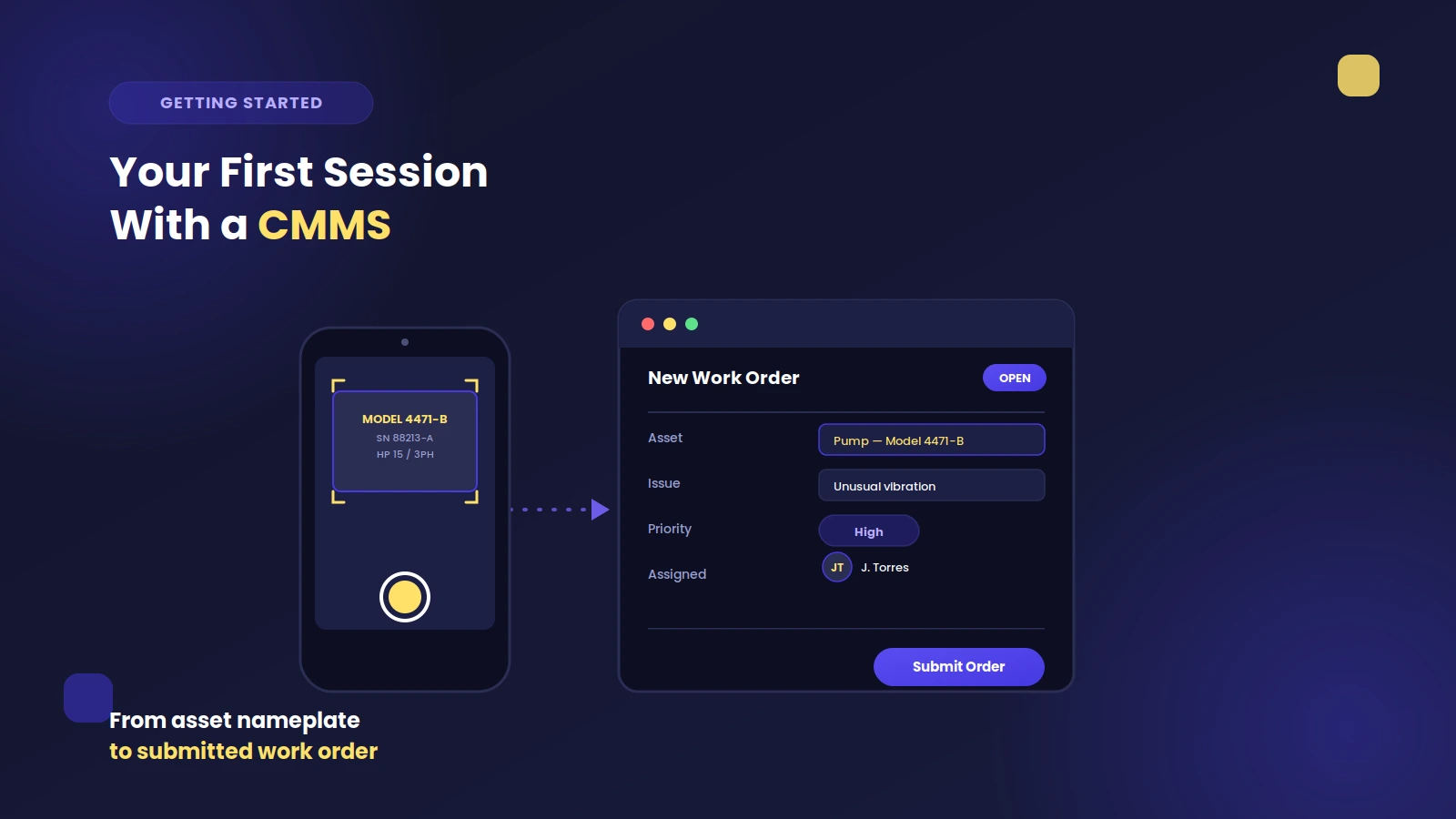
- Submit work requests in seconds
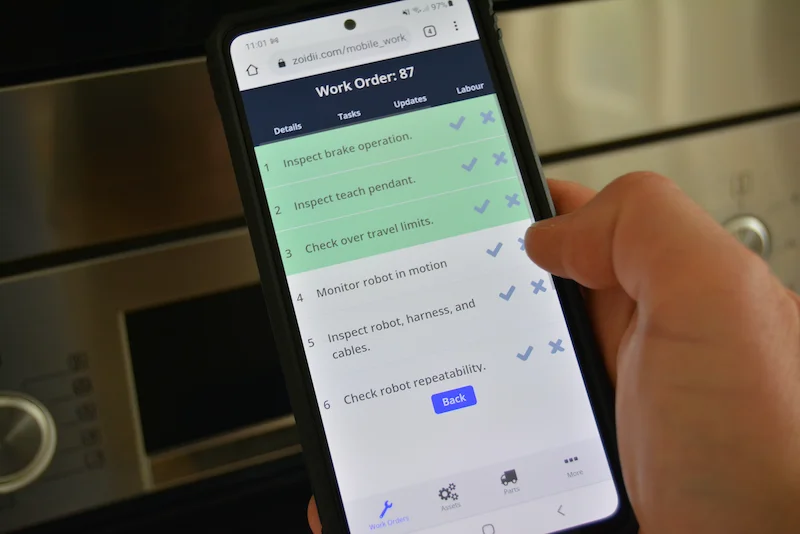
- Access work orders on the go
- Upload photos and notes directly from the job site
- Scan barcodes to find asset details instantly
7. Maintenance Is Only Brought in When Something Breaks
Reactive maintenance might keep things running in the short term, but it’s a recipe for long-term failure. Unplanned breakdowns are costly, disruptive, and often dangerous.
If your maintenance team is only called after things go wrong, you’re missing the opportunity to prevent issues before they happen.
A CMMS supports preventive and predictive maintenance by:
- Scheduling regular inspections and service
- Tracking asset conditions over time
- Sending automatic reminders for upcoming tasks
- Reducing emergency calls and unscheduled downtime
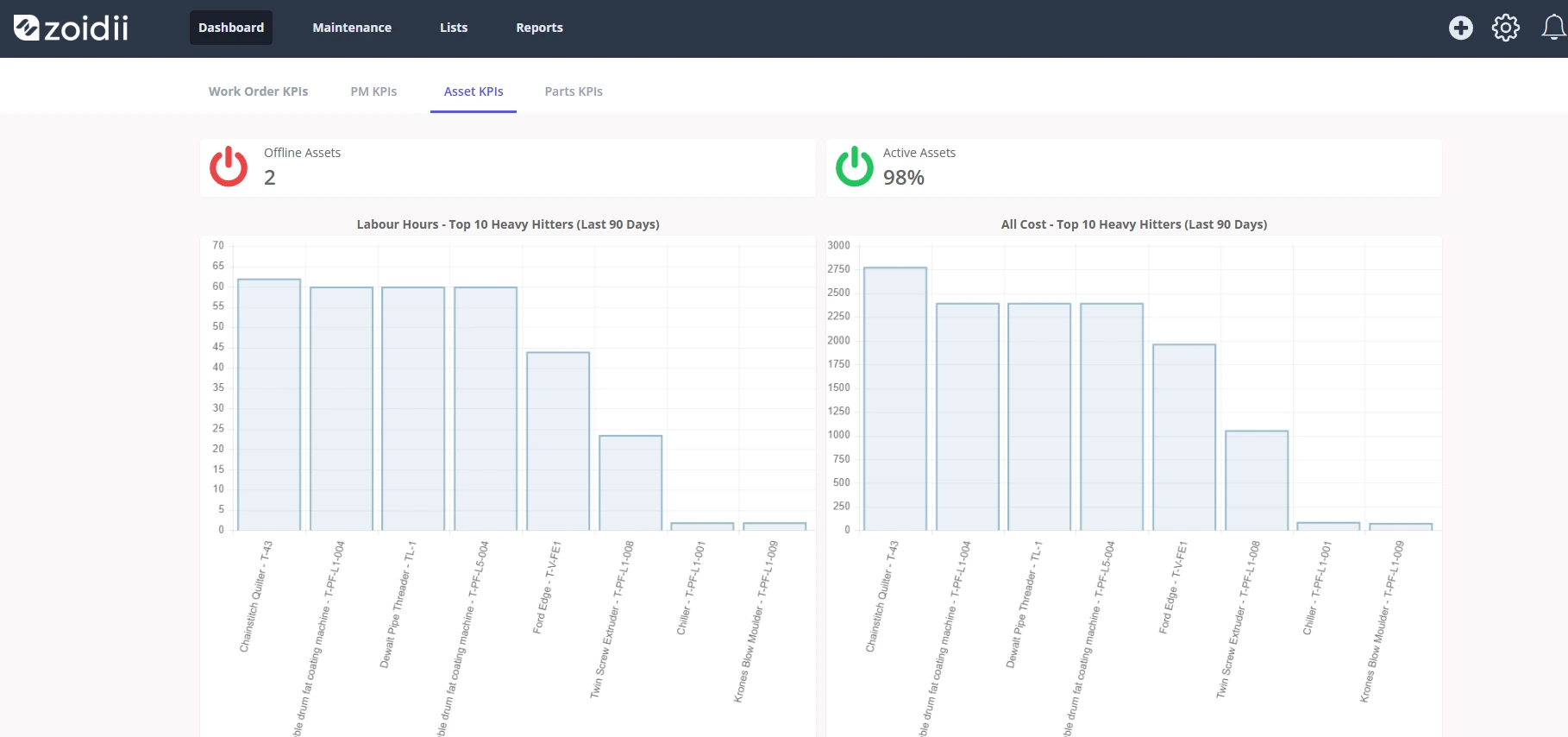
8. You Don’t Have the Data to Make Informed Business Decisions
How many hours did your team spend on maintenance last month? What was the total cost of downtime this quarter? How much are you spending on spare parts for a specific asset?
If you can’t answer these questions quickly and accurately, your business decisions are based on guesswork.
A CMMS turns data into insights. With real-time dashboards and robust reporting, you can:
- Track KPIs like Mean Time To Repair (MTTR), Mean Time Between Failures (MTBF), and asset uptime
- Analyze labor costs and performance
- Identify areas of overspending or inefficiency
- Justify maintenance budgets and investments
9. You’re Constantly in Firefighting Mode
If every day feels like a scramble to put out fires, something is broken in your system. Maintenance shouldn’t be a daily crisis. It should be planned, strategic, and predictable. Constantly reacting to issues means your team never gets ahead—and burnout is inevitable.
A CMMS helps you escape the firefighting cycle by:
- Automating routine tasks
- Standardizing processes
- Proactively identifying risks
- Enabling long-term planning
Frequently Asked Questions (FAQs)
1. What exactly is a CMMS?
A CMMS (Computerized Maintenance Management System) is software designed to help organizations plan, track, and optimize maintenance operations. This article covers what a CMMS is and how it can benefit your business.2. How hard is it to implement a CMMS?
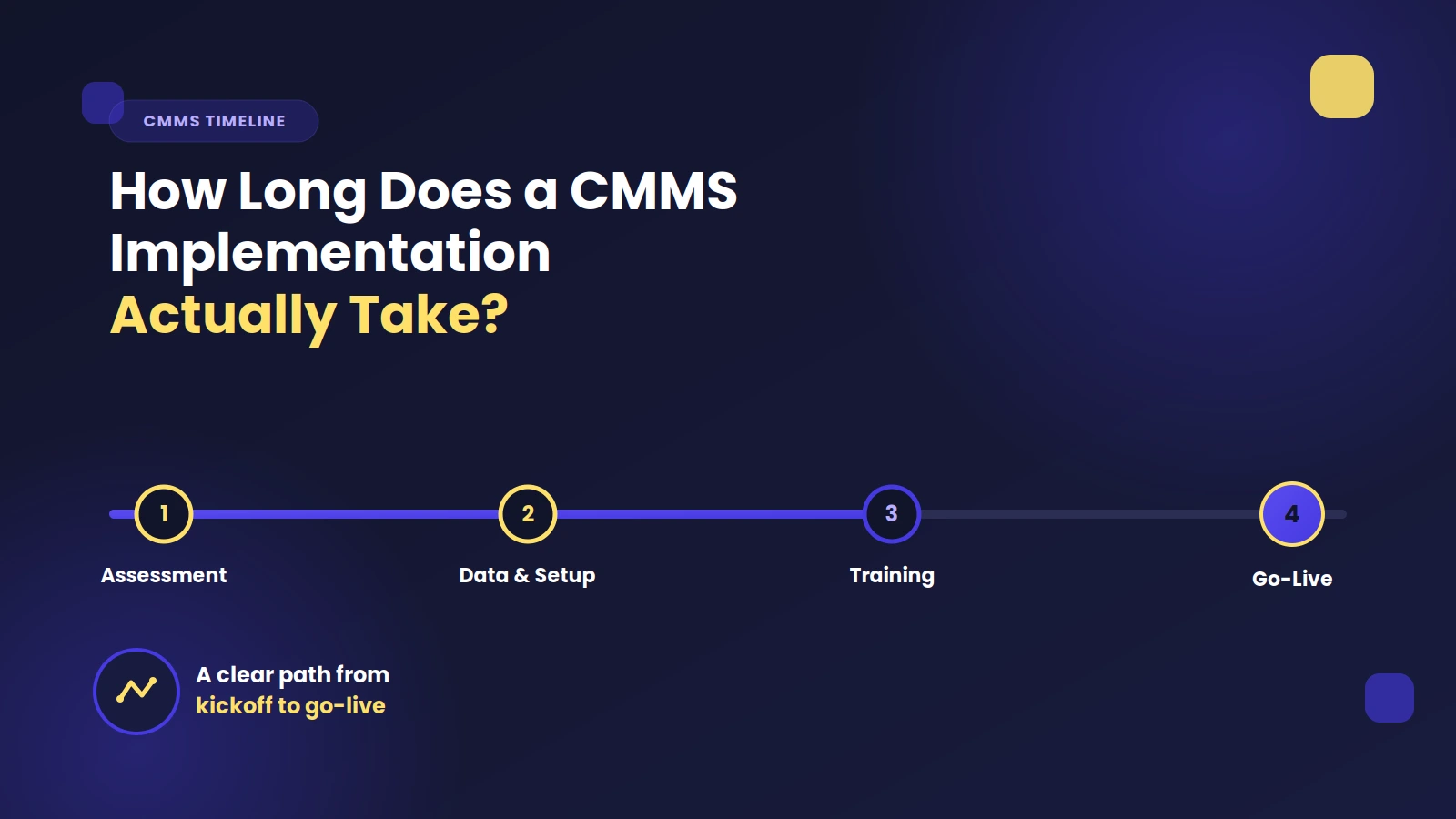
Implementation can vary depending on your organization’s size and complexity, but many modern CMMS platforms are cloud-based and designed for fast onboarding. With the right vendor and training, most teams can go live in a matter of weeks.3. Do small or medium-sized businesses really need a CMMS?
Yes. A CMMS isn’t just for large enterprises. Smaller teams often see the biggest ROI because it eliminates manual processes and prevents costly downtime they can’t afford.4. What kind of ROI can I expect from using a CMMS?
Typical ROI comes from reduced downtime, fewer emergency repairs, better inventory management, extended asset lifespan, and lower labor costs. Some companies report full ROI within 6–12 months of implementation. You can use our CMMS ROI calculator to estimate your return on investment.5. Will my technicians actually use it?
Yes—if you choose the right system. Look for a CMMS with a simple, mobile-friendly interface. When the platform is easy to use, adoption increases, and your entire maintenance operation becomes more effective.Final Thoughts: When Is the Right Time to Invest in a CMMS?
If you recognize even a few of these signs in your operation, it’s not just a red flag—it’s an opportunity. Implementing a CMMS can feel like a big leap, but the benefits far outweigh the short-term learning curve. From improved efficiency and reduced downtime to better morale and safer operations, a CMMS transforms maintenance from a cost center into a strategic asset.
Whether you manage a manufacturing plant, a school district, or a property portfolio, the right CMMS can help you:
- Extend asset life
- Reduce maintenance costs
- Increase team productivity
- Make smarter business decisions